DaVinci Resolve is the best top no watermark video software protonthemezzxa pick, with a free version that exports 4K video with no watermark and no time limit. CapCut suits fast social clips, while Shotcut is the lightest free editor for older computers.
How we make this list: we compare pricing pages, product documentation and public user reviews, then re-check every price before each update. No product paid for a place. Disclosure.
DaVinci Resolve is the only free editor here with pro colour grading and 4K exports at no cost.
CapCut is the fastest route to social clips, but 4K and some templates need Pro.
Shotcut, OpenShot and Kdenlive are fully free and open source, with no paid tier at all.
Clipchamp exports 1080p free with no watermark, but 4K needs Microsoft 365 Personal.
iMovie is free on every Mac and iPhone, with no watermark and no learning curve.
How do you choose the top no watermark video software protonthemezzxa?
Watermark rules differ by tool, not by price. DaVinci Resolve, Shotcut, OpenShot, Kdenlive, iMovie and VSDC export finished video with no watermark at no cost, while CapCut and Clipchamp keep some exports behind a paid plan.
Resolution is the second catch. DaVinci Resolve exports up to 4K free, CapCut stops at 1080p on the free plan, and Clipchamp needs Microsoft 365 Personal for 4K, so check the export limit before you edit a long project.
Hardware decides which editor you can run. DaVinci Resolve needs a strong computer and a steep learning curve, while Shotcut and OpenShot run on older machines and iMovie runs only on Apple devices.
The keyword for this list includes an unusual token, protonthemezzxa, which appears in the search query but matches no known product. The tools below are the best no-watermark video editors by the usual measures, whatever the token meant.
DaVinci Resolve is a professional video editor from Blackmagic Design, and its free version is the full editor, not a trial. It packs editing, colour grading, Fusion effects and Fairlight audio into one download, and it exports up to 4K at 60 frames a second with no watermark and no time limit.
The trade off is the learning curve and the hardware. DaVinci Resolve is powerful but harder to learn than simpler editors, and it needs a strong computer to run smoothly. The paid Studio version costs $295 one time and adds extra effects and collaboration tools most beginners will never need.
CapCut is a video editor from ByteDance built for short-form video, and it is rated 4.6 on G2 from 500 reviews. It runs on Windows, Mac, mobile and the web, with templates, auto-captions, background removal and text-to-speech in the free version. Standard manual projects export without a watermark.
The trade off is the watermark catch. Premium templates, assets, AI features and some export settings need Pro, and the free version stops at 1080p, while 4K and watermark-free premium exports sit behind Pro at $19.99 a month. CapCut is also owned by ByteDance, which some users note for data reasons.
What we like
Fastest workflow for short social clips
Auto-captions and templates in free version
Free on Windows, Mac, mobile and web
4.6 on G2 from 500 reviews
Watch out for
Premium templates can add a watermark
Free exports stop at 1080p
Pro costs $19.99 a month
G2 counts vary: another sibling read 4.5 from 680 reviewsVisit capcut.com
03
OpenShot
4.5/5on G2 (31 reviews, checked Nov 2026)
PriceFree
Best free editor for beginners
Cheapest planFree, no paid tier
PlatformsWindows, Mac, Linux, ChromeOS
TracksUnlimited tracks
G2 rating4.5 from 31 reviews
openshot.org
OpenShot homepage, captured Nov 2026.
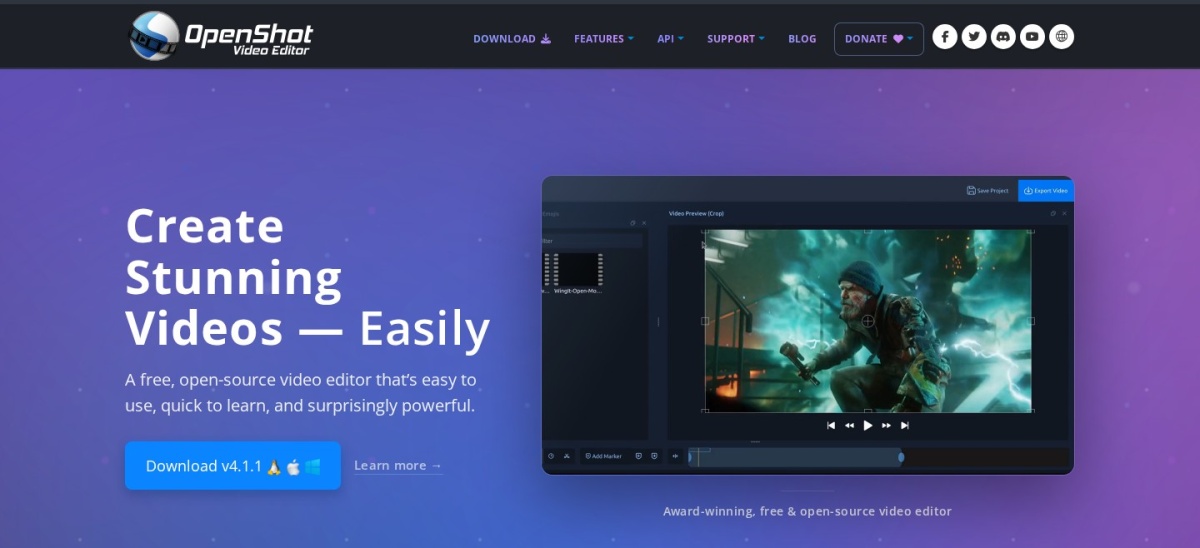
OpenShot is a free, open-source video editor, and it is rated 4.5 on G2 from 31 reviews. It runs on Windows, Mac, Linux and ChromeOS, with unlimited tracks, keyframe animation and a gentle learning curve. There is no paid tier at all, so the free version is the full version and exports carry no watermark.
The trade off is power. OpenShot is the simplest first editor, but it lacks the colour grading, effects and audio tools of DaVinci Resolve, and it can feel slow on long projects. It suits a first video or a simple cut far better than a long-form edit.
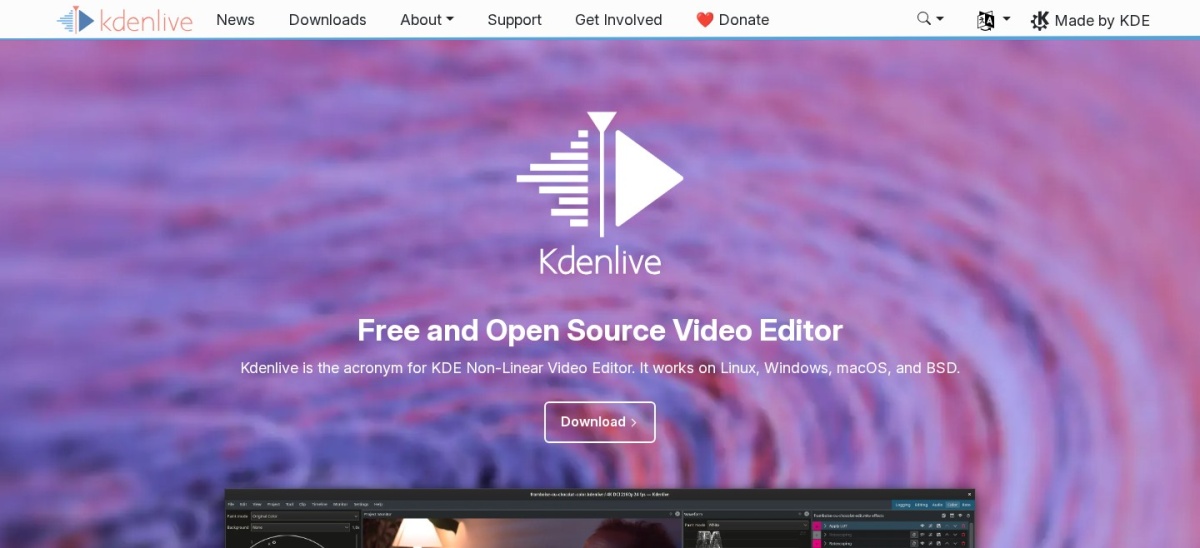
Kdenlive is a free, open-source video editor, and it is rated 5 out of 5 on SourceForge from 25 reviews. It offers a conventional multi-track timeline with proxy editing, nested sequences and keyframe effects, and it exports up to 4K with no watermark. G2 has only 2 reviews, so SourceForge is the better rating source here.
The trade off is polish. Kdenlive has basic colour and effects next to DaVinci Resolve, and the interface feels less polished than commercial editors. It repays a longer learning curve with a flexible timeline that suits long projects and growing skills.
iMovie is Apple's free video editor, built into every Mac, iPhone and iPad, and it is rated 4.3 on G2 from 568 reviews. It exports finished video with no watermark, needs zero setup, and covers trimming, titles, transitions and soundtracks in a clean interface. It is the fastest start for Apple users.
The trade off is the platform and the ceiling. iMovie runs only on Apple devices, so Windows and Linux users cannot use it, and it lacks the multi-track depth, colour tools and effects of DaVinci Resolve. It suits a first video or a quick family edit, not a long project.
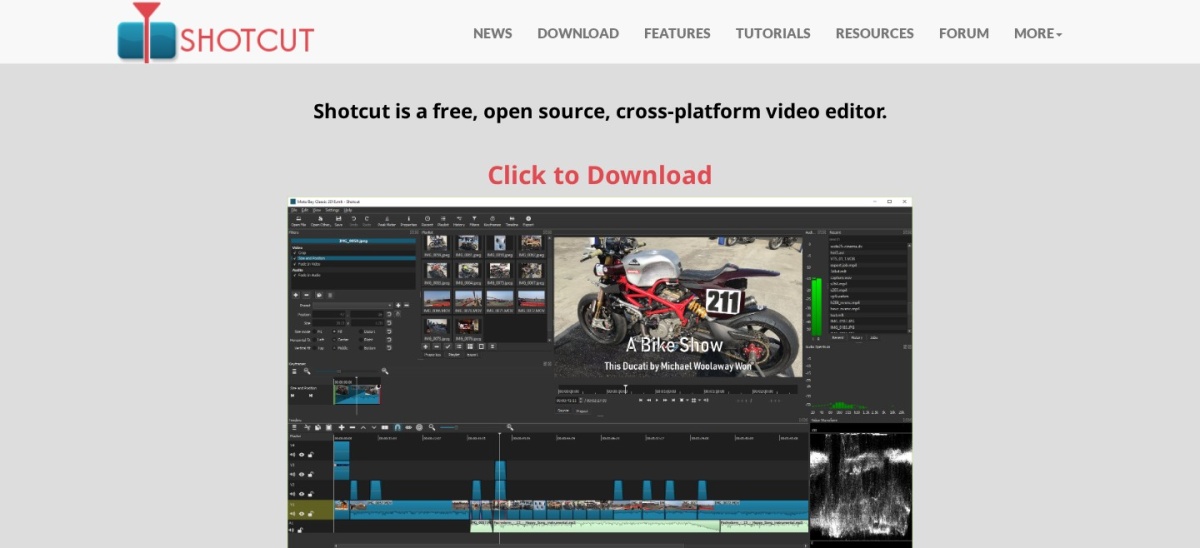
Shotcut is a free, open-source video editor, and it is rated 4.2 on G2 from 42 reviews. It is light enough to run well on older computers, handles 4K with proxy editing, and exports with no watermark and no account. It is the best answer when DaVinci Resolve is too heavy for your machine.
The trade off is polish. Shotcut has a less polished interface than commercial editors and basic colour tools next to DaVinci Resolve, though Capterra rates it 4.5 from 77 reviews. It is a capable middle ground for mixed footage, not a pro colour suite.
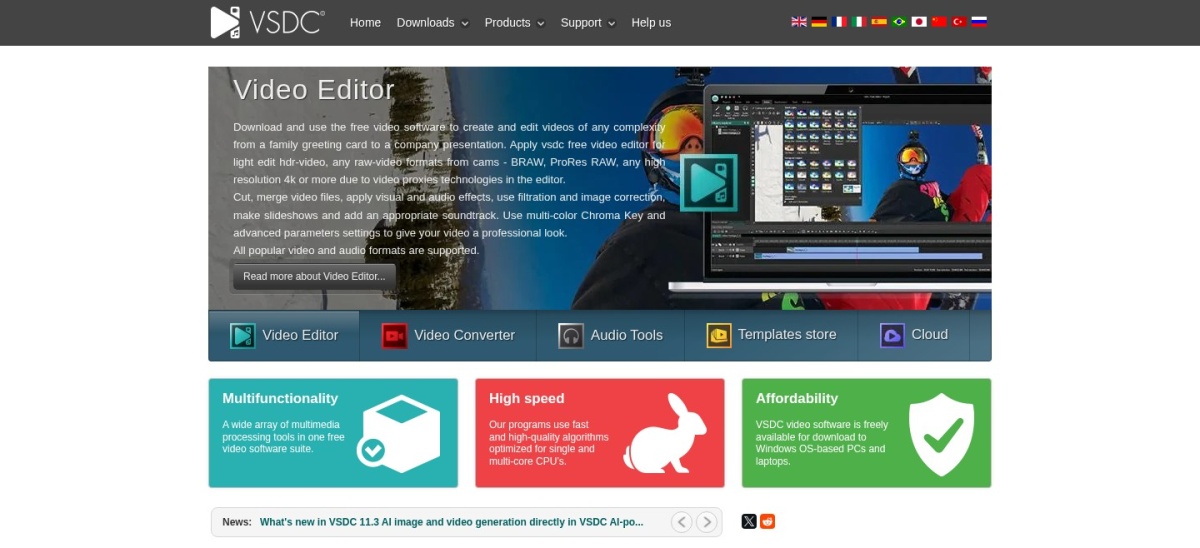
VSDC Free Video Editor homepage, captured Nov 2026.
VSDC Free Video Editor is a Windows video editor with a free version that exports with no watermark, and it is rated 4.2 on G2 from 55 reviews. The free version covers non-linear editing, colour correction, filters and audio tools, while Pro costs $19.99 a year and adds extra formats and hardware acceleration.
The trade off is the platform and the interface. VSDC runs on Windows only, so Mac and Linux users cannot use it, and the interface feels dated next to newer editors. The free version is capable, but the Pro upgrade is cheap enough that most regular users will want it.
Clipchamp is Microsoft's browser-based video editor, built into Windows 11, and it is rated 4.1 on G2 from 50 reviews. The free plan exports unlimited 1080p videos with no watermark, in a browser or on Windows, with templates, stock media and a simple timeline. It needs a Microsoft account to use.
The trade off is resolution and the account. Free exports stop at 1080p, and 4K needs Premium, which now comes through Microsoft 365 Personal at $99.99 a year. It is also the lowest-rated tool in this list at 4.1, though the free plan is the simplest way to edit without installing anything.
What we like
Free 1080p exports, no watermark
Built into Windows 11
No install needed in a browser
Templates and stock media included
Watch out for
4K needs Microsoft 365 Personal
Needs a Microsoft account
4.1 on G2, lowest rating here
Premium was $11.99 a month standalone; now via Microsoft 365 PersonalVisit clipchamp.com
Free exports or paid plans: what do you give up?
Free exports cost nothing but cap resolution. DaVinci Resolve is the exception, with 4K free, while CapCut and Clipchamp hold 4K behind paid plans.
Paid plans mostly add effects and AI tools. CapCut Pro adds premium templates and AI credits, and DaVinci Resolve Studio adds extra effects and collaboration for a one-time $295.
Open-source tools never ask for money. Shotcut, OpenShot and Kdenlive have no paid tier at all, so the free version is the full version.
How we chose
We started from free video editors with a G2, Capterra or SourceForge listing and a free export with no watermark, then kept the eight with the most reviews and the clearest export rules. Tools that stamp a watermark on free exports were left out.
Prices come from each vendor's pricing page, checked on 25 November 2026 by the sibling listicle and re-read on 29 November 2026. Ratings and review counts come from G2, with Kdenlive rated on SourceForge where G2 has only 2 reviews.
Every tool on this list exports video with no watermark on its free plan, so the comparison focuses on resolution, ease of use and what the paid plan adds. No vendor paid for a place, and we do not claim hands-on testing for this list.
How to choose a no-watermark video editor
Match the editor to your computer and your export needs, then check the free resolution limit.
Check the free export rules. Confirm the free plan exports with no watermark at the resolution you need. CapCut and Clipchamp limit free exports in ways the others do not.
Match the editor to your computer. DaVinci Resolve needs a strong machine, Shotcut and OpenShot run on older computers, and iMovie runs only on Apple devices.
Pick the workflow you will use. CapCut is fastest for short social clips, DaVinci Resolve suits long projects with colour grading, and OpenShot suits a first video.
Download from the official site. Free editors are a favourite disguise for junk installers. Get each tool from its own site, never a download portal.
FAQ
What is the top no watermark video software protonthemezzxa in 2026?
DaVinci Resolve is the top no watermark video software protonthemezzxa pick, with a free version that exports 4K video with no watermark and no time limit. It is rated 4.7 out of 5 on G2 from 221 reviews, and it includes pro colour grading, effects and audio.
Is DaVinci Resolve really free with no watermark?
Yes, the free version of DaVinci Resolve exports up to 4K at 60 frames a second with no watermark, no time limit and no project count limit. Blackmagic Design also sells DaVinci Resolve Studio for $295 as a one-time purchase, which adds extra effects and collaboration tools.
Does CapCut add a watermark to free exports?
CapCut usually exports without a watermark on standard manual projects, but premium templates, assets, AI features and some export settings need Pro. The free version also stops at 1080p, while 4K and watermark-free premium exports sit behind Pro at $19.99 a month.
What is the best free video editor for beginners?
OpenShot is the simplest first editor, with unlimited tracks, no watermark and the gentlest learning curve in this list. Shotcut is the best lighter free editor for older computers, and iMovie is the best start on a Mac or iPhone, with no watermark and no setup.
Is Clipchamp free with no watermark?
Yes, Clipchamp exports unlimited 1080p videos free in a browser with no watermark, and it comes with Windows 11. The Premium plan adds 4K exports and premium filters, and now comes through Microsoft 365 Personal at $99.99 a year.
DaVinci Resolve or Shotcut: which should I choose?
DaVinci Resolve is better if you want pro colour grading, effects and 4K exports and your computer can run it. Shotcut is better if your computer is older or you want a lighter open-source editor with proxy editing and no learning curve to fight.
SaaS SEO and WordPress specialist with about 8 years of experience. Rakib compares WordPress plugins, themes, hosting and software using public pricing, documentation and user reviews. See how we rank.