CapCut is the best free simple video editor for most beginners, with trimming, templates and auto-captions in the free version and a 4.6 out of 5 rating on G2 from 500 reviews. Pick iMovie if you use Apple devices and DaVinci Resolve if you want professional color tools.
How we make this list: we compare pricing pages, product documentation and public user reviews, then re-check every price before each update. No product paid for a place. Disclosure.
CapCut is the simplest free start for short social videos, with templates and auto-captions in the free version.
Clipchamp exports free video up to 1080p with no watermark, in a browser or on Windows.
iMovie is free on Apple devices and edits up to 4K, but it does not run on Windows or Linux.
DaVinci Resolve has the strongest free desktop editor here, rated 4.7 out of 5 on G2, but it is the hardest to learn.
Filmora is the only tool here whose free exports carry a watermark; Basic costs $49.99 a year to remove it.
OpenShot, Shotcut and Kdenlive are fully free and open source, with no paid plan and no watermark.
What makes a video editor simple
A simple editor should let a beginner finish a first video in one sitting. That means a clear timeline, obvious trim and split controls, and export settings that do not need a manual.
Free does not always mean the same thing. Some tools here are free for good, while others give away a basic editor and charge for 4K export, stock assets, or removing a watermark.
Check the export limit before you start. Our guide on how to resize a video in WordPress shows how often the finished size matters once a video is ready to share.
Pick by device first, then by job. A phone-first creator, a Mac owner and a Windows user who wants a full timeline will not land on the same tool, even though all nine here cost nothing to start.
CapCut is a free editor from ByteDance built for short-form video, on mobile, desktop and the web. The free version covers trimming, transitions, templates, auto-captions and effects, and basic exports carry no watermark from the app itself.
The trade off is the paid wall around premium assets. Pro costs $19.99 a month or $179.99 a year and adds 4K export, the full AI toolkit and premium templates and stock. It suits creators who make social clips every day and want speed over depth.
What we like
Fastest route from raw clips to a finished short video
Auto-captions and templates in the free version
Works on phone, desktop and in a browser
Rated 4.6 out of 5 on G2 from 500 reviews
Watch out for
Premium templates and assets need Pro
Some templates add a logo clip that must be removed
Pricing has changed several times in 2026, so check the page before paying
Clipchamp is Microsoft's browser-based editor, also available as a Windows app. The free plan exports up to 1080p with no watermark and includes trimming, titles, a screen recorder and free stock assets, with no download needed to start.
The trade off is the 1080p ceiling. 4K export, premium stock and a brand kit come through Microsoft 365 Personal at $9.99 a month or $99.99 a year. It suits Windows and office users who want a clean, quick edit without installing a heavy program.
iMovie is Apple's free editor, already on Mac, iPhone and iPad. It edits up to 4K, and includes 29 trailer templates, green screen, picture-in-picture, stabilization and 48 video and audio effects, with direct export for YouTube and Facebook.
The trade off is the platform and the ceiling. It does not run on Windows or Linux, and it has no multi-track timeline or advanced color tools for bigger projects. It suits Apple owners who want a tidy first edit with no cost and no learning curve.
What we like
Free with Apple devices, with no paid upgrade to sell
Exports up to 4K with no watermark
Trailer templates make a polished video fast
Rated 4.3 out of 5 on G2 from 568 reviews
Watch out for
Apple devices only
No multi-track timeline
Limited color and audio controls
No paid plan; Final Cut Pro is Apple's paid step upVisit apple.com
04
DaVinci Resolve
4.7/5on G2 (221 reviews, checked Nov 2026)
Paid from$295/one-time
Best free professional editor
Free exportUp to 4K UHD at 60fps
PlatformsWindows, Mac and Linux
Color toolsProfessional grading
Paid planStudio, $295 one-time
blackmagicdesign.com
DaVinci Resolve homepage, captured Nov 2026.
DaVinci Resolve is a full professional editor from Blackmagic Design, and its free version is the most capable free editor here. It includes editing, color grading, Fusion effects and Fairlight audio, and exports without a watermark up to 4K UHD at 60fps.
The trade off is the learning curve and the hardware. The interface packs in professional tools that take time to learn, and smooth 4K editing needs a capable computer. Studio costs $295 once and adds AI tools, noise reduction and 10-bit video. It suits editors who want a skill that lasts.
What we like
Full professional editor with no watermark on free exports
Color grading, Fusion effects and Fairlight audio included
Filmora is a desktop editor from Wondershare for Windows and Mac, with mobile apps beside it. The free version covers the full timeline, effects, titles and AI tools such as captions, but exports carry a watermark until you pay.
The trade off is that watermark. Basic costs $49.99 a year and removes it, adds 4K export and 1 GB of cloud storage, while AI features run on credits bought separately. It suits beginners who want a guided desktop editor with a large effects library.
What we like
Guided timeline that beginners learn quickly
Large library of effects, titles and stock media
AI captions and cutout tools included
Lowest-cost paid plan among the subscription tools here
Watch out for
Free exports carry a watermark
AI features need credits on top of the plan
Perpetual license covers one platform and one version only
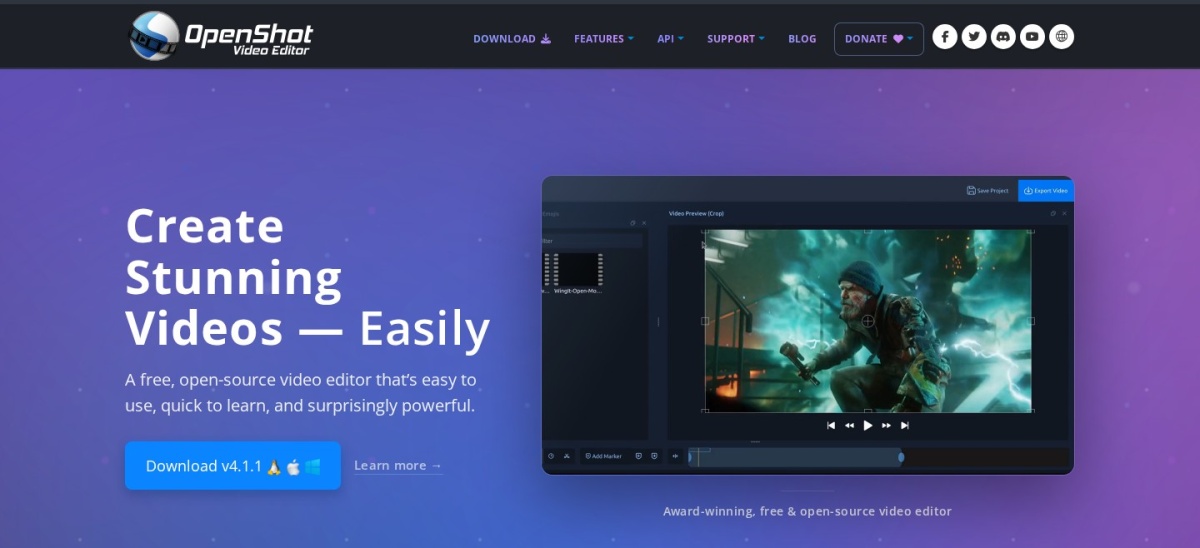
OpenShot is a free, open-source editor for Windows, Mac and Linux, built for first-time editors. It keeps the layout plain: drag clips onto unlimited tracks, trim on the timeline, add transitions and animated 3D titles, then export.
The trade off is performance on big projects. There is no GPU acceleration, so exports are slow at high resolutions and long, effect-heavy timelines can stutter. It suits students and first projects, and it costs nothing at any point.
What we like
Gentlest learning curve of the desktop editors here
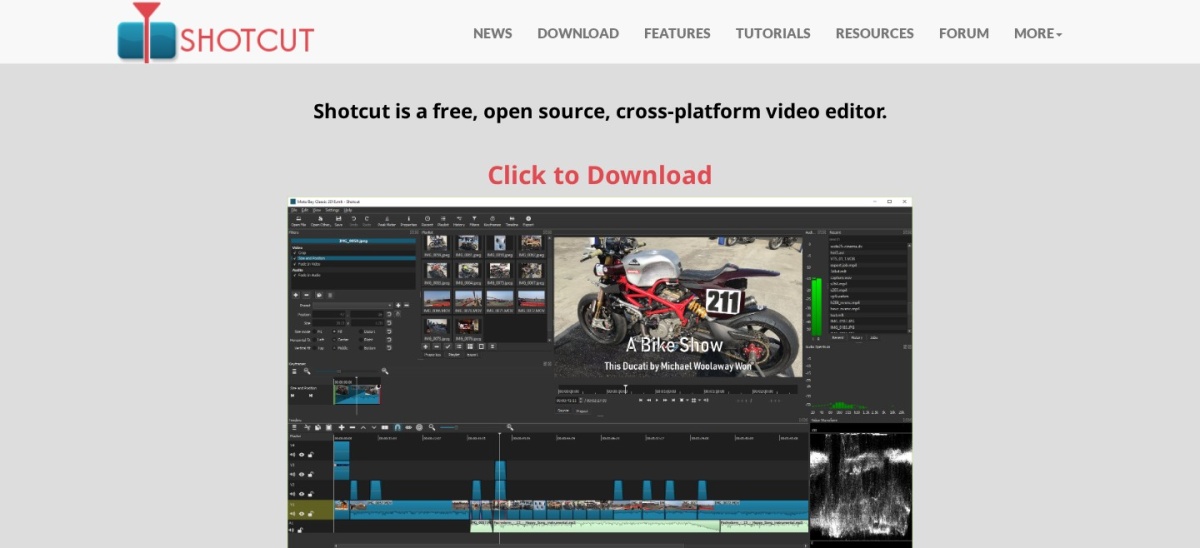
Shotcut is a free, open-source editor for Windows, Mac and Linux that edits files natively, with no import step. It opens almost anything FFmpeg decodes, supports native 4K, and includes filters, keyframes, motion tracking and GPU acceleration.
The trade off is guidance. The interface is plain and the documentation is thin, with no one-click export presets for every social platform. It suits editors who work with mixed camera footage and do not mind learning the layout first.
Kdenlive is a free, open-source editor from the KDE community for Linux, Windows, macOS and BSD. It offers multi-track timelines, keyframed effects, a built-in titler, automatic proxy editing for heavy footage and speech-to-text subtitling.
The trade off is polish and stability away from Linux. The interface feels dated in places, and Windows and Mac builds still carry crash reports, so save often. It suits serious projects on a zero budget, especially on Linux.
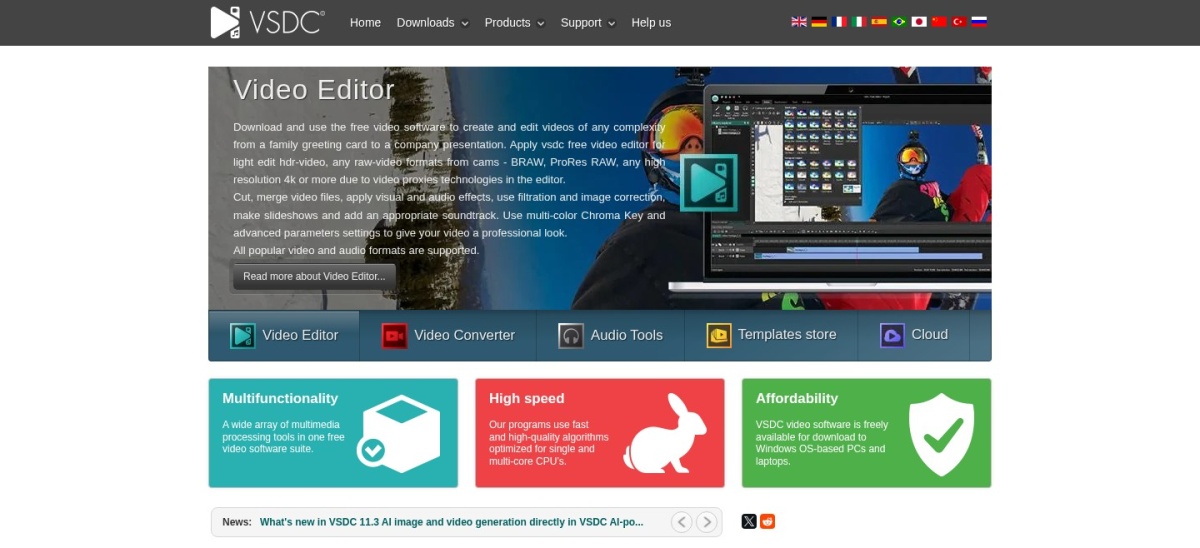
VSDC Free Video Editor homepage, captured Nov 2026.
VSDC Free Video Editor is a free Windows editor from Flash-Integro that exports without a watermark, even at 4K. The free version covers cutting, color grading, masks, picture-in-picture and more than 200 effects, and runs on modest hardware.
The trade off is the platform and the interface. The desktop editor is Windows only, the layout takes real getting used to, and hardware acceleration, motion tracking and masking need Pro at $19.99 a year. It suits Windows users who want a capable free editor on a low-spec PC.
What we like
Free exports with no watermark, even at 4K
More than 200 effects and full color tools
Runs on modest Windows hardware
Cheapest paid upgrade in this list at $19.99 a year
Free plans here cover the basics well. Most include trimming, titles and transitions, and all except Filmora export without a watermark for free.
Paid plans mostly add speed and quality. You get 4K export, faster rendering, premium stock and AI tools, rather than a different timeline.
The one-time purchases are the cheapest long-term route. DaVinci Resolve Studio costs $295 once, and Filmora offers a perpetual license at $79.99 once, while the subscriptions renew every year.
If you only edit a few videos a year, stay free. Pay only when a limit you keep hitting, such as the 1080p cap in Clipchamp or the watermark in Filmora, blocks real work.
How we chose
We started from the free editors most often named for beginners, then kept nine with a useful free plan, a current release and a public user rating.
Prices come from each vendor's pricing page or a pricing check of that page, read in November 2026. Ratings come from G2, except Kdenlive, where we used SourceForge because its G2 sample was only 2 reviews. Where a vendor shows a sale, the list shows the regular price.
We left out editors with no free plan and tools that are no longer maintained. No vendor paid for a place, and we do not claim to have used these tools ourselves for this list.
How to choose a free simple video editor
Start with your device and the kind of video you make most, then check the export limit.
Match the editor to your device. iMovie only runs on Apple devices, VSDC only on Windows, and Clipchamp runs in a browser. The rest run on Windows, Mac and Linux.
Check the free export limit. Clipchamp stops at 1080p for free, Filmora watermarks free exports, and the open-source tools have no cap. See how to resize a video in WordPress if the finished size matters.
Pick simple over powerful for a first video. CapCut, iMovie, Clipchamp and OpenShot get a first video out fastest. DaVinci Resolve and Kdenlive repay a longer learning curve with deeper tools.
Edit one short video before you commit. Trim a clip, add a title and a transition, then export it. That tells you more about speed, stability and watermarks than any feature list.
FAQ
What is the best free simple video editing software?
CapCut is the best free simple editor for most beginners. Its free version covers trimming, templates and auto-captions, exports basic edits without a watermark, and it is rated 4.6 out of 5 on G2 from 500 reviews.
Which free video editor has no watermark?
All of these except Filmora export without a watermark for free. CapCut adds no watermark on basic edits, although some premium templates carry one, and Filmora removes its watermark with Basic at $49.99 a year.
Is DaVinci Resolve really free?
Yes. The free version edits and exports up to 4K UHD at 60fps with no watermark. Studio costs $295 once and adds AI tools, noise reduction, 10-bit video and output above 4K.
What is the simplest free video editor for Windows?
Clipchamp is the simplest start on Windows because it runs in a browser and exports free 1080p video with no watermark. OpenShot is the simplest free desktop editor to install, and VSDC suits low-spec Windows PCs.
Can I edit 4K video for free?
Yes, with several tools here. DaVinci Resolve exports free 4K up to 60fps, Shotcut and VSDC export native 4K, and iMovie edits up to 4K on Apple devices. Clipchamp needs a paid plan for 4K.
Is CapCut free for commercial use?
CapCut's free plan is aimed at creators, but its terms have changed several times in 2026 and some reports say commercial use is restricted. Read the current terms on CapCut's own pages before using it for client work.
Which free editor is best for YouTube?
DaVinci Resolve is the strongest free choice for YouTube if you want professional quality, while CapCut and Clipchamp are faster for short-form clips. OpenShot and Shotcut suit simple YouTube videos on any desktop.
SaaS SEO and WordPress specialist with about 8 years of experience. Rakib compares WordPress plugins, themes, hosting and software using public pricing, documentation and user reviews. See how we rank.