Canva is the top logo design software for most small businesses, with a free plan and thousands of templates. Tailor Brands suits founders who want a full brand package for a few dollars a month, while Vectr is the best free vector editor.
How we make this list: we compare pricing pages, product documentation and public user reviews, then re-check every price before each update. No product paid for a place. Disclosure.
Canva leads for ease, with a free plan and thousands of logo templates.
Looka and DesignEvo sell logos as one-time purchases, from $20 and $24.99.
Tailor Brands is the cheapest subscription at $3.99 a month billed yearly.
Vectr is completely free and exports real SVG files, but has no AI generator.
BrandCrowd costs $5 a month billed yearly, with unlimited downloads of one logo.
How do you choose the top logo design software?
Start with your skill level, because it decides the tool. Canva and Looka need no design skill, while Vectr expects you to draw from a blank canvas.
Check what you actually own. One-time purchases such as Looka and DesignEvo give you the logo files, while subscriptions keep the brand kit behind the paywall.
Templates are fast but generic. A logo from a popular template can look like hundreds of others, so budget time to edit the colours, fonts and icon.
File formats matter for print. Make sure the plan includes SVG or EPS files, since a PNG alone will blur on signs, packaging and merchandise.
Free does not always mean free to use. Several tools generate a logo for free but charge to download it, so check the download price before you fall in love.
Canva is an online design platform with a free logo maker, thousands of logo templates and a drag-and-drop editor that needs no design skill. The free plan covers most logo templates, and Pro costs $120 a year for brand kits, background removal and premium assets.
The trade off is originality. Templates are popular, so a logo made from one can look like hundreds of others, and full trademark ownership needs care with the free assets. It suits small businesses that need a good logo today.
4.4/5on Trustpilot (14,482 reviews, checked Nov 2026)
Starts at$20 (one-time)
Best AI logo generator
Cheapest planBasic, $20 one-time
Logo filesPNG, SVG, EPS
Free trialGenerate free
Brand kitPremium plan only
looka.com
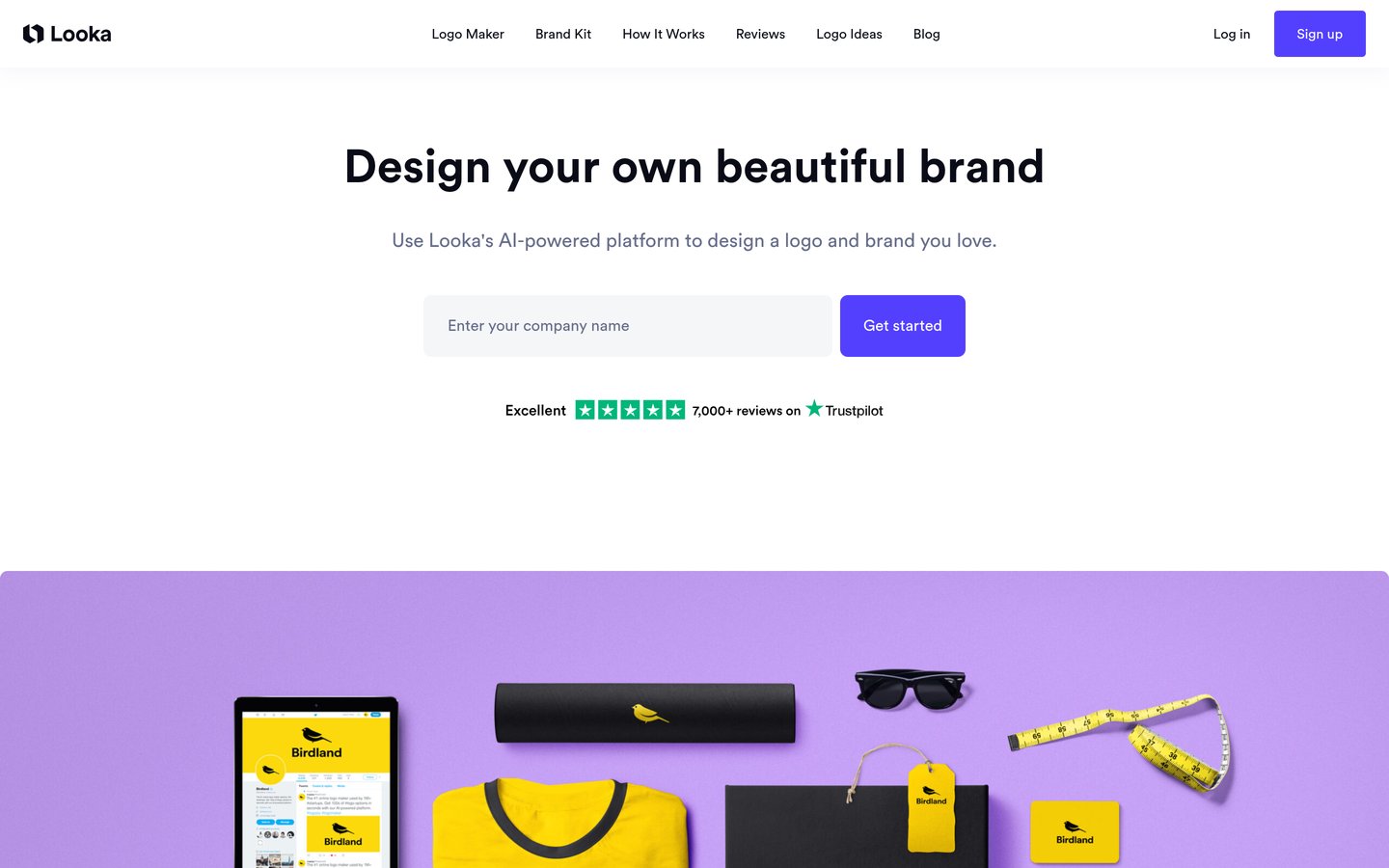
Looka homepage, captured Nov 2026.
Looka is an AI logo maker that generates dozens of logo options from your company name, industry and style choices, then lets you edit colours, fonts and layouts. The Basic package costs $20 as a one-time payment and includes a high-resolution logo in PNG and SVG formats.
The trade off is the one-time model. Every new logo variation costs extra, and the full brand kit with social templates needs the Premium package at $65. It suits founders who want a quick AI logo for a one-off price.
4.7/5on Trustpilot (9,553 reviews, checked Nov 2026)
Starts at$5/mo
Best cheap logo subscription
Cheapest planStarter, $5/mo
Logo filesPNG, SVG, PDF
Free trialGenerate free
Brand kitOn Business plan
brandcrowd.com
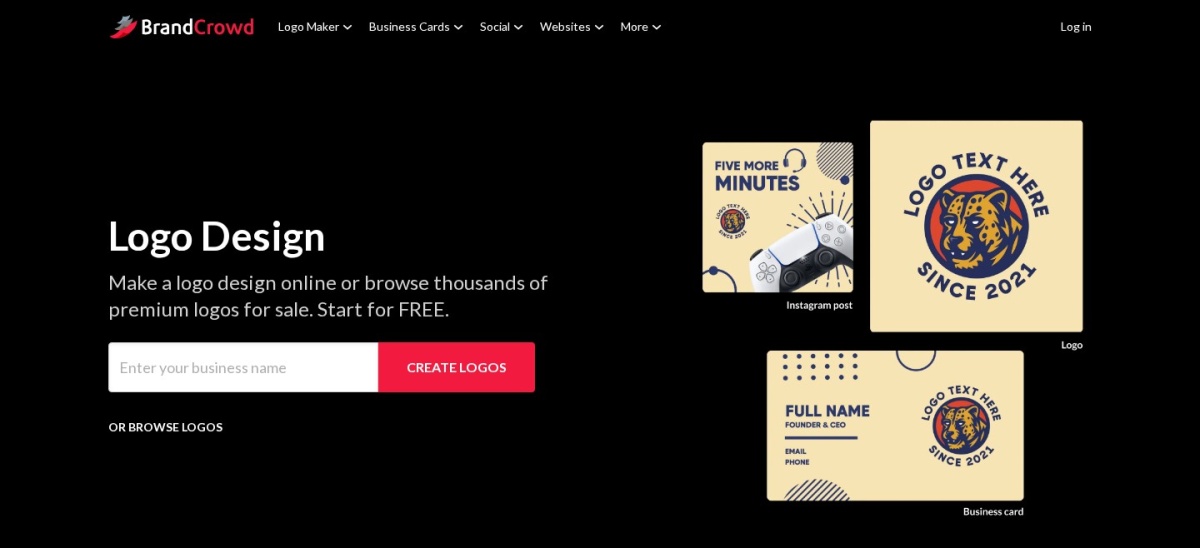
BrandCrowd homepage, captured Nov 2026.
BrandCrowd is a logo maker with thousands of designer templates you can edit in the browser, plus tools for business cards, social posts and websites. The Starter plan costs $5 a month billed yearly and includes unlimited downloads of one logo in PNG, SVG and PDF.
The trade off is the monthly bill. Monthly billing costs $15 a month, so the $5 rate needs a full year paid up front, and the brand kit needs Business at $10 a month. It suits sellers who want a cheap subscription logo.
4.8/5on Trustpilot (5,669 reviews, checked Nov 2026)
Starts at$24.99 (one-time)
Best one-time logo purchase
Cheapest planBasic, $24.99 one-time
Logo filesPNG, JPG, SVG
Free trialFree low-res preview
Brand kitOn Plus plan
designevo.com
DesignEvo homepage, captured Nov 2026.
DesignEvo is a free logo maker with over 10,000 templates you can customise in the browser, from icons and fonts to colours and layouts. The Basic package costs $24.99 as a one-time payment and includes a high-resolution logo and SVG files for print.
The trade off is the price confusion. Some sources quote Basic at $49.99, while DesignEvo's own pricing shows $24.99, so confirm the price before you buy. It suits anyone who wants a one-time logo with print files.
4.7/5on Trustpilot (4,000+ reviews, checked Nov 2026)
Starts at$36/yr
Best all-in-one brand starter
Cheapest planStarter, $36/yr
Logo filesPNG, SVG, PDF
Free trialGenerate free
Brand kitIncluded on Starter
design.com
Design.com homepage, captured Nov 2026.
Design.com is an AI logo maker and brand platform that generates logo options, then adds a website builder, social media tools and a business name generator. The Starter plan costs $36 a year and includes one logo download, a brand kit and 5,000 AI credits a month.
The trade off is the download limit. Starter includes only one logo download, so extra downloads and unlimited AI credits need the $180 a year Premium plan. It suits founders who want a logo and a website from one tool.
4.8/5on Trustpilot (18,386 reviews, checked Nov 2026)
Starts at$3.99/mo
Best for a full brand package
Cheapest planBasic, $3.99/mo
Logo filesPNG, SVG, EPS
Free trialGenerate free
Brand kitOn Premium plan
tailorbrands.com
Tailor Brands homepage, captured Nov 2026.
Tailor Brands is an AI branding platform that builds a logo from your style choices, then adds a brand book, social media tools, a website and an LLC service. The Basic plan costs $3.99 a month billed yearly and includes one logo in PNG, SVG and EPS formats.
The trade off is the monthly rate. Paying month to month costs $9.99, so the $3.99 rate needs a full year paid up front, and the full brand book needs Premium at $9.99 a month. It suits founders who want a logo plus a brand system.
What we like
Cheapest annual rate here at $3.99 a month
Most reviewed tool here, 18,386 Trustpilot reviews
Vectr is a free vector graphics editor that runs in the browser or on the desktop, with tools for shapes, text, layers and paths that suit logo design. It costs nothing and exports logos as PNG, JPG and SVG, with real-time collaboration built in.
The trade off is the missing AI. Vectr has no logo generator or templates, so you design from a blank canvas, and the tool has seen few updates in recent years. It suits designers who want a free vector editor.
File formats: what your logo download must include
SVG and EPS are the files that scale. A vector file stays sharp at any size, from a business card to a billboard, while a PNG blurs when you enlarge it.
Check the plan before you buy. Looka Basic includes PNG and SVG, DesignEvo Basic includes SVG, and Tailor Brands Basic includes EPS, but several cheap plans cap the formats.
A transparent background is not automatic. Some plans export only on white, so check whether the PNG download includes transparency for use on photos and coloured backgrounds.
Keep the source file. A logo you can edit later saves a redesign, so prefer tools that let you reopen the project and change colours, fonts and layout.
How we chose
We started from the logo design tools with the largest review bases on G2, Capterra and Trustpilot, then kept the seven with verifiable ratings, real pricing and a clear use case.
Prices come from each vendor's pricing page, checked on 29 November 2026. Ratings and review counts come from G2, Capterra or Trustpilot on the same day. Where a vendor shows a sale, the list shows the regular price.
We left out tools with no verifiable rating and tools that do not publish prices. No vendor paid for a place, and we do not claim hands-on testing for this list.
How to choose logo design software
Decide what you need to own, then check the file formats.
Pick your skill level. Template and AI tools suit beginners, while a vector editor such as Vectr suits designers who want full control.
Check the download price. Several tools generate logos free but charge to download, so confirm the price of the file you need before you design.
Confirm the file formats. Make sure the plan includes SVG or EPS files and a transparent PNG, or the logo will not work on print and packaging.
Test the logo at small sizes. A logo that reads well on a billboard can vanish on a favicon, so check it at 16 pixels before you buy.
FAQ
What is the best logo design software in 2026?
Canva is the best pick for most small businesses, with a free plan and thousands of templates. Tailor Brands suits founders who want a full brand package, and Vectr is the best free vector editor.
How much does logo design software cost?
Prices run from free to about $120 a year. Vectr is free, Looka costs $20 once, DesignEvo costs $24.99 once, and Tailor Brands costs $3.99 a month billed yearly.
Is there a free logo design software?
Yes. Canva and Vectr both have free plans that cover logo templates and editing. Looka, DesignEvo and Tailor Brands generate logos free but charge to download them.
Canva or Looka: which is better for logos?
Canva suits businesses that want an easy editor and a huge template library for free. Looka suits founders who want an AI-generated logo for a one-time $20 payment.
Do I own the logo I make with these tools?
Usually yes, once you pay. One-time purchases such as Looka and DesignEvo include the files, while subscription tools such as Tailor Brands grant ownership on paid plans. Check the licence before you trademark it.
Which logo design software is best for a small business?
Canva is the best pick for a small business, with a free plan and brand kits on Pro at $120 a year. Tailor Brands suits owners who want a logo plus a brand book from $3.99 a month.
SaaS SEO and WordPress specialist with about 8 years of experience. Rakib compares WordPress plugins, themes, hosting and software using public pricing, documentation and user reviews. See how we rank.