Best AI Software for Logo Design in 2026: 7 Tools Compared
WLWPLegible EditorsLast verified 22 Nov 2026How we rank13 min read
★ Short answer
Design.com is the best AI software for logo design for most new businesses, with a free plan that includes vector files and a brand kit, a 4.7/5 Trustpilot rating, and paid plans from $36 a year. BrandCrowd suits widest template choice, while Logo.com is the pick for a free PNG download first.
How we make this list: we compare pricing pages, product documentation and public user reviews, then re-check every price before each update. No product paid for a place. Disclosure.
Design.com leads with a free plan that includes vector files, 400,000+ templates and a brand kit from $36 a year.
BrandCrowd has the largest review base for a logo-first tool: 4.7/5 from 9,553 Trustpilot reviews.
Logo.com is the only pick with a genuinely free PNG download and AI-generated custom icons.
Looka charges for every download, but its $96-a-year Brand Kit covers 300+ matching assets.
Canva and Adobe Express are the picks if the logo is one job among many weekly design tasks.
Tailor Brands has the highest rating here at 4.8/5, but its logo tools sit inside a subscription bundle.
What to check before you pick an AI logo tool
An AI logo tool should do three things: generate directions worth considering, let you edit them, and hand over files you can actually use. The file part matters most. A PNG works on a website, but print, signage and packaging need a vector file such as SVG or EPS, and several tools in this list lock vectors behind a paid plan.
Free plans differ more than the prices suggest. Design.com and BrandCrowd include vector files free, Logo.com gives away a PNG, and Looka charges for every download. Check what each free tier exports before you spend time designing.
Ownership is the second thing to check. Most tools grant a commercial licence once you pay, but Looka owns the individual symbols in your logo, so a similar mark can appear elsewhere. If the logo is for a WordPress site, our round-up of AI plugins for WordPress covers the AI tools that sit beside it.
Ratings in this list come from Trustpilot or G2, picking the source with the most reviews for each tool. Prices are the regular rates from each vendor's pricing page or, where the page would not render, from recent published checks of that page, checked in November 2026.
4.7/5on Trustpilot (4,000+ reviews, checked Nov 2026)
Paid from$36/yr
Best AI logo software overall
Free planYes, with vectors
Logo templates400,000+
Design tools50+
Paid planStarter, $36/yr
design.com
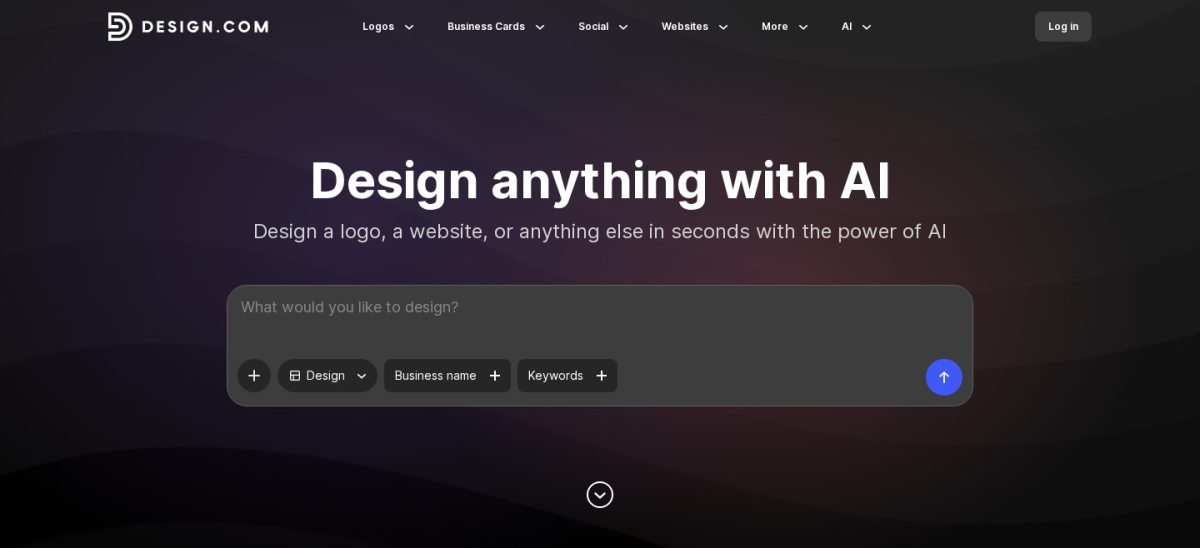
Design.com homepage, captured Nov 2026.
Design.com is an AI logo maker and brand platform built around a huge library of designer-made templates. You enter a business name and a short description, and the AI returns complete logo concepts you can edit in a chat-style editor. The free plan includes high-resolution PNG and JPG downloads, vector files in SVG, EPS and PDF, and a brand kit with colours, fonts and social templates.
The trade off is the subscription. Vector files and the wider toolkit sit behind the Starter plan at $3 a month billed annually, and the free plan covers selected templates rather than every AI design. It suits new businesses that want a logo and matching brand materials from one place without hiring a designer.
4.7/5on Trustpilot (9,553 reviews, checked Nov 2026)
Paid from$36/yr
Best for browsing logo styles
Free planYes, with vectors
Logo templates380,000+
Design tools50+
Paid planStarter, $36/yr
brandcrowd.com
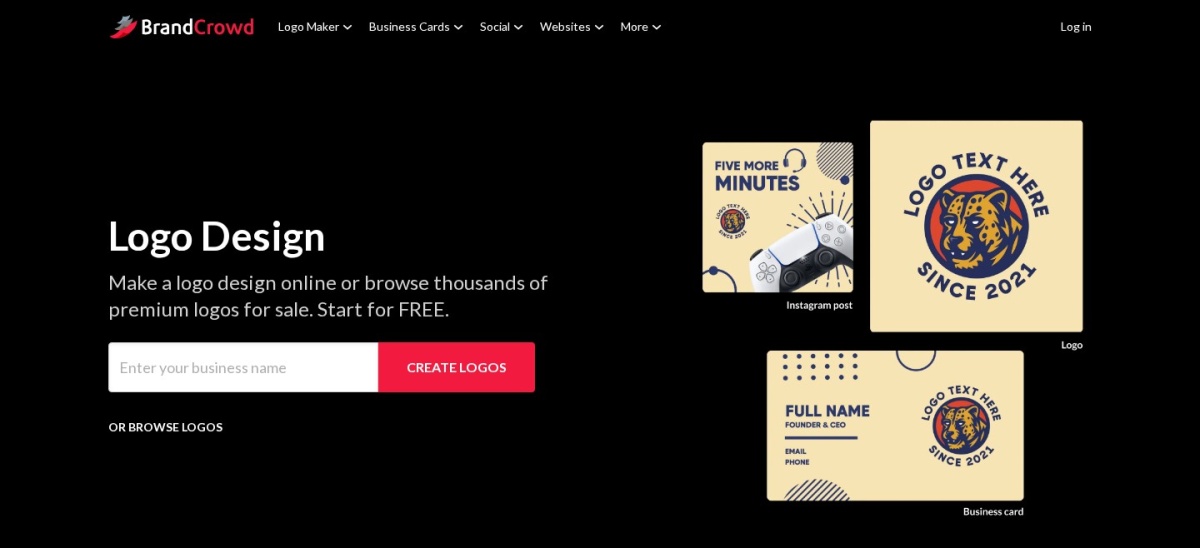
BrandCrowd homepage, captured Nov 2026.
BrandCrowd is an AI logo maker built on a library of more than 380,000 professionally designed logos. You type a business name, browse the directions, and narrow them with keywords and style filters such as emblem or wordmark. The free plan includes logo downloads with vector files, and the editor lets you change icons, spacing, colours, fonts and gradients.
The trade off is choice overload. Hundreds of thousands of templates make it easy to spend a long time browsing, and the shared icon library means another business can pick a similar mark. It suits founders who know what they like when they see it and want plenty of starting points.
4.6/5on Trustpilot (2,077 reviews, checked Nov 2026)
Paid from$15/mo
Best free logo download
Free planYes, PNG download
Custom AI iconsYes
Templates1,200+
Paid planBrand Plan, $15/mo
logo.com
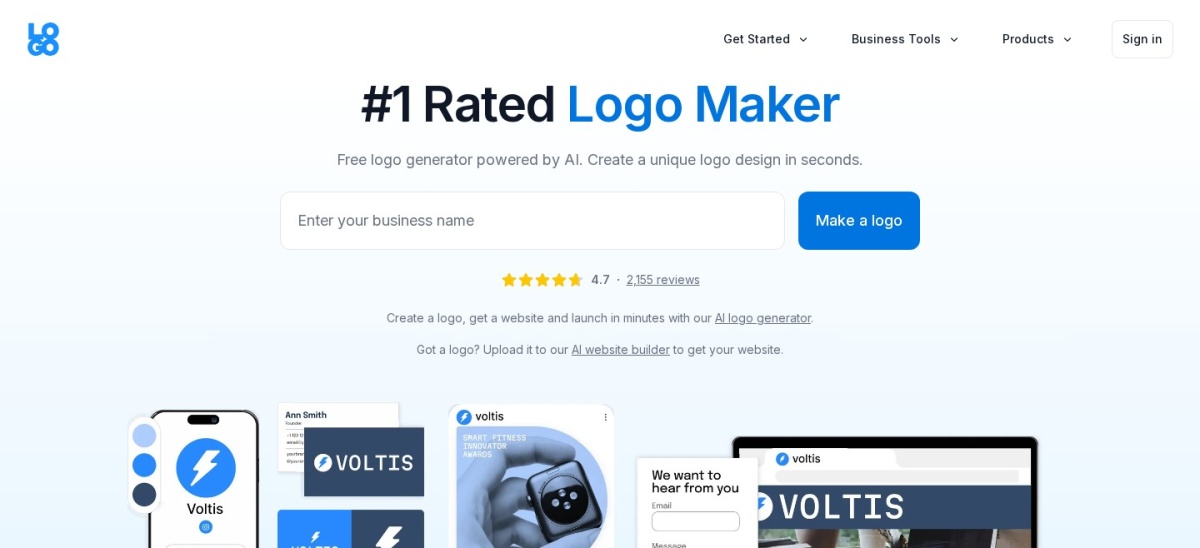
Logo.com homepage, captured Nov 2026.
Logo.com is an AI logo maker that generates custom icons for your business instead of pulling from a shared library. You can download a full PNG logo free, with no watermark, and use it commercially. The free brand design generator adds social templates, and the paid Brand Plan adds SVG files, 1,200+ templates and a website builder.
The trade off is the monthly price. The Brand Plan lists at $1 a month for the first three months, then $15 a month, which adds up to $180 a year for vector files and the full kit. It suits founders who want a genuinely free starting logo and will only pay once the brand needs vectors.
What we like
Free PNG download with commercial use
AI icons are generated, not stock
Brand Plan includes a website builder
1,200+ templates for brand assets
Watch out for
Vector files need the $15-a-month plan
Monthly billing adds up over a year
Smaller template library than Design.com
Brand Plan adds SVG files and 1,200+ templatesVisit logo.com
04
Looka
4.4/5on Trustpilot (14,482 reviews, checked Nov 2026)
Starts at$96/yr
Best for guided brand kits
Free planDesign free, pay to download
Brand Kit assets300+
Vector filesPremium or Brand Kit
Paid planBrand Kit, $96/yr
looka.com
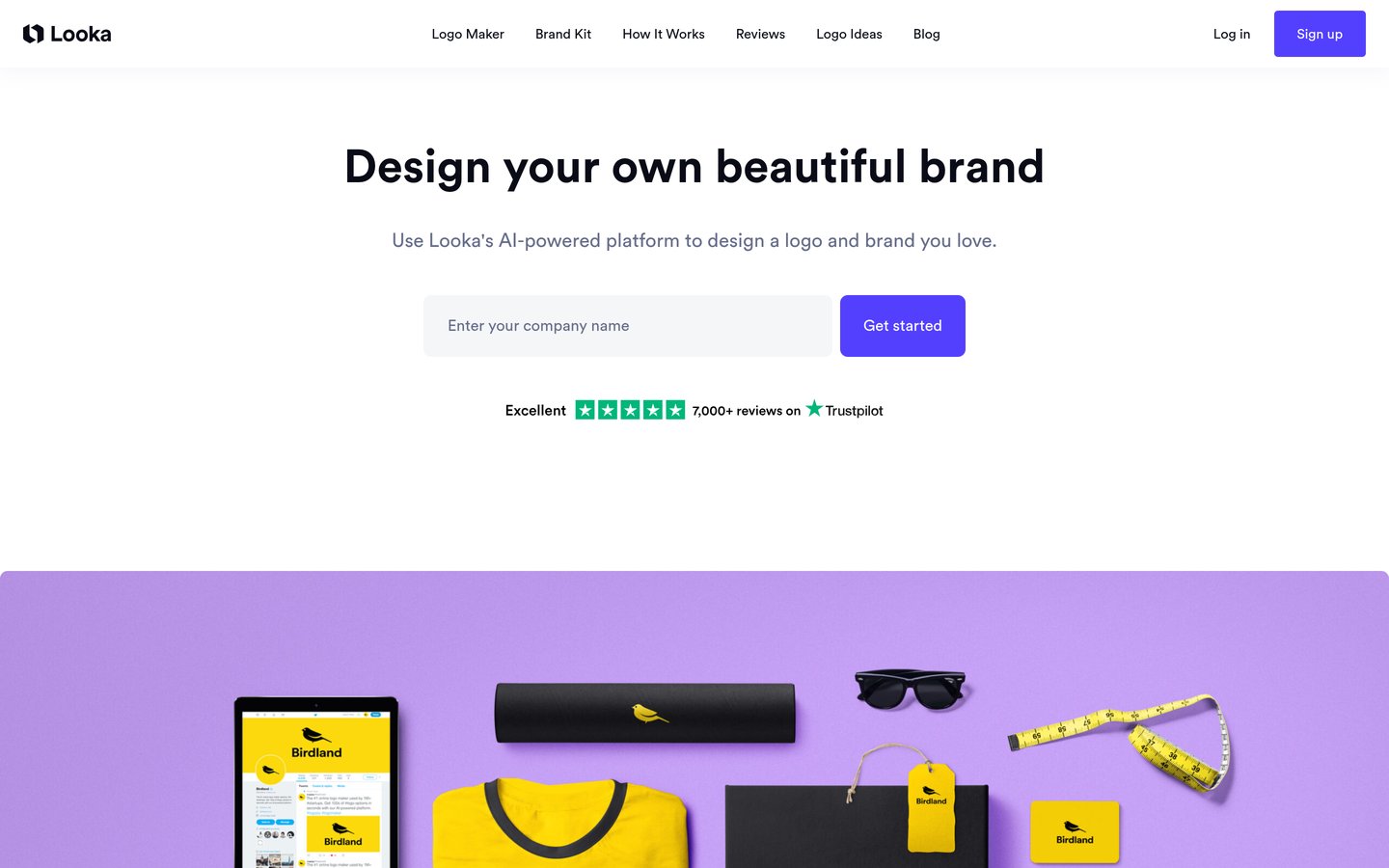
Looka homepage, captured Nov 2026.
Looka is an AI logo maker that guides you through industry, style, colour and font choices before generating logo directions. You can design, edit and preview logos free, then buy the files or a Brand Kit subscription. The Brand Kit at $96 a year adds 300+ branded assets, including business cards, social posts, email signatures and brand guidelines.
The trade off is that nothing usable is free. Every download costs money, and vector files need the Premium package or a Brand Kit, while the editor keeps you inside fixed layouts. It suits founders who prefer a guided process and want a ready-made kit of matching materials.
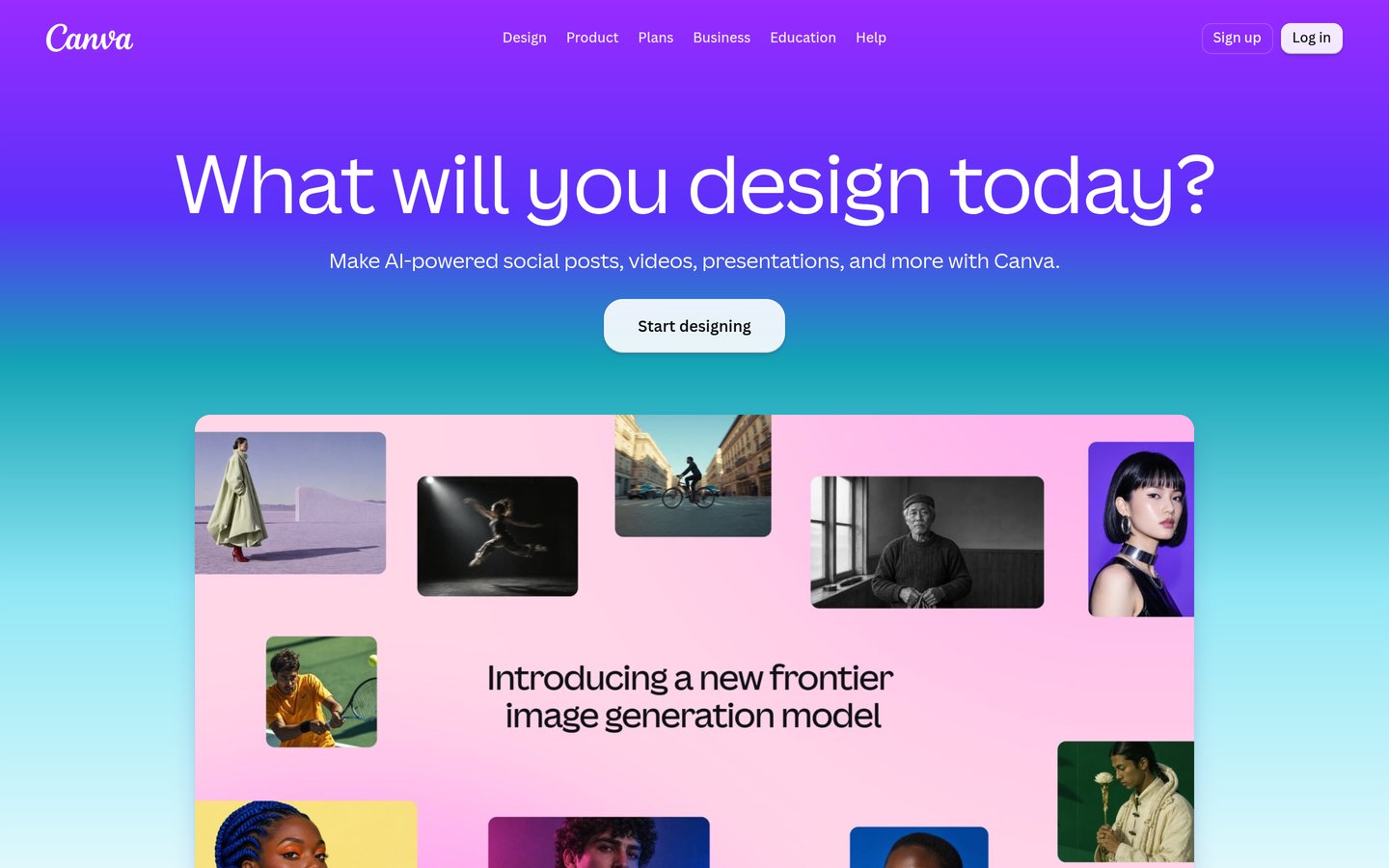
Canva is a full design platform with logo templates and Magic Design AI tools, rather than a dedicated logo generator. You start from a template or a prompt, then drag elements, text and colours anywhere on the canvas. The free plan covers basic templates and downloads, and Pro adds premium assets, the Brand Kit, background removal and SVG export.
The trade off is focus. Canva gives you total layout freedom but no guided logo process, and its logos start from templates that other users can pick too. It suits businesses that need a logo plus social posts, presentations and marketing materials every week.
What we like
Huge template library beyond logos
Full drag-and-drop editing freedom
Free plan covers everyday design
Brand Kit keeps colours and fonts consistent
Watch out for
No dedicated guided logo process
Template logos can look generic
SVG export needs the Pro plan
Pro adds Brand Kit, SVG export and premium assetsVisit canva.com
06
Tailor Brands
4.8/5on Trustpilot (18,386 reviews, checked Nov 2026)
Starts at$48/yr
Best for logo plus business setup
Free planPreviews only
Logo filesHigh-res, vectors on Standard
Website builderYes, on paid plans
Paid planBasic, $48/yr
tailorbrands.com
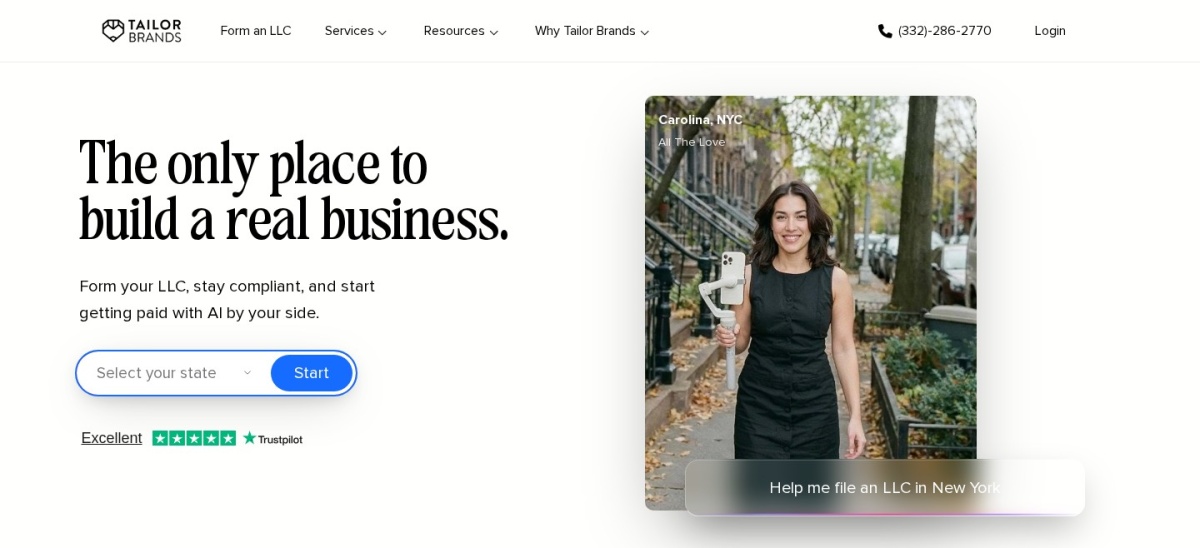
Tailor Brands homepage, captured Nov 2026.
Tailor Brands is a branding platform that builds a logo, website, business cards and social graphics from one setup. You answer questions about your business and style, and the AI generates logo directions plus matching materials. The Basic plan at $3.99 a month billed annually includes high-resolution logo files, and higher tiers add vector files and a website builder.
The trade off is the subscription. There is no free download and no one-time purchase, so the cost keeps running each year, and the logo itself is only one part of a wider business platform. It suits new founders who also need formation, a website and social tools in the same place.
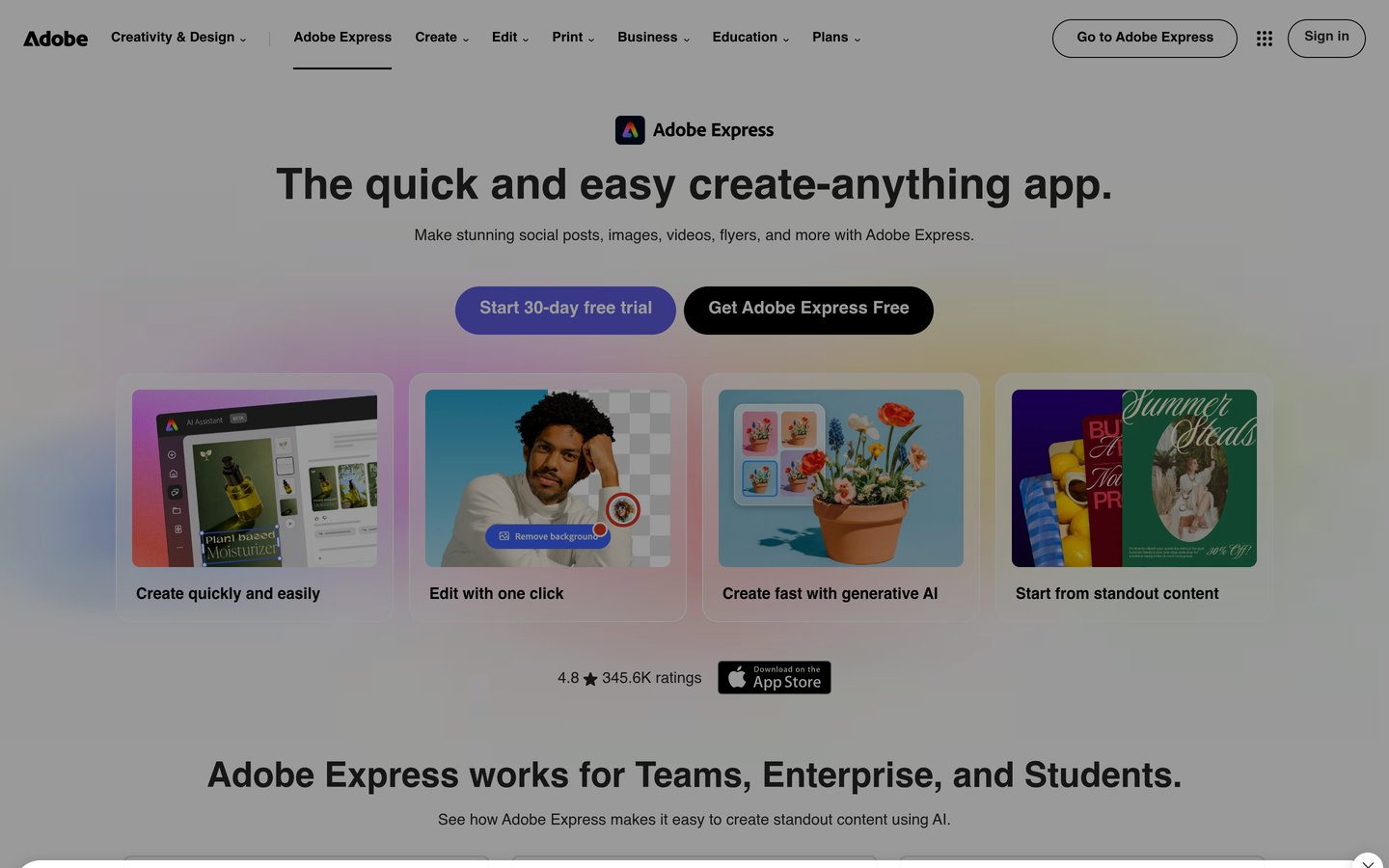
Adobe Express is a browser-based design app with a free logo maker, stock photos and Adobe Fonts built in. You pick a template, change the text, colours and layout, and download the result for social profiles, websites and print. The free plan covers the basics, and Premium at $9.99 a month adds premium templates, assets and one-click background removal.
The trade off is that it is a general design tool, not a logo specialist. There is no guided logo questionnaire and no brand kit that builds itself from your mark, so distinctive results need more manual work. It suits people who already use Adobe tools and want a quick logo inside the same app.
Free plans cover the design stage well. You can generate, edit and preview logos without paying on most tools here.
Paid plans mostly buy files and breadth. Vector exports, unlimited edits and matching brand materials are the usual upgrades.
A one-time purchase suits a single logo. A subscription suits a business that keeps making branded materials, but check the renewal price, not just the first-year offer.
If you only need one logo for a website, start with a free download from Logo.com or the free tiers of Design.com and BrandCrowd, and pay only when you need print-ready files.
How we chose
We started from the AI logo tools with the largest review bases on Trustpilot and G2, then kept the seven with verifiable ratings, real free or low-cost entry points, and vector file exports.
Prices come from each vendor's pricing page, checked on 22 November 2026. Where a vendor page would not render its prices, we used the most recent published checks of that page and flagged the gap in our notes. Ratings and review counts come from Trustpilot or G2 on the same day.
We left out tools with no verifiable review count, including LogoAI and the Wix Logo Maker, and Brandmark, whose Trustpilot base is only 15 reviews. No vendor paid for a place, and we do not claim hands-on testing for this list.
How to choose AI software for logo design
Start with where the logo will live, then match the tool to that job.
Decide what files you need. A website logo only needs a high-resolution PNG. Print, signage or packaging needs a vector SVG or EPS, which some free plans already include.
Check the free tier first. Design a logo and try the download before paying. If the free export is watermarked or low-resolution, the tool is not really free.
Compare the second year, not the first. Intro offers such as $1 a month for three months end quickly. Work out the regular annual price before you commit.
Look past the logo. Business cards, social posts and email signatures all carry the same mark. A tool with a brand kit saves rebuilding those assets elsewhere.
FAQ
What is the best AI software for logo design?
Design.com is the best pick for most new businesses. Its free plan includes vector files in SVG, EPS and PDF, a brand kit and 400,000+ templates, it holds a 4.7 out of 5 Trustpilot rating, and paid plans start at $36 a year.
Can I get a logo free with AI?
Yes, with limits. Logo.com lets you download a full PNG logo free, and Design.com and BrandCrowd include vector files on their free plans. Looka and Tailor Brands charge for every download, so design free there but expect to pay for files.
Do I own the logo an AI tool makes?
You normally get a commercial licence once you pay or download under the free terms, but the details vary. Looka states you own the logo as a whole but not its individual symbols, so the same icon can appear in another customer's logo. Check the licence before using a mark on products.
What file format do I need for printing a logo?
Ask for a vector file, usually SVG or EPS, because it scales to any size without blurring. A PNG works for websites and social profiles but blurs when enlarged for print. Design.com, BrandCrowd and Logo.com's paid plan all provide vector files.
Is Canva good for logo design?
Canva is good if you also need social posts, presentations and marketing materials every week, with thousands of templates and full drag-and-drop editing. It is weaker as a logo-only tool: there is no guided logo process, and SVG export needs the Pro plan at $144 a year.
How much should an AI logo cost?
A usable logo costs from nothing to about $180 a year here. Free downloads cover Logo.com, Design.com and BrandCrowd, a Brand Kit from Looka is $96 a year, and subscriptions run from $36 to $180 a year. Pay more only if you need vector files, a brand kit or a website as well.