Best ChatGPT Plugins for WordPress in 2026: 9 Tools Compared
WLWPLegible EditorsLast verified 22 Nov 2026How we test14 min read
★ Short answer
AI Engine is the best ChatGPT plugin for WordPress for most sites, with a 4.9 out of 5 rating from 880 users and more than 90,000 installs. Pick Chatway for support chats with a human handover and Tidio if you want an AI agent that answers from your help content.
How we make this list: we compare pricing pages, product documentation and public user reviews, then re-check every price before each update. No product paid for a place. Disclosure.
AI Engine leads on reach: 4.9 out of 5 from 880 reviews and more than 90,000 installs, with a free plugin and Pro from $59 a year.
Chatway and Tidio are the strongest support picks: Chatway is rated 5.0 from 778 reviews, Tidio 4.8 from 395, and both have free plans.
Five of the nine tools run on your own API key, so the AI bill sits with OpenAI or another provider, not with the plugin.
Six of the nine tools cost under $100 a year for their cheapest paid plan; Chatway, Tidio and Jotform start at $31 to $34 a month.
Jotform is rated 5.0 out of 5, but from a single review, so treat its score with care.
What a ChatGPT plugin should do for your site
Most ChatGPT plugins do one of two jobs: answer visitors in a chat window, or write content in your dashboard. A few do both, and the best pick depends on which job matters more to your site.
Chatbots need something to answer from. The stronger tools train on your pages, help docs or product data, so answers quote your own content instead of guessing. A bot with no knowledge base will still reply, but it will not know your prices or policies.
Price has two parts: the plugin licence and the AI itself. Plugins that run on your own API key charge little for the licence and bill tokens through OpenAI or another provider, while hosted tools bundle the AI into a monthly plan. Our guide on free vs premium WordPress plugins explains when paying is worth it.
Do not run two chatbots at once. Two widgets on the same page confuse visitors and double the AI bill, so pick one and train it well.
4.9/5on WordPress.org (880 reviews, checked Nov 2026)
Paid from$59/yr
Best ChatGPT plugin overall
Free chatbotYes
AI providersOpenAI, Claude, Gemini
Knowledge basePro only
Paid planPro Starter, $59/yr
meowapps.com
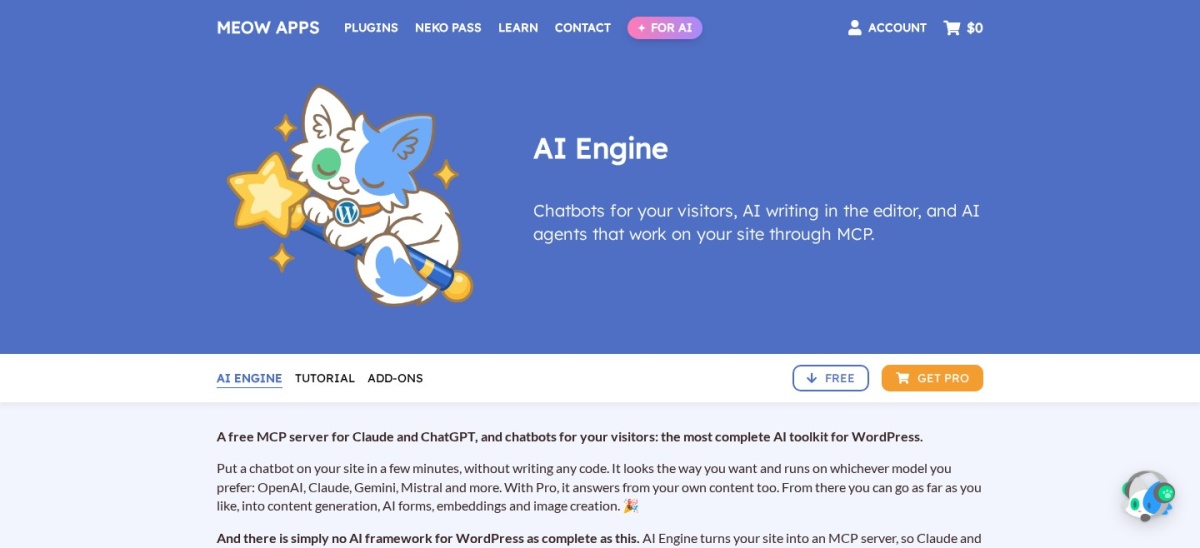
AI Engine homepage, captured Nov 2026.
AI Engine is a free WordPress plugin from Meow Apps that adds chatbots, content and image generation, an editor copilot and a full AI chat workspace inside wp-admin. It connects to OpenAI, Anthropic, Google and more with your own API key, and its free MCP server lets ChatGPT or Claude manage your site through conversation.
The trade off is that answering from your own content needs Pro. Embeddings, AI forms, realtime voice chat and the advanced MCP tools start at $59 a year for one site, and your AI provider bills you separately for every token used. It suits owners who like to run the AI setup themselves and want one plugin for chat, content and site management.
What we like
Free plugin covers chatbots, content and MCP
Works with OpenAI, Claude, Gemini and more
Largest user base in this list, so help is easy to find
5/5on WordPress.org (778 reviews, checked Nov 2026)
Paid from$31/mo
Best for support chats with a human team
Free plan1 seat, 50 chats/mo
AI agentPay-per-use add-on
Live chatYes, shared inbox
Paid planBusiness, $31/mo
chatway.app
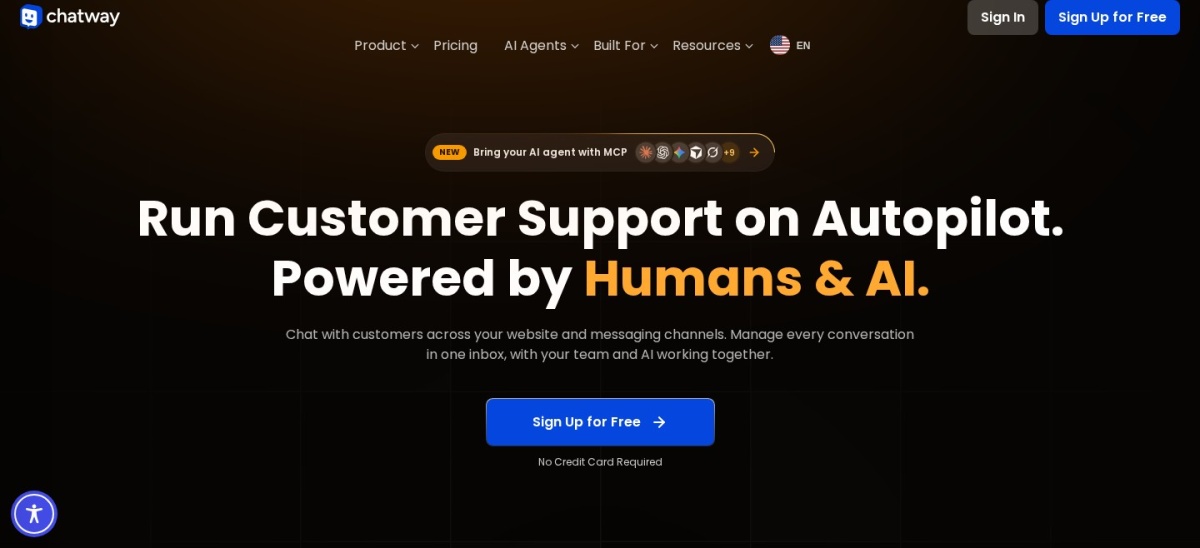
Chatway homepage, captured Nov 2026.
Chatway is a live chat plugin from Premio that adds a chat widget, a shared inbox and an AI Support Agent to WordPress. The free plan covers 1 seat, 50 conversations a month, FAQs, canned responses and mobile apps, and the AI agent answers from the sources you train it on.
The trade off is that the AI agent is a paid add-on, not part of any plan. Business costs $31 a month billed yearly for 2 seats and 200 conversations, and the AI agent bills per resolved conversation after 10 free ones. It suits small teams that want live chat first and AI help second.
What we like
Free plan includes live chat, FAQs and mobile apps
Rated 5.0 out of 5 from 778 reviews
AI agent works on the free plan too
Watch out for
AI agent is a paid add-on, billed per resolved chat
4.8/5on WordPress.org (395 reviews, checked Nov 2026)
Paid from$33/mo
Best AI agent for stores and support teams
Free plan50 conversations/mo
Lyro AIWith Lyro AI plans
Languages51
Paid planStarter, $33/mo
tidio.com
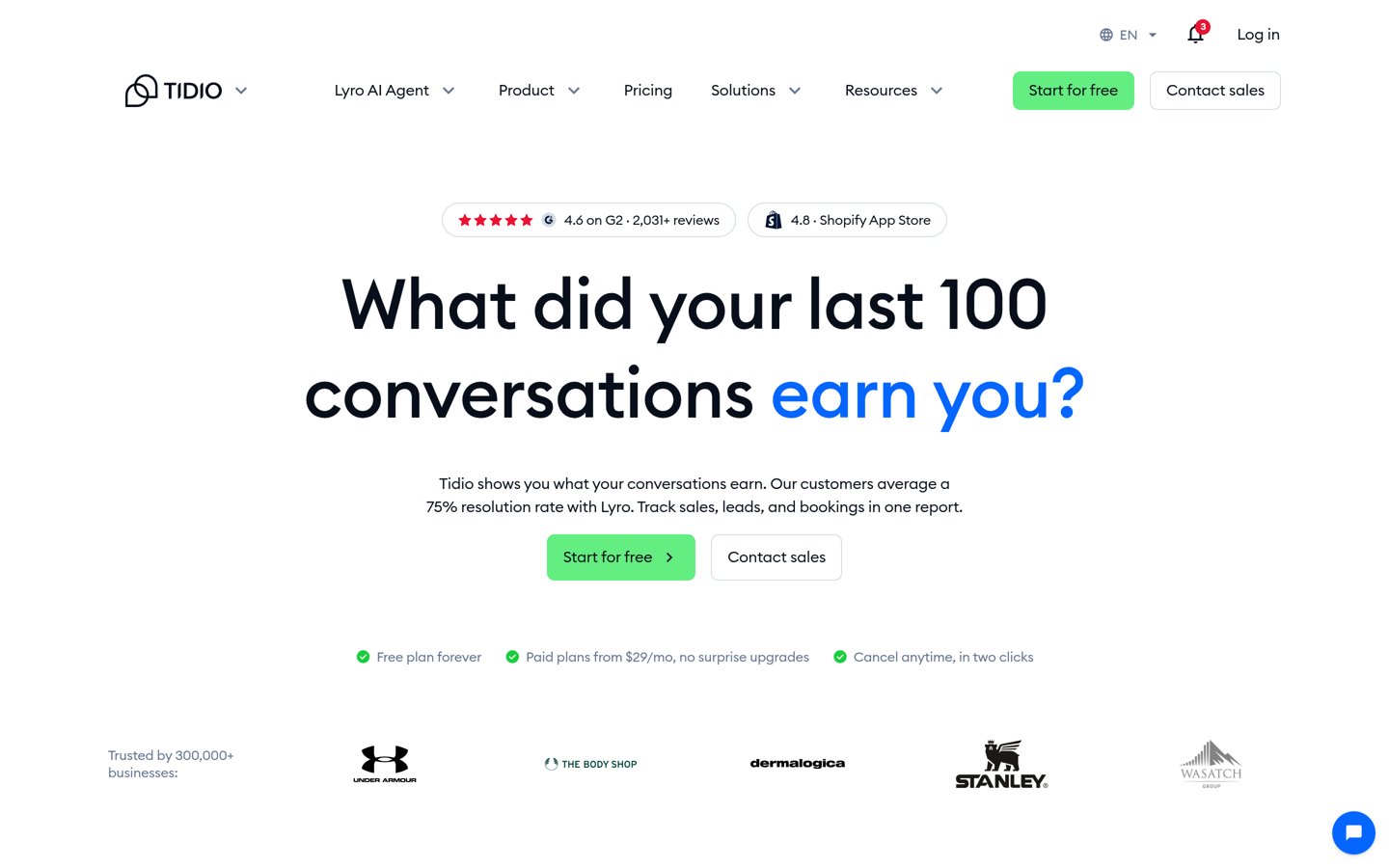
Tidio homepage, captured Nov 2026.
Tidio is a live chat and helpdesk platform whose AI agent, Lyro, answers visitors from your website, help center, files and Q&A pairs in 51 languages. The free plan covers 50 conversations a month across live chat, Messenger, Instagram and WhatsApp, with ticketing and a no-code Flow builder.
The trade off is the shared quota. Starter With Lyro AI costs $33 a month billed yearly for 50 conversations a month, and every chat Lyro or your team answers draws on the same quota. It suits stores and support teams that want one inbox for AI and human replies.
What we like
Lyro answers from your own help content
Free plan covers 10 seats and four channels
Handoff to a human is built in
Watch out for
AI and human chats share one quota
50 conversations a month is tight on the entry AI plan
Growth adds more conversations and Shopify actionsVisit tidio.com
04
AI Puffer
4.6/5on WordPress.org (167 reviews, checked Nov 2026)
Paid from$7.99/mo
Best all-in-one AI toolkit on a budget
Free AI credits25 a month
AI providersOwn key or Cloud
MCP serverYes, free
Paid planPro, $7.99/mo
aipower.org
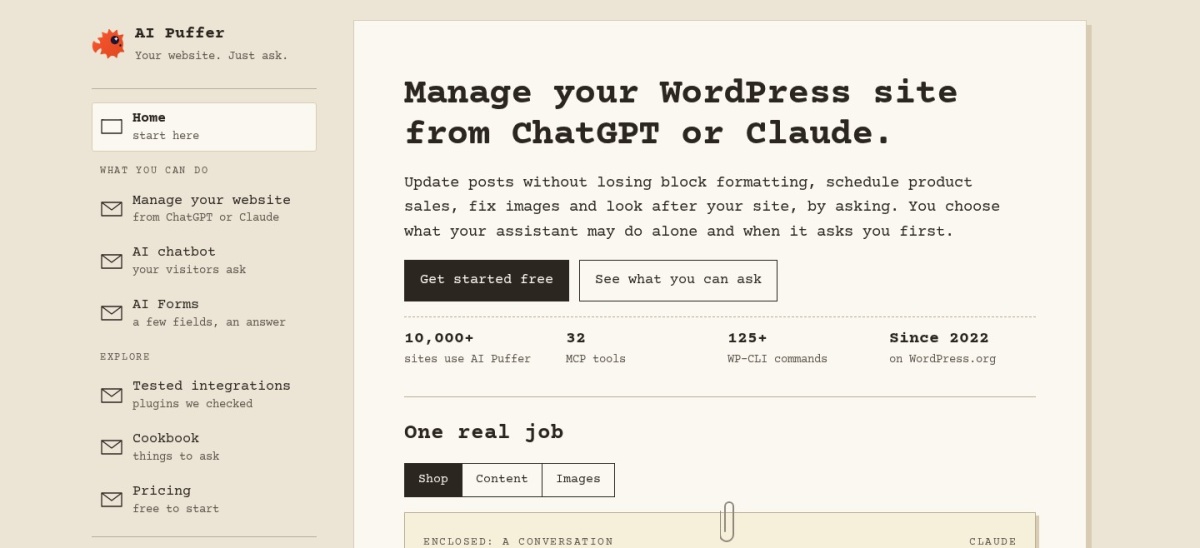
AI Puffer homepage, captured Nov 2026.
AI Puffer is a free WordPress plugin, formerly AI Power, that bundles a chatbot, content writer, image generator, AI forms and an MCP server for ChatGPT and Claude. The free plan gives 2,000 website actions and 25 AI credits a month, and you can use your own key from OpenAI, Anthropic, Google, DeepSeek or OpenRouter.
The trade off is the two meters. Pro costs $7.99 a month billed yearly for 10,000 website actions and 1,000 AI credits, and when the credits run out the chatbot stops answering until they renew. It suits owners who want scheduled content and a chatbot in one plugin.
4.7/5on WordPress.org (124 reviews, checked Nov 2026)
Paid from$49/yr
Best chatbot that also writes and markets
Free botButton menus, FAQ
AI providersOpenAI, Gemini, more
Knowledge baseRAG, in Pro
Paid planPro, $49/yr
wpbot.pro
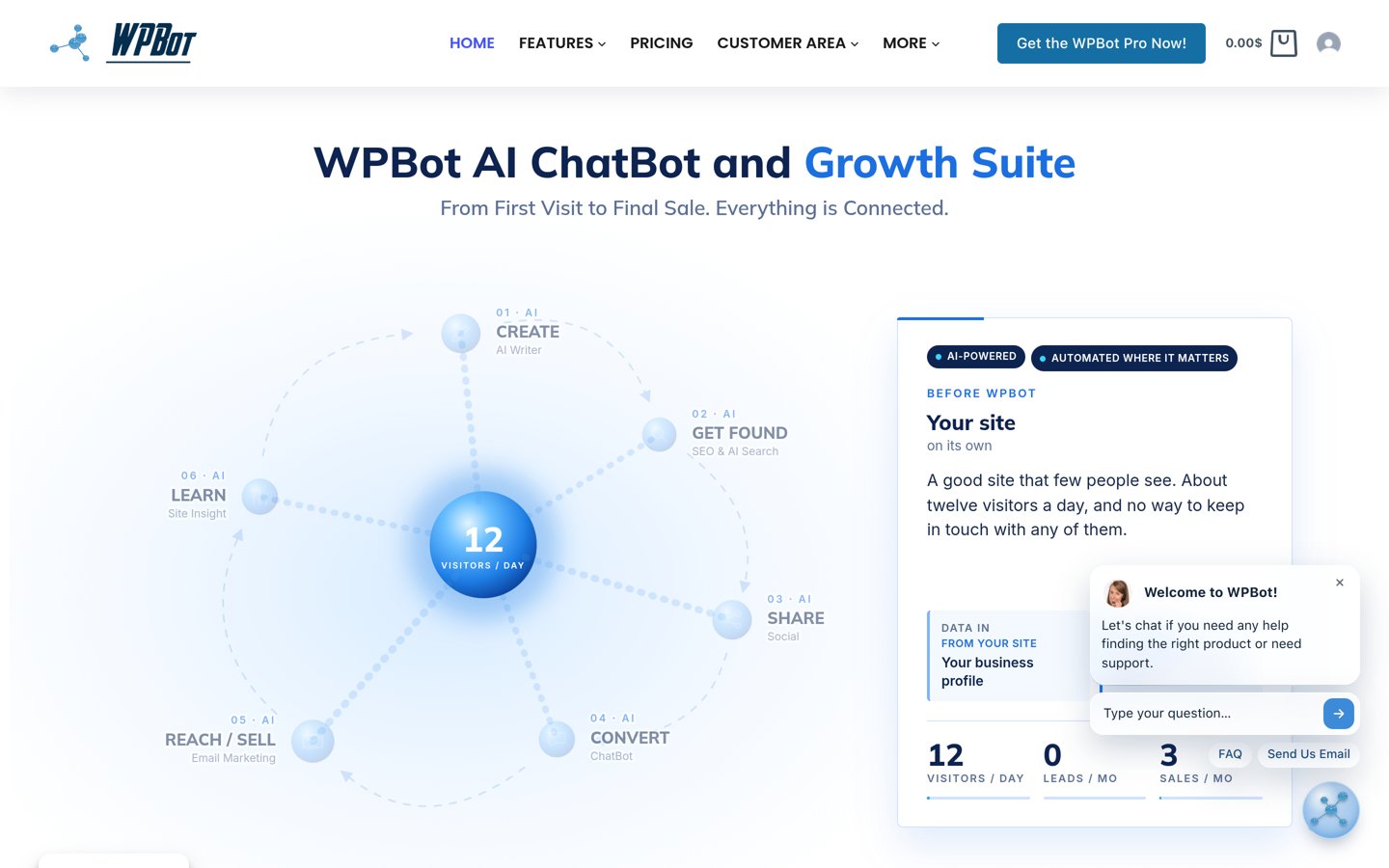
WPBot homepage, captured Nov 2026.
WPBot is a WordPress chatbot plugin from QuantumCloud that now ships as a growth suite with an AI writer, SEO tools, email marketing and site insight. The free version runs a button-menu bot with FAQs, lead capture and site search, and connects to OpenAI, Gemini, Mistral, OpenRouter and DialogFlow with your own key.
The trade off is the price picture. Pro costs $49 a year for one site on the vendor homepage, while older reviews quote $39, so check the checkout before you buy, and your AI provider bills you separately. It suits owners who want a chatbot plus writing and marketing tools in one plugin.
What we like
Free bot works with or without AI
Chatbot, writer, SEO and email in one plugin
No limits on conversations or users
Watch out for
Paid price is unclear: homepage says $49, older reviews $39
4.5/5on WordPress.org (175 reviews, checked Nov 2026)
Paid from$4.99/mo
Best for a chat button with a ChatGPT bot
Free chatbot2 bots, 100 msgs/mo
Chat appsWhatsApp, Messenger, more
Branding removalPaid licence
Paid plan1-yr licence, $4.99/mo
getbutton.io
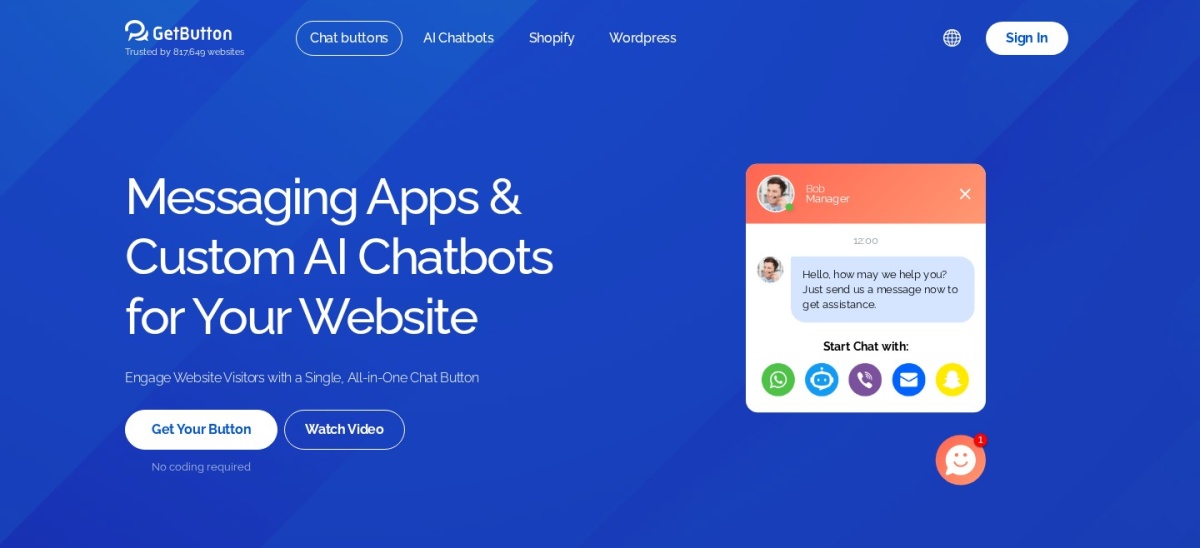
GetButton homepage, captured Nov 2026.
GetButton is a floating chat button that opens WhatsApp, Messenger, Telegram, a contact form and more from one widget, with a ChatGPT bot trained on your website content. The free AI chatbot plan covers 2 bots on GPT-4o mini with 100 messages a month, and the button itself is free for one messaging app.
The trade off is that the paid licence is per domain. A 1-year licence costs $4.99 a month billed annually and removes the GetButton branding, while the AI chatbot Starter plan is $19 a month for 3 bots and 3,000 messages. It suits sites that want visitors to reach them on the app they already use.
What we like
One button covers WhatsApp, Messenger and more
Free AI chatbot plan with 2 bots
Bot trains on your website content
Watch out for
Paid licence is per domain
Higher AI limits need the $19 a month Starter plan
5/5on WordPress.org (31 reviews, checked Nov 2026)
Paid from$69.97/once
Best one-time licence for a RAG chatbot
Free chatbotYes, core bot
AI models100+ via OpenRouter
Knowledge baseSite, PDFs, YouTube
Paid planPro, $69.97 once
mxchat.ai
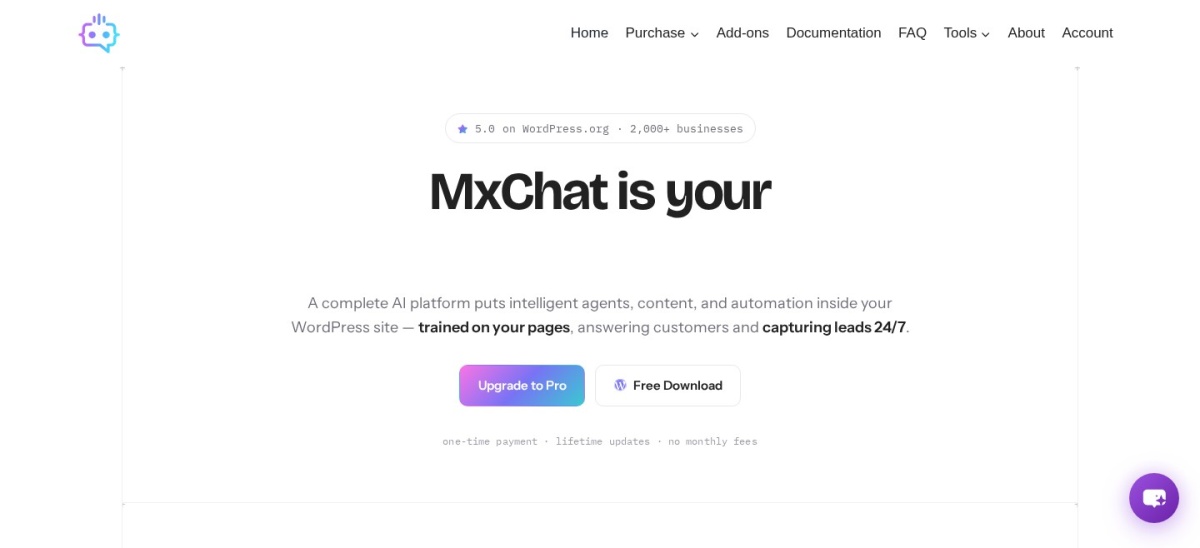
MxChat homepage, captured Nov 2026.
MxChat is a WordPress chatbot plugin that trains on your site, sitemaps, PDFs, URLs and YouTube videos, then answers with retrieval-augmented generation. It connects to OpenAI, Claude, Gemini, Grok and DeepSeek with your own key, plus more than 100 models through OpenRouter, and the free version covers the core chatbot.
The trade off is the one-time price. Pro costs $69.97 once for one site with lifetime updates and 14 add-ons, including WooCommerce, forms and multi-bot. It suits owners who would rather pay once than rent a chatbot every month.
What we like
One-time licence, no monthly fee
Trains on site, PDFs, sitemaps and YouTube
100+ models through OpenRouter
Watch out for
Only 31 reviews on WordPress.org
No trial or refund terms stated on the pricing page
4.5/5on WordPress.org (23 reviews, checked Nov 2026)
Paid from$69/yr
Best for AI content inside wp-admin
Free content toolsYes, builder + images
ChatbotPro only
Bulk contentYes, topic lists
Paid planPro, $69/yr
aibudwp.com
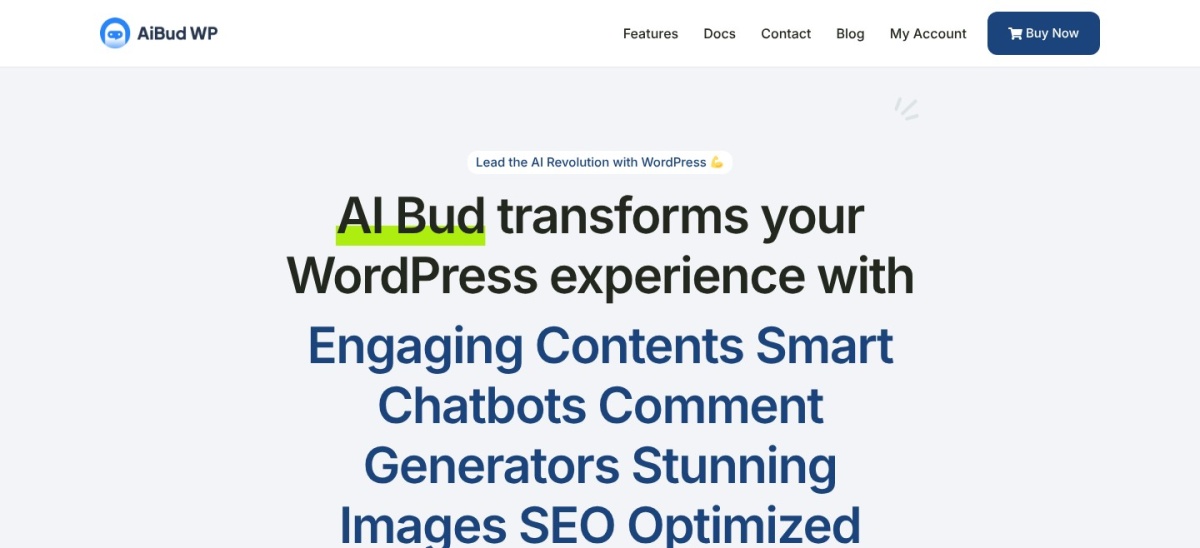
AI Bud homepage, captured Nov 2026.
AI Bud is a WordPress AI plugin that generates content, images and chatbots from inside wp-admin, with a content builder, a block editor assistant and a playground for prompts. The free version covers content and image generation, and the bulk builder can draft posts from a list of topics with ChatGPT.
The trade off is that the chatbot is paid only. Pro costs $69 a year for one site and adds the chatbot, an OpenAI Assistant chatbot, chat logs, fine-tuning and advanced SEO integration. It suits bloggers who want AI writing and a chatbot without leaving the dashboard.
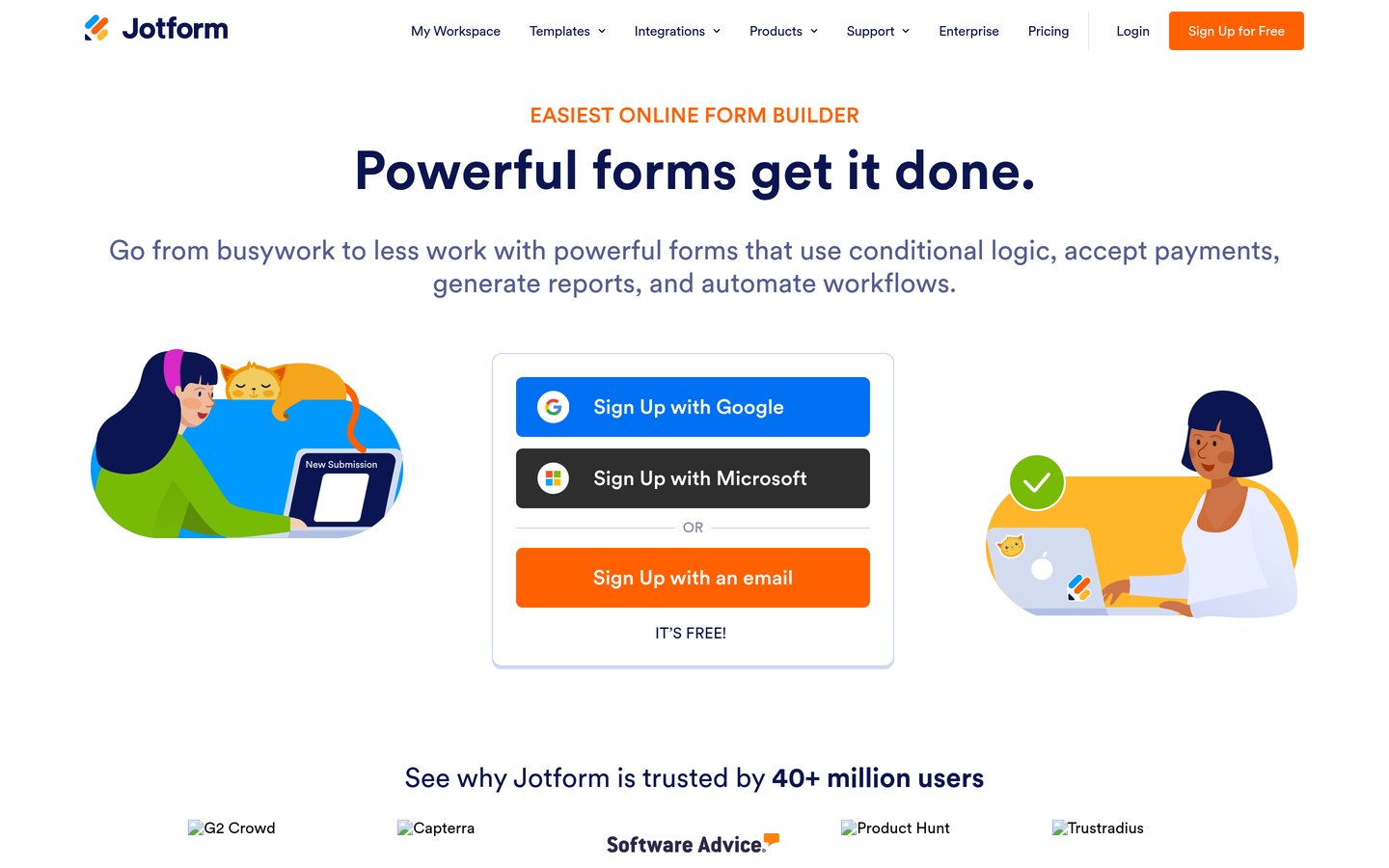
Jotform is an AI agent builder that turns a plain description into a chatbot, then answers visitors, takes orders and emails you the details. The free Starter plan covers 5 agents, 100 conversations a month and a knowledge base of 10 million characters, and agents can run on chat, WhatsApp, Messenger, Instagram, phone and SMS.
The trade off is the thin WordPress record. The plugin is rated 5.0 out of 5 from a single review on WordPress.org, so the score says little, and Bronze costs $34 a month billed yearly for 25 agents and 1,000 conversations. It suits owners who want an agent running in minutes with no setup.
Free versions cover the core job well. AI Engine, AI Puffer, WPBot, MxChat and AI Bud all run a chatbot or content tools without paying, and Chatway, Tidio and Jotform all have free plans.
Paid plans mostly add training and limits. You get a knowledge base built from your content, more messages a month and branding removed.
With bring-your-own-key plugins the licence is the smaller bill. AI Engine Pro is $59 a year, but your OpenAI account bills every token on top, so watch usage in the first month.
Common mistakes when picking a ChatGPT plugin
Buying a chatbot before writing help content is the most common mistake. A bot can only answer from what you give it, so a thin help section means thin answers.
Ignoring the per-message cost is the second. Chatway bills per resolved AI chat, AI Puffer counts AI credits, and Tidio counts every conversation against one quota.
Picking a plugin for its rating alone is the third. Jotform is rated 5.0 out of 5 from a single review, while AI Engine holds 4.9 from 880, so read the review count too.
How we chose
We started from every ChatGPT plugin on WordPress.org updated in the last 12 months, then kept those with a chatbot or content generator and a public pricing page.
Prices come from each vendor's pricing page, checked on 22 November 2026. Ratings and install counts come from WordPress.org on the same day. Where a vendor shows a sale, the list shows the regular price.
We left out plugins whose paid price could not be confirmed on the vendor's own page, and any plugin not updated in the last 12 months. No vendor paid for a place, and we do not claim hands-on testing for this list.
How to choose a ChatGPT plugin for WordPress
Start with the job you need done, then check whether the free version does it before you pay.
Decide chatbot or content writer. A support bot needs a knowledge base and a handover to a person. A writer needs an editor and bulk drafting. Few tools do both well.
Check how the AI is billed. Bring-your-own-key plugins bill tokens through your AI provider, while hosted tools bundle AI into the monthly price. Add both bills before you compare.
Train it on your own content. Point the bot at your pages, help docs and product data first. A bot with no sources will guess, and guesses cost you customers.
Try the free version for a week. Every tool here has a free plan. Use it with real visitor questions before paying, so you know what the paid plan actually adds.
FAQ
What is the best ChatGPT plugin for WordPress?
AI Engine is the best overall pick for most sites. It is rated 4.9 out of 5 from 880 users, has more than 90,000 installs, and its free version covers chatbots, content tools and an MCP server for ChatGPT and Claude.
Do I need an OpenAI API key for these plugins?
Five of the nine do: AI Engine, AI Puffer, WPBot, MxChat and AI Bud run on your own key, so OpenAI or another provider bills you for tokens. Chatway, Tidio, Jotform and GetButton run the AI for you, with no key to manage.
Can a ChatGPT plugin answer from my website content?
Yes, if it trains on your content. AI Engine Pro, MxChat, WPBot and Tidio's Lyro all answer from your pages or help docs. The free versions of some tools answer from instructions only, so check the plan before you buy.
How much does a ChatGPT plugin for WordPress cost?
Free versions cover the basics on all nine tools. Paid plans run from $4.99 a month for GetButton's button licence to $34 a month for Jotform Bronze, both billed yearly, plus any AI usage your provider charges.
Will a chatbot slow down my WordPress site?
It can add a script to every page, so check your speed after installing and remove any second chatbot widget. Hosted tools load their chat from their own servers, which keeps the load off your hosting.
Which ChatGPT plugin is best for customer support?
Chatway is the best support pick for small teams, with live chat, a shared inbox and a pay-per-use AI agent. Tidio fits stores that want its Lyro agent to answer from help content and hand tricky chats to a person.