Best Free YouTube Editing Software in 2026: 9 Tools Compared
WLWPLegible EditorsLast verified 24 Nov 2026How we rank12 min read
★ Short answer
DaVinci Resolve is the best free YouTube editor for most channels, with watermark-free exports up to 4K at 60fps and professional colour tools, rated 4.7 out of 5 on G2. Pick CapCut for Shorts and iMovie if you edit on a Mac.
How we make this list: we compare pricing pages, product documentation and public user reviews, then re-check every price before each update. No product paid for a place. Disclosure.
DaVinci Resolve is the strongest free editor: full editing, colour grading and Fusion effects with no watermark, up to 4K at 60fps.
CapCut is the fastest route to Shorts, with auto captions and templates; Pro costs $19.99 a month for 4K and AI tools.
Clipchamp and iMovie export free video with no watermark, while Filmora stamps a watermark on free exports.
Shotcut, OpenShot and Kdenlive are fully free and open source, with no paid plan at all.
Paid upgrades in this list run from $19.99 a year for VSDC Pro to a one-time $295 for DaVinci Resolve Studio.
What to look for in a free YouTube editor
Free YouTube editors fall into three groups: full desktop editors, quick social editors and browser editors. The right group depends on whether you make long videos, Shorts or screen recordings.
Check the free export first. Some free plans cap exports at 1080p, and Filmora watermarks every free export, while DaVinci Resolve, iMovie, Clipchamp, Shotcut, OpenShot, Kdenlive and VSDC export free video with no watermark.
Also check what your computer can run. DaVinci Resolve needs a capable machine for smooth 4K editing, while VSDC, OpenShot and Clipchamp run on lighter hardware.
Finally, look at the paid upgrade you would actually buy. A $19.99-a-year Pro plan and a $295 one-time Studio licence are very different commitments, and three editors here have no paid plan at all.
DaVinci Resolve is a full professional editor from Blackmagic Design, and its free version is the most capable free YouTube editor here. It includes editing, colour grading, Fusion effects and Fairlight audio, plus multi-user collaboration, and exports without a watermark up to 4K at 60fps.
The trade off is the learning curve and the hardware. The interface packs in professional tools that take time to learn, and smooth 4K editing needs a capable computer. Studio costs $295 once and adds AI tools, noise reduction and 10-bit video. It suits channels that want professional quality without a subscription.
What we like
Full professional editor with no watermark on free exports
Colour grading, Fusion effects and Fairlight audio included
1.3/5on Trustpilot (471 reviews, checked Nov 2026)
Paid from$19.99/mo
Best for YouTube Shorts and social clips
Free export1080p on the free plan
Max export4K with Pro
PlatformsWindows, Mac, web, iOS, Android
Paid planPro, $19.99/mo
capcut.com
CapCut homepage, captured Nov 2026.
CapCut is ByteDance's video editor for short-form video, with desktop, web and mobile apps. The free plan includes basic editing tools, free templates, auto captions and text-to-speech, which cover most Shorts and social clips. Pro costs $19.99 a month and adds 4K export, 1TB of cloud storage and 1,200 AI credits a month.
The trade off is the free export cap. Free exports stop at 1080p, and 4K, premium templates and the full AI toolkit need Pro, which is $179.99 a year on annual billing. It suits creators who publish Shorts, Reels and TikTok clips every week.
What we like
Fastest editor here for Shorts and social clips
Auto captions and text-to-speech on the free plan
Desktop, web and mobile apps with the same account
Large template library for short-form video
Watch out for
Free exports stop at 1080p
4K export and the full AI toolkit need Pro
Low Trustpilot score, driven by billing and support complaints
Pro adds 4K export, 1TB storage and 1,200 AI credits a monthVisit capcut.com
03
iMovie
4.3/5on G2 (568 reviews, checked Nov 2026)
PriceFree
Best free editor for Mac beginners
Free exportNo watermark, up to 4K
Max export4K
PlatformsMac, iPhone, iPad
Paid planNone; Final Cut Pro separate
apple.com
iMovie homepage, captured Nov 2026.
iMovie is Apple's free video editor for Mac, iPhone and iPad, pre-installed on new Apple devices. It offers a simple timeline with titles, transitions, green screen, picture-in-picture and 29 trailer templates, and edits up to 4K. Projects can move to Final Cut Pro when a video outgrows it.
The trade off is depth. There is no multi-track audio mixing, detailed colour grading or advanced keyframing, and it runs only on Apple devices. It suits beginners and Mac owners who want a clean, quick edit with no watermark and no paid tier.
What we like
Free with no watermark and no paid tier
Pre-installed on new Macs, iPhones and iPads
29 trailer templates and Magic Movie on iPhone and iPad
Rated 4.3 out of 5 on G2 from 568 reviews
Watch out for
Apple devices only
No multi-track audio mixing or advanced colour grading
Limited keyframing and effects
No paid tier; Final Cut Pro is Apple's separate paid editorVisit apple.com
04
Clipchamp
4.1/5on G2 (50 reviews, checked Nov 2026)
Paid from$99.99/yr
Best free browser-based editor
Free export1080p, no watermark
Max export1080p free; 4K paid
PlatformsBrowser, Windows
Paid planMicrosoft 365, $99.99/yr
clipchamp.com
Clipchamp homepage, captured Nov 2026.
Clipchamp is Microsoft's video editor, running in the browser and as a Windows app. The free plan includes timeline editing, screen and camera recording, AI captions, text-to-speech, silence removal and unlimited 1080p exports with no watermark.
The trade off is that premium features are bundled, not sold alone. 4K exports, premium stock and the brand kit come with Microsoft 365 Personal at $99.99 a year. It suits Windows users who want quick edits without installing a heavy desktop editor.
What we like
Unlimited 1080p exports with no watermark on the free plan
Runs in the browser, nothing heavy to install
AI captions, text-to-speech and silence removal included free
Screen and camera recorder built in
Watch out for
Free exports stop at 1080p
Premium is bundled with Microsoft 365, not sold alone
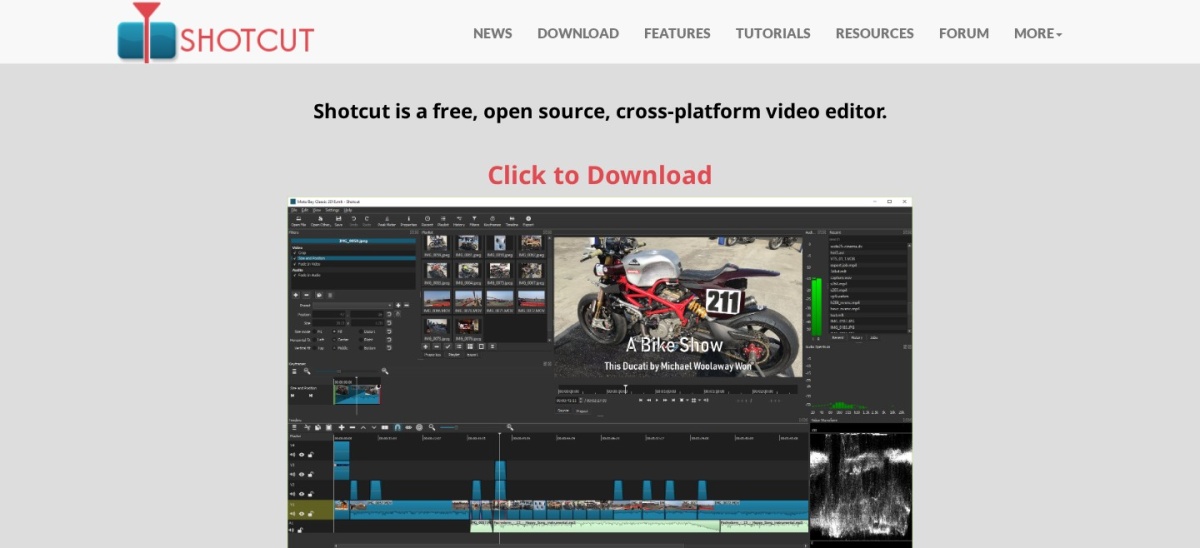
Shotcut is a free, open-source video editor for Windows, Mac and Linux, built on FFmpeg. It supports a wide range of formats with no import step, a multi-track timeline, 4K and 8K editing, colour wheels, keyframes, motion tracking and subtitles.
The trade off is polish. The interface looks dated next to commercial editors, preview playback can lag with large files, and there is no built-in stock library or AI captioning. It suits creators who want a fully free editor with no watermark, no account and no upgrade prompts.
What we like
Fully free with no watermark and no paid plan
Wide format support with no import step
Multi-track timeline with keyframes and motion tracking
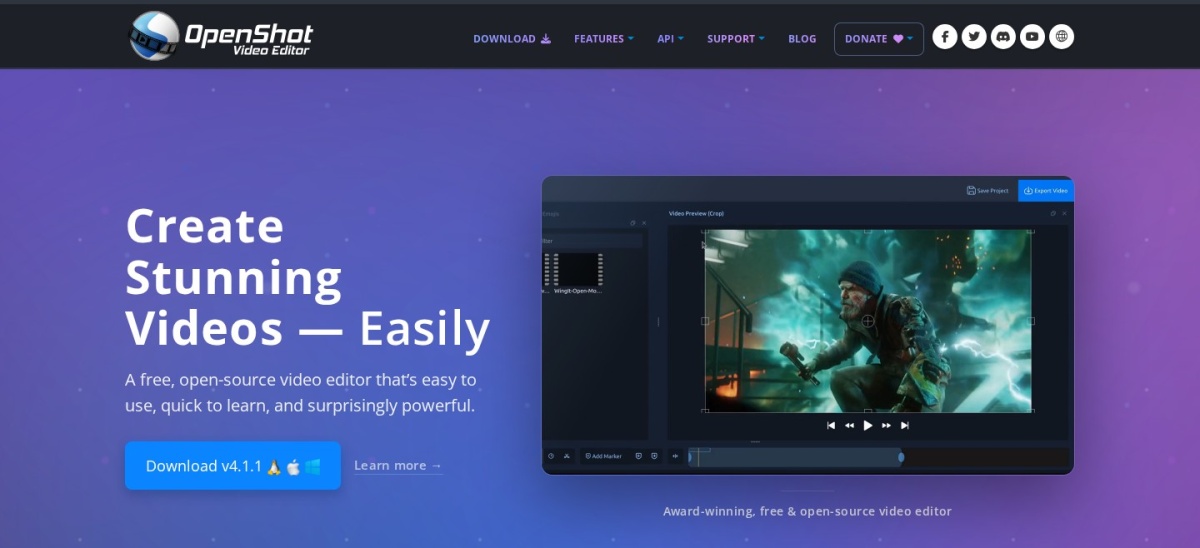
OpenShot is a free, open-source video editor for Windows, Mac and Linux, with drag-and-drop editing and unlimited tracks. It includes transitions, titles, 3D animated titles and keyframe animation, and exports with no watermark. G2 reviewers rate it 4.5 out of 5 from 32 reviews.
The trade off is performance. G2 reviewers report slow rendering and occasional crashes on large projects, and it lacks the advanced colour and audio tools of DaVinci Resolve. It suits first-time editors who want a simple free tool for short YouTube videos.
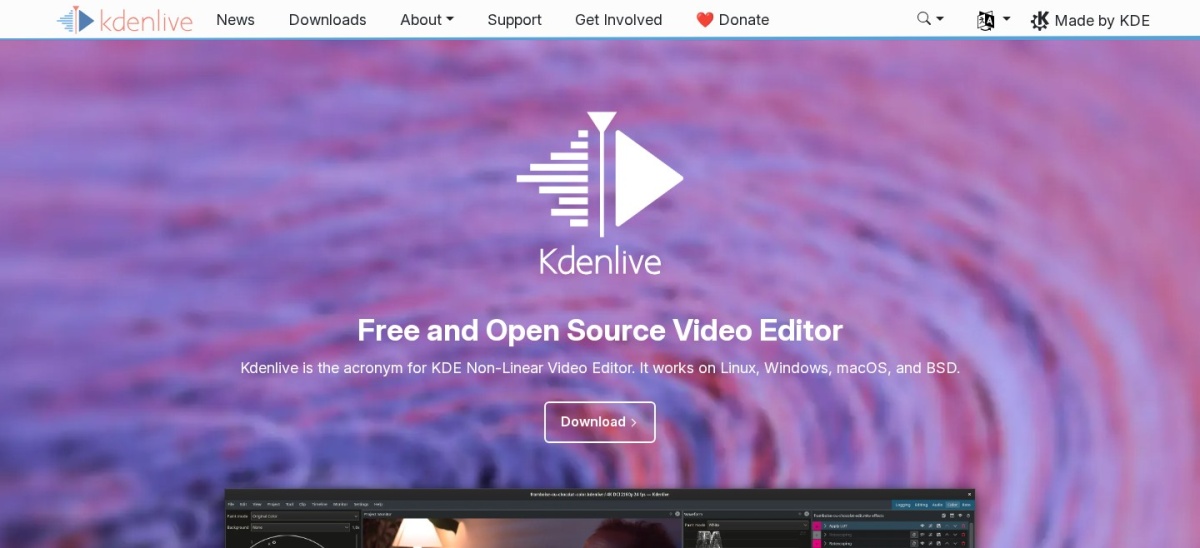
Kdenlive is a free, open-source editor from the KDE community for Windows, Mac and Linux. It offers unlimited video and audio tracks, nested timelines, proxy editing for 4K footage, a title editor, keyframeable effects and AI speech-to-text subtitles.
The trade off is the learning curve and polish. The interface takes time to learn, and occasional crashes are the most common complaint in reviews. There is no paid plan; the project runs on donations. It suits patient editors who want a full timeline with no subscription, ever.
What we like
Full multi-track timeline with nested sequences
Proxy editing keeps 4K footage smooth on modest hardware
Filmora is Wondershare's beginner-friendly editor for Windows and Mac, with templates, effects and AI tools beside the timeline. The free version includes the full editing feature set, but every export carries a Filmora watermark. Basic costs $49.99 a year and removes the watermark with 4K export.
The trade off is that free means watermarked. The free version works for learning the editor, but no video from it is publishable as-is, and AI tools run on credits on paid plans. It suits beginners who want templates and a gentle learning curve and plan to pay $49.99 a year.
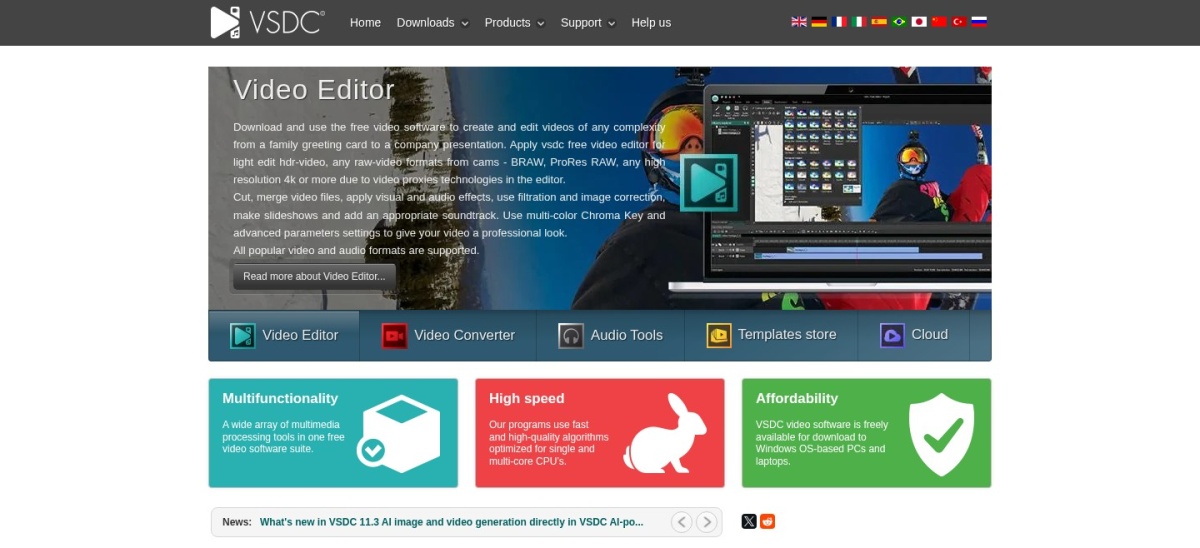
VSDC Free Video Editor homepage, captured Nov 2026.
VSDC Free Video Editor is a non-linear editor for Windows, with colour correction, chroma key, audio editing and 4K exports. The free version has no watermark and no time limit, and Pro costs $19.99 a year. G2 reviewers rate it 4.2 out of 5 from 55 reviews.
The trade off is platform and licensing. It runs on Windows only, and the free licence covers personal and educational use, so paid client work needs Pro. Pro adds hardware acceleration, motion tracking, masking and stabilization. It suits Windows users on modest hardware.
What we like
Free with no watermark and no time limit
4K exports on the free version
Lowest paid upgrade in this list at $19.99 a year
Runs well on modest Windows hardware
Watch out for
Windows only, no Mac or Linux version
Free licence covers personal and educational use only
Free exports are often capped or watermarked. CapCut and Clipchamp cap free exports at 1080p, and Filmora watermarks every free export.
DaVinci Resolve, iMovie, Shotcut, OpenShot, Kdenlive and VSDC export free video with no watermark, which is the main thing to check before you invest hours in an edit.
Paid plans mostly buy higher resolution, stock assets and AI tools, not a better timeline. The editing itself is free in every tool on this list.
A one-time $295 Studio licence is the only non-subscription upgrade here. The rest are yearly or monthly, and three editors have no paid plan at all.
How we chose
We started from the editors most often recommended for YouTube in 2026, then kept nine with a genuinely free plan or free version, from full desktop editors to browser tools.
Prices come from each vendor's pricing page, checked on 24 November 2026. Ratings and review counts come from G2, Capterra and Trustpilot on the same day. Where a vendor shows a sale, the list shows the regular price.
We left out editors with no free plan, such as subscription-only professional tools. No vendor paid for a place, and we do not claim hands-on testing for this list.
How to choose a free YouTube editor
Start with the videos you actually make, then match the editor to them.
Match the editor to your video length. Shorts and quick social clips suit CapCut or Clipchamp. Long-form videos suit DaVinci Resolve, Shotcut or Kdenlive.
Check the free export before you commit. Confirm the resolution cap and whether free exports carry a watermark, since Filmora watermarks free exports and CapCut and Clipchamp cap free exports at 1080p.
Pick software your computer can run. DaVinci Resolve needs a capable machine for smooth 4K work, while VSDC and OpenShot run on lighter hardware, and Shotcut and Kdenlive offer proxy editing.
Leave room to grow. Pick an editor with a paid upgrade you would actually buy, such as DaVinci Resolve Studio or Filmora Basic, rather than one you will outgrow in a month.
FAQ
What is the best free video editing software for YouTube?
DaVinci Resolve is the best free YouTube editor for most channels. Its free version exports watermark-free video up to 4K at 60fps and includes professional colour grading, Fusion effects and Fairlight audio, rated 4.7 out of 5 on G2.
Is CapCut really free for YouTube?
Yes, CapCut has a free plan with basic editing tools, free templates, auto captions and text-to-speech. Free exports stop at 1080p, and Pro costs $19.99 a month for 4K export, 1TB of cloud storage and 1,200 AI credits a month.
Which free YouTube editor has no watermark?
DaVinci Resolve, iMovie, Clipchamp, Shotcut, OpenShot, Kdenlive and VSDC all export free video with no watermark. Filmora is the exception here: every export from its free version carries a Filmora watermark.
Can I edit YouTube videos in a browser for free?
Yes. Clipchamp runs in the browser and exports free video at 1080p with no watermark, including AI captions and a screen recorder. CapCut also has a web editor with the same free plan as its desktop and mobile apps.
Is DaVinci Resolve free really free?
Yes. The free version is a full editor with no watermark and no time limit, exporting up to 4K at 60fps. Studio costs $295 once and adds AI tools, noise reduction, 10-bit video and exports above 4K.
What is the best free video editor for beginners?
iMovie is the easiest start on a Mac, Clipchamp is the easiest on Windows or in a browser, and OpenShot is the simplest open-source option. All three are free, export without a watermark and need little setup.
Do I need a powerful computer for free video editing?
It depends on the editor. DaVinci Resolve needs a capable machine for smooth 4K work, while VSDC and OpenShot run on lighter hardware. Shotcut and Kdenlive offer proxy editing, which edits lightweight copies of heavy footage.