OBS Studio is the best top recording software for PC because it is free, records in 4K with no watermark and no time limit, and runs on Windows, Mac and Linux. Loom is the fastest paid option, turning a recording into a shareable link in under a minute.
How we make this list: we compare pricing pages, product documentation and public user reviews, then re-check every price before each update. No product paid for a place. Disclosure.
OBS Studio is the best free recorder for PC, with 4K capture, no watermark, no time limit and no account.
Loom is fastest for async team video, with a shareable link in under a minute, from $15 a user a month billed annually.
Camtasia is the complete tutorial suite, but Starter watermarks exports, so Essentials at $179.88 a year is the real entry point.
Snagit is the screenshot king that also records, rated 4.7 from 6,036 G2 reviews, at $39 a year.
Bandicam is the cheapest Windows game recorder at $33.26 a year for personal use, with a perpetual license at $53.90.
How do you choose the best top recording software for PC?
Start with the job, not the tool. Tutorials need an editor like Camtasia, quick team messages need Loom, and game capture needs Bandicam or OBS Studio.
Free plans are real but capped. Loom limits videos to 5 minutes, ScreenPal to 15 minutes per take, and Bandicam to 5 minutes until you pay, while OBS Studio has no limits at all.
Watch the watermark. Camtasia Starter and Movavi's trial both watermark exports, so the cheapest plan is not always the one you can publish with.
Per-user billing adds up. Loom, Descript and Screencastify charge per person, so multiply by your team before you compare with yearly licenses like Camtasia and Snagit.
OBS Studio is the free, open-source standard for recording and live streaming on Windows, Mac and Linux. It records in up to 4K with hardware encoding, mixes multi-track audio, layers scenes and sources, and puts no watermark, time limit or account requirement on any recording.
The trade off is that OBS Studio takes setup work, since scenes, sources and audio need configuring before the first recording looks right. It has no built-in editor or sharing, so clips need a second tool to trim and send.
Loom is a cloud recorder for quick video walkthroughs: record the screen and camera, and share a link as soon as you stop. The free Starter plan covers 25 videos of up to 5 minutes at 720p, and Business costs $15 per user a month on annual billing with unlimited videos, 4K quality and no Loom branding.
The trade off is that Loom bills per user, so a whole team pays $15 each a month, and the free plan caps videos at 5 minutes. It is built for short messages, not long tutorials, and heavy editing needs another tool.
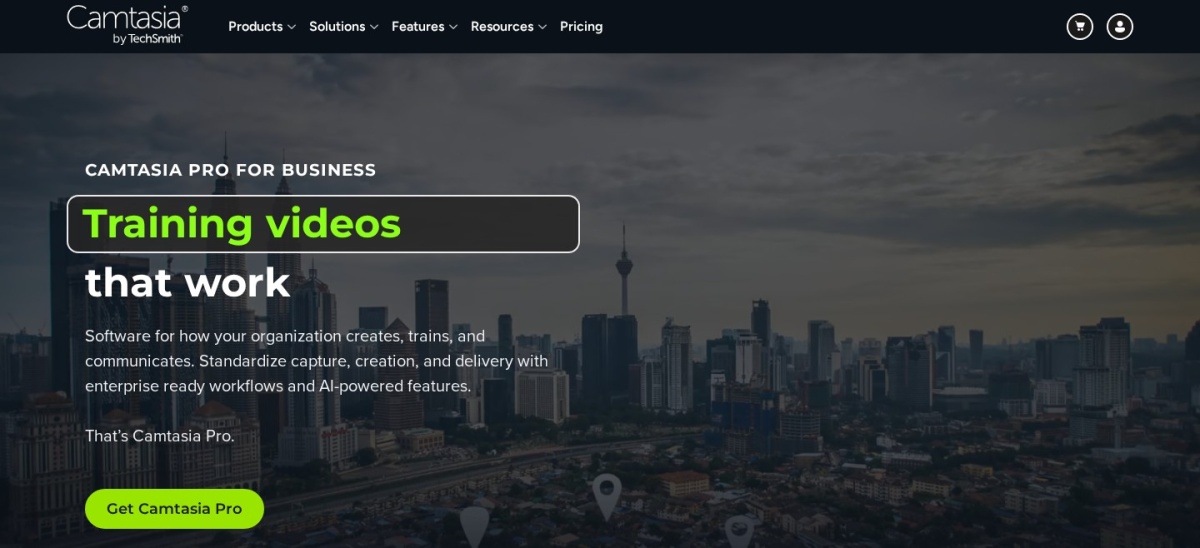
Camtasia is TechSmith's screen recorder and video editor, built for tutorials and training videos. It records the screen in up to 4K, the webcam and system audio, and adds cursor effects, callouts, captions and a multitrack editor in the same app. Starter costs $39 a year and includes Snagit.
The trade off is that Starter watermarks editor exports, so the real entry point is Essentials at $179.88 a year. It is also the dearest editor here once you need watermark-free video, and the full feature set takes time to learn.
Snagit is TechSmith's capture app for annotated screenshots and short screen recordings, now sold as Camtasia Snagit. It costs $39 a year and turns anything on your screen into clear, professional content, with capture, edit, explain and share in one simple workflow. Its homepage says it serves more than 39 million users.
The trade off is that Snagit is a capture tool, not a video editor, so long tutorials need Camtasia instead. It has no free plan, only a trial, and its recording features are basic trimming rather than a timeline editor.
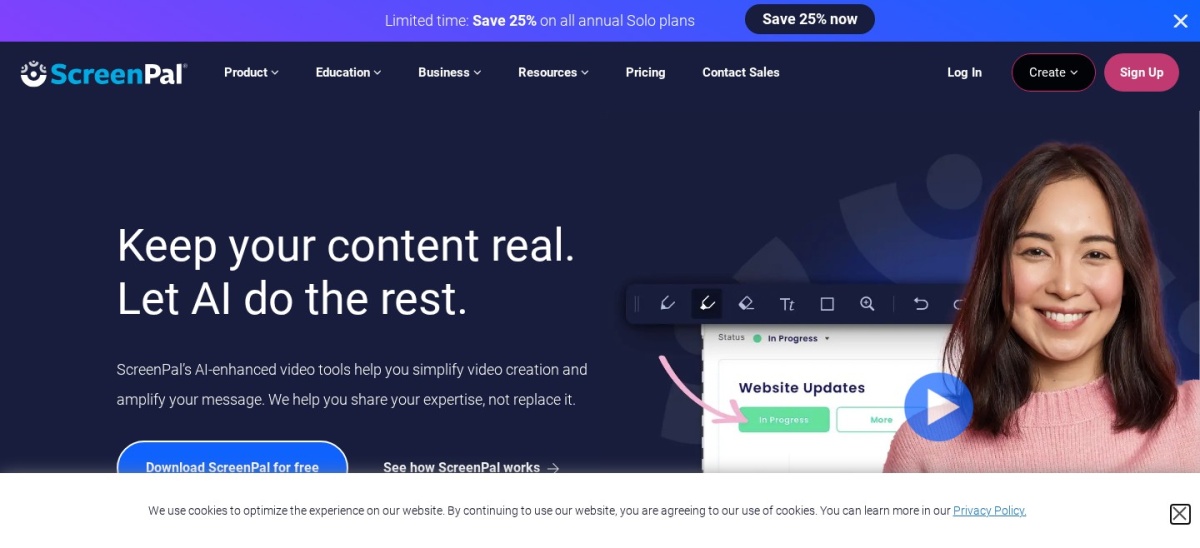
ScreenPal is a screen recorder and video editor, formerly Screencast-O-Matic, aimed at teachers and trainers. The free plan records up to 15 minutes per take with no watermark, and Solo Deluxe at $4 a month billed yearly adds unlimited recording, the full editor and AI speech-to-text captions.
The trade off is that ScreenPal's free plan caps recordings at 15 minutes and hosts only 10 videos. Its editor is simpler than Camtasia's, and the cheapest plan rose from $3 to $4 a month in 2026.
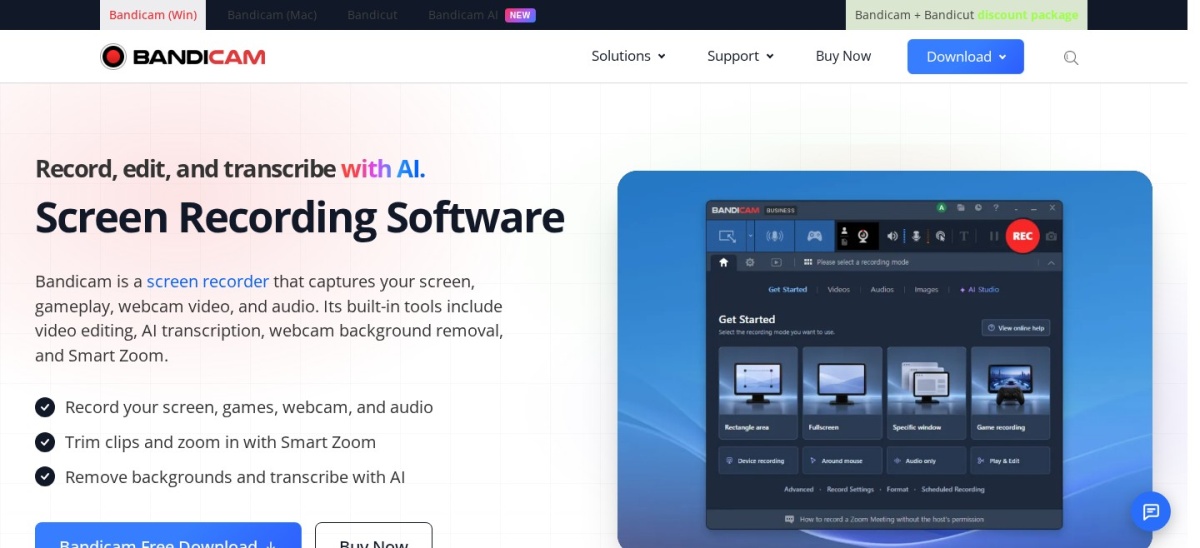
Bandicam is a lightweight Windows recorder built for long sessions and gameplay capture at high frame rates. The personal annual license costs $33.26 a year for 1 PC, with unlimited recording, no watermark, free updates and support. A perpetual license for Bandicam 2027 costs $53.90.
The trade off is that the personal license covers non-commercial use only, so business recording needs the Business license at $49.46 a year. Bandicam runs on Windows only, with no Mac version and no built-in editor, so editing needs the Bandicut bundle.
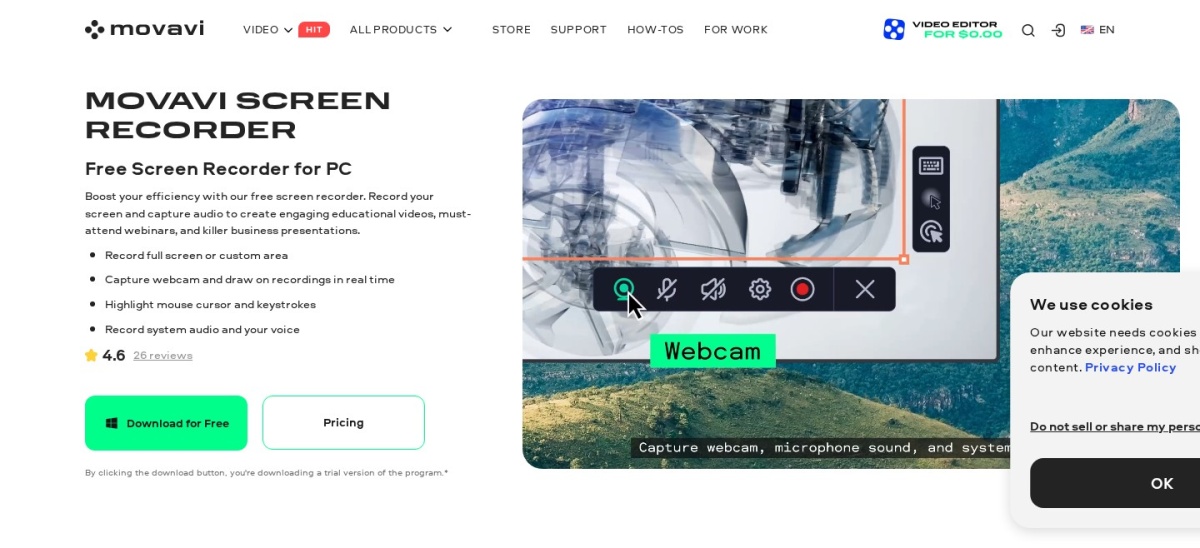
Movavi Screen Recorder homepage, captured Nov 2026.
Movavi Screen Recorder is a simple desktop recorder for Windows and Mac. It captures the full screen or a custom area in 1080p at 60fps, with webcam overlay, system audio, microphone input and drawing tools while you record. The regular price is $64.95 a year.
The trade off is editing. Movavi's editor is basic trimming only, so polished videos need a separate tool, and the store runs frequent discounts, so the price you see may not be the price you pay.
Descript is a video and audio editor that lets you cut a tutorial by deleting words from its transcript. It records the screen and camera, transcribes the audio, and removes filler words, with a free plan that covers 1 media hour a month. Hobbyist costs $16 a person a month billed yearly.
The trade off is the meter. Hobbyist covers 10 media hours and 400 AI credits a month, so long recording sessions can push you to Creator at $24. Its screen effects, zooms and callouts are also thinner than Camtasia's.
Screencastify is a browser extension that records the screen, webcam or both without installing desktop software. It lives in the Chrome and Edge toolbar, which makes it the fastest tool here to start recording, and it is popular with teachers using Google Classroom. Starter costs $7 a user a month billed yearly.
The trade off is that the free plan caps recordings at 30 minutes and 10 videos, and Starter recordings are capped at 60 minutes. Editing is limited by the browser format, and its G2 rating rests on only 83 reviews.
Free plans cover the basics well. OBS Studio records without limits, and Loom, ScreenPal and Screencastify all let you record and share without paying.
Paid plans mostly add length and editing. Unlimited recording, full editors and watermark-free exports sit behind the paywall on most tools in this list.
If you record every day, the caps matter more than the price. Check video length, video count and resolution before you settle in.
For a PC owner who records occasionally, the free stack is often enough. Pay only when tutorials, games or team videos become a daily job.
How we chose
We started from the most reviewed screen recorders on G2, then kept nine with a verifiable rating, published pricing and a Windows version. Mac-only tools like ScreenFlow were left out because this list is for PC.
Prices come from each vendor's pricing page or store, checked on 29 November 2026. Ratings and review counts come from G2 on the same day. Where a vendor shows a sale, the list shows the regular price and notes the sale.
We left out tools with no verifiable rating and tools priced by quote only. No vendor paid for a place, and we do not claim hands-on testing for this list.
How to choose recording software for your PC
Match the recorder to the video you make, then check the free plan limits and the watermark before you pay.
Decide what you record most. Tutorials, team messages, games and webinars each suit a different recorder, so name the job first.
Test the free plan or trial. Record, edit and export one real video before you pay, and check the watermark on the export.
Check the caps that matter. Video length, video count and resolution limits decide whether the free plan lasts a week.
Price it per person, per year. Multiply per-user prices by your team and compare yearly totals, not monthly headlines.
FAQ
What is the best recording software for PC?
OBS Studio is the best recording software for PC. It is free and open source, records in up to 4K with no watermark and no time limit, and runs on Windows, Mac and Linux. Loom is the best paid pick for fast team videos.
How much does recording software for PC cost?
Nothing to start, since OBS Studio is completely free and Loom, ScreenPal and Screencastify all offer free plans. Paid tools start at $4 a month for ScreenPal, $7 for Screencastify, and $33.26 a year for Bandicam.
Is there a free recording software for PC?
Yes. OBS Studio is completely free with no watermark, time limit or account. Loom, ScreenPal, Bandicam and Screencastify also offer free plans, though each caps recording length or video count.
Camtasia or OBS Studio: which is better for PC?
OBS Studio is better if you want free recording with no limits and do not mind setting it up yourself. Camtasia is better if you want a full editor, captions and quizzes in one app, with watermark-free exports from $179.88 a year.
What is the best recording software for PC gaming?
Bandicam is the best recording software for PC gaming on a budget, with high frame rates, DirectX and OpenGL capture, and a personal license at $33.26 a year. OBS Studio is the free alternative, with no limits and full scene control.
Does Loom work on PC?
Yes. Loom runs on Windows through a desktop app, a Chrome extension and the web, and it records screen, webcam and system audio. The free Starter plan covers 25 videos of up to 5 minutes each at 720p.
SaaS SEO and WordPress specialist with about 8 years of experience. Rakib compares WordPress plugins, themes, hosting and software using public pricing, documentation and user reviews. See how we rank.