Best Screen Recording Software in 2026: 8 Tools Compared
WLWPLegible EditorsLast verified 23 Nov 2026How we rank12 min read
★ Short answer
Loom is the best screen recording software for most teams, rated 4.7 out of 5 on G2 from 2,413 reviews, with instant sharing, comments and AI summaries from $15 per user a month. Pick Riverside for studio-quality video, or OBS Studio if you want a free open-source recorder with no limits.
How we make this list: we compare pricing pages, product documentation and public user reviews, then re-check every price before each update. No product paid for a place. Disclosure.
Loom is the default async video tool, rated 4.7 out of 5 on G2 from 2,413 reviews, with instant sharing and AI summaries from $15 per user a month.
Riverside holds the highest rating here at 4.8 out of 5 from 1,758 reviews, with studio-quality recording and separate tracks for each speaker.
Camtasia and Snagit are the cheapest paid editors at $39 a year each, with Camtasia for full editing and Snagit for quick captures and annotation.
OBS Studio is free and open source with no recording limits, rated 4.6 out of 5 from 138 reviews, though it needs setup and has no built-in sharing.
Zoom Workplace is the practical pick for teams already paying for Zoom, with screen recording in the $13.33 a month Pro plan.
What screen recording software should do
Screen recording software captures your screen, your webcam and your voice, then turns the result into a video you can share. The best tools make recording fast and sharing instant, so a five-minute explainer replaces a meeting.
The tools here split into three groups: async video tools like Loom and Riverside that replace meetings, desktop editors like Camtasia and Snagit that record and edit locally, and free recorders like OBS Studio and ScreenPal that cost nothing to start.
Recording limits are the hidden cost. Loom's free plan caps videos at 5 minutes, Descript gives 60 minutes a month free, and Riverside gives 2 hours free, so check your monthly recording volume before you buy.
Editing depth matters for tutorials. Camtasia and Descript offer full timeline editing, while Loom and Riverside keep editing light and focus on fast sharing.
Loom is the default screen recorder for a team that communicates with video. It records your screen and webcam, uploads automatically and gives you a share link in seconds, with comments, reactions and AI summaries on the page, and it holds 4.7 out of 5 on G2 from 2,413 reviews.
The trade off is the free plan limit. Free videos cap at 5 minutes, and Business at $15 per user a month billed annually is needed for unlimited recording and AI features. It suits teams that send daily explainers and want to replace meetings with video.
What we like
Fastest record-to-share workflow here
Rated 4.7 out of 5 from 2,413 reviews
Comments and AI summaries on every video
Free plan to test the workflow
Watch out for
Free plan caps videos at 5 minutes
No full timeline editor for polished tutorials
AI features need the Business plan
Business adds unlimited recording at $15 a monthVisit loom.com
02
Camtasia
4.6/5on G2 (1,769 reviews, checked Nov 2026)
Starts at$39/yr
Best for polished tutorials
RecordingScreen + webcam, local
EditingFull timeline editor
SharingExport to file, no hosting
Starting price$39/yr Starter
techsmith.com
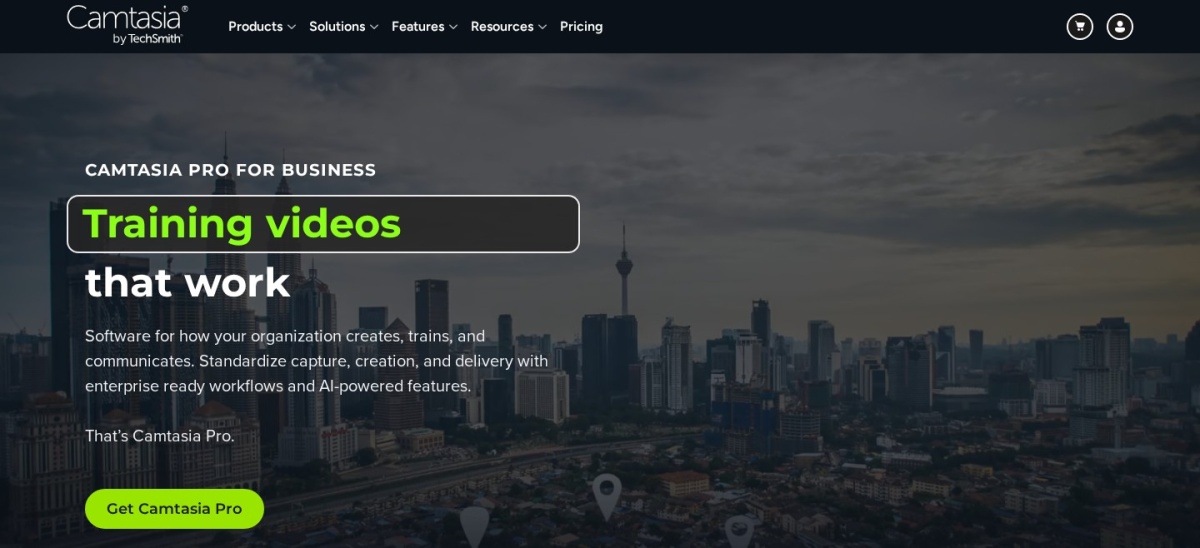
Camtasia homepage, captured Nov 2026.
Camtasia is the desktop editor for tutorials and course content. It records screen and webcam, then gives you a full timeline editor with annotations, callouts, transitions and a library of assets, and it holds 4.6 out of 5 on G2 from 1,769 reviews.
The trade off is that Camtasia is a one-time purchase, not a subscription, and it is not built for quick async sharing. Starter costs $39 a year. It suits trainers and course creators who need polished, edited videos.
Snagit is the quick-capture tool from the same maker as Camtasia, built for short recordings and annotated screenshots. It records screen and webcam, adds arrows, callouts and steps in seconds, and it holds 4.7 out of 5 on G2 from 6,027 reviews, the largest review base in this list.
The trade off is that Snagit is not a full video editor, and it is a one-time purchase with a yearly maintenance option. It costs $39 a year. It suits support teams and trainers who make short, annotated captures all day.
Descript edits video like a document: it transcribes your recording, and you cut words from the transcript to cut the video. It holds 4.6 out of 5 on G2 from 928 reviews, and it adds AI voices, filler-word removal and studio sound in one tool.
The trade off is the free plan limit. The free plan gives 60 minutes of transcription a month, and Hobbyist at $16 a month billed annually is needed for more. It suits podcasters and course creators who edit by text, not by timeline.
OBS Studio is the free, open-source recorder used by streamers and educators worldwide. It records screen, webcam and multiple sources at once, with no time limits and no watermark, and it holds 4.6 out of 5 on G2 from 138 reviews.
The trade off is setup. OBS has a learning curve, no built-in editing and no video hosting, so you need to learn the interface and host the files yourself. It suits anyone who wants a free recorder with no limits and does not mind the setup.
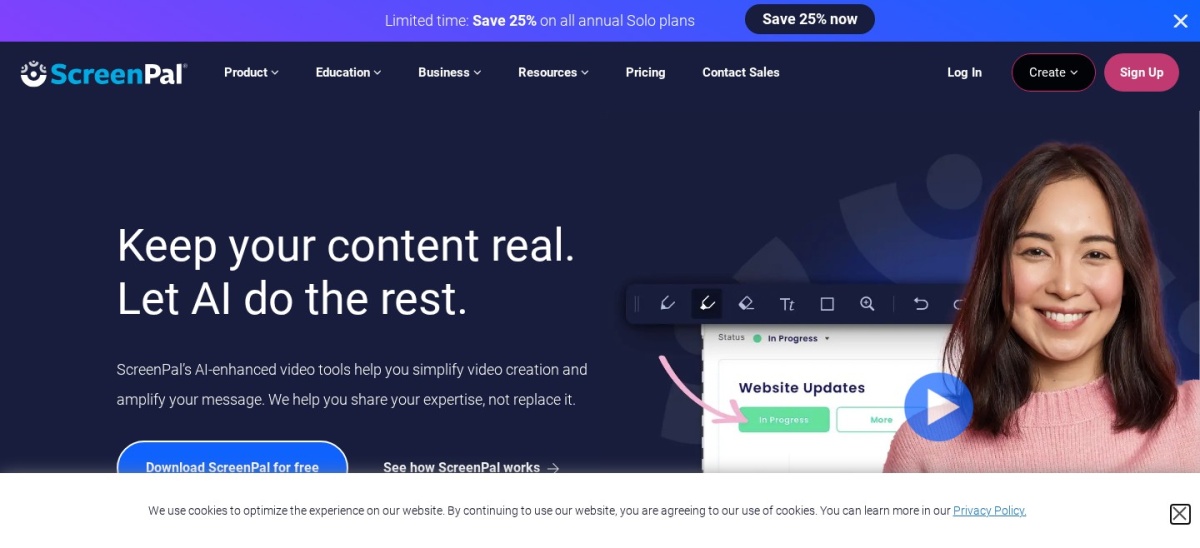
ScreenPal is the cheapest paid recorder in this list at $3 a month billed annually, with screen and webcam recording, a video editor, hosting and a free plan for 15-minute videos. It holds 4.5 out of 5 on G2 from 137 reviews.
The trade off is depth. ScreenPal is simpler than Camtasia or Descript, and its editor is lighter. It suits teachers and small teams that want a cheap, hosted recorder with editing included.
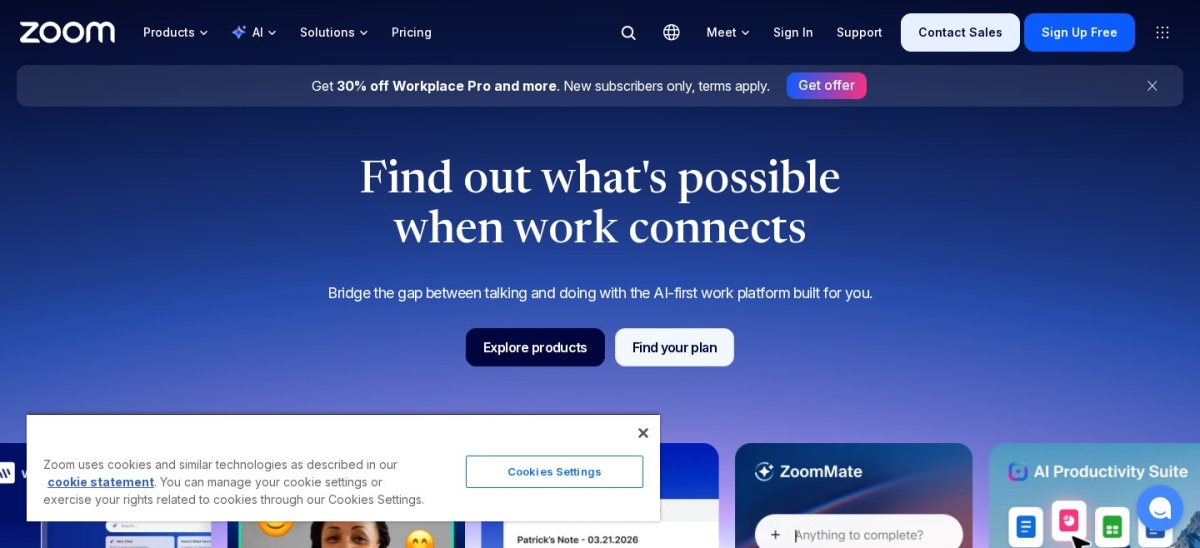
Zoom Workplace includes screen recording in the Pro plan, so teams already paying for Zoom get recording without a second subscription. It holds 4.5 out of 5 on G2 from 56,560 reviews, the largest review base in this list by far, and it covers meetings, chat and phone in one subscription.
The trade off is that recording is meeting-focused, not a dedicated screen recorder, and Pro at $13.33 per user a month billed annually is needed for local recording. It suits teams that already run Zoom and want recording in the same bill.
What we like
Recording inside the Zoom you already pay for
Largest G2 review base in this list
Meetings, chat and phone in one tool
Free Basic plan with 40-minute meetings
Watch out for
Recording is meeting-focused, not a dedicated tool
Riverside is the studio-quality recorder for podcasts and video content. It records each speaker on a separate track in up to 4K, with AI editing, captions and a teleprompter, and it holds 4.8 out of 5 on G2 from 1,758 reviews, the highest rating in this list.
The trade off is that Riverside is built for studio recording, not quick async explainers, and the free plan gives only 2 hours of recording. Standard costs $15 a month billed annually. It suits podcasters and content teams that need clean, separate audio and video tracks.
Async tools like Loom and Riverside record in the browser, upload automatically and give you a share link in seconds. They are built for replacing meetings and sending quick explainers.
Local editors like Camtasia and Snagit record on your computer and give you a full timeline editor, so they suit polished tutorials and course content.
Most teams end up with one of each: Loom for daily communication and Camtasia or Descript for the tutorials that need to look polished.
How we chose
We started from the screen recorders with the largest G2 review bases and the clearest pricing, then kept the eight that cover async video, desktop editing and free recording.
Prices and ratings were checked on 23 November 2026. Published prices come from vendor pricing pages, and the text flags the one price where two sources disagree.
We left out tools with no public rating. No vendor paid for a place, and this list is based on pricing, docs and reviews, not on using the tools ourselves.
How to choose screen recording software
Start with what the recording is for, then pick the tool that fits that job.
Decide whether you need async video or editing. Pick Loom or Riverside for quick explainers. Pick Camtasia or Descript for tutorials that need a timeline editor.
Check the free plan limits. Loom caps free videos at 5 minutes, Descript gives 60 minutes a month, and Riverside gives 2 hours. Match the limit to your volume.
Test the recording quality. Record a short clip with your real setup and check the output resolution and the webcam quality before you pay.
Confirm where the video lives. Loom and Riverside host the video for you. OBS and Camtasia save files locally, so you need your own hosting.
FAQ
What is the best screen recording software?
Loom is the best screen recording software for most teams, rated 4.7 out of 5 on G2 from 2,413 reviews. Riverside leads on video quality, and OBS Studio is the best free recorder.
How much does screen recording software cost?
ScreenPal starts at $3 a month, Loom and Riverside at $15, and Descript at $16. Camtasia and Snagit cost $39 a year each, and OBS Studio is free.
Is there a free screen recording tool?
Yes. OBS Studio is free and open source with no recording limits, and ScreenPal, Loom, Descript and Riverside all have free plans with time or quality limits.
What is the difference between Loom and Camtasia?
Loom records in the browser and shares a link instantly, built for async communication. Camtasia records locally and includes a full video editor, built for polished tutorials.
Which screen recorder is best for tutorials?
Camtasia is the best pick for tutorials, with a full timeline editor, annotations and a $39 a year Starter plan. Descript is the best pick if you want text-based editing.
Can I record my screen and webcam at the same time?
Yes, all eight tools here record screen and webcam together, and most let you move or resize the webcam bubble after recording.