WLWPLegible EditorsLast verified 23 Nov 2026How we rank10 min read
★ Short answer
OBS Studio is the best recording software for most people: it is free and open source, records in up to 4K with no watermark, no time limit and no account. Loom is best for quick async team videos, and Camtasia for tutorials that need real editing.
How we make this list: we compare pricing pages, product documentation and public user reviews, then re-check every price before each update. No product paid for a place. Disclosure.
OBS Studio is the best free recorder, with 4K capture, no watermark, no time limit and no account.
Loom is fastest for async team video, with a shareable link in under a minute, from $15 a user a month billed annually.
Camtasia is the complete tutorial suite, but Starter watermarks exports, so Essentials at $179.88 a year is the real entry point.
Snagit is the screenshot king that also records, rated 4.7 from 6,036 G2 reviews, at $39 a year.
ScreenFlow is the Mac-only one-time buy at $169, with no subscription, but upgrades cost extra.
What recording software should do
Recording software splits into two jobs: capture and finish. Some tools record fast and share faster, while others record and then edit in the same app. The right pick depends on which half of the job you do most.
Free tools cover the capture well. OBS Studio records without limits or a watermark, and Loom, ScreenPal and Descript all have usable free plans. Paid plans mostly buy editing depth, hosting, longer recordings and 4K export.
Watch the billing shape. Camtasia, Loom, Descript and ScreenPal are subscriptions, while ScreenFlow is a one-time license and Bandicam and Movavi sell both annual and one-time licenses.
Ratings here are strong across the board, from 4.4 to 4.7 on G2. The differences are in fit: streaming, async messages, tutorials, screenshots or simple capture.
OBS Studio is the free, open-source standard for screen recording and live streaming, and nothing else at $0 comes close to its capability. It records in up to 4K with hardware encoding, switches between scenes, layers sources and overlays, mixes multi-track audio, and streams to every major platform. There is no watermark, no time limit and no account.
The trade off is the learning curve. The interface assumes you know what a scene, a source and an encoder preset are, and there is no video editor, so trimming means exporting to another app. Support is community-driven through forums and Discord, and a major update can break third-party plugins for weeks.
Loom is the fastest way to replace a long typed update with a short video. Record your screen, camera or both, and a shareable link is ready in under a minute, with no file to upload or send. Business adds unlimited videos and recording time, 4K export, branding, and AI summaries, chapters, transcripts and filler-word removal.
The trade off is the free plan and the editor. Starter caps each recording at five minutes and 25 videos per person, so regular users land on Business fast. Built-in editing is limited to trimming and stitching, and reviewers report recordings stuck in processing, upload delays, and slower support responses after the Atlassian acquisition.
What we like
Shareable link in under a minute
AI summaries, chapters and transcripts
Rated 4.7 from 2,606 G2 reviews
Watch out for
Free plan caps at 5 minutes and 25 videos
Editing is limited to trimming and stitching
Business + AI adds advanced editing for $24 a monthVisit loom.com
03
Camtasia
4.6/5on G2 (1792 reviews, checked Nov 2026)
Starts at$39/yr
Best for tutorials with editing
Free planNo, free trial
Paid planStarter, $39/yr
Full editorEssentials, $179.88/yr
PlatformsWindows, Mac
techsmith.com
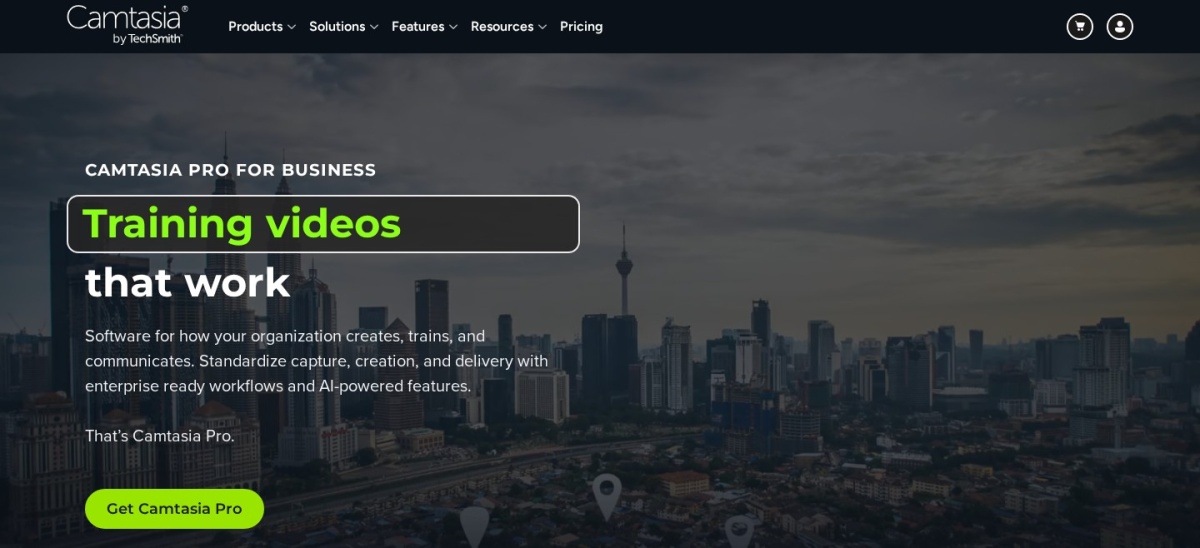
Camtasia homepage, captured Nov 2026.
Camtasia is the complete tutorial-making suite: record your screen, webcam and system audio in one pass, then edit in a multi-track timeline with callouts, animated zooms, transitions, green screen and captions. Quizzes, clickable links and chapter markers turn a raw recording into interactive training, and SCORM export suits corporate learning systems.
The trade off is price and the subscription. Starter at $39 a year watermarks exports, so the real entry point is Essentials at $179.88 a year, and Create and Pro climb to $249 and $599. The move to subscriptions in late 2024 annoyed longtime users, and the editor is heavier than the quick capture tools here.
What we like
Record and edit in one app
Quizzes, SCORM export and captions
Rated 4.6 from 1,792 G2 reviews
Watch out for
Starter watermarks exports; Essentials is $179.88 a year
Snagit is primarily a screenshot tool that also records video, and for teams that live in screenshots it is worth every cent of the $39 a year. Capture a region, a window or a scrolling page, then annotate with arrows, callouts, highlights and blurs, or record a short clip to show a bug or a step. Step capture turns a click-through into a written guide.
The trade off is video depth. Snagit records short clips but has no real video editor beyond trimming, so longer recordings need another app. There is no fully featured mobile app, captures disappear from the library once saved elsewhere, and the 15-day trial is short for a tool many people use daily.
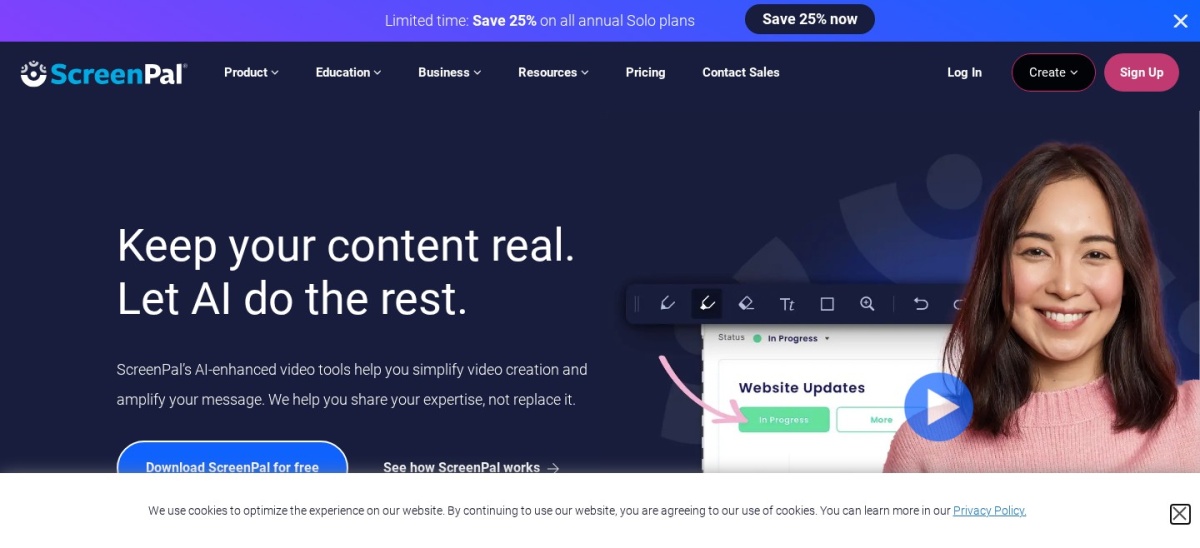
ScreenPal, formerly Screencast-O-Matic, is the low-cost recorder with editing and hosting for teachers and support teams. Record screen, webcam or both on Windows, Mac, mobile or Chromebook, then edit on a multi-track timeline with overlays, transitions, narration and captions. Videos host on ScreenPal with share links and embeds.
The trade off is polish and the free plan. The free plan records 15 minutes per take, and audio editing is limited beside full editors such as Premiere Pro. Deluxe costs $4 a month billed annually, with a $3 promotional rate through December 5, and Max adds AI captions, translation and quizzes for $10 a month billed annually.
Descript edits video and podcasts through the transcript: delete a sentence and it leaves the timeline. Record in Descript or drop in a recording, get an instant transcript, then cut filler words, clean up audio with Studio Sound and add captions. Hobbyist covers 10 media hours a month with watermark-free 1080p export.
The trade off is that Descript is an editor first and a recorder second. Its screen recorder is basic beside OBS or Camtasia, and the cutting tool is not precise for frame-level work. AI features such as avatars have drawn complaints when generations fail, and support took days to resolve a refund dispute in one detailed review.
What we like
Edit video by editing the transcript
Studio Sound and filler-word removal
Rated 4.6 from 940 G2 reviews
Watch out for
Recorder is basic beside OBS or Camtasia
Cutting tool is not precise for frame-level work
Creator adds 4K export and 30 media hours for $24 a month annualVisit descript.com
07
ScreenFlow
4.5/5on G2 (56 reviews, checked Nov 2026)
Starts at$169/yr
Best Mac-only one-time buy
Free planNo, free trial
Paid plan$169 one-time
Upgrades$99 to $129 per major version
PlatformsMac only
telestream.net
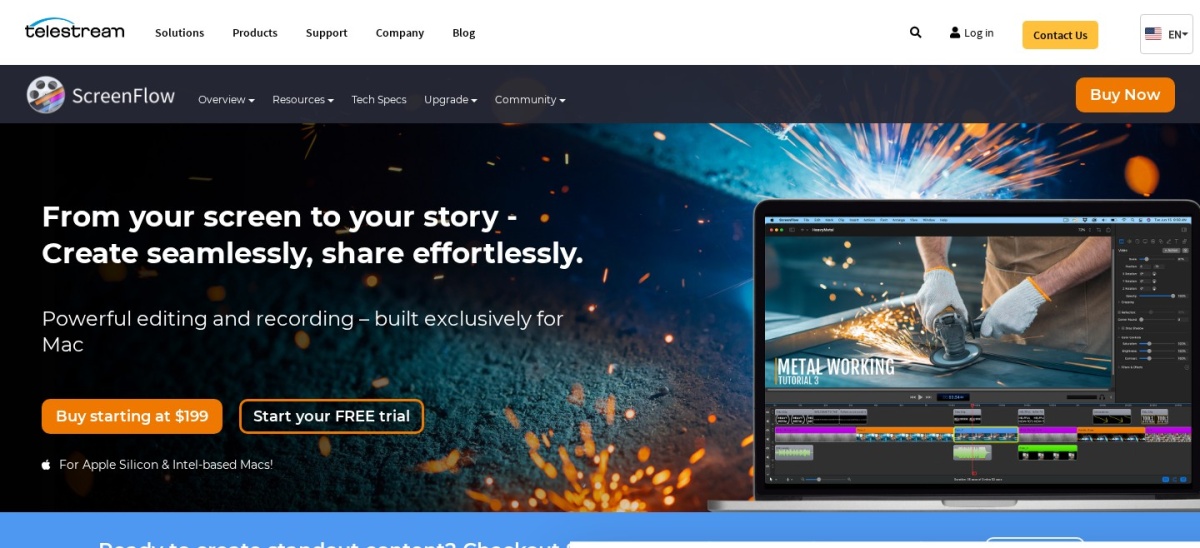
ScreenFlow homepage, captured Nov 2026.
ScreenFlow is the Mac-native recorder and editor for tutorial and course creators who refuse to pay a subscription. It captures screen, webcam, iOS devices and several audio sources, then gives you a layered timeline with transitions, callouts, motion graphics and captions. Metal acceleration on Apple silicon keeps long lectures smooth.
The trade off is the platform and the upgrade bill. ScreenFlow is Mac only, so Windows and mixed teams cannot use it, and major version upgrades cost extra, typically $99 to $129 every 18 to 24 months. Reviewers also report buggy behavior, paid upgrades that do not fix reported bugs, and an interface that feels dated.
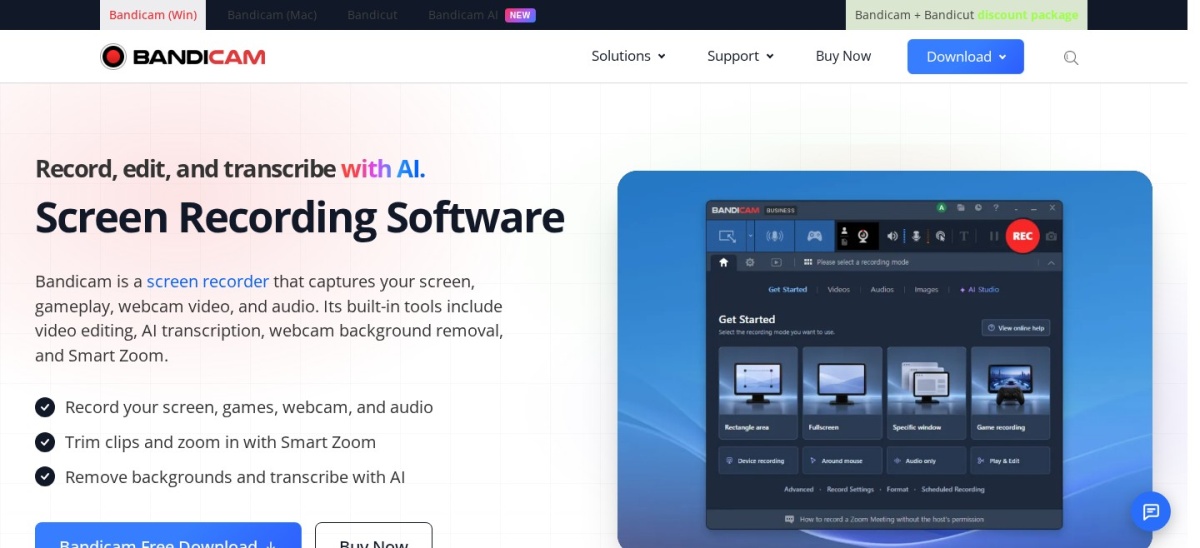
Bandicam is a lightweight Windows recorder for games, tutorials and meetings, built to capture in high definition while keeping file sizes small. It records the full screen, a window or a game at up to 4K and 480 frames per second, with real-time drawing, webcam overlay and voice-over. Recording starts fast and runs on low-powered PCs.
The trade off is scope. Bandicam is Windows only, the free version stops each recording at five minutes, and editing is limited to trimming, so finished videos need another app. The personal license is for non-commercial use, and businesses pay $49.46 a year per PC. Reviewers also call the interface dated.
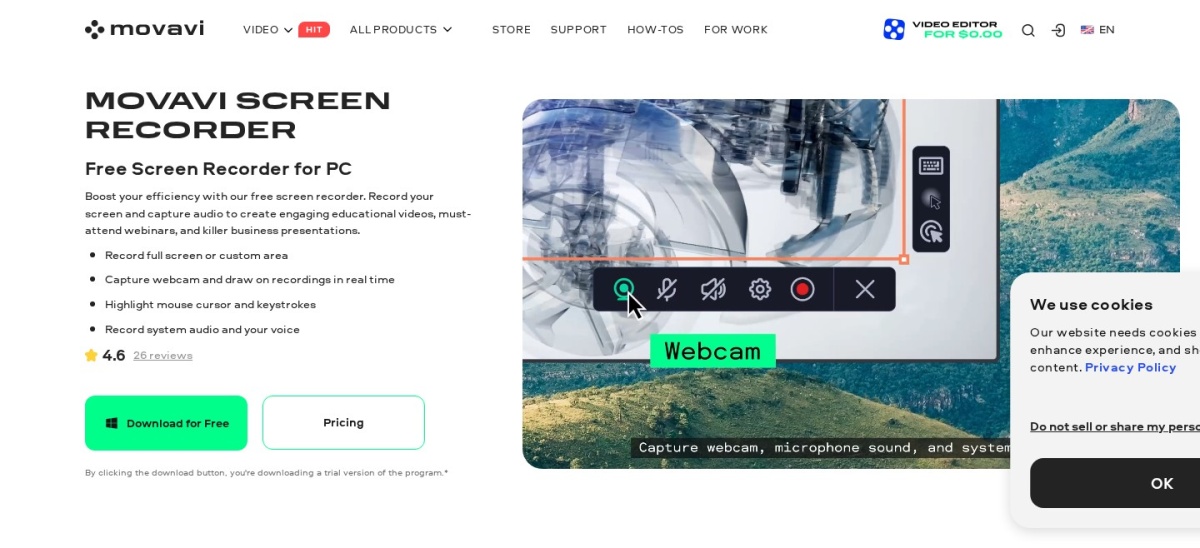
Movavi Screen Recorder homepage, captured Nov 2026.
Movavi Screen Recorder is the simple desktop recorder for beginners who want clean recordings fast. It captures the full screen or a custom area with webcam overlay, system audio and microphone sound, plus real-time drawing, mouse-click highlights and scrolling screenshots. The scheduler records a webinar or stream unattended at a set time.
The trade off is editing depth and price creep. Editing is limited to trimming and simple cuts, with no automatic zoom and pan, and reviewers call it expensive for light or occasional use. The 7-day trial watermarks exports, and the 1-year subscription is listed at $44.95 against a $64.95 list price, so the price you see depends on the promotion.
Free plans cover capture. OBS Studio is free forever with no limits, Loom Starter gives 25 videos at 5 minutes each, and ScreenPal records 15 minutes per take free.
Paid plans buy the finish. Longer recordings, 4K export, no watermark, hosting and real editing sit behind the paywall on every tool except OBS Studio.
One-time licenses change the math. ScreenFlow at $169 once beats a $179.88 a year Camtasia subscription after the first year, if you are on a Mac and stay on one version.
How we chose
We started from the recording tools creators mention most, then kept the nine with a public rating on G2 and a published price. Tools with no usable rating or quote-only pricing were left out.
Prices come from each vendor's pricing page or a vendor comparison page, checked on 23 November 2026. Ratings and review counts come from G2 pages opened the same day. Where a vendor shows a sale, the list shows the regular price.
No vendor paid for a place. This list is based on pricing, docs and reviews, not on using the tools ourselves.
How to choose recording software
Start with whether you need capture, editing, or sharing.
Pick the job first. If you stream or record long sessions, OBS Studio is free. If you send quick updates, Loom is fastest. If you publish tutorials, Camtasia or ScreenFlow is the pick.
Try the free tier. OBS Studio is free forever, and Loom, ScreenPal and Descript have free plans. Record a real video on the free tier before paying.
Check the export limits. Free plans cap length, resolution or add a watermark. Check what your paid plan exports before you record a long session.
Match the editor to the output. Trimming is enough for a bug report. Tutorials need callouts, zooms and captions, which only the full editors here provide.
FAQ
What is the best recording software?
OBS Studio is the best pick for most people. It is free and open source, records in up to 4K with no watermark, no time limit and no account.
Is there free recording software?
Yes. OBS Studio is completely free, and Loom, ScreenPal and Descript all have free plans. Bandicam also has a free version limited to 5-minute recordings.
What is the best screen recorder for tutorials?
Camtasia is the best pick for tutorials on Windows and Mac, with a real multi-track editor, callouts and quizzes. ScreenFlow is the Mac-only alternative at a one-time $169.
How much does Loom cost?
Loom Starter is free for 25 videos at 5 minutes each. Business costs $18 a user a month, or $15 a user a month billed annually, which is $180 a year.
Is Camtasia a one-time purchase?
No. Camtasia moved to subscription pricing in late 2024. Starter costs $39 a year with watermarked exports, and Essentials costs $179.88 a year.
What is the best free screen recorder for Windows?
OBS Studio is the best free recorder for Windows, Mac and Linux, with 4K capture, no watermark and no time limit. Bandicam is the simpler Windows-only alternative.