Best Screen Sharing Software in 2026: 9 Tools Compared
WLWPLegible EditorsLast verified 23 Nov 2026How we rank8 min read
★ Short answer
Zoom is the best screen sharing software for most teams. Its Pro plan costs $14.16 per user a month billed annually, lifts meetings to 30 hours, and it is rated 4.6 out of 5 on G2. Pick Google Meet if your team lives in Google Workspace, or Zoho Meeting for the lowest paid price.
How we make this list: we compare pricing pages, product documentation and public user reviews, then re-check every price before each update. No product paid for a place. Disclosure.
Zoom leads on meeting length and controls: Pro costs $14.16 per user a month billed annually and allows 30-hour meetings with 100 participants.
Google Meet is free with a personal Google account, and paid access comes inside Google Workspace from $7 per user a month.
Microsoft Teams Essentials is the cheapest paid meeting plan here at $4 per user a month billed annually, with 300 participants.
Zoho Meeting Standard costs $1 per host a month billed annually, but only for a 10-participant room; larger rooms cost more.
TeamViewer and Splashtop are remote-access tools, not meeting tools. They suit one-to-one support sessions, not group calls.
What to look for in screen sharing software
Screen sharing comes in two kinds. Meeting tools such as Zoom, Google Meet and Teams share a screen inside a video call, while remote-access tools such as TeamViewer and Splashtop let one person control another computer.
For meetings, check the participant limit, the meeting length cap and whether recording is included. Free plans often cap group meetings at 40 to 60 minutes.
For support work, check who can take control, whether the session can be recorded and whether unattended access is included. Our guide on how to add an AI chatbot to a WordPress site covers another way to help visitors without a live call.
Watch how the price is charged. Some tools charge per user, some per host or organiser, and some per technician, so the same headline price can mean very different bills.
Zoom is the most widely used meeting tool in this list, with a free Basic plan that covers 100 participants and 40-minute group meetings. Screen sharing includes annotation, remote control by a participant and a whiteboard, and Pro adds 10 GB of cloud recording per user.
The trade off is price. Pro costs $14.16 per user a month billed annually, or $16.99 billed monthly, and only the people who host need a licence. It suits teams that run long meetings and want the controls guests already know.
What we like
Longest meetings on a paid plan at 30 hours
Screen sharing with annotation and remote control
Rated 4.6 out of 5 on G2 from 63,801 reviews
Guests join free; only hosts need a licence
Watch out for
Free plan caps group meetings at 40 minutes
Pro costs more than Teams or Google Meet
Add-ons such as Phone and Webinars cost extra
Pro adds 30-hour meetings, cloud recording and AI summariesVisit zoom.us
02
Google Meet
4.5/5on Capterra (12,079 reviews, checked Nov 2026)
Paid from$7/mo
Best for teams on Google Workspace
Free planYes, 60-minute group meetings
Participants100 on Business Starter
Meeting length24 hours on paid plans
Paid planWorkspace Business Starter, $7/user/mo
meet.google.com
Google Meet homepage, captured Nov 2026.
Google Meet is the video tool inside Google Workspace, and it is free with a personal Google account for one-to-one calls and 60-minute group meetings. Screen sharing runs in the browser with no install, and paid plans add 24-hour meetings, 100 participants and business email.
The trade off is recording. Business Starter at $7 per user a month billed annually does not include recording or noise cancellation; those start on Business Standard at $14. New customers may see a lower intro price for the first 3 months. It suits teams that already use Gmail and Calendar.
What we like
Free plan with no install, straight from the browser
Joins from a Calendar invite in one click
Paid plans bundle email, Drive and Docs
24-hour meetings on paid plans
Watch out for
No recording on the cheapest paid plan
No noise cancellation on Business Starter
Guests without a Google account hit extra steps
Business Standard adds recording, noise cancellation and 150 participantsVisit meet.google.com
Microsoft Teams is the cheapest paid meeting tool in this list, with Essentials at $4 per user a month billed annually. It covers chat, calls and video, screen sharing with remote control, meeting recordings with transcripts and 10 GB of cloud storage per user.
The trade off is scope. Essentials is Teams only, with no desktop Office apps; those come with Microsoft 365 Business plans from $7 a user a month. It suits teams that already live in Outlook and OneDrive.
What we like
Lowest paid price in this list at $4 a user a month
300 participants and 30-hour meetings on Essentials
Recording with transcripts included
Deep links to Outlook, OneDrive and Office
Watch out for
Free plan is aimed at personal use, not business
Essentials has no desktop Office apps
Interface can feel heavy for simple calls
Microsoft 365 Business Basic adds web Office apps and 1 TB storageVisit microsoft.com
04
Webex
4.2/5on G2 (18,927 reviews, checked Nov 2026)
Paid from$13.50/mo
Best for regulated teams that need strong security
Free planYes, 50-minute meetings
Participants100 on Starter
Meeting length24 hours on Starter
Paid planStarter, $13.50/host/mo billed annually
webex.com
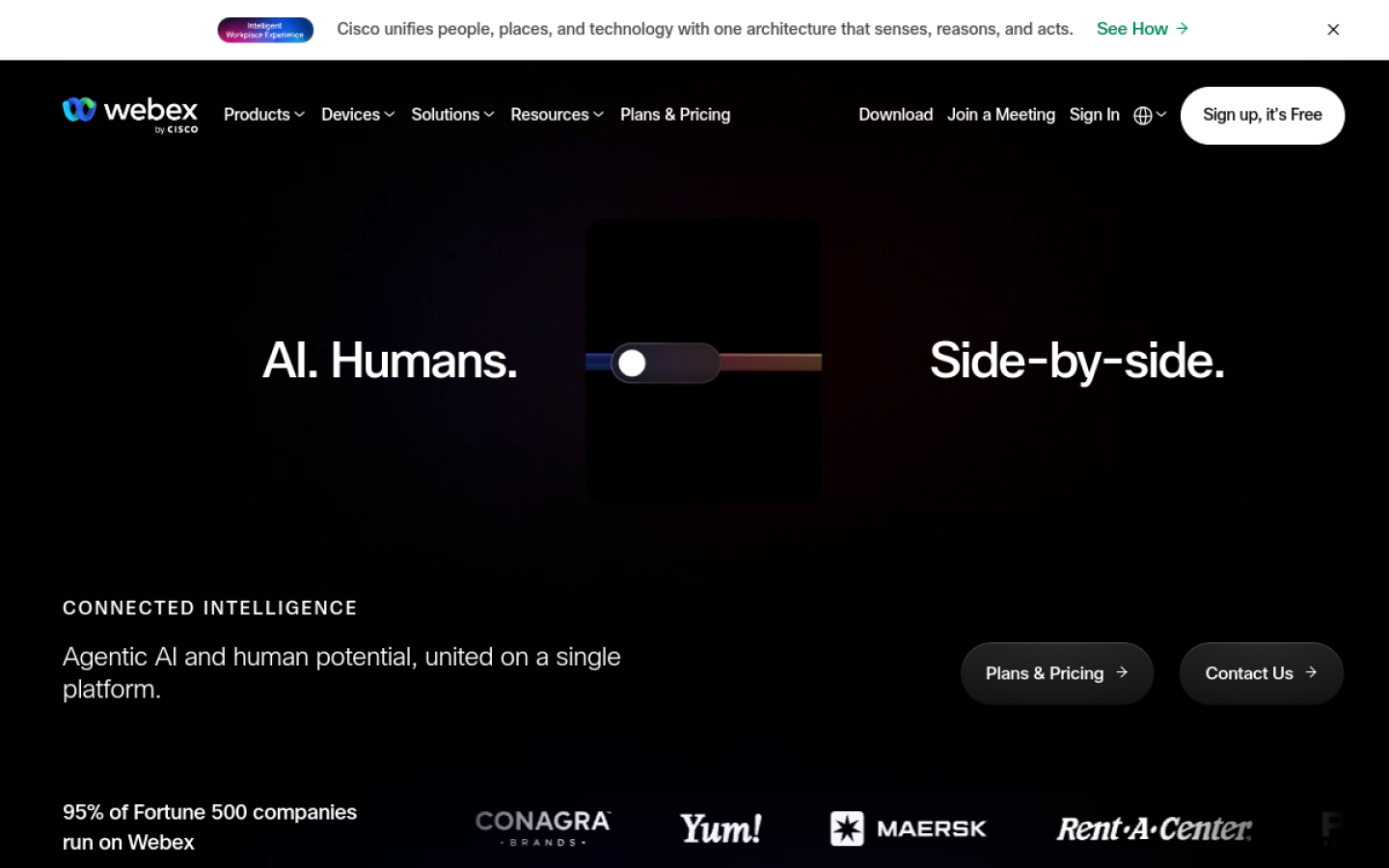
Webex homepage, captured Nov 2026.
Webex is Cisco's meeting platform, built for teams that need enterprise security and compliance controls. The free plan covers 100 participants and 50-minute meetings with screen sharing, annotation and local recording, and Starter adds 24-hour meetings and 5 GB of cloud recording.
The trade off is cost and complexity. Starter costs $13.50 per host a month billed annually, and calling and messaging need higher plans. It suits regulated teams and large organisations that already use Cisco hardware.
What we like
Strong security and compliance controls
Free plan includes screen sharing and annotation
24-hour meetings on the cheapest paid plan
Works well with Cisco meeting-room hardware
Watch out for
Priced per host, so costs rise with more hosts
Calling needs a higher plan
Interface can feel complex for first-time users
Higher plans add calling, messaging and up to 1,000 participantsVisit webex.com
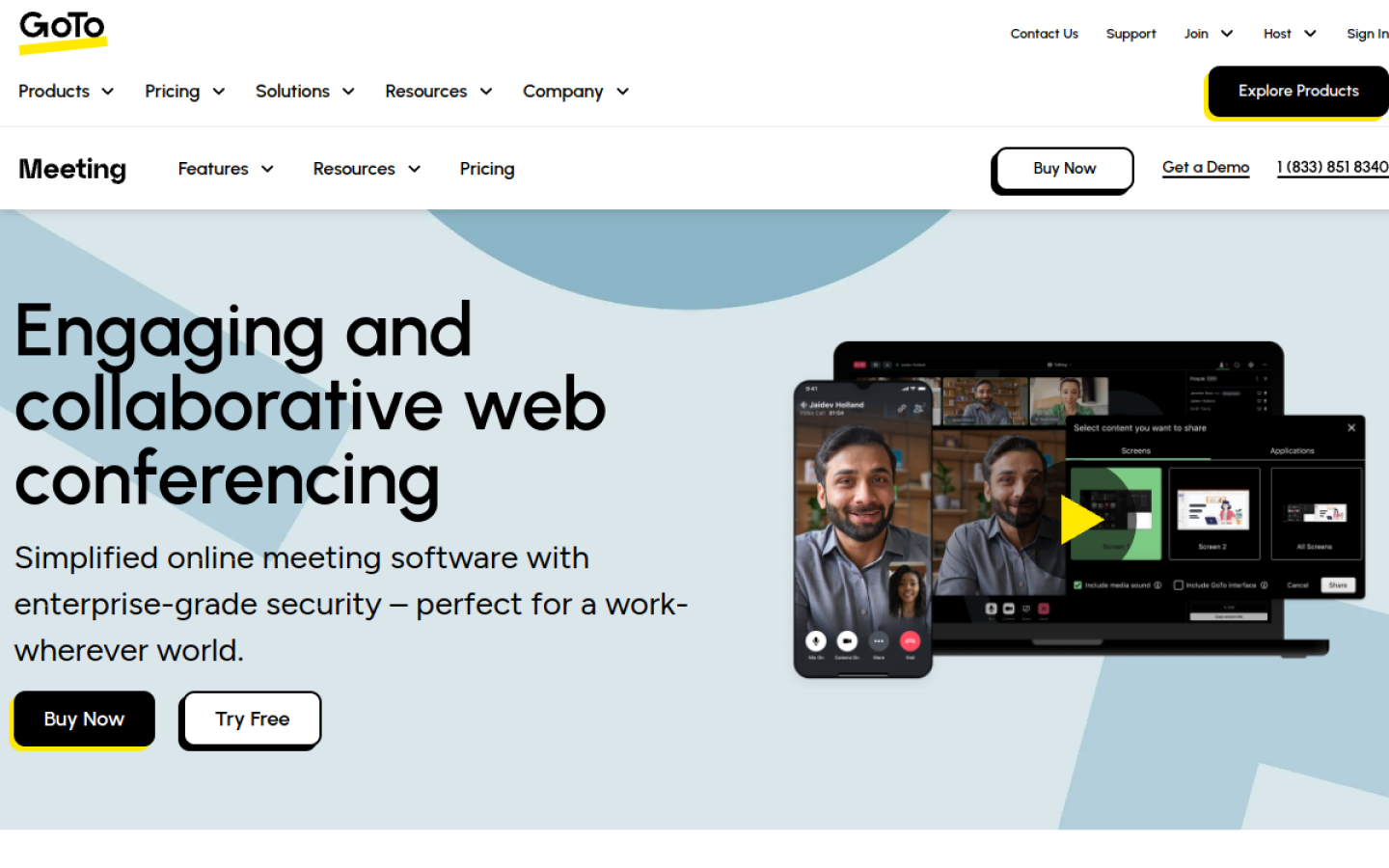
GoTo Meeting is a focused meeting tool with no free plan, just a 14-day trial. Professional costs $12 per organiser a month billed annually and covers 150 participants, unlimited meetings with no time cap, HD video, screen sharing, breakout rooms and a dial-in line.
The trade off is that guests join free but only organisers host, so a team with three regular hosts needs three licences. Business at $16 adds 250 participants, unlimited cloud recording and co-organisers. It suits small teams that want one simple meeting tool.
What we like
No time cap on meetings, even on the entry plan
Priced per organiser, so guests cost nothing
Simple setup with few settings to learn
Dial-in conference line included
Watch out for
No permanent free plan
Professional has no co-organisers
Fewer integrations than Zoom or Teams
Business adds 250 participants, cloud recording and co-organisersVisit goto.com
06
Slack
4.7/5on G2 (24,243 reviews, checked Nov 2026)
Paid from$7.25/mo
Best for quick screen shares inside team chat
Free planYes, 1:1 huddles only
Participants50 in a group huddle on Pro
Meeting lengthNo set cap on huddles
Paid planPro, $7.25/user/mo billed annually
slack.com
Slack homepage, captured Nov 2026.
Slack is team chat first, with screen sharing built into huddles, its quick audio and video calls. The free plan covers one-to-one huddles and 90 days of message history, while Pro at $7.25 per user a month billed annually adds group huddles with up to 50 people and unlimited history.
The trade off is that Slack is not a full meeting tool. Huddles suit quick check-ins and demos, but long scheduled meetings and webinars belong in Zoom or Meet. It suits teams that already live in Slack channels.
What we like
Screen share without leaving the channel
Group huddles with up to 50 people on Pro
Unlimited message history and apps on Pro
Rated 4.7 out of 5 on G2 from 24,243 reviews
Watch out for
Free huddles are one-to-one only
No webinar or large-event features
Every member is billed, so costs rise fast
Business+ adds advanced AI, SSO and 24/7 support with a 4-hour responseVisit slack.com
07
Zoho Meeting
4.6/5on G2 (951 reviews, checked Nov 2026)
Paid from$1/mo
Best budget pick for a single host
Free planYes, 100 participants, 60 minutes
Participants10 on Standard at $1/host/mo
Meeting length24 hours on Standard
Paid planStandard, $1/host/mo billed annually
zoho.com
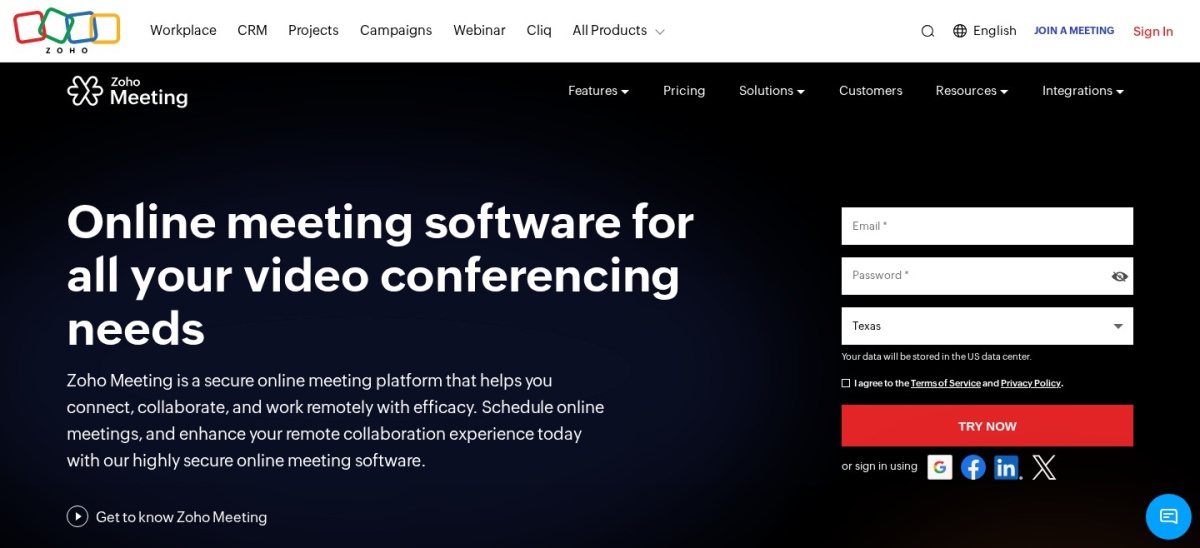
Zoho Meeting homepage, captured Nov 2026.
Zoho Meeting is the cheapest paid option in this list, with Standard at $1 per host a month billed annually. It adds 24-hour meetings, session recording, dial-in numbers and up to two co-hosts, and the free plan covers 100 participants for 60 minutes.
The trade off is the room size. The $1 rate applies to a 10-participant room, and the price rises as you add participants, so a class of 100 will not cost $1 a month. It suits small teams and Zoho users with one host.
What we like
Lowest paid price in this list
Free plan covers 100 participants for 60 minutes
Recording and co-hosts on the cheapest paid plan
Priced per host, so guests cost nothing
Watch out for
$1 rate only covers a 10-participant room
Recording storage is limited to 10 recordings per host
Fewer integrations than Zoom or Teams
Professional at $3 adds breakout rooms, API access and analyticsVisit zoho.com
08
TeamViewer
4.5/5on G2 (4,175 reviews, checked Nov 2026)
Paid from$24.90/mo
Best for remote support on any device
Free planYes, personal use only
Managed devices3 on Remote Access
Concurrent connections1 on Remote Access
Paid planRemote Access, $24.90/mo billed annually
teamviewer.com
TeamViewer homepage, captured Nov 2026.
TeamViewer is remote-access software, not a meeting tool. It lets one person view and control another computer, transfer files, record the session and restart the machine remotely. The free plan is for personal, non-commercial use, and Remote Access costs $24.90 a month billed annually.
The trade off is price and purpose. Remote Access covers one licensed user, one connection at a time and three managed devices, and it cannot host a group meeting. It suits IT teams and support desks that fix machines remotely.
What we like
Most widely recognised remote-access brand
Works on Windows, macOS, Linux, iOS and Android
Unattended access, file transfer and session recording
Rated 4.5 out of 5 on G2 from 4,175 reviews
Watch out for
Free plan is personal use only, not business
One connection at a time on the entry plan
Highest entry price in this list
Premium adds up to 15 users; Corporate adds 3 concurrent connectionsVisit teamviewer.com
Splashtop is remote-access software for reaching your own computers from anywhere. Business Access Solo costs $5 per user a month billed annually and includes unattended access, file transfer, remote printing and multi-monitor viewing, with fast, stable sessions.
The trade off is the product range. Business Access, SOS for on-demand support and Enterprise overlap, so buyers must map their need to the right plan first. It suits IT teams that want TeamViewer-class access at a fifth of the price.
What we like
Lowest remote-access price in this list at $5 a month
Rated 4.8 out of 5 on G2 from 518 reviews
Fast sessions with multi-monitor support
File transfer and remote printing included
Watch out for
No permanent free plan, trial only
Product line splits across overlapping plans
Smaller brand than TeamViewer, so fewer end users know it
Business Access Pro at $8.25 adds session recording and user rolesVisit splashtop.com
Meeting tools vs remote-access tools: which do you need?
Meeting tools share a screen inside a call. Everyone sees the same screen, anyone can present, and the call ends when the meeting ends. Zoom, Google Meet, Teams, Webex, GoTo Meeting and Zoho Meeting work this way.
Remote-access tools share control of a computer. One person drives the other machine, moves files and restarts it, even when nobody sits at it. TeamViewer and Splashtop work this way, and Slack huddles sit between the two.
If you run demos, training or team calls, buy a meeting tool. If you fix computers for clients or staff, buy a remote-access tool. Buying the wrong kind is the most common mistake in this category.
How we chose
We started from the best-known screen sharing tools in two groups: meeting tools that share a screen inside a call, and remote-access tools that let one person control another computer.
Prices come from each vendor's pricing page, checked on 23 November 2026. Ratings and review counts come from G2, except Google Meet, which uses Capterra. Where a vendor shows a sale or intro price, the list shows the regular price.
We left out tools with no published price and tools that only share a screen inside a browser tab with no meeting controls. No vendor paid for a place, and we do not claim hands-on testing for this list.
How to choose screen sharing software
Start with what the screen share is for, then match the tool to that job.
Decide meeting or remote access. Group calls and demos need a meeting tool; fixing someone else's computer needs remote access with control.
Count hosts, not guests. Zoom, Webex, GoTo Meeting and Zoho Meeting charge per host or organiser, so only the people who present need a licence.
Check the free plan limits first. Most free plans cap group meetings at 40 to 60 minutes, and some cap participants, so a trial call shows the real limits fast.
Check recording and control. Recording is often missing from the cheapest paid plan, and remote control may need a higher tier or a different tool.
FAQ
What is the best screen sharing software?
Zoom is the best screen sharing software for most teams. Pro costs $14.16 per user a month billed annually, allows 30-hour meetings with 100 participants, and it is rated 4.6 out of 5 on G2.
Is there free screen sharing software?
Yes. Zoom, Google Meet, Microsoft Teams, Webex, Slack and Zoho Meeting all have free plans. Free group meetings are usually capped at 40 to 60 minutes, and some features need a paid plan.
What is the cheapest screen sharing software?
Zoho Meeting Standard is the cheapest paid plan here at $1 per host a month billed annually, but only for a 10-participant room. Microsoft Teams Essentials at $4 a user a month is the cheapest paid meeting plan with 300 participants.
Can I share my screen without installing software?
Yes. Google Meet runs in the browser with no install, and Zoom, Teams and Webex let guests join from a browser link. Remote-access tools such as TeamViewer and Splashtop need an app on both ends.
What is the difference between screen sharing and remote access?
Screen sharing shows your screen to others in a call, while remote access lets another person control your computer, move files and restart it. Meeting tools do the first; TeamViewer and Splashtop do the second.
Can the other person control my screen?
In Zoom, Teams and Webex, the presenter can hand over remote control to a participant. In TeamViewer and Splashtop, control is the main feature, and sessions can be recorded.
Do I need a paid plan to record a screen share?
Usually yes. Zoom Pro, Teams Essentials and GoTo Meeting Business include cloud recording, but Google Meet only adds recording on Business Standard, and Zoho Meeting limits recording storage on Standard.