OBS Studio is the best free screen record software for most people. It is fully free and open source, with no time limit, watermark or paid tier, and it is rated 4.6 out of 5 on G2. Pick Loom for quick shareable videos and ScreenPal for the cheapest paid upgrade.
How we make this list: we compare pricing pages, product documentation and public user reviews, then re-check every price before each update. No product paid for a place. Disclosure.
OBS Studio is the only tool here that is fully free, with no time limit, watermark or paid tier.
Loom's free Starter plan caps recordings at 5 minutes and 25 videos, so frequent recorders need Business at $15 a month.
ScreenPal gives the cheapest monthly paid upgrade at $4 a month, with a free plan that has no watermark.
Camtasia and Snagit have no free plan, only a trial, but both start at $39 a year.
Bandicam and Icecream Screen Recorder both cap free recordings at 5 minutes until you pay.
What to check before you pick a free screen recorder
Free screen recorders differ most in their limits. Some cap each recording at 5 or 15 minutes, some add a watermark, and some limit how many videos you can keep.
A watermark matters more than a time limit for published videos. A 5-minute cap is fine for a quick bug report, but it will cut a tutorial in half.
Editing is the second split. A few tools here include trimming and annotation in the free plan, while others only record and leave editing to another app.
Think about where the video ends up. If it goes on a site, our guide on how to embed a video in WordPress covers the upload and embed options once the recording is done.
OBS Studio is a free and open source program for screen recording and live streaming on Windows, macOS and Linux. The whole program is free, with no time limit, no watermark and no paid tier, and it records the screen, webcam and audio with separate sources you can arrange on screen.
The trade off is the learning curve. There is no built-in editor for trimming clips or adding captions, and the settings take time to learn. It suits people who record often and want full control without paying anything.
Loom is a screen and camera recorder that turns each recording into a shareable link, so viewers watch in a browser with no download. The free Starter plan covers 25 videos per person with a 5-minute limit on each recording, plus transcripts and basic editing.
The trade off is the free cap. Business costs $15 per user a month billed yearly and removes the video and length limits, with downloads, password protection and custom branding. It suits teams that send short walkthroughs instead of writing long messages.
What we like
Fastest way to share a recording with a link
Records screen and camera together
Highest G2 rating in this list
Watch out for
Free plan caps videos at 5 minutes each
Only 25 videos on the free plan
Business adds unlimited videos and recording lengthVisit loom.com
03
ScreenPal
4.5/5on G2 (139 reviews, checked Nov 2026)
Paid from$4/mo
Best value paid upgrade
Free planYes, 15-min recordings
WatermarkNo
Max free recording15 minutes
Paid planDeluxe, $4/mo
screenpal.com
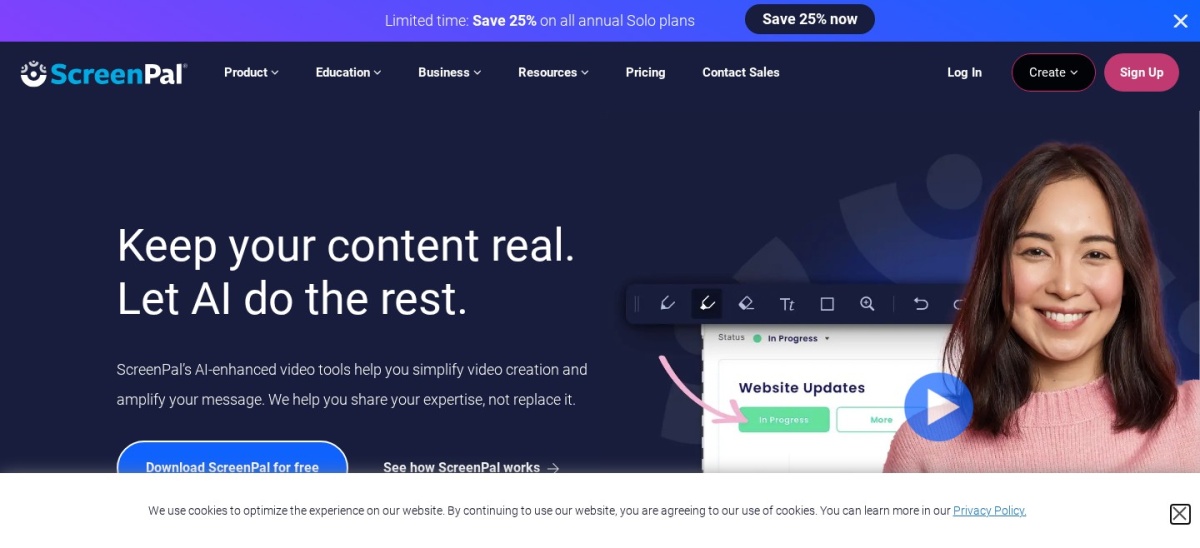
ScreenPal homepage, captured Nov 2026.
ScreenPal is a screen recorder and video editor for tutorials and classroom videos. The free plan records up to 15 minutes per video with no watermark, and includes basic editing, screenshots, 10 hosted videos and 5 video quizzes.
The trade off is hosting and polish. Deluxe costs $4 a month and unlocks unlimited recording, full video and audio editing, captions and interactive storyboards. It suits teachers and trainers who want a cheap upgrade path.
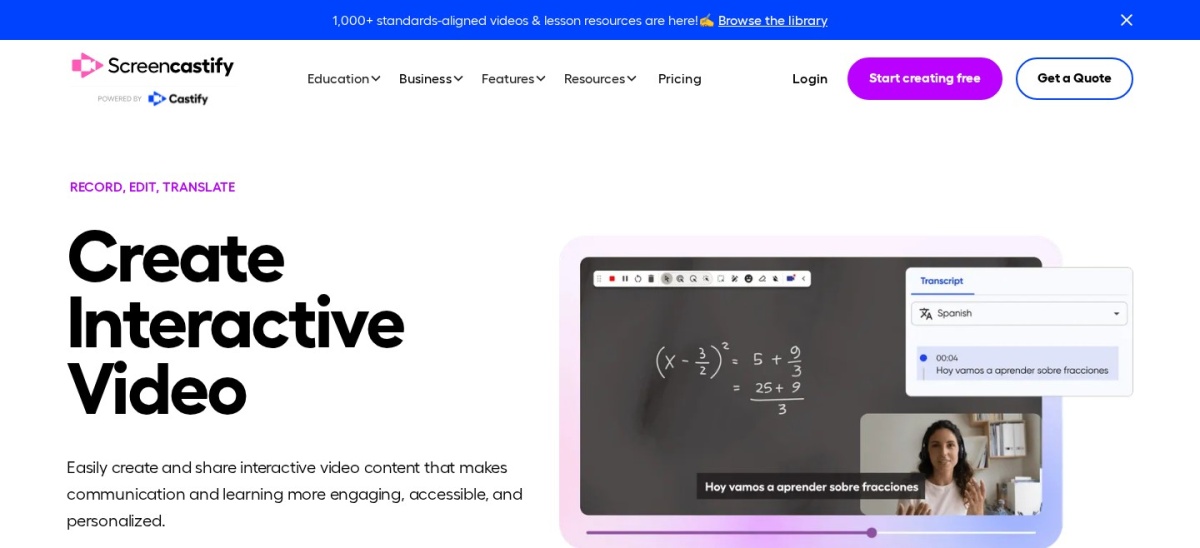
Screencastify is a browser extension that records the screen, webcam or both without installing desktop software. The free plan records from Chrome with basic editing, annotation and sharing, and it is built for teachers making lesson videos.
The trade off is the free limit. Starter starts at $7 a month and removes the watermark and recording limits, with more editing, translation and interactive video tools. It suits classrooms and anyone who works mainly in Chrome.
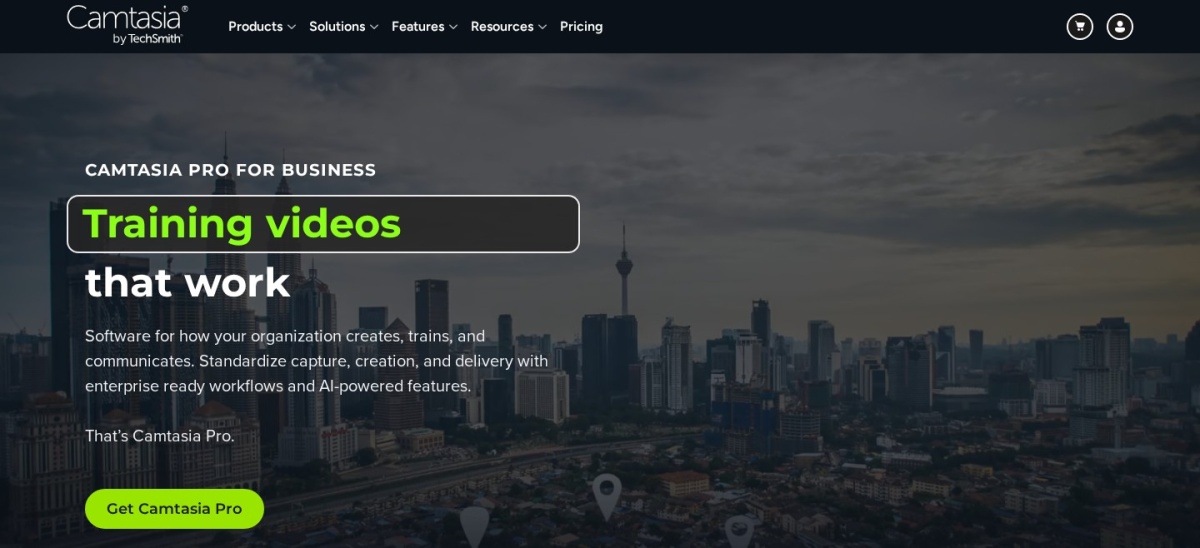
Camtasia is a screen recorder with a full video editor from TechSmith, built for tutorials and training videos. The Starter plan costs $39 a year and covers screen recording with editing, captions, templates and assets, while a free download lets you try it first.
The trade off is that there is no free plan. Essentials costs $179.88 a year and adds more assets and AI tools, and Create costs $249 a year. It suits course makers who edit every video they record.
Snagit is TechSmith's capture app for annotated screenshots and short screen recordings, now sold as Camtasia Snagit. The Individual plan costs $39 per user a year and covers scrolling captures, annotation, step guides and video recording on Windows and Mac.
The trade off is scope. Snagit is a capture tool, not a video editor, so longer videos need Camtasia, and there is no free plan beyond a 15-day trial. It suits support and documentation teams that capture screens all day.
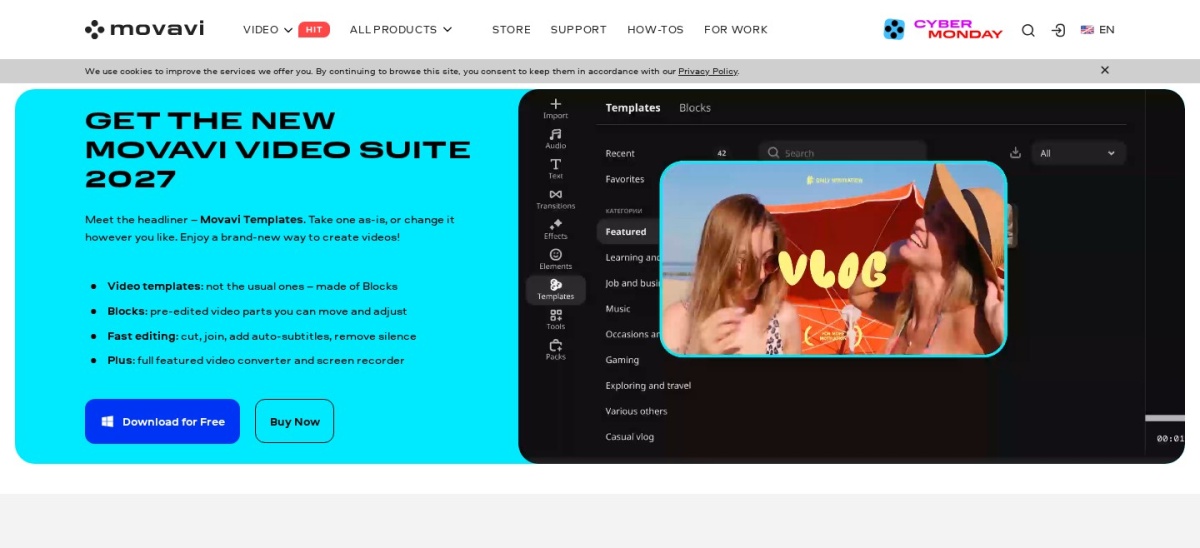
Movavi Screen Recorder homepage, captured Nov 2026.
Movavi Screen Recorder is a simple desktop recorder for webinars, calls and tutorials on Windows and Mac. The free version records the full screen or a custom area with webcam, system audio and voice, plus drawing on recordings in real time and mouse and keystroke highlights.
The trade off is the free version. It is a trial version with a watermark and limits, and the Business licence costs $49.95 a year, while a Personal lifetime licence costs $39.95. It suits people who want a plain recorder with no learning curve.
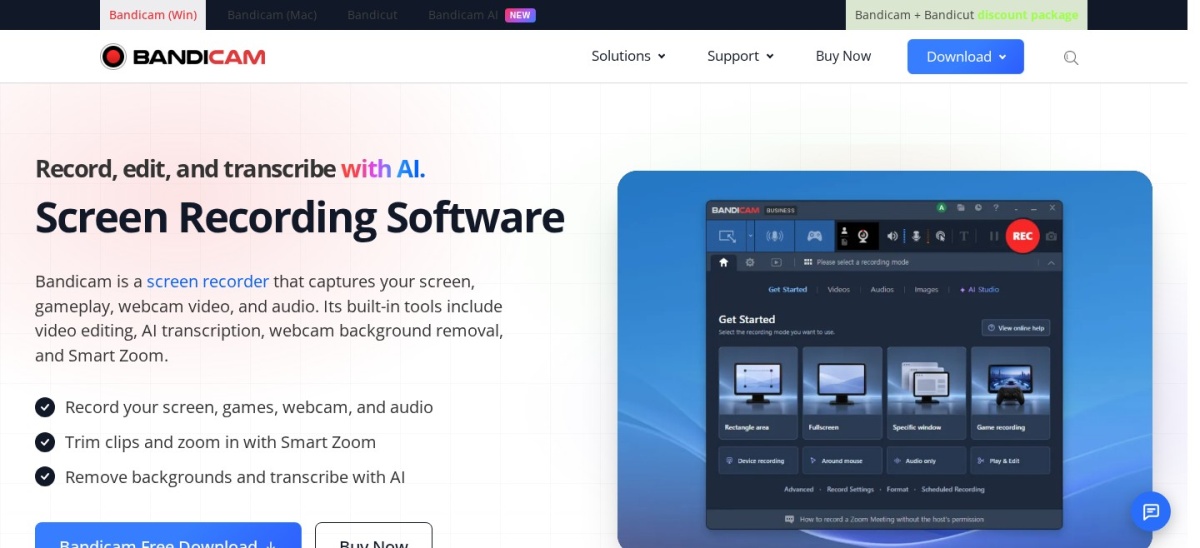
Bandicam is a lightweight Windows screen recorder for games, calls and tutorials. The free version records the screen, a window, a game or a webcam, with real-time drawing, webcam overlays and mouse effects, and plain recordings carry no watermark.
The trade off is the free cap. Each free recording stops at 5 minutes, and edited or subtitled exports get a watermark, while the Personal annual licence costs $33.26 a year. It suits Windows users who record gameplay or long calls.
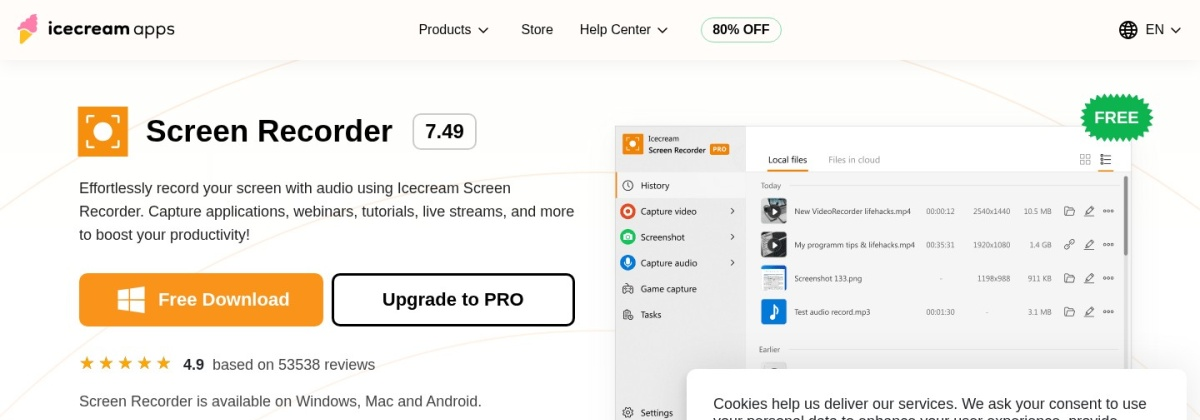
Icecream Screen Recorder homepage, captured Nov 2026.
Icecream Screen Recorder is a simple recorder for Windows, Mac and Android that captures the screen, webcam and audio with annotation and trimming. The free version records up to 5 minutes with a watermark and exports video only in WEBM format.
The trade off is the free limit. Pro costs $29.95 a year and removes the time limit and watermark, with 10 GB of cloud storage, scheduled recording and more output formats, or $59.95 once for a lifetime licence. It suits occasional recorders who want the cheapest way out.
Free vs paid: what the free plan usually costs you
Free plans in this list usually cost you time, a watermark or a recording limit. OBS Studio is the exception, since it has no paid tier at all.
A watermark is the hardest limit to live with, because it sits on every published video. A time limit is easier to work around if you record in short takes.
Paying $4 to $15 a month removes most limits. ScreenPal Deluxe at $4 a month is the cheapest monthly upgrade here, while Loom Business at $15 a month is the priciest of the monthly plans.
How we chose
We started from the best-known screen recorders with a free plan or trial, then kept the nine with a public rating on G2 and a clear price on the vendor's pricing page or G2 pricing data.
Prices come from each vendor's pricing page and G2 pricing data, checked on 25 November 2026. Ratings and review counts come from G2 on the same day. Where a vendor shows a sale, the list shows the regular price.
We left out tools with no public rating, including ShareX and Tella, whose G2 bases were too small to use. No vendor paid for a place, and we do not claim hands-on testing for this list.
How to choose free screen record software
Start with how long your recordings run, then check the watermark and where the video will live.
Check the free recording limit first. If your videos run longer than 5 minutes, Loom, Bandicam and Icecream will cut you off, while OBS Studio and ScreenPal give you more room.
Decide if a watermark is acceptable. Watermarks are fine for internal bug reports, but not for published tutorials. OBS Studio and ScreenPal record without one for free.
Pick your platform. OBS Studio covers Windows, macOS and Linux, Screencastify lives in the browser, and Bandicam is Windows only, so check your system before you download.
Check the editor before you commit. Camtasia and ScreenPal include editing, while OBS Studio has no editor and Bandicam only trims. See how to resize a video in WordPress if the finished file needs a different size.
FAQ
What is the best free screen record software?
OBS Studio is the best free screen recorder for most people. It is fully free and open source, with no time limit, watermark or paid tier, and it is rated 4.6 out of 5 from 141 G2 reviews.
Is there a free screen recorder with no watermark?
Yes. OBS Studio records with no watermark and no time limit, and ScreenPal's free plan also has no watermark, though each recording stops at 15 minutes.
Can I record my screen for free on Windows and Mac?
Yes. OBS Studio, Movavi Screen Recorder and Icecream Screen Recorder all work on Windows and Mac, and OBS Studio also covers Linux with no paid tier.
What is the cheapest paid screen recorder here?
Icecream Screen Recorder Pro is the cheapest paid upgrade at $29.95 a year, with a $59.95 lifetime licence. ScreenPal Deluxe is the cheapest monthly plan at $4 a month, or $48 a year.
Does Loom have a free plan?
Yes. Loom Starter is free and covers 25 videos per person with a 5-minute limit on each recording. Business costs $15 per user a month billed yearly and removes both limits.
Do I need a separate editor after recording?
It depends on the tool. Camtasia and ScreenPal include editing, while OBS Studio has no built-in editor, so you would trim or caption the video in another app.
SaaS SEO and WordPress specialist with about 8 years of experience. Rakib compares WordPress plugins, themes, hosting and software using public pricing, documentation and user reviews. See how we rank.