Canva is the best free MP4 to GIF software for most people, with a free plan that exports GIFs from video clips in one click. VEED and Clipchamp are the best free second choices for trimming before converting.
How we make this list: we compare pricing pages, product documentation and public user reviews, then re-check every price before each update. No product paid for a place. Disclosure.
Canva is the best free pick: a free plan, no watermark on exports, and a 4.7 out of 5 G2 rating from 7,927 reviews.
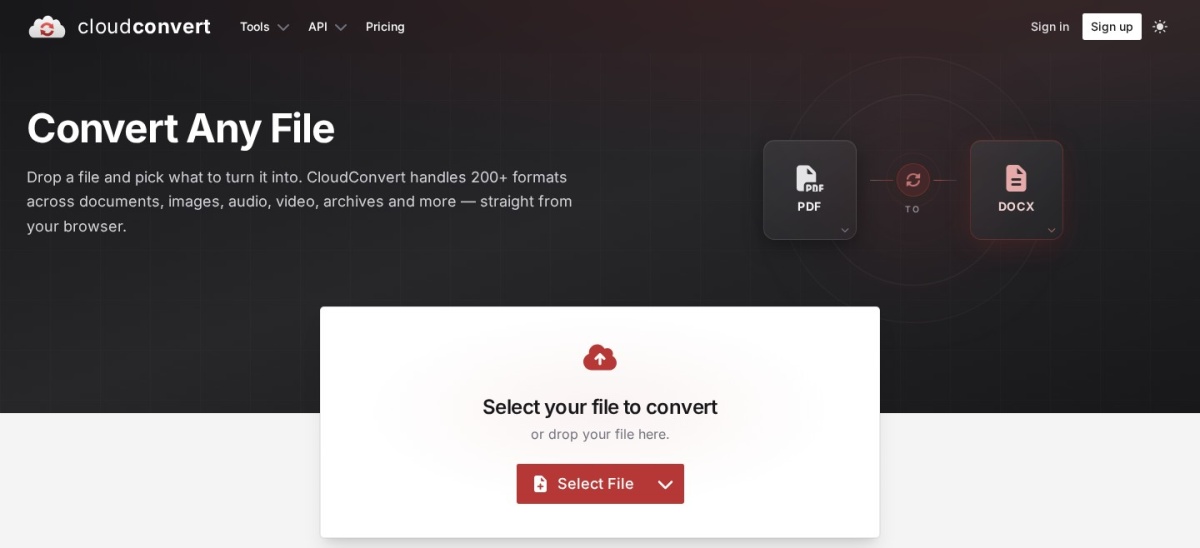
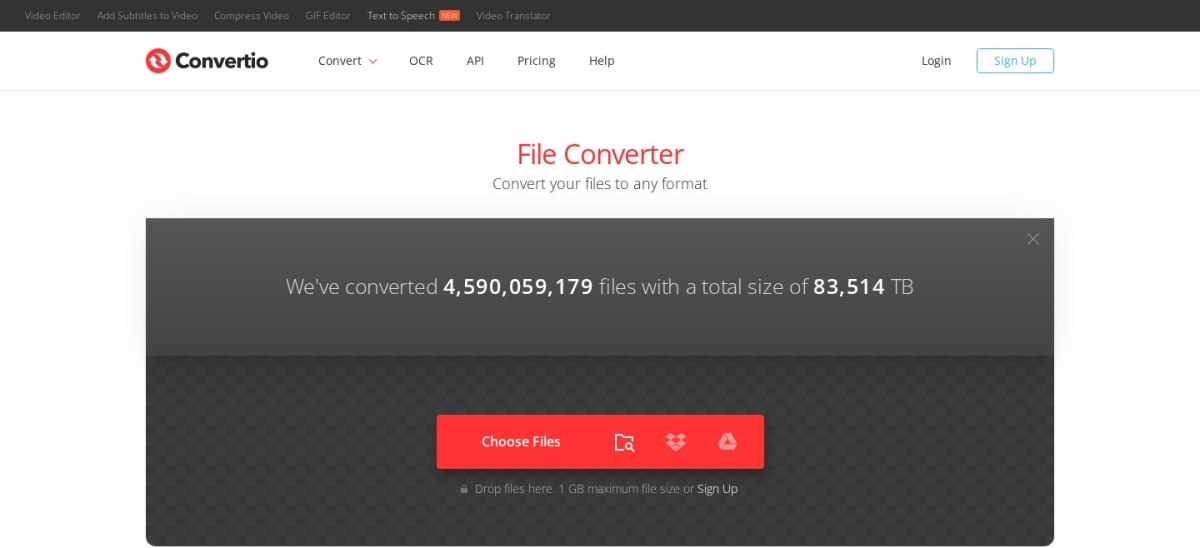
CloudConvert and Convertio also export GIFs free with no watermark, with no software to install.
VEED, Flixier and Kapwing watermark their free GIF exports, so clean GIFs need a paid plan.
Convertio caps free files at 100 MB, while Canva allows free uploads up to 5 GB.
Ezgif was left out because it has no verifiable G2, Capterra or Trustpilot rating.
How do you choose the best free MP4 to GIF software?
A GIF is a short silent loop, so the first question is how long your clip is. Most free converters handle short clips well, and long videos need trimming first.
The second question is the watermark. Canva, Adobe Express, CloudConvert, Convertio and Clipchamp export GIFs free with no watermark, while VEED, Flixier and Kapwing watermark free exports.
The third question is size. Convertio caps free files at 100 MB, Canva caps free uploads at 5 GB, and Flixier caps free exports at 10 minutes a month.
Most of these tools run in the browser, so there is nothing to install. Pick a converter for one-off clips, and a full editor like VEED or Kapwing if you also want to trim and caption.
Canva is a design tool that turns video clips into GIFs with a free plan and no watermark on exports. Upload an MP4, trim it, and download it as a GIF in one click, with templates and stickers if you want to decorate it.
The trade off is control. Free exports cap at lower quality, and frame-by-frame editing is basic. It suits anyone who wants a quick GIF from a clip without learning a video editor.
Adobe Express is Adobe's free design tool with a video-to-GIF converter that needs no account to try. Upload an MP4, trim the clip, and download the GIF, with Adobe's stock photos and templates on hand.
The trade off is size. Free exports cap file size, and premium features sit behind a paywall. It suits Adobe users who want a quick, polished GIF without opening Premiere.
VEED is a browser video editor with a dedicated MP4-to-GIF tool that trims, crops and converts in one place. The free plan covers basic conversion, and Lite at 12 dollars a month billed yearly removes the watermark and raises export limits.
The trade off is the watermark. Free GIF exports carry a VEED mark, so clean exports need the paid plan. It suits creators who want to trim and convert in the same browser tab.
CloudConvert is a file converter that handles MP4 to GIF with no watermark and no software to install. The free tier covers 10 conversions a day, and the paid plan at 8 dollars a month adds credits and faster processing.
The trade off is editing. It converts but does not trim or add text, so edit the clip elsewhere first. It suits anyone who needs a clean, fast conversion with no watermark.
Convertio is a browser converter that turns MP4 into GIF in three clicks, with no account needed for the free tier. Files up to 100 MB convert for free, and Lite at 6 dollars and 99 cents a month raises the limit and the speed.
The trade off is the small review base. G2 lists only 14 reviews, and its own pricing page shows a higher Lite price. It suits quick one-off conversions where a watermark is not welcome.
Clipchamp is Microsoft's browser video editor, now built into Windows 11, with a free plan that exports GIFs. Trim the MP4, add text or effects, and export the GIF without a watermark.
The trade off is speed. The editor is heavier than a simple converter, and premium stock sits behind the paywall. It suits Windows users who want editing and conversion in one free tool.
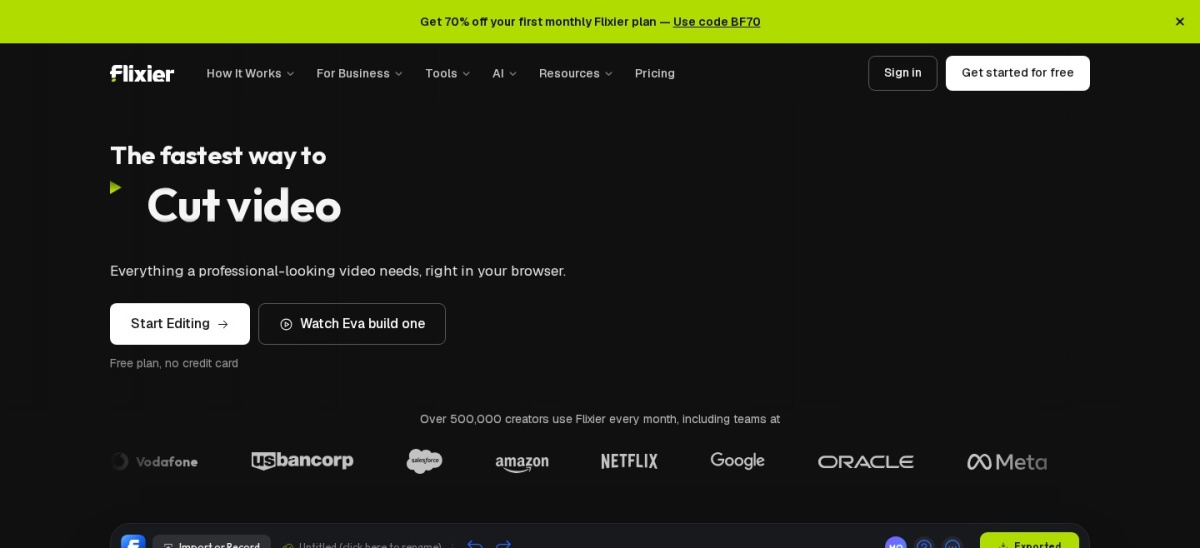
Flixier is a browser video editor with a fast MP4-to-GIF converter that renders in the cloud. The free plan covers 10 minutes of exports a month, and Creator at 19 dollars a month removes the watermark and adds 4K exports.
The trade off is the free cap. Ten minutes a month runs out fast, and free exports are watermarked. It suits creators who want cloud rendering and clean GIFs on the paid plan.
Kapwing is a browser studio with a free MP4-to-GIF converter that trims, resizes and captions in one place. The free plan exports with a watermark, and Pro at 16 dollars a month billed yearly removes it and raises limits.
The trade off is the rating. Kapwing's 3.9 out of 5 G2 rating is the lowest here, and free exports are watermarked. It suits teams that want captions and GIFs from the same editor.
Free plans convert well but add limits. VEED, Flixier and Kapwing watermark free GIFs, and Convertio caps free files at 100 MB.
Paid plans mostly remove watermarks and caps. You get higher quality, larger files and faster exports.
If you convert one clip a week, a free plan is enough. Our GIF maker software guide compares the same tools for making GIFs from scratch.
For daily conversions, the cheapest paid plan costs less than one hour of your time a month.
How we chose
We started from the converters most often named for MP4 to GIF, then kept those with a verifiable G2 rating and a published price.
Prices come from each vendor's pricing page, checked on 29 November 2026. Ratings and review counts come from G2 on the same day. Where a vendor shows a sale, the list shows the regular price.
We left out tools with no verifiable rating, including Ezgif. No vendor paid for a place, and we do not claim hands-on testing for this list.
How to choose free MP4 to GIF software
Start with the clip length and the watermark, then match the tool to them.
Trim the clip first. GIFs work best under a few seconds, so cut the MP4 to the moment you need before converting.
Check the watermark. If you need a clean GIF, pick Canva, Adobe Express, CloudConvert, Convertio or Clipchamp.
Check the file size. Convertio caps free files at 100 MB, so use Canva for larger clips.
Download and test the loop. Play the GIF once through to check the loop point and the file size before sharing it.
FAQ
What is the best free MP4 to GIF software in 2026?
Canva is the best free MP4 to GIF software for most people. Its free plan exports GIFs from video clips in one click, with no watermark on the export.
Which free MP4 to GIF converter has no watermark?
Canva, Adobe Express, CloudConvert, Convertio and Clipchamp all export GIFs free with no watermark. VEED, Flixier and Kapwing watermark their free exports, so pick one of the first five if a clean GIF matters to you.
What is the free file size limit for MP4 to GIF converters?
Convertio caps free files at 100 MB, while Canva allows free uploads up to 5 GB. CloudConvert covers 10 free conversions a day with no stated size cap.
Canva vs VEED: which is better for MP4 to GIF?
Canva wins for quick free GIFs with no watermark, while VEED wins for trimming and editing before converting. Pick Canva for speed and VEED for control.
How do I convert an MP4 to a GIF for free?
Upload the MP4 to Canva or CloudConvert, trim the clip to under a few seconds, and download it as a GIF. Both tools run in the browser and need no install.
Do free GIF converters add a watermark?
Some do and some do not. VEED, Flixier and Kapwing watermark free GIF exports, while Canva, Adobe Express, CloudConvert, Convertio and Clipchamp do not, so check the watermark before you share a GIF anywhere.
SaaS SEO and WordPress specialist with about 8 years of experience. Rakib compares WordPress plugins, themes, hosting and software using public pricing, documentation and user reviews. See how we rank.