Canva is the best free tool to make video from photos for most people, with a free video editor, 2M+ templates and a 4.7/5 G2 rating from 7,927 reviews. Pick Animoto for the fastest dedicated slideshow maker, or Clipchamp if you want free 1080p exports with no watermark.
How we make this list: we compare pricing pages, product documentation and public user reviews, then re-check every price before each update. No product paid for a place. Disclosure.
Canva is the top pick: a free video editor with 2M+ templates and 4.7M+ stock assets, rated 4.7/5 on G2.
Animoto is the fastest dedicated slideshow maker, with unlimited free videos at 720p, though they carry a watermark.
Clipchamp is the only tool here with free 1080p exports and no watermark.
Every free plan except Clipchamp watermarks exports; removing it costs $9 to $20 a month.
InVideo's $10 a month annual rate is a 50% off offer; its regular Starter price is $20 a month.
What to look for in a photo-to-video tool
A photo-to-video tool should do three things well: arrange photos on a timeline, pace them to music, and export a file you can share. Templates matter more than effects, because most photo videos follow the same shape: an opening slide, a run of photos, and a closing call to action.
The watermark is the main difference between free plans. Most tools in this list watermark free exports at 720p, so check the export page before you build a video you plan to publish. Our guide on embedding a video in WordPress shows what happens once the file is ready.
Resolution is the second check. Free exports stop at 720p on most tools, while Clipchamp exports 1080p free with no watermark. Paid plans usually add 1080p or 4K, more storage and stock media.
Price is the third check. The cheapest paid upgrades here run from $9 to $20 a month, and several annual rates are shown with a discount, so read the regular price before you commit.
Canva is a browser design tool with a video editor that turns photos into slideshow videos from templates. The free plan includes 2 million-plus templates, 4.7 million-plus stock photos, videos and graphics, 5 GB of storage and MP4 export, so a photo video can be built and shared without paying.
The trade off is the premium library. Most premium templates, stock and tools such as background removal and Magic Resize sit in Pro at $12 a month billed annually, or $144 a year. It suits people who want one free tool for social videos, slideshows and branded graphics together.
What we like
Largest free template and stock library in this list
Rated 4.7/5 on G2 from 7,927 reviews
Video, graphics and slideshows in one free account
Watch out for
Best templates and stock need Pro
Video editing is simpler than a timeline editor
Pro adds the premium library, background removal and Magic ResizeVisit canva.com
02
Animoto
4.3/5on G2 (94 reviews, checked Nov 2026)
Paid from$9/mo
Best dedicated slideshow maker
Free videosUnlimited, 720p
WatermarkYes, on free exports
Music libraryThousands of licensed tracks
Paid planBasic, $108/yr
animoto.com
Animoto homepage, captured Nov 2026.
Animoto is a browser slideshow maker built around photos, music and text. The free plan allows unlimited videos at 720p with Animoto branding, and the editor paces photo cuts to the music automatically, so a finished slideshow takes minutes rather than hours.
The trade off is control and quality. Free exports carry the Animoto watermark at 720p, and there is no keyframe animation or layered timeline work. Basic removes the watermark and adds 1080p at $9 a month billed annually. It suits marketers and event planners who need a polished slideshow fast.
Adobe Express is a browser design app with video templates that turn photos into short social videos. The free plan includes more than 100,000 templates, over 1 million stock images, 5 GB of storage and 25 AI credits a month, with no card needed to start.
The trade off is the premium gate. Premium templates, the full 200 million-plus stock library, background removal and brand kits need Premium at $9.99 a month. It suits people already in the Adobe world, or anyone who wants a quick template-led video without learning a timeline editor.
What we like
Quick template-led videos with no learning curve
Rated 4.5/5 on G2 from 848 reviews
Adobe Stock images built in
Watch out for
Only 25 AI credits a month on the free plan
Premium templates are locked behind the paywall
Premium adds the full stock library, background removal and brand kitsVisit adobe.com
04
Renderforest
4.7/5on G2 (447 reviews, checked Nov 2026)
Paid from$15/mo
Best template library for video intros
Free exportHD720, watermarked
Free video length3 minutes max
Free storage500 MB
Paid planLite, $180/yr
renderforest.com
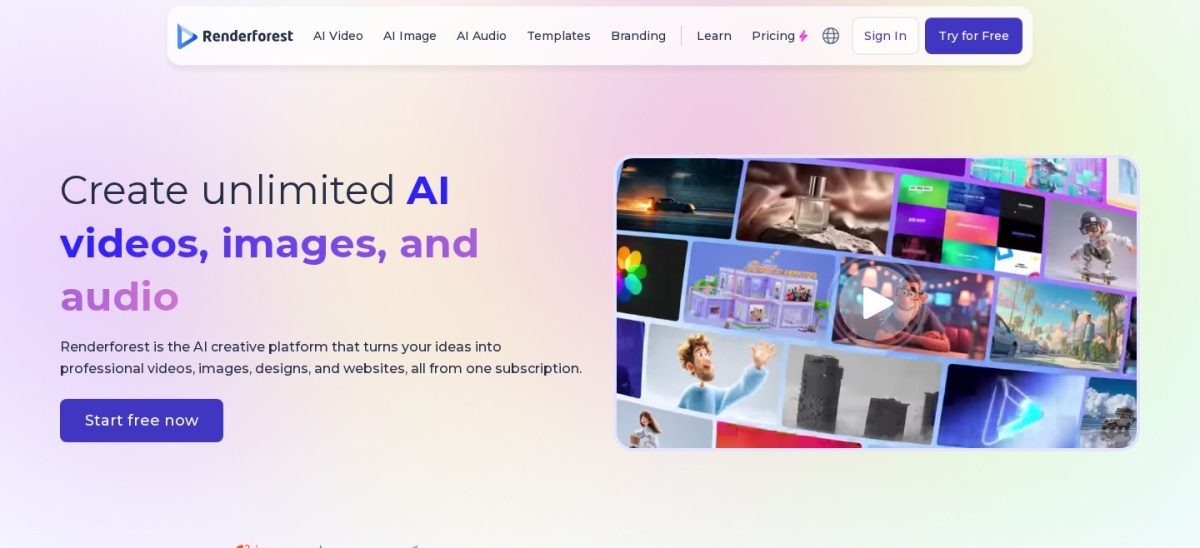
Renderforest homepage, captured Nov 2026.
Renderforest is a template-led video platform for slideshows, intros, promos and music videos. The free plan exports HD720 videos up to 3 minutes long with a watermark and 500 MB of storage, and its slideshow templates set the pacing, transitions and text for you.
The trade off is the watermark and the credit system. Paid plans remove the watermark, extend video length and add credits for AI video, audio and image tools, starting with Lite at $15 a month. It suits small businesses that want a template-made video with little editing.
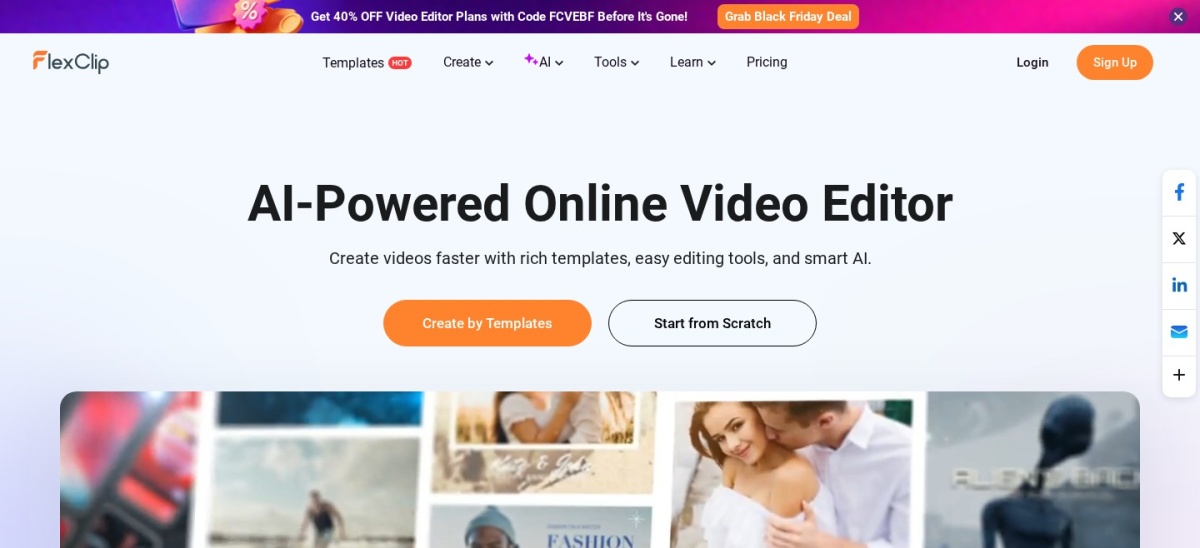
FlexClip is a browser video editor with a storyboard view that suits photo slideshows and short promos. The free plan exports 720p video up to 10 minutes with a watermark, allows 12 projects, and includes 1 stock video and 1 stock audio track per project.
The trade off is the single-track timeline and the AI credit limits. Plus removes the watermark, unlocks 1080p and adds 3,600 AI credits a year at $11.99 a month billed annually. It suits beginners making social clips and slideshow explainers from photos.
VEED is a browser video editor with automatic subtitles, translation and AI tools on a timeline. The free plan exports 720p video up to 10 minutes with a VEED watermark and 2 GB of storage, and photos can be dropped on the timeline with text, music and transitions.
The trade off is that the free plan is a trial in all but name for published work. Creator removes the watermark, adds 1080p and unlimited auto subtitles at $12 per user a month billed annually. It suits creators who publish captioned social video every week.
What we like
Strong auto subtitles in 100+ languages
Rated 4.6/5 on G2 from 2,196 reviews
No install, works in any browser
Watch out for
Free exports carry a watermark at 720p
Paid plans are priced per editor seat
Creator removes the watermark and adds 1080p and unlimited subtitlesVisit veed.io
07
InVideo
4.5/5on G2 (168 reviews, checked Nov 2026)
Paid from$20/mo
Best AI first cut from photos
Free planLimited credits, watermarked
Starter credits400 per seat/mo
Storage200 GB on Starter
Paid planStarter, $240/yr
invideo.io
InVideo homepage, captured Nov 2026.
InVideo is an AI video tool where an agent builds a first cut from a prompt, script or photos, then lets you edit it on a timeline. The free plan has limited credits and watermarked exports, while Starter adds 400 credits a seat a month and 200 GB of storage.
The trade off is price and the credit system. Starter lists at $20 a seat a month, and the page shows $10 a seat a month billed annually as a 50% off offer, so the yearly cost depends on the offer. It suits creators who want an AI-made draft from photos rather than building slide by slide.
What we like
AI agent builds a full first cut from photos
Rated 4.5/5 on G2 from 168 reviews
Timeline editor with multiplayer editing
Watch out for
Credits run out fast on generative video
Free credit allowance is not published
Starter adds 400 credits a month and removes the watermarkVisit invideo.io
08
Clipchamp
4.1/5on G2 (51 reviews, checked Nov 2026)
Paid from$9.99/mo
Best free exports with no watermark
Free export1080p, no watermark
Free exportsUnlimited
AI captionsIncluded free
Paid routeMicrosoft 365 Personal
clipchamp.com
Clipchamp homepage, captured Nov 2026.
Clipchamp is Microsoft's browser video editor, built into Windows 11 and Microsoft 365. The free plan exports unlimited videos up to 1080p with no watermark, and includes AI captions, voiceovers, noise removal and a screen and camera recorder.
The trade off is that there is no standalone paid plan. 4K export, premium stock and the brand kit come only with Microsoft 365 Personal at $9.99 a month, or $99.99 a year. It suits Windows users who want clean free exports and already pay for Microsoft 365.
What we like
Only free 1080p export with no watermark here
AI captions and voiceovers included free
Built into Windows 11 and Microsoft 365
Watch out for
Needs a Microsoft account and an internet connection
4K needs the full Microsoft 365 subscription
Microsoft 365 Personal adds 4K, premium stock and a brand kitVisit clipchamp.com
09
Kapwing
3.9/5on G2 (40 reviews, checked Nov 2026)
Paid from$16/mo
Best for team social editing
Free credits10 credits
Free export720p, watermarked
Free video length4 minutes max
Paid planPro, $192/yr
kapwing.com
Kapwing homepage, captured Nov 2026.
Kapwing is a browser video editor with auto subtitles, translation and AI tools for social video. The free plan gives 10 credits, 720p exports with a watermark, videos up to 4 minutes long and 5 GB of storage, with no install needed.
The trade off is the low rating and the tight free limits. Pro adds 1,000 credits a month, no watermark and 4K export at $16 a member a month billed annually. It suits small teams editing captioned social clips together in a browser.
What we like
Auto subtitles, translation and dubbing in one editor
Team workspaces for shared social video
No install, runs in the browser
Watch out for
Lowest G2 rating in this list at 3.9/5
Free plan allows only 10 credits
Pro adds 1,000 credits a month, no watermark and 4K exportVisit kapwing.com
Free vs paid: the watermark question
Free plans are good for drafts, family slideshows and internal videos, where a watermark does not matter.
Paid plans mostly buy a clean export. The watermark goes, resolution rises to 1080p or 4K, and you get more storage and stock media.
If the video is for a client or a public page, pay for one month rather than publishing a watermarked file. Our guide on posting a video on WordPress covers the publishing step.
Annual billing cuts the monthly rate on most tools here, but check whether the lower rate is a lasting price or a first-year offer.
How we chose
We started from the best-known browser tools for turning photos into video, then kept the nine with a real free plan and a public rating.
Prices come from each vendor's pricing page, checked on 25 November 2026, with the regular price shown where a page advertises a discount. Ratings and review counts come from G2 on the same day.
We left out desktop-only slideshow apps and tools with no free plan. No vendor paid for a place, and we do not claim hands-on testing for this list.
How to choose a free tool to make video from photos
Start with the export you need, then pick the tool that gives it to you free.
Decide where the video will be seen. A family slideshow can carry a watermark; a client video or public post cannot. That one choice rules out most free plans.
Pick the export quality you need. 720p is fine for social feeds, but 1080p looks better on a website or a large screen. Clipchamp is the only free option here with 1080p and no watermark.
Check the free limits before you build. Look at the export length, the number of projects and the stock allowance. See how to optimize your photos for the web so large images do not slow the editor.
Try the free plan with your real photos. Build one short video end to end and watch the export. If the watermark or the 720p cap gets in the way, the cheapest paid plan in this list starts at $9 a month.
FAQ
What is the best free tool to make a video from photos?
Canva is the best free option for most people. Its free plan includes a video editor, more than 2 million templates and 4.7 million stock assets, and it is rated 4.7 out of 5 on G2 from more than 7,900 reviews.
Can I make a video from photos for free without a watermark?
Yes, but only Clipchamp does it in this list, with free 1080p exports and no watermark. Every other free plan here watermarks exports, so a paid plan is needed for a clean video from Canva, Animoto, Adobe Express or the rest.
How long can a free photo video be?
It depends on the tool. FlexClip and VEED allow up to 10 minutes on their free plans, Renderforest allows 3 minutes, and Kapwing allows 4 minutes. Canva, Animoto, Adobe Express, InVideo and Clipchamp do not publish a free-plan length limit.
What is the cheapest paid plan in this list?
Animoto Basic is the cheapest, at $9 a month billed annually, or $108 a year. It removes the watermark and adds 1080p downloads. Adobe Express Premium and Clipchamp through Microsoft 365 Personal both cost $9.99 a month.
Do I need to install software to make a video from photos?
No. All nine tools in this list run in the browser, so there is nothing to install. You upload photos, arrange them on a timeline or in a template, add music and text, then export the finished video.
Which tool is best for a slideshow with music?
Animoto is the best dedicated slideshow maker here, because it paces photo cuts to the music automatically. Canva is a close second for people who also want design templates, and Renderforest suits template-made slideshows with intros.
SaaS SEO and WordPress specialist with about 8 years of experience. Rakib compares WordPress plugins, themes, hosting and software using public pricing, documentation and user reviews. See how we rank.