Canva is the best GIF maker for most people, with a free plan, animated templates and GIF export, rated 4.7 out of 5 on G2 from 7,927 reviews. Pick Adobe Express for branded GIFs in Adobe tools, or Ezgif for a fast, free conversion with no signup.
How we make this list: we compare pricing pages, product documentation and public user reviews, then re-check every price before each update. No product paid for a place. Disclosure.
Canva is the top pick: a free plan, animated templates and GIF export, rated 4.7/5 on G2 from 7,927 reviews.
Adobe Express is the best Adobe-side option, with Premium at $9.99 a month and a 4.4/5 G2 rating from 1,110 reviews.
Photoshop gives the most frame control but costs $22.99 a month and has no free plan, only a 7-day trial.
GIMP, ShareX and Ezgif are free: GIMP for desktop frame editing, ShareX for Windows screen capture, Ezgif for fast browser conversion.
Kapwing Pro costs $16 a month on annual billing and removes the watermark from free exports.
Paid plans in this list run from $5 a month for Picsart Gold to $22.99 a month for Photoshop.
What kind of GIF maker do you need
A GIF maker is either a recorder, a converter or a designer. Recorders capture the screen, converters turn video into GIFs, and designers build animated graphics from templates.
Start with the source. A screen demo needs a recorder such as ShareX, a video clip needs a converter such as Ezgif or CloudConvert, and a branded social post needs a designer such as Canva or Adobe Express.
Watch the loop and the file size. Short clips loop cleanly, while long, high-resolution GIFs grow large fast. Our guide on optimising images for WordPress explains why file size matters once a GIF goes on a page.
Free plans cover most quick jobs. The paid plans here mainly remove watermarks, unlock premium assets and raise export limits.
Canva is a browser design tool that turns animated designs into GIFs. Start from an animated template, add text, photos and brand colours, then export the result as a GIF for social posts, emails and presentations. The free plan includes more than 1 million templates, 3 million stock assets and 5GB of storage.
The trade off is control. Canva animates whole designs rather than single frames, so exact timing and loop points are hard to set, and premium templates and assets need Pro at $12 a month billed annually. It suits marketers and small teams that want a GIF to match the rest of their content.
What we like
Largest template library in this list
Free plan covers GIF export
Rated 4.7 out of 5 from 7,927 G2 reviews
Brand kits keep GIFs on-brand
Watch out for
No frame-by-frame timing control
Premium templates and assets need Pro
GIFs can look template-like
Pro adds premium assets, brand kits and 100GB storageVisit canva.com
02
Adobe Express
4.4/5on G2 (1,110 reviews, checked Nov 2026)
Paid from$9.99/mo
Best for branded GIFs in Adobe tools
Free planYes
GIF exportYes, from video
Stock assets200M+ on Premium
Paid planPremium, $9.99/mo
adobe.com
Adobe Express homepage, captured Nov 2026.
Adobe Express is Adobe's browser design tool for quick social graphics, video clips and animated GIFs. Start from a template, add text and animation, then export as a GIF, with 200 million Adobe Stock assets and Firefly image tools on Premium. The free plan covers core templates and basic editing.
The trade off is depth. Frame-level timing is limited, and the best assets, brand kits and background removal sit behind Premium at $9.99 a month. It suits people already in Adobe tools who want branded GIFs without opening Photoshop.
What we like
200 million Adobe Stock assets on Premium
Firefly image tools built in
Brand kits and templates included
Cheaper than Canva Pro at $9.99 a month
Watch out for
No frame-by-frame timing control
Best assets need Premium
Fewer templates than Canva
Premium adds all templates, brand kits and 100GB storageVisit adobe.com
03
Adobe Photoshop
4.6/5on G2 (13,457 reviews, checked Nov 2026)
Starts at$22.99/mo
Best for frame-by-frame GIF control
Free planNo, 7-day trial
Frame controlPer-frame delays
GIF exportTimeline to GIF
Paid planIndividuals, $22.99/mo
adobe.com
Adobe Photoshop homepage, captured Nov 2026.
Adobe Photoshop is the desktop editor for frame-by-frame GIF work. Build an animation in the Timeline panel, set a delay for each frame, and export with full control over colours, dithering and looping. It includes layers, masks and AI tools such as Generative Fill for cleaning up frames.
The trade off is price and learning time. There is no free plan, only a 7-day trial, and Photoshop for Individuals costs $22.99 a month. It suits designers and marketers who need exact control over every frame of a GIF.
What we like
Full control over frames, timing and colours
Layers, masks and AI clean-up tools
Rated 4.6 out of 5 from 13,457 G2 reviews
Industry standard for image work
Watch out for
No free plan, only a 7-day trial
Most expensive tool in this list
Steep learning curve for beginners
The subscription adds Lightroom and cloud storage on some plansVisit adobe.com
04
GIMP
4.3/5on G2 (1,484 reviews, checked Nov 2026)
PriceFree
Best free desktop GIF editor
Free planYes, full version
PlatformsWindows, macOS, Linux
GIF methodLayers as frames
Paid planNone, free
gimp.org
GIMP homepage, captured Nov 2026.
GIMP is a free, open source image editor for Windows, macOS and Linux. Open images as layers, set each layer as one frame, and export the result as an animated GIF with control over frame delays. Version 3.2.8 was released on 2 November 2026, and the download costs nothing.
The trade off is the interface. GIMP's menus and panels take time to learn, and animation is done by hand rather than with a timeline built for motion. It suits anyone who wants a free desktop GIF editor and does not mind a steeper start.
What we like
Free forever, with no paid tier
Runs on Windows, macOS and Linux
Frame delays set per layer
Large library of free plug-ins
Watch out for
Interface takes time to learn
No timeline built for animation
No vendor support desk
No paid plan exists; donations fund developmentVisit gimp.org
05
Kapwing
3.9/5on G2 (41 reviews, checked Nov 2026)
Paid from$16/mo
Best for GIFs from video workflows
Free planYes, watermarked
Free credits10 credits
GIF exportVideo to GIF
Paid planPro, $16/mo annual
kapwing.com
Kapwing homepage, captured Nov 2026.
Kapwing is a browser video editor that exports clips as GIFs. Upload a video, trim it on a timeline, add captions and text, then export the highlight as a GIF, an MP4 or a still. The free plan gives 10 credits, 720p exports up to 4 minutes long and 5GB of storage.
The trade off is the watermark and the credit system. Free exports carry a Kapwing watermark, and Pro costs $16 a month on annual billing, or $24 month to month, for 1,000 credits a month and no watermark. It suits creators who make GIFs as one output of a wider video workflow.
What we like
Timeline trimming and captions built in
Exports GIF, MP4 and stills from one project
No install, runs in the browser
Shared workspace for teams
Watch out for
Free exports carry a watermark
Credit system limits heavy use
Lowest G2 rating in this list at 3.9
Pro adds 1,000 credits a month, 4K export and 200GB storageVisit kapwing.com
06
Picsart
4.5/5on G2 (799 reviews, checked Nov 2026)
Paid from$5/mo
Best for playful social GIFs on mobile
Free planYes, with ads
PlatformsWeb, iOS, Android
GIF toolsStickers and text
Paid planGold, $5/mo
picsart.com
Picsart homepage, captured Nov 2026.
Picsart is a photo and video editor for web and mobile with stickers, effects and animation tools. Turn a photo or short clip into a looping GIF, add text and stickers, and share it straight to social apps. The free plan covers basic editing, while Gold removes ads and unlocks the full tool library.
The trade off is the free plan. Ads and paywalled tools interrupt the flow, and Gold costs $5 a month. It suits casual creators who make playful, social-first GIFs on a phone.
What we like
Strong mobile app for on-the-go GIFs
Stickers, effects and AI tools built in
Rated 4.5 out of 5 from 799 G2 reviews
Cheapest paid plan in this list at $5 a month
Watch out for
Free plan is ad-heavy
Many tools sit behind Gold
Less precise than desktop editors
Gold removes ads and unlocks all templates and AI toolsVisit picsart.com
07
CloudConvert
4.7/5on G2 (21 reviews, checked Nov 2026)
Paid from$9/mo
Best for high-quality video to GIF conversion
Free plan10 conversions/day
Formats200+
GIF exportVideo to GIF
Paid planSubscription, $9/mo
cloudconvert.com
CloudConvert homepage, captured Nov 2026.
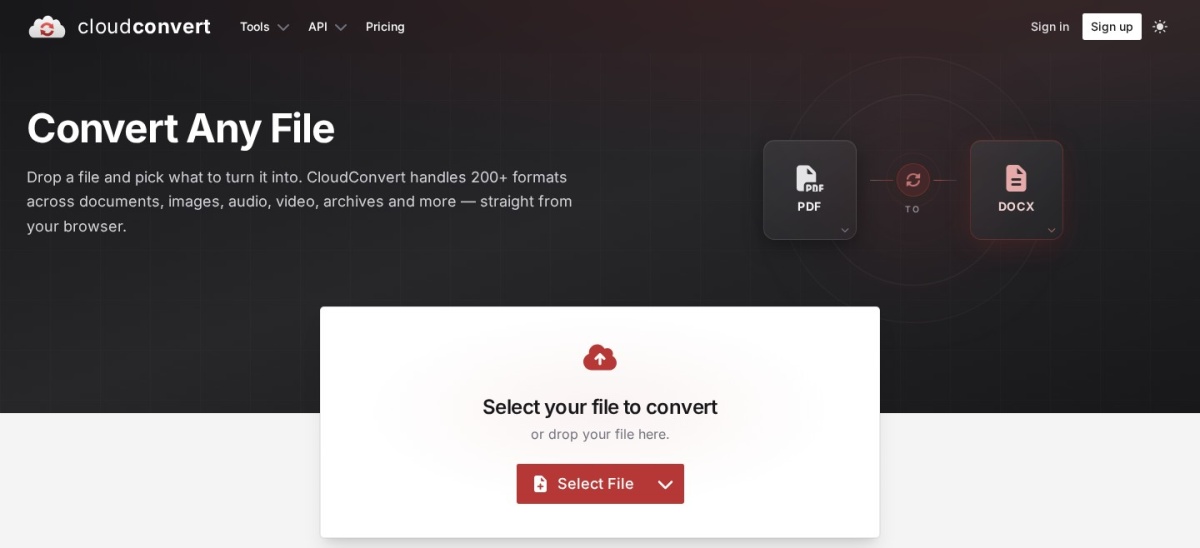
CloudConvert is a browser file converter that handles more than 200 formats, including video to GIF. Upload a clip, set the resolution, frame rate and quality, then download a GIF with no watermark. The free plan allows 10 conversions a day, and paid use runs on conversion credits.
The trade off is the credit meter. A subscription costs $9 a month for 1,000 credits, and heavier conversions use more credits, so costs vary with file size and length. It suits people who need a clean, high-quality conversion rather than an editor.
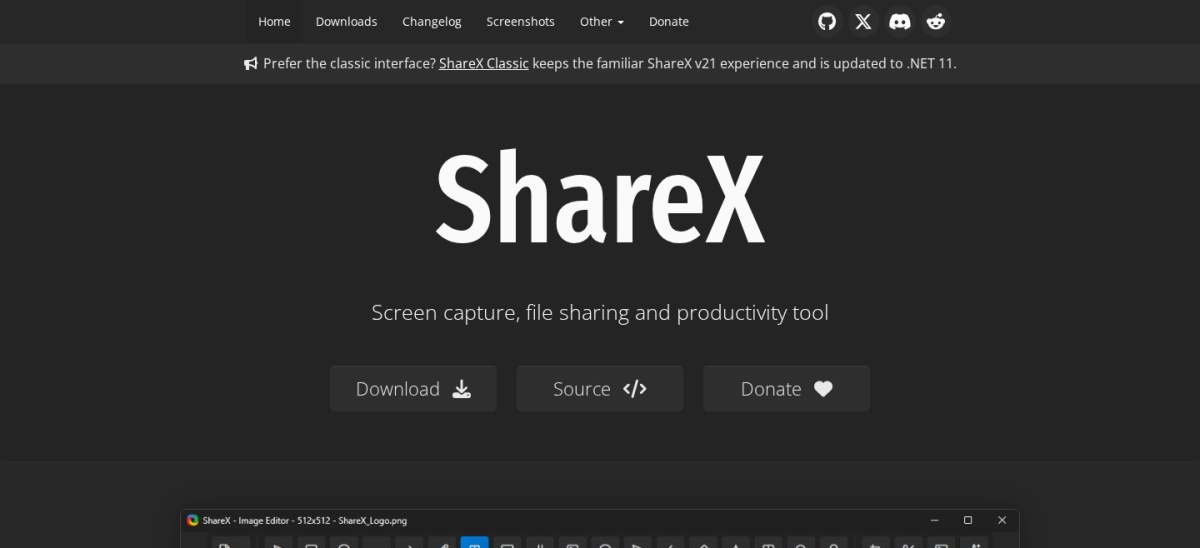
ShareX is a free, open source screen capture tool for Windows. Record a region of the screen and save it straight as a GIF, or capture screenshots and upload them to a host of your choice. It includes annotation tools, hotkeys and automatic upload workflows.
The trade off is the platform and the learning curve. ShareX runs on Windows only, and its many menus and settings can overwhelm a first-time user. It suits Windows users who record demos, bug reports and short walkthroughs as GIFs.
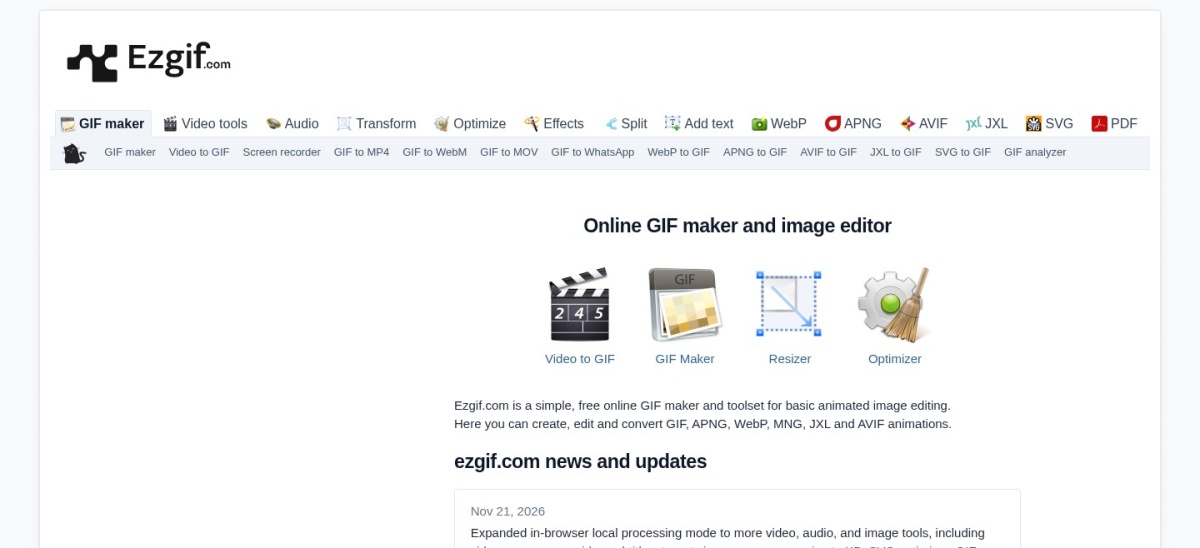
Ezgif is a free browser toolset for making and editing GIFs. Convert video to GIF, crop, resize, optimise and add text, with no signup and no watermark on the result. A local processing mode now runs many tools in the browser, so files need not be uploaded.
The trade off is polish. The plain interface and ads will not suit everyone, and Trustpilot reviewers rate the site 3.5 out of 5 from 24 reviews. It suits quick jobs where a free, no-signup converter matters more than a polished editor.
Free plans make GIFs well. Ezgif, GIMP and ShareX cost nothing at all, and Canva, Adobe Express, Kapwing, Picsart and CloudConvert all have usable free tiers.
Paid plans mainly remove friction. Watermarks go away, export limits rise, and premium templates, stock assets and brand kits open up.
The cheapest paid plans are Picsart Gold at $5 a month and CloudConvert at $9 a month. Photoshop, at $22.99 a month, is the dearest here and only makes sense when frame-level control is the job.
If you make one GIF a month, stay free. Pay when watermarks, limits or missing assets slow you down every week.
How we chose
We started from the GIF makers that appear most often in buyer guides and app stores, then kept the established tools with a public rating and a current homepage or pricing page.
Prices come from each vendor's pricing page, checked on 25 November 2026. Ratings and review counts come from G2 on the same day, except Ezgif, which uses Trustpilot. Where a vendor shows a sale, the list shows the regular price.
We left out tools with no public rating, including ScreenToGif, and tools whose price is not published. No vendor paid for a place, and we do not claim hands-on testing for this list.
How to choose a GIF maker
Match the tool to the source of your GIF, then check the free plan before paying.
Name the source first. A screen demo, a video clip and a designed graphic each suit a different tool, so pick the type before the brand.
Try the free plan. Make one real GIF end to end and check the export for watermarks, size and loop quality before you pay.
Check the export limits. Look for caps on length, resolution and monthly credits, and keep an eye on file size before the GIF goes on a page.
Pay only for a repeated need. A subscription makes sense when you make GIFs every week; for one-off jobs the free tools in this list are enough.
FAQ
What is the best GIF maker software?
Canva is the best GIF maker for most people. Its free plan covers animated templates and GIF export, and it is rated 4.7 out of 5 on G2 from 7,927 reviews. Adobe Express and Photoshop suit branded work and frame-level control.
Can I make a GIF for free?
Yes. Ezgif, GIMP and ShareX are free with no paid tier, and Canva, Adobe Express, Kapwing, Picsart and CloudConvert all have free plans. Free exports may carry a watermark, as with Kapwing, or show ads, as with Ezgif.
How do I turn a video into a GIF?
Upload the clip to Ezgif, CloudConvert or Kapwing, trim the section you want, then export it as a GIF. Keep the clip short, usually under 10 seconds, so the file stays small and the loop feels clean.
What is the best free GIF maker for Windows?
ShareX is the best free option for recording your screen straight to GIF on Windows, and it is rated 4.8 out of 5 on G2. GIMP is the better free pick when you want to edit frames by hand on the desktop.
Why are my GIFs so large?
GIFs store every frame as an image, so long clips and high resolutions grow fast. Keep clips short, lower the resolution and frame rate, and run the result through an optimiser such as Ezgif before you publish it.
Do I need Photoshop to make a GIF?
No. Photoshop gives the most control over frames, timing and colours, but Canva, Adobe Express and Ezgif cover most GIF jobs for free. Only pay for Photoshop when exact frame control is part of your regular work.
SaaS SEO and WordPress specialist with about 8 years of experience. Rakib compares WordPress plugins, themes, hosting and software using public pricing, documentation and user reviews. See how we rank.