WLWPLegible EditorsLast verified 24 Nov 2026How we rank10 min read
★ Short answer
VEED is the best video cropper for most creators, with cropping, auto captions and translation from $24 a month and a 4.6 out of 5 G2 rating from 2,175 reviews. Pick Clipchamp for free cropping, and Adobe Express for the cheapest paid plan at $9.99 a month.
How we make this list: we compare pricing pages, product documentation and public user reviews, then re-check every price before each update. No product paid for a place. Disclosure.
VEED leads with a 4.6 out of 5 G2 rating from 2,175 reviews and a free plan for basic cropping.
Clipchamp is the best free option, with 1080p export and no download.
Adobe Express has the cheapest paid plan here at $9.99 a month.
Canva has the largest G2 review base at 7,678, but video is a side feature.
Clideo and CapCut were left out because no verifiable G2, Capterra or Trustpilot review count could be found for them.
What a video cropper should do
Cropping a video means changing its shape, usually to fit a social platform. A square for Instagram, a vertical for TikTok, or a wide crop for YouTube, each with its own ratio.
Good croppers therefore offer ratio presets, safe-zone guides, and export without a watermark. Our guide to the best AI-powered video ad editing software covers the wider video market.
Free plans matter here. Every tool in this list has a free tier, but most add a watermark, so the real cost is the first paid plan that removes it.
Browser tools beat desktop tools for quick crops. Clipchamp, Kapwing, VEED and FlexClip all run in the browser, so there is nothing to install.
Clipchamp is Microsoft's free video editor with cropping built in, plus templates, stock media and social ratio presets. The free plan exports at 1080p, and Premium costs $11.99 a month for more stock and features.
The trade off is the rating. Its G2 score of 4.1 out of 5 from 49 reviews is the second-lowest here, and the free plan limits stock media. It suits casual users who want free cropping without a download.
Kapwing is a browser editor for quick social crops, with presets for every platform, AI captions and auto-trim. The free plan covers basic cropping, and Pro costs $24 a month billed monthly, or $16 billed annually.
The trade off is the rating. Its G2 score of 3.9 out of 5 from 40 reviews is the lowest here, and the free plan adds a watermark. It suits social teams that crop many clips a week.
VEED is a browser editor that pairs cropping with auto captions, translation and templates. The free plan covers basic editing, and Lite costs $24 a month billed monthly, or $12 billed annually, with a 4.6 out of 5 G2 rating from 2,175 reviews.
The trade off is the monthly price. The $24 figure is the monthly-billed rate, so the annual-billed $12 is the better deal, and the free plan adds a watermark. It suits creators who caption as well as crop.
Adobe Express is Adobe's browser design tool with video cropping, templates, fonts and stock media. The free plan covers basic cropping, and Premium costs $9.99 a month with more templates and stock.
The trade off is depth. It is a design tool first, so its video editing is lighter than VEED or Kapwing, though the Adobe integration helps Creative Cloud users. It suits teams already in the Adobe ecosystem.
Canva is the design tool most teams already know, and its video editor crops clips with social ratio presets beside its full design suite. The free plan covers basic cropping, and Pro costs $144 a year with more templates and stock.
The trade off is that video is a side feature. Cropping works, but the editor is simpler than VEED or Kapwing, and the price is annual-only at $144. It suits teams that design and crop in one place.
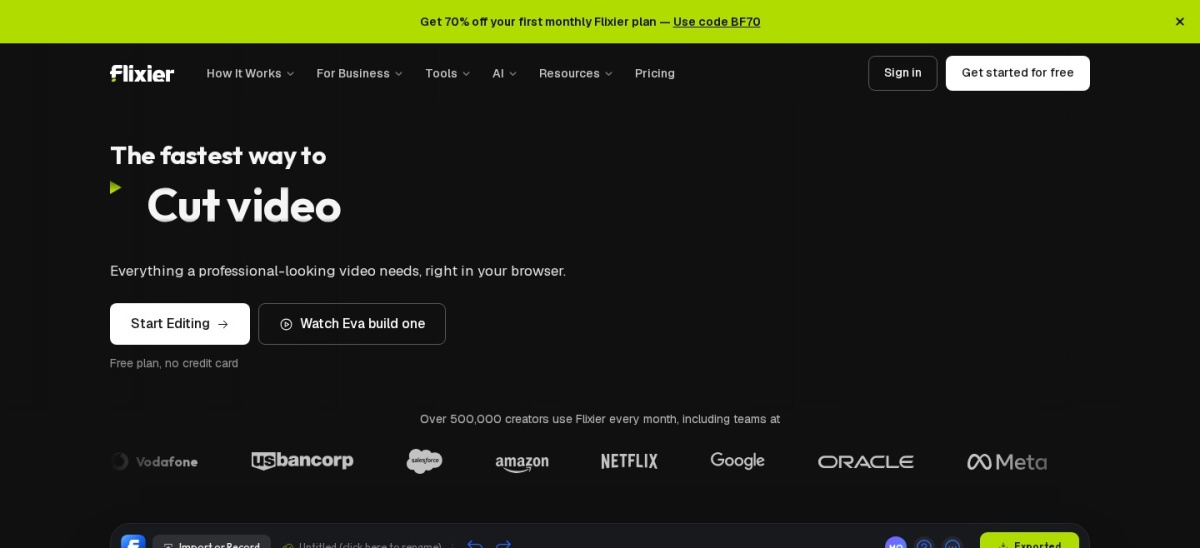
Flixier is a cloud video editor with cropping, templates and fast cloud rendering that exports without taxing your machine. The free plan covers basic editing, and Creator costs $19 a month per seat.
The trade off is per-seat pricing. A team of five pays $95 a month, and the free plan adds a watermark. It suits creators who render many clips a week.
Animoto is a template-led video maker with cropping, music and stock media. The free plan covers basic videos, and Basic costs $16 a month with more templates and stock.
The trade off is the rating base. Its G2 score of 4.3 out of 5 comes from 94 reviews, and the editor is simpler than VEED or Flixier. It suits small businesses that make template videos.
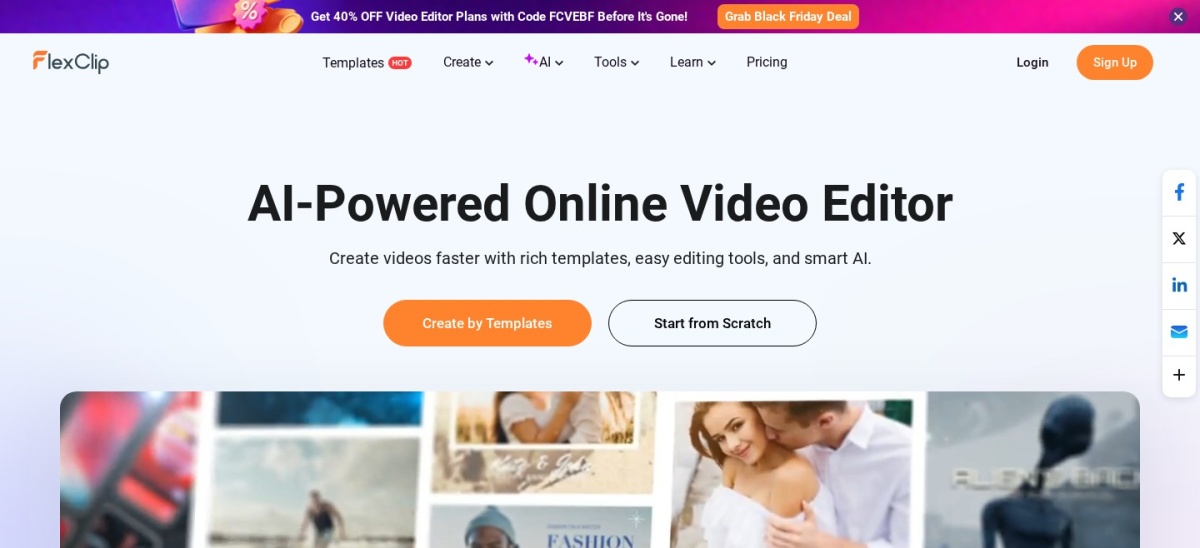
FlexClip is a browser video editor with cropping, a large stock library and templates. The free plan covers basic editing, and Plus costs $19.99 a month billed monthly, or $11.99 billed annually.
The trade off is the monthly price. The $19.99 figure is the monthly-billed rate, and the free plan adds a watermark. It suits creators who need stock footage beside cropping.
Every free plan here except Clipchamp adds a watermark to exports. Kapwing, VEED, Flixier, Animoto and FlexClip all watermark free exports.
If you publish cropped clips for a business, the watermark is a reason to pay. The cheapest watermark-free plan is Adobe Express Premium at $9.99 a month.
Clipchamp is the exception: its free plan exports at 1080p without a watermark, though stock media is limited.
How we chose
We started from the video editors with the largest review bases on G2, then kept eight with a verifiable rating and a published price, all with a free plan.
Prices come from each vendor's pricing page, checked on 24 November 2026, with the November 2026 independent reads noted in the notes where a page would not load. Ratings come from G2 on the same day, using the source with the most reviews for each tool.
We left out Clideo and CapCut because no verifiable G2, Capterra or Trustpilot review count could be found for them. No vendor paid for a place, and we do not claim hands-on testing for this list.
How to choose a video cropper
Start with where the video will be published, then match the tool to that platform.
Pick the platform first. TikTok needs vertical, Instagram needs square, and YouTube needs wide. Check the tool has presets for your platform.
Check the watermark. Most free plans watermark exports. If you publish for a business, budget for the cheapest paid plan that removes it.
Test the export quality. Clipchamp exports free at 1080p. Others cap free exports lower, so check the resolution before you commit.
Try two tools with the same clip. Crop the same video in VEED and Clipchamp and compare the export time and quality before you pay.
FAQ
What is the best video cropper tool?
VEED is the best pick for most creators. It pairs cropping with auto captions and translation, holds a 4.6 out of 5 G2 rating from 2,175 reviews, and has a free plan.
Is there a free video cropper without a watermark?
Yes. Clipchamp's free plan exports at 1080p without a watermark, though stock media is limited. Most other free plans add a watermark to exported videos.
What is the cheapest video cropper?
Adobe Express Premium at $9.99 a month is the cheapest paid plan here. Clipchamp Premium costs $11.99 a month, and Canva Pro is $144 a year.
Can I crop a video on my phone?
Yes. Clipchamp, Kapwing, VEED and Canva all work in a mobile browser, and Canva and Clipchamp have apps. Desktop editing gives more control for long clips.
What aspect ratio should I crop for TikTok?
Vertical 9:16 is the standard for TikTok and Reels. Square 1:1 suits Instagram feeds, and wide 16:9 suits YouTube, so crop each clip to the platform where it will be published.
Is CapCut a good video cropper?
CapCut is popular for cropping, but we could not verify a G2, Capterra or Trustpilot review count for it, so it is not in this list. VEED and Clipchamp are the verified alternatives.