Best AI Background Remover Tools in 2026: 9 Tools Compared
WLWPLegible EditorsLast verified 22 Nov 2026How we rank13 min read
★ Short answer
Canva is the best AI background remover for most people, with the highest Capterra score in this list and background removal in its $144-a-year Pro plan. Pick PhotoRoom for product photos and Adobe Express if you already use Adobe tools.
How we make this list: we compare pricing pages, product documentation and public user reviews, then re-check every price before each update. No product paid for a place. Disclosure.
Canva is the strongest all-round pick: 4.7 out of 5 from 13,469 Capterra reviews, and Pro costs $144 a year.
PhotoRoom is the best dedicated remover for sellers: Pro costs $89.99 a year and includes 1,000 exports a month.
Adobe Express locks background removal behind Premium at $9.99 a month; its free plan does not include it.
Pixlr Plus is the cheapest paid plan here at $23.88 a year, and Clipping Magic is the cheapest for precision work at $39.84 a year.
remove.bg, the tool that defined this category, shuts down on 1 December 2026 and moves into Canva.
Three tools carry low Trustpilot scores over billing complaints, not cutout quality: PhotoRoom 2.2, Fotor 3.5 and Pixelcut 1.7.
What to look for in an AI background remover
Most background removers work the same way: upload a photo, the AI finds the subject, and you download a cutout with a transparent background. What differs is the edge quality on hair and fur, the export size, and what happens after the cutout — some tools stop there, others add new backgrounds, shadows and batch editing.
The biggest news in this category is a shutdown. remove.bg, the tool that defined one-click background removal, closes its standalone site on 1 December 2026, and its background removal moves into Canva. If you have remove.bg credits or an API integration, plan the move now rather than after the deadline.
Free plans are useful for a quick check, but read the limits. Most cap the export size or watermark the result, and full-resolution downloads usually need a paid plan. Our guide to the best AI plugins for WordPress covers AI tools that add similar features to a site, if you want removal inside WordPress.
Price is usually per image or per month. Credit-based tools suit occasional use, while a flat subscription suits sellers who cut out dozens of photos a week. Check the renewal price and the cancellation terms before you subscribe — several tools in this list have billing complaints on Trustpilot.
4.7/5on Capterra (13,469 reviews, checked Nov 2026)
Paid from$144/yr
Best AI background remover overall
Background removerPro, plus limited AI uses free
Free planYes, limited AI uses
Templates3.6M+ on Pro
Paid planPro, $144/yr
canva.com
Canva homepage, captured Nov 2026.
Canva is the largest design platform in this list, with more than 265 million people using it each month, and a 4.7 out of 5 rating from 13,469 Capterra reviews. Its Background Remover sits inside the editor, so a cutout can go straight into a social post, ad or listing, and the free plan includes a limited monthly allowance of AI uses.
The trade off is that background removal is one feature in a very large product, and the free allowance runs out fast if you cut out photos every day. Pro costs $144 a year for one person and adds 141 million premium assets, 5 Brand Kits and 100GB of storage. It suits creators who want the cutout and the finished design in one place.
What we like
Highest-rated tool here, from 13,469 Capterra reviews
Cutout goes straight into a finished design
Official home of remove.bg's background removal from December 2026
Free plan includes some AI uses
Watch out for
Pro is $144 a year, the dearest plan in this list
Free AI allowance is small for daily use
A large app for a one-click job
Pro adds 141M+ premium assets and 10x the AI allowanceVisit canva.com
02
PhotoRoom
2.2/5on Trustpilot (279 reviews, checked Nov 2026)
Paid from$7.50/mo
Best for e-commerce product photos
Background removerCore tool, no credit cost
Free exports250 a month
Paid exports1,000 a month on Pro
Paid planPro, $89.99/yr
photoroom.com
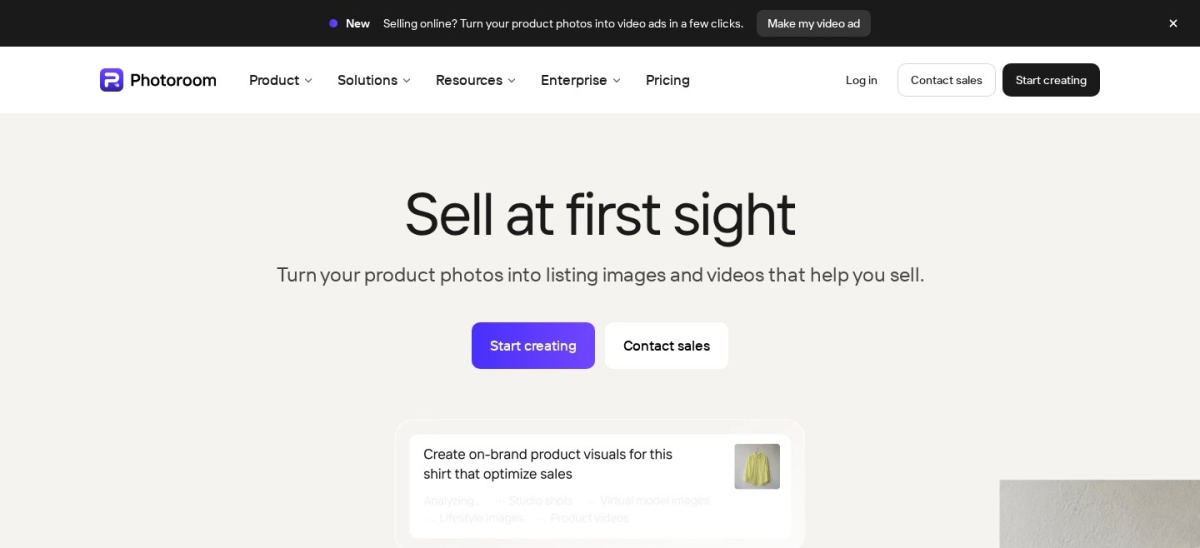
PhotoRoom homepage, captured Nov 2026.
PhotoRoom is the most focused tool in this list: it turns phone photos of products into listing images, with background removal, AI backgrounds, shadows and batch editing. It is used by more than 300 million people, and the free plan allows 250 exports a month. Background removal is a core tool, so paid plans do not charge credits for it.
The trade off is trust. PhotoRoom scores 2.2 out of 5 from 279 Trustpilot reviews, with most complaints about charges after trials and hard cancellation, not about cutout quality. Pro costs $89.99 a year and adds 8,000 AI credits a month. It suits sellers who photograph products on a phone and need listings fast.
What we like
Built for product photos, not general design
Background removal costs no AI credits on paid plans
Batch editing for whole catalogues
1,000 exports a month on Pro
Watch out for
2.2 out of 5 on Trustpilot over billing complaints
API access is a separate paid plan
Monthly billing costs $12.99, well above the annual rate
4.6/5on Capterra (1,244 reviews, checked Nov 2026)
Starts at$9.99/mo
Best for Adobe and social creators
Background removerPremium only
Free planYes, no background removal
Stock assets200M+ on Premium
Paid planPremium, $9.99/mo
adobe.com
Adobe Express homepage, captured Nov 2026.
Adobe Express is Adobe's quick design app for social posts, flyers and videos, rated 4.6 out of 5 from 1,244 Capterra reviews. Its Remove Background tool cuts out a subject in one click, and Premium adds more than 200 million Adobe Stock assets, 30,000 fonts and 250 generative AI credits a month.
The trade off is the paywall. Adobe's own pricing page says background removal is a premium feature, so the free plan cannot remove backgrounds at all, and Premium is billed monthly at $9.99 with no annual discount. It suits creators already in the Adobe world who want cutouts inside their social workflow.
What we like
Clean one-click removal with Adobe's polish
200M+ stock assets and 30,000 fonts on Premium
Strong Capterra rating from 1,244 reviews
30-day free trial of Premium
Watch out for
No background removal on the free plan
No annual billing discount for Premium
Smaller feature set than Canva Pro for the price
Premium adds video background removal and brand kitsVisit adobe.com
04
Picsart
4.5/5on G2 (760 reviews, checked Nov 2026)
Paid from$5/mo
Best for mobile and social creators
Background removerYes, free tier
AI credits200 a month on Plus
Free planYes, watermarked exports
Paid planPlus, $60/yr
picsart.com
Picsart homepage, captured Nov 2026.
Picsart is a mobile-first photo and video editor used by more than 150 million people, rated 4.5 out of 5 from 760 G2 reviews. Its background remover works on the phone and the web, and the free tier lets you try it before paying. Plus adds 200 AI credits a month, more assets and exports without watermarks.
The trade off is billing. Picsart's subscription has drawn complaints about trials turning into annual charges and a cancel button that is hard to find, and the app is built for social posts rather than print work. Plus costs $60 a year. It suits creators who edit on a phone and post daily.
Pixlr is a free browser photo editor with layers, masks and AI tools, rated 4.4 out of 5 from 749 G2 reviews. Its AI CutOut removes backgrounds without installing anything, and Plus costs $1.99 a month billed yearly, the cheapest paid plan in this list. The free tier includes a small monthly AI credit allowance.
The trade off is credits and refunds. Every AI action spends credits, so 80 a month on Plus runs out fast, and Pixlr states it gives no refunds once payment has gone through. Its Trustpilot score is 1.7 out of 5, mostly over billing. It suits anyone who wants a cheap editor in a browser tab.
What we like
Cheapest paid plan in this list
Full layered editor, not just a remover
No install, runs in the browser
Strong G2 rating from 749 reviews
Watch out for
80 AI credits a month runs out fast
No refunds once payment goes through
Trustpilot 1.7 out of 5 over billing
Premium adds 1,000 credits a month and private modeVisit pixlr.com
06
Fotor
3.5/5on Trustpilot (1,597 reviews, checked Nov 2026)
Paid from$3.33/mo
Best cheap all-in-one photo editor
Background removerYes, batch on Pro+
AI credits100 a month on Pro
Free planYes, watermarked exports
Paid planPro, $39.99/yr
fotor.com
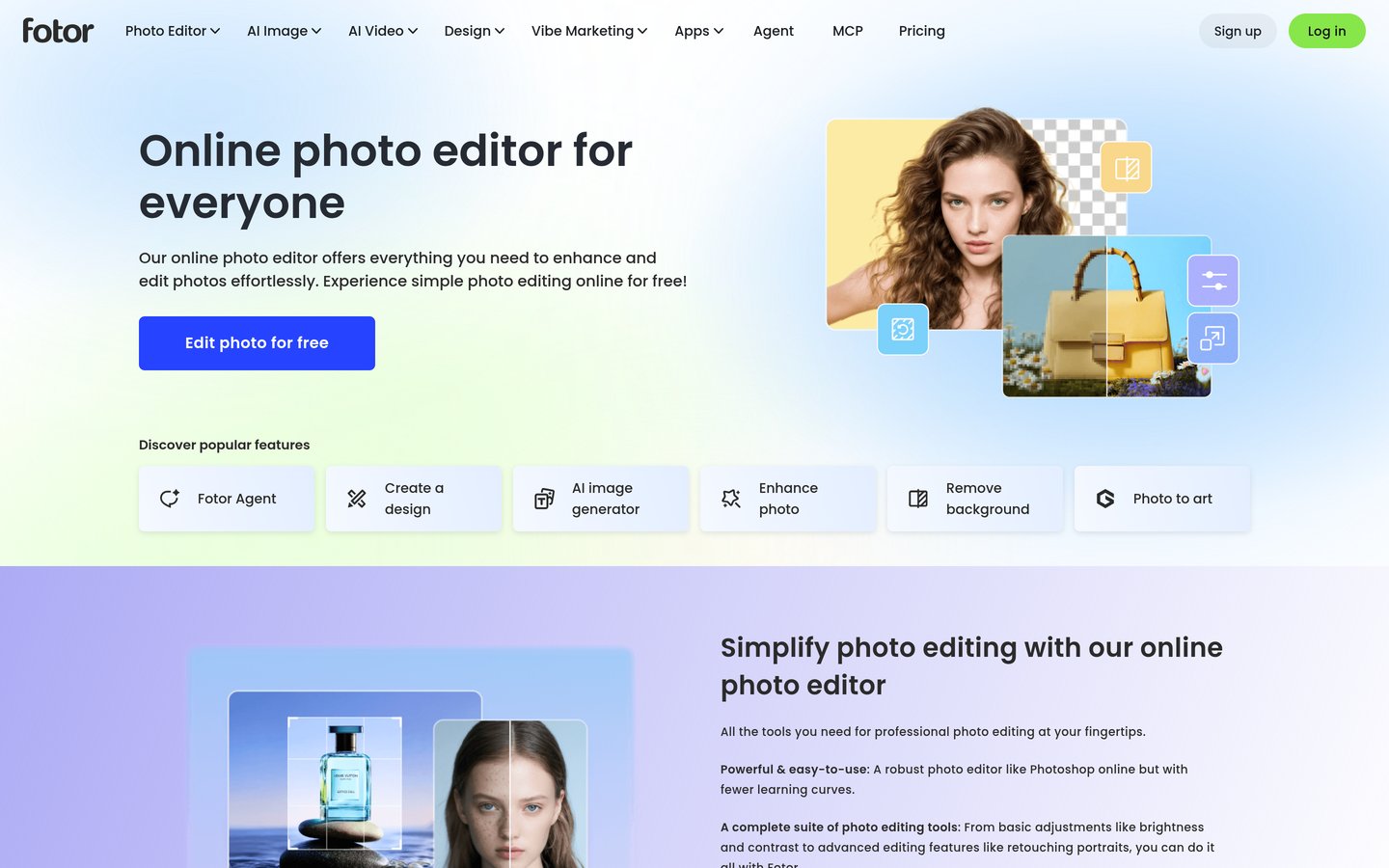
Fotor homepage, captured Nov 2026.
Fotor is an online photo editor with more than 800 million users, offering one-click enhancement, background removal, upscaling and design templates in one place. Pro costs $3.33 a month billed yearly and includes 100 AI credits a month. Its Trustpilot score is 3.5 out of 5 from 1,597 reviews.
The trade off is the credit system and billing. Generative tools draw on the monthly credit pool, and reviewers report being charged after cancellation, so check your subscription after the trial. Batch background removal needs Pro+ at $89.99 a year. It suits sellers who want cheap AI edits in bulk.
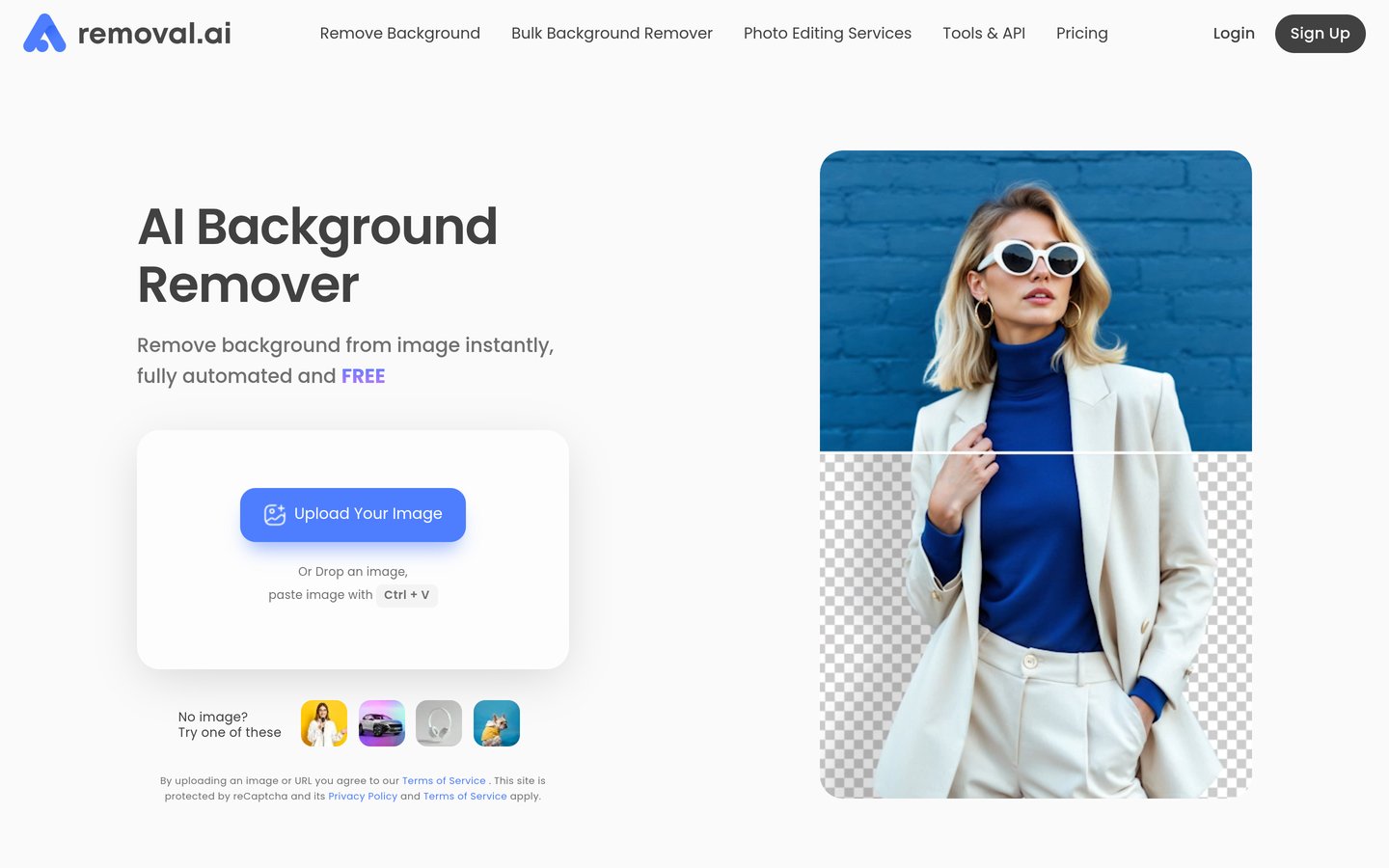
Removal.AI is a focused background remover with a simple deal: upload a photo, get a cutout, and pay per image with credits. It is rated 4.2 out of 5 from 46 G2 reviews, and the cheapest subscription is $5.99 a month. Free previews are unlimited at low resolution, so you can check the cutout before spending anything.
The trade off is depth. There is no desktop batch app or design suite here, and the company is smaller than PhotoRoom or Canva, so support is thinner. One-time credit packs start at $1.89 for 3 credits and expire after 3 years. It suits people who remove backgrounds a few times a month.
Pixelcut is an AI photo editor for sellers, with background removal, upscaling, a magic eraser and AI product photos in one app. It is used by more than 70 million sellers, and Pro costs $8 a month billed yearly with unlimited background removal and 600 AI credits a month. The free plan exports without a watermark.
The trade off is trust. Pixelcut scores 1.7 out of 5 from 70 Trustpilot reviews, with complaints about charges after trials and countdown timers, and the company briefly renamed itself Pixa in March 2026. Pro is $96 a year. It suits sellers who want unlimited cutouts and AI backgrounds cheaply.
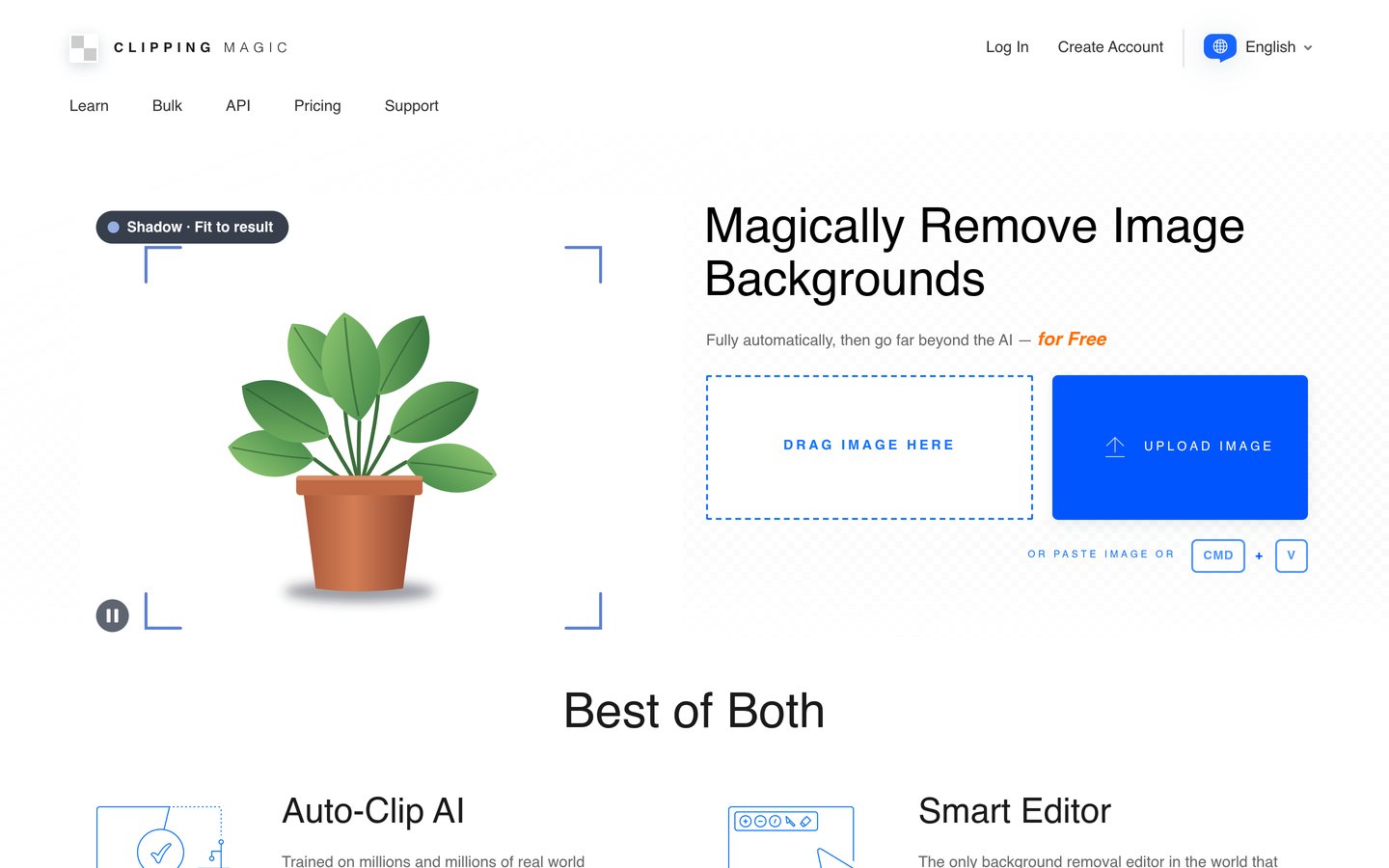
Clipping Magic is the craftsman's tool in this list: its Auto-Clip AI removes the background, then you refine the edge with a scalpel tool and a hair brush for fur and fine detail. It is rated 4.7 out of 5 from 18 G2 reviews, and Light costs $3.32 a month billed yearly. The free plan allows unlimited editing previews.
The trade off is volume. Light includes only 15 credits a month, one per image downloaded, so it is dear per image if you cut out hundreds of photos. Unused credits roll over up to 75, and there is no pay-as-you-go option. It suits photographers fixing the images that one-click tools mangle.
Free plans are best for a quick check. Most let you remove a background and download a small preview, and Canva, Picsart and Pixelcut all give you something usable without paying.
Paid plans mostly add size and volume. You get full-resolution downloads, more exports a month and batch editing, which matters once you cut out photos every week.
Adobe Express is the exception: its free plan has no background removal at all, so the $9.99 a month Premium plan is the entry price, not an upgrade.
For a store that lists new products every week, one paid plan usually costs less than the time spent fighting free limits and watermarks.
What happened to remove.bg?
remove.bg defined one-click background removal, but its standalone site closes on 1 December 2026 at 09:00 CET. Web background removal moves into Canva, and the self-serve API moves to Leonardo.Ai.
If you still use remove.bg, export your billing records before the deadline: accounts and dashboards close with the site, and unused pay-as-you-go credits expire without refunds.
Canva Pro is the natural next step for web users, since it now holds the same removal technology. API users should plan the move to Leonardo.Ai before December.
How we chose
We started from the best-known background removers and the tools review sites list most often for this job, then kept nine with a verifiable rating on G2, Capterra or Trustpilot and a price we could confirm.
Prices come from each vendor's pricing page, checked on 22 November 2026, or from dated reads of those pages in November 2026 where the page itself would not render. Ratings come from the review source with the most reviews for each tool, checked the same day. Where a vendor shows a sale, the list shows the regular price.
We left out remove.bg, which shuts down on 1 December 2026, and Erase.bg and Slazzer, whose ratings or prices could not be confirmed. No vendor paid for a place, and we do not claim hands-on testing for this list.
How to choose an AI background remover
Start with how many photos you cut out each month, then check the free plan before you pay.
Count your photos per month. Under 20 a month fits a credit plan like Removal.AI; over 100 a month needs a flat subscription with batch editing.
Try the free plan on your hardest photo. Hair, fur and glass show the real edge quality. Download the free preview and zoom in before you pay.
Check what the paid plan actually unlocks. Adobe Express needs Premium for removal at all, while Canva and PhotoRoom give you some removal free.
Read the billing terms before subscribing. Several tools here have Trustpilot complaints about trial charges and hard cancellation, so note the renewal date and how to cancel.
FAQ
What is the best AI background remover?
Canva is the best overall pick for most people. It is rated 4.7 out of 5 from 13,469 Capterra reviews, its Pro plan costs $144 a year, and it now holds the background removal technology from remove.bg, which closes on 1 December 2026.
Is there a free AI background remover?
Yes. Canva, PhotoRoom, Picsart, Pixlr, Fotor, Removal.AI, Pixelcut and Clipping Magic all have free plans, but most limit the export size or watermark the result. Adobe Express is the exception: its free plan has no background removal at all.
What happened to remove.bg?
remove.bg shuts down on 1 December 2026 at 09:00 CET. Its standalone website, desktop app and self-serve API close, with web background removal moving into Canva and API access moving to Leonardo.Ai. Export your billing records before the deadline.
Which background remover is best for product photos?
PhotoRoom is the best pick for product photos. It is built for sellers, with background removal, AI backgrounds, shadows and batch editing, and Pro costs $89.99 a year with 1,000 exports a month. Pixelcut is the cheaper alternative at $96 a year.
Do free background removers watermark images?
Some do. Picsart and Fotor watermark free exports, while Pixelcut exports without a watermark and Removal.AI gives free low-resolution previews. Clipping Magic lets you download 500-pixel previews free for non-commercial use.
How much should I pay for a background remover?
For occasional use, Pixlr Plus at $23.88 a year or Removal.AI credits from $5.99 a month are enough. Regular sellers should budget $60 to $100 a year for Picsart, PhotoRoom or Pixelcut, and Canva Pro at $144 a year if you also need design tools.