Best Video Hosting for WordPress in 2026: 9 Tools Compared
WLWPLegible EditorsLast verified 22 Nov 2026How we rank8 min read
★ Short answer
YouTube is the best video hosting for WordPress: free, no storage cap, and the largest audience on earth. Vimeo is best for ad-free portfolios, and Presto Player is the best WordPress player for videos you host elsewhere.
How we make this list: we compare pricing pages, product documentation and public user reviews, then re-check every price before each update. No product paid for a place. Disclosure.
YouTube is the best free video host for WordPress: free, no storage cap, and the largest audience on earth.
Vimeo is the best ad-free option for portfolios, with password protection and review tools from $12 a month.
Presto Player is the best WordPress player at 4.8, but it hosts nothing — pair it with Bunny Stream.
Bunny Stream has the lowest delivery cost here, from $0.005 per GB, with a $1 monthly minimum.
Wistia is the marketing pick, but Business costs $79 a month and automation needs $329.
VideoPress is the only WordPress-native host, at $4.95 a month in year one and $9.95 on renewal.
Host, player, or both?
Video hosting for WordPress means two things: where the video file lives, and what plays it on your page. Hosts such as YouTube, Vimeo, Wistia and Bunny Stream store and deliver the file; players such as Presto Player and FV Player only show it.
Self-hosting video on your own server is the option to avoid. A single popular video can eat your bandwidth, slow every page and break your hosting limits. Every tool here keeps video off your server.
The split that matters is free reach versus control. YouTube is free with the largest audience but shows ads and recommendations. Paid hosts such as Vimeo, Wistia and VideoPress give you an ad-free, branded player.
YouTube is the best free video host for WordPress. Hosting and delivery cost nothing, there is no total storage cap, and the recommendation engine adds reach no paid host can match. Videos embed with a paste of the URL into the YouTube block.
The trade off is control. YouTube shows ads, its own branding and recommended videos, and the platform decides what plays next. It suits public tutorials and videos you also want people to discover on YouTube.
What we like
Free hosting with no storage cap
2.5 billion users and a discovery engine
Embeds with a pasted URL
Unlisted and private options
Watch out for
Ads and YouTube branding on embeds
Recommended videos you cannot control
No lead capture or gating
There is no paid plan for hosting; Premium is for viewers.Visit youtube.com
02
Vimeo
4.3/5on G2 (722 reviews, checked Nov 2026)
Paid from$12/mo
Best for portfolios
Cheapest paid plan$12/mo, billed annually
Free planYes, capped storage
Upload limitFree plan capped
Best forPortfolios and review
vimeo.com
Vimeo homepage, captured Nov 2026.
Vimeo is the creator-focused host for portfolios and review. Playback is ad-free with strong privacy controls, password protection and domain restrictions, and the player looks clean on a WordPress page. The free plan is capped, and Starter costs $12 a month billed annually.
The trade off is the price and the caps. The free plan limits storage, and paid tiers gate features by plan, so a serious library costs more than the headline price. It suits portfolios, client review and brand video.
What we like
Ad-free, password-protected player
4.3 from 722 G2 reviews
Strong privacy and review tools
High-quality playback
Watch out for
Free plan storage is capped
Features gated by higher tiers
Expensive for small teams
Paid adds storage, privacy controls and team review.Visit vimeo.com
03
Presto Player
4.8/5on WordPress.org (348 reviews, checked Nov 2026)
Paid from$99/yr
Best WordPress player
Cheapest paid plan$99/yr Starter, 1 site
Free planYes, core player free
Video hostingBring your own host
Best forCourses and sales pages
prestoplayer.com
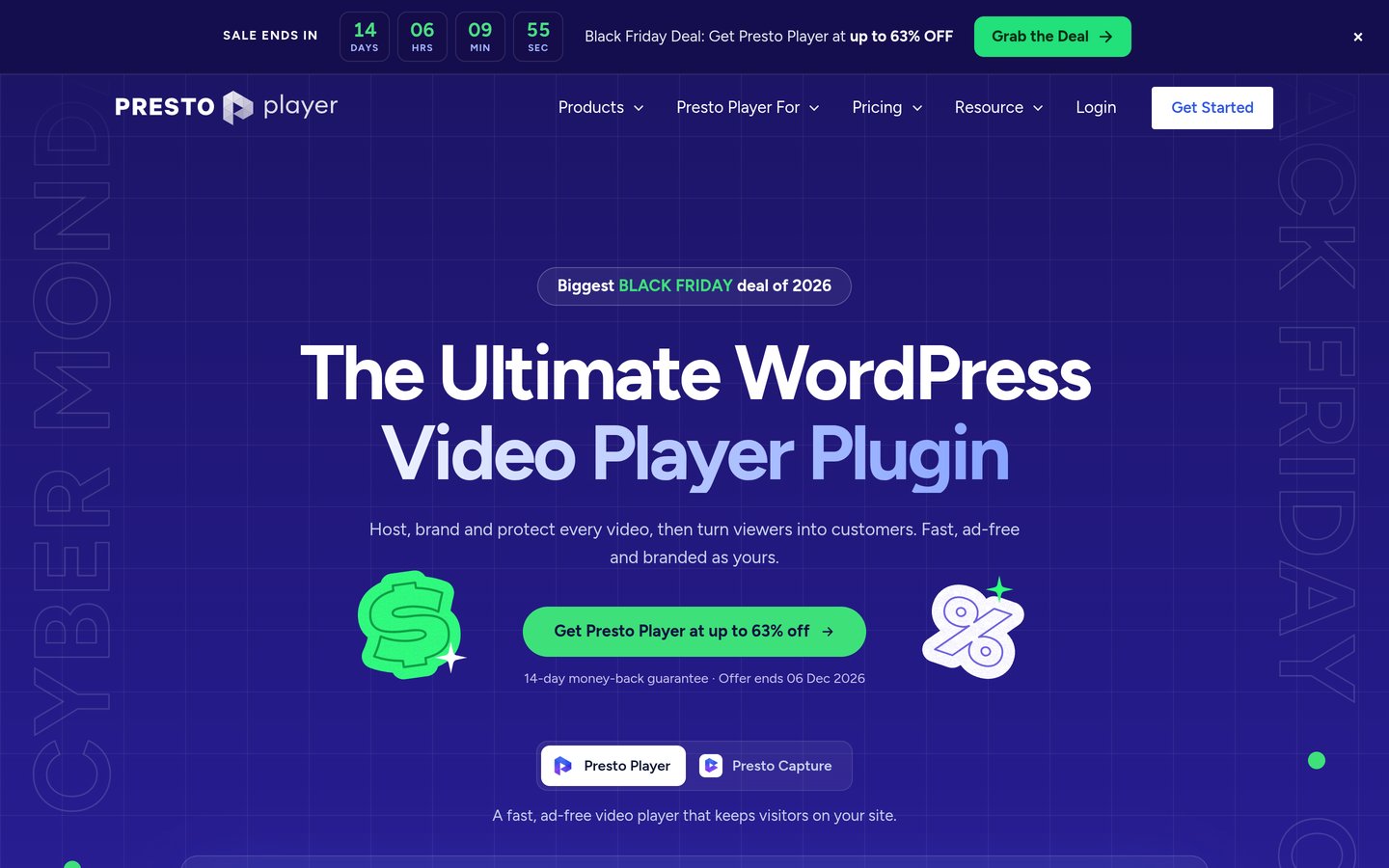
Presto Player homepage, captured Nov 2026.
Presto Player is the best WordPress video player in the directory. It wraps videos hosted elsewhere, on Bunny.net, Amazon S3 or even YouTube, in a branded player with chapters, muted autoplay and analytics. It holds 4.8 from 348 reviews with 100,000+ installs.
The trade off is that it hosts nothing. You still need a host for the video files, and Bunny Stream integration, chapters and muted autoplay need Pro at $99 a year. It suits course creators and sales pages that already have storage.
4/5on WordPress.org (16 reviews, checked Nov 2026)
Starts at$9.95/mo
Best WordPress-native hosting
Cheapest paid plan$9.95/mo, billed yearly
Free plan1 video, 1 GB trial
Storage1 TB included
Best forStaying inside WordPress
jetpack.com
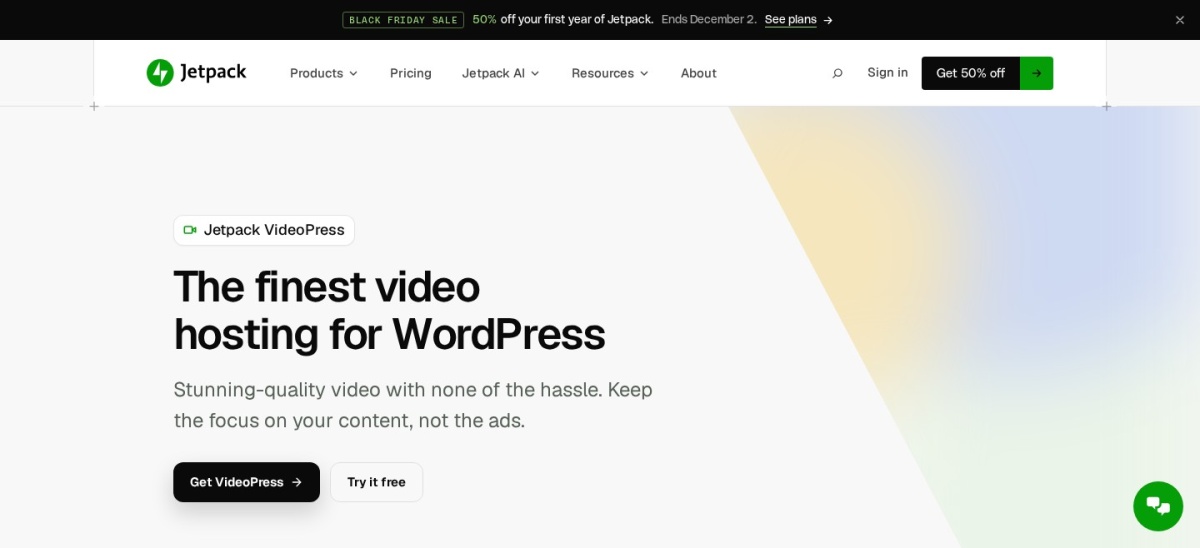
VideoPress homepage, captured Nov 2026.
VideoPress is WordPress's own video host, available through Jetpack. You upload and manage videos through the WordPress editor, with no ads and no third-party branding, and the paid plan includes 1 TB of storage. The free tier covers 1 video and 1 GB.
The trade off is the price and the thin review count. It costs $4.95 a month in year one and $9.95 on renewal, and the plugin holds 4.0 from only 16 reviews. It suits blogs that want video hosted off their server without leaving WordPress.
Bunny Stream is the cheapest way to deliver video at scale. Storage starts at $0.01 per GB and delivery at $0.005 per GB, with a $1 monthly minimum, and the official Stream block brings uploads into the WordPress editor. It holds 4.8 from 478 G2 reviews.
The trade off is the setup. There is no player or marketing layer out of the box, so you build the front end yourself or pair it with Presto Player. It suits developers and sites with a video library that has outgrown flat-rate hosts.
Wistia is the video host for marketers. It turns video into a lead machine with turnstile email capture, heatmaps, per-viewer analytics and CRM integrations, and the free plan includes 25 GB and 1 user. It holds 4.6 from 1,140 G2 reviews.
The trade off is the price. Business costs $79 a month billed annually, and automation integrations need Signals or Enterprise at $329 a month. It suits B2B teams whose video has to generate leads.
Cloudflare Stream is video infrastructure billed by the minute. Storage costs $5 a month per 1,000 stored minutes and delivery $1 per 1,000 delivered minutes, with no egress fees and encoding included. It holds 4.5 from 755 G2 reviews.
The trade off is the workflow. There is no free tier, the $5 minimum applies even to a single 2-minute video, and you build the player and upload flow yourself. It suits developers already on Cloudflare who want predictable per-minute billing.
4.6/5on WordPress.org (571 reviews, checked Nov 2026)
Paid from$69.99/yr
Best for YouTube galleries
Cheapest paid plan$69.99/yr Pro, 1 site
Free planYes, galleries free
Video hostingYouTube (free)
Best forYouTube-heavy sites
embedplus.com
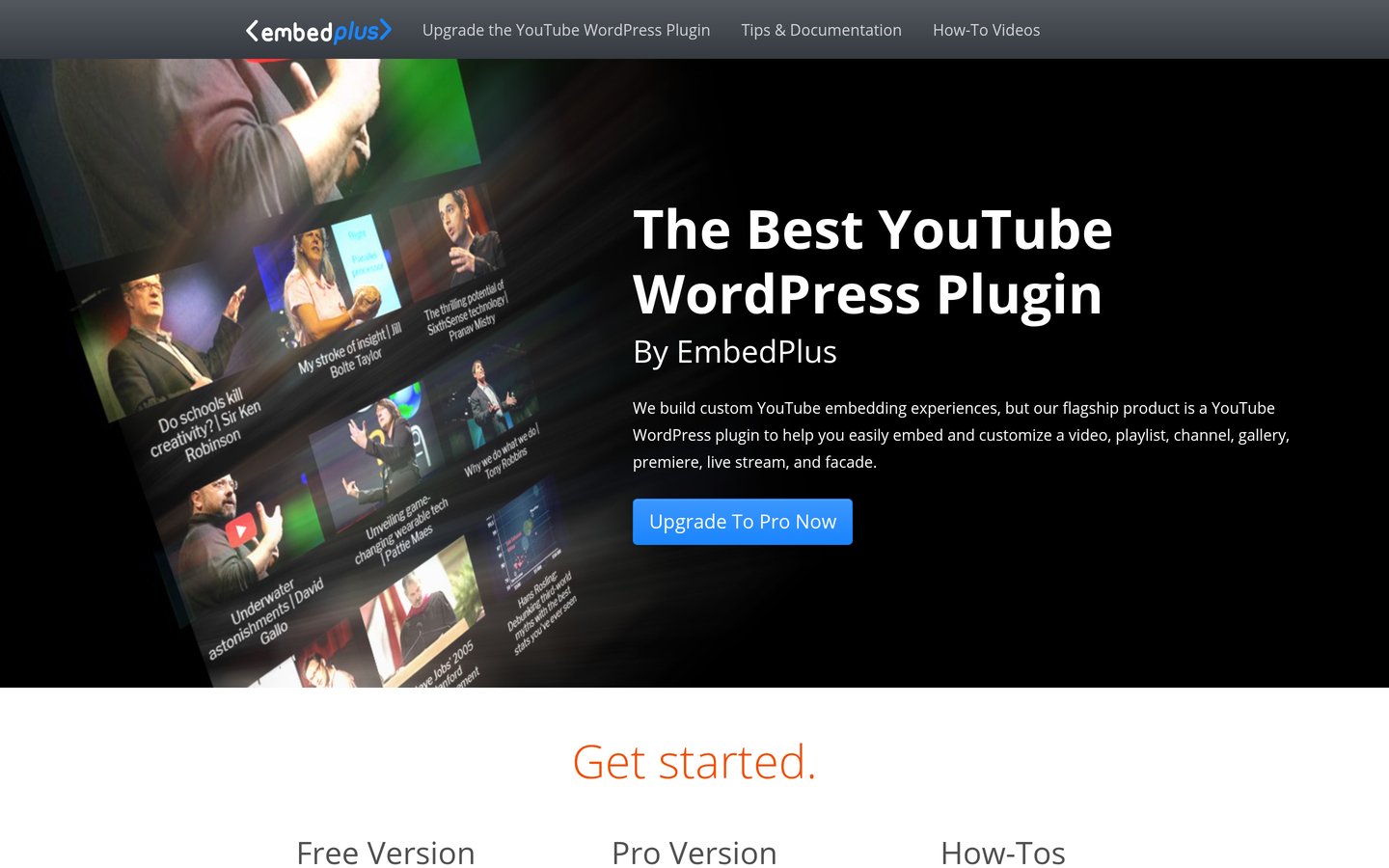
YouTube Embed Plus homepage, captured Nov 2026.
YouTube Embed Plus is the best plugin for sites that live on YouTube. The free version turns a channel or playlist into a grid gallery that plays one video after the next, with lazy-loaded embeds and live stream widgets. It holds 4.6 from 571 reviews with 100,000+ installs.
The trade off is the scope. It only works with YouTube, and video markup and the full gallery features need Pro at $69.99 a year. It suits creators who post on YouTube every week.
4.4/5on WordPress.org (90 reviews, checked Nov 2026)
Paid from$40/yr
Best for monetizing video
Cheapest paid plan$40/yr ($200 for 5 yrs)
Free planYes, core free
Video hostingSelf-hosted or external
Best forVideo ads and monetization
foliovision.com
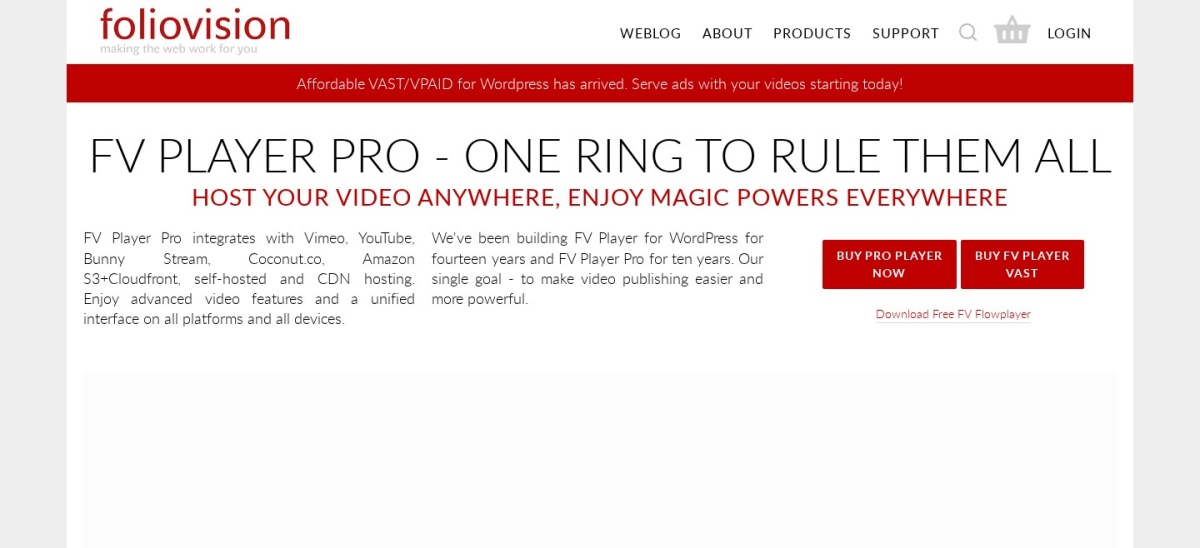
FV Player homepage, captured Nov 2026.
FV Player is the lightweight player built for monetizing video with ads. The free core plays self-hosted and external MP4 and FLV with subtitles, keyboard shortcuts and analytics, and it holds 4.4 from 90 reviews with 10,000+ installs.
The trade off is the licence shape. Pro costs $200 for a 5-year licence, about $40 a year, and the free version carries FV branding. It suits sites that run video ads and want a fast, light player.
A host stores and delivers the video file. YouTube, Vimeo, Wistia, Bunny Stream, Cloudflare Stream and VideoPress are hosts.
A player only shows the video. Presto Player, FV Player and YouTube Embed Plus are players — they need a host, whether that is YouTube, Bunny Stream or your own storage.
Why not host video on your own server?
Video files are large and bandwidth-hungry. One popular video can use more bandwidth in a day than your whole site uses in a month.
Hosts also transcode your video into multiple resolutions and deliver it from a CDN. Your WordPress server does none of that, so playback stutters on slow connections.
How we chose
We started from every video host and player named in 2026 roundups and WordPress.org searches, then kept the nine with a live product, a public price and a verifiable rating or install count.
Prices and ratings were checked on 22 Nov 2026: vendor pricing pages and roundups for every paid plan, WordPress.org for the plugins, and G2 for the platforms.
No vendor paid for a place, and we do not claim hands-on testing for this list. GoDAM was left out: it is a newer WordPress-native host with no verifiable public rating yet.
How to choose video hosting for WordPress
Start from your audience and your budget, then match the tool.
Start with your audience. Public tutorials belong on YouTube. Portfolios belong on Vimeo. Courses and sales pages need Presto Player with a host such as Bunny Stream.
Decide how much control you need. YouTube shows ads and recommendations. Vimeo, Wistia and VideoPress give you an ad-free, branded player.
Check the real monthly cost. YouTube is free, Bunny Stream starts at $1 a month, VideoPress is $9.95 on renewal, and Wistia Business is $79 a month.
Match the player to the host. Presto Player pairs with Bunny Stream or S3. YouTube Embed Plus only works with YouTube. FV Player plays self-hosted MP4 and FLV.
FAQ
What is the best video hosting for WordPress?
YouTube, for most sites: free, no storage cap, and the largest audience on earth. Vimeo is best for ad-free portfolios, and Presto Player is the best WordPress player for videos you host elsewhere.
Is YouTube free for WordPress video hosting?
Yes. Hosting and delivery cost nothing, there is no total storage cap, and videos embed with a pasted URL. The trade off is ads, YouTube branding and recommended videos you cannot control.
Can I host videos on my WordPress server?
You can, but you should not. A single popular video can eat your bandwidth and slow every page. Hosts such as YouTube, Vimeo and Bunny Stream store the file and deliver it from a CDN instead.
What is the cheapest paid video hosting?
Bunny Stream, from a $1 monthly minimum with storage at $0.01 per GB and delivery at $0.005 per GB. VideoPress costs $4.95 a month in year one, and Vimeo Starter is $12 a month billed annually.
Do I need a player plugin if I use YouTube?
No, WordPress embeds YouTube with a pasted URL. YouTube Embed Plus adds channel galleries, lazy loading and live streams, and Presto Player adds a branded player with chapters and analytics.
Which video host is best for courses?
Presto Player with Bunny Stream: the player has chapters and analytics, and Bunny delivers cheaply at scale. Wistia is the marketing pick, with lead capture and per-viewer analytics from $79 a month.