Canva is the best free tool to create video from images for most people, with slideshow templates, 1M+ templates and 1080p exports on its free plan, rated 4.7/5 on G2. Pick Animoto for photo slideshows and CapCut for short social clips with no watermark.
How we make this list: we compare pricing pages, product documentation and public user reviews, then re-check every price before each update. No product paid for a place. Disclosure.
Canva leads on breadth: 1M+ free templates, 5GB of storage and 1080p exports, with no time limit on its free plan.
Animoto is the most focused slideshow maker here, built around photos, music and drag-and-drop templates.
CapCut has the strongest free editor, with no watermark on exports, but Pro now costs $19.99 a month.
Free exports are usually watermarked or capped at 720p, except Canva and Clipchamp, which export 1080p free.
Paid upgrades start at $8 a month and climb to $19.99 a month; most sit between $9.99 and $16 a month.
What a free photo-to-video tool should cover
A photo-to-video tool takes still images, adds motion, music and text, and exports a video you can post anywhere. Most work in the browser, so there is nothing to install.
The free plan is where these tools differ most. Some export 1080p with no watermark, while others cap free exports at 720p or stamp a watermark on every video.
Start with the photos. Clean, high-resolution images make a better video than any template, and a simple slideshow of good photos beats a flashy one built from weak shots.
Once the video is ready, think about where it will play. A square clip for a feed and a vertical clip for stories need different crops, so pick a tool that exports both sizes from one project. Our guide on embedding a video in WordPress shows how to add the finished video to a post.
Canva is a browser design tool with a video editor that turns photos into slideshows and social videos. The free plan includes more than 1 million templates, 5GB of cloud storage and drag-and-drop editing, with no time limit.
The trade off is that premium templates, stock photos and the background remover sit behind Pro at $120 a year. It suits beginners and small teams who want one free tool for photos, video and social posts.
What we like
Largest free template library in this list
1080p video exports on the free plan
No time limit on the free plan
Watch out for
Premium templates and stock need Pro
Background remover is a paid feature
Pro adds premium assets, background remover and brand kitsVisit canva.com
02
Animoto
4.3/5on G2 (95 reviews, checked Nov 2026)
Paid from$8/mo
Best for photo slideshows
Free planYes, watermarked
Slideshow templatesYes, drag-and-drop
Stock musicLicensed tracks included
Paid planBasic, $8/mo
animoto.com
Animoto homepage, captured Nov 2026.
Animoto is a slideshow maker built for turning photos and short clips into video. Its free plan covers drag-and-drop templates, licensed music and text overlays, with exports that carry an Animoto watermark.
The trade off is the watermark and the price step. Basic costs $8 a month billed yearly and removes the watermark, while monthly billing is $16. It suits anyone who wants a finished slideshow fast without learning a timeline editor.
1.3/5on Trustpilot (471 reviews, checked Nov 2026)
Paid from$19.99/mo
Best free tier for social video
Free planYes, no watermark
Timeline editorMulti-track, free
Auto-captionsYes, on free
Paid planPro, $19.99/mo
capcut.com
CapCut homepage, captured Nov 2026.
CapCut is a free video editor from ByteDance for desktop, web and mobile. The free plan includes a multi-track timeline, auto-captions, background removal and templates, with no watermark on exports.
The trade off is price and trust. Pro now costs $19.99 a month after CapCut withdrew its $9.99 tier in 2026, and its Trustpilot score sits at 1.3 out of 5 from 471 reviews. It suits short-form creators who want the strongest free editor and can live with that record.
What we like
Strongest free editor in this list
No watermark on free exports
Auto-captions and templates included free
Watch out for
Pro price jumped to $19.99 a month in 2026
Low Trustpilot score from 471 reviews
Pro adds 4K export and the full AI toolkit; $179.99 a year if billed annuallyVisit capcut.com
04
Adobe Express
4.4/5on G2 (1,108 reviews, checked Nov 2026)
Paid from$9.99/mo
Best for Adobe users
Free planYes, 5GB storage
Templates100,000+
AI credits25/mo on free
Paid planPremium, $9.99/mo
adobe.com
Adobe Express homepage, captured Nov 2026.
Adobe Express is Adobe's browser design app for social posts, images and video. The free plan includes more than 100,000 templates, 25 generative AI credits a month and 5GB of storage, with no card required.
The trade off is that brand kits, the full stock library and 250 AI credits a month need Premium at $9.99 a month. It suits creators already in Adobe's apps who want quick photo-to-video posts with Adobe Stock.
What we like
Quick templates for social video
Adobe Stock access on paid plans
Free plan needs no card
Watch out for
Only 25 AI credits a month free
Brand kits need Premium
Premium adds brand kits, full stock and 250 AI credits a monthVisit adobe.com
05
FlexClip
4.5/5on Capterra (133 reviews, checked Nov 2026)
Paid from$9.99/mo
Best for quick slideshow videos
Free export720p, watermarked
Free projects12, up to 10 min
Templates6,000+
Paid planPlus, $9.99/mo
flexclip.com
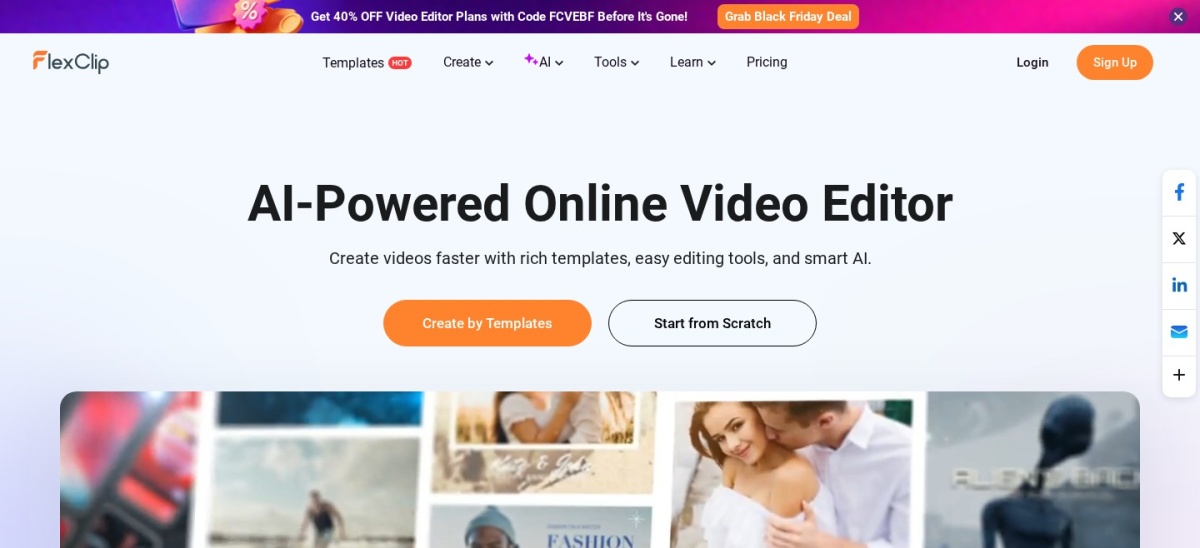
FlexClip homepage, captured Nov 2026.
FlexClip is a browser video editor with slideshow templates and AI tools for text-to-video. The free plan exports at 720p with a watermark, allows 12 projects up to 10 minutes each and one stock asset per project.
The trade off is the free cap. Plus costs $9.99 a month billed yearly, removes the watermark and unlocks 1080p exports with 5 stock assets per project. It suits beginners making short social videos from photos.
VEED is a browser video editor with auto-subtitles, templates and AI tools. The free plan exports at 720p with a watermark and includes 30 minutes of subtitles a month, with no install needed.
The trade off is the credit system. Creator costs $12 a month per user, removes the watermark and adds 1080p exports plus 50,000 stock assets. It suits creators who subtitle every video and publish often.
What we like
Strong auto-subtitles in many languages
Clean browser editor with no install
High G2 rating from 2,328 reviews
Watch out for
Free exports are 720p with a watermark
AI features run on credits that expire
Creator removes the watermark and adds 1080p exportsVisit veed.io
07
Clipchamp
4.1/5on G2 (51 reviews, checked Nov 2026)
Paid from$11.99/mo
Best free editor on Windows
Free export1080p, no watermark
Free projectsUnlimited
AI subtitles80+ languages
Paid planPremium, $11.99/mo
clipchamp.com
Clipchamp homepage, captured Nov 2026.
Clipchamp is Microsoft's browser and Windows video editor. The free plan includes unlimited projects, 1080p exports with no watermark, AI subtitles in more than 80 languages and text-to-speech.
The trade off is the paid tier. Premium costs $11.99 a month and adds 4K exports, the full premium stock library and a brand kit. It suits Windows users who want a capable free editor already on their computer.
Kapwing is a browser video editor for teams making social and AI-assisted video. The free plan gives 10 lifetime credits, 720p exports with a watermark, 5GB of storage and exports up to 4 minutes long.
The trade off is the credit limit. Pro costs $16 a month billed yearly, adds 1,000 credits a month, 4K exports and no watermark. It suits small teams who edit together and subtitle often.
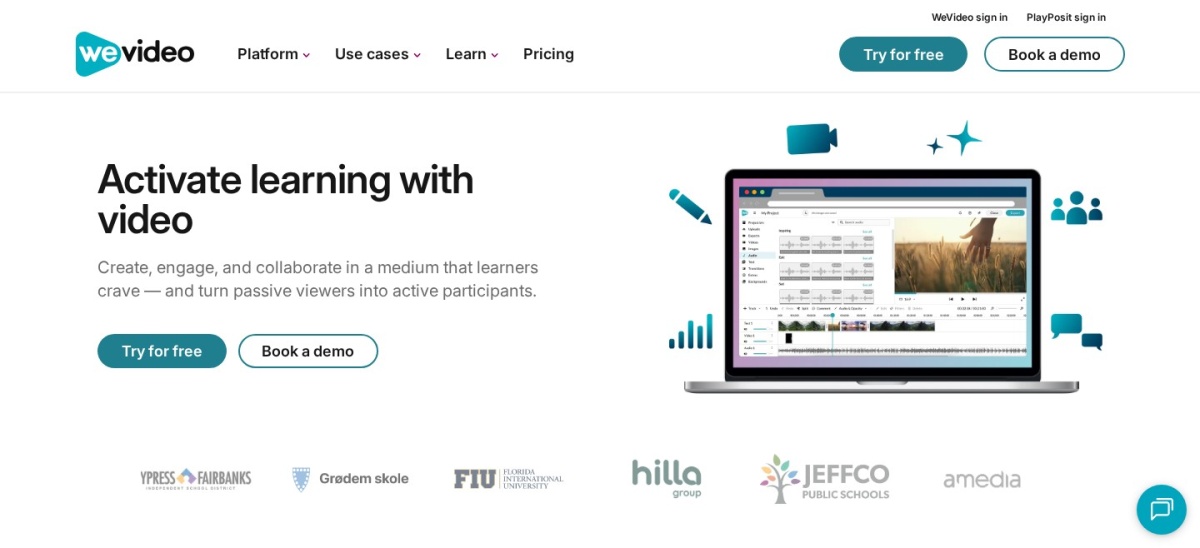
WeVideo is a browser video editor aimed at schools and teams. The free plan allows 5 minutes of publishing a month, 1GB of cloud storage and 480p exports, with screen recording included.
The trade off is the low free ceiling. Power costs $9.99 a month and raises publishing to 30 minutes a month at 720p. It suits teachers and small teams who make short learning videos from photos.
Free plans cover the basics well. Most include templates, music and basic editing, and a few export 1080p with no watermark.
Paid plans mostly remove the watermark and raise the caps. You get higher resolution, more stock assets, longer videos and brand kits.
If the video is for a business page or a client, the watermark alone is usually reason enough to pay. For personal slideshows, the free plan of Canva or Clipchamp is often enough.
How we chose
We started from the best-known free photo-to-video and slideshow tools, then kept those with a working free plan and a public pricing page.
Prices come from each vendor's pricing page, checked on 25 November 2026. Ratings come from G2, Capterra or Trustpilot on the same day. Where a vendor shows a sale, the list shows the regular price.
We left out tools with no free plan and tools built only for professional film editing. No vendor paid for a place, and we do not claim to have used these tools ourselves.
How to choose a free tool to create video from images
Start with the photos you already have, then match the tool to where the video will play.
Count the photos and pick a format. A 10-photo slideshow needs templates and music; a 100-photo story needs batch import and a timeline. Animoto fits the first, Canva or Clipchamp the second.
Check the free export first. Look for the watermark, the resolution and the length cap before you build anything. A 720p watermarked export is fine for a draft, not for a business page.
Match the export to the platform. Vertical video fits stories and reels, while landscape fits YouTube and a website. Pick a tool that exports both sizes without rebuilding the project.
Plan where the video will live. If it goes on your site, see how to embed a video in WordPress so the file loads fast and plays on phones.
FAQ
What is the best free tool to create video from images?
Canva is the best free pick for most people. Its free plan includes slideshow templates, more than 1 million templates and 1080p exports, and it is rated 4.7 out of 5 on G2 from 7,659 reviews.
Can I make a video from photos without a watermark for free?
Yes, with Canva, CapCut and Clipchamp. All three export without a watermark on their free plans, with Canva and Clipchamp at 1080p. Animoto, FlexClip, VEED, Kapwing and WeVideo add a watermark until you pay.
What resolution do free plans export at?
Most free plans cap exports at 720p, including FlexClip, VEED and Kapwing, while WeVideo caps free exports at 480p. Canva, CapCut and Clipchamp export at 1080p free, and 4K needs a paid plan everywhere here.
Do I need to install software to make a video from images?
No. All nine tools run in the browser, so you can upload photos and export a video without installing anything. Canva, CapCut and Clipchamp also offer desktop or mobile apps if you prefer them.
How long can a free video be?
It depends on the tool. FlexClip allows 10 minutes per video free, Kapwing allows exports up to 4 minutes, and WeVideo allows 5 minutes of publishing a month. Check the length cap before you build a long slideshow.
Which tool is best for slideshows?
Animoto is the most focused slideshow maker in this list, built around photos, music and drag-and-drop templates. Canva is the better pick if the same slideshow also needs social posts, thumbnails and other designs.
Is Animoto really free?
Yes, Animoto has a free plan with templates, music and text overlays. Free exports carry an Animoto watermark, and Basic at $8 a month billed yearly removes it and adds more features.
SaaS SEO and WordPress specialist with about 8 years of experience. Rakib compares WordPress plugins, themes, hosting and software using public pricing, documentation and user reviews. See how we rank.