Figma is the top software for user experience design for most product teams, with real-time collaboration, components and Dev Mode handoff in one browser tool. Sketch suits Mac-only teams, while Framer is the pick when the design must ship as a live website.
How we make this list: we compare pricing pages, product documentation and public user reviews, then re-check every price before each update. No product paid for a place. Disclosure.
Figma leads for product teams: real-time collaboration, components and Dev Mode, rated 4.7 out of 5 on G2 from 1,593 reviews.
Sketch is the best native Mac experience at $12 an editor a month billed yearly, with a $120 one-time Mac-only license.
Penpot is the free open-source pick, with a free plan for up to 8 editors and paid seats from $7 a month.
Framer is the only tool here that publishes the design as a live website, from $10 a month per site.
Adobe XD is in maintenance mode with no new features, so new projects should start elsewhere.
How do you choose the top software for user experience design?
Collaboration is the first filter. Most product teams need several people in the same file at once, with comments and version history, while a solo designer can work happily in a desktop app.
Prototyping depth is the second filter. Figma, Sketch and Penpot cover design plus basic prototypes, while Axure RP, ProtoPie and UXPin exist for prototypes that must behave like real software.
Price is per seat almost everywhere, so count editors before you compare headline prices. A $16 seat looks cheap until five designers need one, and free plans cap files or prototypes.
Handoff decides whether developers love the tool. Dev Mode, specs, assets and code-backed components close the gap between the design file and the build.
The 9 top software tools for user experience design
01
Figma
4.7/5on G2 (1,593 reviews, checked Nov 2026)
Paid from$16/editor/mo
Best UX design software overall
Professional$16/full seat/mo annual
Free planStarter, 3 design files
Dev seat$12/seat/mo
G2 rating4.7 from 1,593 reviews
figma.com
Figma homepage, captured Nov 2026.
Figma is the industry standard for product teams. Multiple designers can work in the same file at the same time, components and variables keep design systems consistent, and Dev Mode gives developers inspectable specs with real code snippets. Starter is free with 3 files, and Professional is $16 per full seat a month billed yearly.
The trade off is price at scale. Professional rose 33 percent to $16 an editor a month on annual billing, and every editor needs a paid seat, so a large team pays $192 a year per editor. It suits product teams who design, prototype and hand off in one shared file.
What we like
Best real-time collaboration in this list
Largest plugin and template library
Dev Mode handoff developers actually use
Highest G2 rating here at 4.7 out of 5
Watch out for
Price rises with every editor seat
Large files can slow down
No real offline mode
Organization adds SSO and analytics at $55 a seatVisit figma.com
02
Sketch
4.5/5on G2 (1,227 reviews, checked Nov 2026)
Starts at$12/editor/mo
Best for Mac-only design teams
Standard$12/editor/mo annual
Mac-only license$120 one-time
Free planNo, 30-day trial
G2 rating4.5 from 1,227 reviews
sketch.com
Sketch homepage, captured Nov 2026.
Sketch is a native Mac app for designing app interfaces, with symbols, shared libraries and prototyping. The Standard plan costs $12 per editor per month billed yearly, with unlimited free viewers, and a Mac-only license costs $120 once and includes a year of updates.
The trade off is the platform. Sketch runs only on Mac, so Windows teammates need the web workspace, and its AI features are thinner than Figma or Framer. It suits Mac shops who want a fast desktop app instead of a browser tab.
Framer is a design-led website builder that combines a design canvas, a CMS, localization and global hosting. The free plan covers hobby sites, Basic costs $10 a month per site billed yearly with a custom domain, and Pro costs $30 a month with staging and more CMS collections.
The trade off is that it is a website builder first, so it is not the tool for app interfaces or deep design systems. It suits designers and marketers who want to design and publish a live site without a developer.
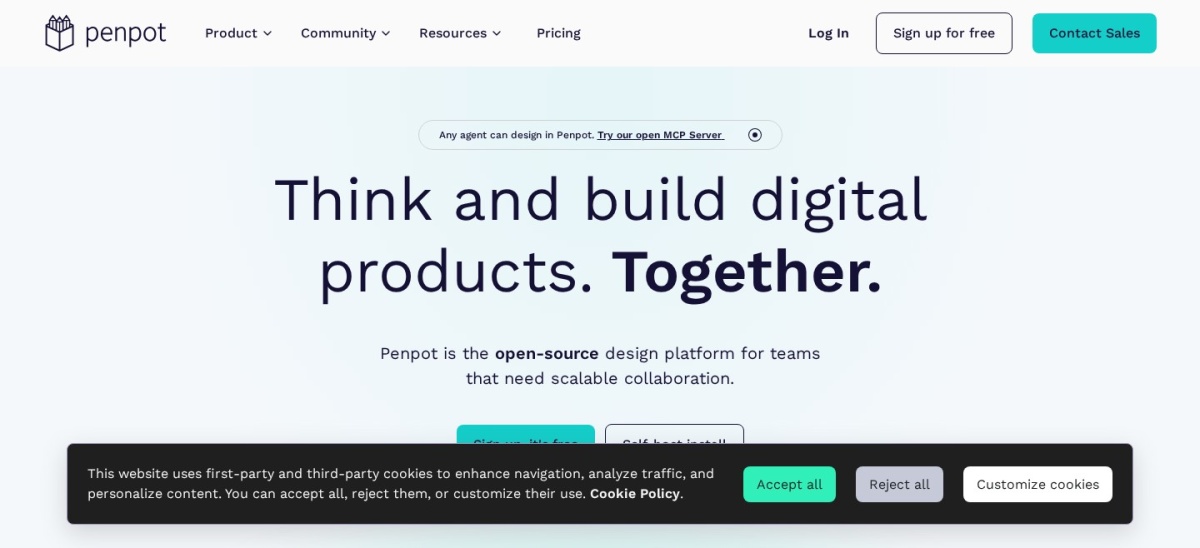
Penpot is the open-source answer to Figma, and it has matured into a legitimate professional tool. It is free, self-hostable and supports real-time collaboration, making it the pick for teams that want full control over their design tooling. The Professional cloud plan is free for up to 8 team members, and Unlimited is $7 per editor a month capped at $175 a month.
The trade off is the ecosystem. Penpot has a smaller plugin library than Figma and a thinner review base, with a G2 rating of 4.5 out of 5 from only 10 reviews. It suits teams that want open-source standards, self-hosting or low-cost plans.
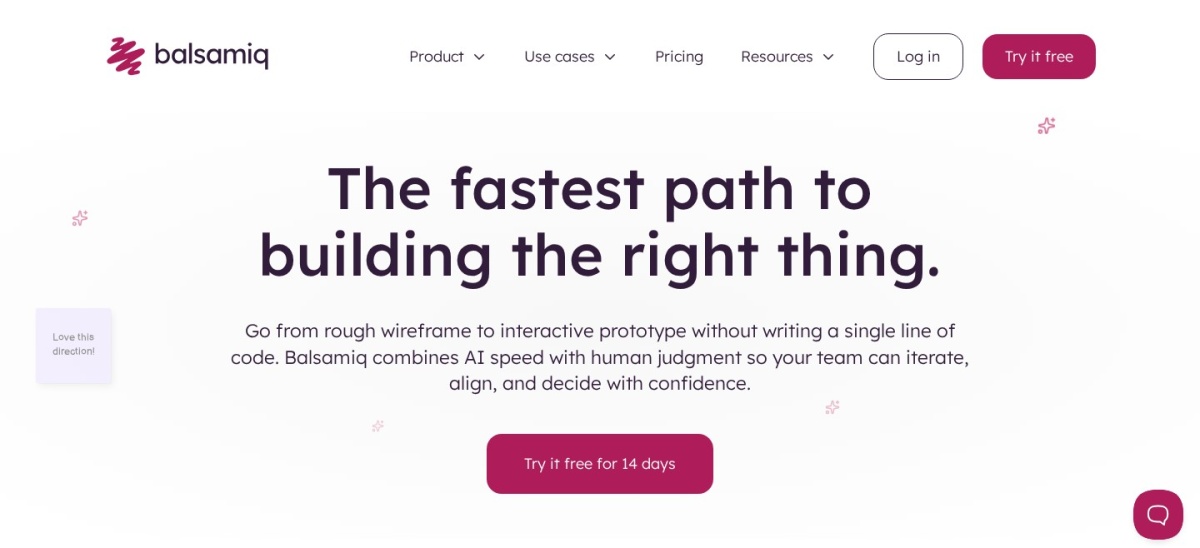
Balsamiq is a rapid wireframing tool that creates low-fidelity mockups quickly, with a hand-drawn look that keeps feedback on layout instead of polish. Starter costs $16 an editor a month, with up to 10 projects, unlimited reviewers and reusable UI components.
The trade off is fidelity. Balsamiq deliberately stops at wireframes, so high-fidelity design and developer handoff need another tool. It suits product managers, founders and teams who want to sketch ideas fast and agree on structure before designing.
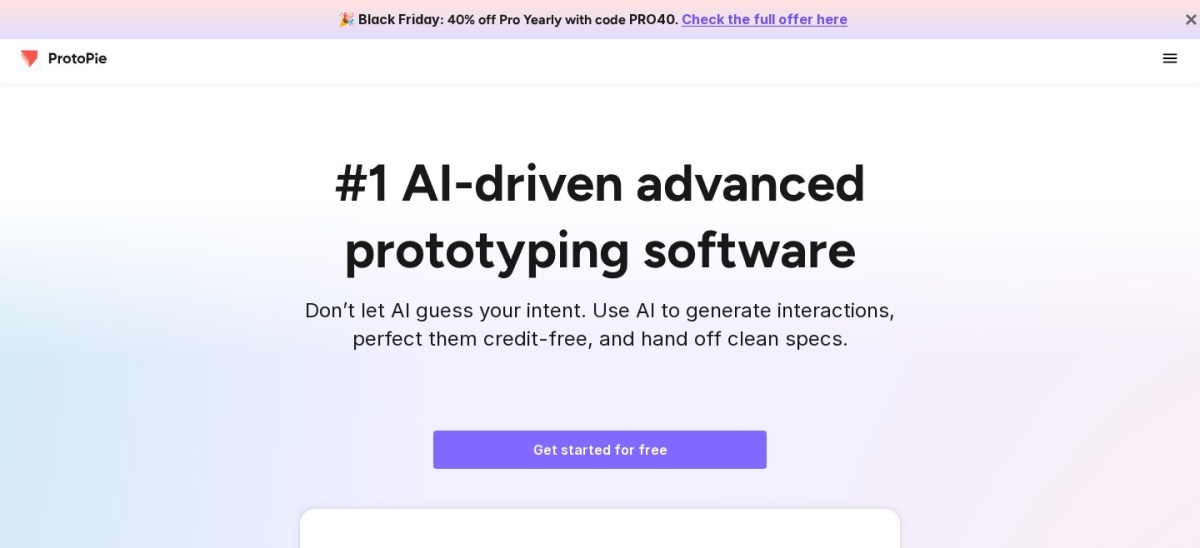
ProtoPie is an advanced prototyping tool for realistic interactions, with variables, formulas and sensor logic that make prototypes behave like real apps. Basic costs $25 a month for one seat, and Pro costs $47 per editor a month with unlimited prototypes and team libraries.
The trade off is that it is a prototyping specialist, not a design tool, so screens usually start in Figma or Sketch, and Basic covers one seat only while Pro at $47 per editor is the dearest seat here. It suits interaction designers whose prototype must feel native before development starts.
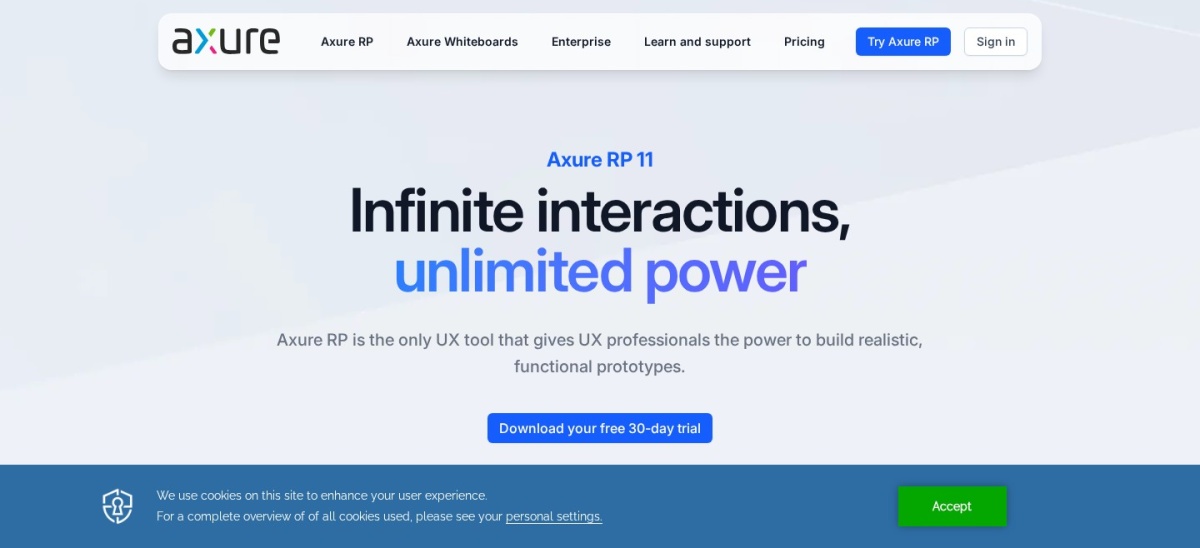
Axure RP is a UX prototyping and specification platform for creating realistic, data-driven interfaces and workflows without writing production code. Pro costs $29 a user a month and includes unlimited prototypes, unlimited reviewers and Axure Cloud hosting.
The trade off is age and price. The interface feels dated next to Figma, collaboration is weaker, and $29 a user adds up fast for a team. It suits enterprise UX teams that must prototype complex logic, forms and data before development.
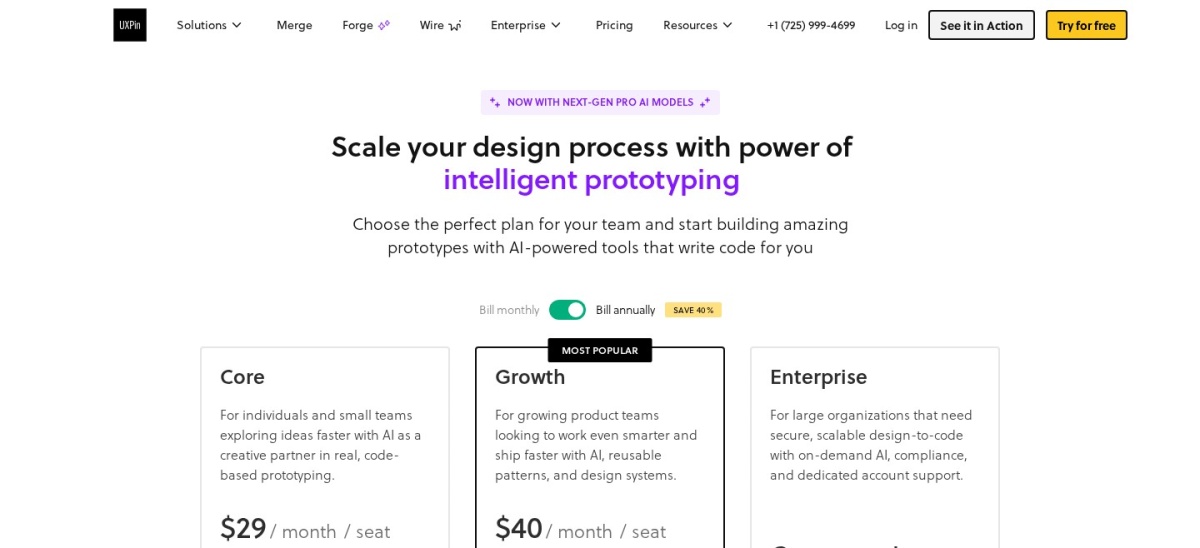
UXPin is a product design platform that combines UI design, prototyping, documentation and developer handoff in a browser workspace. Prototypes use real code components, so a button in the prototype is the same React component a developer ships. Core costs $29 a seat a month billed yearly.
The trade off is that it is specialist and pricey for small teams, and its design canvas is less loved than Figma. It suits product teams that prototype with real coded components such as MUI or Tailwind and want to cut design-to-development rework.
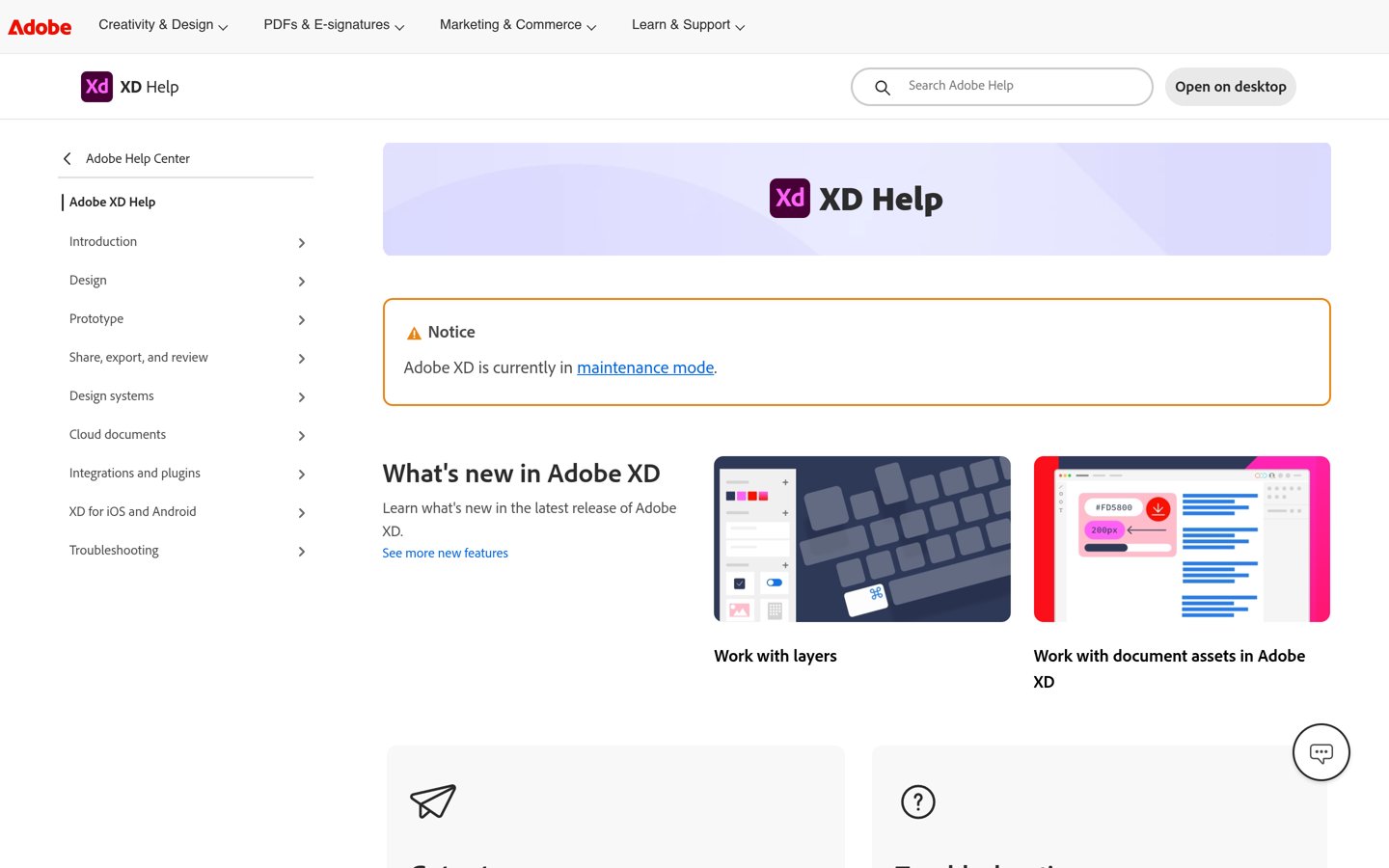
Adobe XD is a UI and UX design tool for wireframes, screen layouts and interactive prototypes, with strong links into the Adobe ecosystem. A free starter plan exists, and the Single App plan lists at $22.99 a month.
The trade off is that Adobe has stopped updating XD. It is in maintenance mode, reviewers report it cannot be bought standalone, and development has stalled. It suits teams already deep in Adobe tools who need to keep old XD files editable.
Free plans cover the basics well. Figma Starter gives 3 design files, Penpot is free for up to 8 editors, and Framer, ProtoPie and UXPin all offer a usable free tier.
Paid plans mostly add scale and control. You get unlimited files, shared libraries, team projects, SSO and longer version history.
One cheap seat can mislead. Most tools charge per editor, so a five-person team pays five seats, while Penpot caps its Unlimited plan at $175 a month.
If you only design alone, the free tiers here go a long way. Pay when files, teammates or client handoff outgrow them.
How we chose
We shortlisted the UX design tools product teams actually use, then kept the nine with a verifiable rating on G2 or Capterra and a real 2026 pricing page, from full design platforms to prototyping specialists.
Prices come from each vendor's pricing page or a November 2026 read of it, checked on 29 November 2026. Figma Professional is $16 a full seat a month billed yearly, Sketch Standard is $12 an editor a month and Framer Basic is $10 a month per site. Ratings and review counts come from G2 and Capterra on the same day.
We left out InVision, which shut down in 2025, and research-only tools such as Maze. No vendor paid for a place, and we do not claim hands-on testing for this list.
How to choose UX design software
Start with how your team works, then match the tool to that shape.
Count your editors first. Most tools charge per editor, so a five-person team pays five seats, while viewers and commenters are usually free.
Test the prototype on a real flow. Build one multi-step flow with the interactions you need, because basic click-through prototypes hide the limits of a tool.
Check the handoff to developers. Specs, assets, code snippets and Dev Mode matter more than canvas features once a design moves to build.
Try the free plan on a real project. Use the free tier for one small project before you pay, because file caps and seat limits only show up in real use.
FAQ
What is the top software for user experience design in 2026?
Figma is the top software for user experience design for most product teams in 2026. It combines real-time collaboration, components, variables and Dev Mode handoff in one browser tool, and it is rated 4.7 out of 5 on G2 from 1,593 reviews.
Which UX design software is cheapest?
Penpot is the cheapest paid option at $7 an editor a month, and its Professional plan is free for up to 8 editors. Framer Basic at $10 a month per site is the cheapest way to publish a live site.
Is there a free UX design software?
Yes. Figma Starter is free with 3 design files, Penpot is free for up to 8 editors, and Framer, ProtoPie and UXPin all have free plans. Sketch and Balsamiq offer free trials instead.
Which UX design software is best for beginners?
Framer is the friendliest start for beginners who want to publish a site, while Balsamiq is the easiest for wireframes, with sketch-style mockups that need no design training.
Figma vs Sketch: which is better?
Figma is better for teams, with browser-based real-time collaboration and a huge plugin library. Sketch is better for Mac-only designers who want a fast native desktop app at $12 an editor a month.
Is Adobe XD still worth using?
No, not for new projects. Adobe XD is in maintenance mode with no new features, and reviewers report it cannot be bought standalone. Figma or Penpot are the safer picks for new work.
SaaS SEO and WordPress specialist with about 8 years of experience. Rakib compares WordPress plugins, themes, hosting and software using public pricing, documentation and user reviews. See how we rank.