Best App Design Software in 2026: 9 Tools Compared
WLWPLegible EditorsLast verified 22 Nov 2026How we rank11 min read
★ Short answer
Figma is the best app design software for most teams, with a free Starter plan and Professional full seats at $16 a month billed annually. Pick Sketch for Mac-only teams at $12 a month, or Penpot for free open-source design.
How we make this list: we compare pricing pages, product documentation and public user reviews, then re-check every price before each update. No product paid for a place. Disclosure.
Figma leads on collaboration: real-time editing, the largest plugin library and Dev Mode, from a free Starter plan.
Sketch is the cheapest professional subscription here for a Mac shop, at $12 per editor per month.
Penpot is free for small teams and self-hosting, with paid cloud from $7 per editor per month.
Framer starts at $10 per site per month and publishes designs as live sites with hosting included.
Paid entry prices run from $7 a month for Penpot Unlimited to $29 a month for Axure RP Pro.
What app design software should cover
App design software is where app screens are drawn, prototyped and handed to developers. The core job is vector UI design, components and clickable prototypes, plus a clean handoff with specs and assets.
Collaboration is the main split. Figma and Penpot run in the browser with real-time multiplayer editing, while Sketch and Lunacy are desktop apps that feel faster but share less easily.
Prototyping depth is the second split. Figma covers most flows, but ProtoPie and Axure RP win when a prototype needs sensors, logic or real data before it is built.
Price is mostly per seat. Figma charges $16 a month for a full seat, Sketch $12, and Penpot is free for small teams, so count editors before you compare headline prices.
Figma is the browser-based design tool most product teams default to for app screens. Screens, components, auto layout, clickable prototypes and developer handoff live in one file that designers, product managers and engineers edit together, and the Starter plan is free.
The trade off is seat pricing. Full seats cost $16 a month billed annually, and misclassifying people across Full, Dev and Collab seats adds up fast. It suits almost any product team designing apps together.
What we like
Real-time multiplayer editing
Largest plugin ecosystem in the category
Free Starter plan for individuals
Dev Mode included with paid seats
Watch out for
Seat types can be confusing and costly
Browser-based, needs a good connection
Paid plans add shared libraries and admin controlsVisit figma.com
02
Sketch
4.5/5on G2 (1,227 reviews, checked Nov 2026)
Starts at$12/mo
Best for Mac-only design teams
Standard$12/editor/mo, annual
Mac-only licence$120 one-time
Free planNo, 30-day trial
Paid planStandard, $12/editor/mo
sketch.com
Sketch homepage, captured Nov 2026.
Sketch is a native Mac app for designing app interfaces, with symbols, shared libraries and prototyping. The Standard plan costs $12 per editor per month billed yearly, with unlimited free viewers, and a Mac-only licence costs $120 once and includes a year of updates.
The trade off is the platform. Sketch needs a Mac, so mixed-OS teams cannot use it, and there is no free editing tier. It suits Mac-based designers who prefer a fast desktop tool.
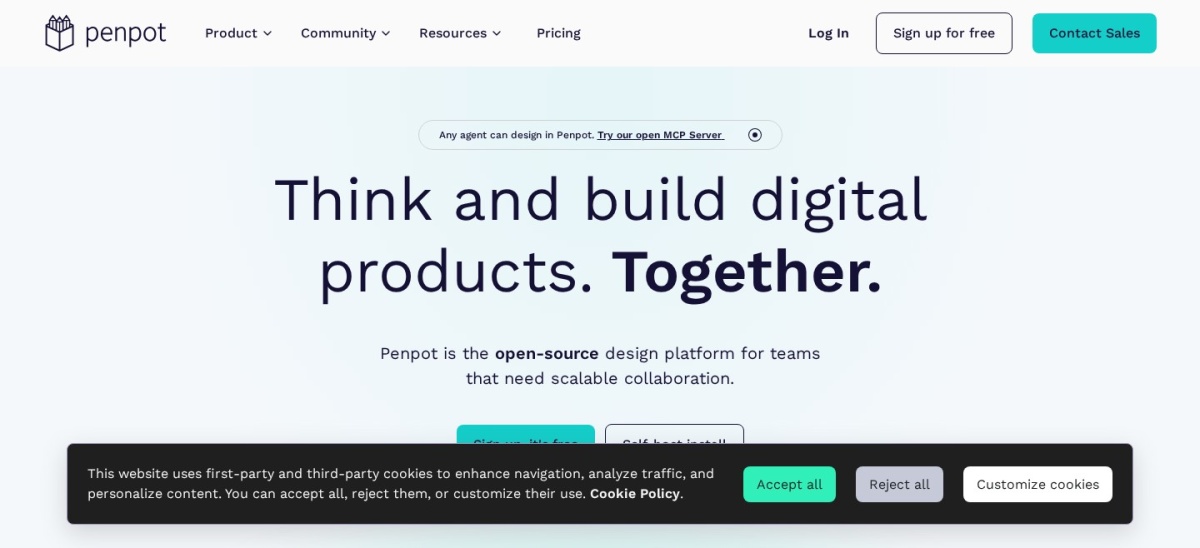
Penpot is the open-source answer to Figma: browser-based app design, components, prototyping and code inspection built on open web standards. The Professional cloud plan is free for small teams, self-hosting is free, and Unlimited costs $7 per editor per month.
The trade off is ecosystem size. The plugin library and community are smaller than Figma, and some teams miss Figma-only features. It suits teams that want design without vendor lock-in.
Framer is a design tool that turns designs into published websites, with a design canvas, interactions, CMS content and hosting in one product. The free plan covers one project, Basic starts at $10 per site per month billed annually, and Pro is $30 per site per month.
The trade off is the billing unit. Framer charges per site, not per user, and extra editors cost more, so team costs need care. It suits teams whose design output is a live site.
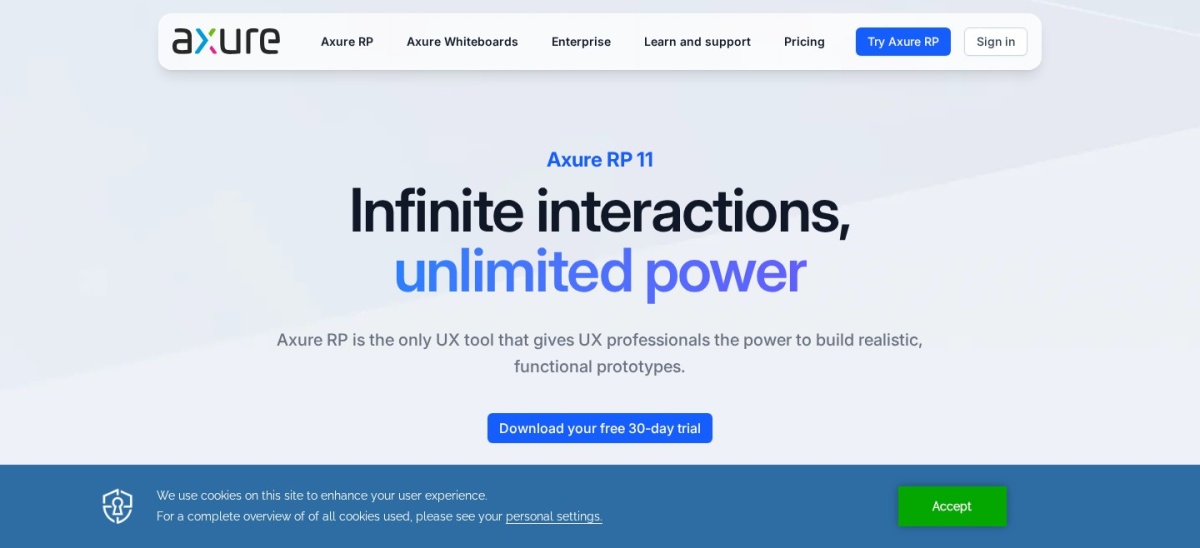
Axure RP is a prototyping tool for UX teams that need real logic, conditional flows and data in their prototypes. The Pro plan costs $29 per user per month billed annually, or $34 month to month, with a 30-day free trial.
The trade off is scope. Axure is a prototyping specialist, not a full design system tool, so most teams pair it with Figma or Sketch. It suits enterprise UX teams testing complex flows.
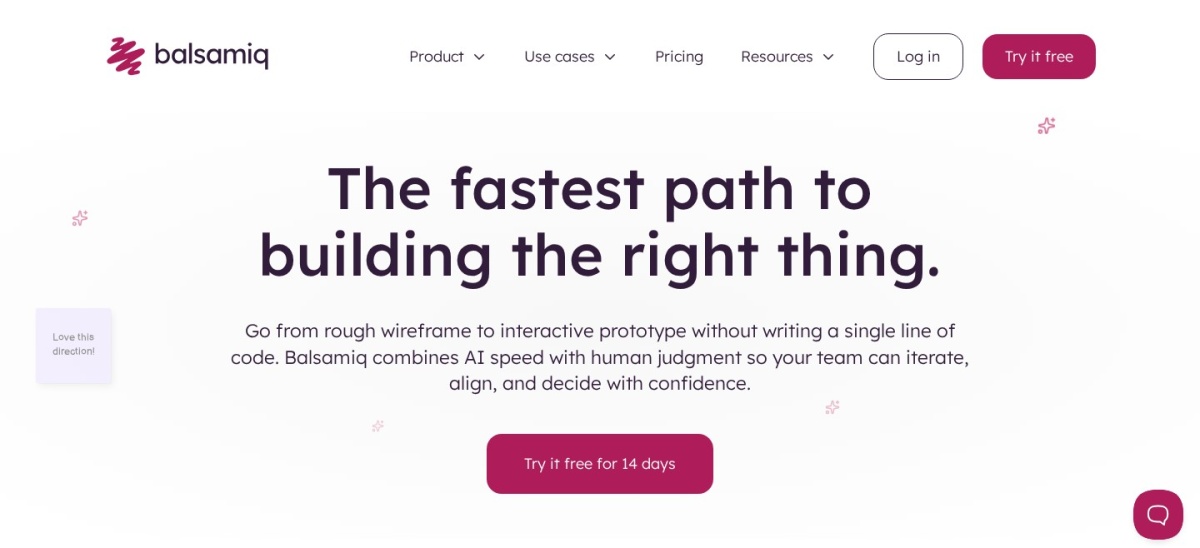
Balsamiq is a low-fidelity wireframing tool for sketching app screens fast, with a hand-drawn style that keeps reviews focused on structure. Balsamiq Cloud costs $9 a month for 2 projects, or $90 a year, and charges per project with unlimited users.
The trade off is fidelity. You cannot build polished screens or a design system in Balsamiq, so it is a first step, not the final tool. It suits founders and product managers testing ideas early.
ProtoPie is a prototyping tool for realistic, high-fidelity app prototypes that use device sensors, gestures and conditional logic. The free plan covers 2 prototypes, and Basic starts at $25 a month.
The trade off is that it is a prototype tool, not a design tool. Screens usually come from Figma or Sketch first, then move to ProtoPie for testing. It suits designers who need prototypes that feel like the real app.
Lunacy is a free desktop design app from Icons8 that runs on Windows, Linux and Mac, with vector editing, prototyping and built-in graphics and icons. The core app is free, and Pro costs $11.99 per user per month billed yearly.
The trade off is collaboration. Lunacy is a desktop tool first, so real-time multiplayer editing is not its strength. It suits freelancers and students who want a free desktop app.
Proto.io is a prototyping platform built around mobile screens, with drag-and-drop interactions, animations and user testing. Plans start at $24 a month, with a free trial to test the editor.
The trade off is price for what it does. At $24 a month it costs more than some design tools, and it still needs finished screens from elsewhere. It suits teams that prototype mobile flows often.
Design tools such as Figma, Sketch and Penpot are where screens are made. They hold the design system, components and final visuals.
Prototyping tools such as ProtoPie, Axure RP and Proto.io are where screens are tested. They add logic, motion and device behaviour that a static screen cannot show.
Most teams need one of each. Start with the design tool, then add a prototyping tool only when clickable flows stop answering your questions.
How we chose
We started from the app design tools that appear most often in 2026 comparisons, then kept nine with public pricing and an active product.
Prices come from each vendor's pricing page as reported in October and November 2026 checks, and ratings come from G2 where shown. Where a vendor shows a sale, the list shows the regular price.
We left out Adobe XD, which is in maintenance mode, and tools with no public price. No vendor paid for a place, and this list is based on pricing, docs and reviews, not on using the tools ourselves.
How to choose app design software
Start with who designs and who reviews, then pick the tool that fits both groups.
Count editors, not viewers. Viewers are free in Figma and Sketch, so only editors drive the bill. List who actually edits files before you price a plan.
Match the platform to your team. Mac-only teams can use Sketch, but mixed Windows and Mac teams need a browser tool such as Figma or Penpot.
Check the handoff your developers need. If developers inspect specs and export assets, Dev Mode in Figma or the web inspector in Sketch should be on your shortlist.
Test the free plan on one real screen. Design one real app screen end to end, including a prototype and handoff, before you pay for seats.
FAQ
What is the best app design software?
Figma is the best app design software for most teams, with real-time collaboration, the largest plugin library and a free Starter plan. Professional full seats cost $16 a month billed annually.
Is there a free app design tool?
Yes. Figma has a free Starter plan, Penpot is free for small teams and self-hosting, and Lunacy is a free desktop app. Framer also has a free plan for one project.
How much does app design software cost?
Entry prices in this list run from $7 a month for Penpot Unlimited to $29 a month for Axure RP Pro. Figma is $16 a month per full seat, and Sketch is $12 a month per editor.
Is Sketch still worth using in 2026?
Yes, for Mac-only teams. Sketch is fast, native, and cheaper per editor than Figma at $12 a month, with a $120 one-time Mac licence. Mixed-OS teams should pick a browser tool instead.
Can I design an app in Figma for free?
Yes. The free Starter plan includes unlimited drafts, UI kits and templates, which is enough for one person to design a complete app and share it for review.
What is the difference between Figma and Framer?
Figma is a design and prototyping tool for app and product screens. Framer designs and publishes live websites, so it fits marketing sites more than native app screens.