Loom is the best video presentation software for most teams, with a free Starter plan and Business from $15 per user a month for unlimited recordings. Prezi Video suits presenters on camera, while Powtoon fits animated explainer presentations.
How we make this list: we compare pricing pages, product documentation and public user reviews, then re-check every price before each update. No product paid for a place. Disclosure.
Loom is the fastest way to record a narrated presentation and share it by link, from $15 per user a month.
Prezi Video puts you on camera beside your visuals, with a free Basic plan and Standard from $7 a month.
Powtoon makes animated explainer presentations without a studio, from $15 a month on the Lite plan.
Vyond is the strongest pick for character-led training video, but Starter costs $58 a month on annual billing.
Canva is the best value for simple recorded slide videos, with Pro at $12 a month on annual billing.
How do you choose the top video presentation software for your team?
Video presentation software splits into three kinds. Recorders such as Loom capture you and your screen, presenters such as Prezi put you beside your slides, and animators such as Powtoon and Vyond build the video from characters and scenes.
The free plan is the first limit to check. Loom Starter caps recordings at 25 videos and 5 minutes each, Prezi Basic makes presentations public with a watermark, and Powtoon Free exports at 720p with a 3-minute limit.
Price runs from $7 to $58 a month on annual billing in this list. The cheapest paid plan is Prezi Standard at $7 a month, and the most expensive entry plan is Vyond Starter at $58 a month.
Export limits decide the real cost. Video length, download caps, watermarks and AI credits all sit behind paid tiers, so check them before you compare headline prices.
Loom is a screen and webcam recorder that turns a presentation into a video in minutes. The free Starter plan covers 25 videos per person with a 5-minute cap on screen recordings, while Business at $15 per user a month on annual billing removes the caps and adds unlimited videos and recording length.
The trade off is the AI tier. Titles, summaries, chapters and filler removal need Business + AI at $20 per user a month, and the free plan is too small for regular use. It suits sales teams and managers who record quick narrated presentations and send them by link.
What we like
Fastest way to record and share a presentation
Free Starter plan for occasional use
Highest G2 rating here at 4.7
Unlimited videos and length on Business
Watch out for
Free plan caps at 25 videos and 5 minutes
Full AI features need Business + AI at $20
No animation or character tools
Business + AI adds titles and summaries for $20Visit loom.com
02
Prezi
4.2/5on G2 (5,615 reviews, checked Nov 2026)
Paid from$7/mo
Best for presenting on camera
Free planBasic, public with watermark
Paid planStandard, $7/mo
PresentingOn camera beside visuals
Free trial14 days
prezi.com
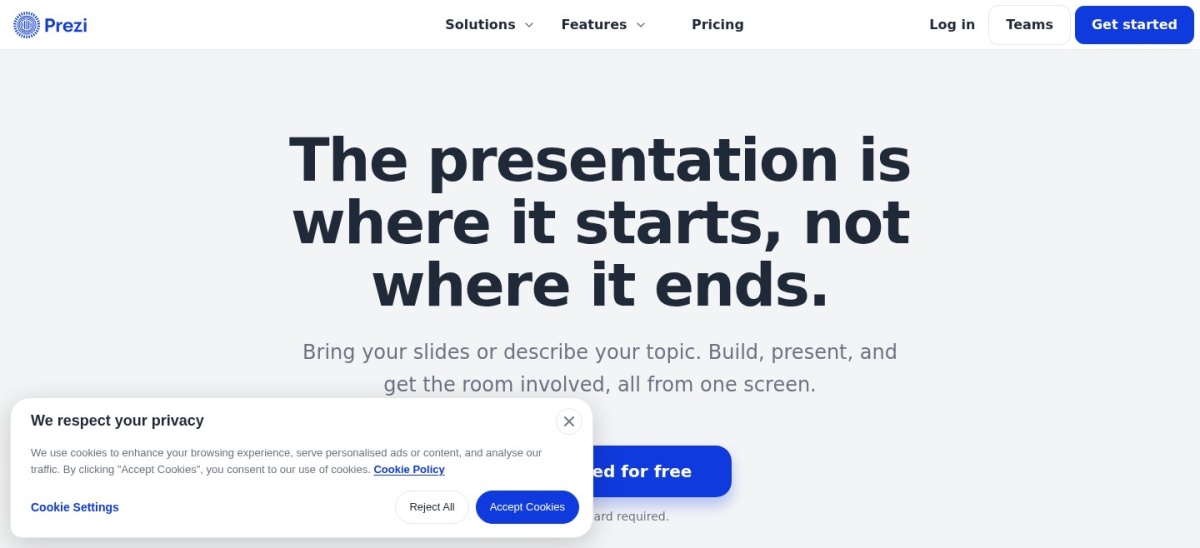
Prezi homepage, captured Nov 2026.
Prezi is a presentation platform whose Prezi Video tool puts you on camera beside your visuals in the same video, instead of hiding you behind full-screen slides. The free Basic plan covers public presentations with a Prezi watermark, while Standard costs $7 a month on annual billing and adds private presentations and offline presenting.
The trade off is the zooming style. Prezi uses a zooming canvas rather than linear slides, which suits confident presenters but can feel busy for dense data. It suits presenters who want to appear on camera with their visuals beside them.
What we like
Cheapest paid plan in this list at $7 a month
You appear on camera beside your content
Largest review base here at 5,600+ reviews
Free Basic plan to try the format
Watch out for
Free plan makes presentations public with a watermark
Zooming style does not suit dense data
No character animation or SCORM export
Standard adds private presentations for $7 a monthVisit prezi.com
03
Canva
4.7/5on G2 (7,522 reviews, checked Nov 2026)
Paid from$12/mo
Best value for simple recorded slides
Free planYes, 5 GB storage
Paid planPro, $12/mo billed annually
RecordingNarrated slide videos
Templates3.6M+ on Pro
canva.com
Canva homepage, captured Nov 2026.
Canva is a design platform where small teams build slides and record a narrated video version in the same tool. The free plan covers basic design and video with limited premium content and 5 GB of storage, while Pro costs $12 a month on annual billing and adds premium templates, stock and brand kits.
The trade off is editing depth. Advanced video editing is weaker than a dedicated editor, and heavy animation needs a specialist tool. It suits small teams that already design in Canva and want simple recorded slide videos without learning a new tool.
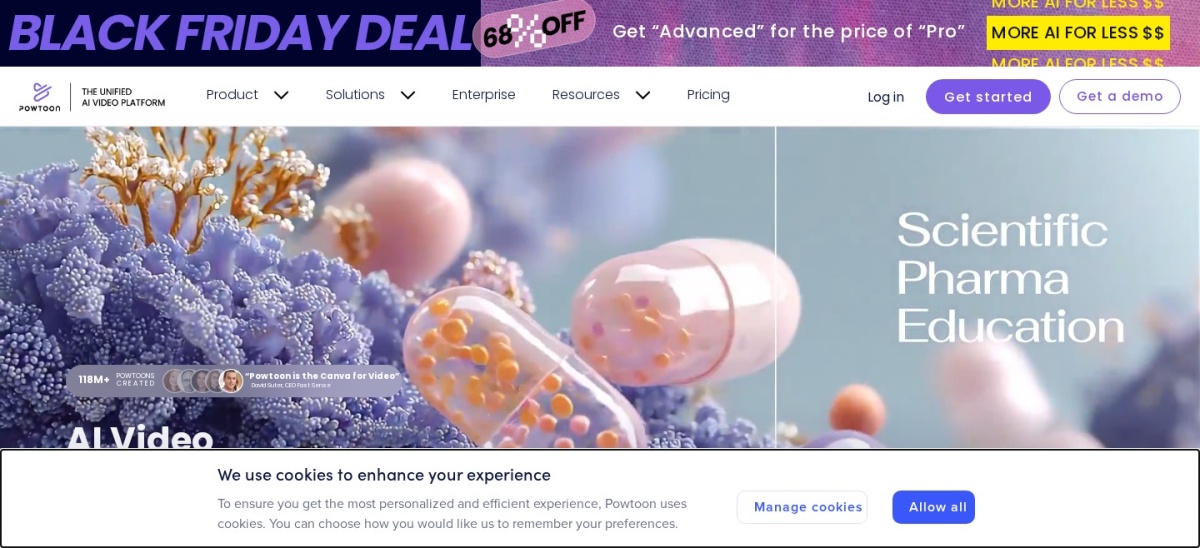
Powtoon is a browser-based platform for animated explainer presentations, with characters, scenes and templates that turn a script into a video. The free plan exports at 720p with a Powtoon watermark and a 3-minute limit, while Lite costs $15 a month on annual billing and adds 1080p exports and 10-minute videos.
The trade off is the export cap. Lite allows only 5 premium exports a month, and AI features draw on a yearly credit allowance. It suits marketers and trainers who want animated explainer presentations without hiring a studio.
What we like
Animated explainers without a studio
Large template and character library
Free plan to try the format
PowerPoint to video conversion
Watch out for
Lite allows only 5 premium exports a month
AI features use a yearly credit allowance
Free exports carry a watermark and a 3-minute limit
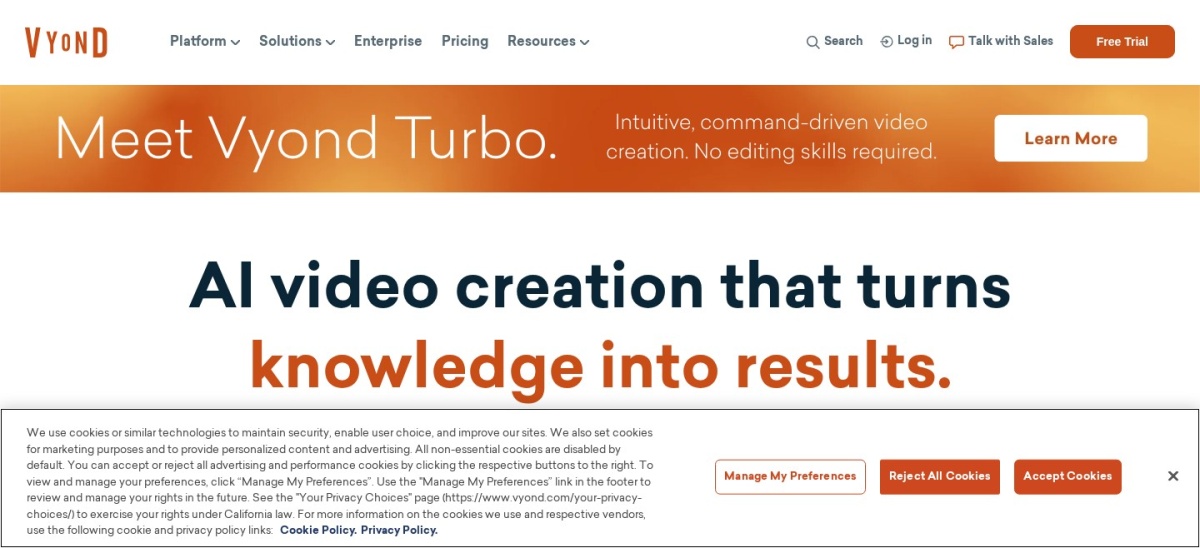
Vyond is built for animated business video, with characters, scenes and motion graphics that suit training, compliance and internal communications. You can build a lesson from a script, a document or a web page, then add voices in many languages. Starter costs $58 a month on annual billing.
The trade off is price and scope. Starter is a single-user plan with a 25-minute video limit and 100 downloads a month, and AI features use a monthly credit pool. It suits training teams that produce character-led videos every month.
Visme is a visual design platform for presentations, infographics and reports, with video as one output among many. The free Basic plan covers simple designs, while Starter costs $12.25 per user a month on annual billing and adds premium templates, charts and brand kits.
The trade off is video depth. Visme is a design tool first, so its video editing is lighter than Powtoon or Vyond, and animation is simpler. It suits teams that want data visuals and charts inside a video presentation.
What we like
Charts and data widgets built in
1,000+ templates for presentations
Free Basic plan to start
Brand kits on paid plans
Watch out for
Video editing is lighter than the animators
Animation is simpler than Powtoon or Vyond
Team features need higher plans
Pro adds more templates and team tools for $24.75Visit visme.com
07
Animoto
4.4/5on G2 (Not published reviews, checked Nov 2026)
Paid from$8/mo
Best for quick photo slideshow videos
Free planYes, watermarked 720p
Paid planBasic, $8/mo billed annually
Exports1080p on Basic
MusicLicensed tracks included
animoto.com
Animoto homepage, captured Nov 2026.
Animoto is a video maker that turns photos, clips and text into a finished video in minutes, with templates, licensed music and simple drag-and-drop editing. The free plan makes unlimited videos with a watermark at 720p, while Basic costs $8 a month on annual billing and removes the watermark with 1080p exports.
The trade off is branding. Your logo, colours and 4K exports wait for Professional at $19 a month on annual billing, and the free plan saves videos for only 90 days. It suits small businesses that want a quick slideshow video from photos and clips.
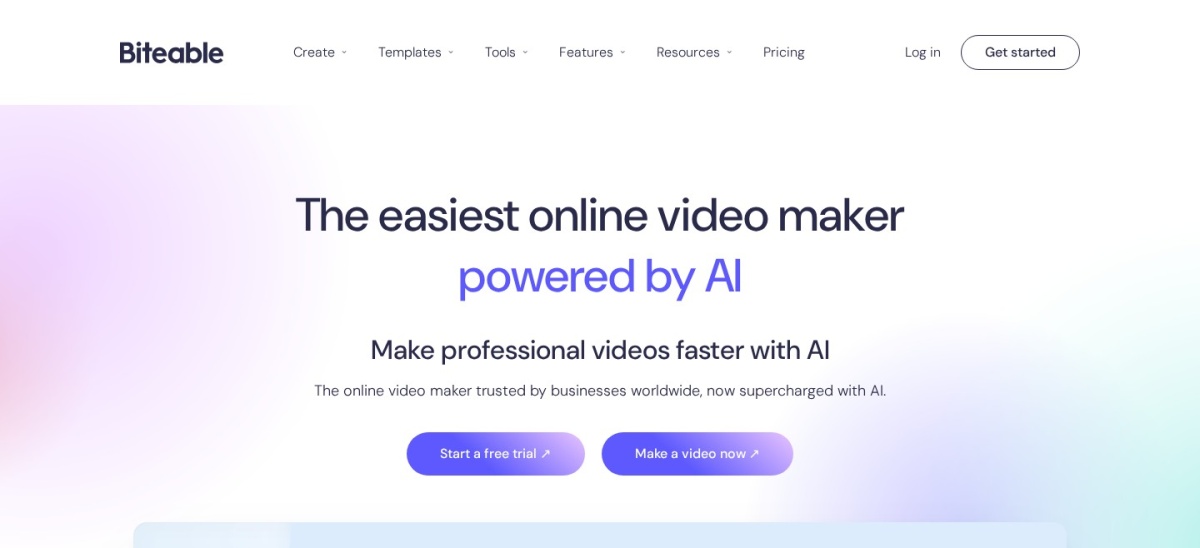
4.3/5on G2 (Not published reviews, checked Nov 2026)
Starts at$15/mo
Best for template videos in under an hour
Free planNo, 7-day trial
Paid planPro, $15/mo billed annually
TemplatesReady-made animated scenes
AI featuresScript-to-storyboard builder
biteable.com
Biteable homepage, captured Nov 2026.
Biteable is a video maker that makes template-based videos, animations and presentations for marketers and HR teams. The Pro plan costs $15 a month on annual billing and includes ready-made animated scenes, stock footage and AVA, an AI script-to-storyboard builder that speeds up a first draft.
The trade off is the free tier. There is no free plan, only a 7-day trial, and the template style can look similar across videos. It suits busy teams that need a refined template video presentation in under an hour.
Genially is an interactive presentation tool that adds video, quizzes, hotspots and animation to slides, so a presentation becomes something the viewer clicks through. The free plan covers basic interactive designs, while Pro costs $7.49 a month on annual billing and adds premium templates and downloads.
The trade off is video depth. Genially is an interactive slide tool first, not a video editor, so long-form video and character animation belong elsewhere. It suits trainers and marketers who want interactive video presentations with quizzes built in.
Recorded vs animated: which video presentation fits your message?
Recorded presentations are fastest. Loom and Canva capture you and your slides in minutes, and a link is all the viewer needs.
Animated presentations take longer but travel further. Powtoon, Vyond and Biteable build scenes and characters that work for training and marketing without a presenter.
Interactive presentations add a third option. Genially and Prezi let viewers click, answer and explore, which suits lessons and sales decks more than a one-way video.
How we chose
We started from the video presentation tools with the largest review bases and the clearest pricing, then kept nine that cover recording, presenting and animation.
Prices come from each vendor pricing page, checked on 29 November 2026. Ratings come from G2 on the same day, and review counts are flagged in the notes where they were not published.
We left out tools with no verifiable rating. No vendor paid for a place, and we do not claim hands-on testing for this list.
How to choose video presentation software
Start with the kind of video you make most, then check the limits that will cap you first.
Pick recorded, animated or interactive. Recorders are fastest, animators suit training, and interactive tools suit lessons and sales decks.
Check the free plan limits. Video length, watermarks, download caps and AI credits all sit behind paid tiers, so test them first.
Compare the annual monthly rate. Monthly billing can double the price, so compare annual rates and add the cost of extra users.
Test one real presentation end to end. Record, edit and share one presentation on the trial to check export quality and sharing before you pay.
FAQ
What is the best video presentation software in 2026?
Loom is the best video presentation software for most teams. It records you and your screen in minutes, shares with a link, and Business costs $15 per user a month for unlimited recordings.
What is the cheapest video presentation software?
Prezi Standard is cheapest here at $7 a month on annual billing, and Genially Pro costs $7.49 a month. Both have free plans, while Loom Starter is free with 25 videos and a 5-minute cap.
Is there free video presentation software?
Yes. Loom, Prezi, Canva, Powtoon, Visme, Animoto and Genially all have free plans, with watermarks or limits on length and exports. Vyond and Biteable have no free plan, only a free trial.
Which video presentation software is best for training?
Vyond is best for character-led training video, with scenes, voices and SCORM export, from $58 a month. Powtoon is the cheaper animated pick at $15 a month, and Loom suits quick walkthroughs.
Loom vs Prezi Video: which is better?
Loom wins for fast recorded presentations shared by link, with unlimited recordings on Business. Prezi Video wins when you present live or on camera, putting you beside your visuals in the same video.
Can I make a video presentation for free?
Yes, with limits. Loom Starter is free with 25 videos, Prezi Basic is free with public presentations, and Powtoon Free exports at 720p with a watermark and a 3-minute limit.
SaaS SEO and WordPress specialist with about 8 years of experience. Rakib compares WordPress plugins, themes, hosting and software using public pricing, documentation and user reviews. See how we rank.