WLWPLegible EditorsLast verified 22 Nov 2026How we rank12 min read
★ Short answer
Blender is the best animation software for most people, as a free 3D suite with rigging, Grease Pencil 2D and professional rendering. Pick Toon Boom Harmony for professional 2D TV work, or Autodesk Maya for studio 3D character animation.
How we make this list: we compare pricing pages, product documentation and public user reviews, then re-check every price before each update. No product paid for a place. Disclosure.
Blender is free and rated 4.6 out of 5 on G2 from 319 reviews, with 3D and Grease Pencil 2D in one app.
Toon Boom Harmony is the professional 2D standard, from $259 a year, and is named in 28% of 2D animator job posts.
Autodesk Maya is the studio 3D standard at $168 a month, free for students and teachers.
Adobe Animate is in maintenance mode, with no new features planned, at $22.99 a month.
Spine Essential at $69 once and Moho Debut at $59.99 once are the cheapest paid routes into rigged animation.
2D, 3D or motion graphics: pick the job first
Animation software splits by what you animate. 2D tools draw frame by frame or rig characters, 3D tools model and rig in space, and motion graphics tools composite layers for titles and ads.
Price runs from free to thousands a year. Blender, Krita and OpenToonz cost nothing, one-time tools like Spine and Moho charge once, and studio tools like Maya and Toon Boom Harmony charge by subscription.
Free tools are genuinely professional now. Blender is used in real productions, and its Grease Pencil tools let you draw 2D animation inside a 3D scene, which makes it the strongest free all-rounder.
Check the maintenance status of older tools. Adobe Animate is in maintenance mode, so it still works and gets security fixes, but Adobe does not plan new features for it.
Blender is a free, open-source 3D suite for modeling, rigging, animation, simulation, rendering and video editing, and its Grease Pencil tools let you draw 2D animation inside a 3D scene. It is genuinely used in professional productions, and it costs nothing for any purpose, including commercial work.
The trade off is the learning curve. The interface packs a decade of professional features into one window, and the first week can feel like sitting in a cockpit. It suits freelancers, indie studios and students who want professional 3D animation without licence fees.
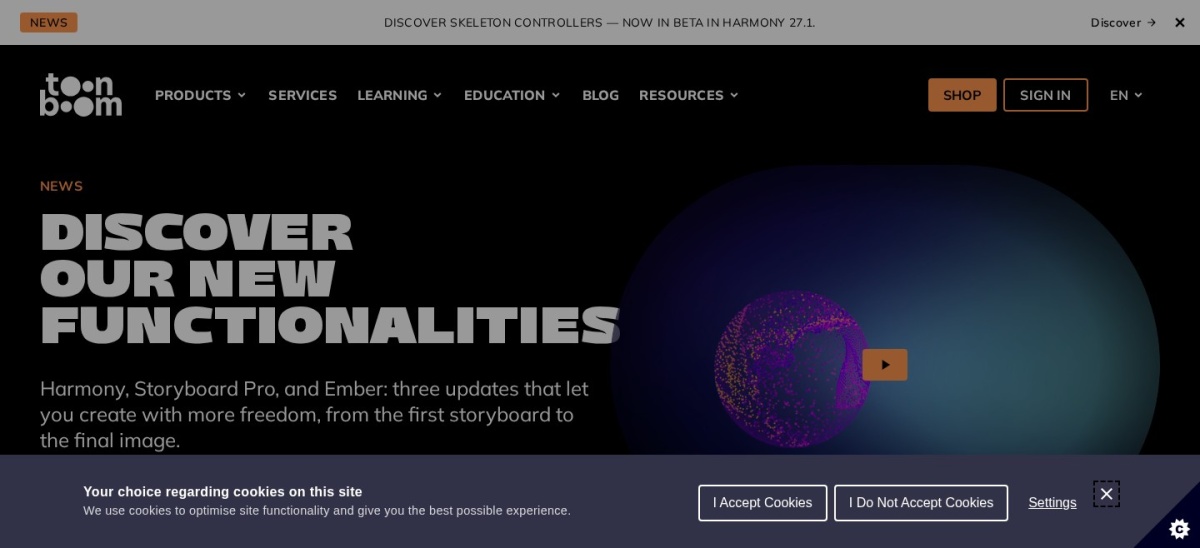
Toon Boom Harmony is the 2D production standard in television and streaming animation, named in 28% of 2D animator job posts. It supports hand-drawn and cut-out workflows, deformers, effects and a full compositing network, and it scales from a single artist to a full studio pipeline.
The trade off is price and learning curve. Essentials is $31 a month or $259 billed yearly, and the full pipeline takes time to learn. It suits professional studios and animators who need the tool that broadcast pipelines expect.
Autodesk Maya is the professional 3D standard for character animation, film and VFX, used by virtually every major Hollywood VFX studio and AAA game developer. It covers modeling, rigging, animation, simulation and rendering in one package, with a 30-day trial and free licences for eligible students and teachers.
The trade off is the price. At $168 a month it is the most expensive tool in this list, and it needs a powerful machine. It suits studios and professionals whose clients expect Maya files and whose work depends on the industry pipeline.
Adobe Animate is the vector-animation workhorse, the direct descendant of Flash and still the default for web content, game assets, interactive media and clean vector character work. You draw with vectors that stay crisp at any size, animate with tweens instead of redrawing every frame, and publish to HTML5, video or interactive content.
The trade off is its future. Adobe says Animate is in maintenance mode, so it still works and gets security fixes, but Adobe does not plan new features. It suits teams with existing Animate pipelines or web projects, at $22.99 a month on the annual plan.
Adobe After Effects is the pick for motion graphics and compositing. It layers video, text, shapes and effects into titles, ads and social clips, with a deep library of presets and plugins, and it pairs with the rest of Creative Cloud for a full post-production workflow.
The trade off is that it is not a character animation tool. Rigging and frame-by-frame work belong in Maya, Harmony or Blender, while After Effects shines on layered motion. It suits motion designers and editors who animate graphics rather than characters, at $22.99 a month.
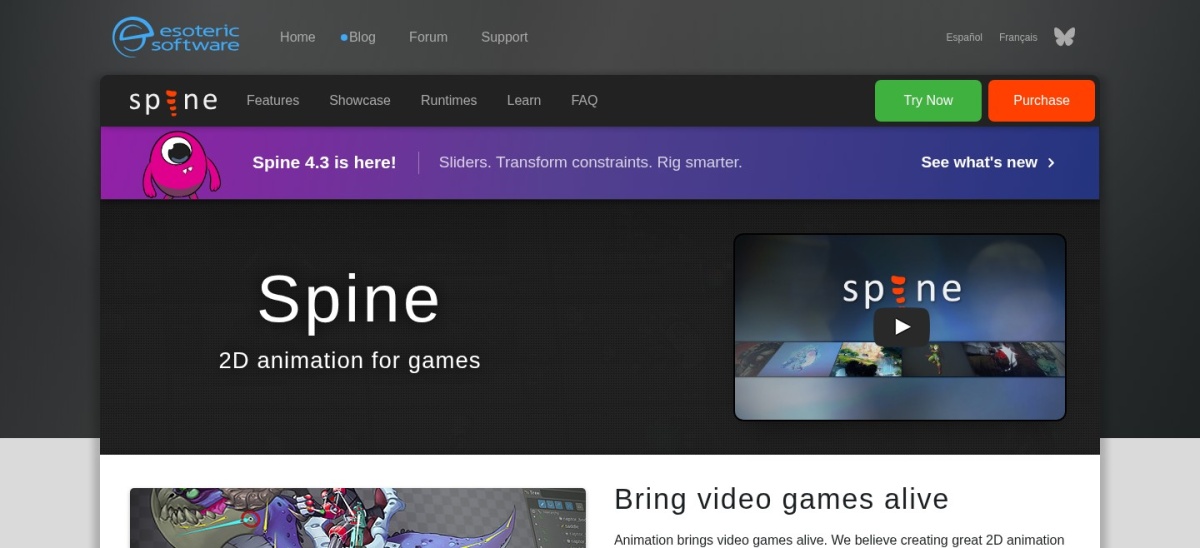
Spine is the 2D game animation tool for rigged characters. You build a skeleton, attach artwork, and animate with bones and meshes instead of redrawing frames, then export runtime data that game engines play directly, which makes it a favourite for indie and mobile games.
The trade off is scope. It animates game characters, not films or motion graphics, so it is a specialist tool. It suits game developers who want smooth skeletal animation at a one-time price, with Essential at $69 once.
Moho is the budget route into rigged character animation, with bone rigging, smart warp, physics and particle tools in a 2D vector program. Debut costs $59.99 once, and Pro costs $399.99 once, so you pay once and keep the licence, with a 30-day trial to test it.
The trade off is that it is a smaller ecosystem than Toon Boom or Adobe. Tutorials and studio pipelines are thinner, so you may work more alone. It suits indie animators and hobbyists who want rigged characters without a subscription.
Clip Studio Paint is the favourite for anime-style frame-by-frame work, with drawing tools, timeline animation and manga features in one app. It costs $76.99 a year, or $277 once for a perpetual licence, with a 30-day trial, and it runs on Windows, macOS and iPad.
The trade off is that it is a drawing tool first. 3D and rigged animation are limited, so it fits hand-drawn work rather than full pipelines. It suits illustrators and anime-style animators who draw every frame and want a tool built for that job.
Krita is a free and open-source painting program with animation tools for hand-drawn frames. You paint with a large brush library, animate on a timeline with onion skinning, and export video, all without paying anything or seeing ads.
The trade off is that it is a painting tool, not a full animation suite. Rigging and 3D are not its job, so complex pipelines need a second tool. It suits beginners and illustrators who want to learn frame-by-frame animation for free.
Free tools cover most jobs. Blender handles 3D and 2D, Krita handles hand-drawn frames, and both are free for commercial work.
Paid tools buy pipelines. Toon Boom Harmony is the TV production standard, Maya is the studio 3D standard, and both are named in animator job posts far more than free tools.
Start free, then pay for the pipeline. Learn on Blender or Krita, and buy a subscription only when a studio or client asks for a specific tool.
How we chose
We started from the animation tools studios and freelancers actually compare in 2026, across 2D, 3D and motion graphics, from free tools to studio subscriptions.
Prices come from vendor pricing pages as reported by dated comparison pages checked in September to November 2026, and ratings come from G2 in the same period. Where a vendor shows a sale, the list shows the regular price.
We left out tools without a current public price and business video makers covered in our animated video guide. No vendor paid for a place, and this list is based on pricing, docs and reviews, not on using the tools ourselves.
How to choose animation software
Match the tool to the kind of animation you will make most.
Decide 2D, 3D or motion graphics. Toon Boom and Krita are 2D, Maya and Blender are 3D, and After Effects is motion graphics. The job picks the tool.
Try the free tools first. Blender and Krita cost nothing and teach real skills that transfer to paid tools. Learn the craft before you buy a subscription.
Check what studios ask for. Toon Boom Harmony is named in 28% of 2D animator job posts, and Maya is the studio 3D standard, so a career goal can decide the purchase.
Mind the maintenance status. Adobe Animate is in maintenance mode with no new features planned. Factor that in before you build a pipeline around it.
FAQ
What is the best animation software?
Blender is the best pick for most people, as a free 3D suite with rigging, Grease Pencil 2D and professional rendering. Toon Boom Harmony is the best professional 2D tool, and Autodesk Maya is the studio 3D standard.
Is Blender really free?
Yes. Blender is free and open source under the GNU General Public License, and the Blender Foundation states you are free to use it for any purpose, including commercial work you sell.
How much does Toon Boom Harmony cost?
Harmony Essentials is $31 a month or $259 billed yearly, Advanced is $79 a month or $606 a year, and Premium is $143 a month or $1,161 a year, with a 14-day free trial.
Is Adobe Animate still available?
Yes, but Adobe moved Animate to maintenance mode, so it still works and gets security fixes, but Adobe does not plan new features. It costs $22.99 a month on the annual plan.
What is the cheapest paid animation software?
Spine Essential is a $69 one-time purchase, and Moho Debut is $59.99 once. Clip Studio Paint EX is $76.99 a year, while Toon Boom Harmony Essentials is $259 a year.
Which animation software is best for beginners?
Blender is the best free start, rated 4.6 out of 5 on G2 from 319 reviews, and Krita is the best free hand-drawn start. Moho Debut at $59.99 once is the cheapest paid route into rigged characters.