Figma is the best design collaboration tool for most teams, because designers, product managers and engineers work in the same file with live cursors, comments and developer handoff built in. Use Miro for workshops and early thinking, or Penpot when you want the same model free and open source.
How we make this list: we compare pricing pages, product documentation and public user reviews, then re-check every price before each update. No product paid for a place. Disclosure.
Figma is the best all-round pick, with real-time co-editing, FigJam whiteboards and Dev Mode handoff in one file.
Miro is the best workshop tool, with the largest review base here at 13,631 G2 reviews and more than 100 million users.
FigJam is the cheapest whiteboard seat, at 3 dollars a month as a Figma Collab seat.
Penpot is the best open-source option, with a free cloud plan and paid seats capped at 175 dollars a month.
Sketch is the only Mac-native pick, and the only tool here with no free plan.
What design collaboration tools do
Design collaboration happens in three places: the canvas where screens are drawn, the whiteboard where ideas are decided, and the handoff where developers get specs and assets. No single tool owns all three, but Figma comes closest.
The split that matters is who edits and who comments. Figma charges per editor and lets stakeholders view and comment free on paid plans, while Miro charges per member and every collaborator counts. The seat model decides the bill more than the headline price.
The free floor is generous. Figma Starter, Miro Free, FigJam, Canva Free, Penpot and Whimsical all cost nothing to start, so small teams can collaborate for free and only pay when files, boards or seats grow.
Open source is a real option here. Penpot runs the same real-time multiplayer model as Figma, self-hosted, with a paid cloud plan capped at $175 a month, so teams that want no lock-in have somewhere to go.
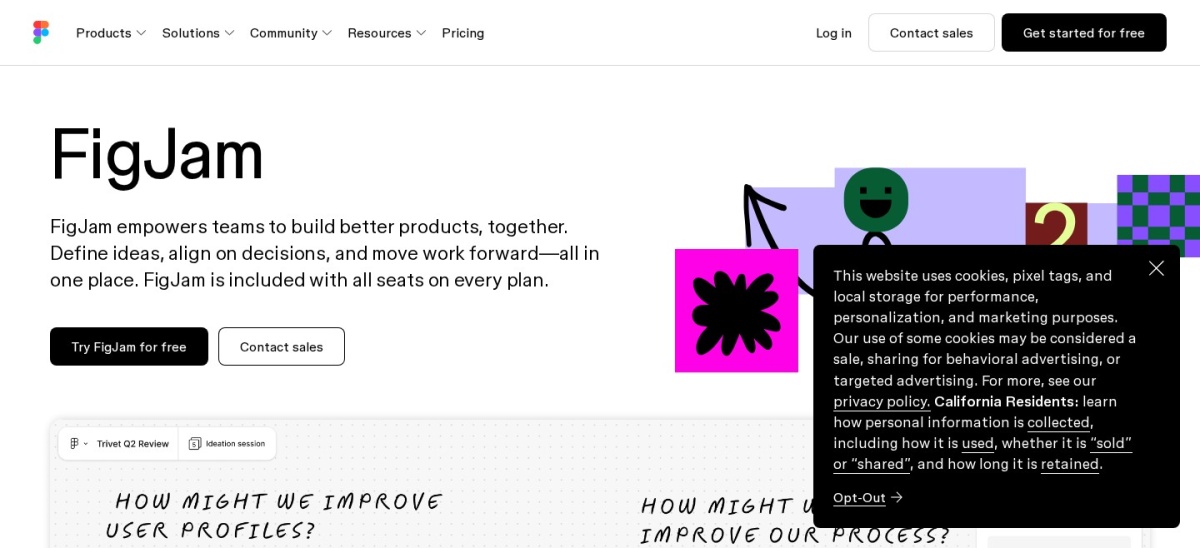
Figma is a browser-based design platform built around real-time multiplayer editing, where designers, product managers and engineers work in the same file with live cursors, comments and version history. It bundles FigJam whiteboards, prototyping and Dev Mode developer handoff, so most product teams never need a second tool.
The trade off is the seat model. Professional Full seats cost $16 a month on annual billing, Dev seats $12 and Collab seats $3, and the higher tiers are annual-only, so the bill depends on who edits and who only comments. It suits product and UI teams that design screens together every day.
What we like
Rated 4.7 out of 5 on G2 from 1,593 reviews
Real-time multiplayer editing in one file
FigJam whiteboards and Dev Mode included
Watch out for
Seat types make pricing complicated
Higher tiers are annual-only billing
Organization and Enterprise add shared libraries and SSOVisit figma.com
02
Miro
4.6/5on G2 (13631 reviews, checked Nov 2026)
Paid from$8/member/mo
Best for workshops and planning
Free planYes, 3 editable boards
Starter$8/member/mo annual
Business$20/member/mo annual
Templates7,000+
miro.com
Miro homepage, captured Nov 2026.
Miro is an online whiteboard with an infinite canvas, built for workshops, journey mapping, service blueprints and planning rituals. Stakeholders who will never open Figma participate happily, with timers, voting, templates and more than 250 integrations, and it reports more than 100 million users worldwide.
The trade off is price at scale. Starter costs $8 a member a month on annual billing, but Business costs $20 a member a month and adds up fast past 25 to 30 seats, and the free plan allows only 3 editable boards. It suits cross-functional teams that decide work on a board before drawing it.
FigJam is Figma's whiteboard, sold as a Collab seat inside a Figma plan rather than as a standalone product. It covers brainstorming, diagramming and meeting boards one tab from the design files, with the same multiplayer feel as Figma, and a Collab seat costs $3 a month on Professional.
The trade off is that it is not standalone. FigJam only makes sense for teams already paying for Figma, and the $3 seat looks cheap until you count what it costs to stand up Figma from zero. It suits Figma teams that want whiteboarding without buying Miro.
Sketch is a macOS-based UI and product design tool with shared libraries, prototype sharing, real-time co-editing, developer handoff and in-context comments. It remains the Mac-native alternative with a loyal base, and its Cloud workspace keeps files, libraries and handoff in one place.
The trade off is platform and price. Sketch runs on macOS only, has no free plan, and published prices conflict, with guides reporting $9, $10 and $12 an editor a month. It suits Mac-only design teams that want a native app rather than a browser tab.
Canva is a drag-and-drop design platform that lets non-designers collaborate on brand-consistent assets, with brand kits, interactive whiteboards, media tagging and more than 600,000 templates. Its free plan covers the basics, and Pro costs $120 a year for one person, with Teams plans for larger groups.
The trade off is depth. Canva is not a product design tool, so teams that need components, variables and developer handoff will outgrow it and move to Figma. It suits marketing and operations teams that need quick visual design without a designer in the room.
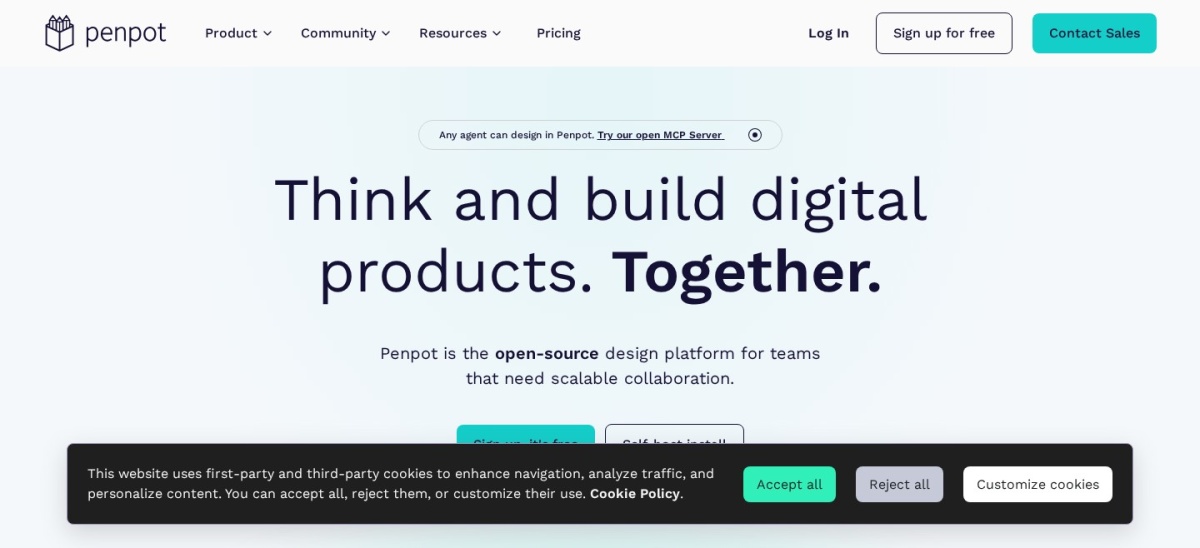
Penpot is an open-source design and prototyping platform that runs the same real-time multiplayer model as Figma, with CSS-based layouts, no lock-in and self-hosting. Its cloud plan costs $7 an editor a month, capped at $175 a month for the whole team, and the free cloud tier covers small teams.
The trade off is a thin review base and a smaller ecosystem. Penpot is rated 4.5 out of 5 on G2 from only 10 reviews, with fewer plugins, no whiteboard or video review, and lighter prototyping than Figma. It suits teams that want the Figma model free and open source.
Whimsical is a planning and wireframing tool for early-stage work, covering flowcharts, mind maps, wireframes, whiteboards and templates in one fast canvas. It is built for the thinking stage, where teams sketch flows and structures before committing to high-fidelity screens.
The trade off is scope. Whimsical is not a production design tool, so teams move to Figma or Sketch once screens need components and handoff, and its Pro plan costs $10 an editor a month. It suits product teams that want fast flows and wireframes without opening a full design tool.
Canvas tools such as Figma, Sketch and Penpot are where high-fidelity screens are drawn, prototyped and handed off to developers.
Whiteboard tools such as Miro, FigJam and Whimsical are where work is decided before it is drawn: workshops, journey maps, flows and early concepts.
Handoff tools such as Zeplin sit between the two, publishing versioned screens with specs and approvals for developers.
Most teams need a canvas and a whiteboard. Figma bundles both through FigJam, which is why it is the default stack, while Miro-first teams add a canvas tool later.
How we chose
We started from the design collaboration tools that 2026 guides recommend most, covering canvas, whiteboard and handoff work, and kept those with an active vendor site and a verifiable G2 rating.
Prices come from each vendor's pricing page or published price list, checked on 25 November 2026. Figma Professional is 16 dollars per full seat per month on annual billing, Miro Starter is 8 dollars per member per month, and FigJam rides on a 3-dollar Collab seat. Ratings come from G2 on the same day.
We left out Framer because its per-site price could not be verified in a comparable form, and Zeplin because no G2 review count could be verified. No vendor paid for a place, and we do not claim hands-on testing for this list.
How to choose design collaboration software
Start with who draws and who only comments, then count the seats that model implies.
List who edits and who comments. Editors need paid seats, while viewers and commenters are often free on paid Figma plans.
Decide canvas or whiteboard first. Pick a canvas tool for production screens and a whiteboard for workshops and planning.
Trial the free plan with a real project. Run one real design sprint on the free tier before paying for seats.
Model the seat bill for your team. Per-editor and per-member pricing scale very differently, so price your whole team, not one seat.
FAQ
What is the best design collaboration tool?
Figma is the best design collaboration tool for most teams, because designers, product managers and engineers work in the same file with live cursors, comments and developer handoff built in. Miro is best for workshops, and Penpot is best when you want open source.
Is Figma free?
Yes, Figma Starter is free with 3 design files and 3 FigJam boards. Paid Professional seats cost 16 dollars per editor per month on annual billing, with Dev seats at 12 dollars and Collab seats at 3 dollars.
What is the difference between Figma and Miro?
Figma is a design canvas where screens are drawn, prototyped and handed off. Miro is an infinite whiteboard for workshops, journey mapping and planning. Many teams use both, with FigJam covering lighter whiteboarding inside Figma.
How much does Miro cost?
Miro Starter costs 8 dollars per member per month on annual billing, and Business costs 20 dollars per member per month. The free plan allows 3 editable boards, and Enterprise is quote-only from 30 members.
Is there a free design collaboration tool?
Yes. Figma Starter, Miro Free, FigJam, Canva Free, Penpot and Whimsical all have free plans. Sketch is the only tool in this list with no free plan, offering a trial instead.
What is Penpot?
Penpot is an open-source design and prototyping platform that runs the same real-time multiplayer model as Figma, with CSS-based layouts and self-hosting. Its cloud plan costs 7 dollars per editor per month, capped at 175 dollars a month.
SaaS SEO and WordPress specialist with about 8 years of experience. Rakib compares WordPress plugins, themes, hosting and software using public pricing, documentation and user reviews. See how we rank.