Best Project Management Software in 2026: 7 Tools Compared
WLWPLegible EditorsLast verified 22 Nov 2026How we rank13 min read
★ Short answer
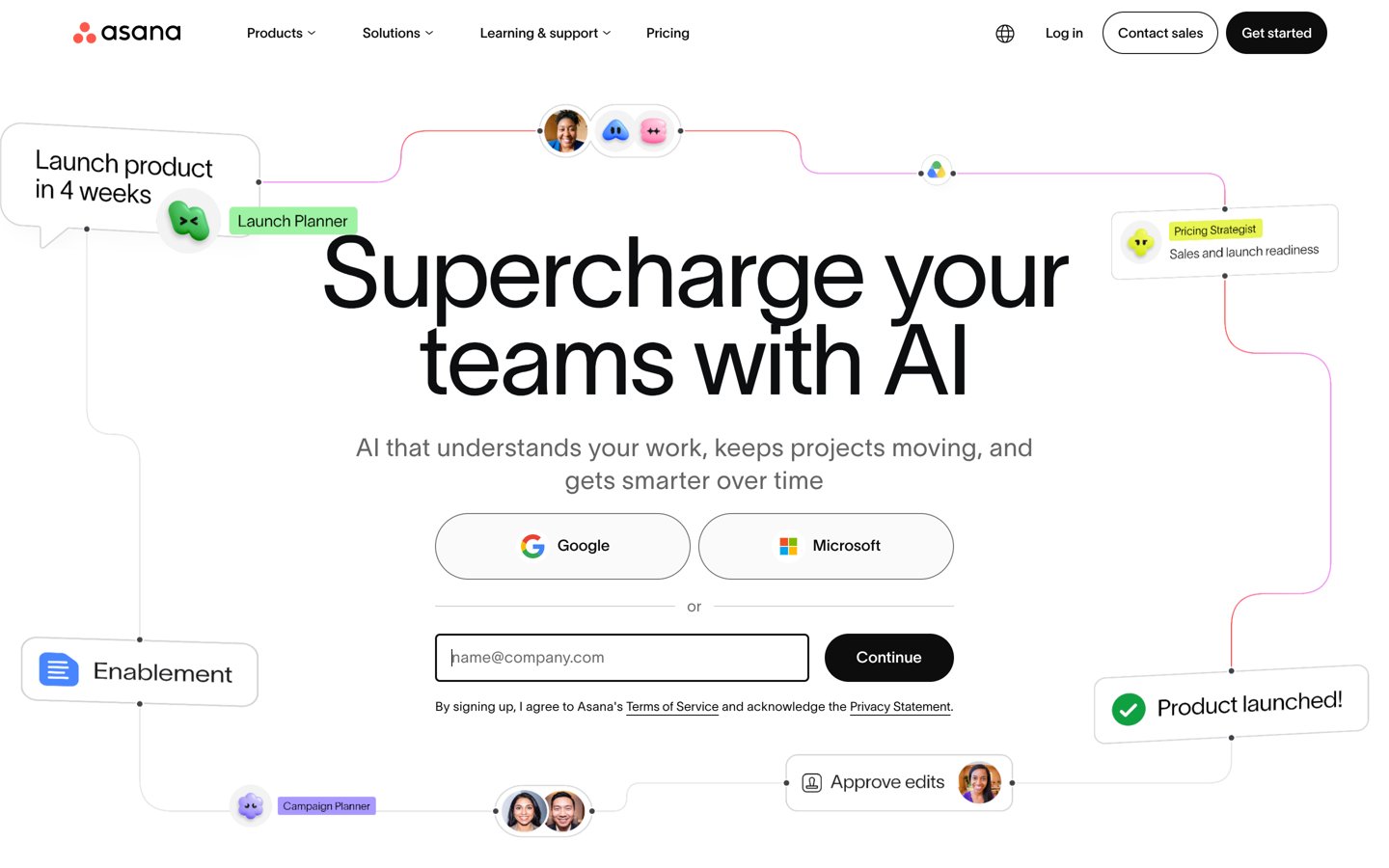
Asana is the best project management software for most teams, with a 4.4/5 G2 rating from 14,143 reviews and a Starter plan at $10.99 per user monthly, billed annually. ClickUp offers broader task customization, while monday.com is a strong choice for visual workflows and team coordination.
How we make this list: we compare pricing pages, product documentation and public user reviews, then re-check every price before each update. No product paid for a place. Disclosure.
Asana leads for structured project planning, with a 4.4/5 G2 rating from 14,143 reviews and Starter at $131.88 per user yearly.
ClickUp combines unlimited free tasks with docs, Kanban boards and time tracking. Its regular Core price is $144 per user yearly.
monday.com scores 4.7/5 across 17,974 G2 reviews. Basic starts at $108 per seat yearly, with a minimum seat commitment.
Trello is a straightforward Kanban option. Standard costs $60 per user yearly and includes unlimited boards.
Zoho Projects has the lowest published annual per-user price here at $48, including unlimited projects on Premium.
Basecamp takes a different pricing approach: its Freelancer package costs $348 yearly for up to 5 users.
What matters when choosing project management software
Project management software brings tasks, deadlines, files and conversations into one shared workspace. The right product depends on how your team plans work, assigns responsibility and reports progress.
Start with project views. Kanban boards make task stages visible, while timelines and Gantt charts help teams understand dependencies and deadlines. Calendar views are useful when delivery dates drive the schedule.
Look beyond the advertised subscription price. A low per-user rate can become expensive as the team grows, while minimum seat requirements, storage limits and higher-tier automation features can change the total cost.
Also consider adoption. A highly configurable tool can require more setup, while a simpler task board may lack resource planning or reporting. The strongest choice is the one your team can maintain consistently.
Asana is a project and work management platform built around tasks, owners, deadlines and shared workflows. Its free Personal plan supports basic task management, collaboration and unlimited file storage with a 100 MB limit per file. Starter adds timeline and Gantt views, workflow features and additional project management controls.
The trade off is that useful planning features require a paid subscription, starting at $10.99 per user monthly when billed annually, or $131.88 yearly. More advanced portfolio and resource management capabilities require higher plans. It suits growing teams managing several connected projects with clear responsibilities.
What we like
Clear task ownership and deadline tracking
Timeline and Gantt views available on Starter
Useful project templates and workflow features
Free plan supports everyday task coordination
Watch out for
Advanced planning features are restricted to paid tiers
Per-user charges increase with team size
May feel structured for teams needing only a simple board
Starter adds Gantt views, timelines and expanded workflow management.Visit asana.com
02
ClickUp
4.6/5on G2 (15,869 reviews, checked Nov 2026)
Paid from$12/mo
Best for customizable project workflows
Free tasksUnlimited
Free storage60 MB
Paid entry planCore
Regular annual price$144/user
clickup.com
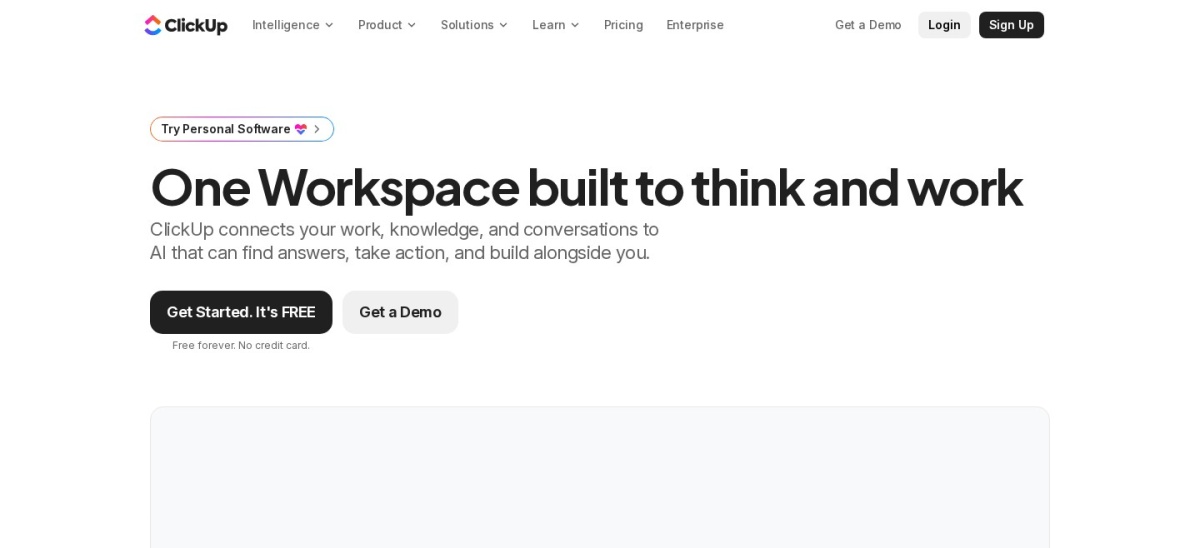
ClickUp homepage, captured Nov 2026.
ClickUp is a customizable workspace combining project tasks, documents, Kanban boards, calendars and time tracking. Free Forever includes unlimited tasks and free members, collaborative docs, sprint management and 60 MB of storage. Its Core plan adds unlimited storage, custom fields, Gantt charts, goals and broader automation capabilities.
The trade off is complexity, since its many settings can make initial configuration demanding. Core currently advertises a discounted $9 per user monthly with annual billing, but the pricing page identifies $12 as the regular price, equivalent to $144 yearly. It suits teams that want to shape workflows around different departments.
What we like
Unlimited tasks and free members
Combines documents, tasks and project communication
Flexible custom fields and task types
Native time tracking and sprint tools
Automation and Gantt charts on paid plans
Watch out for
Large feature set can increase the learning curve
Free workspace has limited file storage
Some dashboards and advanced features require upgrades
monday.com is a visual work management platform that organizes projects through customizable boards, columns and shared workflows. Its free plan supports up to 2 seats and 3 boards, with templates and collaborative documents. Basic adds unlimited items, expanded storage and more room for organizing ongoing work.
The trade off is subscription structure: Basic lists at $9 per seat monthly when billed annually, equivalent to $108 per seat yearly, but a minimum seat commitment applies. Advanced workflow and reporting features sit on higher tiers. It suits teams that prefer visual status tracking and customizable project boards.
What we like
Visual boards make project status easy to scan
Customizable columns and workflow layouts
Useful templates for different business processes
Strong G2 rating across a large review base
Watch out for
Minimum seat requirements affect the actual starting bill
More advanced automation requires higher tiers
Free plan limits seats and boards
Basic adds unlimited items and expanded project capacity.Visit monday.com
04
Trello
4.4/5on G2 (14,078 reviews, checked Nov 2026)
Paid from$5/mo
Best for simple Kanban project management
Main workflowKanban boards
Paid entry planStandard
Standard automation1,000 runs/month
Annual price$60/user
trello.com
Trello homepage, captured Nov 2026.
Trello is a Kanban-based project management app where tasks appear as cards that move between lists. Its free version covers basic boards, cards and collaboration. Standard adds unlimited boards, advanced checklists, custom fields, card mirroring and 1,000 Workspace command runs each month.
The trade off is limited project planning depth compared with dedicated portfolio management platforms. Standard costs $5 per user monthly with annual billing, or $60 yearly, while timeline, dashboard and additional views require Premium at $10 per user monthly with annual billing. It suits small teams organizing repeatable tasks and straightforward projects.
What we like
Simple drag-and-drop Kanban interface
Quick setup with minimal configuration
Standard includes unlimited boards
Custom fields and advanced checklists on Standard
Affordable paid entry plan
Watch out for
Timeline and dashboard views require Premium
Limited native portfolio management depth
Complex dependencies can be difficult to represent
Standard adds unlimited boards, custom fields and more automation.Visit trello.com
05
Zoho Projects
4.4/5on G2 (596 reviews, checked Nov 2026)
Paid from$4/mo
Best budget project management software
Free usersUp to 5
Free projects3
Paid entry planPremium
Annual price$48/user
zoho.com
Zoho Projects homepage, captured Nov 2026.
Zoho Projects is a project management platform covering tasks, schedules, team collaboration and project reporting. Its free plan supports up to 5 users and 3 projects with 5 GB of storage. Premium adds unlimited projects, custom views, task blueprints, budgets, time logs and timesheets.
The trade off is that advanced features introduce more settings to learn, particularly when configuring workflows and project finances. Premium costs $4 per user monthly when billed annually, equivalent to $48 yearly. It suits budget-conscious teams that need structured planning and time management rather than a basic task board.
What we like
Low annual per-user subscription price
Free plan supports up to 5 users
Unlimited projects on Premium
Time logs and timesheets included on Premium
Project budgets and workflow customization available
Watch out for
Initial configuration can take time
Free plan limits project capacity
Some advanced features require higher subscriptions
Premium adds unlimited projects, timesheets, budgets and custom workflows.Visit zoho.com
06
Wrike
4.2/5on G2 (4,648 reviews, checked Nov 2026)
Paid from$10/mo
Best for cross-functional project oversight
Free planAvailable
Team plan size2–15 users
Paid entry planTeam
Annual price$120/user
wrike.com
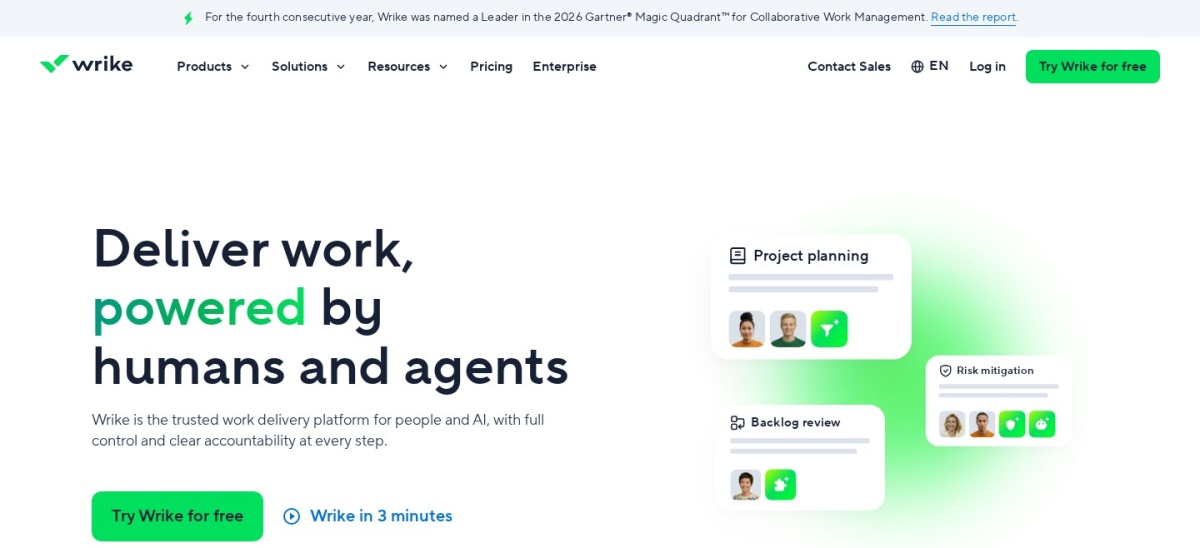
Wrike homepage, captured Nov 2026.
Wrike is a work management platform for coordinating tasks, schedules and cross-functional projects. Its free plan includes project and task management with board and table views. Team adds shareable dashboards, interactive Gantt charts and AI-assisted project features for groups of 2 to 15 users.
The trade off is that resource planning and more advanced organizational controls are concentrated in higher plans. Team costs $10 per user monthly with annual billing, equivalent to $120 yearly, and has a minimum user requirement. It suits project managers coordinating work across departments with different reporting needs.
Team adds interactive Gantt charts, dashboards and AI features.Visit wrike.com
07
Basecamp
4.1/5on G2 (5,490 reviews, checked Nov 2026)
Paid from$29/mo
Best for simple client and team collaboration
Free projects1
Entry packageFreelancer
Freelancer usersUp to 5
Annual price$348/account
basecamp.com
Basecamp homepage, captured Nov 2026.
Basecamp is a project collaboration platform built around shared to-do lists, discussions, schedules and files. Its free Personal option supports one project and up to 3 users. The Freelancer package increases capacity to 3 active projects, 10 GB of storage and up to 5 users without separate per-user charges.
The trade off is that Freelancer excludes project templates, time tracking and multiple tools per project. It costs $29 monthly, equivalent to $348 yearly, while larger packages cost more. It suits small agencies and client-facing teams that value organized communication over detailed project analytics.
What we like
Straightforward project communication
Flat package pricing instead of separate user charges
Free option for a small personal project
Useful for collaborating with clients
Predictable pricing within package limits
Watch out for
Freelancer limits active projects and users
Time tracking is excluded from Freelancer
Less suited to complex resource and dependency planning
Freelancer adds more projects, storage and users; higher packages add deeper tools.Visit basecamp.com
How project management software pricing works
Most project management subscriptions use per-user monthly pricing, usually with a lower rate when billed annually. Asana, ClickUp, Trello, Zoho Projects and Wrike follow this general approach.
Package-based pricing changes the calculation. Basecamp charges for capacity within a package, so the effective cost per person depends on how many included users participate.
Watch for minimum seat requirements and differences between subscription tiers. The cheapest paid plan may not include the feature that prompted your search, such as advanced Gantt charts, portfolio reporting or resource planning.
Prices in this comparison are expressed as annual USD equivalents. Where a vendor advertises a temporary sale, the regular identified price is used instead.
Which project management software fits your team?
For teams with interdependent projects and clearly assigned responsibilities, Asana offers a balanced combination of task organization, timelines and workflow management.
Teams managing varied processes may prefer ClickUp because its customizable task types, fields and project views can support different ways of working.
For visual coordination, monday.com and Trello offer board-centered experiences. monday.com offers more structured workflow configuration, while Trello focuses on simple card movement.
Zoho Projects works well when subscription cost and project scheduling matter. Wrike is better aligned with cross-functional oversight, while Basecamp emphasizes collaboration and client communication.
How we chose
We assembled this comparison from established project management platforms with substantial public review histories and clearly documented product capabilities. The shortlist considers task management, collaboration, project scheduling, workflow customization, reporting and practical team fit.
We checked official vendor pricing pages and G2 product reviews on 22 Nov 2026. Annual price equivalents use published paid-plan rates, and advertised sale prices are replaced with identified regular prices where applicable. Review counts and ratings reflect the pages available during verification.
We excluded products without a sufficiently clear paid subscription price, products centered on unrelated software categories and options that would duplicate another tool without adding a distinct use case. No vendor paid for a place, and we do not claim testing for this list.
How to choose the right project management software
Start by identifying how your team plans work, then compare the features and total subscription cost required to support that workflow.
Identify your project planning style. Choose Kanban boards for visual task progress, timelines for date-driven work or Gantt charts for projects with dependencies. Simple workflows rarely need complex portfolio management.
Calculate the real annual cost. Multiply the per-user annual equivalent by your expected paid seats, then check minimum user requirements. Flat-rate packages may offer better value when the included capacity matches your team.
Check which features require upgrades. Compare the exact plans that provide your required automation, reporting, time tracking, custom fields and permissions. Avoid selecting a plan based only on the vendor's lowest advertised price.
Plan for adoption and future growth. Favor tools that your team can configure, understand and maintain. Review integrations, administrator controls, project limits and upgrade paths before committing to a long-term subscription.
FAQ
What is the best project management software overall?
Asana is our overall recommendation for teams needing structured tasks, clear deadlines and project timelines. Its Starter subscription costs $131.88 per user yearly when billed annually. ClickUp offers more configuration options, while monday.com is a strong alternative for visual workflows and project coordination.
What is the best free project management software?
ClickUp and Trello are strong free options for different needs. ClickUp provides unlimited tasks and free members with limited file storage, while Trello emphasizes straightforward Kanban boards. Asana and Zoho Projects also offer free plans, making them worth comparing for structured team planning.
Which project management software is the cheapest?
Among the paid per-user subscriptions in this comparison, Zoho Projects Premium is the least expensive at $4 per user monthly when billed annually, or $48 yearly. Trello Standard follows at $60 per user yearly. Compare feature requirements before choosing solely by price.
Is ClickUp better than Asana?
ClickUp may be better for teams needing customizable workflows, documents, built-in time tracking and multiple task views. Asana may be easier to organize around clear responsibilities and project timelines. Both offer free plans, but their paid tiers differ in configuration options and included features.
What is the difference between Trello and monday.com?
Trello emphasizes Kanban boards where tasks move through defined stages. monday.com provides customizable boards for managing broader business processes and team workflows. Trello Standard costs $60 per user yearly, while monday.com Basic lists at $108 per seat yearly before considering its minimum seat commitment.
Which project management tool is best for small businesses?
Zoho Projects offers an inexpensive route into structured project management, while Trello works well for straightforward task tracking. Basecamp is worth considering when a small group needs shared project communication without individual seat charges. The right choice depends on scheduling, reporting and collaboration needs.
Do project management tools include Gantt charts?
Several platforms provide Gantt charts, although availability differs by plan. Asana Starter, ClickUp Core and Wrike Team include Gantt capabilities. Zoho Projects also supports Gantt-based project planning. Trello Standard focuses on boards, with additional project views reserved for Premium.
How much does project management software cost per year?
Entry paid subscriptions vary considerably. In this comparison, Zoho Projects Premium costs $48 per user yearly, Trello Standard costs $60, and Asana Starter costs $131.88. Basecamp Freelancer uses package pricing at $348 yearly. Team size and feature requirements determine the final expense.