Best Automation Tools for Solo Entrepreneurs in 2026: 8 Tools Compared
WLWPLegible EditorsLast verified 22 Nov 2026How we rank12 min read
★ Short answer
Zapier is the best automation tool for most solo entrepreneurs, with more than 9,000 apps and a free plan of 100 tasks a month. Pick Make for complex branching workflows at a lower price, or n8n if you want to self-host and pay per run.
How we make this list: we compare pricing pages, product documentation and public user reviews, then re-check every price before each update. No product paid for a place. Disclosure.
Zapier leads on app coverage with more than 9,000 apps, but Professional starts at $19.99 a month billed annually for 750 tasks.
Make gives the most power per dollar: Core costs $12 a month billed annually for 10,000 credits, against Zapier's 750 tasks at $19.99.
n8n is the only tool here with a free self-hosted edition, and Cloud Starter costs $20 a month billed annually for 2,500 executions.
IFTTT is the cheapest paid plan in this list at $2.09 a month billed annually, but it suits simple Applets, not multi-step business flows.
All 8 tools have a free plan or free tier. Paid plans start at $2.09 a month and climb to $20 a month for the cheapest paid tier of the top 3.
What a solo entrepreneur needs from an automation tool
A solo entrepreneur has no team to hand routine work to. The right tool moves data between apps, follows up with leads and files paperwork while you do the work only you can do.
Start with the apps you already pay for. A tool is only useful if it connects your email, calendar, store, CRM and forms without a workaround.
Watch how you are charged. Some tools bill per task, some per credit and some per run, so a cheap monthly price can still grow fast on a busy workflow.
Free plans are a fair test. Our guide on growing an email list with WordPress shows the kind of form-to-list flow every tool here should handle on its free plan.
The 8 best automation tools for solo entrepreneurs
01
Zapier
4.5/5on G2 (2,088 reviews, checked Nov 2026)
Paid from$19.99/mo
Best automation tool overall
Free plan100 tasks/mo
Paid planProfessional, $19.99/mo
Apps9,000+
G2 rating4.5/5 (2,088 reviews)
zapier.com
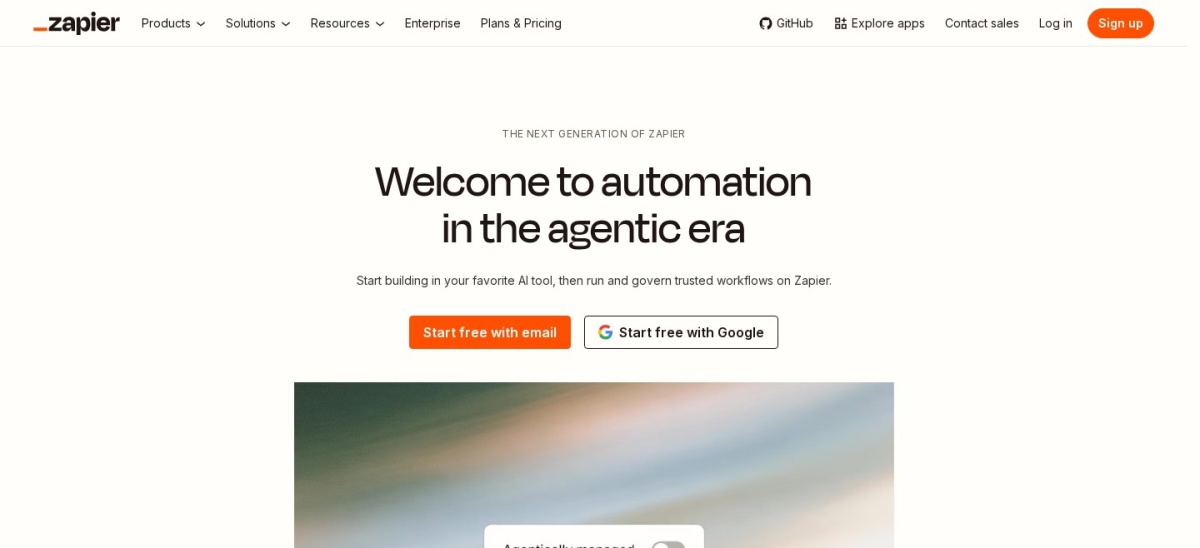
Zapier homepage, captured Nov 2026.
Zapier is the best-known automation tool for solo founders, connecting more than 9,000 apps through workflows called Zaps. The free plan covers 100 tasks a month and 5 single-step Zaps, so you can link a form to your email list or CRM before paying anything.
The trade off is price. Professional starts at $19.99 a month billed annually for 750 tasks, and every step in a Zap counts as a task, so busy multi-step flows climb the tiers fast. It suits solo entrepreneurs who want the widest app coverage and the fastest first automation.
What we like
Largest app catalog in this list, with 9,000+ apps
Make is a visual automation tool where workflows, called scenarios, are drawn as connected modules on a canvas. The free plan includes 1,000 credits a month and 2 active scenarios, and paid plans start at $12 a month billed annually for 10,000 credits.
The trade off is the learning curve. Routers, filters and error handling take longer to learn than Zapier's linear Zaps, and credit use is harder to predict at first. It suits solo entrepreneurs who run branching workflows and want more power per dollar.
What we like
Visual canvas shows branches and error routes clearly
10,000 credits a month from $12, far more than Zapier's 750 tasks at $19.99
Unlimited scenarios on paid plans
Watch out for
Steeper learning curve than Zapier
Credit use is hard to predict before you run a flow
Pro adds priority execution and custom variablesVisit make.com
03
n8n
4.7/5on G2 (319 reviews, checked Nov 2026)
Paid from$20/mo
Best for technical founders and self-hosting
Free planSelf-hosted Community edition
Paid planCloud Starter, $20/mo
Executions2,500/mo on Starter
G2 rating4.7/5 (319 reviews)
n8n.io
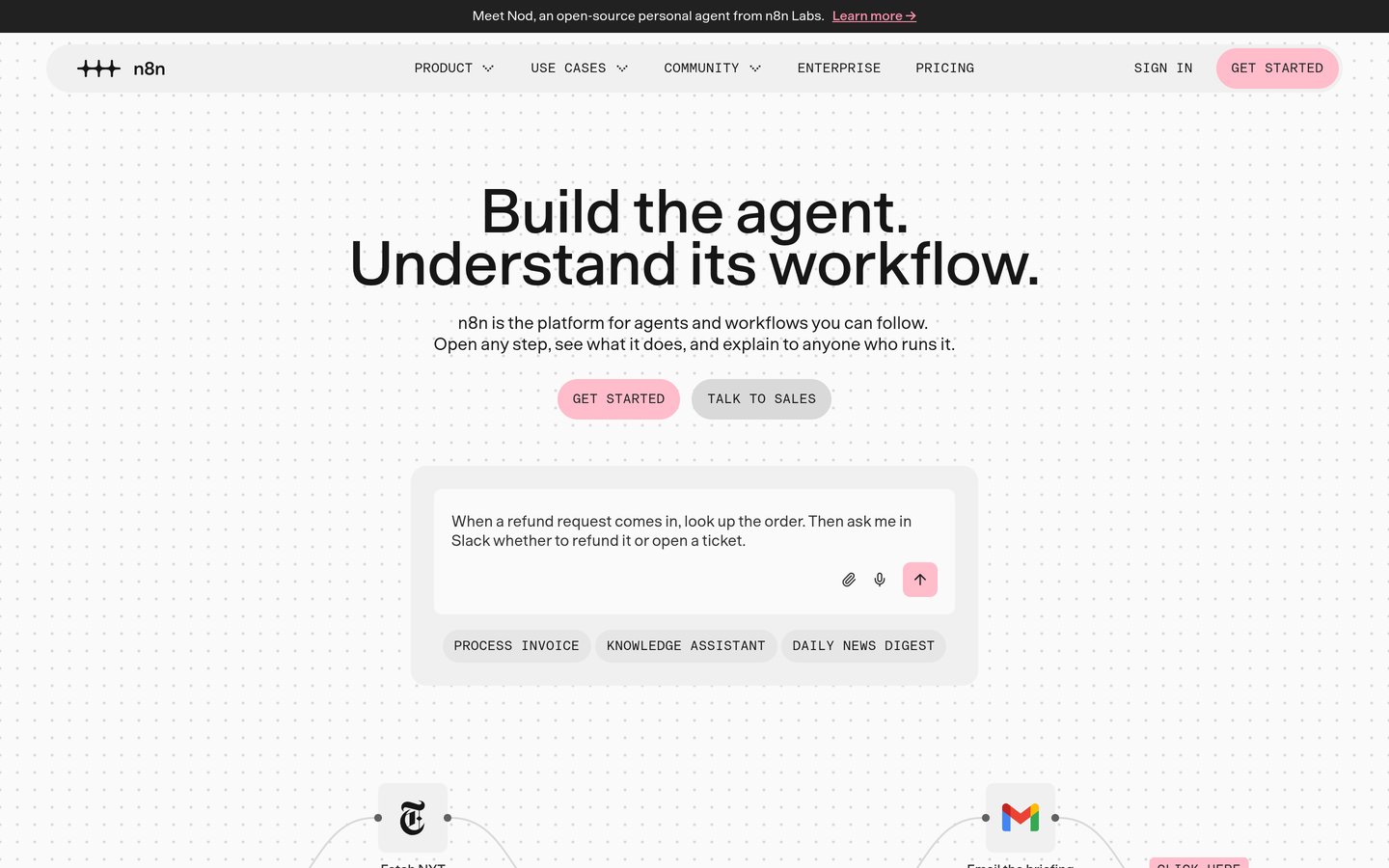
n8n homepage, captured Nov 2026.
n8n is an open workflow tool that mixes a visual builder with code nodes for JavaScript and Python. The free Community edition can be self-hosted at no licence cost, while n8n Cloud Starter costs $20 a month billed annually for 2,500 workflow executions.
The trade off is setup and skill. Self-hosting needs a server and upkeep, and the builder assumes more technical comfort than Zapier or Make. It suits technical solo founders who want full control of their data and per-run pricing.
What we like
Free self-hosted edition with no licence cost
Per-run pricing: one execution counts once, however many steps it has
Code nodes for JavaScript and Python when visual steps are not enough
Watch out for
Self-hosting needs a server and ongoing upkeep
Steepest learning curve in this list for non-technical users
Pro adds 10,000 executions and admin rolesVisit n8n.io
04
Integrately
4.7/5on G2 (713 reviews, checked Nov 2026)
Paid from$19.99/mo
Best for ready-made automations
Free plan100 tasks/mo
Paid planStarter, $19.99/mo
Apps1,500+
G2 rating4.7/5 (713 reviews)
integrately.com
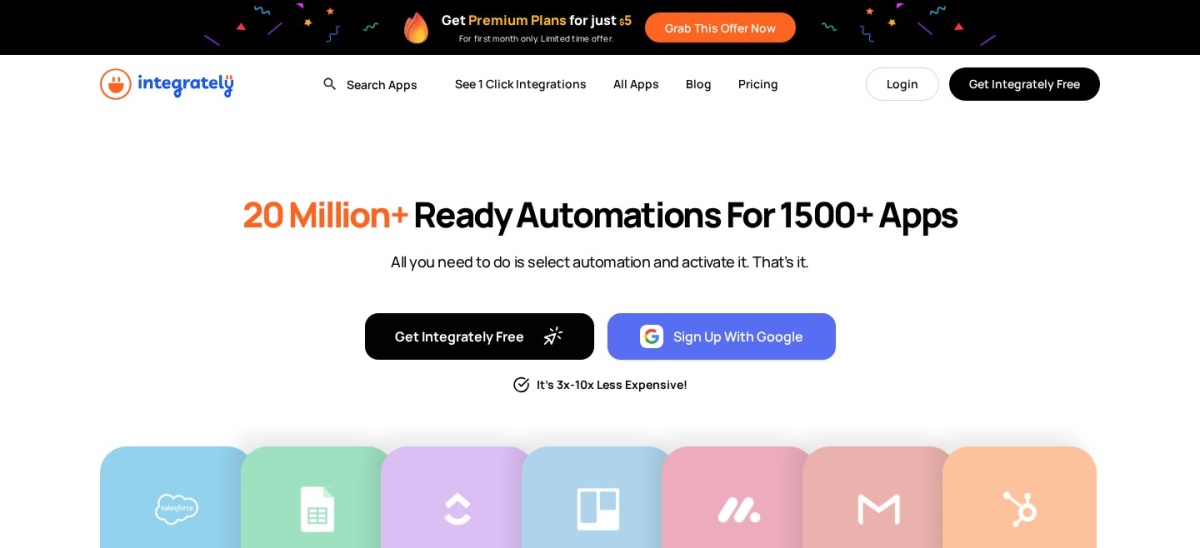
Integrately homepage, captured Nov 2026.
Integrately is a no-code automation tool built around ready-made, one-click automations for more than 1,500 apps. The free plan covers 100 tasks a month, and Starter costs $19.99 a month billed annually for 2,000 tasks, with triggers free.
The trade off is depth. Starter covers one user and no branching, and paths start on Professional at $39 a month billed annually. It suits solo entrepreneurs who want a working automation in minutes without building it from scratch.
What we like
Ready-made automations need almost no setup
Triggers are free, so only actions count toward the task limit
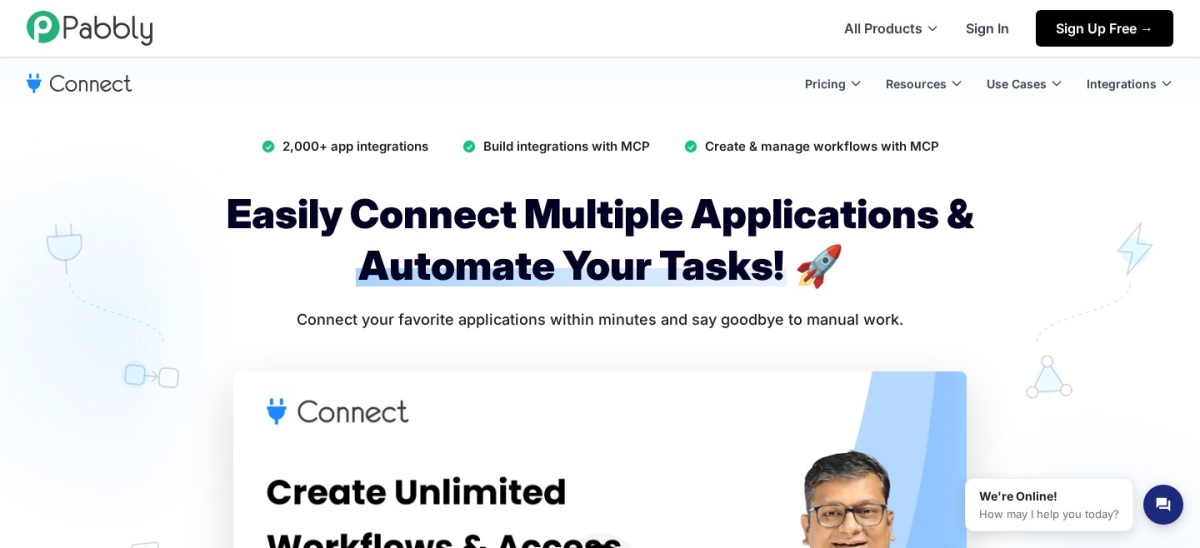
Pabbly Connect is a no-code automation tool that links more than 2,000 apps with multi-step workflows, routers, filters and webhooks. The free plan covers 100 tasks a month, and Standard costs $19 a month for 10,000 tasks, with an annual view of $16 a month.
The trade off is polish and depth. Its builder is less refined than Zapier or Make, and branching and error handling are more basic. It suits solo entrepreneurs with steady, high-volume workflows who want a flat monthly price.
What we like
10,000 tasks a month from $19, with no per-task surprises
Unlimited workflows on every plan
Lifetime deals are also sold, from $249 one-time
Watch out for
Builder is less polished than Zapier or Make
Smallest G2 review base in this list, at 30 reviews
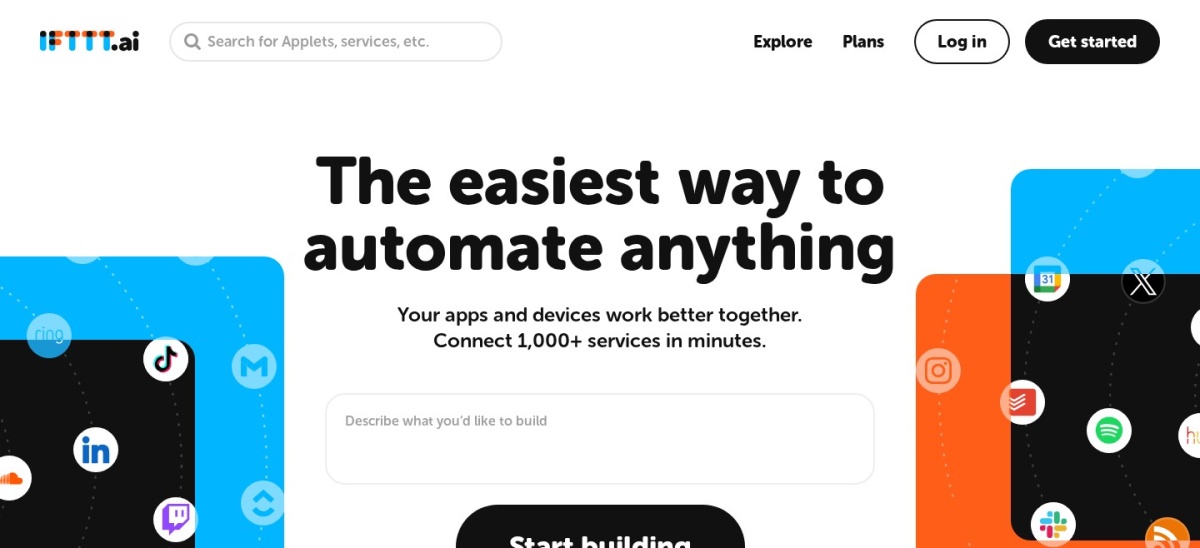
IFTTT is the simplest tool here, linking apps and smart devices through Applets built on one trigger and one action. The free plan covers 1,000 credits a month with unlimited Applets, and Starter costs $2.09 a month billed annually for 5,000 credits.
The trade off is scope. Applets stay simple, so multi-step business workflows with branching belong elsewhere, and credit use per run is set by IFTTT. It suits solo entrepreneurs who want quick personal automations and device triggers.
What we like
Cheapest paid plan in this list
Simplest setup: pick a trigger, pick an action, done
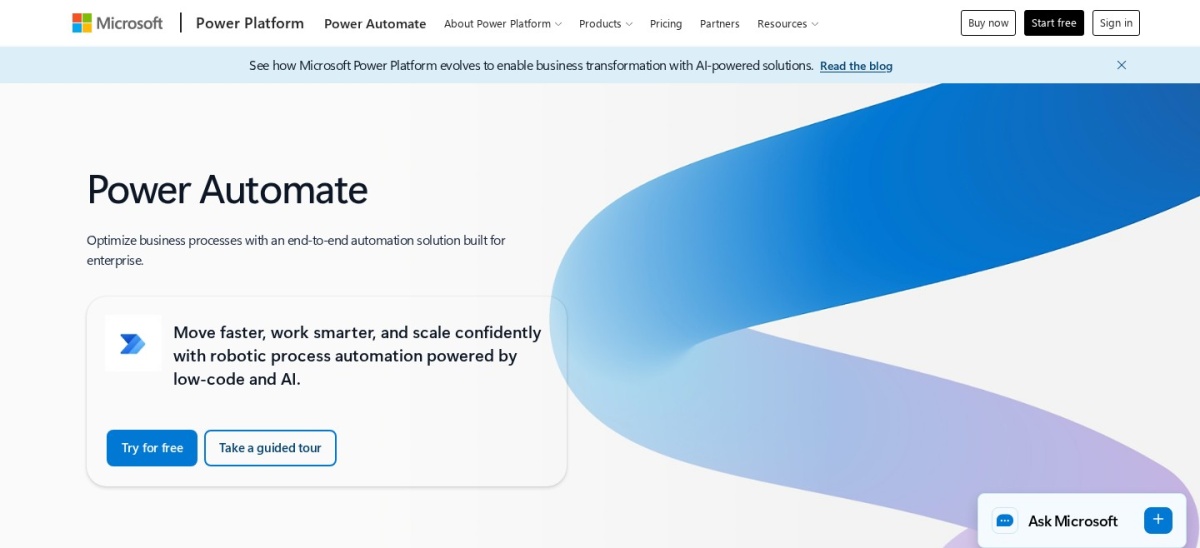
Microsoft Power Automate homepage, captured Nov 2026.
Microsoft Power Automate is an automation service for cloud flows and desktop flows inside Microsoft 365. Work or school accounts get cloud flows with standard connectors free, and Premium costs $15 per user a month for premium connectors and attended desktop automation.
The trade off is the ecosystem. It works best inside Microsoft 365, and Premium is priced per user, so costs rise with each licence. It suits solo entrepreneurs already on Microsoft 365 who automate Outlook, Teams and Excel daily.
What we like
Deep Outlook, Teams and Excel automation
Desktop flows automate Windows apps, not just cloud apps
Free tier included with a work or school account
Watch out for
Weakest fit outside the Microsoft ecosystem
Per-user pricing, so each licence adds $15 a month
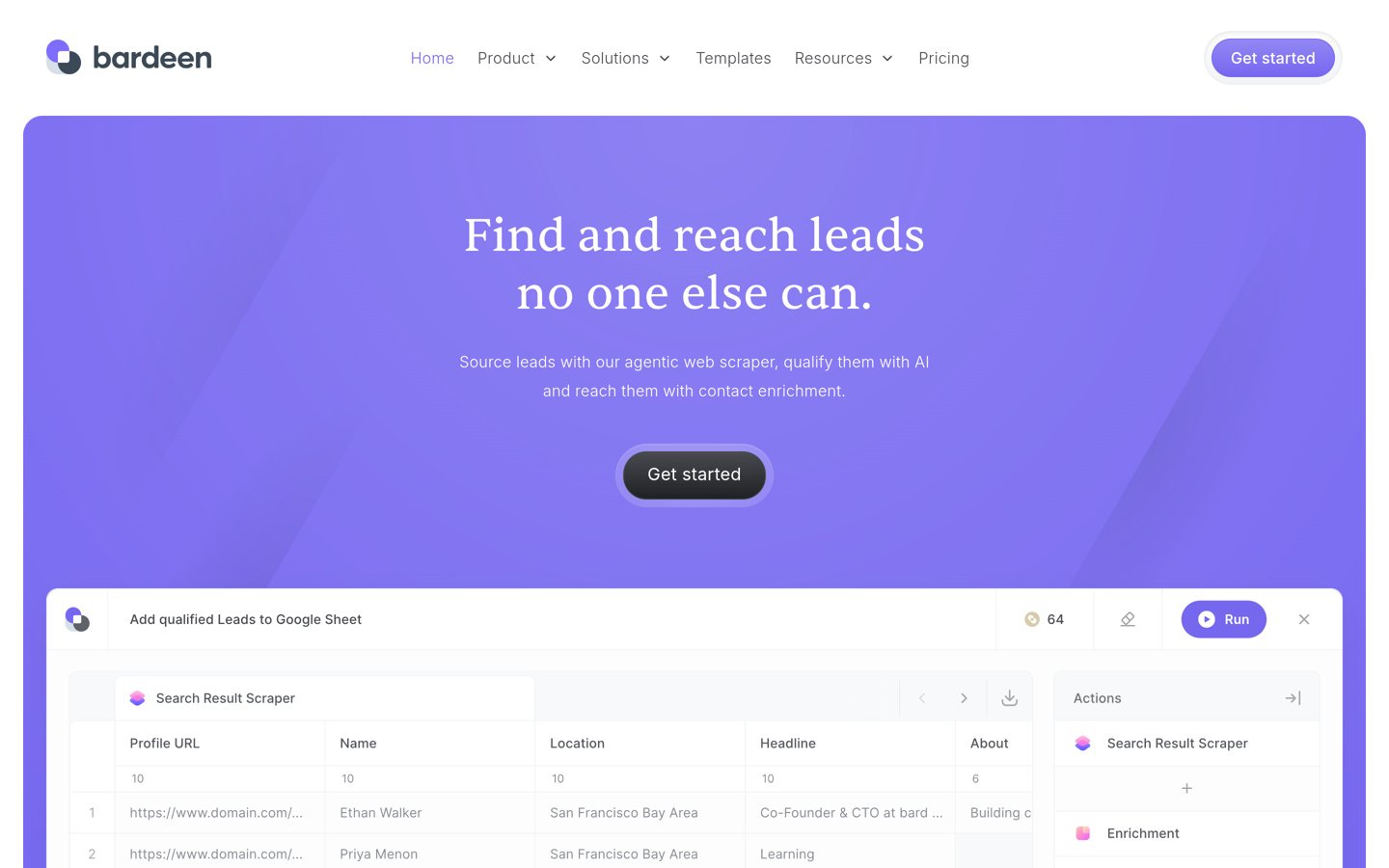
Bardeen is a browser automation tool that runs playbooks and AI agents inside Chrome to scrape pages, enrich leads and fill apps. The free plan covers 100 credits a month, and Basic costs $10 a month for 100 credits plus custom workflows and scheduled runs.
The trade off is the free allowance. One hundred credits a month runs out fast on daily scraping, and serious use needs a paid plan. It suits solo entrepreneurs who gather leads and data from the browser every day.
What we like
Automates work inside the browser, where leads already live
Ready-made playbooks for scraping and enrichment
Highest G2 rating in this list, at 4.8 out of 5
Watch out for
Free allowance of 100 credits a month runs out fast
Smallest G2 review base in this list, at 36 reviews
Free plans cover one or two simple flows well. Most include the core builder, a small monthly allowance and the main app connections.
Paid plans mostly add volume and depth. You get more tasks or credits, multi-step flows, branching and faster checks.
If a flow earns money or saves hours every week, the first paid tier usually costs less than the time it saves. Our guide on scheduling posts in WordPress shows a simple flow worth automating first.
Do not pay for a plan before the free tier runs out. Build one flow, watch the monthly count for a month, then pick the tier that covers it.
How we chose
We started from the best-known automation tools for solo founders and small teams, then kept those with a working free plan and a published price for one user.
Prices come from each vendor's pricing page, checked on 22 November 2026. Ratings and review counts come from G2 on the same period. Where a vendor shows a sale, the list shows the regular price.
We left out tools with no clear solo plan and Relay.app, whose pricing reads conflicted and which had shutdown reports in November 2026. No vendor paid for a place, and we do not claim hands-on testing for this list.
How to choose an automation tool as a solo entrepreneur
Start with one flow you already do by hand every week, then pick the tool that runs it cheapest.
List the apps the flow touches. If your email, store and CRM are not all supported, the tool cannot run the flow, however cheap it is.
Run it on the free plan first. Build the flow, let it run for two weeks and check the monthly task or credit count before paying.
Price the busy month, not the quiet one. A launch week can triple your runs. Pick the tier that covers your busiest month, not your average one.
Keep one main tool. Two automation tools can trigger each other in loops. Choose one, and move a flow only when it outgrows it.
FAQ
What is the best automation tool for solo entrepreneurs?
Zapier is the best pick for most solo entrepreneurs. It connects more than 9,000 apps, its builder is the easiest to start with, and the free plan covers 100 tasks a month.
What is the cheapest automation tool for a solo founder?
IFTTT is the cheapest paid plan here at $2.09 a month billed annually, but it only runs simple Applets. Make is the cheapest full workflow tool, with Core at $12 a month billed annually.
Is there a free automation tool for solo entrepreneurs?
Yes. Every tool in this list has a free plan or free tier, from Zapier's 100 tasks a month to Make's 1,000 credits a month and n8n's free self-hosted edition.
Is Zapier or Make better for a solo business?
Zapier is easier to start and covers more apps. Make is better for complex branching workflows and costs less at volume, with 10,000 credits for $12 a month billed annually.
Can I automate my business without code?
Yes. Zapier, Make, Integrately, Pabbly Connect and IFTTT are all no-code tools. Only n8n expects code for its advanced nodes, and even it has a visual builder.
How many automations does a solo entrepreneur need?
Start with one or two: a lead follow-up flow and an admin flow such as invoicing or filing. Add more only when the first ones run without errors for a month.