Best Automation Apps for Small Business in 2026: 9 Tools Compared
WLWPLegible EditorsLast verified 22 Nov 2026How we rank12 min read
★ Short answer
Zapier is the best automation app for most small businesses, with 9,000+ app integrations and a free plan for 100 tasks a month. Pick Make for complex visual workflows at $9 a month, or n8n if you want to self-host for free.
How we make this list: we compare pricing pages, product documentation and public user reviews, then re-check every price before each update. No product paid for a place. Disclosure.
Zapier leads on app coverage with 9,000+ integrations, rated 4.5/5 on G2 from 2,163 reviews.
Make gives the most value: Core is $9 a month billed yearly for 10,000 credits.
n8n is the only pick here with a free self-hosted edition and no execution cap.
Cheapest paid plans start at $2.99 a month for IFTTT and $9 a month for Make.
All 9 tools have a free plan or free credits, and paid plans in this list run $2.99 to $20 a month.
What to look for in an automation app
A small business automation app moves data between the tools you already use: email, forms, sheets, a CRM and a store. It should do that without code and without a monthly bill that grows faster than your sales.
Start with the apps you use every day. A tool with 9,000 integrations is no help if it lacks the one app your orders flow through, so check your core three apps first.
Pricing is where these tools differ most. Some charge per task, some per credit and some per execution, so compare the free allowance against how many runs you expect each month.
A free plan is a good way to learn the builder. Our guide on connecting WPForms to Mailchimp shows the kind of simple form-to-email flow most small businesses automate first.
Also check who runs the work. Cloud tools need no upkeep, while self-hosted tools need a server and updates but give you control over your data.
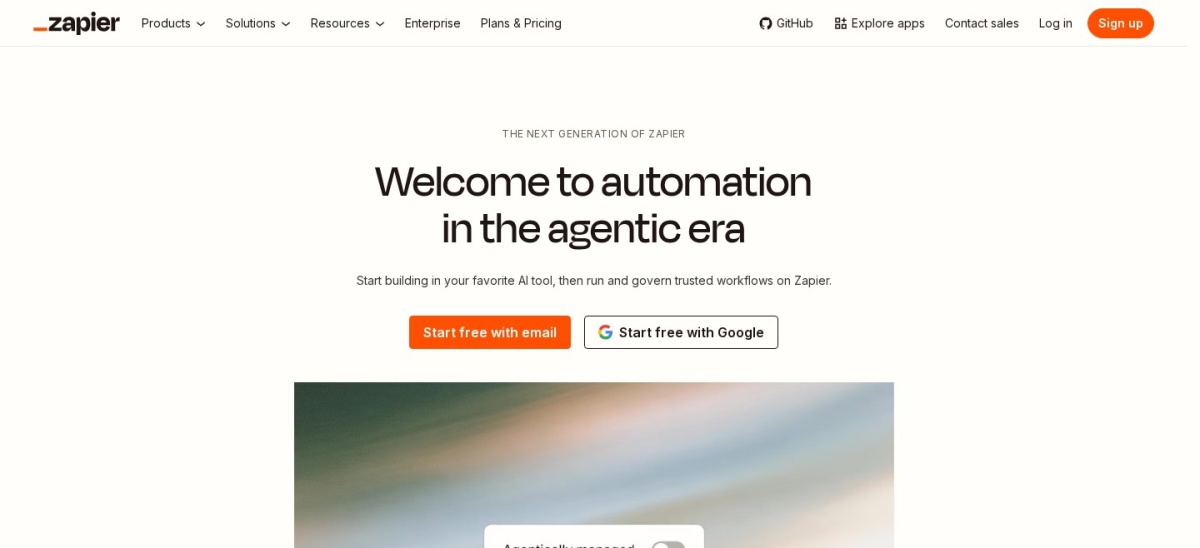
Zapier is a no-code automation platform that connects apps with workflows called Zaps. The free plan covers 100 tasks a month and two-step Zaps, while paid plans add multi-step Zaps, premium apps and webhooks. It lists 9,000+ app integrations, the widest library in this list.
The trade off is price at volume. Professional starts at $19.99 a month billed yearly ($29.99 billed monthly) for 750 tasks, and costs climb as task use grows. It suits small businesses that want the widest app coverage and the simplest setup.
What we like
Widest app library in this list at 9,000+ apps
Easiest builder for beginners, with AI help to build Zaps
Free plan covers 100 tasks a month with no card
Watch out for
Costs climb fast as task volume grows
Free plan limits Zaps to two steps
Professional adds multi-step Zaps, premium apps and webhooksVisit zapier.com
02
Make
4.6/5on G2 (336 reviews, checked Nov 2026)
Paid from$9/mo
Best for complex visual workflows
Free plan1,000 credits/mo
Paid planCore, $9/mo
Billing unitPer credit
Free scenarios2 active
make.com
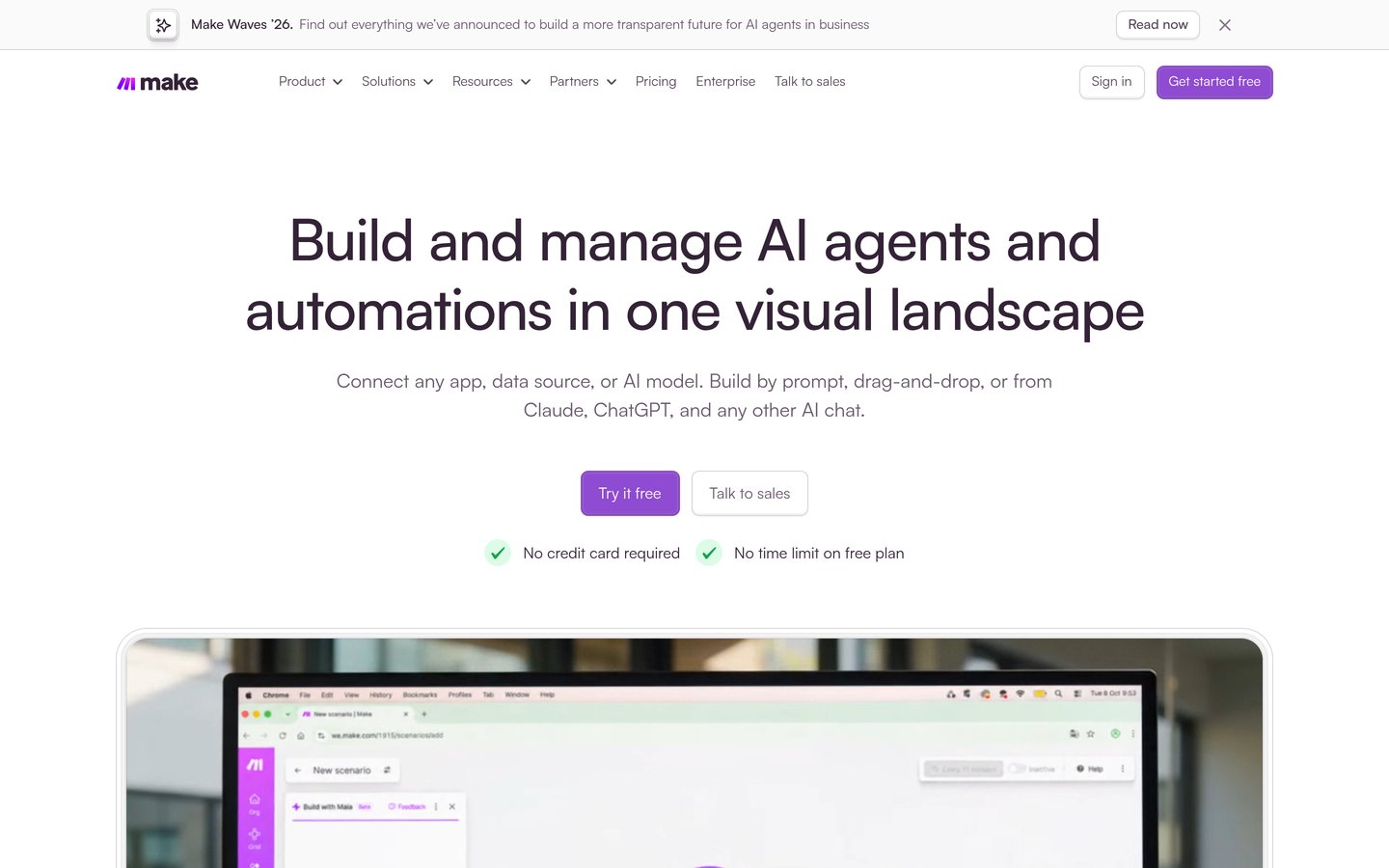
Make homepage, captured Nov 2026.
Make is a visual automation platform where workflows, called scenarios, are built on a drag-and-drop canvas with routers and filters. The free plan gives 1,000 credits a month and 2 active scenarios. Core costs $9 a month billed yearly for 10,000 credits and unlimited scenarios.
The trade off is the learning curve. The canvas is more involved than Zapier, and credit counting takes time to learn. It suits small businesses that need multi-step logic and branching without paying Zapier prices.
What we like
Lowest paid price among the full workflow tools here
Visual canvas shows each step, branch and filter
Free plan gives 1,000 credits a month
Watch out for
Steeper learning curve than Zapier
Free plan allows only 2 active scenarios
Core adds unlimited scenarios and 1-minute schedulingVisit make.com
03
n8n
4.7/5on G2 (327 reviews, checked Nov 2026)
Paid from$20/mo
Best for self-hosting and custom code
Free planSelf-hosted, free
Paid planStarter, $20/mo
Billing unitPer execution
Cloud executions2,500/mo
n8n.io
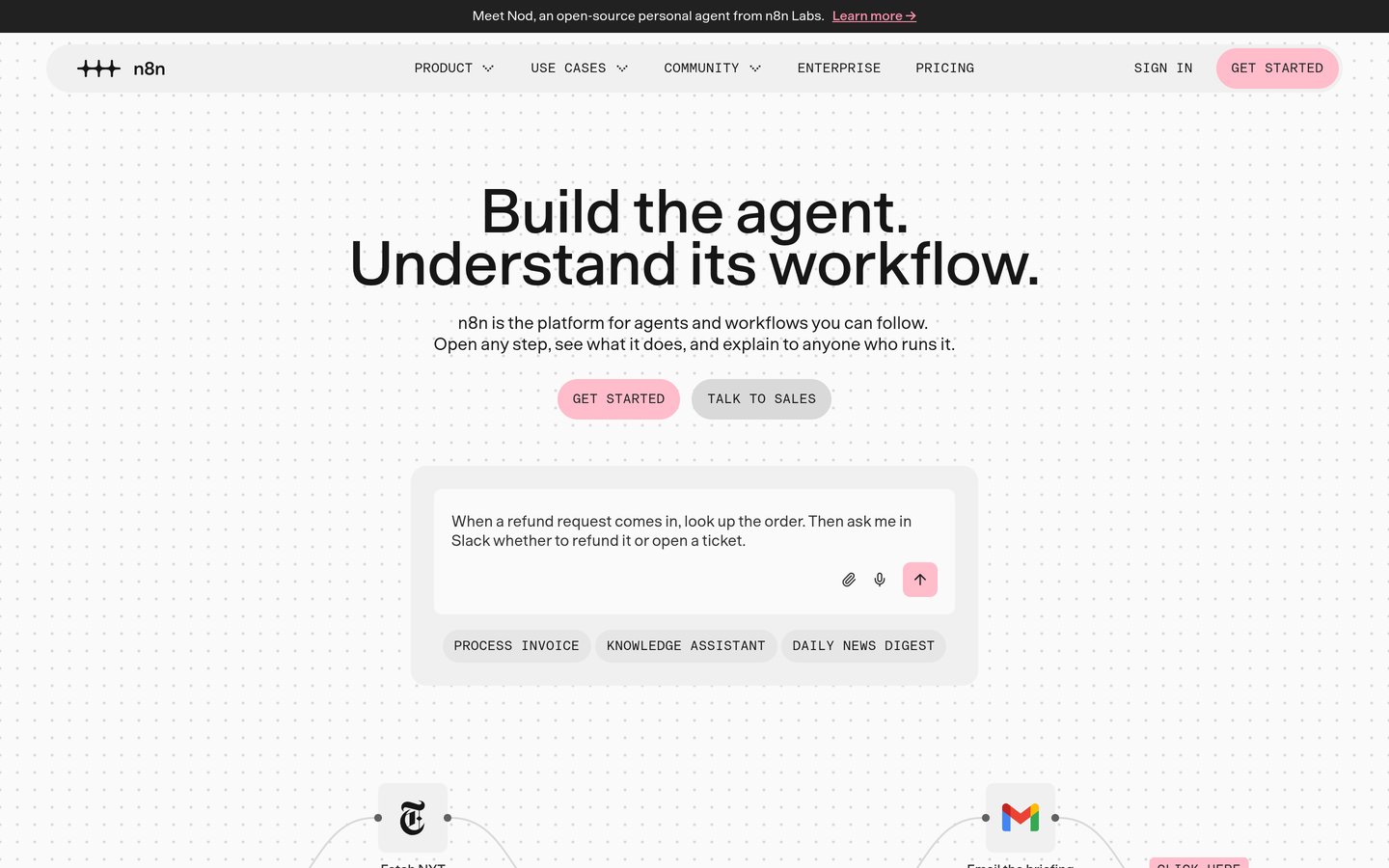
n8n homepage, captured Nov 2026.
n8n is an open-source workflow automation tool with a node-based builder and code steps for custom logic. The free Community edition runs on your own server with no execution cap. Cloud Starter costs $20 a month billed yearly for 2,500 executions.
The trade off is setup and skill. Self-hosting needs a server and upkeep, and the builder suits technical users more than beginners. It suits small businesses with a technical owner who want control over data and costs.
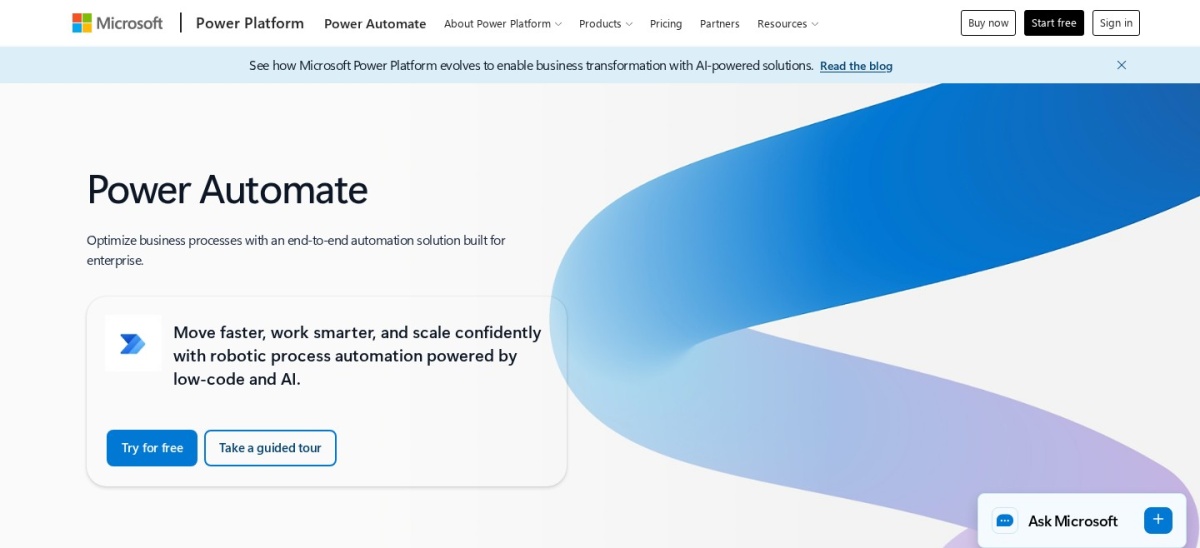
Microsoft Power Automate homepage, captured Nov 2026.
Microsoft Power Automate is the automation service inside Microsoft 365 and the Power Platform. Work or school accounts get cloud flows with standard connectors at no extra cost. Premium costs $15 per user a month and adds premium connectors and desktop flows.
The trade off is the Microsoft focus. It works best inside Microsoft 365, and non-Microsoft apps often need premium connectors. It suits small businesses already on Microsoft 365 that want Outlook, Teams and SharePoint flows in one place.
What we like
Included with many Microsoft 365 plans at no extra cost
Desktop flows automate Windows apps with no API
Premium covers 40,000 requests per user a day
Watch out for
Priced per user, so team costs add up
Weakest fit outside the Microsoft stack
Premium adds premium connectors, desktop flows and process miningVisit microsoft.com
05
Integrately
4.7/5on G2 (709 reviews, checked Nov 2026)
Paid from$19.99/mo
Best for ready-made automations
Free plan100 tasks/mo
Paid planStarter, $19.99/mo
Billing unitPer task
Free automations5
integrately.com
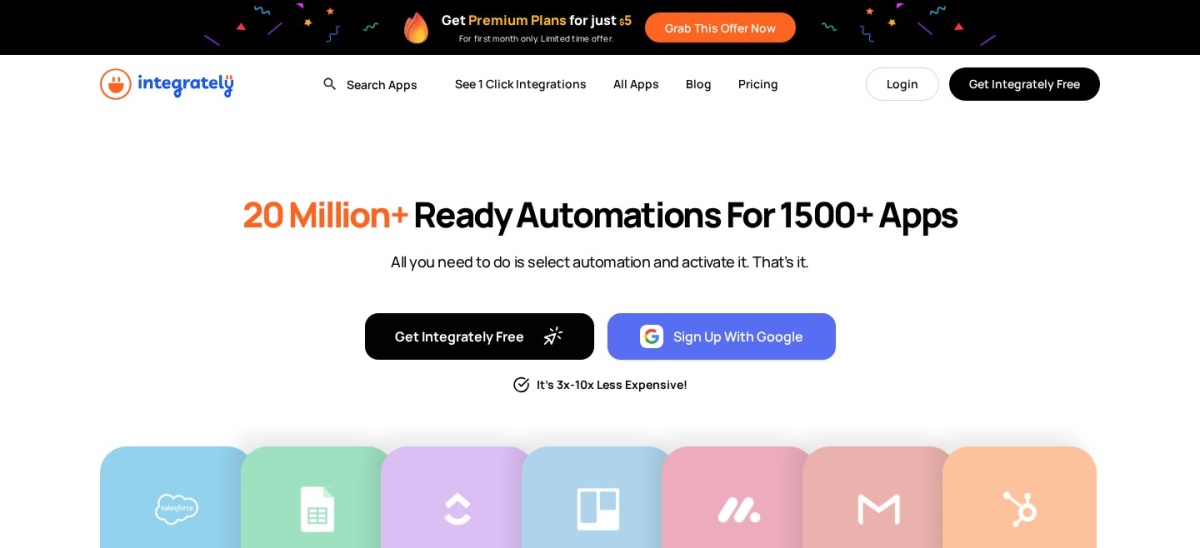
Integrately homepage, captured Nov 2026.
Integrately is an automation platform built around ready-made, one-click automations. The free plan covers 100 tasks a month and 5 automations. Starter costs $19.99 a month billed yearly for 2,000 tasks and 20 automations.
The trade off is depth. Lower plans cap premium apps and automations, and conditions and searches also count as tasks. It suits small businesses that want common workflows running fast without building each step by hand.
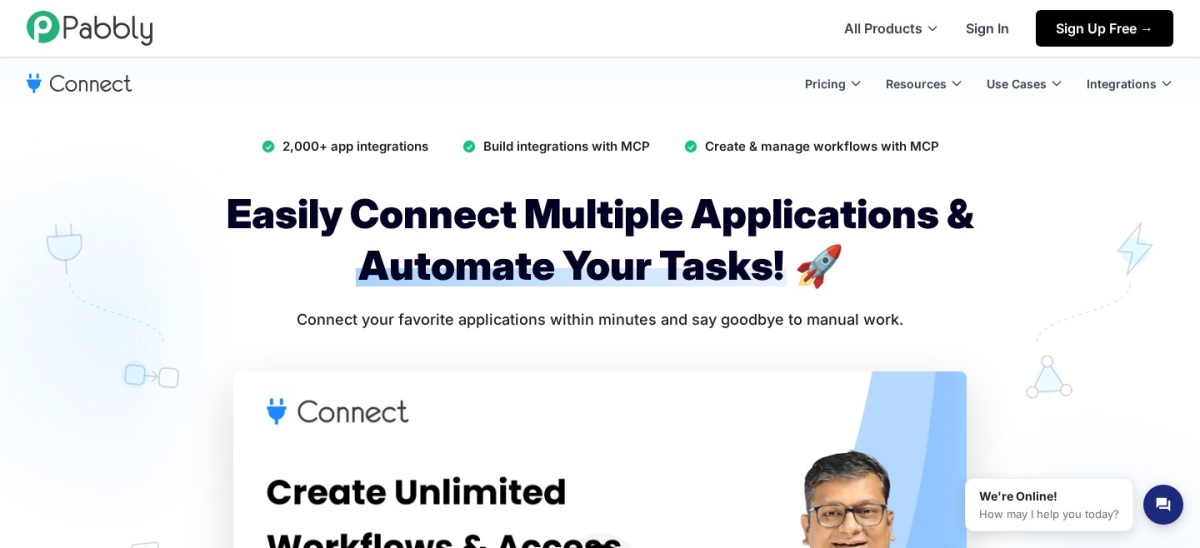
Pabbly Connect is a flat-rate automation tool with multi-step workflows, filters, routers and webhooks. The free plan covers 100 tasks a month. Standard costs $16 a month billed yearly for 10,000 tasks, with unlimited workflows on every plan.
The trade off is polish and support. Its interface feels older than Zapier or Make, and support can be slow on lower plans. It suits small businesses on a fixed budget that run high task volumes and want a predictable monthly bill.
What we like
Unlimited workflows on every plan, including free
Flat price with 10,000 tasks on Standard
2,000+ app integrations
Watch out for
Interface feels dated next to Zapier and Make
Support can be slow on lower plans
Standard adds 10,000 tasks a month and more workflow stepsVisit pabbly.com
07
IFTTT
4.5/5on G2 (117 reviews, checked Nov 2026)
Paid from$2.99/mo
Best for simple one-step automations
Free plan2 Applets
Paid planPro, $2.99/mo
Billing unitPer Applet
Paid Applets20
ifttt.com
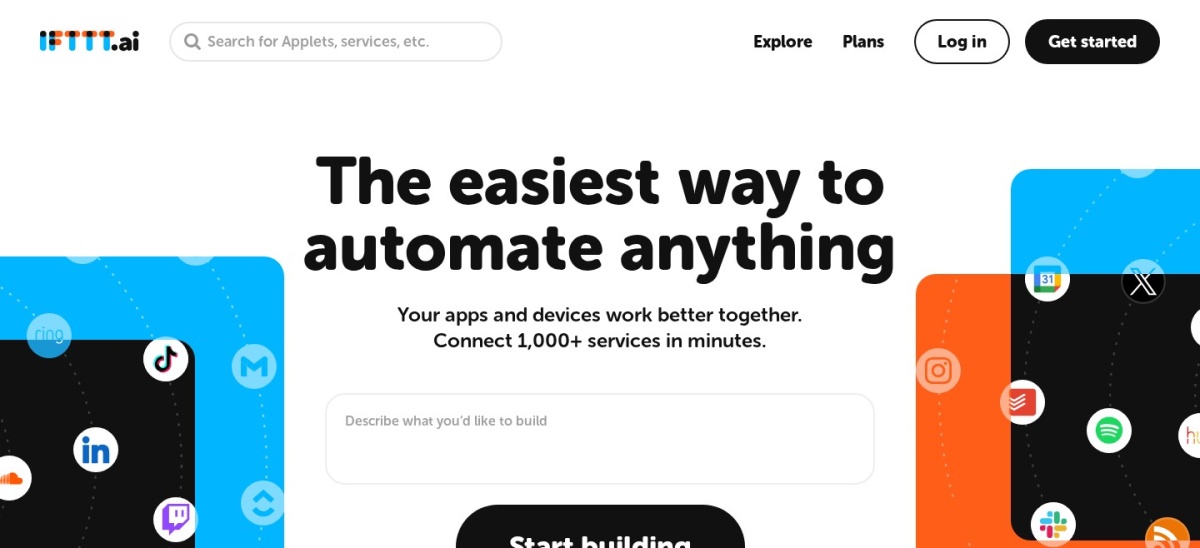
IFTTT homepage, captured Nov 2026.
IFTTT is a simple automation app that links services with Applets, each one trigger plus one action. The free plan covers 2 Applets with unlimited runs. Pro costs $2.99 a month for 20 Applets, multi-action Applets and webhooks.
The trade off is scope. IFTTT has no branching or loops, and its strength is personal and smart-home use rather than business workflows. It suits a small business that needs a few simple links, such as social posts or alerts, at the lowest price here.
What we like
Cheapest paid plan in this list at $2.99 a month
Simplest setup, with 1,000+ services
Unlimited runs even on the free plan
Watch out for
No branching, loops or multi-step logic
Free plan allows only 2 Applets
Pro adds 20 Applets, multi-action Applets and webhooksVisit ifttt.com
08
Activepieces
4.8/5on G2 (142 reviews, checked Nov 2026)
Paid from$20/mo
Best flat-rate open-source option
Free plan1,000 credits/mo
Paid planPlus, $20/mo
Billing unitPer run
Integrations770+
activepieces.com
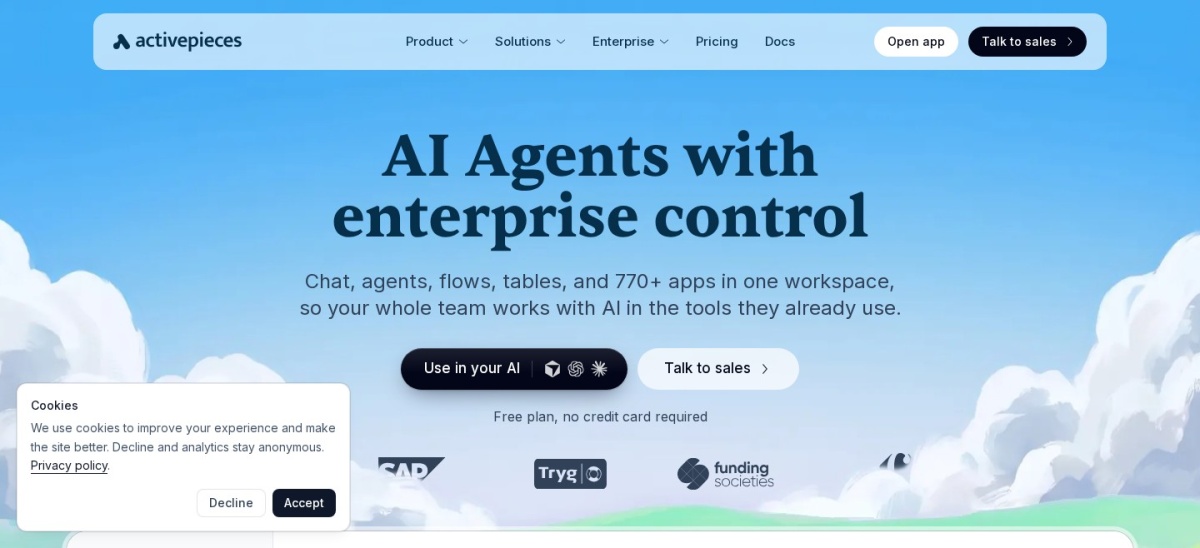
Activepieces homepage, captured Nov 2026.
Activepieces is an open-source automation platform with a drag-and-drop builder, AI agents and tables. The free cloud plan covers 1,000 credits a month, and the Community edition is free to self-host. Plus costs $20 a month flat and adds 10 times the free plan credits.
The trade off is a smaller app library. It lists 770+ integrations, far fewer than Zapier or Make, so niche apps may need its HTTP step. It suits small businesses that want flat pricing and a self-hosted option without n8n's setup effort.
What we like
Flat $20 a month with no per-task overages on Plus
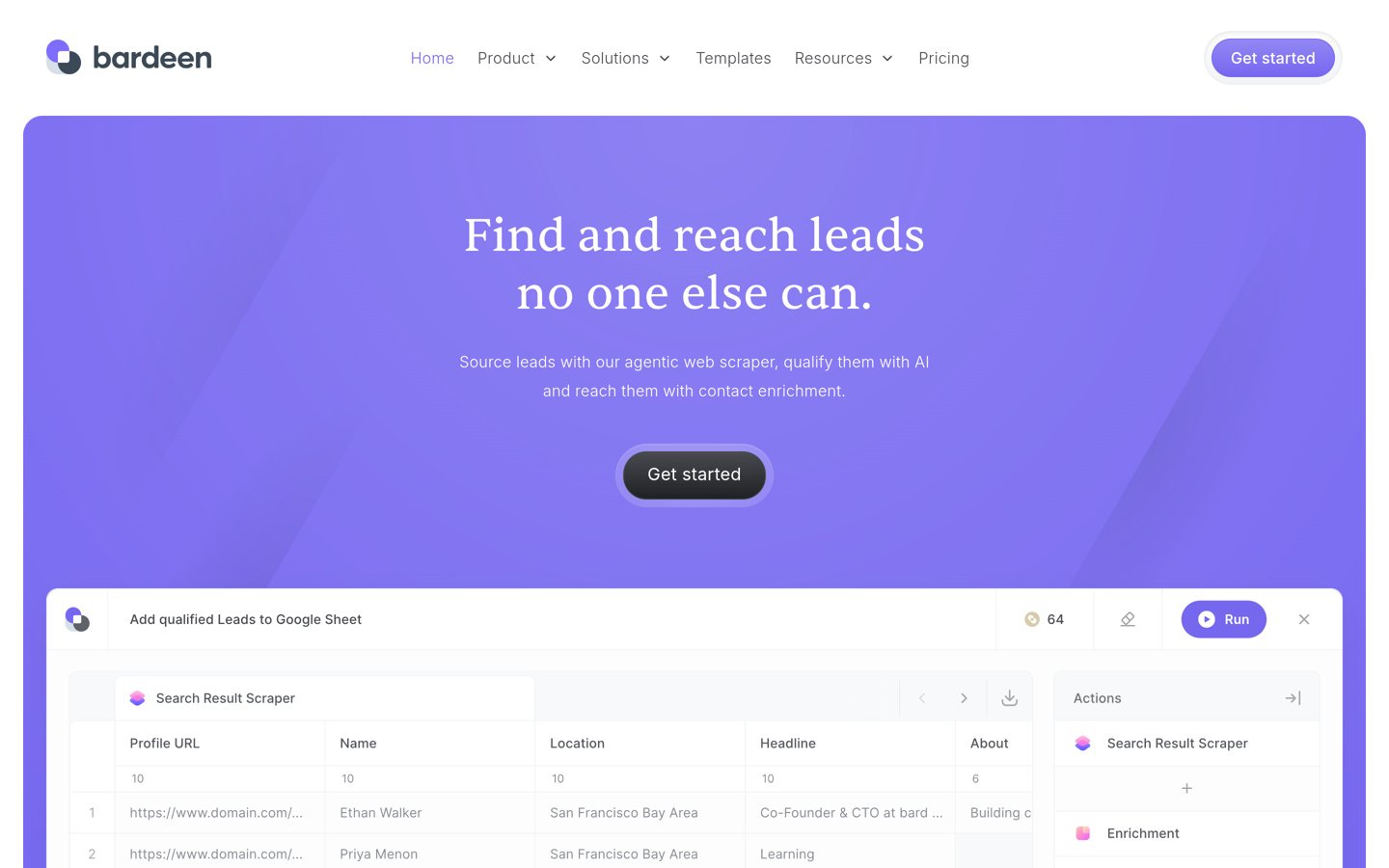
Bardeen is a browser automation tool that scrapes web pages, enriches contacts and moves rows into sheets or a CRM. Every account gets 100 free credits a month. Basic costs $10 a month and adds 100 more credits.
The trade off is focus. Bardeen now aims at lead sourcing and enrichment, not general app-to-app workflows. It suits sales-led small businesses that build lead lists in the browser and want scraping that Zapier and Make handle poorly.
What we like
Scrapes and enriches lead lists inside the browser
Rated 4.8/5 on G2, though from only 36 reviews
Free credits every month with no card
Watch out for
Not a general app-to-app automation tool
Credits run out fast on large lists
Basic adds 100 credits a month for scraping and enrichmentVisit bardeen.ai
Free vs paid: what you give up
Free plans cover simple flows well. Most include a monthly task or credit allowance and the core builder.
Paid plans mostly add volume and depth. You get more tasks, more active workflows, multi-step logic and premium apps.
If a flow stops mid-month because you hit the free cap, that is the sign to pay. Our email list guide shows a flow worth keeping on a paid plan once it runs daily.
For a business that depends on a flow every day, the cheapest paid plan here costs $2.99 a month, less than one missed lead.
How we chose
We started from the automation tools most often recommended for small businesses, then kept the 9 with a free plan, a published price and a public rating on G2 or Capterra.
Prices come from each vendor's pricing page, checked on 22 November 2026. Where a vendor shows a monthly and a yearly price, the list shows the yearly-billed monthly price, and the text notes the monthly-billed price. Ratings and review counts come from G2 or Capterra on the same day.
We left out tools with no free plan and tools that shut down, including Relay.app, which closed in September 2026. No vendor paid for a place, and we do not claim hands-on testing for this list.
How to choose an automation app for your small business
List the three apps your orders, leads and messages flow through, then match the tool to them.
Check your core apps first. Open each tool's app directory and search for your CRM, email tool and store. If one is missing, drop that tool from your shortlist.
Count your monthly runs. Add up how many times your flows should run each month, then compare that number with the free allowance. A free plan that caps at 100 tasks will stop early.
Try the free plan on one real flow. Build a single flow you already do by hand, such as a new order going to a sheet. If it runs for two weeks without errors, the tool fits.
Price the next tier before you commit. Check what the first paid plan costs and what it adds. A $9 plan that covers your volume beats a free plan that stops mid-month.
FAQ
What is the best automation app for a small business?
Zapier is the best pick for most small businesses. It connects 9,000+ apps, has the easiest builder and a free plan for 100 tasks a month. Make is the better value if you need complex visual workflows.
Is there a free automation app for small business?
Yes. All 9 tools in this list have a free plan or free credits. Zapier gives 100 tasks a month, Make gives 1,000 credits, and n8n and Activepieces are free to self-host with no execution cap.
What is the cheapest automation app?
IFTTT is the cheapest paid option here at $2.99 a month for 20 Applets. Make is the cheapest full workflow tool at $9 a month billed yearly for 10,000 credits.
Do I need to know how to code to automate my business?
No. Zapier, Make, Integrately, IFTTT and Activepieces are no-code tools with visual builders. n8n is the exception: it suits technical users and offers code steps for custom logic.
How many apps does Zapier connect to?
Zapier lists 9,000+ app integrations on its pricing page, the widest library in this list. Make and Pabbly Connect list far fewer, so check your core apps before you choose.
Can I automate my business for free?
Yes, for light use. Free plans cover 100 tasks to 1,000 credits a month, which suits a few simple flows. Once a flow runs daily or handles orders, expect to pay from $2.99 to $20 a month.