Best Accounting Software in 2026: 7 Tools Compared
WLWPLegible EditorsLast verified 22 Nov 2026How we rank11 min read
★ Short answer
QuickBooks Online is our top accounting software pick for small businesses, with automated bookkeeping, invoicing and financial reports starting at $38/month for Simple Start. Xero is better for businesses seeking broader accounting workflows, while Zoho Books offers a free plan and paid subscriptions starting at $15/month billed annually.
How we make this list: we compare pricing pages, product documentation and public user reviews, then re-check every price before each update. No product paid for a place. Disclosure.
QuickBooks Online is our overall pick, with Simple Start at $38/month and a 4.0/5 G2 rating from 3,913 reviews.
Xero starts at $27/month for Early, including 20 invoices and 5 bills, and holds a 4.4/5 G2 rating from 1,863 reviews.
Zoho Books offers free accounting and Standard at $15/month billed annually, with 3 users included in Standard and a 4.4/5 G2 rating.
FreshBooks Lite costs $23/month at its regular price and supports invoicing for up to 5 clients. Its G2 rating is 4.5/5 from 983 reviews.
Wave offers a free Starter plan with unlimited invoices and accounting records. Pro costs $190/year when billed annually.
Patriot Accounting Basic costs $20/month, while AccountEdge Pro starts at $20/month for desktop accounting.
What to look for in accounting software
Accounting software organizes income, expenses, invoices, payments and financial records. It helps business owners understand cash flow, prepare reports and maintain accurate books without relying entirely on spreadsheets.
Start with bank reconciliation, expense categorization and financial reporting. These are core bookkeeping functions. Look for profit-and-loss statements and balance sheets, then consider whether your business also needs inventory, project accounting, recurring invoices or payroll integration.
Pricing varies considerably. Some vendors offer free plans, while others charge a fixed monthly subscription or bill annually. Entry plans may limit invoices, clients, users or advanced accounting features, so the cheapest advertised plan is not always the least expensive workable option.
Finally, consider collaboration and data portability. Your accountant may need secure access, and your business may eventually switch platforms. Review permission settings, report exports, bank connections and integration options before importing financial records.
QuickBooks Online is cloud accounting software for tracking business income, expenses, invoices and financial performance. Its free plan supports 1 user, up to 2 invoices monthly under standard limits and basic reports, while Simple Start adds automated bookkeeping, invoice payments, expense categorization and general business reporting.
The trade off is that Simple Start costs $38/month at the regular rate and supports 1 standard user, although 2 accountants can access the books. More advanced reporting, additional users and inventory features require higher plans. It suits small businesses that want established accounting tools with room to expand.
What we like
Free entry plan available for basic financial tracking
Automated transaction categorization and bookkeeping
Invoice creation and online payment options
Profit-and-loss and other financial reports
Accountant collaboration on paid plans
Watch out for
Simple Start limits standard access to 1 user
Inventory and advanced reporting require upgrades
Regular subscription costs more than several alternatives
Best for growing businesses and accountant collaboration
Entry paid planEarly, $27/month
Invoice allowance20 invoices
Bill allowance5 bills
Core focusReconciliation and financial reporting
xero.com
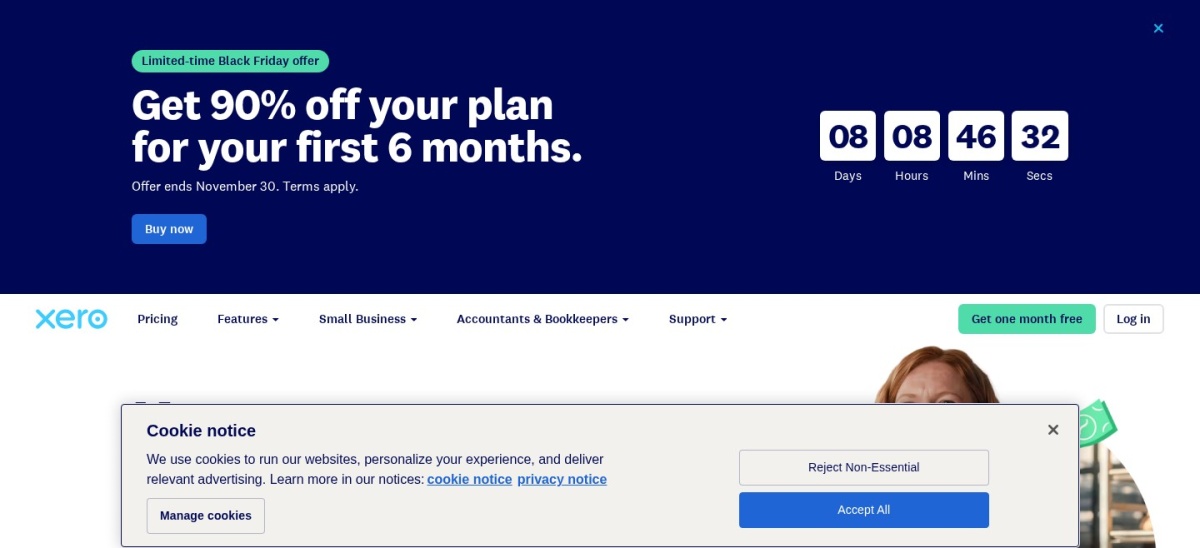
Xero homepage, captured Nov 2026.
Xero is online accounting software that combines invoicing, bank reconciliation, bills and financial reporting. Its Early plan includes 20 invoices, 5 bills, online invoice payments, smart document capture, basic performance graphs and a 30-day cash flow forecast.
The trade off is that Early costs $27/month at the regular rate and restricts invoice and bill volumes, making Growing at $59/month more practical for businesses processing larger workloads. A temporary promotion reduces Early's initial price, but it does not change the regular subscription. It suits businesses planning to expand their accounting workflows.
What we like
Bank reconciliation included in the entry plan
Smart document capture and financial reporting
Built-in cash flow forecasting
Additional automation available in Growing
Suitable for collaboration with accounting professionals
Watch out for
Early limits invoices and bills
Advanced automation requires higher plans
Additional services can generate separate charges
Growing removes the basic invoice limits and adds automation, dashboards and extended cash flow forecasting.Visit xero.com
03
Zoho Books
4.4/5on G2 (333 reviews, checked Nov 2026)
Paid from$15/mo
Best value for small-business accounting
Free plan1 user plus 1 accountant
Entry paid planStandard, $15/month annually
Standard users3 included
Standard expense limit5,000 annually
zoho.com
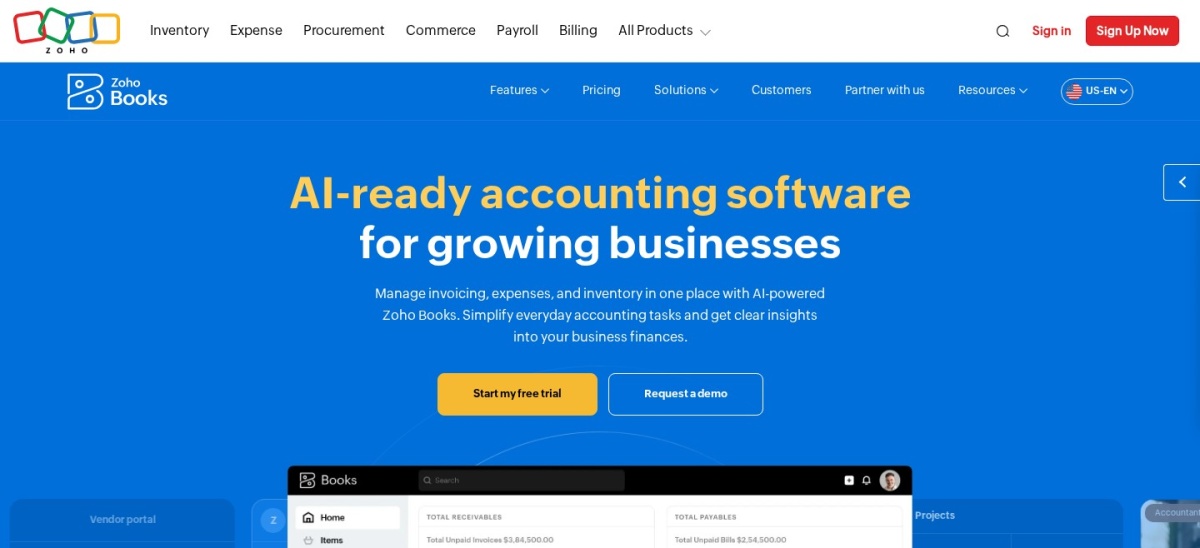
Zoho Books homepage, captured Nov 2026.
Zoho Books is cloud accounting software for invoices, expenses, bank reconciliation, customer records and financial reports. Its free plan includes 1 user plus 1 accountant, recurring invoices and more than 50 reports, while Standard adds bank feeds, custom reports, progress invoicing, transaction locking and 3 users.
The trade off is that Standard costs $15/month billed annually or $20 on monthly billing, with annual transaction limits and additional charges for extra users. Some inventory, automation and advanced reporting capabilities require higher subscriptions. It suits cost-conscious businesses looking for structured accounting with a useful free starting point.
What we like
Permanent free plan for basic accounting
Standard includes 3 users
Low annual subscription cost
Bank reconciliation and financial reporting
Integrates with the broader Zoho application ecosystem
Watch out for
Transaction limits apply to subscription tiers
Extra users carry additional charges
Advanced capabilities require higher plans
Standard adds connected bank feeds, custom reporting, progress invoicing and transaction controls.Visit zoho.com
04
FreshBooks
4.5/5on G2 (983 reviews, checked Nov 2026)
Starts at$23/mo
Best for freelancers and service-based businesses
Entry paid planLite, $23/month
Billable clients5 on Lite
Additional team users$11/user/month
Core focusInvoicing, estimates and expenses
freshbooks.com
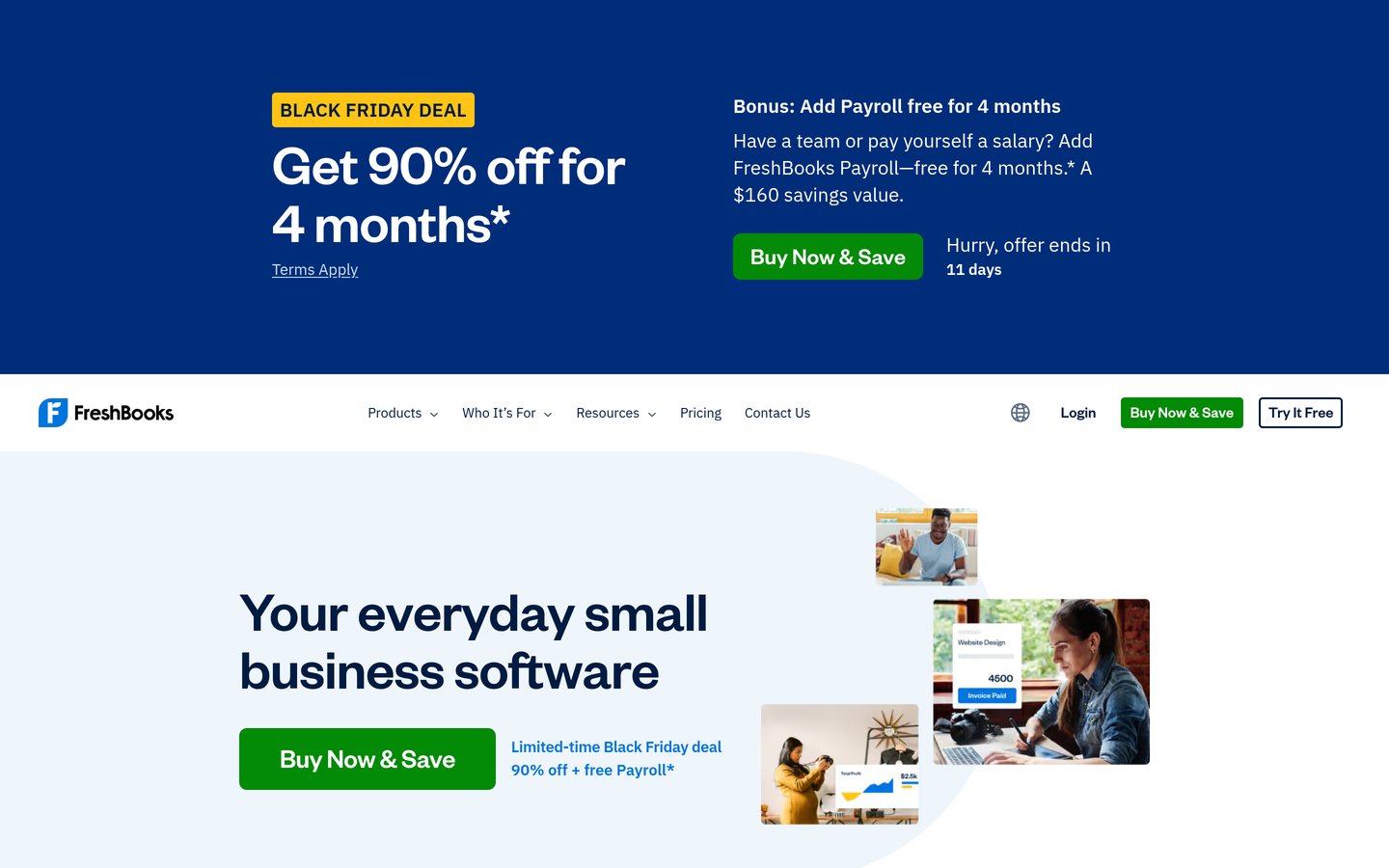
FreshBooks homepage, captured Nov 2026.
FreshBooks is accounting and invoicing software designed around client billing, expenses and service work. Its Lite plan supports invoicing up to 5 clients, expense tracking, estimates, online payments and tax-time reports, with a 30-day free trial available.
The trade off is that Lite costs $23/month at its regular price and limits billable clients, while additional team members cost $11/user/month. A temporary promotion offers 90% off for 4 months, but the regular price applies afterward. It suits freelancers and smaller service businesses that prioritize invoicing over complex inventory accounting.
What we like
Straightforward client invoicing and estimates
Expense tracking and tax-time reporting
Multiple online payment options
Time-tracking features
Free trial for evaluating workflows
Watch out for
Lite supports only 5 billable clients
Team member accounts cost extra
More advanced reporting requires Plus or higher
Plus expands billing to 50 clients and adds proposals, retainers and broader financial reports.Visit freshbooks.com
05
Wave
4.3/5on G2 (328 reviews, checked Nov 2026)
Paid from$190/yr
Best free accounting software
Free planStarter
Free invoicingUnlimited invoices and estimates
Entry paid planPro, $190/year
Monthly Pro option$19/month
waveapps.com
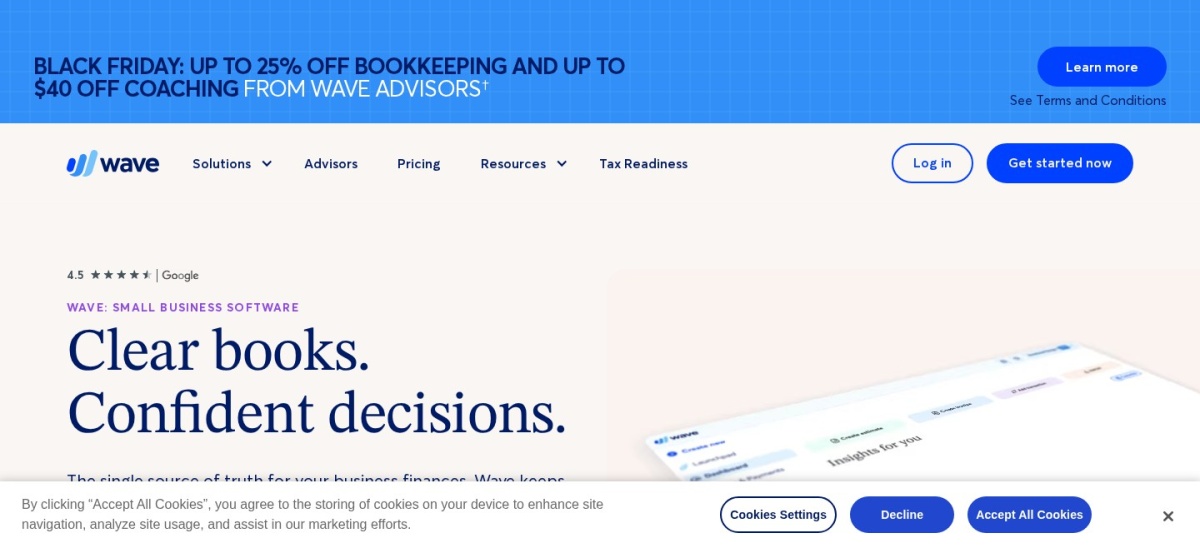
Wave homepage, captured Nov 2026.
Wave is small-business accounting software offering a free Starter plan with unlimited invoices, estimates, bills and bookkeeping records. Starter also supports online payment acceptance and mobile invoicing, while Pro adds automatic bank transaction imports, categorization, receipt capture and late payment reminders.
The trade off is that automatic transaction imports and several time-saving features require Pro at $190/year or $19/month, and optional payment processing and payroll services have separate charges. The monthly subscription also has a temporary introductory discount. It suits freelancers and small businesses that want free basic accounting before adopting automation.
What we like
Free Starter plan with unlimited invoices
No subscription required for basic bookkeeping
Optional online payment acceptance
Paid automatic bank transaction imports
Annual Pro subscription available
Watch out for
Bank automation requires Pro
Payment processing has transaction fees
Payroll and certain services cost extra
Pro adds bank synchronization, automated categorization, receipt capture and payment reminders.Visit waveapps.com
06
Patriot Accounting
4.8/5on G2 (630 reviews, checked Nov 2026)
Starts at$20/mo
Best for straightforward bookkeeping with payroll options
Entry paid planAccounting Basic, $20/month
Customers and invoicesUnlimited
Premium accounting$30/month
Core focusBookkeeping and payroll integration
patriotsoftware.com
Patriot Accounting homepage, captured Nov 2026.
Patriot Accounting is bookkeeping software for managing income, expenses, invoices, vendors and financial reporting. Accounting Basic includes unlimited customers and invoices, unlimited vendors and payments, automatic bank imports, account reconciliation and credit card payment acceptance.
The trade off is that Accounting Basic costs $20/month, while estimates, recurring invoices, document management and user permissions require Premium at $30/month. Payroll is a separate subscription, and the 4.8/5 G2 score covers Patriot Software more broadly. It suits small businesses that want basic bookkeeping with the option to connect payroll later.
What we like
Unlimited customers and invoices in Basic
Automatic bank transaction imports
Account reconciliation and financial reports
Optional integrated payroll
Clear monthly subscription pricing
Watch out for
Recurring invoices require Premium
Payroll is priced separately
Advanced accounting functionality is more limited than broader suites
Accounting Premium adds estimates, recurring invoices, document management and user permissions.Visit patriotsoftware.com
07
AccountEdge
3.9/5on G2 (31 reviews, checked Nov 2026)
Starts at$20/mo
Best for desktop accounting and inventory
Entry paid planAccountEdge Pro, $20/month
Pro users1 included
Included company files10
Core focusDesktop accounting and inventory
accountedge.com
AccountEdge homepage, captured Nov 2026.
AccountEdge is desktop accounting software covering sales, purchases, expenses, inventory, time billing and financial reporting. Its Pro subscription starts at $20/month for 1 user and includes local desktop access, email support and an allowance of 10 company files.
The trade off is that Pro runs locally rather than providing a complete browser-based accounting environment, while Network Edition starts at $30/month for 2 users and Hosted starts at $50/month per user. Payroll is optional. It suits businesses that prefer desktop accounting and need inventory or detailed transaction management.
What we like
Desktop accounting with local company files
Inventory management and time billing
Bank reconciliation and financial reports
10 company files included
Networked and hosted editions available
Watch out for
Entry Pro plan supports 1 user
Browser-based access requires a different edition or add-on
Payroll costs extra
Smaller independent review sample than leading cloud products
Accounting software pricing depends on the vendor, features, billing schedule and business size. Wave, Zoho Books and QuickBooks Online offer free plans with different limitations. Paid entry subscriptions in this comparison range from Zoho Books Standard at $15/month billed annually to QuickBooks Online Simple Start at $38/month.
Some providers give lower rates for annual commitments. Wave Pro costs $190/year or $19/month, while Zoho Books Standard costs $15/month billed annually or $20/month when paid monthly. The price ladder uses the lowest regular paid subscription converted to an annual amount.
Watch for capacity restrictions. FreshBooks Lite limits billable clients, Xero Early restricts invoices and bills, and QuickBooks Online Simple Start has a standard user limit. A cheaper plan may become unsuitable when those limits affect normal work.
Temporary introductory promotions should not determine long-term budgets. QuickBooks Online, Xero, FreshBooks and Patriot advertise introductory discounts, but the comparison uses their regular prices. Additional payroll, user, payment processing or bookkeeping charges are not included in the base subscription figures.
Match accounting software to your business workflow
General business accounting: QuickBooks Online and Xero offer bookkeeping, bank reconciliation, invoicing and financial reporting, with higher plans supporting more advanced workflows.
Budget-conscious bookkeeping: Zoho Books and Wave provide free starting options. Zoho Books offers additional accounting features through its paid tiers, while Wave emphasizes free invoicing and basic financial records.
Client-service invoicing: FreshBooks concentrates on invoices, estimates, client management and time tracking. This makes it relevant for freelancers and service businesses that bill customers directly.
Payroll-connected or desktop accounting: Patriot Accounting provides bookkeeping with optional payroll integration. AccountEdge provides local desktop accounting, inventory and time billing, with networked and hosted editions available.
How we chose
We selected established accounting products with documented bookkeeping capabilities, publicly available pricing and independent review histories. The shortlist covers general accounting, invoicing, free bookkeeping, payroll-connected accounting and desktop financial management, rather than treating every product as interchangeable.
Prices and ratings were checked on 22 Nov 2026 using official product pricing pages and G2 reviews. We used regular prices rather than introductory promotions, converted subscription costs into annual equivalents and examined the limitations of each entry-level plan. Patriot's review score represents its broader software product listing.
We excluded discontinued products, software without verifiable public starting prices and products with insufficient public review information. We also excluded sales discounts from annual cost calculations and did not assume paid add-ons were included in base subscriptions. No vendor paid for a place, and we do not claim testing for this list.
How to choose the right accounting software
Identify your main financial workflows before comparing subscriptions. Use these steps to find accounting software that fits your bookkeeping needs and budget.
**List the accounting tasks you need.** Start with income tracking, expenses, bank reconciliation, invoices and financial reports. Determine whether you also need inventory, project profitability, recurring billing or payroll connections. Prioritize products that include essential functions in their entry plans.
**Calculate the full annual cost.** Compare regular subscription rates, not temporary discounts. Include additional users, payment processing, payroll services and necessary upgrades. Check invoice, client and transaction limits because exceeding them can force a more expensive plan.
**Review accounting reports and bank connections.** Look for profit-and-loss statements, balance sheets, reconciliation tools and reliable transaction imports. Confirm that the software supports your financial institutions and allows your accountant to review or export the records they need.
**Check usability, collaboration and data export.** Review available trials, documentation, customer support and access controls. Consider how easily employees and accountants can collaborate, and confirm that transaction histories and reports can be exported if your business later changes accounting systems.
FAQ
What is the best accounting software for small businesses?
QuickBooks Online is our overall choice because it combines invoicing, expense tracking, automated bookkeeping and financial reports. Simple Start costs $38/month at the regular price. Xero is an alternative for expanding accounting needs, while Zoho Books is worth considering when subscription cost is the priority.
What is the best free accounting software?
Wave and Zoho Books are strong free options. Wave Starter includes unlimited invoices, estimates, bills and bookkeeping records. Zoho Books offers free invoicing, bank reconciliation and financial reports with user restrictions. QuickBooks Online also has a free plan, but its standard invoice and reporting allowances are limited.
How much does small-business accounting software cost?
Entry-level paid plans in this comparison include Zoho Books Standard at $15/month billed annually, Patriot Accounting Basic at $20/month, FreshBooks Lite at $23/month and Xero Early at $27/month. Additional users, payroll, transaction charges and advanced features may increase the actual subscription cost.
Is QuickBooks Online better than Xero?
QuickBooks Online may suit businesses prioritizing automated bookkeeping and familiar accounting workflows, while Xero offers an alternative centered on reconciliation, reporting and business growth. QuickBooks Simple Start costs $38/month, while Xero Early costs $27/month and limits invoices and bills. The better choice depends on which paid tier covers your normal workload.
Can accounting software replace a bookkeeper?
Accounting software can automate transaction imports, expense categorization, invoicing and routine reports. However, it cannot guarantee accurate classification, resolve every reconciliation problem or replace professional judgment on complex accounting matters. A bookkeeper or accountant may still be necessary for reviewing records and preparing reliable financial statements.
Which accounting software is best for freelancers?
FreshBooks is a practical choice for freelancers who send invoices, create estimates and track service-related expenses. Lite starts at $23/month and supports up to 5 billable clients. Wave Starter is an alternative when basic invoicing and bookkeeping are sufficient and avoiding a subscription matters more than automation.
What is the difference between bookkeeping and accounting software?
Bookkeeping focuses on recording and organizing financial transactions, including invoices, bills, payments and expenses. Accounting includes interpreting those records through financial statements, reconciliation, reporting and analysis. Many modern accounting applications cover both areas, although the depth of reporting and automation varies by subscription tier.
Can accounting software manage payroll?
Some accounting platforms include payroll integrations or separate payroll services. Patriot offers payroll subscriptions alongside its accounting products, while QuickBooks Online and FreshBooks provide payroll options. These services generally have additional fees, so confirm payroll availability, employee charges and required functionality before choosing a subscription.
Should I choose cloud or desktop accounting software?
Cloud accounting platforms such as QuickBooks Online, Xero and Zoho Books are designed for browser-based access and remote collaboration. Desktop products such as AccountEdge Pro keep accounting workflows on a local computer, with hosted options available separately. Consider internet access, file storage, collaboration, backups and your preference for managing financial data.