Best Newsletter Platforms in 2026: 7 Tools Compared
WLWPLegible EditorsLast verified 22 Nov 2026How we rank12 min read
★ Short answer
MailerLite is our top newsletter platform for small businesses and publishers, offering 2,500 monthly emails and 250 subscribers free, with paid plans starting at $12 per month. Kit suits creators who want audience growth and digital product sales, while Brevo offers email-volume-based pricing and additional communication channels.
How we make this list: we compare pricing pages, product documentation and public user reviews, then re-check every price before each update. No product paid for a place. Disclosure.
MailerLite includes 250 subscribers and 2,500 monthly emails free; Comfort starts at $12/month with 50 automations.
Kit supports up to 10,000 subscribers on its free Newsletter plan, while Creator normally costs $39/month for 1,000 subscribers.
Brevo's free plan allows 300 daily emails; Starter begins at $9/month for 5,000 monthly emails and 500 contacts.
Mailchimp Essentials starts at $13/month and includes email sending allowances equal to 10 times the contact limit.
Icegram Express has 50,000+ active WordPress installations and offers unlimited contacts and emails with Max at $99/year.
FluentCRM has 80,000+ active WordPress installations and charges $129/year for its single-site Pro license, regardless of list size.
What to look for in a newsletter platform
A newsletter platform helps you collect subscribers, design emails and send regular updates to an audience. Modern products also offer signup forms, landing pages, automated sequences, segmentation and reporting.
Start with your newsletter's purpose. A business newsletter may focus on customer retention and product updates, while a creator newsletter may prioritize publishing, subscriber growth, paid subscriptions and digital product sales.
Compare subscriber limits and email allowances separately. Some services charge according to audience size, while others emphasize monthly email volume. A large but inactive list can still increase subscription costs.
Review the email editor, automation features and signup options. Templates can simplify recurring newsletters, while welcome sequences and audience segments help you send more relevant content.
Finally, check deliverability responsibilities, WordPress integration, export options and the regular price after promotions expire. Self-hosted tools can offer predictable license costs but may require a separate email delivery service.
2.9/5on WordPress.org (42 reviews, checked Nov 2026)
Paid from$12/mo
Best overall for newsletters and email campaigns
Free subscribers250
Free monthly emails2,500
Comfort automations50
Paid planComfort, $12/mo
mailerlite.com
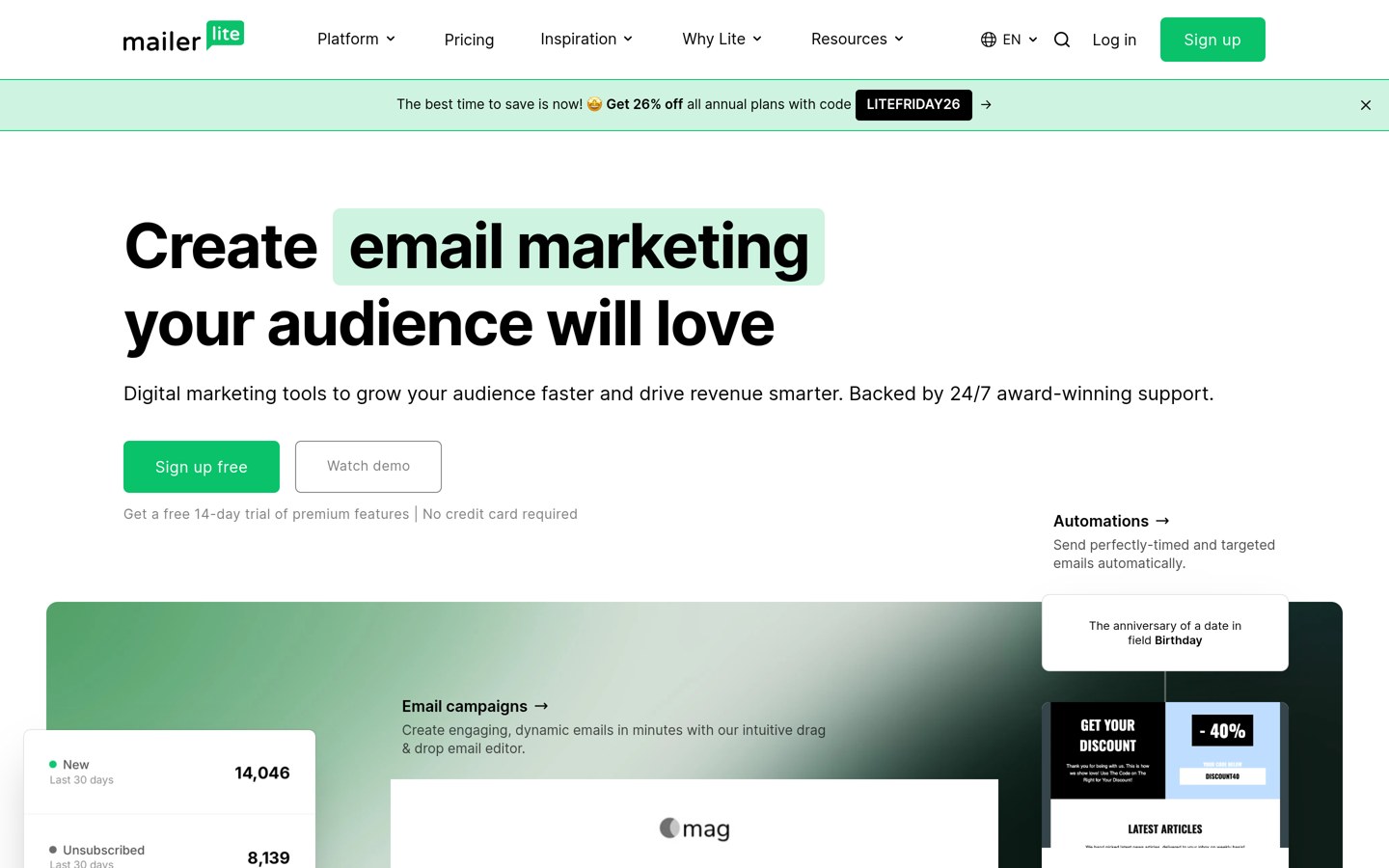
MailerLite homepage, captured Nov 2026.
MailerLite is a hosted newsletter and email marketing platform offering campaign design, subscriber management, signup forms and landing pages. Its free plan supports 250 subscribers and 2,500 monthly emails, while its official WordPress signup plugin has more than 100,000 active installations.
The trade off is that subscriber growth increases subscription costs, and the WordPress plugin has a 2.9/5 rating from 42 reviews. Comfort starts at $12 per month, or $144 annually at the regular monthly rate, and includes 50 automations and ten forms. It suits publishers and small businesses seeking managed newsletter delivery.
What we like
Free newsletters and signup forms
Landing pages included
Comfort supports 50 automations
Hosted email delivery
Paid newsletter subscription features
Watch out for
Free plan has subscriber and sending limits
WordPress plugin has mixed customer reviews
Higher subscriber counts increase prices
Unlimited automations require Power
Comfort adds more automations, forms, templates and audience management featuresVisit mailerlite.com
02
Kit
4.8/5on WordPress.org (90 reviews, checked Nov 2026)
Paid from$39/mo
Best for creators and paid newsletters
Free subscribers10,000
Free broadcastsUnlimited
Creator automationsUnlimited
Paid planCreator, $39/mo
kit.com
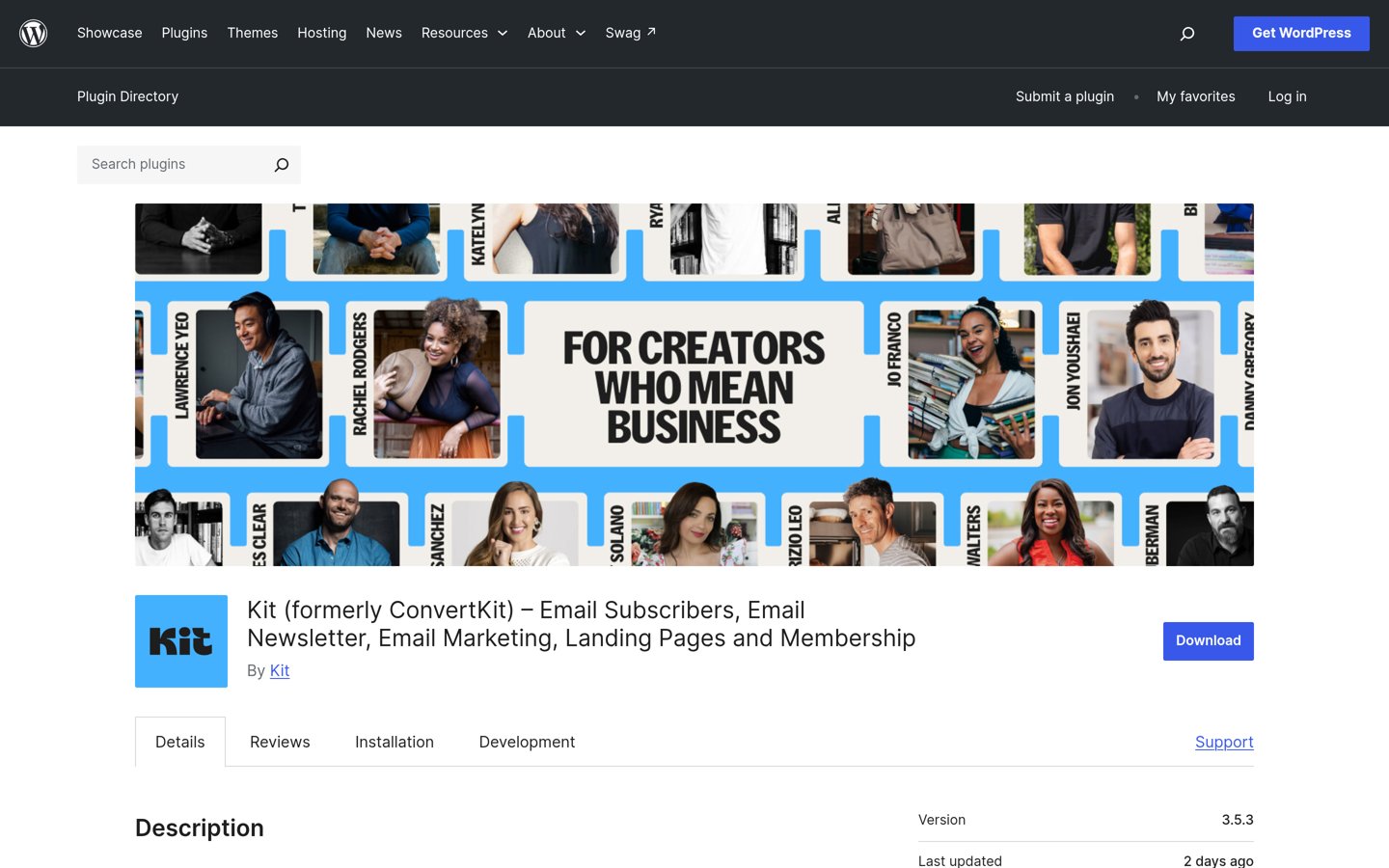
Kit homepage, captured Nov 2026.
Kit is a newsletter platform for creators, bloggers and educators who want to grow an email audience and sell digital products. Its free Newsletter plan supports up to 10,000 subscribers, unlimited email broadcasts, landing pages, signup forms and basic audience segmentation, while its WordPress plugin has 40,000+ active installations.
The trade off is that advanced sequences, visual automations and additional integrations require Creator. The regular price is $39 per month for 1,000 subscribers, or $468 annually at monthly billing, despite a temporary $20 promotional offer. It suits creators building newsletters around content, digital products and recurring subscriptions.
What we like
Generous free subscriber allowance
Unlimited email broadcasts on Free
Built-in digital product and subscription selling
Landing pages and signup forms
Creator includes visual automation
Watch out for
Creator costs more than basic newsletter tools
Advanced automation requires payment
Paid pricing increases with subscriber count
Less focused on traditional business CRM workflows
4.1/5on WordPress.org (284 reviews, checked Nov 2026)
Paid from$9/mo
Best for newsletters and multichannel communication
Free email allowance300/day
Starter monthly emails5,000
Starter contacts500
Paid planStarter, $9/mo
brevo.com
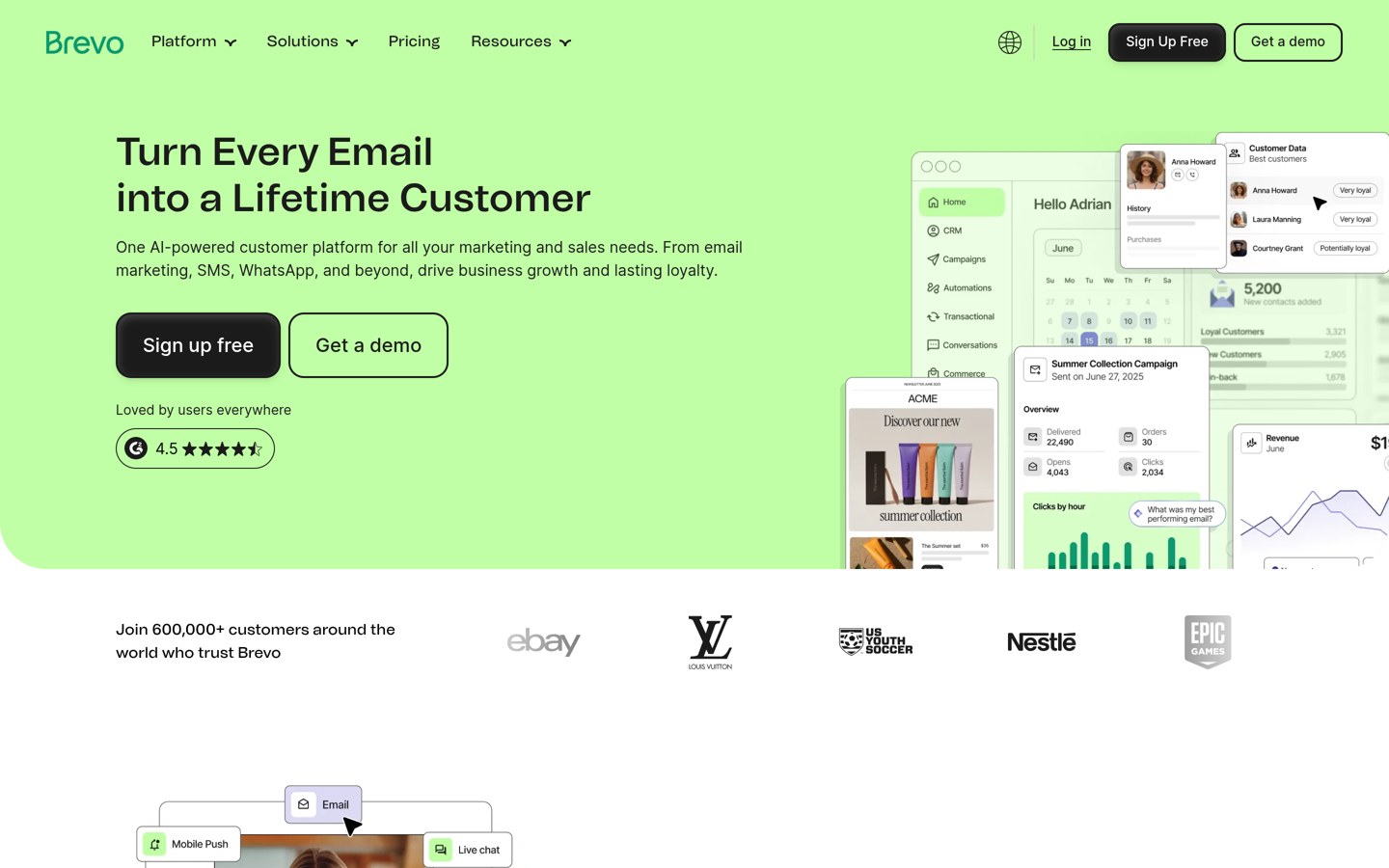
Brevo homepage, captured Nov 2026.
Brevo is an email marketing and customer communication platform supporting newsletters, signup forms, transactional emails and additional messaging channels. Its official WordPress plugin has more than 100,000 installations, while the free plan allows 300 daily emails and includes contact management and basic email marketing capabilities.
The trade off is that Starter limits stored contacts and advanced automation requires Standard. Starter begins at $9 per month for 5,000 monthly emails and 500 contacts, equivalent to $108 annually at the monthly rate. It suits businesses that want newsletters alongside other customer communications.
What we like
Free newsletter sending
Email, SMS and transactional messaging options
Starter removes the daily email sending limit
Official WordPress integration
Contact management and marketing features
Watch out for
Starter has contact and sending allowances
Advanced automation requires Standard
Branding removal costs extra on Starter
SMS and additional services may create charges
Starter increases sending capacity and removes the free daily email limitVisit brevo.com
04
Mailchimp
4.8/5on WordPress.org (1,499 reviews, checked Nov 2026)
Paid from$13/mo
Best for established email marketing workflows
WordPress integrationsAvailable
Essentials send limit10x contacts
Integrations300+
Paid planEssentials, $13/mo
mailchimp.com
Mailchimp homepage, captured Nov 2026.
Mailchimp is an email marketing platform with newsletter templates, audience management, campaign scheduling and reporting. The MC4WP integration has more than 1 million active WordPress installations and a 4.8/5 rating from 1,499 reviews, while Mailchimp connects with more than 300 external applications.
The trade off is that subscription costs rise with contact counts, and advanced marketing features require higher plans. Essentials starts at $13 per month, or $156 annually at the published monthly starting rate, with a sending allowance equal to ten times the contact limit. It suits businesses that value established campaign tools and integration coverage.
What we like
Large integration ecosystem
Newsletter templates and campaign scheduling
Free entry plan
Audience segmentation and reporting
Widely used WordPress signup integration
Watch out for
Contact growth increases pricing
Advanced automation requires higher plans
Free plan has restrictive sending limits
The rated WordPress integration is third-party software
Essentials adds email scheduling, testing and additional campaign featuresVisit mailchimp.com
05
Icegram Express
4.6/5on WordPress.org (1,170 reviews, checked Nov 2026)
Paid from$99/yr
Best for newsletters managed inside WordPress
Lite contactsUnlimited
Lite emailsUnlimited
Max websites3
Paid planMax, $99/yr
icegram.com
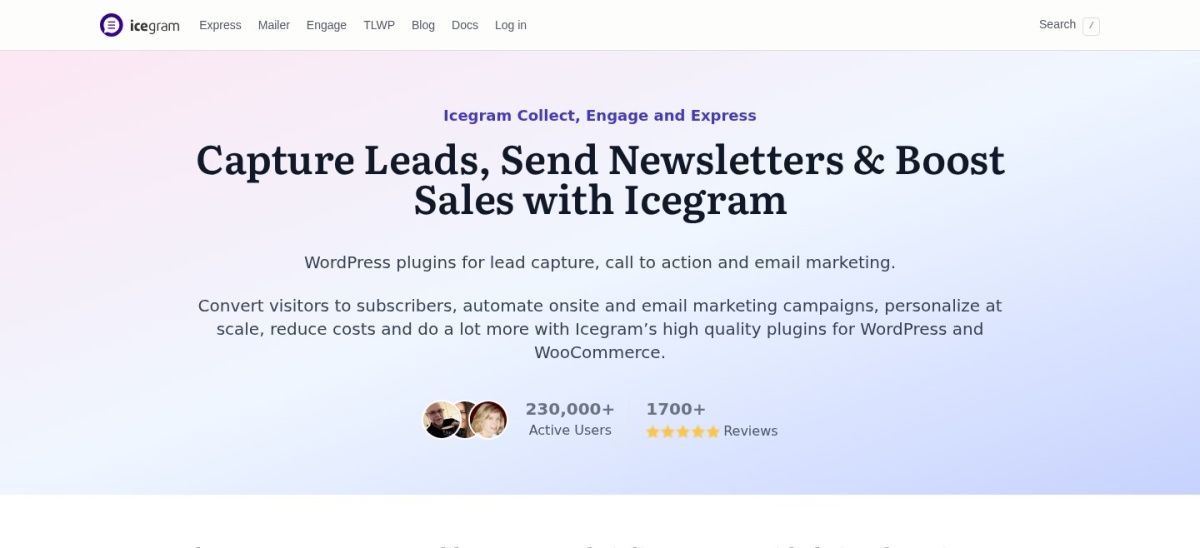
Icegram Express homepage, captured Nov 2026.
Icegram Express is a WordPress newsletter plugin with more than 50,000 active installations and a 4.6/5 rating from 1,170 reviews. Its free Lite version supports unlimited contacts, email newsletters, subscription forms, welcome emails and new-post notifications, helping publishers communicate directly from WordPress.
The trade off is that detailed analytics and advanced email features require Max, and reliable sending may depend on separate email infrastructure. Max costs $99 a year for three websites and adds premium features. It suits WordPress publishers who want newsletter management without paying for a hosted subscriber-based service.
What we like
Unlimited contacts on Lite
Newsletter broadcasts and post notifications
Subscriber data managed in WordPress
Free signup forms and welcome emails
Max covers three websites
Watch out for
Reliable email delivery may require another service
Detailed reporting requires Max
WordPress hosting and maintenance remain your responsibility
Less suitable for advanced multichannel marketing
Max adds detailed reporting and premium newsletter functionalityVisit icegram.com
06
FluentCRM
4.8/5on WordPress.org (251 reviews, checked Nov 2026)
Paid from$129/yr
Best for WordPress newsletters with CRM features
Active installations80K+
Contact pricingUnlimited
Pro websites1
Paid planSolo/Blogger, $129/yr
fluentcrm.com
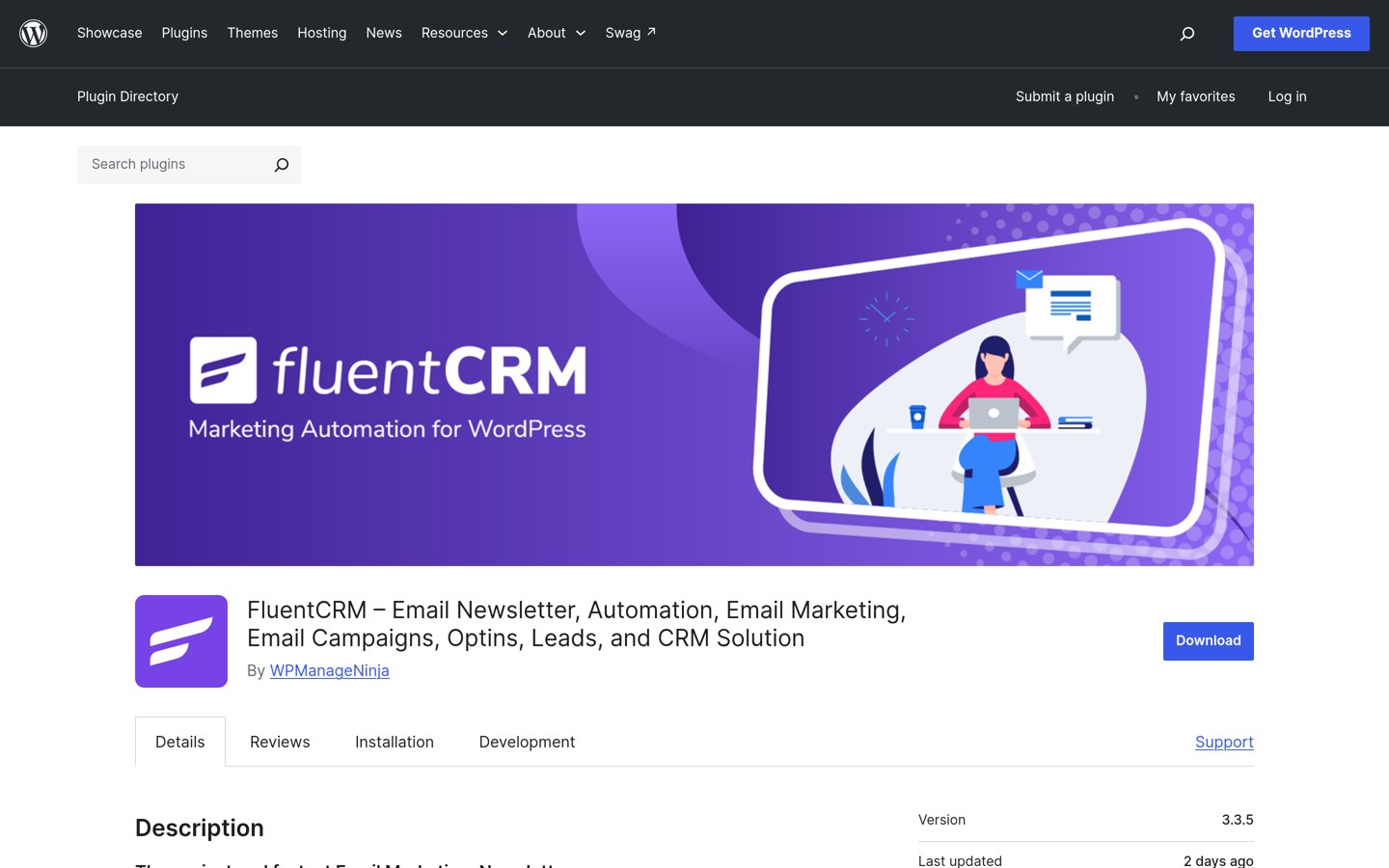
FluentCRM homepage, captured Nov 2026.
FluentCRM is a WordPress email marketing and CRM plugin with more than 80,000 active installations and a 4.8/5 rating from 251 reviews. Its free version supports contact management, newsletter campaigns and email marketing, while Pro expands automation, segmentation and integration capabilities without contact-based licensing.
The trade off is that email delivery must be configured separately, potentially adding sending fees. Solo/Blogger normally costs $129 a year for one website, although a promotional $77 price was displayed. It suits businesses that want newsletters connected to customer records and WordPress activity.
What we like
Fixed license pricing regardless of contact count
Newsletter and CRM features combined
Subscriber data remains within WordPress
Advanced email automation on Pro
Works with WordPress business workflows
Watch out for
Separate email delivery setup required
Advanced features require Pro
Hosting and plugin maintenance are your responsibility
Not a fully hosted newsletter service
Pro adds advanced automation, segmentation, email sequences and integrationsVisit fluentcrm.com
07
Omnisend
4.8/5on WordPress.org (17 reviews, checked Nov 2026)
Paid from$16/mo
Best for ecommerce newsletters
Free monthly emails500
Free contacts250
Standard monthly emails6,000
Paid planStandard, $16/mo
omnisend.com
Omnisend homepage, captured Nov 2026.
Omnisend is an ecommerce email marketing platform supporting newsletters, automated customer journeys, signup forms and web push notifications. Its WordPress plugin has more than 100,000 active installations and a 4.8/5 rating from 17 reviews, while the free plan includes 250 contacts and 500 monthly emails.
The trade off is that pricing rises with billable contacts and additional messaging may incur charges. Standard normally costs $16 per month for 500 contacts and 6,000 emails, or $192 annually at the monthly rate, with a temporary promotional discount available. It suits online stores that combine newsletters with purchase-related campaigns.
What we like
Built for ecommerce newsletters
Free email and automation features
Purchase-related customer segmentation
Abandoned cart and post-purchase workflows
Email and web push campaigns
Watch out for
Subscriber growth increases subscription costs
Free email allowance is limited
Additional messaging can cost extra
Less appropriate for noncommercial editorial newsletters
Standard adds higher email allowances, unlimited web push and expanded campaign capacityVisit omnisend.com
Hosted newsletter platforms vs WordPress plugins
Hosted newsletter platforms manage email sending infrastructure, audience databases and campaign tools outside your website. MailerLite, Kit, Brevo, Mailchimp and Omnisend follow this approach.
These services reduce the need to configure email delivery directly on your hosting account. However, subscriptions can become more expensive as subscriber counts or sending requirements increase.
WordPress-native plugins such as Icegram Express and FluentCRM manage contact information and campaigns within your WordPress installation. Their license fees are not directly based on subscriber totals, but email sending services and hosting can create additional costs.
Choose a hosted platform when managed delivery and convenience matter most. Consider a WordPress-native solution when you want greater control over subscriber data and already have suitable hosting and email infrastructure.
How to earn revenue from a newsletter
Newsletters can generate revenue through paid subscriptions, sponsorships, affiliate recommendations and sales of products or services. The right approach depends on the audience and the type of content subscribers expect.
Kit supports digital products and paid subscriptions, making it relevant to creators building membership-based publications. MailerLite also includes paid newsletter and digital product features.
For ecommerce newsletters, Omnisend connects marketing activity with customer purchases. This allows stores to combine editorial updates, product announcements and automated customer communications.
Before introducing paid content, establish a consistent publishing schedule and measure subscriber engagement. A smaller audience that regularly reads and responds may be more commercially useful than a larger inactive list.
How we chose
We compared established newsletter platforms covering hosted email services, creator-focused publishing, ecommerce marketing and WordPress-native newsletters. The shortlist was based on published product features, WordPress.org plugin listings, customer reviews and official vendor documentation.
Pricing, ratings, review counts, installation figures and plugin maintenance information were reviewed on 22 Nov 2026. We used official pricing pages to identify regular entry-level paid prices instead of promotional discounts, and converted monthly prices into annual equivalents for comparison.
We excluded closed or outdated plugins, services without confirmable regular pricing and tools without meaningful newsletter publishing capabilities. Products were ranked for newsletter relevance, subscriber management, email creation, automation, pricing and practical limitations. No vendor paid for a place, and we do not claim testing for this list.
How to choose the right newsletter platform
Define your publishing goals, estimate your subscriber growth and compare the email features needed to run your newsletter consistently.
Choose the type of newsletter you want to publish. Use a creator-focused platform for editorial newsletters, paid subscriptions and digital products. Select an ecommerce platform for store announcements and purchase-triggered emails, or a general email service for business updates.
Compare subscriber and email sending allowances. Estimate your current audience and how frequently you will publish. Check whether the selected plan charges for stored contacts, active subscribers or email volume, and calculate how costs change as your list grows.
Review your publishing and automation workflow. Look for signup forms, newsletter templates, scheduling, segmentation and welcome emails. If you publish through WordPress, verify whether the integration supports the subscriber capture and publishing features you need.
Evaluate reporting, delivery and long-term ownership. Check whether you can export subscribers, manage consent and monitor engagement. For self-hosted plugins, confirm your email sending provider and maintenance responsibilities before relying on the platform for recurring campaigns.
FAQ
What is the best newsletter platform for beginners?
MailerLite is a strong choice for beginners because it includes newsletter editing, signup forms, landing pages and basic automation. Its free plan supports 250 subscribers and 2,500 monthly emails. Kit is another option for creators, particularly those who expect to sell digital products or paid subscriptions.
Which newsletter platform has the best free plan?
The best free option depends on your audience and sending needs. Kit supports up to 10,000 subscribers with unlimited broadcasts, while MailerLite includes 250 subscribers and 2,500 monthly emails. Brevo allows 300 daily emails, and Icegram Express provides a WordPress-native option with unlimited contacts.
Can I start a newsletter for free?
Yes. MailerLite, Kit, Brevo, Mailchimp, Icegram Express, FluentCRM and Omnisend offer free entry options. Their limitations vary across subscribers, email volume, automations and integrations. Starting free is reasonable when building an audience, but review upgrade prices before committing your subscriber database to a platform.
Is Kit better than MailerLite?
Kit is better aligned with creator newsletters, digital product sales and paid subscriptions, while MailerLite is a flexible choice for general newsletters and small-business email marketing. Kit's free plan supports substantially more subscribers, but its Creator subscription starts at a higher regular monthly price than MailerLite Comfort.
Can I run a newsletter directly from WordPress?
Yes. Icegram Express and FluentCRM allow you to manage subscribers and newsletters from WordPress. They provide more direct control over subscriber information than a fully hosted service, but you may need an external email provider for reliable delivery. WordPress hosting and plugin updates also remain your responsibility.
Which newsletter platform is best for paid subscriptions?
Kit is designed around creator monetization and supports paid subscriptions alongside digital product sales. MailerLite also offers paid newsletter functionality. Before choosing either platform, compare payment processing arrangements, subscriber management and the features included in your selected plan.
How much does a newsletter platform cost?
Several newsletter platforms offer free plans. Among the products compared here, regular paid entry prices include $9 per month for Brevo, $12 for MailerLite, $13 for Mailchimp and $39 for Kit Creator. WordPress-native options include Icegram Express Max at $99 per year and FluentCRM Pro at $129 per year.
What is the difference between a newsletter platform and email marketing software?
Newsletter platforms emphasize recurring content publication and audience subscriptions. Email marketing software covers a broader range of campaigns, including sales promotions, transactional follow-ups and automated customer journeys. Many products support both functions, so the distinction often depends on which features receive the most attention.
How do I choose a newsletter platform for a growing audience?
Compare subscriber limits, sending allowances, automation features and pricing at your expected audience size. Also check export capabilities, reporting, signup forms and integration options. A platform with a generous free plan may become costly later, so consider both current needs and long-term publishing goals.