Best Marketing Automation Platforms in 2026: 7 Tools Compared
WLWPLegible EditorsLast verified 22 Nov 2026How we rank12 min read
★ Short answer
FluentCRM is our top marketing automation platform for WordPress, with 80,000+ active installations, unlimited contacts and a regular Pro price of $129 per year. Groundhogg suits businesses needing CRM-driven automation, while MailerLite offers hosted email workflows with a free plan.
How we make this list: we compare pricing pages, product documentation and public user reviews, then re-check every price before each update. No product paid for a place. Disclosure.
FluentCRM has 80,000+ WordPress installations and charges $129/year for its regular single-site Pro license, regardless of contact count.
Groundhogg supports unlimited contacts, flows and emails, with its Basic upgrade priced at $240/year.
MailerLite's free plan supports 250 subscribers and 2,500 monthly emails, while Comfort starts at $12/month.
AutomateWoo costs $159/year and has 30,000+ active WooCommerce installations, with a 3.5/5 marketplace rating.
Uncanny Automator has 40,000+ WordPress installations and 240+ integrations on its $199/year Basic plan.
WP Fusion supports 60+ CRM platforms and starts at $297/year, while WP Webhooks offers unlimited automations for $149/year.
What to look for in a marketing automation platform
Marketing automation platforms perform repeatable marketing tasks when customers or visitors take specific actions. Common examples include sending welcome emails, following up after purchases, updating CRM records and moving contacts between audience segments.
Start by deciding whether you need a complete email marketing platform, an integrated CRM or a tool that connects existing applications. These categories overlap, but their pricing structures and responsibilities differ.
Look for triggers and conditions that match your customer journey. Useful triggers include form submissions, purchases, abandoned carts, user registrations and email engagement. Conditional workflows can route different contacts into appropriate follow-up sequences.
Next, compare contact limits, email allowances, integration coverage and hosting responsibilities. Some tools charge based on subscribers or message volume, while WordPress-native plugins may use fixed annual licenses but require a separate email delivery service.
Finally, evaluate reporting, data ownership and maintenance. An inexpensive automation tool is less useful if it cannot reliably exchange information with the forms, CRM and ecommerce systems your business already uses.
4.8/5on WordPress.org (251 reviews, checked Nov 2026)
Paid from$129/yr
Best overall for WordPress marketing automation
Active installations80K+
Pro contact limitUnlimited
Pro integrations45+
Paid planSolo/Blogger, $129/yr
fluentcrm.com
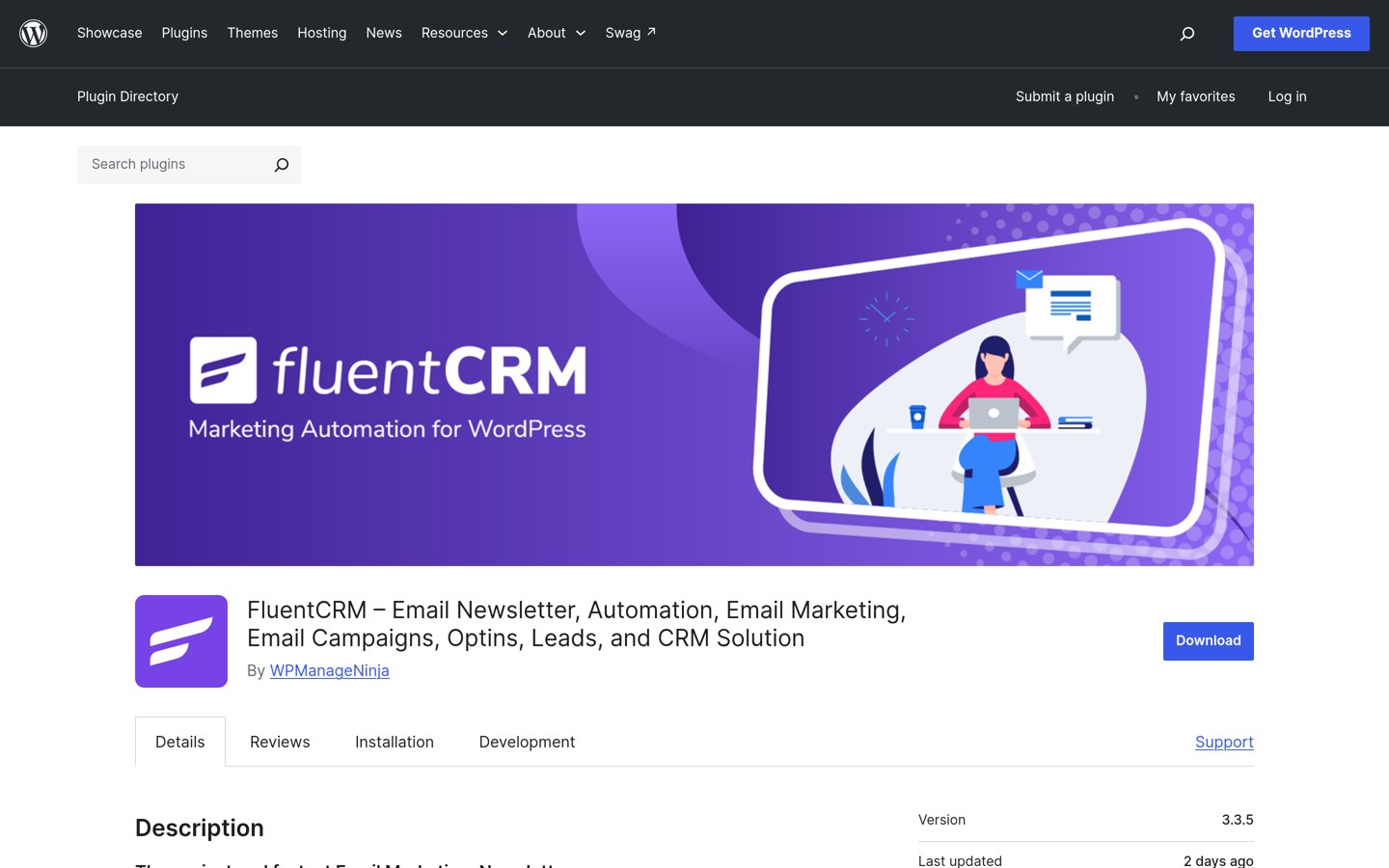
FluentCRM homepage, captured Nov 2026.
FluentCRM is a self-hosted email marketing and CRM plugin with more than 80,000 active WordPress installations and a 4.8/5 rating. Its free version provides contact management, email campaigns and basic automation, while Pro adds advanced workflows, email sequences, segmentation and integrations without contact-based license fees.
The trade off is that email delivery must be configured separately and can create additional costs. Solo/Blogger normally costs $129 a year for one website, although a 40% promotional discount was displayed. It suits WordPress businesses that want direct control over contact data and automated email campaigns.
What we like
Unlimited contacts without subscriber-based license pricing
Email marketing and CRM within WordPress
Advanced automation and segmentation on Pro
45+ integrations advertised
Fixed annual pricing by website license
Watch out for
Email delivery costs are separate
Requires WordPress hosting and maintenance
Advanced automation features require Pro
Initial sending configuration takes effort
Pro adds advanced sequences, segmentation, reporting and integrationsVisit fluentcrm.com
02
Groundhogg
4.8/5on WordPress.org (150 reviews, checked Nov 2026)
Paid from$240/yr
Best for CRM-driven customer journeys
Contact limitUnlimited
Automated flowsIncluded
Basic sites1
Paid planBasic, $240/yr
groundhogg.io
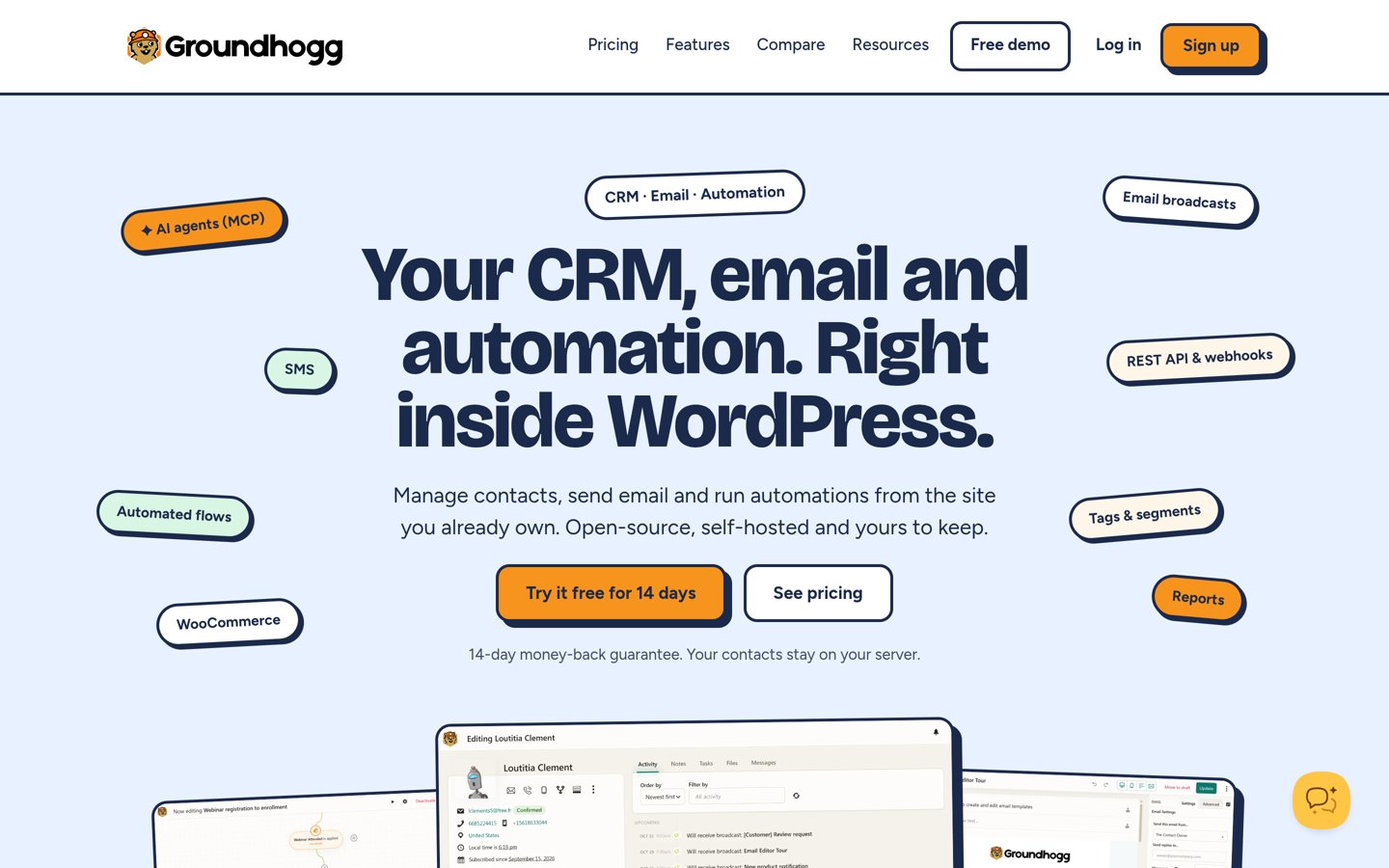
Groundhogg homepage, captured Nov 2026.
Groundhogg is a WordPress CRM and marketing automation plugin with 2,000+ active installations and a 4.8/5 rating from 150 reviews. Its core platform manages contacts, email campaigns and automated flows without usage-based limits on contacts, flows or emails, and includes a visual flow editor for customer journeys.
The trade off is that integrations, conditional logic and ecommerce-specific capabilities are divided across paid tiers. Basic costs $240 a year for one website and adds premium flow steps, add-ons and support. It suits service businesses and membership websites that need CRM records tied directly to WordPress activity.
What we like
Unlimited contacts and automation flows
CRM and campaign tools inside WordPress
Visual automation flow editor
Automated follow-ups and email sequences
Fixed pricing rather than contact-based tiers
Watch out for
Ecommerce integrations require higher plans
Advanced conditional logic requires Pro
Separate email infrastructure may be needed
Smaller installation base than major email platforms
2.9/5on WordPress.org (42 reviews, checked Nov 2026)
Paid from$12/mo
Best for hosted email marketing automation
Free subscribers250
Free monthly emails2,500
Comfort automations50
Paid planComfort, from $12/mo
mailerlite.com
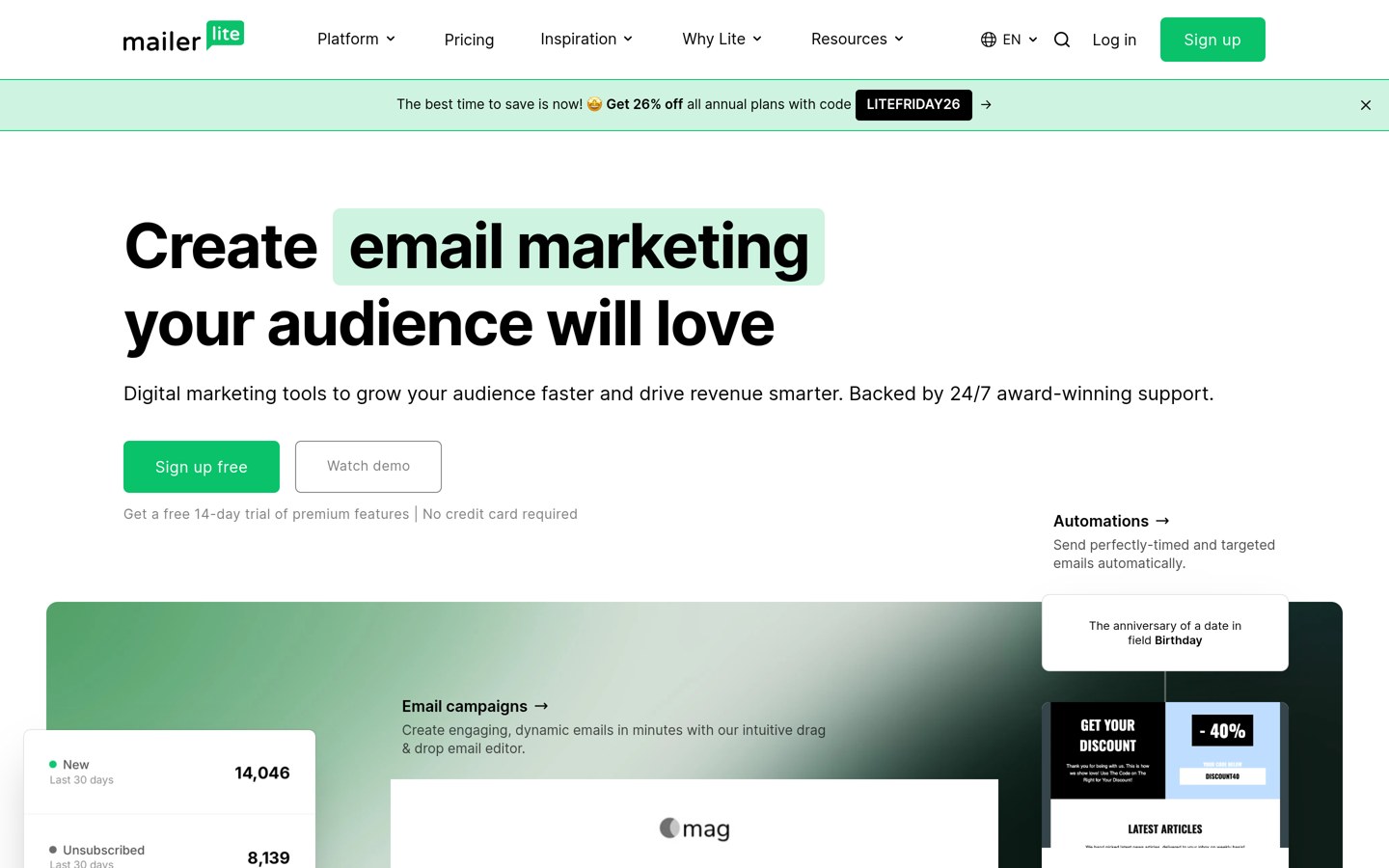
MailerLite homepage, captured Nov 2026.
MailerLite is a hosted email marketing platform offering newsletters, signup forms, landing pages and automated email workflows. Its official WordPress signup plugin has more than 100,000 installations, while the hosted free plan supports 250 subscribers, 2,500 monthly emails and basic automations.
The trade off is that pricing and sending allowances change as the subscriber list grows. Comfort starts at $12 a month, or $144 over twelve months at the published starting monthly rate, and includes additional templates and automation capacity. It suits businesses that prefer managed email infrastructure over self-hosted delivery.
Comfort adds more automations, templates, forms and marketing featuresVisit mailerlite.com
04
AutomateWoo
3.5/5on WooCommerce Marketplace (28 reviews, checked Nov 2026)
Starts at$159/yr
Best for WooCommerce lifecycle automation
Active installations30K+
Marketplace rating3.5/5
Latest version6.9.6
Paid plan$159/yr
woocommerce.com
AutomateWoo homepage, captured Nov 2026.
AutomateWoo is a WooCommerce marketing automation extension with more than 30,000 active installations and a 3.5/5 marketplace rating from 28 reviews. It creates automated customer workflows for abandoned carts, follow-up emails, customer retention, order activity and other store events.
The trade off is its ecommerce specialization and lack of a free plan. The regular one-year subscription costs $159, with updates and customer support included. It suits established WooCommerce stores that want purchase-triggered marketing workflows managed directly within their ecommerce system.
What we like
Built specifically for WooCommerce
Abandoned cart recovery workflows
Customer follow-up and retention automation
Uses WooCommerce customer and order events
Official WooCommerce marketplace extension
Watch out for
No free plan
Limited value without WooCommerce
Lower public rating than several alternatives
Not a complete standalone CRM
The paid license provides AutomateWoo workflows, updates and supportVisit woocommerce.com
05
WP Fusion
5/5on WordPress.org (69 reviews, checked Nov 2026)
Paid from$297/yr
Best for connecting WordPress with an existing CRM
Supported CRMs60+
Paid plugin integrations150+
Personal sites1
Paid planPersonal, $297/yr
wpfusion.com
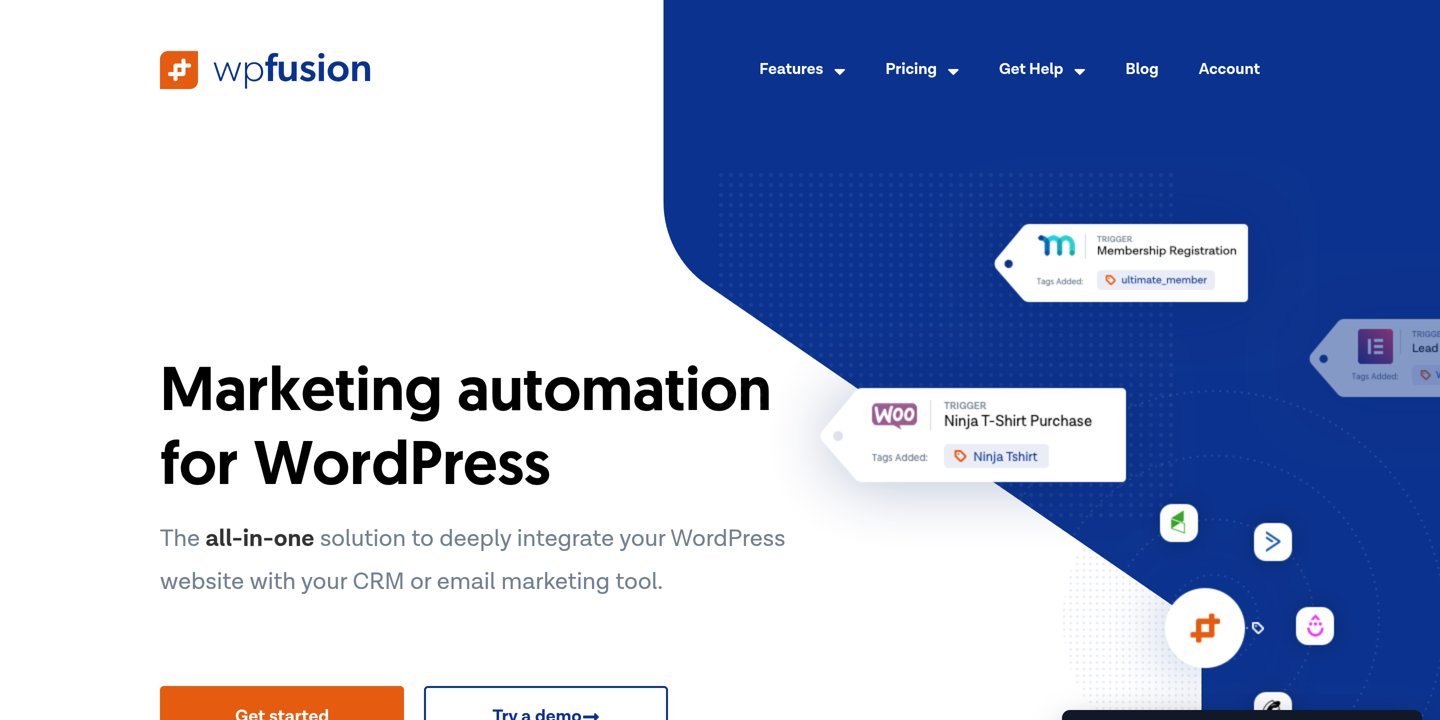
WP Fusion homepage, captured Nov 2026.
WP Fusion is a WordPress marketing automation connector with more than 4,000 active installations and a 5/5 rating from 69 reviews. Its Lite plugin synchronizes WordPress user information with supported CRM platforms, while paid plans provide broader integrations, automated user imports and advanced synchronization.
The trade off is that WP Fusion connects systems rather than replacing the CRM or email marketing service. Personal costs $297 a year for one website, and specialist add-ons require higher licenses. It suits businesses already using a CRM that want WordPress activity to trigger personalized marketing sequences.
What we like
Supports 60+ CRM platforms
150+ plugin integrations on paid plans
Bidirectional contact synchronization
Tag-based access and personalization
Highly rated WordPress plugin
Watch out for
Requires an existing CRM or marketing platform
Higher starting price than basic email tools
Specialist ecommerce add-ons need higher plans
Integration setup depends on the connected systems
Personal adds premium integrations, webhooks and automated user importsVisit wpfusion.com
06
Uncanny Automator
4.9/5on WordPress.org (157 reviews, checked Nov 2026)
Paid from$199/yr
Best for cross-plugin marketing workflows
Free actions440+
Basic integrations240+
Basic sites1
Paid planBasic, $199/yr
automatorplugin.com
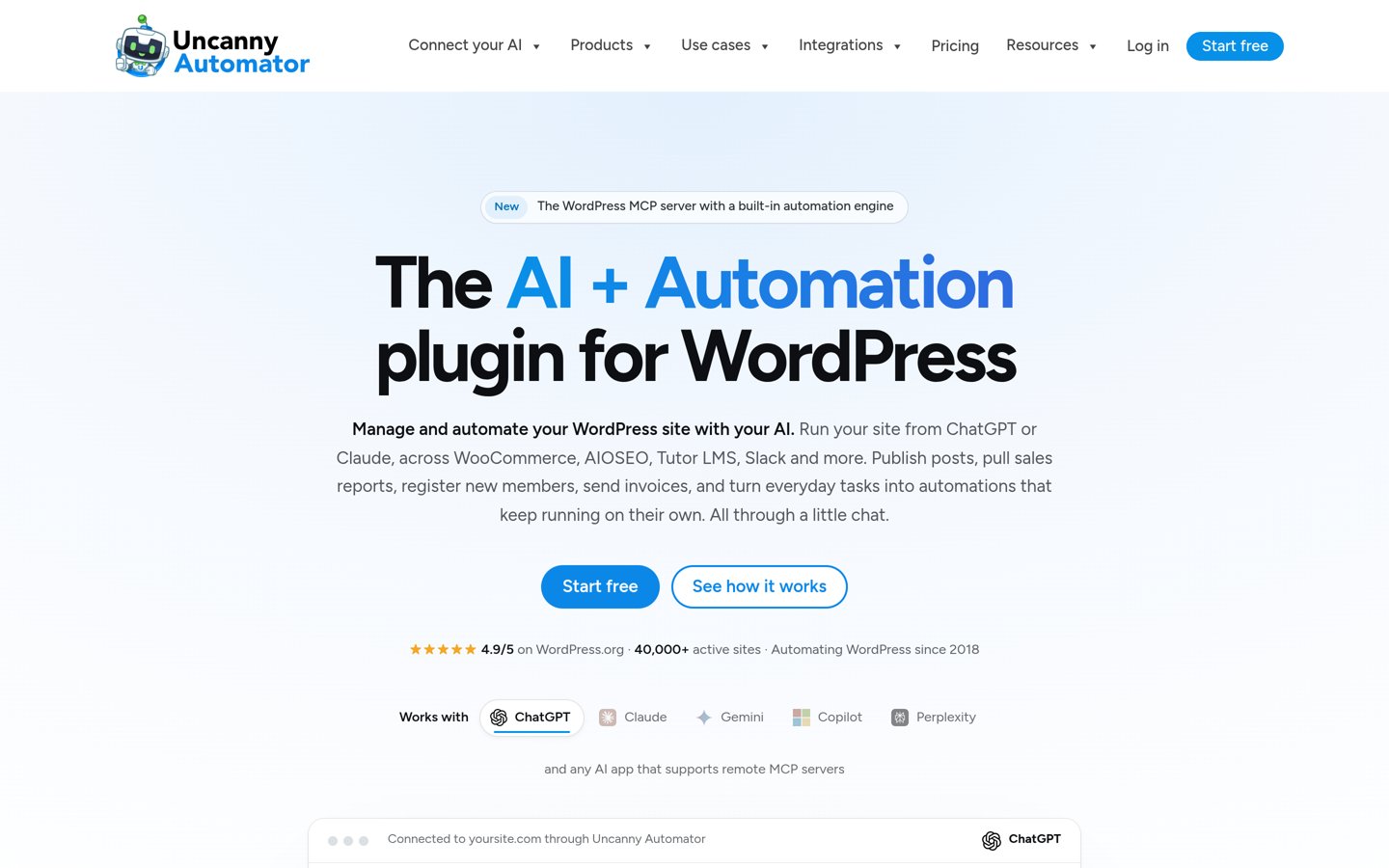
Uncanny Automator homepage, captured Nov 2026.
Uncanny Automator is a WordPress automation plugin with more than 40,000 active installations and a 4.9/5 rating from 157 reviews. Its free version creates recipes connecting WordPress events with supported apps, while paid Basic includes 1,000+ triggers, 850+ actions and 240+ integrations.
The trade off is that it automates existing tools rather than providing a full email marketing database. Basic costs $199 a year on annual billing, compared with $20 per month, and adds advanced workflow capabilities and unlimited app credits. It suits businesses connecting forms, memberships, ecommerce events and marketing applications.
What we like
Connects WordPress plugins and external applications
240+ integrations on Basic
Free automation recipe builder
Conditional workflows and scheduled actions on paid plans
4.7/5on WordPress.org (55 reviews, checked Nov 2026)
Paid from$149/yr
Best for custom webhook-driven automation
Active installations20K+
Starter sites1
Paid automationsUnlimited
Paid planStarter, $149/yr
wp-webhooks.com
WP Webhooks homepage, captured Nov 2026.
WP Webhooks is a WordPress workflow automation plugin with more than 20,000 active installations and a 4.7/5 rating. It connects WordPress events to external systems using incoming and outgoing webhooks, while its paid Starter plan supports unlimited automations, triggers, actions, data mapping and scheduling.
The trade off is that webhook-based automation can require more technical setup than a visual email campaign builder. Starter costs $149 a year for one website, with Pro extensions and updates included. It suits developers and marketers connecting custom systems, forms and CRM platforms.
What we like
Unlimited paid-plan automations and webhooks
Incoming and outgoing webhook support
Conditional logic and scheduling
Data mapping and manipulation
Compatible with custom integration workflows
Watch out for
More technical than standard email platforms
Does not include a complete CRM
External API services may have separate costs
Advanced workflows require configuration
Starter adds unlimited workflows, conditions, scheduling and Pro extensionsVisit wp-webhooks.com
Hosted marketing automation vs WordPress-native tools
Hosted platforms manage contact databases, sending infrastructure and automation workflows outside WordPress. MailerLite follows this model, making it suitable for businesses that do not want to maintain their own email delivery configuration.
WordPress-native platforms such as FluentCRM and Groundhogg store marketing information within the WordPress environment. This gives website owners more control over their contact data and integrations but also adds responsibility for maintenance, performance and reliable message delivery.
Integration-focused products such as WP Fusion, Uncanny Automator and WP Webhooks perform another role. They connect WordPress events with existing marketing applications rather than replacing those applications.
Choose a hosted platform for managed email operations, a WordPress-native CRM for local control, or an integration tool when your marketing systems are already established.
Marketing automation workflows worth building first
Start with a welcome sequence after someone subscribes. Introduce your business, deliver the promised resource and provide a relevant next step without sending unrelated promotions.
For ecommerce websites, consider abandoned cart reminders, post-purchase instructions and customer re-engagement. AutomateWoo specializes in WooCommerce activity, while broader platforms can support similar journeys when connected to appropriate ecommerce integrations.
For service businesses, route form submissions to a CRM and send timely follow-ups. Use lead source information or form answers to categorize inquiries before assigning them to the appropriate workflow.
Review workflow failures and subscriber engagement regularly. Automation should reduce repetitive work without sending duplicated messages, contacting unsubscribed users or creating confusing customer experiences.
How we chose
We shortlisted established marketing automation tools with maintained WordPress plugins or verified WooCommerce marketplace listings. We prioritized email workflows, CRM synchronization, ecommerce automation, contact management and cross-platform integrations, using vendor documentation and public customer ratings.
Pricing and public ratings were checked on 22 Nov 2026 using official vendor pricing pages, WordPress.org listings and the WooCommerce marketplace. We used published regular prices rather than promotional discounts, converted monthly starting rates to annual equivalents where appropriate, and identified feature limitations on entry plans.
We excluded closed or outdated plugins, products with unverified pricing and tools whose published features did not support meaningful marketing automation. Products were ranked by automation capabilities, WordPress relevance, integration coverage, published prices and operational limitations. No vendor paid for a place, and we do not claim testing for this list.
How to choose a marketing automation platform
Map your customer journey and identify the tasks you want to automate before comparing software subscriptions.
Identify the automation tasks you need. Write down the actions that currently require manual work, such as welcoming subscribers, following up with leads, recovering abandoned carts or updating CRM records. Match these tasks to each platform's available triggers.
Decide where your contact data should live. Choose a hosted email platform if you want managed infrastructure. Consider FluentCRM or Groundhogg when you prefer WordPress-based contact management, or WP Fusion when an existing CRM should remain your main database.
Verify integrations and total costs. Confirm that your forms, ecommerce plugins, CRM and email provider work with the selected plan. Include subscriber limits, email sending fees, site licenses and any separately billed connected services in your comparison.
Build a simple workflow and measure results. Begin with a welcome sequence or lead follow-up. Review successful deliveries, engagement, conversions and workflow errors before introducing complex branches or additional customer journeys.
FAQ
What is the best marketing automation platform for WordPress?
FluentCRM is a strong overall choice for businesses that want email marketing and contact management within WordPress. It has more than 80,000 active installations and a regular single-site Pro price of $129 per year. Groundhogg is another option for CRM-focused journeys, while MailerLite offers hosted email automation.
Can I automate marketing for free?
Yes. FluentCRM, Groundhogg, MailerLite, Uncanny Automator, WP Fusion Lite and WP Webhooks provide free options with different limitations. Free plans are useful for basic contact synchronization, email campaigns and simple workflows. More advanced conditions, integrations and sending allowances may require paid plans or third-party services.
What is the difference between marketing automation and email marketing?
Email marketing focuses on communicating with subscribers through campaigns and newsletters. Marketing automation uses triggers, conditions and customer information to perform actions automatically. These actions may include sending emails, updating CRM fields, assigning leads and launching ecommerce follow-ups. Many modern email marketing services include automation functionality.
Is FluentCRM better than Groundhogg?
FluentCRM is appealing when email campaigns, contact segmentation and WordPress integration are the main priorities. Groundhogg places greater emphasis on CRM records and visual customer journeys. FluentCRM's regular single-site Pro license costs $129 a year, while Groundhogg Basic costs $240 a year. Sending infrastructure may add costs to either option.
Which platform is best for WooCommerce automation?
AutomateWoo is designed specifically for WooCommerce stores and supports customer follow-ups, cart recovery and purchase-related workflows. Its regular annual subscription costs $159. FluentCRM and Groundhogg can also support ecommerce marketing through integrations, although particular WooCommerce triggers and capabilities may require paid extensions or higher plans.
Do marketing automation plugins send emails themselves?
Not always. WordPress-native platforms can create campaigns and schedule automation, but they may rely on a separate SMTP provider or email delivery service to send messages reliably. Hosted platforms such as MailerLite include their own sending infrastructure, subject to plan allowances and usage policies.
Is marketing automation suitable for a small business?
Yes. Small businesses can benefit from simple workflows such as welcome emails, inquiry acknowledgments and scheduled follow-ups. Start with the tasks that consume the most manual effort. Free plans may be sufficient initially, while paid subscriptions become more useful when customer segments, integrations or message volumes grow.
Can marketing automation connect WordPress with a CRM?
Yes. WP Fusion specializes in synchronizing WordPress user information with supported CRM platforms. Uncanny Automator and WP Webhooks can connect events with external applications through recipes and webhooks. The exact available actions depend on the CRM, plugin compatibility and subscription level.
How much does marketing automation software cost?
Several platforms offer free entry options. Among these products, published regular starting paid prices include $129 a year for FluentCRM, $149 for WP Webhooks, $159 for AutomateWoo and $240 for Groundhogg. Contact-based platforms can increase their charges as lists grow, while self-hosted tools may require separate email sending services.