Best Online Course Platforms in 2026: 7 Tools Compared
WLWPLegible EditorsLast verified 22 Nov 2026How we rank13 min read
★ Short answer
Tutor LMS is our top online course platform for WordPress, offering unlimited courses and learners in its free version, with Pro normally costing $199 per year. Masteriyo is a strong alternative for built-in payments, while LifterLMS suits educators building courses and memberships.
How we make this list: we compare pricing pages, product documentation and public user reviews, then re-check every price before each update. No product paid for a place. Disclosure.
Tutor LMS has 90,000+ active installations and a 4.4/5 WordPress.org rating; Individual Pro normally costs $199/year.
Masteriyo has 6,000+ active installations and includes built-in payments, quizzes and certificates for free; Basic renews at $199/year.
LifterLMS has a 4.8/5 rating from 393 reviews, with unlimited courses and students free; Earth normally costs $398/year.
Sensei LMS supports unlimited free courses and students, while Sensei Pro costs $179/year for selling courses and advanced learning features.
MasterStudy LMS has 10,000+ installations and a 4.5/5 rating from 489 reviews; its single-site paid plan is listed at $149/year.
LearnDash costs $350/year for one site and has a 4.2/5 Trustpilot rating from 219 reviews; LearnPress offers free course creation with optional paid add-ons.
What to look for in an online course platform
Online course platforms let instructors organize lessons, enroll students and deliver learning content through a website. Depending on the platform, they may also provide quizzes, assignments, certificates, live classes, payments and membership subscriptions.
Start with your teaching format. A self-paced video course needs a different setup from instructor-led training with assignments, grading and live sessions. Make sure the platform supports the learning experience you plan to deliver.
Check course monetization before choosing a plan. Some platforms include payments in their free versions, while others require paid upgrades to sell courses, offer subscriptions or connect payment gateways.
Student management matters as your course library grows. Look for learner dashboards, progress tracking, quiz reports, completion certificates and clear enrollment controls. More advanced training programs may require prerequisites, group management or structured learning paths.
Finally, compare hosting responsibilities and regular prices. The platforms in this guide run on WordPress, giving you control over course content and student data, but website hosting, video storage, payment processing and maintenance can create additional expenses.
4.4/5on WordPress.org (592 reviews, checked Nov 2026)
Paid from$199/yr
Best overall for building and selling WordPress courses
Active installations90K+
Free coursesUnlimited
Individual Pro sites1
Paid planIndividual, $199/yr
tutorlms.com
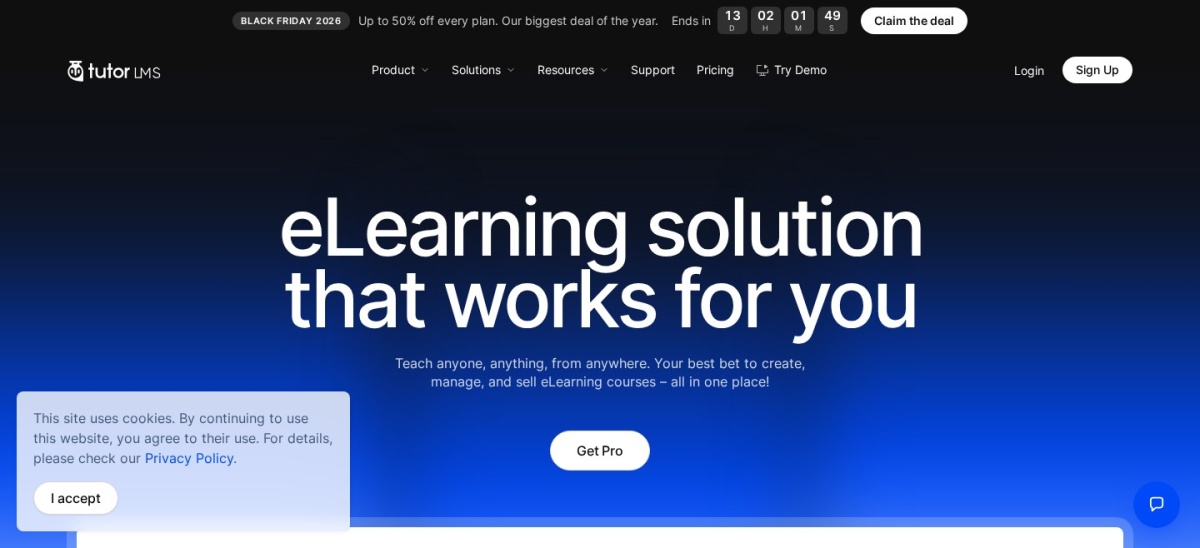
Tutor LMS homepage, captured Nov 2026.
Tutor LMS is a WordPress course platform with more than 90,000 active installations and a 4.4/5 rating from 592 reviews. Its free version supports unlimited courses, learners and instructors, with a visual course builder, lessons, basic quizzes, certificates and course selling through supported payment methods.
The trade off is that assignments, advanced quizzes, content dripping and live classes require Pro. Individual normally costs $199 a year, although a 50% Black Friday discount reduced the displayed price to $99.50. It suits independent educators and businesses building structured online courses.
What we like
Unlimited courses and learners on Free
Visual course builder and learner dashboards
Free quizzes and basic certificates
Built-in course selling capabilities
Pro includes advanced learning and monetization tools
Watch out for
Assignments require Pro
Advanced quiz types require Pro
Live class integrations require Pro
Hosting and video delivery are separate responsibilities
Pro adds assignments, live classes, drip content and advanced quizzesVisit tutorlms.com
02
Masteriyo
4.7/5on WordPress.org (186 reviews, checked Nov 2026)
Paid from$199/yr
Best for affordable course selling with built-in payments
Active installations6K+
Free coursesUnlimited
Basic sites1
Paid planBasic, $199/yr
masteriyo.com
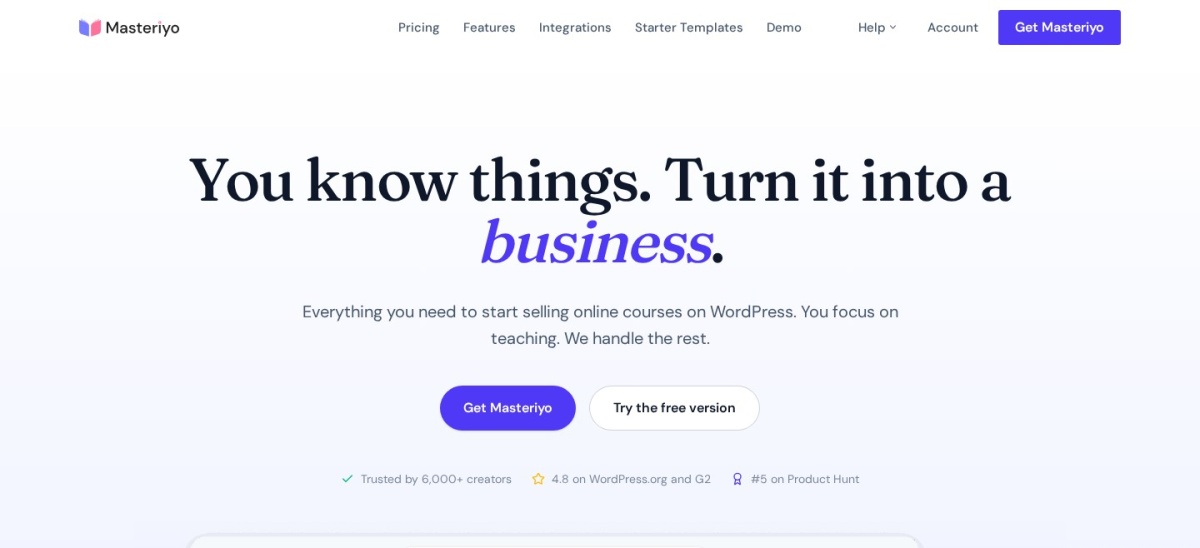
Masteriyo homepage, captured Nov 2026.
Masteriyo is a self-hosted WordPress LMS plugin with more than 6,000 active installations and a 4.7/5 rating from 186 reviews. Its free version includes a drag-and-drop course builder, quizzes, certificates, an order system and supported payment gateways without requiring WooCommerce.
The trade off is that assignments, advanced reporting and content dripping require higher paid plans. Basic normally costs $199 a year for one website, although a $99 introductory offer was displayed. It suits course creators who want direct payment collection and core teaching features without assembling many separate plugins.
What we like
Built-in payment system on the free version
Unlimited courses and students
Free quizzes and certificates
No platform commission charged by Masteriyo
Course builder designed for WordPress
Watch out for
Advanced grading requires Pro
Assignments and drip content require Pro
Smaller installation base than Tutor LMS
Hosting and video storage remain separate
Basic adds premium course features and support; Pro adds advanced grading and automationVisit masteriyo.com
03
LifterLMS
4.8/5on WordPress.org (393 reviews, checked Nov 2026)
Paid from$398/yr
Best for courses, memberships and structured learning
Active installations10K+
Free coursesUnlimited
Earth sites1
Paid planEarth, $398/yr
lifterlms.com
LifterLMS homepage, captured Nov 2026.
LifterLMS is a WordPress learning management plugin with more than 10,000 active installations and a 4.8/5 rating from 393 reviews. Its free core supports unlimited courses, memberships, students and teachers, alongside quizzes, certificates, achievement badges and student progress tracking.
The trade off is that payment gateway integrations and ecommerce extensions are included in paid bundles. Earth normally costs $398 a year, although a Black Friday promotion displayed $159.20, and covers one live website. It suits educators and membership businesses that need flexible course access and learner management.
What we like
Unlimited courses and memberships on Free
Free quizzes, certificates and achievement badges
Student progress and completion tracking
Flexible course enrollment structure
Paid ecommerce and CRM integrations
Watch out for
Payment integrations require paid upgrades
Advanced assignments require higher bundles
Regular annual price is relatively high
Premium add-ons increase configuration complexity
Earth adds ecommerce integrations, cart recovery and pricing extensionsVisit lifterlms.com
04
Sensei LMS
3.5/5on WordPress.org (40 reviews, checked Nov 2026)
Paid from$179/yr
Best for courses built with the WordPress block editor
Free coursesUnlimited
Free certificatesYes
Pro billing$179 annually
Paid planSensei Pro, $179/yr
senseilms.com
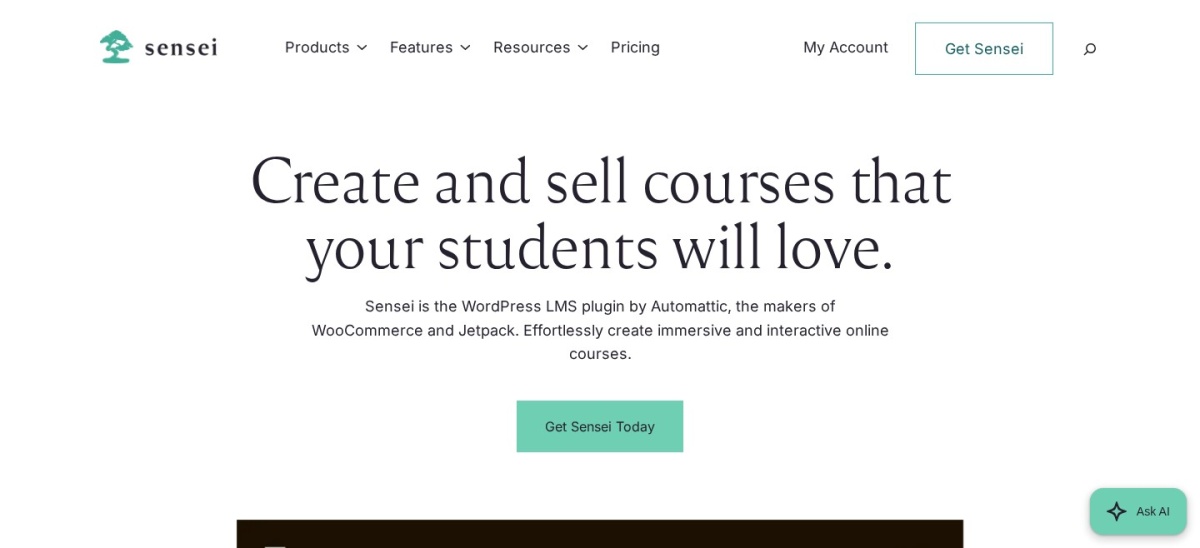
Sensei LMS homepage, captured Nov 2026.
Sensei LMS is a WordPress course plugin from Automattic with more than 9,000 active installations and a 3.5/5 rating from 40 reviews. Its free version supports unlimited courses and students, basic quizzes, certificates and a distraction-free learning mode using familiar WordPress editing tools.
The trade off is that selling courses, advanced quizzes and group learning features require Sensei Pro at $179 a year. Video hosting is also separate. It suits publishers and educators who want to build learning content within the WordPress editor rather than adopt an entirely different course interface.
What we like
Uses familiar WordPress editing tools
Unlimited free courses and students
Free certificate creator
Distraction-free learning mode
Pro supports paid courses and cohorts
Watch out for
Free version does not include paid course selling
Advanced quizzes require Pro
Video hosting is not included
Lower WordPress.org rating than leading alternatives
Sensei Pro adds selling, advanced quizzes, interactive lessons and cohortsVisit senseilms.com
05
MasterStudy LMS
4.5/5on WordPress.org (489 reviews, checked Nov 2026)
Paid from$149/yr
Best for interactive classes and online schools
Active installations10K+
WordPress rating4.5/5
Paid sites1
Paid planSingle site, $149/yr
stylemixthemes.com
MasterStudy LMS homepage, captured Nov 2026.
MasterStudy LMS is a WordPress learning platform with more than 10,000 active installations and a 4.5/5 rating from 489 reviews. Its free version supports course creation, multimedia lessons, quizzes and student progress tracking, while the premium platform adds specialized teaching and management features.
The trade off is that advanced assignments, live learning integrations, analytics and membership capabilities require paid features. The official pricing page lists a single-site annual license at $149 with updates and priority support. It suits training providers and educators building interactive online schools.
What we like
Multimedia course and lesson support
Quiz builder and progress tracking
Live learning integrations on paid plans
Premium templates for education websites
Assignments and advanced reports available
Watch out for
Advanced learning tools require payment
Premium configuration can be extensive
Video conferencing services may cost extra
Free version has fewer management options
The paid license unlocks premium teaching, management and monetization featuresVisit stylemixthemes.com
06
LearnDash
4.2/5on Trustpilot (219 reviews, checked Nov 2026)
Starts at$350/yr
Best for established training programs and learning operations
Vendor-reported installs100K
Trustpilot rating4.2/5
Starter sites1
Paid planSingle site, $350/yr
learndash.com
LearnDash homepage, captured Nov 2026.
LearnDash is a paid WordPress learning management platform for structured courses, quizzes, assignments and learner management. Its vendor reports 100,000 active WordPress installations, while Trustpilot shows a 4.2/5 rating from 219 reviews. The current offering includes LearnDash with additional WordPress software from Liquid Web.
The trade off is a higher entry price and no permanent free plugin tier. The current single-site package costs $350 a year and includes LearnDash alongside The Events Calendar, Give and Kadence. It suits established education businesses and organizations that need structured learning and a broader WordPress software package.
What we like
Established WordPress LMS platform
Structured course and assessment features
Student progress and completion management
Includes additional WordPress software
Multi-site licenses available
Watch out for
No permanent free plan
Higher annual starting cost
Website hosting remains separate
Bundled products may be unnecessary for smaller courses
The paid license includes LMS functionality, bundled software, updates and supportVisit learndash.com
07
LearnPress
4.3/5on WordPress.org (597 reviews, checked Nov 2026)
Paid from$19 one-time
Best for free course creation with optional extensions
Active installations60K+
Core pluginFree
Entry premium add-on$19
Pro Bundle$299 one-time
thimpress.com
LearnPress homepage, captured Nov 2026.
LearnPress is a modular WordPress LMS plugin with more than 60,000 active installations and a 4.3/5 rating from 597 reviews. Its free core supports courses, lessons, quizzes, student progress tracking and course payments, while optional add-ons extend teaching, assessment and selling features.
The trade off is that premium capabilities are purchased separately, starting with add-ons such as Live Course at $19. The wider Pro Bundle costs $299 as a one-time license with one year of updates and support. It suits educators who prefer adding individual features rather than buying a complete premium package.
What we like
Free course builder and quiz tools
Modular premium add-on system
Free course payment capabilities
Individual upgrades available
Pro Bundle includes numerous teaching extensions
Watch out for
Multiple add-ons increase management work
Premium features can accumulate costs
Pro Bundle updates after the first year cost extra
Individual add-ons do not equal a complete Pro license
Paid add-ons extend specific features; the Pro Bundle combines premium extensionsVisit thimpress.com
Self-hosted vs hosted online course platforms
The platforms compared here are WordPress-based learning management systems. They run on your own website, allowing you to control course presentation, user accounts, student records and integrations.
Self-hosted systems are flexible because they can use WordPress themes, membership plugins and ecommerce extensions. However, you must manage hosting, security, backups, updates and video delivery.
Hosted course services generally bundle infrastructure and administrative tools into a subscription. This can reduce technical responsibilities but may introduce platform restrictions, usage limits or transaction charges.
Before choosing WordPress hosting, estimate your learner traffic, video requirements and reporting needs. A course website serving occasional visitors has different infrastructure demands from an academy delivering frequent interactive sessions.
Understand the full cost of selling online courses
The LMS subscription is only part of the cost of running an online course business. Website hosting, domain registration, video storage, payment processing, email delivery and maintenance may all contribute to ongoing expenses.
Some LMS plugins include payment integrations in their free versions. Others require paid extensions or bundles to accept payments, sell recurring memberships or unlock more advanced checkout features.
Remember that no platform commission does not mean every transaction is free. Payment processors can still charge transaction fees, and subscription billing may require additional software.
Calculate expenses using your expected course sales, student enrollment and video consumption. This gives a more useful comparison than looking at the annual plugin license alone.
How we chose
We shortlisted established online course platforms designed for WordPress, including learning management plugins for independent creators, training providers and online schools. We compared official documentation, WordPress.org plugin activity, course creation tools, assessments, student management and monetization features.
Prices, ratings, review counts, active installation figures and maintenance details were checked on 22 Nov 2026. We opened official product pricing pages and WordPress.org listings, plus Trustpilot for LearnDash. Regular prices were used instead of temporary Black Friday or introductory discounts, and one-time licenses were distinguished from annual subscriptions.
We excluded closed or outdated plugins, unverified pricing, unrelated education utilities and products without meaningful course delivery features. The ranking considers course creation, student experience, monetization, flexibility, public reviews and documented limitations. No vendor paid for a place, and we do not claim testing for this list.
How to choose the right online course platform
Define your teaching format, course business model and student management needs before selecting a learning platform.
Choose your course delivery format. Decide whether students will follow self-paced lessons, attend live classes or complete instructor-graded assignments. Verify support for video, quizzes, certificates, scheduled content and learner progress before comparing subscription prices.
Confirm how you will sell courses. Check whether the entry plan supports paid enrollment, one-time payments, recurring subscriptions and your preferred payment gateway. Include transaction processing fees and any separate ecommerce extensions in your budget.
Evaluate learner management features. Look for student dashboards, progress tracking, assessment reports and completion records. Organizations delivering structured training should also consider prerequisites, group management, grading and certificate requirements.
Calculate the full annual operating cost. Add the regular plugin price to hosting, video delivery, maintenance, premium extensions and payment processing expenses. Compare renewal terms and license limits, and select a platform that can support your expected course catalog and student activity.
FAQ
What is the best online course platform for WordPress?
Tutor LMS is a strong overall option because its free version supports unlimited courses and learners, alongside quizzes and basic certificates. Its Individual Pro plan normally costs $199 a year. Masteriyo offers another accessible course builder with integrated payments, while LifterLMS provides flexible course and membership management.
Can I create and sell online courses for free?
Yes. Tutor LMS, Masteriyo and LearnPress provide free WordPress plugins with course creation and payment capabilities. You still need suitable website hosting, and payment processors may charge transaction fees. Advanced teaching features such as assignments, content dripping or detailed reporting can require paid upgrades.
Is Tutor LMS better than LearnDash?
Tutor LMS offers a free entry option and a lower regular single-site Pro price of $199 a year. LearnDash starts at $350 a year and includes additional WordPress software in its current package. Tutor LMS suits creators seeking a lower-cost entry, while LearnDash may appeal to established learning operations.
Which online course platform is best for beginners?
Masteriyo and Tutor LMS are useful starting points because both offer free course builders and learner management features. Masteriyo also includes an integrated payment system in its free plugin. Sensei LMS is another option for people already comfortable creating content with the WordPress block editor.
Do I need WooCommerce to sell online courses?
Not necessarily. Masteriyo and Tutor LMS include course selling capabilities without requiring WooCommerce, while LearnPress supports its own payment options. WooCommerce can still be useful for specialized ecommerce workflows. Check the exact gateway, checkout and subscription features supported by your selected LMS plan.
Which online course platform supports certificates?
Tutor LMS, LifterLMS, Masteriyo and Sensei LMS include certificate functionality in their free offerings. More advanced certificate design, verification or automated awarding may require paid upgrades depending on the platform. Review the certificate requirements of your course before selecting a subscription.
How much does an online course platform cost?
Several WordPress LMS plugins offer free versions. Regular paid options in this comparison include Sensei Pro at $179 per year, Tutor LMS Individual at $199, MasterStudy's single-site plan at $149 and LearnDash at $350. Hosting, video delivery and payment processing may add separate expenses.
Can I offer memberships and recurring course payments?
Yes. LifterLMS supports membership structures, while Tutor LMS and MasterStudy provide subscription and membership features in their premium offerings. Other platforms can use supported ecommerce or membership integrations. Verify recurring billing, enrollment rules and payment gateway compatibility before launching subscriptions.
Which platform is best for live online classes?
MasterStudy LMS and Tutor LMS support live learning through integrations with video conferencing services, although these features can require paid plans. Live training also needs dependable scheduling, communication and learner attendance arrangements. Confirm the available conferencing integrations and any additional service charges before purchasing.