Figma is the best prototyping software for most teams: its free Starter plan covers 3 design files, Professional costs $16 an editor a month, and it is rated 4.7/5 on G2 from 1,593 reviews. Pick Framer to publish prototypes as live sites, or Axure RP for logic-driven flows.
How we make this list: we compare pricing pages, product documentation and public user reviews, then re-check every price before each update. No product paid for a place. Disclosure.
Figma is the best pick for most teams: free to start, $16 an editor a month for Professional, and rated 4.7/5 on G2 from 1,593 reviews.
Framer turns prototypes into live websites, with a free plan and paid plans from $5 a site a month.
Sketch is Mac-only and has no free plan, but its $120 one-time license suits solo designers.
Axure RP and UXPin are the priciest entries at $348 a year, and both need a learning investment.
Penpot is the only fully free and open-source option, with a paid plan from $7 an editor a month.
Balsamiq is the cheapest way to start low-fidelity work at $9 a month, but it cannot make polished prototypes.
What prototyping software should do
A prototype is a clickable stand-in for a product. It lets a team test a flow, show a client how an app will feel, or check a design with users before any code is written.
The tools in this list split into two groups. Figma, Framer, Sketch and Penpot are design tools with prototyping built in, while Axure RP, Proto.io, UXPin, Marvel and Balsamiq focus on the prototype itself.
Price matters more than it first looks. Several tools charge per editor or per site, so the bill grows with the team or the number of projects. Our guide on importing Figma designs into WordPress shows one way a prototype can move toward a live site.
Ratings here come from G2, checked on 26 November 2026. Penpot's 4.5 rating rests on only 11 reviews, so treat it as a weak signal next to Figma's 1,593.
Figma is a browser-based design tool where design and prototyping live in the same file. The free Starter plan covers 3 design files, and Professional costs $16 an editor a month on annual billing, with unlimited files, team libraries and advanced prototyping. It is rated 4.7 out of 5 on G2 from 1,593 reviews.
The trade off is price at scale. Every editor needs a paid seat, so a large team pays $192 a year per editor, and Organization features such as SSO start at $55 a seat a month. It suits most product teams that want one shared place to design, prototype and hand off.
What we like
Free plan covers real prototyping work
Real-time collaboration in the browser
Huge plugin and template library
Dev Mode for developer handoff
Watch out for
Per-editor pricing adds up for big teams
Needs an internet connection to work well
Professional adds unlimited files and team librariesVisit figma.com
02
Framer
4.5/5on G2 (162 reviews, checked Nov 2026)
Paid from$5/mo
Best for prototypes that become live sites
Free planYes, framer.website subdomain
Paid planMini, $5/site/mo
PublishingOne-click live site
CMSBasic plan and up
framer.com
Framer homepage, captured Nov 2026.
Framer is a design tool that publishes what you build as a real website, so a prototype can become the finished page. The free plan covers 3 pages on a framer.website subdomain, and Mini costs $5 a site a month on annual billing with a custom domain. It is rated 4.5 out of 5 on G2 from 162 reviews.
The trade off is that pricing is per site, not per person. A second site needs a second subscription, and CMS collections start with Pro at $30 a site a month. It suits designers and marketers who want interactive prototypes that ship as live pages.
What we like
Prototypes publish as real websites
Strong animation and interaction tools
Free plan for trying ideas
Cheap entry with Mini at $5 a month
Watch out for
Per-site pricing adds up for agencies
CMS needs the $30 Pro plan
Mini adds a custom domain and removes Framer brandingVisit framer.com
03
Sketch
4.4/5on G2 (1,300 reviews, checked Nov 2026)
Starts at$12/mo
Best for Mac-only design teams
Free planNo, 30-day trial
Paid planStandard, $12/editor/mo
PlatformmacOS only
Storage50GB per editor
sketch.com
Sketch homepage, captured Nov 2026.
Sketch is a native Mac app for interface design and prototyping, with a web app for sharing and comments. Standard costs $12 an editor a month and includes real-time collaboration, unlimited documents, version history and free developer handoff. It is rated 4.4 out of 5 on G2 from 1,300 reviews.
The trade off is the Mac requirement. There is no Windows or Linux app, and there is no free plan beyond the 30-day trial, though a one-time Mac-only license costs $120. It suits Mac-based teams that want a fast native editor with shared libraries.
What we like
Fast native Mac app, works offline
One-time $120 license for solo use
Unlimited free viewers for comments
Deep plugin ecosystem
Watch out for
Mac only, no Windows version
No free plan, only a 30-day trial
Standard adds collaboration, sharing and version historyVisit sketch.com
04
Marvel
4.4/5on G2 (227 reviews, checked Nov 2026)
Paid from$12/mo
Best simple tool for quick prototypes
Free planYes, 1 user
Paid planPro, $12/user/mo
User testing3 active tests on Pro
HandoffSpecs and downloads
marvelapp.com
Marvel homepage, captured Nov 2026.
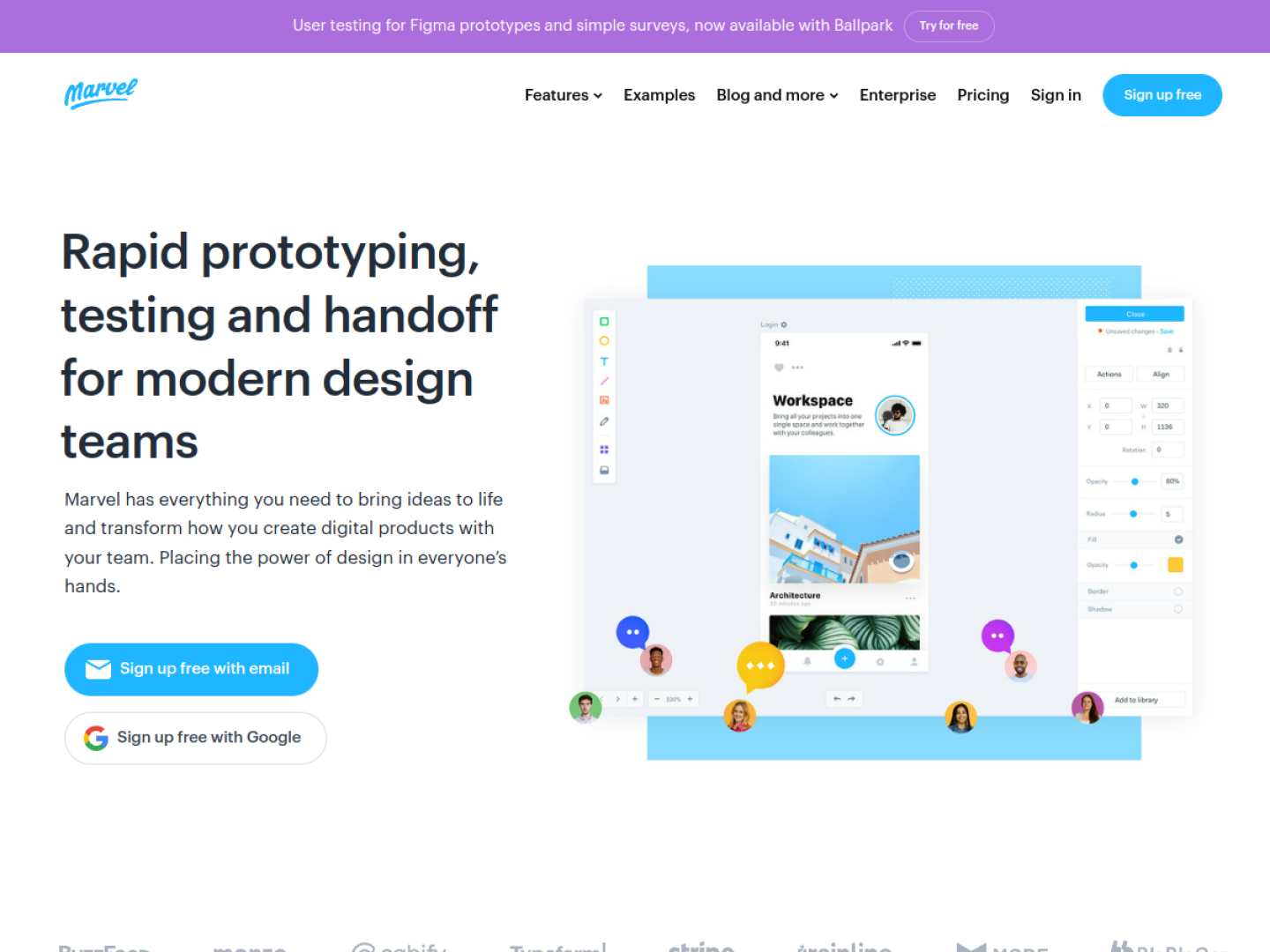
Marvel is a simple web tool for turning static screens into clickable prototypes, with commenting and developer handoff built in. The free plan covers one user, and Pro costs $12 a user a month on annual billing with unlimited projects and 3 active user tests. It is rated 4.4 out of 5 on G2 from 227 reviews.
The trade off is depth. Marvel has no built-in design editor to match Figma or Sketch, so you import screens made elsewhere, and advanced prototyping logic is limited. It suits teams that already design elsewhere and need fast, shareable prototypes.
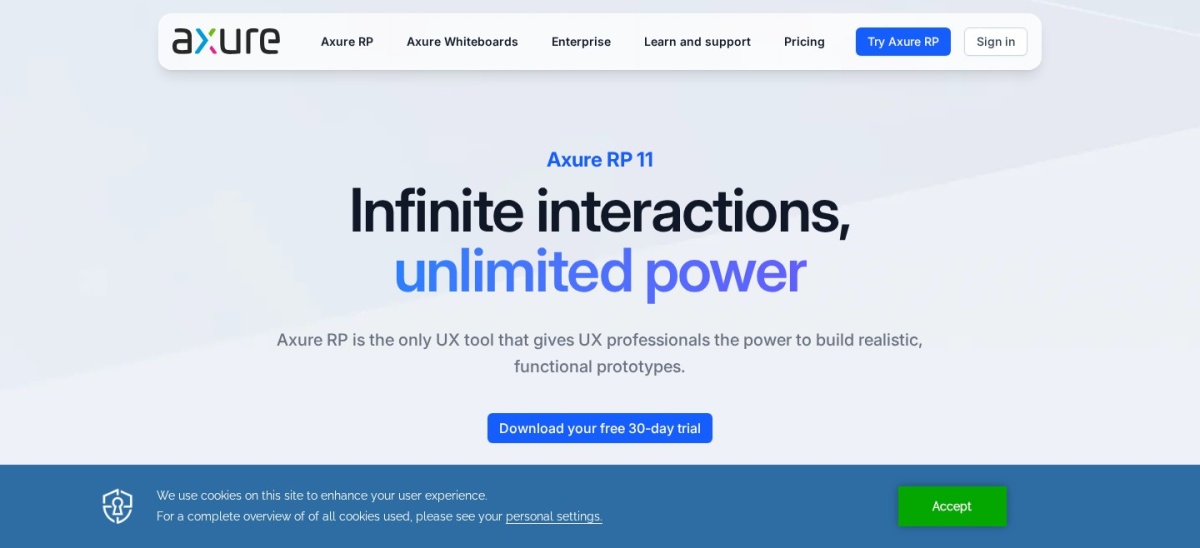
Axure RP is a desktop tool for building realistic, functional prototypes with conditional logic, variables and data-driven content, without code. Pro costs $29 a user a month and includes unlimited prototypes, reviewers and publishing on Axure Cloud. It is rated 4.2 out of 5 on G2 from 277 reviews.
The trade off is the learning curve and the price. Axure takes longer to learn than Figma or Marvel, and $348 a year per user ties it with UXPin as the priciest entry in this list. It suits UX teams that must prove complex flows before development starts.
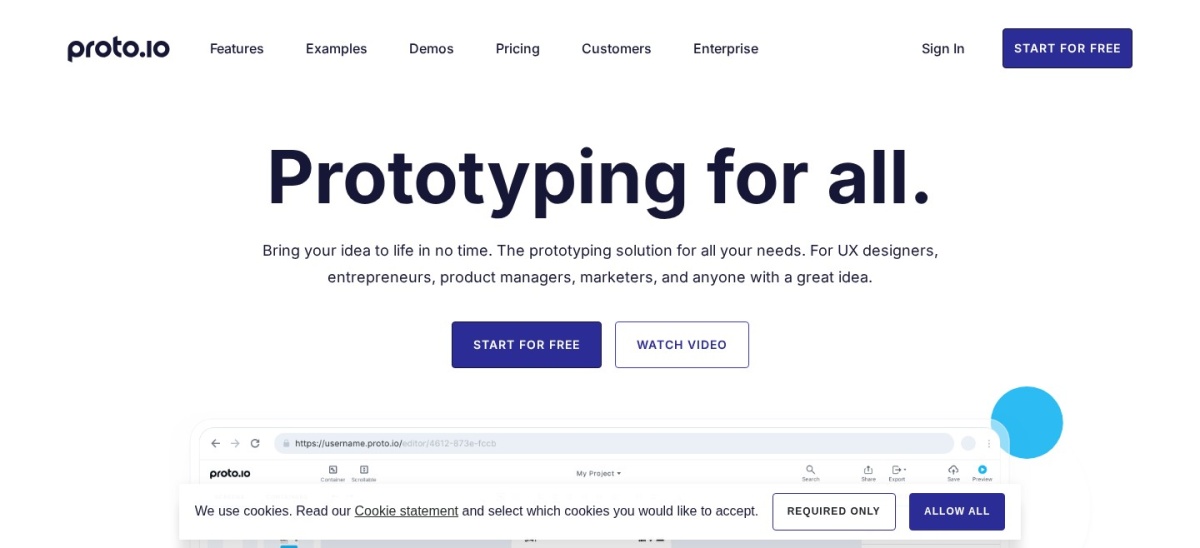
Proto.io is a web tool for building interactive app prototypes that feel like the real app, with touch gestures, animations and device previews. Freelancer costs $24 a month on annual billing for one user and 5 active projects, with a 15-day free trial. It is rated 4.1 out of 5 on G2 from 68 reviews.
The trade off is focus and trial length. Proto.io is built around mobile apps, so web and desktop flows are a weaker fit, and the 15-day trial is the shortest here. It suits designers pitching app concepts that must feel real in the hand.
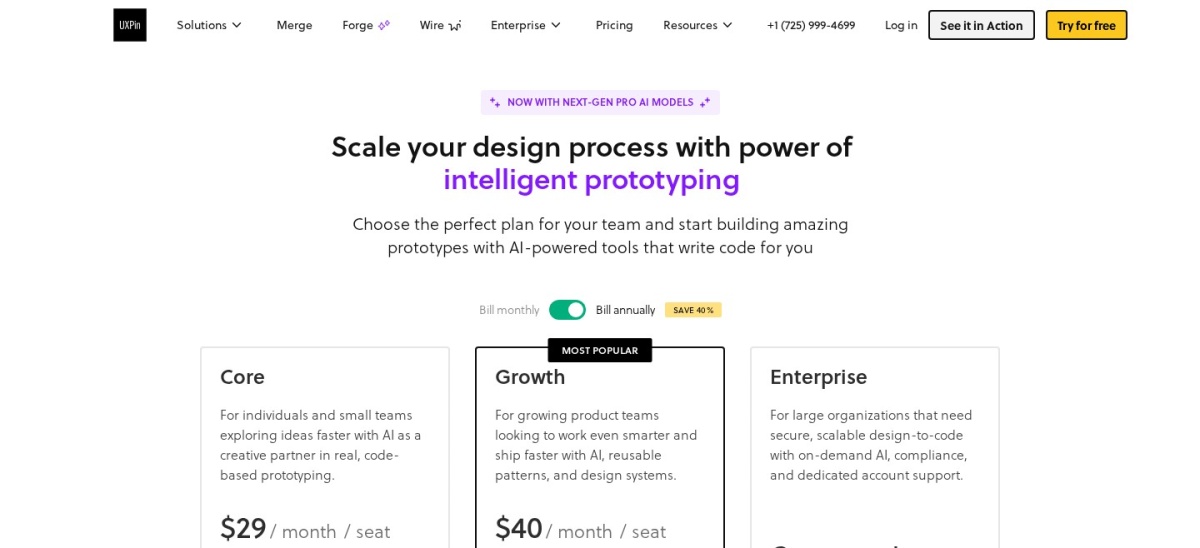
UXPin is a browser-based design tool that builds prototypes from real coded components, so what stakeholders click matches what developers ship. The free plan covers 2 prototypes, and Core costs $29 a seat a month on annual billing with conditional logic and variables. It is rated 4.2 out of 5 on G2 from 118 reviews.
The trade off is price and setup. Core costs $348 a year per seat, and its Merge feature needs engineering help to connect a code library before it pays off. It suits product teams with a design system who want prototypes that stay true to production code.
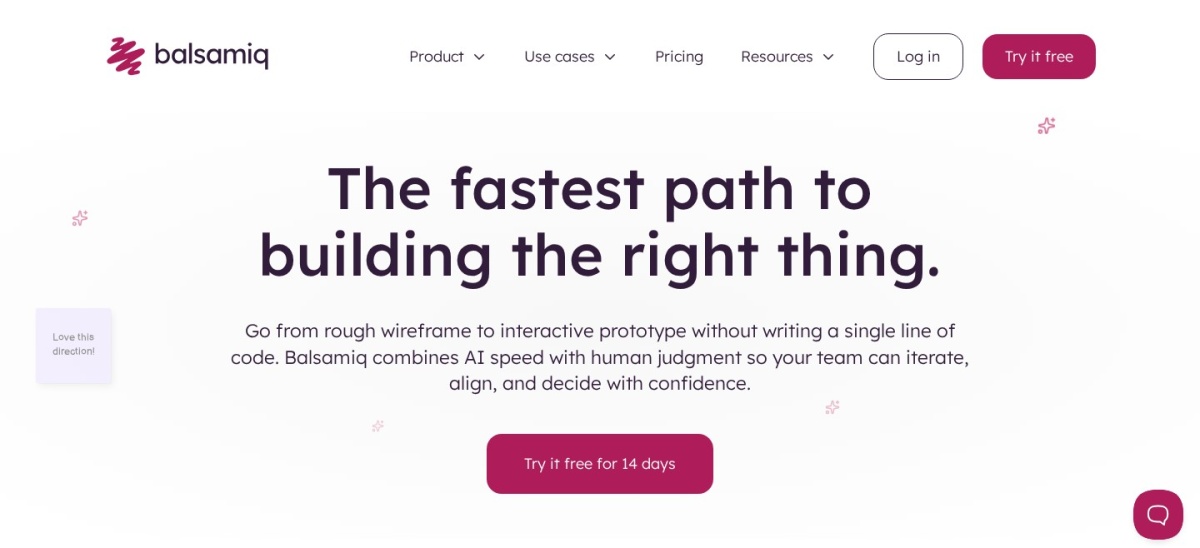
Balsamiq is a wireframing tool for sketching screens fast, with a hand-drawn style that keeps reviews focused on layout instead of colors. Cloud costs $9 a month for 2 projects with unlimited users, and the trial runs 14 days. It is rated 4.2 out of 5 on G2 from 501 reviews.
The trade off is fidelity. Balsamiq makes rough wireframes on purpose, so it cannot produce the polished, interactive prototypes that Figma or Proto.io can. It suits early-stage work where the team needs to agree on structure before anyone talks about visual design.
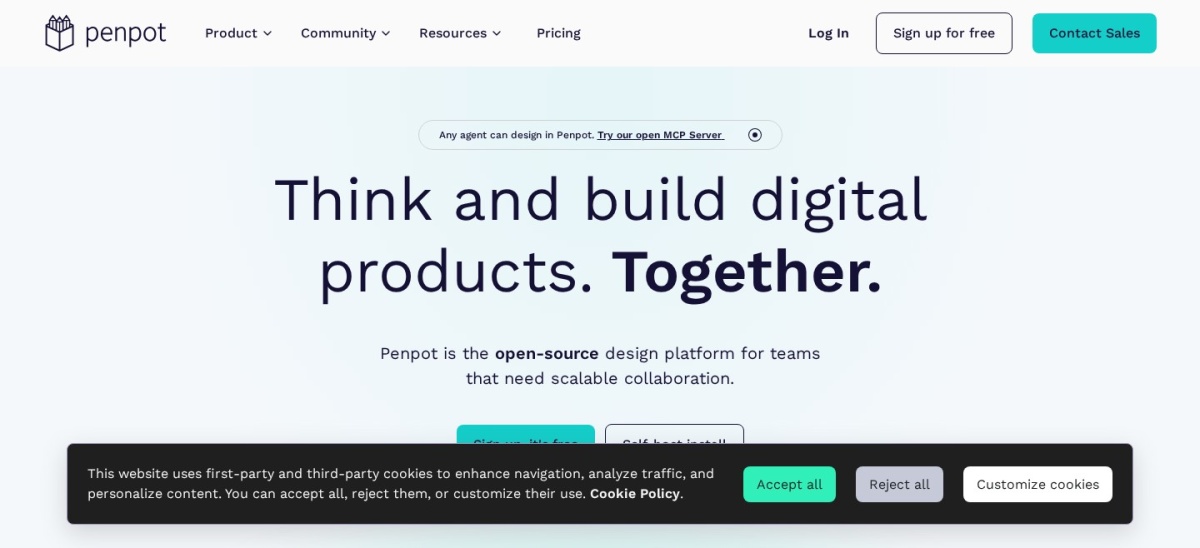
Penpot is an open-source design and prototyping platform that runs in the browser and stores designs in an open SVG-based format. The cloud Professional plan is free, and the paid Unlimited plan costs $7 an editor a month, capped at $175 a month. It is rated 4.5 out of 5 on G2 from 11 reviews.
The trade off is a small review base and a younger ecosystem. Only 11 G2 reviews back its 4.5 rating, and its plugin library is thinner than Figma's. It suits teams that want a free, self-hosted tool with no vendor lock-in.
Low-fidelity prototypes use rough boxes and sketchy lines. Balsamiq is built for this stage, and the rough look stops reviewers from arguing about colors before the layout is settled.
High-fidelity prototypes look and behave like the finished product. Figma, Framer, Proto.io and UXPin sit here, with animations, real data and logic that respond to clicks.
Start rough and add detail only when the flow is agreed. A team that polishes too early pays to redo screens when the structure changes.
How we chose
We started from the prototyping tools with the largest review bases on G2, then kept those with a published price or a free plan and a live product.
Prices come from each vendor's pricing page, checked on 26 November 2026. Ratings and review counts come from G2 on the same day. Where a vendor shows a sale, the list shows the regular price.
We left out Adobe XD, which Adobe no longer sells, and InVision, which shut down. No vendor paid for a place, and we do not claim to have used these tools ourselves.
How to choose prototyping software
Start with what you need the prototype to prove, then match the tool to that job.
Decide the fidelity you need. Rough wireframes call for Balsamiq. A clickable demo for stakeholders calls for Figma, Framer or Marvel.
Check who will open the prototype. If developers must inspect it, pick a tool with specs and handoff, such as Figma, UXPin or Marvel.
Count the seats and sites. Per-editor and per-site pricing grows fast. Add up a year of seats before you commit to a paid plan.
Try the free plan first. Five tools here have a free plan. Build one real prototype in it before paying for anything.
FAQ
What is the best prototyping software?
Figma is the best prototyping software for most teams. Its free Starter plan covers 3 design files, Professional costs $16 an editor a month, and it is rated 4.7 out of 5 on G2 from 1,593 reviews.
Is there a free prototyping tool?
Yes. Figma, Framer, Marvel, UXPin and Penpot all have free plans. Penpot is the most generous, with a free cloud plan and a self-hosted option at no cost, while Figma's free Starter plan covers 3 design files.
What is the cheapest prototyping software?
Framer Mini is the cheapest paid plan here at $5 a site a month on annual billing, with a custom domain. Penpot's paid plan costs $7 an editor a month, and Balsamiq Cloud costs $9 a month for 2 projects.
Is Figma better than Sketch for prototyping?
Figma works in any browser with real-time collaboration and a free plan, while Sketch is Mac-only with a 30-day trial. Sketch suits Mac teams that want a fast native app, but Figma is the safer pick for mixed teams.
Do I need to code to build a prototype?
No. Every tool in this list builds prototypes without code. Axure RP and UXPin add logic such as conditions and variables, but you set those up with menus and panels, not by writing code.
What happened to Adobe XD and InVision?
Adobe stopped selling XD, and InVision shut down its design tools. Teams that used them usually move to Figma, which covers design and prototyping in one place, or to Framer for prototypes that become live sites.
SaaS SEO and WordPress specialist with about 8 years of experience. Rakib compares WordPress plugins, themes, hosting and software using public pricing, documentation and user reviews. See how we rank.