Best Product Design Software in 2026: 8 Tools Compared
WLWPLegible EditorsLast verified 23 Nov 2026How we rank12 min read
★ Short answer
Figma is the best product design software for product teams, rated 4.7/5 on G2, with real-time collaboration, components and developer handoff in one browser-based tool. Pick Sketch for a native Mac experience, Framer when the design is the website, and Penpot for a free open-source alternative.
How we make this list: we compare pricing pages, product documentation and public user reviews, then re-check every price before each update. No product paid for a place. Disclosure.
Figma is the default for product teams, rated 4.7/5 on G2 from 1,593 reviews, at $20 an editor a month on monthly billing.
Sketch is the best native Mac experience at $12 an editor a month billed annually.
Penpot is the free open-source alternative, rated 4.5/5 on G2, with self-hosting and no vendor lock-in.
Framer publishes production websites from designs at $15 a site a month on monthly billing.
InVision shut down at the end of 2024 and Adobe XD is in maintenance mode, so neither belongs on a 2026 list.
What product design software actually does
Product design software covers the whole path from wireframe to a clickable prototype to developer handoff. The best tools let a team design in the same file at the same time, keep a component library consistent, and hand developers inspectable specs.
Most tools here price per editor per month, with free viewers. Figma's Professional full seat is $20 a month on monthly billing, or $16 on annual billing, and costs scale linearly with headcount, so a five-person team pays five seats.
There are three kinds of tool here. All-round design tools such as Figma, Sketch and Penpot cover wireframes, UI and prototypes. Design-to-web tools such as Framer publish live websites. Prototyping specialists such as Axure RP and ProtoPie build realistic, logic-driven prototypes.
Two former names are gone from this list. InVision shut down its design platform at the end of 2024, and Adobe XD is in maintenance mode with no standalone sales, so neither is a sensible pick for new work in 2026.
PricingProfessional $20 a full seat a month, monthly billing
PlatformWeb, Mac, Windows, Linux
Dev ModeIncluded on Professional
figma.com
Figma homepage, captured Nov 2026.
Figma is the industry standard for a reason. Multiple designers can work in the same file at the same time, components and variables keep design systems consistent, and Dev Mode gives developers inspectable specs with real code snippets. Starter is free with 3 files, and Professional is $20 per full seat a month on monthly billing, or $16 a month billed annually, with unlimited files, shared libraries and advanced prototyping.
The trade off is price at scale. Professional now runs $16 an editor a month on annual billing after a 33 percent price increase, and costs scale linearly with headcount, which has pushed budget-conscious teams to look at Penpot and Lunacy. It suits product teams that design together in real time and need developer handoff in the same tool.
What we like
Real-time multiplayer collaboration in the browser
Components, variables and design systems
Dev Mode with inspectable specs for developers
Watch out for
Per-editor pricing adds up fast with headcount
Recent price increases pushed teams toward free alternatives
Organization and Enterprise tiers are costly at $55 and $90 a seat
Starter free, Professional $20 a full seat a month, monthly billingVisit figma.com
02
Sketch
4.5/5on G2 (1,227 reviews, checked Nov 2026)
Starts at$12/editor/mo
Best for Mac-based designers
Free planNo, 30-day trial
PricingStandard $12 an editor a month, billed annually
PlatformmacOS only
Cloud storage1TB on Standard
sketch.com
Sketch homepage, captured Nov 2026.
Sketch is still the best native Mac experience and now the only serious desktop-first option. The app is fast, the symbol system is powerful, and the Mac-only focus keeps it light. Standard is $12 per editor a month billed annually, with unlimited projects, shared libraries and 1TB of cloud storage, and a Mac-only license is $120 a seat one time with one year of updates.
The trade off is the platform. Mac-only means mixed-OS teams cannot use it, and collaboration is weaker than Figma's real-time multiplayer. It suits Mac-based designers who want a fast native app and a focused UI design workflow.
Framer is the pick when the design IS the website, since it publishes production sites. It has evolved from a prototyping tool into a full website builder that designers actually enjoy using, letting you design visually and publish directly without writing code. Basic is $15 a site a month on monthly billing, or $10 a month billed annually, with a free plan for a site on a Framer domain.
The trade off is scope. Framer is website-focused, not a full product design tool, so app teams still need Figma or Sketch for screens. It suits teams whose design output is a live marketing site or landing page.
What we like
Designs publish as production websites
No code needed to ship a live site
Free plan for a site on a Framer domain
Watch out for
Website-focused, not a full app design tool
Per-site pricing, not per-editor
Free plan carries Framer branding
Basic $15 a site a month, monthly billing, free plan includedVisit framer.com
04
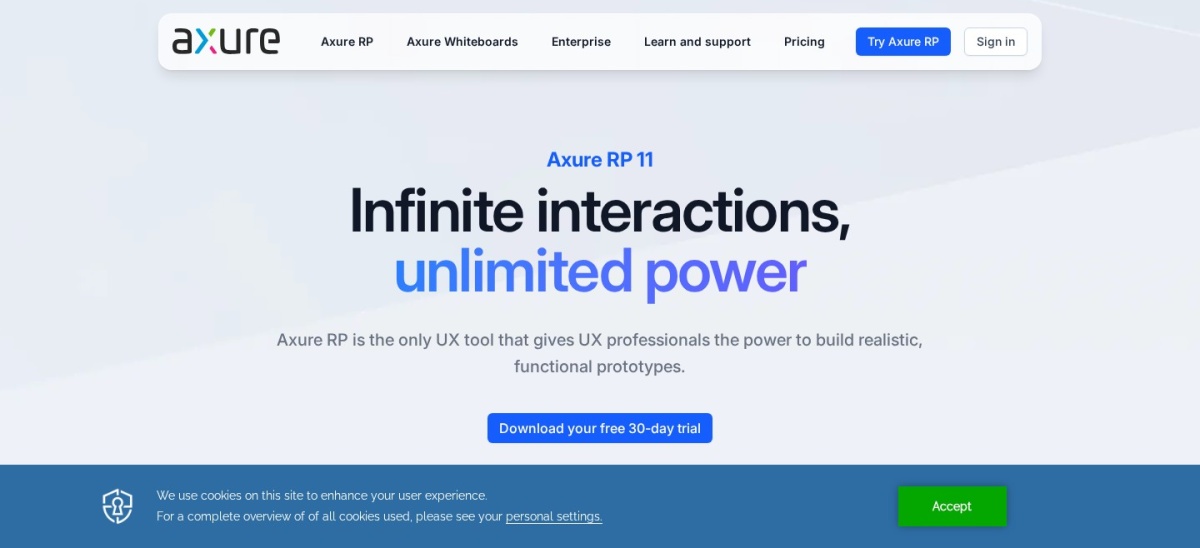
Axure RP
4.2/5on G2 (277 reviews, checked Nov 2026)
Starts at$34/user/mo
Best for logic-driven prototypes
Free planNo, 30-day trial
Pricing$34 a user a month, monthly billing
PlatformWindows, Mac, Web
LogicConditional logic and variables
axure.com
Axure RP homepage, captured Nov 2026.
Axure RP is the pick for UX teams prototyping complex, logic-driven software. It handles conditional logic, dynamic content and realistic data in prototypes, which matters when a prototype must behave like the finished product rather than a clickable mockup. Pricing is $34 per user a month on monthly billing, or $29 a month billed annually, with a 30-day free trial.
The trade off is that Axure is a prototyping specialist, not a visual design tool, so most teams pair it with Figma or Sketch for screens. It suits UX teams building complex software where prototype logic and data matter.
What we like
Conditional logic and dynamic content in prototypes
Realistic data in prototypes
Best for complex software flows
Watch out for
Prototyping specialist, not a visual design tool
Steeper learning curve than Figma
Dearest tool here for a single seat
$34 a user a month, monthly billing, 30-day trialVisit axure.com
05
Balsamiq
4.2/5on G2 (501 reviews, checked Nov 2026)
Starts at$9/mo
Best for fast low-fidelity wireframes
Free planNo, 30-day trial
PricingCloud $9 a month for 2 projects
UsersUnlimited, reviewers free
StyleHand-drawn low fidelity
balsamiq.com
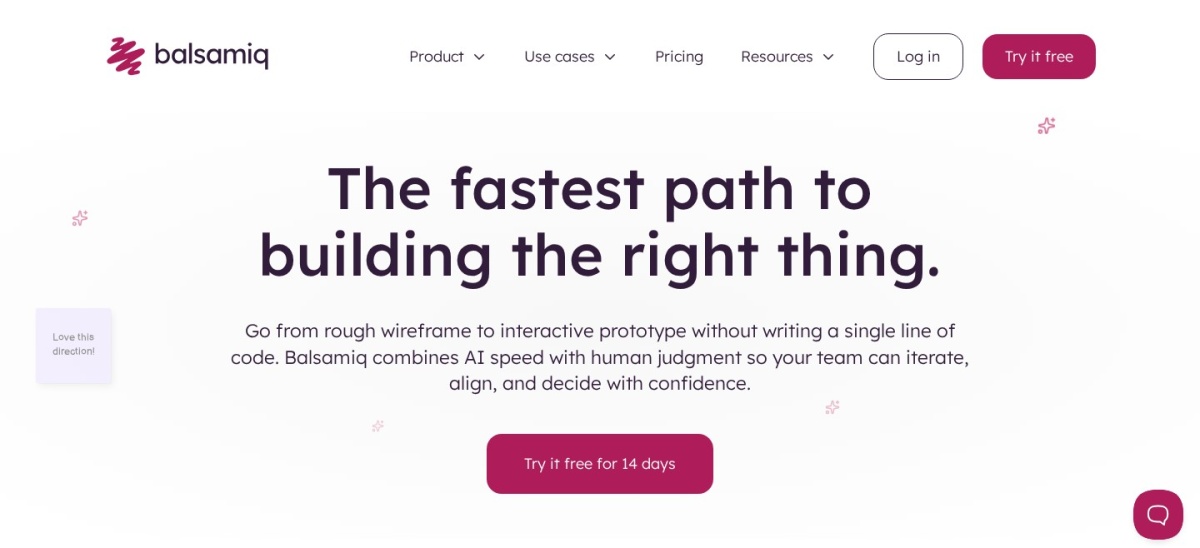
Balsamiq homepage, captured Nov 2026.
Balsamiq has one job and does it well: rough wireframes that keep everyone talking about layout instead of colors. Its hand-drawn style is a feature, not a limitation, and it works best at the start of a project when you want to argue about structure and flow rather than fonts. Cloud is $9 a month for 2 projects, or $90 a year, with unlimited users and free reviewers.
The trade off is fidelity. There is no path to high-fidelity inside the tool, so teams move to Figma or Sketch once wireframes are approved. It suits product managers and founders who need fast wireframes without a learning curve.
PricingUnlimited $7 an editor a month, capped at $175
Self-hostYes, open source
PlatformWeb, self-hosted
penpot.app
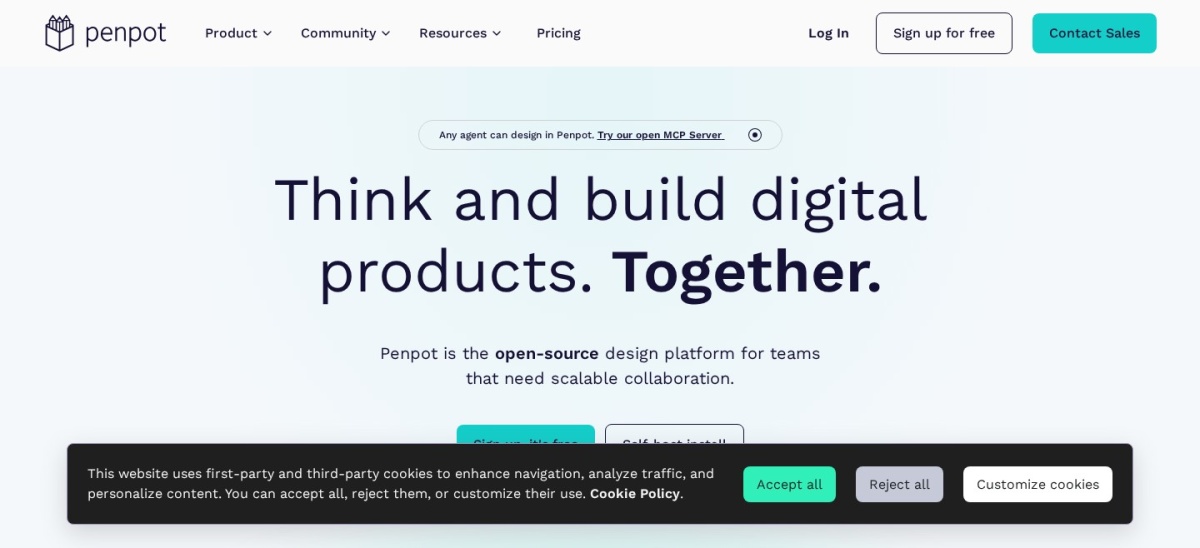
Penpot homepage, captured Nov 2026.
Penpot is the open-source answer to Figma, and it has matured into a legitimate professional tool. It is free, self-hostable and supports real-time collaboration, making it the go-to choice for teams that want full control over their design tooling. The Professional cloud plan is free for up to 8 team members, and Unlimited is $7 per editor a month capped at $175 a month.
The trade off is the ecosystem. Penpot has a smaller plugin library than Figma and a thinner review base, with a G2 rating of 4.5/5 from only 10 reviews. It suits teams that want professional design without vendor lock-in, and organizations that care where their design files live.
What we like
Free and open source with self-hosting
No vendor lock-in, files stay yours
Real-time collaboration in the browser
Watch out for
Smaller plugin ecosystem than Figma
G2 rating is based on only 10 reviews
Feature maturity gap in places
Professional cloud free up to 8 users, Unlimited $7 an editor a monthVisit penpot.app
07
ProtoPie
4.4/5on G2 (24 reviews, checked Nov 2026)
Starts at$67/editor/mo
Best for realistic device prototypes
Free planNo, free trial
Pricing$67 an editor a month
InteractionsSensors, voice, haptics, multi-device
PlatformDesktop and mobile players
protopie.io
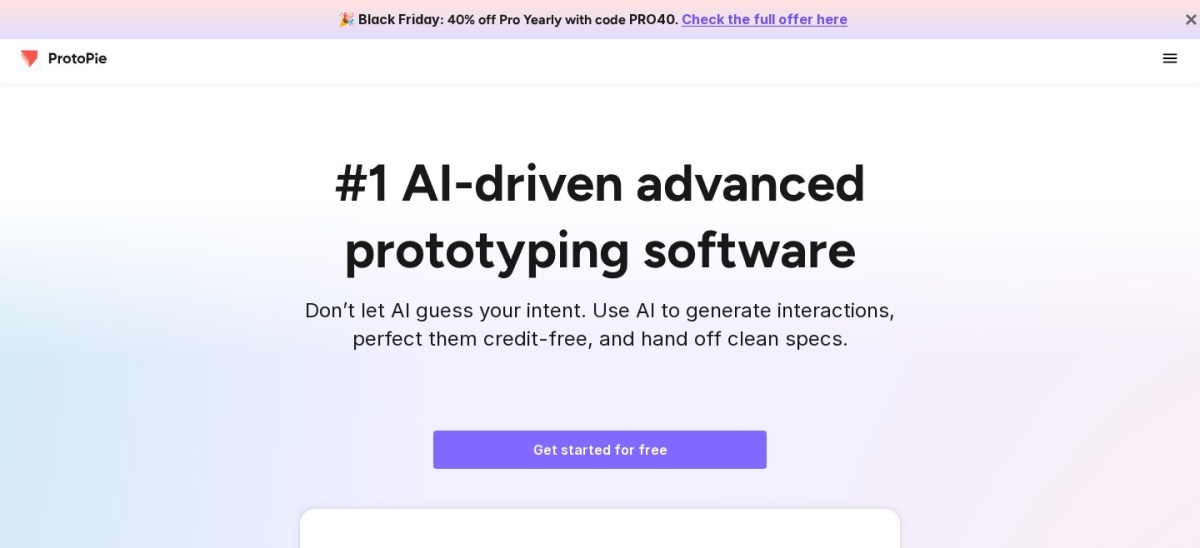
ProtoPie homepage, captured Nov 2026.
ProtoPie builds prototypes that feel like real products. Designers can use phone sensors, voice, haptics and multi-device interactions without writing code, which matters for hardware-adjacent products and complex mobile flows. Prototypes run on real devices, so user testing shows genuine behavior rather than clickable mockups. Pricing is $67 per editor a month.
The trade off is that ProtoPie is a prototyping specialist, not a full design tool, so most teams pair it with Figma or Sketch for visual design. Its G2 rating of 4.4/5 comes from only 24 reviews. It suits teams whose prototypes need realistic device, sensor and multi-screen interactions.
Lunacy by Icons8 is the free desktop design tool nobody talks about enough. It is a native app for Windows, macOS and Linux that opens, edits and saves Sketch files, imports from Figma, and includes auto layout, components, real-time collaboration and prototyping. The Icons8 asset library is built right into the canvas, so icons, illustrations and stock photos are a search away, and onboard AI tools handle background removal, image upscaling and placeholder text.
The trade off is depth. Reviewers report weaker animation, prototyping depth and integrations than Figma, and occasional instability on complex files. Pro is $11.99 a user a month billed annually. It suits freelancers and students who want a free desktop design app without a subscription.
InVision ended its design collaboration services on December 31, 2024, and invisionapp.com now redirects to Miro. There is no InVision product left to sign up for, so it cannot appear on a 2026 list.
Adobe XD is effectively dead for new buyers. Adobe paused active development after the failed Figma acquisition, and XD users should migrate to Figma or Penpot rather than start new work in it.
Figma is the default migration destination for both. Sketch is the pick for Mac-native teams, and Penpot is the free open-source replacement.
How we chose
We started from the product design tools that appear most often in 2026 comparisons, then kept those with a public G2 rating. InVision and Adobe XD were left out because InVision shut down at the end of 2024 and Adobe XD is in maintenance mode with no standalone sales.
Prices come from vendor pricing pages and independent comparisons, checked on 23 November 2026, and use the monthly-billing regular price where one exists. Figma's $16 a month figure is annual billing; the monthly price is $20. Ratings and review counts come from G2 on the same day.
We left out tools with no public rating. No vendor paid for a place, and we do not claim hands-on testing for this list. This list is based on pricing, docs and reviews, not on using the tools ourselves.
How to choose product design software
Start from your team and your output, then check the per-editor price at your actual headcount.
Count your editors, not your team. Most tools charge per editor while viewers are free. A five-person team with two designers pays for two seats, not five.
Decide what the output is. Screens and prototypes point to Figma or Sketch. A live website points to Framer. Logic-heavy prototypes point to Axure RP or ProtoPie.
Check the operating system. Sketch is Mac-only, so mixed-OS teams cannot use it. Figma and Penpot run in the browser on any system.
Try the free plan on a real project. Figma Starter covers 3 files, Penpot is free and Lunacy is free. Run a real project before paying for seats.
FAQ
What is the best product design software?
Figma is the best product design software for product teams, rated 4.7/5 on G2, with real-time collaboration, components, variables and Dev Mode handoff in one browser-based tool.
How much does Figma cost?
Figma Starter is free with 3 files. Professional is $20 per editor a month on monthly billing, or $16 a month billed annually. Organization is $55 a month and Enterprise $90 a month, both billed annually.
Is Adobe XD still available in 2026?
Adobe XD is in maintenance mode with no standalone sales after Adobe paused development. New buyers should pick Figma or Penpot instead.
What happened to InVision?
InVision shut down its design and prototyping platform at the end of 2024. Its Freehand whiteboard went to Miro, and invisionapp.com now redirects to miro.com.
Which design tool is best for Mac users?
Sketch is the best native Mac experience and now the only serious desktop-first option, at $12 per editor a month billed annually. Mac-only means mixed-OS teams cannot use it.
Is there a free alternative to Figma?
Yes. Penpot is free and open source with self-hosting, rated 4.5/5 on G2, and Lunacy is a free desktop design app from Icons8, rated 4.3/5 on G2.