GitBook leads among the best-rated platforms for software documentation, earning 4.7/5 from 208 G2 reviews and combining Git synchronization with collaborative editing. Archbee is a more affordable alternative for internal and external technical documentation, while ReadMe is particularly suitable for interactive API references and developer portals.
How we make this list: we compare pricing pages, product documentation and public user reviews, then re-check every price before each update. No product paid for a place. Disclosure.
GitBook earns 4.7/5 from 208 G2 reviews, with Essential costing $65 per site monthly plus $12 per user.
Archbee now offers a free Starter plan, while Growing starts at $49 monthly and supports public and private documentation.
ReadMe provides free API documentation for one project and one published version, with Pro costing $250 monthly.
Mintlify's free plan supports five editors and a custom domain, while Pro costs $450 monthly with annual billing.
Notion has the largest independent review sample in this comparison, earning 4.6/5 from 14,032 G2 reviews.
Five of the seven platforms offer permanent free plans, with paid entry prices ranging from $10 per user monthly to $450 per workspace monthly.
How do you compare rated platforms for software documentation?
Software documentation platforms should match the intended reader. Developers need accurate API references and implementation examples, customers need accessible product guides, and internal engineering teams need searchable architecture decisions, technical procedures and operational documentation.
Independent ratings provide useful context but do not establish suitability on their own. A highly rated general-purpose knowledge base may lack OpenAPI integration, Git synchronization or version-specific publishing capabilities required by software development teams.
Documentation maintenance is as important as initial publishing. Git synchronization, editorial reviews, revision history and document ownership help teams prevent instructions from becoming outdated as software releases introduce new functionality.
Pricing structures differ significantly between documentation platforms. GitBook combines site and contributor charges, while ReadMe and Mintlify publish project or platform subscription prices. Internal knowledge management tools commonly charge according to the number of users.
AI-assisted documentation requires reliable source material and editorial oversight. Automated drafting and question answering can reduce repetitive work, but technical writers and engineers should verify generated instructions, code examples and product behavior before publication.
For branded software help centers and customer knowledge bases
$249/mo
No free plan
4.7/5
Price ladder: cheapest paid plan per year
List prices, USD, checked Nov 2026
NotionFREE$120
Slite$120
ArchbeeFREE$588
GitBookFREE$780
Helpjuice$2,988
ReadMeFREE$3,000
MintlifyFREE$5,400
The 7 best-rated platforms for software documentation
01
GitBook
4.7/5on G2 (208 reviews, checked Nov 2026)
Paid from$65/mo
Best for collaborative software and developer documentation
Free planOne contributor
Essential site price$65/site/mo annually
Contributor pricing$12/user/mo annually
Included AI credits2,000/month on Essential
gitbook.com
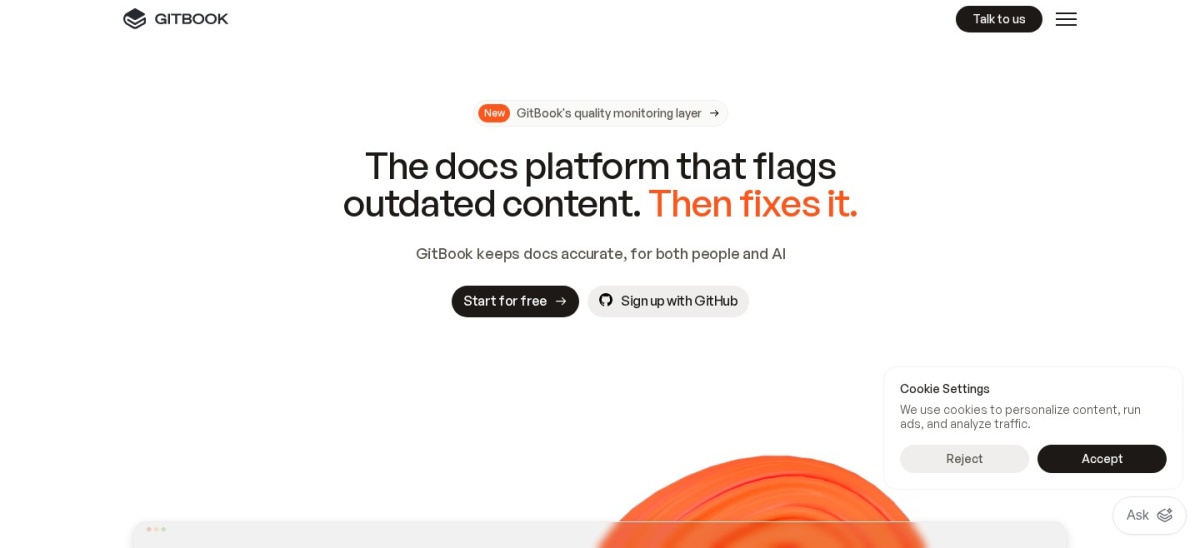
GitBook homepage, captured Nov 2026.
GitBook is a documentation publishing platform that connects Git-based workflows with a visual editing environment for technical and nontechnical contributors. Its free plan supports individual documentation projects, while Essential costs $65 per site monthly and includes custom domains, collaborative reviews, reusable content and 2,000 monthly AI credits.
The trade off is that contributors cost an additional $12 per user monthly, bringing a paid site with one contributor to $77 monthly or $924 annually. It suits software companies that want engineers, product managers and technical writers to maintain documentation together without requiring every contributor to work directly in a code editor.
What we like
Connects Git workflows with visual documentation editing
Supports collaborative change requests and content reviews
Unlimited published page views
Reusable documentation content on paid plans
Strong independent rating from an established review sample
Watch out for
Combined site and contributor pricing increases total costs
Essential adds team collaboration, branded publishing, analytics and AI-assisted search.Visit gitbook.com
02
Archbee
4.6/5on G2 (118 reviews, checked Nov 2026)
Paid from$49/mo
Best for combined internal and external technical documentation
Free planOne contributor and one project
Growing subscriptionFrom $49/mo
Paid reader allowanceUnlimited
Scaling subscriptionFrom $199/mo
archbee.com
Archbee homepage, captured Nov 2026.
Archbee is a technical documentation platform for publishing product guides, API references, internal engineering instructions and customer-facing knowledge bases. Its free Starter plan supports one contributor, one project and three spaces, while Growing starts at $49 monthly and adds unlimited project spaces, branded publishing and private documentation sites.
The trade off is that advanced review workflows, content reuse, versioning and localization require Scaling from $199 monthly, while additional contributors can increase the final subscription cost. It suits software teams that want to manage internal technical knowledge and external product documentation within a shared authoring environment.
What we like
Supports both internal and customer-facing documentation
GitHub, GitLab and Bitbucket synchronization
OpenAPI documentation available on the free plan
Unlimited readers on Growing
Custom domains and password-protected publishing
Watch out for
Additional contributors can increase subscription costs
Formal reviews and versioning require Scaling
Free plan limited to a single contributor
Growing adds branded publishing and private sites; Scaling adds formal reviews and reusable content.Visit archbee.com
03
ReadMe
4.5/5on G2 (46 reviews, checked Nov 2026)
Paid from$250/mo
Best for interactive API documentation and developer portals
Free projects1 project and 1 published version
Pro subscription$250/mo annually
Pro administrators5 included
Additional administrators$20/admin/mo
readme.com
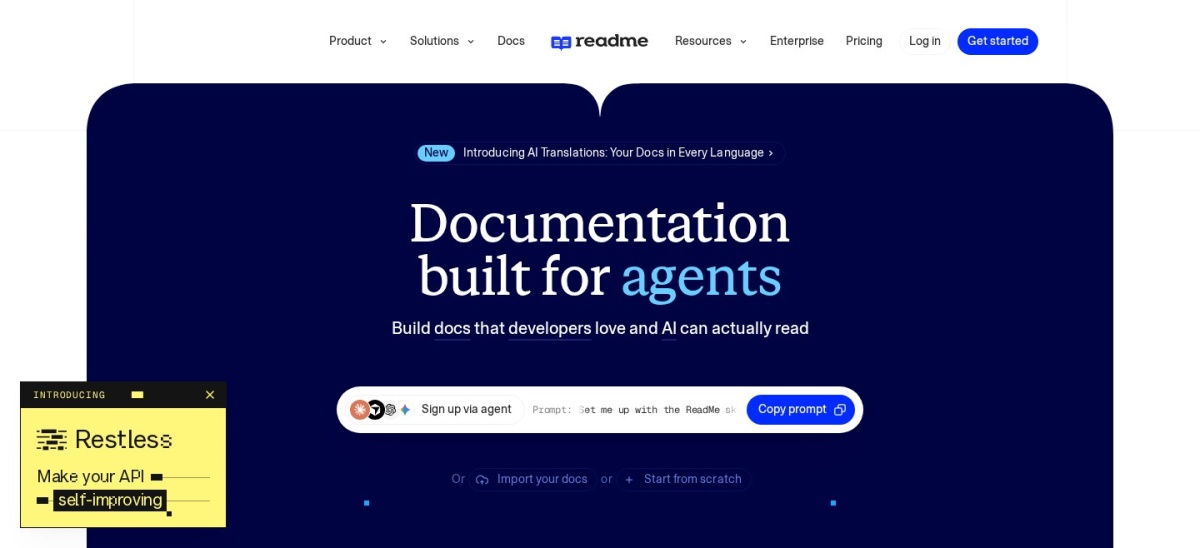
ReadMe homepage, captured Nov 2026.
ReadMe is a developer documentation platform for transforming API specifications into interactive references alongside implementation guides and product updates. Its free Starter plan supports one project, one published version, one administrator, custom domain publishing and usage analytics.
The trade off is that unlimited published versions, private documentation, collaborative branching and changelogs require Pro at $250 monthly billed annually, with additional administrator charges beyond the included five. It suits API-first software companies that want developers to understand endpoints, explore implementation examples and access integration instructions from a dedicated portal.
What we like
Interactive API documentation based on OpenAPI specifications
Custom domains available on the free plan
Supports developer request history and usage insights
Collaborative branches and reviews on Pro
Private API documentation available on paid plans
Watch out for
Pro represents a substantial increase from the free plan
Pro adds unlimited versions, private documentation, collaborative editing and reusable content.Visit readme.com
04
Mintlify
4.5/5on G2 (31 reviews, checked Nov 2026)
Paid from$450/mo
Best for modern Git-based developer documentation
Free editors5
Free publishingCustom domain included
Pro subscription$450/mo annually
Pro editorsUnlimited
mintlify.com
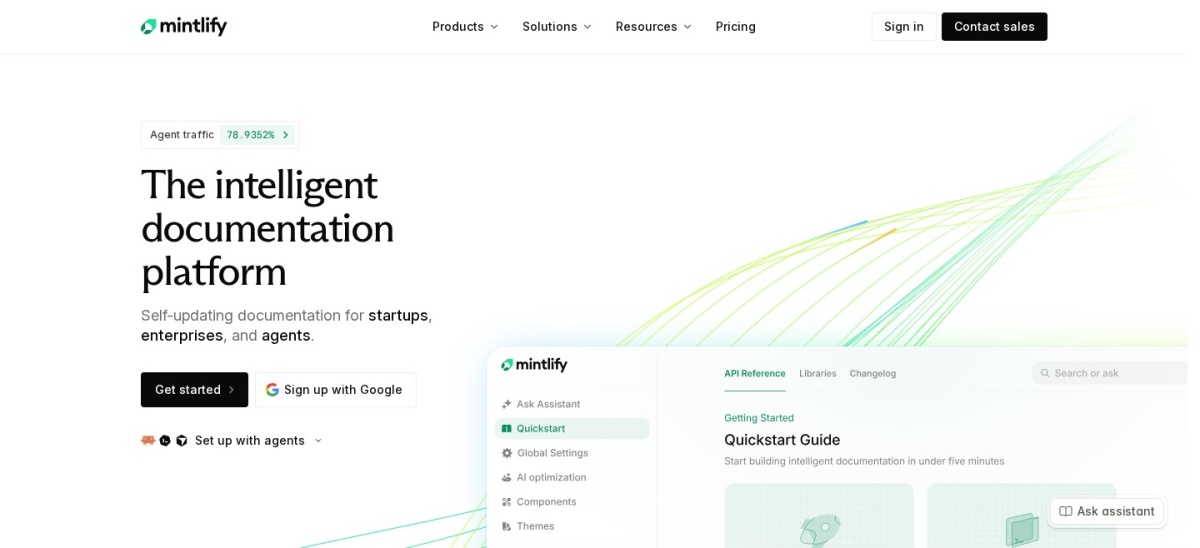
Mintlify homepage, captured Nov 2026.
Mintlify is a developer documentation platform for publishing structured technical guides, API references and code-connected documentation websites. Its free subscription includes five editors, custom domain publishing, authentication, a web editor, an MCP server and an API playground.
The trade off is that automated documentation maintenance, the AI assistant, agent capabilities and unlimited editors require Pro at $450 monthly billed annually or $540 with monthly billing. It suits developer-focused businesses that prefer documentation integrated with software development workflows and want technical content accessible to both human readers and AI tools.
What we like
Generous free allowance for small documentation teams
Custom domain publishing without a paid subscription
Less suitable for general company knowledge management
Pro adds unlimited editors, automated maintenance tools and advanced AI capabilities.Visit mintlify.com
05
Notion
4.6/5on G2 (14,032 reviews, checked Nov 2026)
Paid from$10/mo
Best for internal engineering documentation and product knowledge
Plus subscription$10/seat/mo annually
Free page history7 days
Plus page history30 days
Plus file upload limit5GB per file
notion.com
Notion homepage, captured Nov 2026.
Notion is a collaborative workspace for organizing engineering specifications, product requirements, architecture decisions, internal procedures and software release notes. Its free plan supports individual documentation, while Plus costs $10 per seat monthly and provides collaborative content blocks, larger file uploads and 30 days of page history.
The trade off is that the $120 annual cost per contributor covers a general-purpose workspace rather than a dedicated API documentation system, and advanced permissions require higher subscriptions. It suits engineering and product teams that want flexible internal knowledge organization alongside planning databases, technical meeting notes and shared project documentation.
What we like
Flexible document and database organization
Affordable entry subscription for small teams
Supports code blocks and technical diagrams
Collaborative editing and document sharing
Large independent customer review sample
Watch out for
No dedicated interactive OpenAPI reference builder
Custom-domain publishing involves an additional charge
Plus adds expanded collaboration, customized sites, larger uploads and longer page history.Visit notion.com
06
Slite
4.6/5on G2 (275 reviews, checked Nov 2026)
Starts at$10/mo
Best for verified and regularly maintained internal software documentation
Basic subscription$10/user/mo annually
Document allowanceUnlimited
Basic AI questions30/user/month
Pro subscription$20/user/mo annually
slite.com
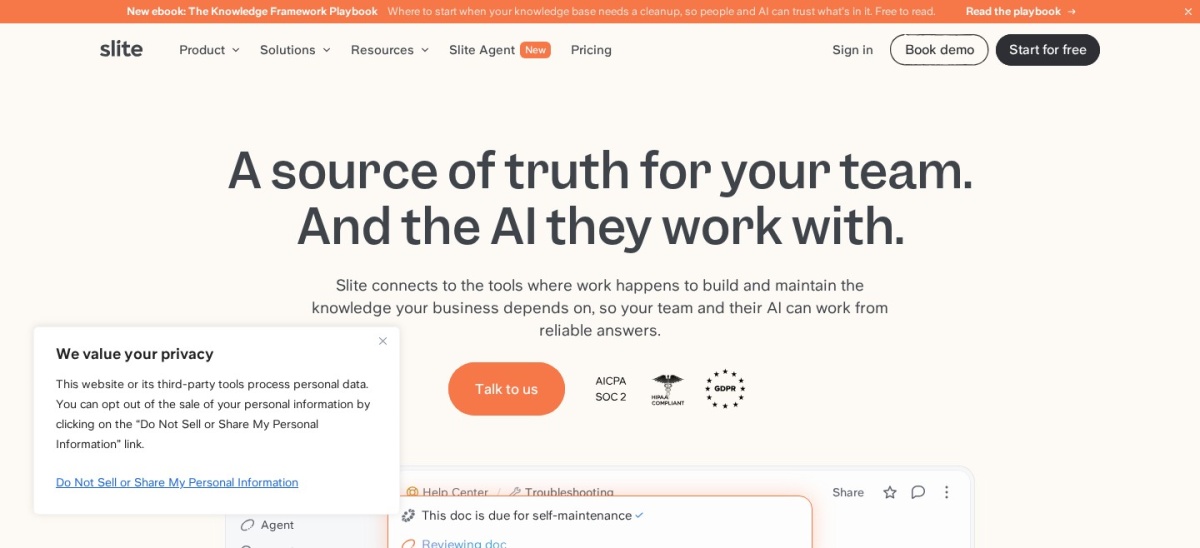
Slite homepage, captured Nov 2026.
Slite is a team knowledge base focused on maintaining accurate and accessible internal documentation through document ownership, verification workflows and AI-assisted search. Its Basic subscription costs $10 per user monthly with annual billing and includes unlimited documents, 30 monthly AI questions per seat and document verification capabilities.
The trade off is that automated fact-checking, cross-application search, custom publishing domains and agent workflows require Pro at $20 per user monthly. It suits software engineering departments that need to keep operational procedures, architecture explanations and internal technical knowledge current as products and development processes change.
Not designed primarily for interactive API documentation
Basic includes document verification; Pro adds automated maintenance assistance and cross-tool search.Visit slite.com
07
Helpjuice
4.7/5on G2 (384 reviews, checked Nov 2026)
Starts at$249/mo
Best for branded software help centers and customer knowledge bases
Entry subscription$249/mo
Included users30
Entry storage12GB
AI-Knowledge Base plan$449/mo
helpjuice.com
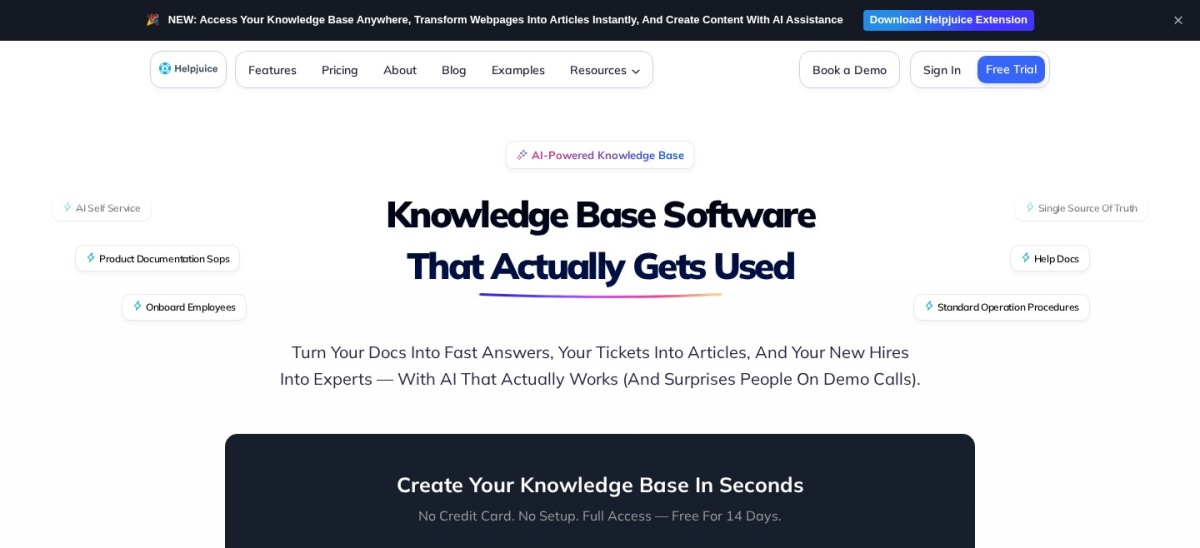
Helpjuice homepage, captured Nov 2026.
Helpjuice is a knowledge base platform for publishing software troubleshooting articles, customer help guides, onboarding instructions and internal support documentation. Its regular entry subscription costs $249 monthly and includes 30 users, 12GB of file storage, collaborative authoring, localization and customized knowledge base design.
The trade off is that AI-assisted search, chatbot functionality, automated documentation updates and tutorial generation require the $449 monthly AI-Knowledge Base subscription. It suits established software companies with customer support teams that need a professionally branded documentation portal rather than a repository-centered developer documentation system.
What we like
Branded customer-facing knowledge bases
Accommodates multiple documentation contributors
Localization and translation capabilities
Collaborative article management
Established independent customer review history
Watch out for
No permanent free subscription
Advanced AI features require a higher plan
Less specialized for API references and docs-as-code workflows
The AI-Knowledge Base plan adds AI search, writing assistance, chatbot functionality and automated updates.Visit helpjuice.com
Which software documentation pricing model offers better value?
Per-contributor pricing works well for smaller internal documentation teams. Notion Plus and Slite Basic both cost $10 per user monthly, making the total subscription dependent on how many people require paid access.
Site-based pricing requires closer examination when multiple contributors maintain public software documentation. GitBook Essential charges $65 per site monthly plus $12 per contributor, so the advertised site price is not the complete subscription cost.
Project-based pricing can be attractive when many people read documentation but relatively few maintain it. ReadMe Pro costs $250 monthly for one project with five administrators, while Mintlify Pro costs $450 monthly and supports unlimited editors.
Compare complete annual expenses rather than advertised entry prices. Include contributor allowances, additional projects, private publishing, custom domains, AI usage and any documentation migration services required by your organization.
Which platform fits each type of software documentation?
API documentation should explain authentication, endpoints, request parameters, responses, error conditions and implementation examples. ReadMe and Mintlify are particularly suitable when developers need interactive references connected to technical specifications.
Product documentation should explain how customers configure software, complete important workflows and solve common problems. GitBook and Archbee support structured public documentation, while Helpjuice focuses on searchable customer knowledge bases.
Internal engineering documentation should preserve architectural decisions, development standards, deployment procedures and operational knowledge. Notion and Slite support collaborative internal knowledge management, while Archbee can combine internal documents with externally published technical content.
Release documentation should remain aligned with changes in the software. Establish document ownership, review procedures and publishing responsibilities so updates to features, configuration options and APIs are reflected in the relevant documentation.
How we chose
We selected seven established platforms covering developer documentation, API references, internal engineering knowledge and customer-facing software guides. Rankings prioritize documentation-specific capabilities, publishing workflows, maintenance features, pricing transparency and independent customer feedback rather than star ratings alone.
We opened official pricing pages and individual G2 review listings on 30 Nov 2026. Annual equivalents use regular monthly prices multiplied by twelve, excluding temporary promotions. GitBook's price_year represents its advertised site subscription; mandatory contributor charges are explained separately. Review counts reflect the aggregate figures available when checked.
We excluded ClickHelp because its official pricing page could not be opened, Confluence because a current USD subscription price could not be confirmed from the retrieved official page, and products without verifiable public starting prices. No vendor paid for a place, and we do not claim testing for this list.
How to choose the right software documentation platform
Identify your documentation audience, establish how contributors will maintain technical content and compare publishing capabilities and complete subscription costs before selecting a platform.
Identify your primary documentation audience. Choose ReadMe or Mintlify for API consumers, GitBook or Archbee for broader technical product documentation, and Notion or Slite for internal engineering knowledge. Consider Helpjuice when customer troubleshooting and self-service support are the main priorities.
Check how documentation connects with development workflows. Determine whether contributors need Git synchronization, OpenAPI imports, Markdown editing, visual authoring or formal content reviews. Confirm that software changes can be reflected in documentation without creating unnecessary duplicate work between engineers and technical writers.
Calculate the complete subscription cost. Compare site, project and contributor charges separately. GitBook Essential starts at $65 per site monthly plus $12 per contributor, while ReadMe Pro costs $250 monthly with five administrators included. Account for additional users, publishing projects and required upgrades.
Evaluate long-term maintenance and content portability. Check revision history, document ownership, review workflows, export formats and access permissions. Choose a platform that allows your organization to maintain accurate documentation and retrieve its content if publishing requirements or software providers change.
FAQ
What are the best-rated platforms for software documentation in 2026?
GitBook is the best overall documentation platform in this comparison, earning 4.7/5 from 208 G2 reviews and supporting collaborative technical publishing. Archbee is a good alternative for combined internal and external documentation, while ReadMe specializes in interactive API references and developer portals.
Which software documentation platform has the highest user rating?
GitBook and Helpjuice share the highest G2 rating in this comparison at 4.7/5, based on 208 and 384 reviews respectively. GitBook is more suitable for technical product documentation, while Helpjuice focuses on branded customer knowledge bases and software support content.
What is the best free platform for software documentation?
Mintlify offers a particularly useful free plan for developer documentation, supporting five editors, a custom domain and an API playground. GitBook is suitable for individual technical writers, while Archbee offers free API documentation and Git synchronization for a single contributor.
How much does software documentation software cost?
Paid software documentation subscriptions start at $10 per user monthly for Notion Plus and Slite Basic. Archbee Growing starts at $49 monthly, GitBook Essential costs $65 per site plus contributor charges, and Mintlify Pro costs $450 monthly with annual billing.
Is GitBook better than Archbee for software documentation?
GitBook is better for teams prioritizing collaborative technical publishing and Git-connected content workflows. Archbee is better for organizations combining internal and external documentation with a lower published site subscription, starting at $49 monthly, although advanced reviews and versioning require its Scaling plan.
What is the best documentation platform for software developers?
ReadMe is particularly suitable for developers maintaining interactive API references, integration guides and developer portals. Mintlify is another strong option for Git-connected documentation and API playgrounds, while GitBook accommodates teams involving both software engineers and nontechnical documentation contributors.
Can Notion be used for software documentation?
Yes, Notion is suitable for internal engineering documentation, architecture decisions, technical specifications and product requirements. Its flexible databases and collaborative pages support team knowledge management, although dedicated API documentation platforms are better when interactive endpoint references and automated specification updates are required.
What is the best software documentation platform for small teams?
Archbee is a suitable starting point for smaller software teams because it combines technical writing, API documentation and internal knowledge management. Its free plan supports one contributor, while Growing starts at $49 monthly. Mintlify offers a free alternative supporting five editors.
Can AI automatically maintain software documentation?
AI can assist with identifying outdated content, drafting explanations and suggesting documentation changes. Mintlify Pro and Slite Pro provide maintenance-oriented AI capabilities, but engineers and technical writers should still verify generated instructions, code examples and proposed changes against the actual software.
SaaS SEO and WordPress specialist with about 8 years of experience. Rakib compares WordPress plugins, themes, hosting and software using public pricing, documentation and user reviews. See how we rank.