Clean Email is the best of the SaneBox alternatives for most people, because it sorts and bulk-cleans the inbox you already use from $9.99 a month. Pick Superhuman for the fastest daily triage at $30 a month, or Spark if you want a free client with a smart inbox.
How we make this list: we compare pricing pages, product documentation and public user reviews, then re-check every price before each update. No product paid for a place. Disclosure.
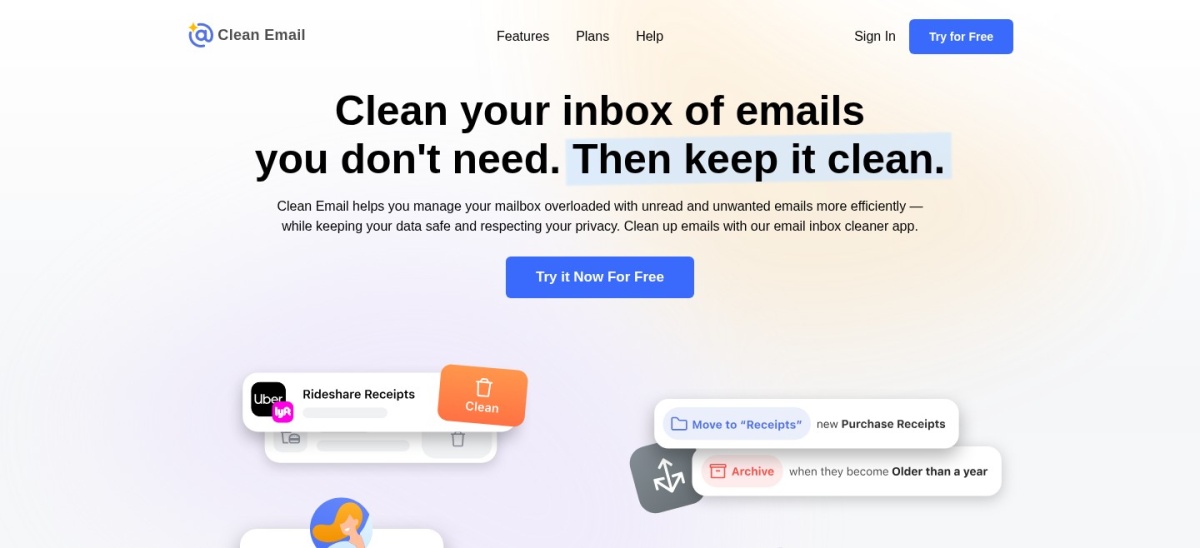
Clean Email is the closest SaneBox replacement: it sorts and bulk-cleans the inbox you already use from $9.99 a month.
Superhuman is the fastest way through a big inbox, but $30 a month is a serious price.
Spark, Shortwave and Spike all have free plans; Spark works with the most providers.
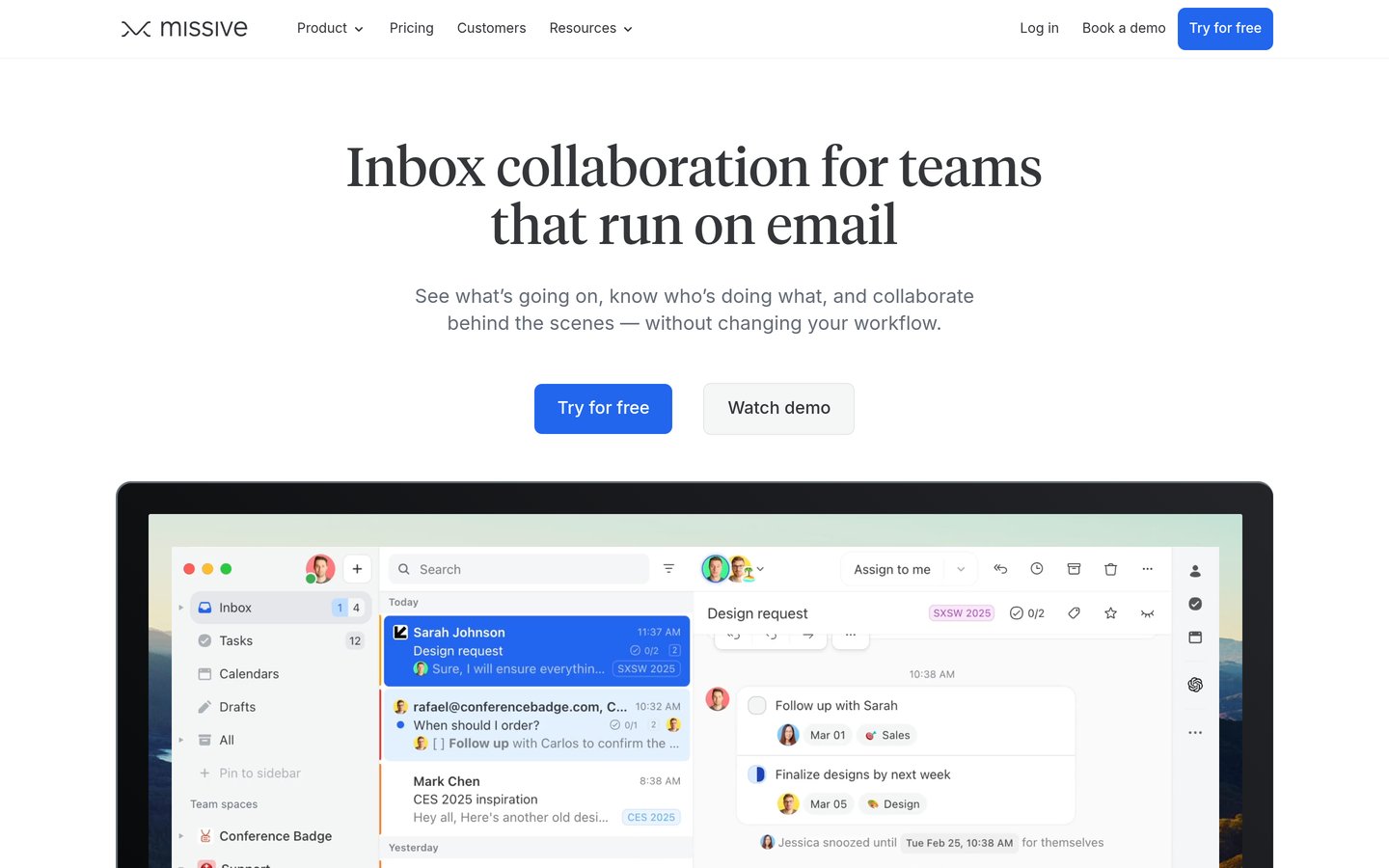
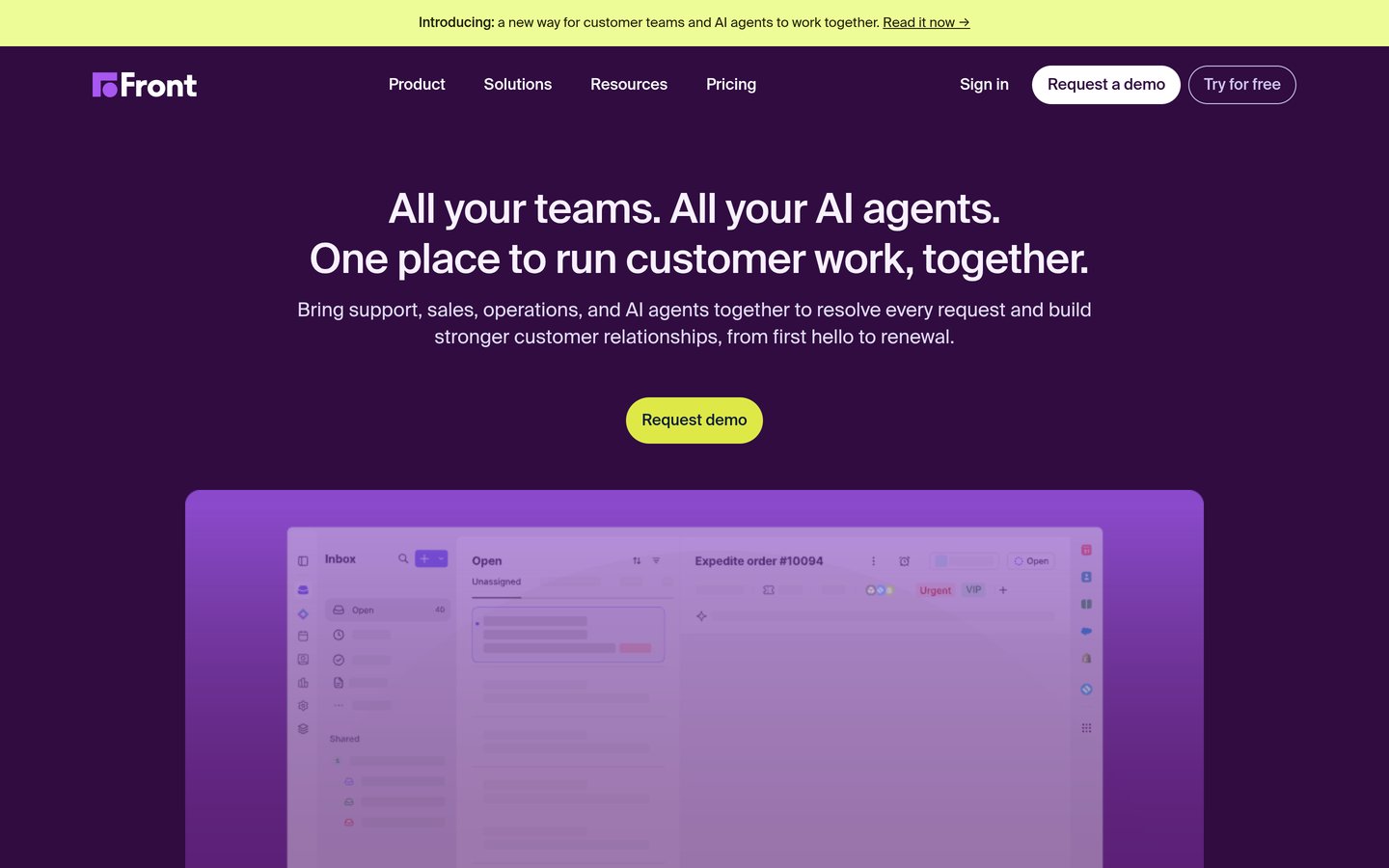
Missive and Front turn shared inboxes into team work, from $18 and $35 a month per user.
HEY is the most radical rethink, but its G2 base is thin and it costs $99 a year.
How do you choose the best SaneBox alternatives?
SaneBox is a filter, not a client. It sorts mail in the background while you keep reading in Gmail or Outlook, so the closest alternatives do the same job without asking you to switch apps.
The real split is between filters, clients and shared inboxes. Clean Email and Mailstrom tidy the inbox you already have, Superhuman, Spark, Shortwave, Spike and HEY replace your mail app, and Missive and Front share inboxes across a team.
Price spreads from free to $35 a month per user, and the cheapest paid plan is rarely the whole story. Clean Email charges per account, Superhuman and Spark charge per user, and HEY charges $99 a year for a whole new address.
Ratings are thin for several tools here. Clean Email and HEY each have about 10 G2 reviews, so treat their scores as a rough signal, while Front has more than 2,500 reviews and Missive more than 850.
Clean Email is an inbox cleaner that groups mail by sender, so thousands of messages can be deleted, archived or unsubscribed in bulk. A free account cleans up to 1,000 emails, and Premium costs $9.99 a month for one account with Auto Clean rules, the Unsubscriber and the Screener.
The trade off is that it organises mail rather than replacing your client, and its G2 base is thin at 10 reviews. Paying yearly cuts the price to $29.99 a year for one account. It suits anyone with years of unread mail who wants a clean inbox without deleting messages one by one.
Superhuman is a fast email client for people who live in their inbox. There is no free plan, only a 14-day trial, and Starter costs $30 a month with keyboard shortcuts, split inboxes, AI triage and drafting, reminders and read statuses for Gmail and Outlook.
The trade off is price. At $30 a month it costs more than most email clients combined, and it only works with Gmail and Outlook accounts. It suits founders, executives and salespeople who process hundreds of emails a day and value speed.
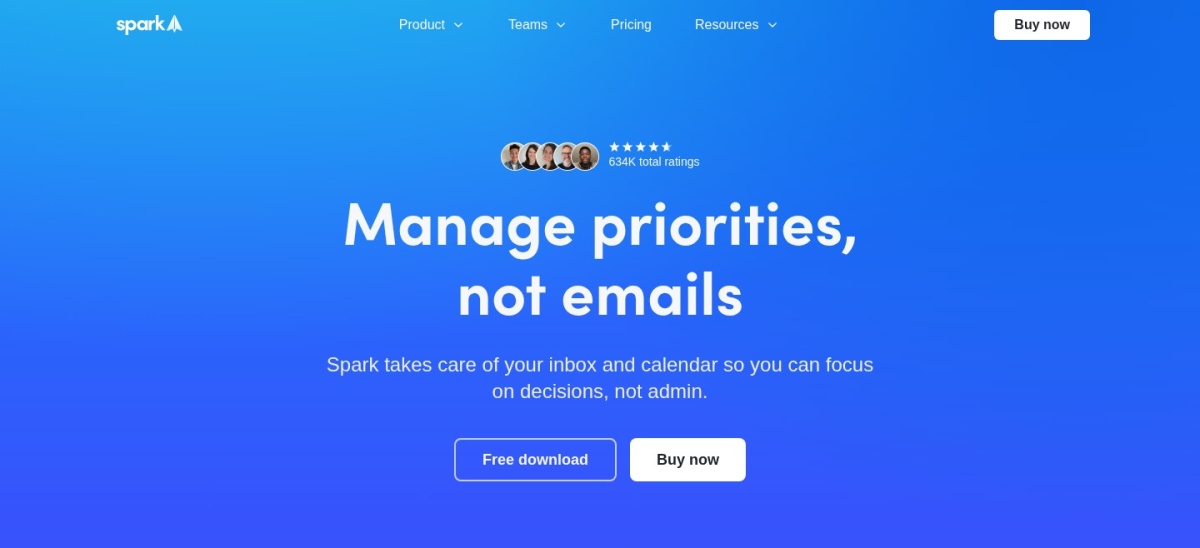
Spark is a cross-platform email client with a smart inbox that sorts mail into personal, newsletters and notifications. The free plan covers the basics with unlimited accounts, and Plus at $10 a month adds unlimited AI features, team collaboration with shared drafts and inboxes, and priority support.
The trade off is that Spark's AI-first redesign drew mixed reviews, and its G2 base is small at 22 reviews. Paying yearly cuts Plus to $99 a year. It suits individuals and small teams who want one clean client across Mac, Windows, iOS and Android.
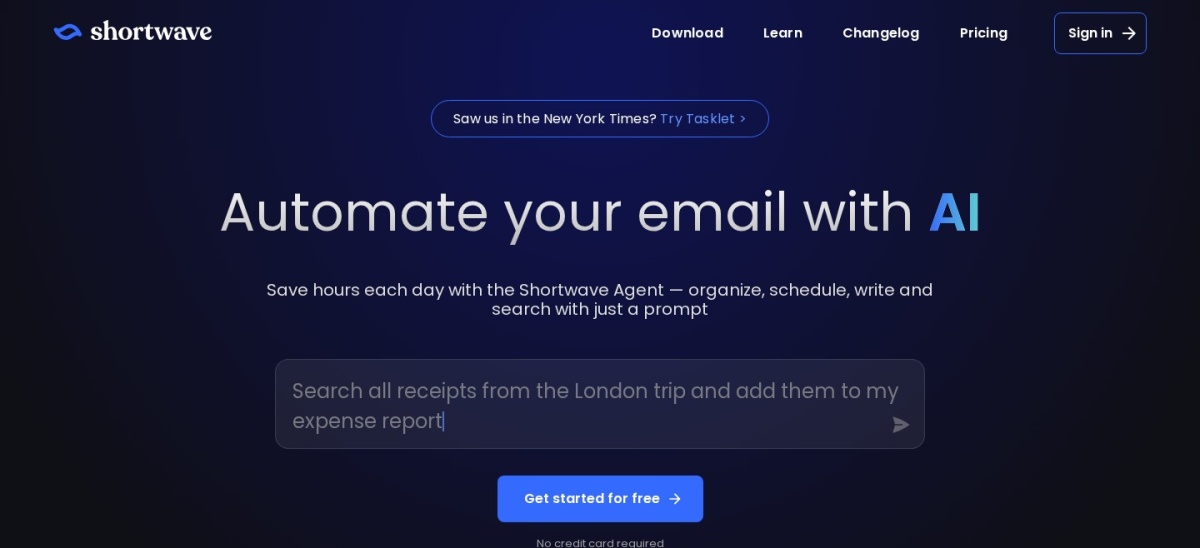
Shortwave is an AI-first email client that summarises threads, drafts replies and organises Gmail with smart search and tasks. The free plan covers the basics, and Pro at $18 a month adds unlimited AI features, more history and priority support.
The trade off is that Shortwave works with Gmail only, so Outlook and iCloud users are out of luck, and its G2 base is small at 68 reviews. It suits Gmail power users who want AI summaries and fast search.
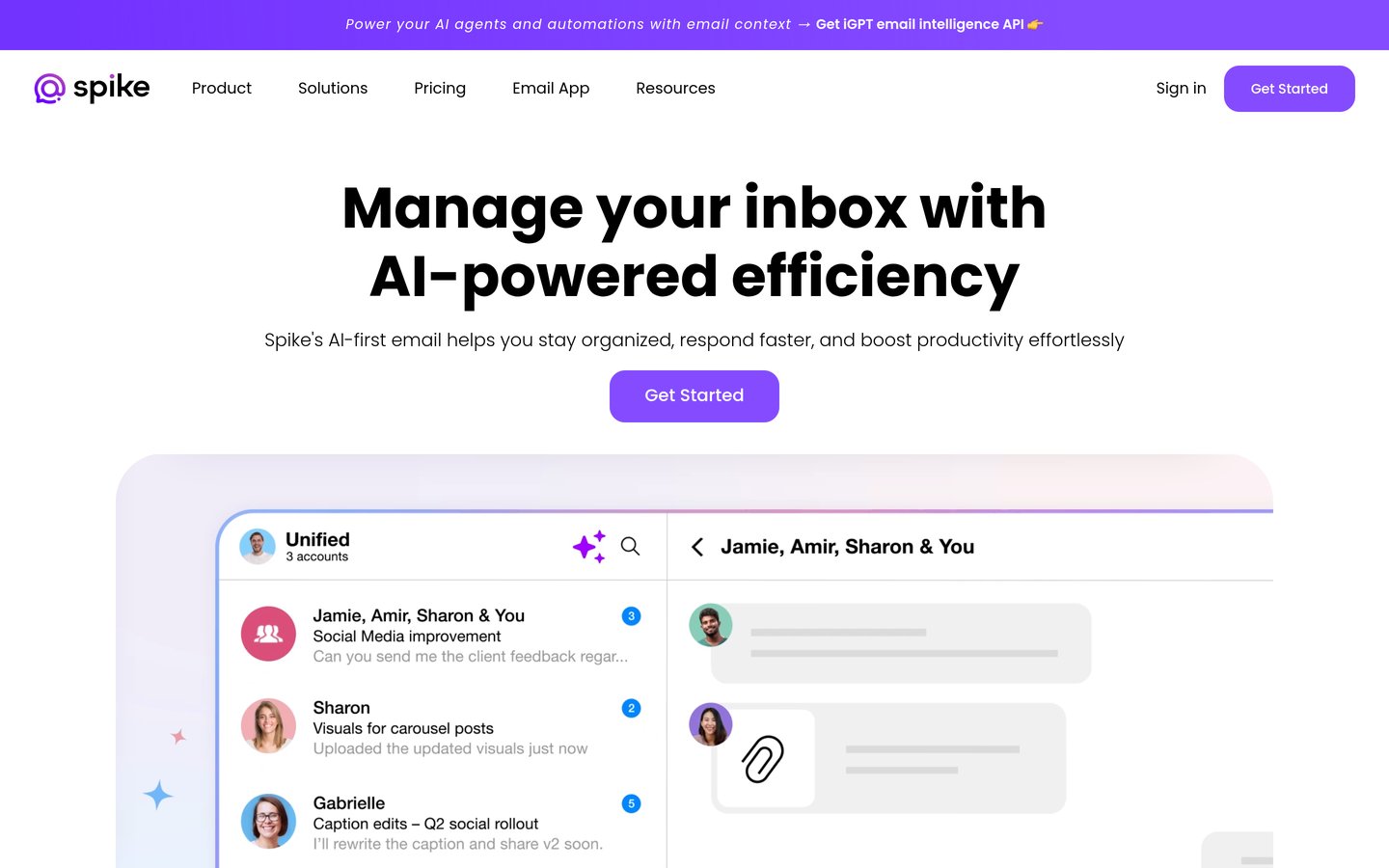
Spike is an email app that turns email into chat-style conversations, grouping threads with messaging, notes, tasks and video calls in one app. The free plan covers one email address, and Pro at $8 a month adds priority support, more storage and team features for Gmail and Outlook accounts.
The trade off is that the chat style is not for everyone, and Spike's G2 base is modest at 261 reviews. It suits small teams that want email, chat and tasks together without juggling three apps.
Missive is a team inbox that turns every email thread into a shared conversation with chat, tasks and assignments built in. There is no free plan, only a 30-day trial, and Starter costs $18 per user a month for up to 5 users with email, SMS and social accounts.
The trade off is that Starter is deliberately basic: no rules, integrations, analytics, API or AI assistant, which all need Productive at $30 per user a month. It suits small teams that share one inbox and want to talk about mail without forwarding it.
Front is a shared inbox for teams that handle a lot of customer email. There is no free plan, only a 14-day trial, and Starter costs $35 a month for up to 10 seats with one channel type, internal comments, collision detection and basic automation.
The trade off is price. Starter is dearer than Missive, and multi-channel inboxes, advanced automation and analytics need higher tiers. It suits support and operations teams that share inboxes like support@ and sales@ and need to assign and track every message.
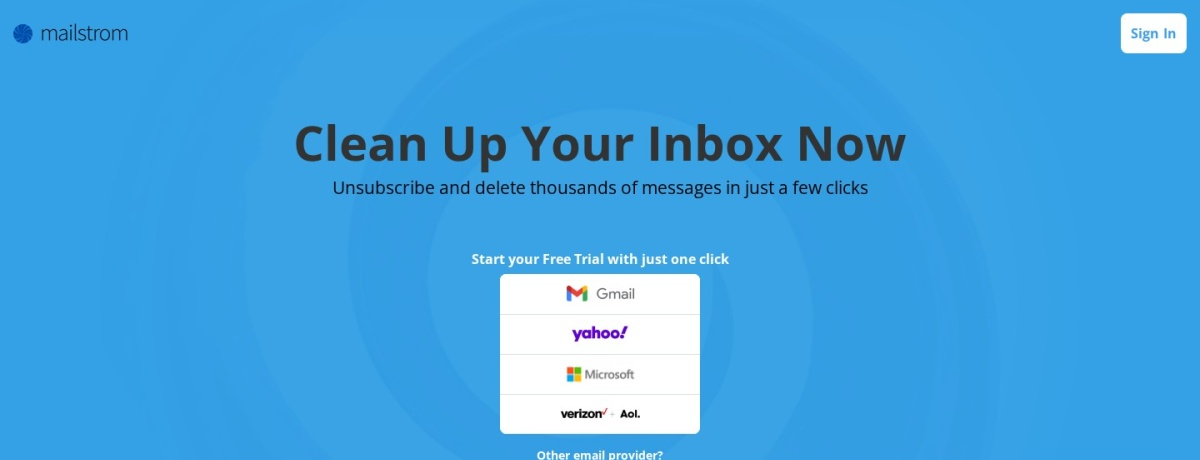
Mailstrom is a web-based email client that groups your inbox by sender, subject, size and time, so thousands of similar messages can be archived, deleted or unsubscribed in one go. There is no free plan, only a trial, and Basic costs $9 a month for one account with up to 10,000 emails and 200 smart filters.
The trade off is that Basic caps at 10,000 emails, so a large backlog needs Plus at $14 a month, and there is no mobile app. Paying yearly cuts Basic to $59.95 a year. It suits anyone facing tens of thousands of unread messages who wants to clear them by sender.
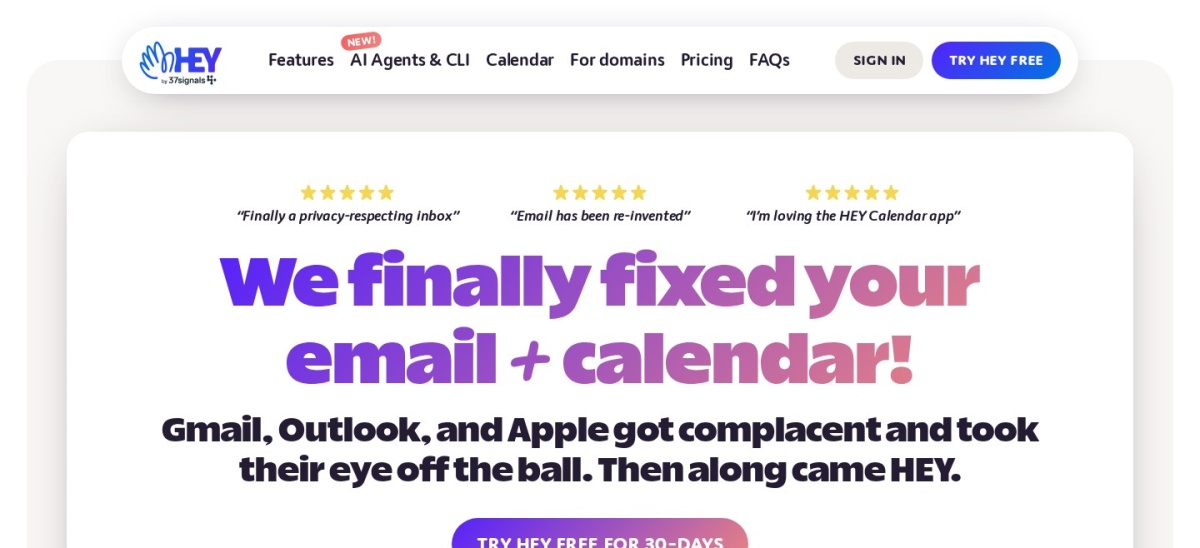
HEY is an email service that rethinks the inbox: new senders must pass a screener, mail is sorted into the Imbox, the Feed and Paper Trail, and Reply Later keeps follow-ups visible. There is no free plan, only a 30-day trial, and HEY for You costs $99 a year.
The trade off is that HEY is a world of its own. It works best inside its own apps, its G2 base is thin at just over 10 reviews, and $99 a year buys no Gmail or Outlook compatibility. It suits people who want a calmer inbox and are ready to change how email works.
What we like
Screener stops unwanted mail
Imbox, Feed and Paper Trail organise mail
Blocks tracking pixels by default
Watch out for
Thin G2 base of 10 reviews
Needs a hey.com address
No Gmail or Outlook compatibility
HEY for Domains adds custom domains at $12 a user a monthVisit hey.com
Filters, clients and shared inboxes: which kind fits?
Filters suit people who like their current mail app. Clean Email and Mailstrom work on top of Gmail or Outlook, so nothing about your daily routine changes except the clutter.
Clients suit people who want a new daily app. Superhuman, Spark, Shortwave, Spike and HEY each replace your mail app, and switching costs a few days of learning.
Shared inboxes suit teams, not individuals. If two or more people answer the same address, Missive or Front is the right kind of tool, and a filter alone will not help.
How we chose
We started from the tools most often named as SaneBox replacements, then kept the nine with a public rating, a published price and an established user base.
Prices come from each vendor's pricing page, checked on 29 November 2026. Ratings come from G2 on the same day. Where a vendor shows a sale or an annual discount, the list shows the regular monthly price.
We left out tools with no public rating and tools that only sell email marketing, not inbox sorting. No vendor paid for a place, and we do not claim to have used these tools ourselves.
How to choose a SaneBox alternative
Start with whether you want to keep your current inbox or switch to a new app.
Decide whether to keep your inbox. If you like Gmail or Outlook, pick a filter or cleaner such as Clean Email or Mailstrom. A new client means learning a new app.
Count your accounts. SaneBox charges by account, and so do Clean Email and Mailstrom. One inbox is cheap; four or five pushes you to a higher tier.
Check the free plan first. Spark, Shortwave and Spike all have free plans. Try one for a week before paying for AI triage or team features.
Match the tool to the job. Bulk cleanup needs Clean Email or Mailstrom, speed needs Superhuman, and a shared team inbox needs Missive or Front.
FAQ
What is the best SaneBox alternative?
Clean Email is the best SaneBox alternative for most people. It works with the inbox you already use, groups mail by sender for bulk cleanup, and costs $9.99 a month for one account, with a free account that cleans up to 1,000 emails.
What is the best free alternative to SaneBox?
Spark is the best free alternative to SaneBox. Its free plan includes a smart inbox, unlimited email accounts, snooze and send later, with no trial limit. Shortwave and Spike also have free plans, but Spark works with more providers.
How much do SaneBox alternatives cost?
Prices run from free to $35 a month. Spike starts at $8 a month, Mailstrom at $9, Clean Email at $9.99 and Spark Plus at $10, while Superhuman costs $30 a month and Front starts at $35 a month per team.
Which SaneBox alternative is best for Gmail users?
Shortwave is the best SaneBox alternative for Gmail users who want AI help. It summarises threads, drafts replies and searches Gmail fast, with a free plan and Pro at $18 a month. Spark is the better pick if you also use Outlook or iCloud.
Is Clean Email or Superhuman better than SaneBox?
Clean Email is better than SaneBox for clearing a backlog, because it deletes and unsubscribes in bulk. Superhuman is better for daily speed, with keyboard triage and AI drafting. SaneBox still wins for quiet background filtering with no new app to learn.
Can I use a SaneBox alternative with Outlook?
Yes. Clean Email, Superhuman, Spark, Spike, Missive, Front and Mailstrom all work with Outlook accounts. Shortwave is Gmail only, and HEY needs its own hey.com address, so skip those two if Outlook is your main inbox.
Which SaneBox alternative is best for small teams?
Missive is the best SaneBox alternative for small teams. Starter costs $18 per user a month for up to 5 users and turns shared inboxes into conversations with chat and tasks. Front suits larger support teams, starting at $35 a month for up to 10 seats.
SaaS SEO and WordPress specialist with about 8 years of experience. Rakib compares WordPress plugins, themes, hosting and software using public pricing, documentation and user reviews. See how we rank.