Connecteam is the best medical staff scheduling software for startups, with its $29 monthly Operations Basic subscription covering the first 30 users when billed annually. Choose Deputy for managing overtime, breaks and shift replacements or Sling for affordable scheduling when a healthcare startup needs to minimize software expenses.
How we make this list: we compare pricing pages, product documentation and public user reviews, then re-check every price before each update. No product paid for a place. Disclosure.
Connecteam costs $29/month with annual billing for the first 30 users and has a 4.6/5 Capterra rating from 5,320 reviews.
Deputy Lite costs $5 per user/month with annual billing and includes shift replacements, availability management and labor compliance tools.
Sling Premium costs $1.70 per user/month with annual billing and adds mobile time tracking, labor cost management and overtime tracking.
When I Work starts at $2.50 per user/month and includes automatic scheduling, shift swapping and multiple-location scheduling.
Homebase offers free scheduling for one location and up to 10 employees, while its monthly Essentials subscription costs $30 per location.
ZoomShift offers free scheduling for up to 20 employees at one location, with time tracking and shift swaps available on its $2 per user/month Starter plan.
How do you choose medical staff scheduling software for startups?
Medical staffing requires more than filling available shifts. Healthcare startups must consider employee qualifications, clinical responsibilities, availability, supervision requirements and appropriate staffing coverage before assigning workers.
Staffing costs should remain predictable as a medical business grows. Per-user subscriptions may suit small teams, while flat-rate plans can become more economical when a clinic hires additional nurses, medical assistants and administrative employees.
Shift replacement workflows need managerial oversight. Employees should be able to communicate availability and request replacements, but clinical managers must confirm that replacement workers possess the required qualifications and experience.
Working hours and overtime deserve particular attention in healthcare environments. Scheduling software can help managers identify overlapping shifts, extended working hours and staffing shortages before publishing employee schedules.
General scheduling software does not automatically establish clinical compliance. Medical startups should maintain appropriate credential verification processes, patient information safeguards and staffing policies independently of basic workforce scheduling tools.
The 7 best medical staff scheduling tools for startups
01
Connecteam
4.6/5on Capterra (5,320 reviews, checked Nov 2026)
Paid from$29/mo
Best for growing medical startup teams
Entry paid planOperations Basic
Included users30
Regular monthly billing$35/month
Additional annual-billing users$0.80/user/month
connecteam.com
Connecteam homepage, captured Nov 2026.
Connecteam is a workforce management platform combining staff schedules, attendance tracking, task assignments and digital forms. Its Operations Basic subscription costs $29 per month with annual billing for the first 30 users, or $35 with monthly billing. Medical startups can publish shifts, approve open-shift claims and organize employee responsibilities.
The trade off is that advanced scheduling features and broader employee administration are divided between subscription tiers and product hubs. The $29 Operations Basic plan does not include every advanced training or credential management capability. It suits healthcare startups seeking affordable scheduling and operational coordination without mandatory per-employee pricing for their initial team.
What we like
Predictable pricing for the first 30 employees
Open-shift claiming and manager approval
Integrated attendance tracking and payroll connections
Digital forms and task management
Separate HR capabilities available for employee documentation
Watch out for
Different product hubs can increase total subscription costs
Clinical credential verification still requires appropriate oversight
Operations Basic adds expanded scheduling, time tracking, forms and task management.Visit connecteam.com
02
Deputy
4.6/5on Capterra (832 reviews, checked Nov 2026)
Starts at$5/mo
Best for medical workforce rules and overtime management
Entry planLite
Billing basisPer user, billed annually
Core subscription$6.50/user/month
Shift replacementsIncluded in Lite
deputy.com
Deputy homepage, captured Nov 2026.
Deputy is an employee scheduling and workforce management platform covering staff availability, attendance, shift replacements and labor-related scheduling requirements. Lite costs $5 per user per month with annual billing and includes basic scheduling, timesheets, time clocking and leave management. Medical managers can organize employee coverage and monitor working hours.
The trade off is that advanced scheduling automation and more detailed operational features require higher subscriptions, including Core at $6.50 per user monthly with annual billing. The vendor advertises a temporary promotion involving workforce management and payroll. It suits medical startups that prioritize structured shift management, attendance records and workforce scheduling controls.
General labor controls do not replace clinical staffing requirements
Lite includes basic scheduling, attendance, shift replacements and leave management.Visit deputy.com
03
Sling
4.6/5on Capterra (214 reviews, checked Nov 2026)
Paid from$1.70/mo
Best for budget-conscious healthcare startups
Free schedulingAvailable
Entry paid planPremium
Regular monthly billing$2/user/month
Overtime trackingPremium and higher
getsling.com
Sling homepage, captured Nov 2026.
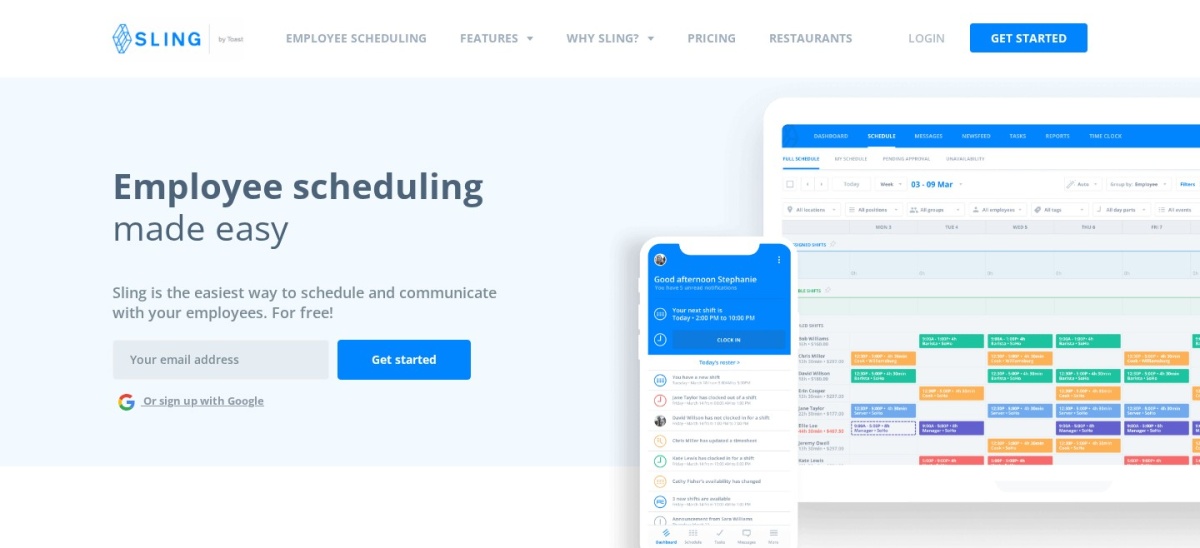
Sling is an employee scheduling platform that provides staff calendars, available shifts, time-off requests and communication tools. Its free subscription covers basic shift planning, while Premium costs $1.70 per user per month with annual billing or $2 with monthly billing. Premium adds mobile attendance tracking, labor cost management and overtime monitoring.
The trade off is that the free subscription does not include the complete time tracking and workforce reporting feature set. Even the $1.70 Premium subscription remains a general scheduling product rather than a dedicated clinical credentialing system. It suits early-stage medical businesses that need affordable shift coordination and employee communication.
What we like
Permanent free scheduling subscription
Low regular paid subscription rates
Available-shift management and time-off requests
Mobile attendance and overtime tracking on Premium
Supports scheduling across multiple work locations
Watch out for
Free plan excludes advanced time tracking
Limited specialist medical staffing capabilities
Additional employee management features require higher subscriptions
Premium adds mobile time tracking, overtime monitoring and labor cost management.Visit getsling.com
04
When I Work
4.5/5on Capterra (1,308 reviews, checked Nov 2026)
Starts at$2.50/mo
Best for filling open medical shifts
Entry planEssentials
Billing basisPer user
Automatic schedulingIncluded
Multiple locationsIncluded
wheniwork.com
When I Work homepage, captured Nov 2026.
When I Work is an employee scheduling application that helps managers build schedules, communicate changes and organize shift coverage. Its Essentials subscription starts at $2.50 per user per month and includes automatic scheduling, schedule templates, open shifts, employee shift swapping and multiple-location scheduling. These features support clinics and other healthcare businesses with changing staffing requirements.
The trade off is that the $2.50 starting price excludes optional time tracking and attendance functionality. Medical startups requiring advanced scheduling controls should also examine the higher subscriptions and available settings. It suits small healthcare businesses that regularly replace absent employees and want a straightforward way to publish and update staff schedules.
Essentials includes automatic scheduling, messaging and open-shift management.Visit wheniwork.com
05
Homebase
4.6/5on Capterra (1,182 reviews, checked Nov 2026)
Paid from$24/mo
Best for single-location medical practices
Free employee allowance10
Free location allowance1
Regular monthly Essentials rate$30/location
Annual billing savings20%
joinhomebase.com
Homebase homepage, captured Nov 2026.
Homebase is an employee management platform that combines staff scheduling, attendance and workplace communication. Its free Basic subscription supports one location and up to 10 employees. Essentials costs $30 per location with regular monthly billing, or the equivalent of $24 with the advertised 20% annual-billing savings, and supports unlimited employees.
The trade off is that location-based pricing becomes more expensive when a medical startup opens additional clinics. Advanced employee administration and payroll features may also require separate subscriptions. It suits single-location practices that want predictable scheduling costs without paying an additional Essentials subscription fee for every new employee.
What we like
Free scheduling for small single-location practices
Unlimited employees on Essentials
Location-based rather than per-user pricing
Scheduling and attendance within the same application
Team communication capabilities on paid subscriptions
Watch out for
Free plan is limited to one location and 10 employees
Additional locations increase subscription costs
Payroll and advanced HR capabilities can cost extra
Essentials adds advanced scheduling, attendance tracking and workplace communication.Visit joinhomebase.com
06
ZoomShift
4.5/5on Capterra (122 reviews, checked Nov 2026)
Paid from$2/mo
Best for straightforward medical shift calendars
Free employee allowance20
Free scheduling horizon2 weeks
Entry paid planStarter
Paid location allowanceUnlimited
zoomshift.com
ZoomShift homepage, captured Nov 2026.
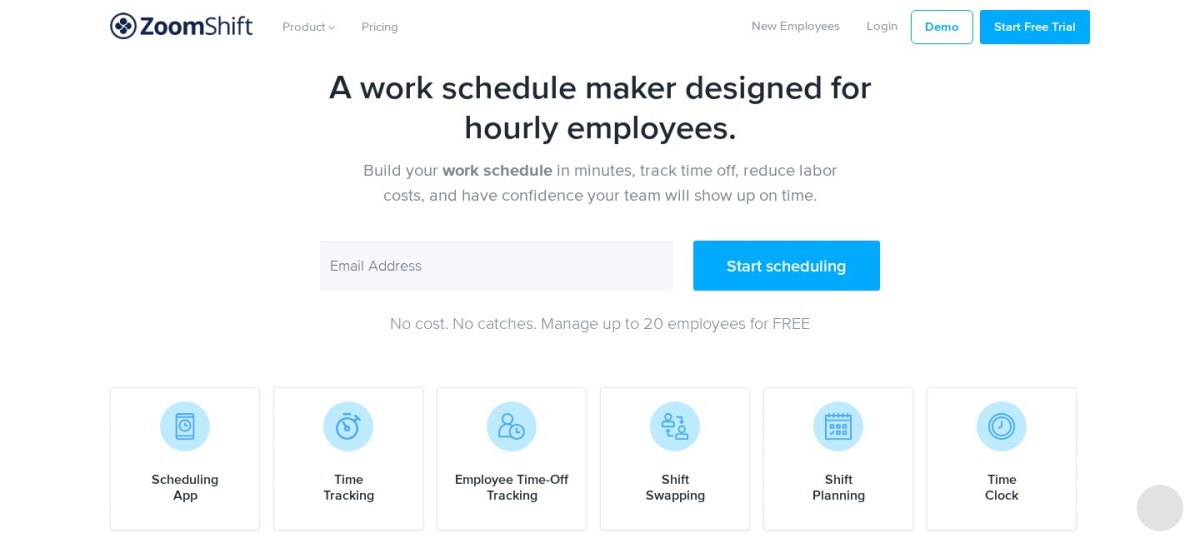
ZoomShift is a staff scheduling and attendance application designed around employee calendars, availability and workplace communication. Its free Essentials subscription supports up to 20 users at one location, with schedules published up to two weeks ahead. Starter costs $2 per active team member monthly and adds unlimited scheduling, time clocks, shift swaps and multiple locations.
The trade off is that the free subscription excludes important features such as attendance tracking and employee shift replacement requests. The $2 Starter subscription resolves those limitations, but advanced clinical staffing requirements remain outside its primary focus. It suits small medical startups seeking straightforward employee scheduling without extensive workforce management complexity.
What we like
Generous free employee allowance
Affordable paid scheduling and attendance features
Employee shift coverage requests and swaps
Unlimited locations on Starter
Schedule templates for recurring staff patterns
Watch out for
Free schedules can only extend two weeks ahead
Free subscription excludes time tracking and shift swaps
No dedicated medical credential management system
Starter adds unlimited scheduling, time tracking, shift swaps and multiple locations.Visit zoomshift.com
07
Findmyshift
4.6/5on Capterra (1,207 reviews, checked Nov 2026)
Paid from$25/mo
Best for coordinating staff and facility availability
Free employee allowance5
Entry paid employee allowance20
Entry paid managers1
Entry paid facility allowance20
findmyshift.com
Findmyshift homepage, captured Nov 2026.
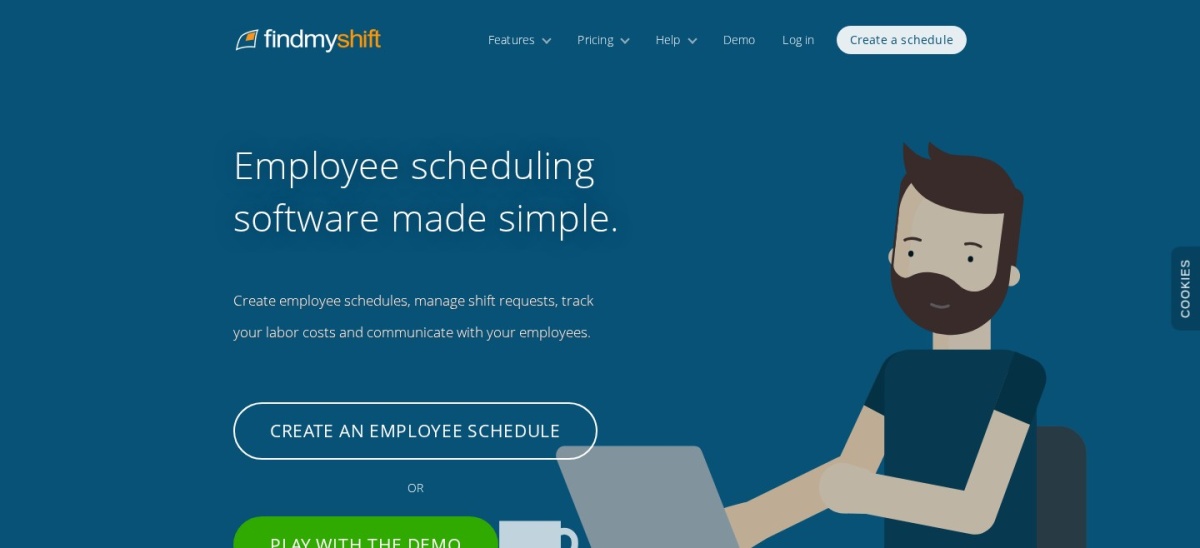
Findmyshift is an online employee scheduling platform that combines shared staff calendars, availability management and resource scheduling. Its free subscription supports five employees, while its entry paid tier supports 20 employees and 20 facilities. The published Capterra starting price is $25 per month, and the vendor confirms these employee and facility allowances.
The trade off is that the entry paid subscription permits only one manager, which may become restrictive as clinical leadership responsibilities expand. The $25 monthly starting price requires additional confirmation because the retrieved official pricing extract did not expose the currency amount. It suits smaller medical businesses coordinating staff availability alongside rooms and shared equipment.
What we like
Free subscription for very small medical teams
Supports both employee and facility scheduling
Shared calendars and employee availability
Established independent customer review history
Higher subscriptions support more managers
Watch out for
Entry paid subscription supports only one manager
Current official dollar price requires confirmation
Mobile functionality may be less comprehensive than competing platforms
The entry paid subscription expands employee and facility scheduling allowances.Visit findmyshift.com
Can general employee scheduling software work for medical startups?
General employee scheduling software can work well for outpatient clinics, administrative healthcare teams, telehealth businesses and small medical practices. These organizations often need shared calendars, employee availability, attendance records and predictable shift assignments.
Specialist clinical scheduling becomes more important when an organization operates complex hospital departments, intensive care services or staffing arrangements with detailed qualification requirements. General scheduling platforms may not automatically enforce clinical staffing ratios, professional credentials or specialty-specific supervision rules.
Medical startups should maintain independent processes for verifying employee qualifications and approving clinical assignments. A scheduling application can communicate who is assigned to a shift, but management remains responsible for determining whether that assignment provides appropriate patient coverage.
Workforce scheduling should also remain separate from patient appointment scheduling unless the chosen system explicitly supports both requirements. Employee shifts and patient consultations have different administrative, privacy and operational considerations.
Which medical staff scheduling pricing model works best for startups?
Per-user pricing is attractive when a healthcare startup has a small number of employees. Sling starts at $1.70 per user monthly with annual billing, ZoomShift starts at $2, and When I Work starts at $2.50.
Flat-rate subscriptions can become more economical as employee numbers increase. Connecteam includes the first 30 users in its $29 monthly Operations Basic subscription with annual billing, while Homebase charges by operating location rather than employee count.
Free subscriptions provide a practical starting point for businesses that have not yet established regular staffing schedules. Homebase supports 10 employees at one location, while ZoomShift supports 20 employees with a shorter scheduling horizon.
The price ladder compares the cheapest annualized paid subscription or per-user rate. It does not represent equivalent staffing capacity across every platform. Buyers should calculate their complete team subscription before comparing total expenses.
How we chose
We selected established workforce scheduling platforms suitable for early-stage healthcare organizations, outpatient practices and small medical teams. Rankings prioritize employee availability, shift coverage, scheduling controls, attendance tracking, affordability and independent customer reviews.
We accessed official vendor pricing pages and Capterra review sources on 30 Nov 2026. Regular subscription rates are used rather than introductory promotions. Where review-page descriptions differed from aggregate rating headers, we used the displayed aggregate figures. Homebase's annual equivalent is calculated using its published monthly rate and annual savings percentage.
We excluded quote-only hospital scheduling platforms and products without relevant staff scheduling functionality. Findmyshift remains a provisional inclusion because its official pricing extract did not expose the dollar amount, so this draft requires that price to be confirmed before publication. No vendor paid for a place, and we do not claim testing for this list.
How to choose the right medical staff scheduling software for your startup
Evaluate your clinical staffing requirements, employee availability, workforce budget and data protection responsibilities before choosing scheduling software.
Identify the clinical roles that require scheduling. List physicians, nurses, medical assistants, technicians and administrative employees separately. Determine which shifts require specific qualifications, supervision or minimum coverage. Confirm that your scheduling process can distinguish between available employees and employees qualified to perform particular clinical duties.
Compare subscription costs for your complete team. Calculate costs using your anticipated employee numbers and operating locations. Connecteam provides a flat initial user allowance, while Homebase charges by location. Sling and When I Work use per-user pricing, which may be more economical for smaller startup teams.
Evaluate shift replacement and attendance workflows. Check how employees communicate availability, request time off and claim unfilled shifts. Establish appropriate managerial approval before clinical assignments change. Review overtime warnings, overlapping shifts and attendance records to ensure the software supports your organization's workforce policies.
Review privacy, integration and credential requirements. Confirm whether the platform integrates with your payroll and employee administration systems. Review permissions, data retention and security arrangements. Keep confidential patient information outside general workforce scheduling tools unless the vendor provides appropriate contractual and technical safeguards for that use.
FAQ
What is the best medical staff scheduling software for startups in 2026?
Connecteam is the best overall medical staff scheduling software for startups because its $29 monthly Operations Basic subscription covers the first 30 users with annual billing. Deputy suits businesses needing structured workforce controls, while Sling offers affordable scheduling for healthcare startups with tighter budgets.
What is the best free medical staff scheduling software?
Sling is a practical free choice for medical startups that need basic employee scheduling, available shifts and time-off requests. Homebase supports up to 10 employees at one location for free, while ZoomShift supports 20 employees with a two-week scheduling horizon.
Is Connecteam or Deputy better for medical staff scheduling?
Connecteam is better for startups that want flat-rate scheduling, digital forms and employee coordination. Deputy is preferable when structured attendance, leave management and labor-related scheduling controls are more important. Both require appropriate clinical oversight to ensure employees are qualified for their assigned shifts.
How much does medical staff scheduling software cost?
Paid staff scheduling subscriptions in this comparison start at $1.70 per user monthly for Sling with annual billing. Connecteam costs $29 monthly for its first 30 users. Deputy starts at $5 per user monthly, while Homebase uses location-based pricing instead.
Which scheduling software is best for a small medical clinic?
Homebase is a practical choice for a single-location clinic because its free subscription supports up to 10 employees and Essentials supports unlimited employees at a location. Connecteam is another suitable option when a clinic needs scheduling alongside forms, task management and attendance records.
Can medical scheduling software manage nurse shift swaps?
Yes, Deputy, When I Work and ZoomShift provide shift replacement or swapping workflows. Medical managers should review proposed replacements before approval to ensure the incoming nurse possesses the required qualifications, appropriate experience and availability. Employee agreement alone should not determine clinical staffing suitability.
Does medical staff scheduling software track employee certifications?
Some workforce platforms provide employee document storage, training records and document expiration reminders. Connecteam offers these capabilities through its HR-related product hub and applicable subscriptions. However, medical startups should confirm whether the software meets their credential management requirements and independently verify professional qualifications.
Can scheduling software help medical startups reduce overtime?
Yes, scheduling and attendance platforms can identify extended working hours, overlapping assignments and staffing gaps that may contribute to overtime. Sling provides overtime tracking through Premium, while Deputy includes workforce scheduling controls. Managers must still balance labor costs against safe and appropriate clinical staffing coverage.
Is medical staff scheduling software the same as patient appointment software?
No, medical staff scheduling software manages employee shifts, availability and workforce coverage. Patient appointment software organizes consultations, bookings and patient communications. Healthcare startups may need separate systems or an appropriately integrated healthcare platform to manage these distinct operational requirements.
SaaS SEO and WordPress specialist with about 8 years of experience. Rakib compares WordPress plugins, themes, hosting and software using public pricing, documentation and user reviews. See how we rank.