ClickHelp is the best of the MadCap Flare alternatives for most teams, with Flare-style topic authoring and review workflows from $194 a month, rated 4.8 out of 5 on G2. Pick Paligo for governed multi-language reuse, or GitBook when your docs live beside code in Git.
How we make this list: we compare pricing pages, product documentation and public user reviews, then re-check every price before each update. No product paid for a place. Disclosure.
ClickHelp is the closest Flare-style replacement: cloud authoring, review workflows and conditional publishing from $194 a month.
Paligo keeps Flare's structured reuse and adds translation management, but starts at $15,000 a year for 2 authors.
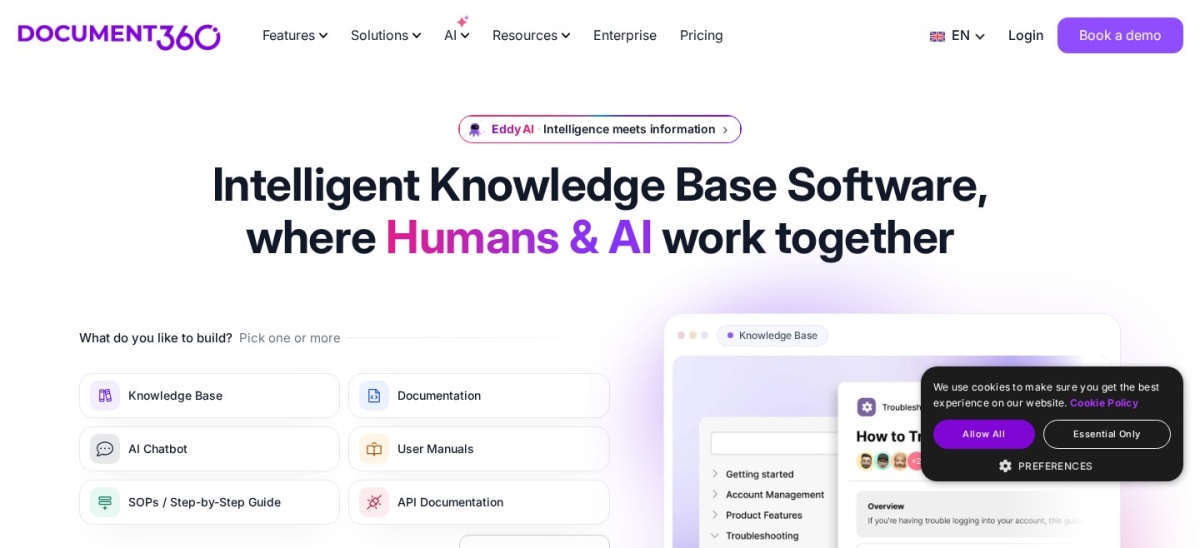
Document360 is the highest-rated help center here at 4.7 from 541 G2 reviews, but pricing is quote-only.
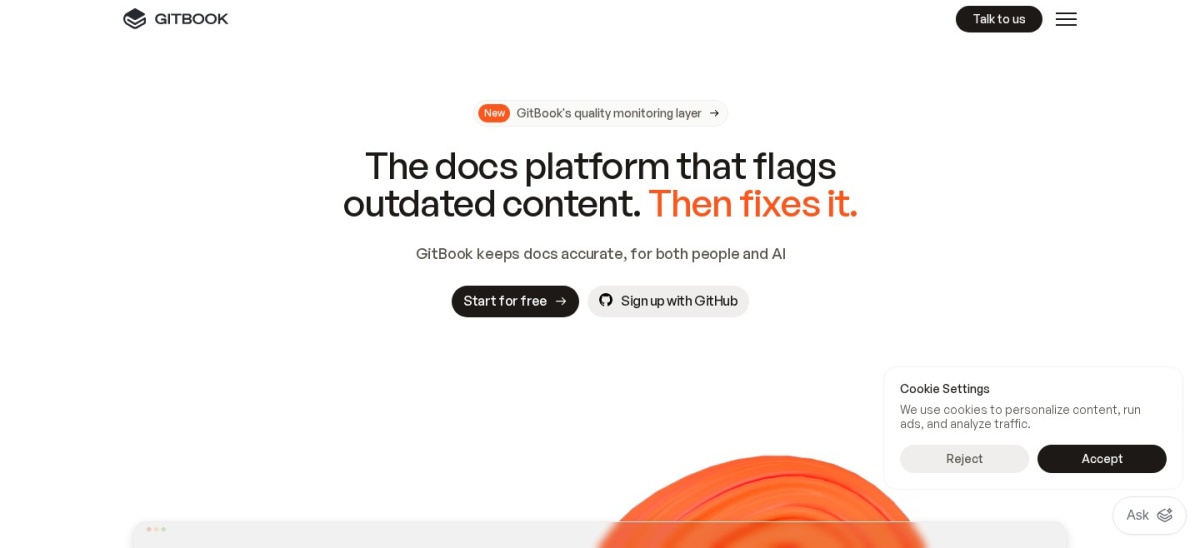
GitBook has a free plan and starts at $65 a site a month, plus $12 per user, for docs that live in Git.
HelpNDoc is the cheapest way in: a free Personal edition and a €99 one-time Standard licence for Windows desktop authoring.
How do you pick the right MadCap Flare alternative?
Most teams leave Flare for one of three reasons: per-seat cost, desktop-only authoring, or slow collaboration with reviewers outside the writing team.
Single-source reuse is the feature to protect. Flare's topic reuse, variables and conditional publishing keep large doc sets manageable, so a replacement should do the same job without forcing a full rewrite.
Prices spread wider than most buyers expect. This list runs from a €99 one-time licence to a $15,000-a-year CCMS, and one tool publishes no price at all, so compare the plan you would actually buy.
Migration matters more than the editor. Ask how each tool imports Flare projects, and whether it exports clean HTML and PDF, before you commit to a year-long contract.
List prices in each vendor's currency, checked Nov 2026
Document360Custom
ConfluenceFREE$86
HelpNDocFREE€99
RoboHelp$360
Archbee$588
GitBookFREE$780
ClickHelp$2,328
Helpjuice$2,988
Paligo$15,000
The 9 best MadCap Flare alternatives
01
ClickHelp
4.8/5on G2 (67 reviews, checked Nov 2026)
Starts at$194/mo
Best Flare-style cloud authoring
Topics on Starter500
Contributors included2
File storage5 GB
Paid planStarter, $194/mo
clickhelp.com
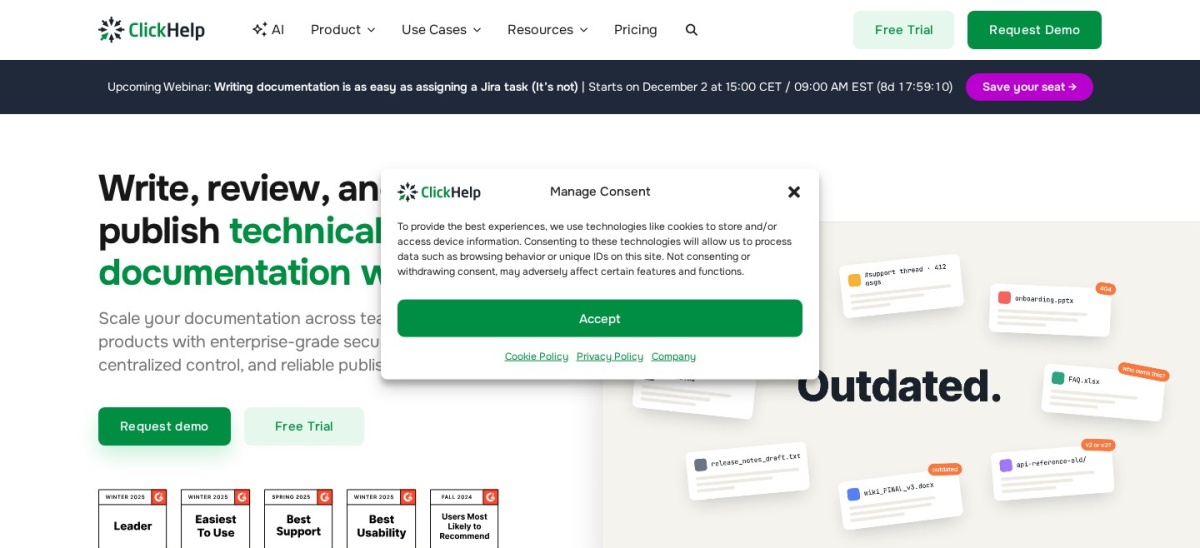
ClickHelp homepage, captured Nov 2026.
ClickHelp is a cloud help authoring platform that mirrors Flare's topic-based workflow in a browser, with review workflows, permission management and conditional publishing. It holds a 4.8 out of 5 rating on G2 from 67 reviews, and the Starter plan covers 1 documentation site with unlimited projects and reader accounts.
The trade off is price and add-ons. Starter costs $194 a month, and single sign-on, translation and the AI Suite are paid add-ons on lower plans. It suits small and mid-size writing teams that want Flare-style authoring without a desktop install.
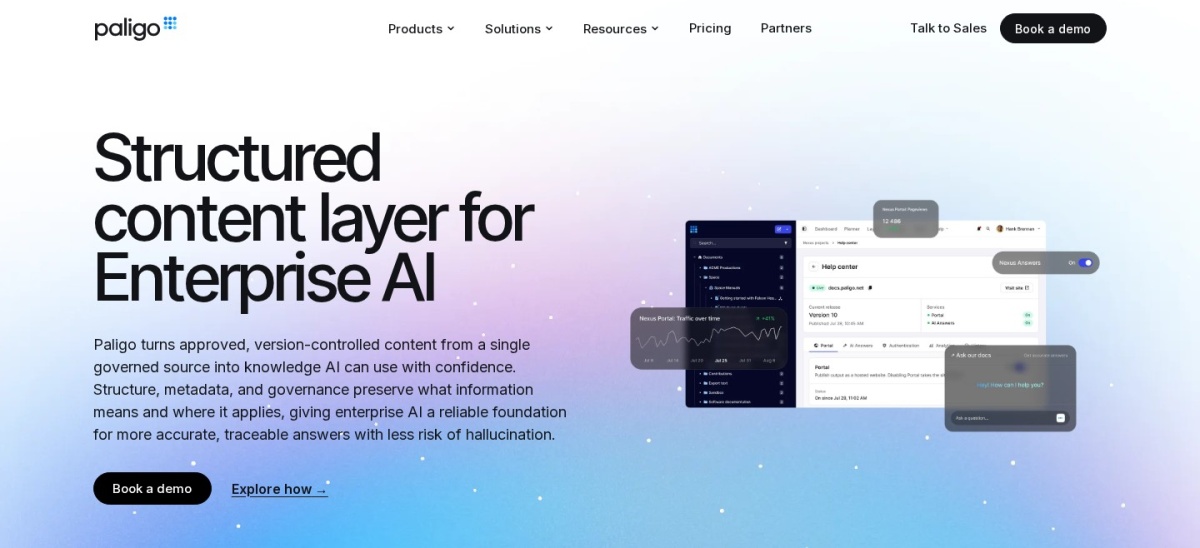
Paligo is a cloud component content management system for structured authoring, with topic reuse down to single text fragments, version branching and translation management. The Business plan includes 2 authors and 2 languages, and every plan covers multi-channel publishing to HTML5, PDF and eLearning.
The trade off is the entry price. Business starts at $15,000 a year, and single sign-on, advanced permissions and unlimited languages wait for the custom Enterprise plan. It suits teams that publish the same content in many languages and need strict reuse governance.
Document360 is a knowledge base platform for customer-facing help centers and product docs, with Markdown and WYSIWYG editors, reusable content blocks and approval workflows. It holds a 4.7 out of 5 rating on G2 from 541 reviews, the largest review base in this list.
The trade off is price transparency. Document360 moved to quote-only pricing, so every plan needs a sales conversation, and AI Premium Suite features cost extra. It suits teams building a polished public help center with analytics and version control.
What we like
Highest review count in this list
Strong analytics and search tracking
Migration from Flare included in most quotes
SOC 2 Type II and ISO 27001 certified
Watch out for
No published price
No free plan, trial only
Per-project pricing can confuse multi-product teams
GitBook is a docs platform that syncs with Git, so documentation is versioned, reviewed in pull requests and updated in the same commit as the code. It holds a 4.8 out of 5 rating on G2 from 183 reviews, and the free plan covers individuals with unlimited page views.
The trade off is the pricing model. Essential costs $65 a site a month plus $12 per user a month, so a team of five pays more than the headline rate. It suits product and engineering teams whose docs already live beside code.
Archbee is a cloud documentation portal for product docs, API references and developer portals, with a block editor, GitHub integration and unlimited readers. It holds a 4.6 out of 5 rating on G2 from 118 reviews, and Growing costs $49 a month billed annually.
The trade off is the add-on model. Growing includes only one team member, and reuse, versioning and localization sit on the $199-a-month Scaling plan, while AI is a separate add-on. It suits small product teams that need a polished public docs site fast.
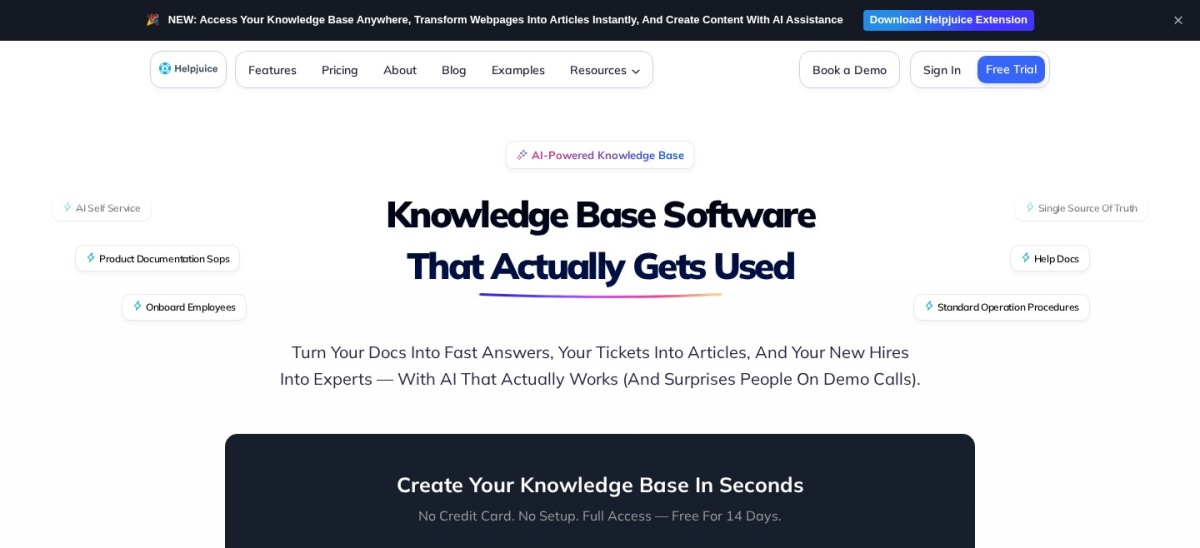
Helpjuice is a knowledge base platform that builds and skins your help center for you, with real-time collaboration, version history and AI translation to 40-plus languages. It holds a 4.7 out of 5 rating on G2 from 384 reviews, and the entry plan covers 30 users for a flat $249 a month.
The trade off is the entry price. The $249 plan excludes the AI Suite, which starts on the $449 plan, and a second knowledge base means a second account. It suits teams that want a fully branded, standalone knowledge base without per-seat billing.
Adobe RoboHelp is a desktop help authoring tool with topic-based authoring, reusable snippets, microcontent and conditional publishing, much like Flare. It holds a 4.0 out of 5 rating on G2 from 38 reviews, and the individual subscription costs $29.99 a user a month with an annual commitment.
The trade off is scale and price clarity. Reviewers note it struggles on large, complex projects, and Adobe's store page shows no price, so the figure comes from Adobe's subscription pages. It suits solo writers and small teams already in the Adobe ecosystem.
What we like
Closest desktop match to Flare
FrameMaker and Creative Cloud integration
Responsive HTML5 and print output
Lowest entry price of the desktop tools
Watch out for
Lowest rating in this list
Weak on large-scale projects
No perpetual licence anymore
Team and enterprise licences are priced on requestVisit adobe.com
08
HelpNDoc
4.1/5on G2 (18 reviews, checked Nov 2026)
Paid from€99/once
Best budget desktop authoring
Free editionPersonal, non-commercial
OutputsCHM, HTML5, PDF, ePub
PlatformWindows only
Paid planStandard, €99 one-time
helpndoc.com
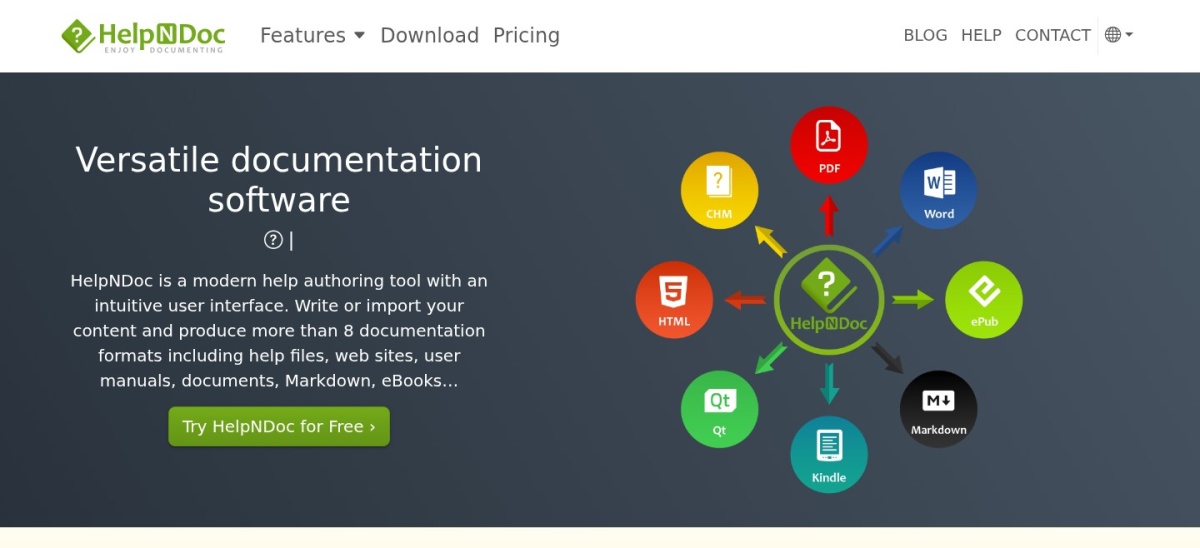
HelpNDoc homepage, captured Nov 2026.
HelpNDoc is a Windows help authoring tool with a Word-like interface that exports to HTML5, PDF, CHM, Word, ePub and Markdown from one project. It holds a 4.1 out of 5 rating on G2 from 18 reviews, and the free Personal edition covers non-commercial use.
The trade off is platform and scope. HelpNDoc runs on Windows only, so browser-based review needs another tool, and the €99 Standard licence covers one named user. It suits solo writers and small teams on Windows who want affordable desktop authoring.
Confluence is Atlassian's team wiki for internal docs, meeting notes and project pages, with whiteboards, databases and deep Jira integration. It holds a 4.1 out of 5 rating on G2 from 4,368 reviews, and the free plan covers up to 10 users.
The trade off is fit. Confluence is a wiki, not a help authoring tool, so it lacks conditional publishing and multi-format output, and single sign-on needs a separate Guard subscription. It suits internal docs for teams already on Jira.
Free plans cover the basics well. GitBook, HelpNDoc and Confluence all let you start without paying, usually for one author or up to 10 users.
Paid plans mostly add seats, outputs and governance. Private docs, conditional publishing, translation and single sign-on usually sit behind the entry tier, so price the plan you would actually buy.
Watch the per-seat trap. A $49-a-month plan that includes one author costs far more for a team of five, and Paligo's $15,000-a-year plan covers only 2 authors.
For a solo writer, a free plan or a one-time licence is often enough. For a team shipping docs in several languages, budget for the tier that includes translation and review.
How we chose
We started from the help authoring tools most often named as Flare replacements in 2026 comparisons, then kept the nine with published user ratings and a live product.
Prices come from each vendor's pricing page, checked on 29 November 2026. Ratings come from G2 on the same day. Where a vendor shows a sale, the list shows the regular price.
We left out open-source generators with no published user rating, and tools that publish no usable price or rating. No vendor paid for a place, and we do not claim hands-on testing for this list.
How to choose a MadCap Flare alternative
Start with the output your readers need, then match the authoring model to your team.
List the outputs you must ship. Web help, PDF, print and eLearning each need different tooling. If print matters, keep a desktop HAT or a CCMS with PDF output on the shortlist.
Count the authors and the languages. Per-seat and per-author pricing diverge fast: Confluence costs $7.15 a user a month while Paligo starts at $15,000 a year for 2 authors. Price the team you have, not the team you wish for.
Check reuse before you fall for the editor. Variables, snippets and conditional publishing are what keep a large doc set manageable. Ask each vendor how Flare topics and conditions map across.
Run a real migration trial. Import a representative Flare project and publish it to every format you ship. A trial that only covers the editor hides the export problems.
FAQ
What is the best alternative to MadCap Flare in 2026?
ClickHelp is the best alternative for most teams. It mirrors Flare's topic-based authoring and review workflows in a browser, starts at $194 a month, and holds a 4.8 out of 5 G2 rating from 67 reviews. Teams that need governed reuse should look at Paligo instead.
How much do MadCap Flare alternatives cost?
Prices run from a €99 one-time HelpNDoc licence to Paligo at $15,000 a year. Cloud tools mostly charge $49 to $249 a month, Confluence costs $7.15 per user a month, and Document360 prices by quote, so budget the plan you would actually buy.
Is there a free alternative to MadCap Flare?
Yes. GitBook has a free plan for individuals, HelpNDoc offers a free Personal edition for non-commercial use, and Confluence is free for up to 10 users. Free plans cap features, so check private docs, outputs and user limits before you commit.
Which MadCap Flare alternative is best for small teams?
GitBook is the best pick for small technical teams, with a free plan and Git-synced docs from $65 a site a month. Archbee suits small product teams at $49 a month, and HelpNDoc is the cheapest desktop option at €99 once.
Which is better, ClickHelp or Paligo?
ClickHelp is better for most teams: it costs $194 a month, rates higher at 4.8 out of 5 on G2, and feels closest to Flare. Paligo is better for governed multi-language publishing, but its $15,000-a-year entry price fits larger teams with translation needs.
Can I migrate my Flare projects to another tool?
Mostly, yes. ClickHelp offers content migration assistance, Document360 includes migration in most quotes, and Paligo has a content import wizard. Expect cleanup work: conditions, variables and snippets rarely map one-to-one, so trial a real project first.
Do any MadCap Flare alternatives work on desktop?
Yes. Adobe RoboHelp and HelpNDoc are desktop tools like Flare, with RoboHelp at $29.99 a user a month and HelpNDoc from €99 once. The other seven tools in this list are cloud-based and run in a browser.
SaaS SEO and WordPress specialist with about 8 years of experience. Rakib compares WordPress plugins, themes, hosting and software using public pricing, documentation and user reviews. See how we rank.