Blink is the top LumApps alternative with transparent pricing, starting at $4.50/user/month and holding a 4.6/5 rating across 404 G2 reviews. Teams needing a simple company-wide intranet can choose Jostle ($2.77/user/month), while Microsoft 365 organizations can use SharePoint inside Microsoft 365 Business Basic ($7.00/user/month).
How we make this list: we compare pricing pages, product documentation and public user reviews, then re-check every price before each update. No product paid for a place. Disclosure.
LumApps relies on custom enterprise quotes, whereas six of the seven alternatives below publish starting prices from $2.77/user/month to $500/month flat.
Blink pairs a 4.6/5 G2 rating (404 reviews) with passwordless SMS or QR onboarding for deskless staff at $4.50/user/month.
Jostle scales per-user pricing down to $2.77/user/month (billed annually) with onboarding and full support included.
Microsoft SharePoint ships inside Microsoft 365 Business Basic at $7.00/user/month (billed yearly), avoiding a separate intranet license.
Connecteam and Bitrix24 offer permanent free plans for up to 10 and 2 users respectively, plus flat-rate paid tiers for larger groups.
How do you choose the best LumApps alternatives?
LumApps works well for large enterprises that want a custom-branded employee hub tied to Google Workspace or Microsoft 365, but its sales-led quotes and implementation overhead slow down smaller buyers. Many mid-market and frontline teams look for alternatives with published per-user or flat-rate pricing and faster self-serve setup.
Your workforce mix is the first dividing line. Desk-based teams that already live in Microsoft 365 often get enough publishing and document control from SharePoint and Viva Connections, while retail, healthcare, and field companies need mobile apps that let staff sign in without a corporate email address.
Billing structure matters just as much as features once headcount grows. Per-seat intranets like Blink, Jostle, and ThoughtFarmer scale linearly with every employee, whereas flat-tier platforms like Connecteam, Bitrix24, and Axero Go bundle fixed user blocks under one monthly fee.
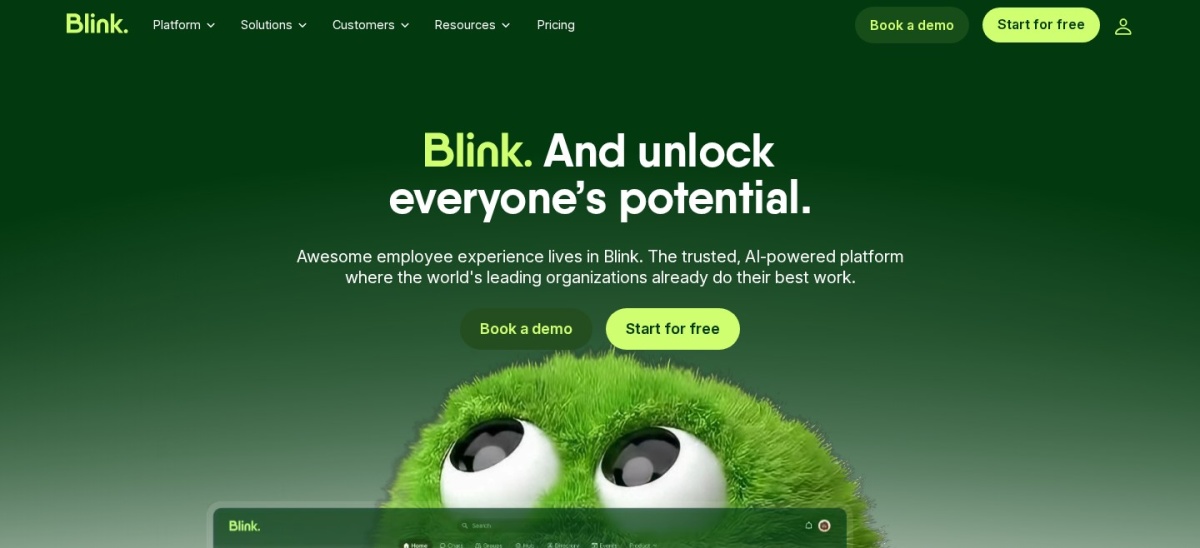
Blink is a mobile-first employee app and intranet built to connect deskless and office staff in one feed. Its Business tier starts at $4.50 per user per month ($42 per user billed yearly) and includes 1:1 and group chat, mandatory read receipts, colleague recognition, a knowledge hub, and passwordless SMS or QR code sign-in.
The trade off is that advanced analytics, custom micro-apps, and deeper HRIS connectors sit behind higher tiers or add-ons, with Core and higher bundles listed at $6.75 to $8.40 per user per month billed annually. It suits distributed workforces that want fast mobile adoption without issuing corporate email accounts.
What we like
Passwordless onboarding via SMS, email, or QR code
Native iOS, Android, Windows, and Mac apps with offline messaging
Mandatory read tracking and digital forms built in
Unlimited admin seats at no extra cost
Watch out for
No permanent free tier
Branding customization is limited on entry tiers
Workforce intelligence analytics cost extra as an add-on
Business ($4.50/user/mo) unlocks chat, mandatory reads, hub storage, and SSO.Visit joinblink.com
02
Jostle
4.6/5on G2 (276 reviews, checked Nov 2026)
Starts at$2.77/mo
Best for simple company-wide comms
Entry planBronze ($2.77/user/mo)
Free tierFree trial only
StorageUnlimited on all plans
BillingAnnual prepaid (+15% monthly)
jostle.me
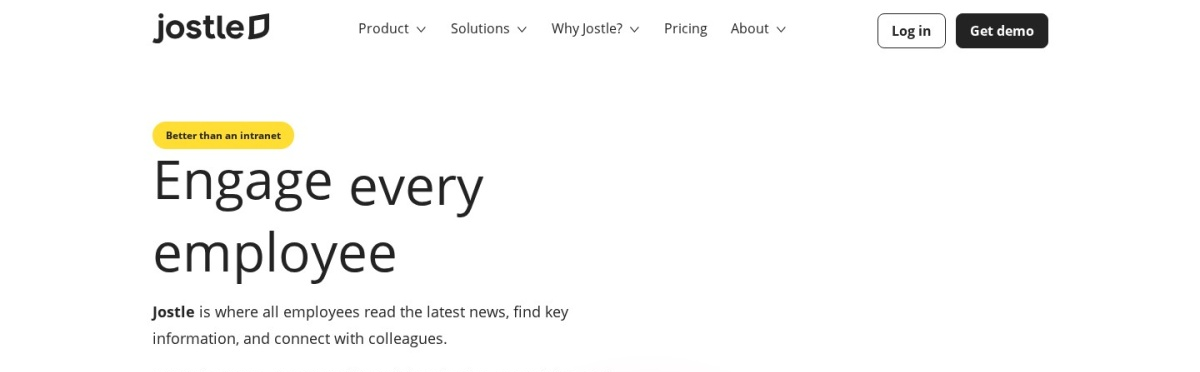
Jostle homepage, captured Nov 2026.
Jostle is a structured employee intranet focused on internal news, people directories, and document sharing without complex page builders. Its Bronze plan starts at $2.77 per user per month on prepaid annual billing (with higher volume rates for very small teams) and includes news, an activity feed, employee recognition, mobile apps, unlimited storage, and onboarding support.
The trade off is that document libraries and deeper workflow modules require moving up to Silver ($4.98/user/mo) or Gold ($6.64/user/mo), and monthly billing adds a 15% surcharge. It suits small and mid-sized companies that want a clean intranet employees open daily without heavy IT maintenance.
What we like
Transparent per-user pricing with volume discounts
Onboarding setup assistance and full support included on every plan
Unlimited storage and custom branding even on Bronze
Integrates with Google Workspace, Microsoft 365, and Slack
Watch out for
No permanent free plan
Smaller teams pay higher per-user rates than 500-seat accounts
Less layout freedom than modular CMS intranets
Bronze ($2.77/user/mo billed annually) covers news, feed, directory, and mobile apps.Visit jostle.me
03
Microsoft SharePoint
4/5on G2 (9,002 reviews, checked Nov 2026)
Starts at$7.00/mo
Best for Microsoft 365 organizations
Entry planM365 Business Basic ($7/user/mo)
Free tier30-day trial only
Cloud storage1 TB per user included
Companion appViva Connections included
microsoft.com
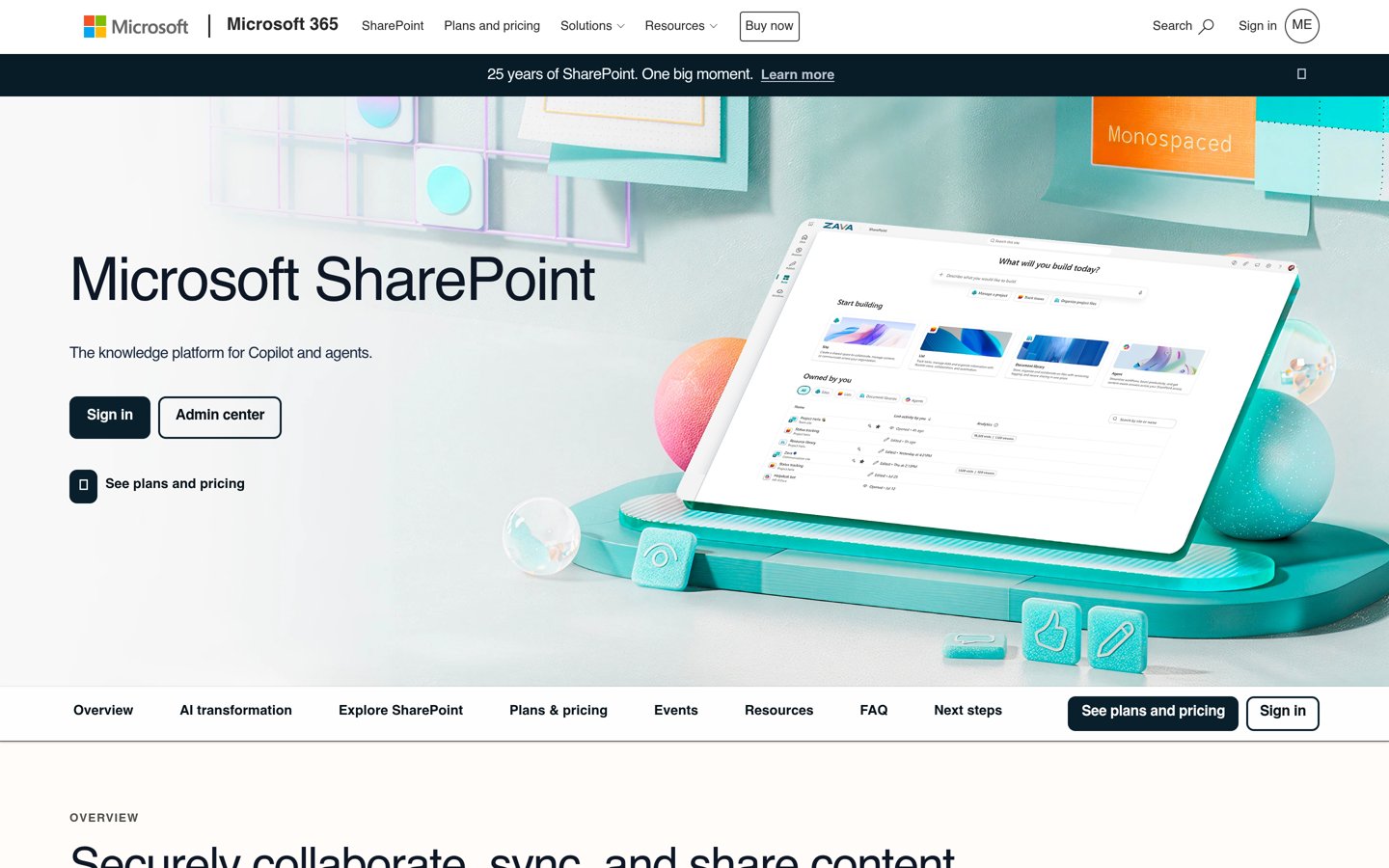
Microsoft SharePoint homepage, captured Nov 2026.
Microsoft SharePoint is the default intranet and document management backbone for organizations running Microsoft 365. Because standalone SharePoint plans are retired in favor of suite licensing, entry starts with Microsoft 365 Business Basic at $7.00 per user per month paid yearly ($5.40/user/mo without Teams), bundling SharePoint team sites, 1 TB of storage per user, Exchange email, and Viva Connections.
The trade off is that turning raw SharePoint sites into an engaging employee portal takes internal admin skill, and external deskless workers still require paid Microsoft 365 seats. It suits companies already paying for Microsoft 365 that want to eliminate a duplicate intranet subscription.
What we like
Included in Microsoft 365 Business and Enterprise plans
Deep version history, permissions, and compliance governance
Pairs directly with Microsoft Teams and Viva Connections
Massive ecosystem of templates and connectors
Watch out for
Navigation and search require careful information architecture
Frontline workers without Microsoft licenses cannot access content
Steeper admin learning curve than turnkey intranets
Microsoft 365 Business Basic ($7.00/user/mo) includes SharePoint, Teams, and 1 TB storage.Visit microsoft.com
04
ThoughtFarmer
4.7/5on G2 (163 reviews, checked Nov 2026)
Starts at$6.00/mo
Best for knowledge management
Entry planAll-features ($6–$12/user/mo)
Free tierFree trial only
Feature accessAll 240+ features in one tier
IntegrationsM365 and Google Workspace
thoughtfarmer.com
ThoughtFarmer homepage, captured Nov 2026.
ThoughtFarmer is an all-in-one social intranet designed for mid-sized organizations that prioritize structured knowledge bases and policy governance. Rather than locking modules behind tiers, it includes all 240+ features in one plan priced by headcount: $12 per user per month for 50–99 users, $10 for 100–199, $7 for 200–499, and $6 for 500–999 users.
The trade off is that small teams under 100 people pay $12 per user per month, and organizations over 1,000 seats must request a custom Enterprise quote. It suits mid-market companies that want required reading tracking, content audit reports, and responsive vendor support.
What we like
Every feature included in one tier with no feature gating
Built-in required reading logs and stale-content audit reports
Integrates with both Microsoft 365 and Google Workspace
High support satisfaction across 163 G2 reviews
Watch out for
Higher per-user price for teams under 100 employees
No permanent free plan
Form builder workflows have limited customization
Single all-inclusive plan ($6–$12/user/mo by headcount) unlocks all 240+ intranet tools.Visit thoughtfarmer.com
05
Connecteam
4.6/5on G2 (3,506 reviews, checked Nov 2026)
Paid from$29/mo
Best free option for small teams
Entry planBasic ($29/mo for 30 users)
Free tierFree forever up to 10 users
Pricing modelFlat base per hub + overage
Overage rate$0.50–$0.80/extra user/mo
connecteam.com
Connecteam homepage, captured Nov 2026.
Connecteam combines internal communications, shift scheduling, time tracking, and training in a mobile-first workplace app. Its Small Business Plan is completely free for life for up to 10 users across all hubs, while paid plans start at $29 per month billed annually ($35 monthly) for the first 30 users in a chosen hub.
The trade off is that Connecteam splits Operations, Communications, and HR & Skills into separate hubs, so running all three above 10 employees multiplies the base fee. It suits small businesses and shift-based teams that want a free or low-cost mobile hub without per-seat minimums.
What we like
Free forever for up to 10 users with full feature access
Flat $29/month covers the first 30 users in a hub
Combines company feed, chat, courses, and shift schedules
Backed by 3,506 G2 reviews at 4.6/5
Watch out for
Separate subscriptions required for Operations, Comms, and HR hubs
Single Sign-On (SSO) is restricted to Enterprise quotes
Lighter document wiki capabilities than dedicated intranets
Basic ($29/mo billed annually) covers 30 users in one hub with unlimited chats and feed.Visit connecteam.com
06
Bitrix24
4.1/5on G2 (617 reviews, checked Nov 2026)
Paid from$49/mo
Best flat-rate workspace suite
Entry planBasic ($49/mo for 5 users)
Free tierFree plan (5 GB storage)
50-user tierStandard ($99/mo yearly)
100-user tierProfessional ($199/mo yearly)
bitrix24.com
Bitrix24 homepage, captured Nov 2026.
Bitrix24 bundles a social intranet feed, team chat, video calls, document drive, task boards, and CRM into one flat-priced cloud workspace. It includes a permanent Free plan with 5 GB of storage, while paid plans start at $49 per month billed annually ($69 monthly) for 5 users, scaling to $99/month for 50 users and $199/month for 100 users.
The trade off is a dense interface packed with CRM and telephony tools that pure internal-comms teams may never touch, alongside a 1.9/5 Trustpilot score driven by support and renewal complaints. It suits budget-conscious SMBs that want flat company-wide pricing rather than per-seat fees.
What we like
Flat monthly fee per company instead of per-seat billing
Standard plan covers 50 users for $99/month billed annually
Permanent free tier with chat, tasks, and video calls
Includes knowledge bases, company directory, and workflows
Watch out for
Cluttered interface if you only want an employee intranet
Free accounts inactive for 50 days are deleted
Mixed customer support feedback on third-party review sites
Basic ($49/mo billed annually) adds 24 GB storage, AI tools, and support for 5 users.Visit bitrix24.com
07
Axero
4.3/5on G2 (106 reviews, checked Nov 2026)
Starts at$500/mo
Best for departmental workspaces
Entry planAxero Go Essentials ($500/mo)
Free tier7-day Essentials trial
User limitUp to 100 people on Essentials
Hosting optionsCloud SaaS or On-Premise
axerosolutions.com
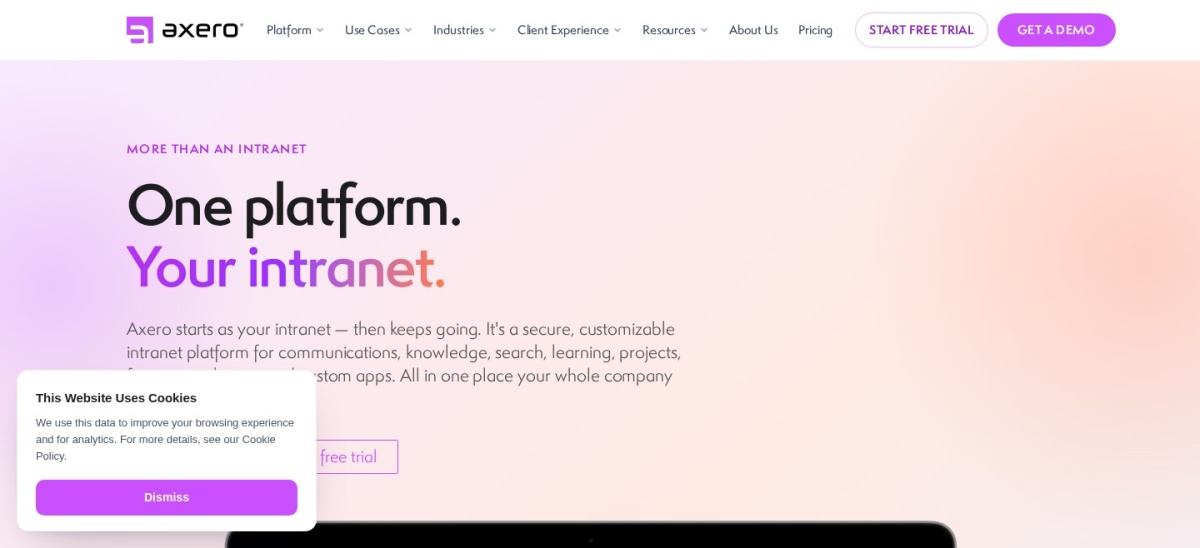
Axero homepage, captured Nov 2026.
Axero provides a customizable social intranet with company news, wikis, forums, people directories, and departmental workspaces. Under its Axero Go self-serve lineup, Essentials costs a flat $500 per month for up to 100 people (with 50% off the first two months and a 7-day free trial), while Growth covers up to 500 people at $2,000 per month.
The trade off is that Axero Go Essentials omits SSO, integrations, and custom pages—those require Growth ($2,000/mo) or custom-quoted Premium and Enterprise contracts ($10–$15/user/mo). It suits mid-sized organizations of 50 to 500 staff that want predictable flat pricing or an on-premise deployment option.
What we like
Flat $500/month price covers up to 100 employees
7-day self-serve free trial on Axero Go Essentials
Smooth upgrade path to Premium or Enterprise without re-platforming
On-premise hosting option available on Enterprise
Watch out for
Essentials lacks SSO, integrations, and departmental spaces
High entry cost for teams with fewer than 40 employees
Admin backend feels dated compared to newer cloud apps
Axero Go Essentials ($500/mo) includes a company-wide cloud intranet for up to 100 users.Visit axerosolutions.com
Per-user vs flat-rate intranet pricing: which saves more?
Per-user pricing works best when your headcount is small or you only license active desk staff. At 40 employees, Blink ($4.50/user/mo) costs $180/month and Jostle ($2.77/user/mo base rate) sits near the low end, whereas Axero Go Essentials starts at $500/month regardless of whether you have 15 or 95 staff.
Flat-rate tiers flip the math once you cross 50 to 100 employees. Bitrix24 Standard covers 50 users for $99/month billed annually ($1.98 per person), and Axero Go Essentials works out to $5.00 per user at its 100-person ceiling—beating ThoughtFarmer's $10.00/user rate for the same 100-person bracket.
How we chose
We built this list by comparing established employee intranet and digital workplace platforms frequently evaluated alongside LumApps on G2 and Gartner Peer Insights. Each product had to maintain active public reviews and publish clear entry pricing without forcing a multi-week enterprise RFP just to see a starting number.
All ratings, review counts, and regular subscription prices were verified directly from official vendor pricing pages and G2 product listings on 29 Nov 2026. Where vendors offer promotional launch discounts—such as Axero's 50% off for two months—we listed the regular ongoing price and noted the promotion in the text.
We excluded enterprise-only suites like Simpplr, Unily, Staffbase, and Happeo from the ranked list because their public pricing pages withhold dollar figures behind mandatory sales quotes. No vendor paid for a place, and we do not claim testing for this list.
How to pick the right LumApps alternative
Audit your workforce login methods and existing software licenses before committing to an annual intranet contract.
Check how deskless workers will sign in. If retail, warehouse, or clinical staff do not have corporate email addresses, prioritize tools like Blink or Connecteam that support phone number, SMS, or QR code login instead of requiring a Microsoft 365 or Google Workspace license.
Verify whether you already pay for SharePoint. If every employee already holds a Microsoft 365 Business or Enterprise seat, test SharePoint and Viva Connections first before paying $4.50 to $12.00 per user per month for a third-party portal.
Compare total annual cost at your 12-month headcount. Multiply per-seat rates by your projected team size and check where flat-tier plans like Bitrix24 Standard (50 users) or Axero Go Essentials (100 users) undercut per-user pricing.
Confirm SSO, required reading, and governance limits. Make sure critical security and compliance features—such as SAML SSO, role permissions, and mandatory policy acknowledgments—are included in your chosen tier rather than locked behind an Enterprise add-on.
FAQ
What is the best LumApps alternative in 2026?
Blink is the strongest overall LumApps alternative for most teams, combining a 4.6/5 G2 rating across 404 reviews with transparent $4.50/user/month pricing and passwordless mobile access. Companies wanting a simpler desktop intranet can choose Jostle ($2.77/user/month), while Microsoft 365 shops can use SharePoint.
What is the best free alternative to LumApps?
Connecteam offers the best permanent free plan for small teams, giving up to 10 employees full access to its communications feed, chat, tasks, and mobile app at $0/month. Bitrix24 also provides a permanent free tier with 5 GB of storage, chat, video calls, and basic intranet tools.
How much do LumApps alternatives cost?
Published per-user alternatives start between $2.77/user/month (Jostle Bronze billed annually) and $7.00/user/month (Microsoft 365 Business Basic with SharePoint), with ThoughtFarmer ranging from $6 to $12/user/month. Flat-rate plans start at $29/month for 30 users on Connecteam and $49/month for 5 users on Bitrix24.
Which LumApps alternative is best for Microsoft 365 users?
Microsoft SharePoint is the most direct fit for Microsoft 365 organizations because it ships inside Microsoft 365 Business Basic ($7.00/user/month billed yearly) alongside Teams and Viva Connections. It eliminates duplicate vendor billing while keeping document permissions inside Microsoft Entra ID.
How do Blink and Jostle compare as LumApps replacements?
Blink ($4.50/user/month) is built mobile-first for frontline workers who sign in via SMS or QR code without corporate email. Jostle ($2.77/user/month billed annually) focuses on structured company news, people directories, and unlimited document storage for office and hybrid teams.
SaaS SEO and WordPress specialist with about 8 years of experience. Rakib compares WordPress plugins, themes, hosting and software using public pricing, documentation and user reviews. See how we rank.