Miro is the best of these Lucidchart alternatives for most teams, with unlimited boards from $8 per member a month and a 4.6 out of 5 G2 rating from more than 13,800 reviews. Pick diagrams.net if you want a free diagrammer with no limits, or Visio if your team already uses Microsoft 365.
How we make this list: we compare pricing pages, product documentation and public user reviews, then re-check every price before each update. No product paid for a place. Disclosure.
Miro leads the list at $8 per member a month, with a 4.6 out of 5 G2 rating from more than 13,800 reviews.
diagrams.net is the only fully free tool here, with no sign-up, no document cap and no paid plan at all.
Visio Plan 1 costs $5 per user a month and is the natural pick for teams already paying for Microsoft 365.
FigJam is the cheapest paid seat at $3 a month, and it shares files with Figma Design.
Seven of the nine tools have a free plan, but only diagrams.net and Excalidraw stay free without a document or object cap.
How do you pick the right Lucidchart alternatives?
A diagram tool earns its place by how formal the diagram must be. Structured diagrammers keep shapes aligned and export clean files, while whiteboards suit early sketches that change every hour.
Free plans differ more than prices do. Some cap the number of editable documents, others limit shapes or watermark exports, so count how many diagrams your team keeps live before you pick.
File format matters when you leave Lucidchart behind. If colleagues still send .vsdx files, you need a tool that opens them, and Visio, diagrams.net and SmartDraw all do.
A finished diagram usually ends up on a website as an image. Our guide on adding an image gallery in WordPress shows how to present exported images cleanly once the diagram is done.
Miro is an online whiteboard where a team can run a workshop, sketch a process and leave comments on the same board. The free plan covers 3 editable boards, and Starter at $8 per member a month billed yearly adds unlimited boards, private boards and visitor editing.
The trade off is structure. Miro is flexible, so diagrams can drift into messy boards unless someone owns the layout, and strict notation such as BPMN is not its strength. It suits teams that map processes live in workshops rather than documenting them formally.
What we like
Highest review count in this list, over 13,800 on G2
Huge template library for workshops and flows
250+ integrations with common work tools
Guests can view boards without a paid seat
Watch out for
Free plan limits you to 3 editable boards
Loose notation for formal diagrams
Starter adds unlimited boards and private sharingVisit miro.com
02
diagrams.net
4.4/5on G2 (445 reviews, checked Nov 2026)
PriceFree
Best free Lucidchart alternative
Free planFree forever
Desktop appYes, Windows and Mac
StorageYour own drive or cloud
Visio filesImport and export
diagrams.net
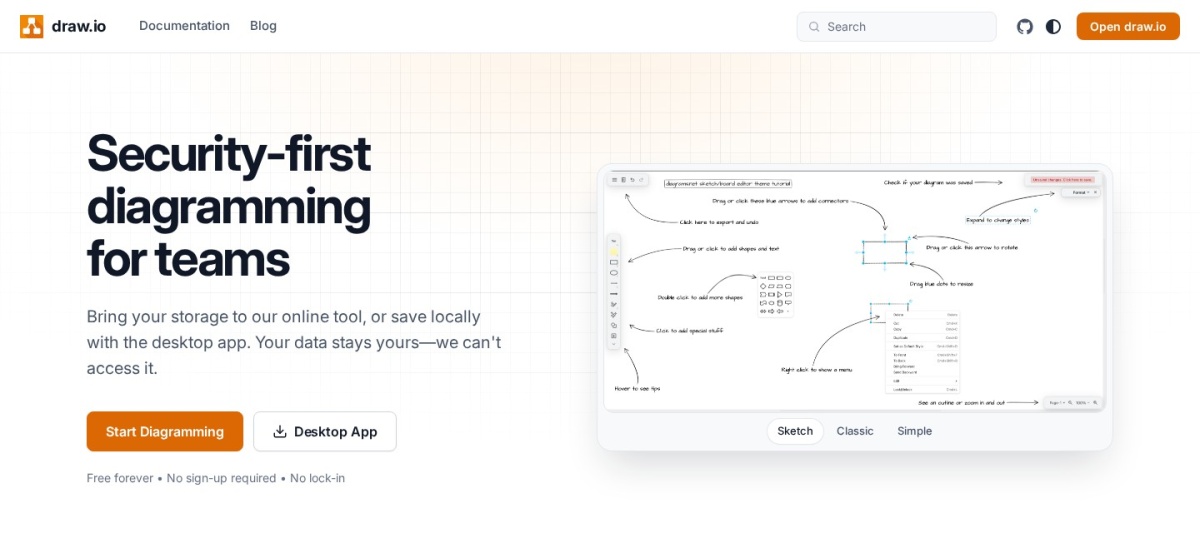
diagrams.net homepage, captured Nov 2026.
diagrams.net is a free diagrammer, also known as draw.io, with no sign-up, no document cap and no paid plan to upgrade to. It covers flowcharts, org charts, UML, network diagrams and ER diagrams, and it saves to your own drive or cloud storage.
The trade off is teamwork. There is no built-in real-time co-editing like Miro or FigJam, so teams share files through a drive instead of editing one live canvas. It suits solo users and privacy-minded teams who want a free tool with no limits.
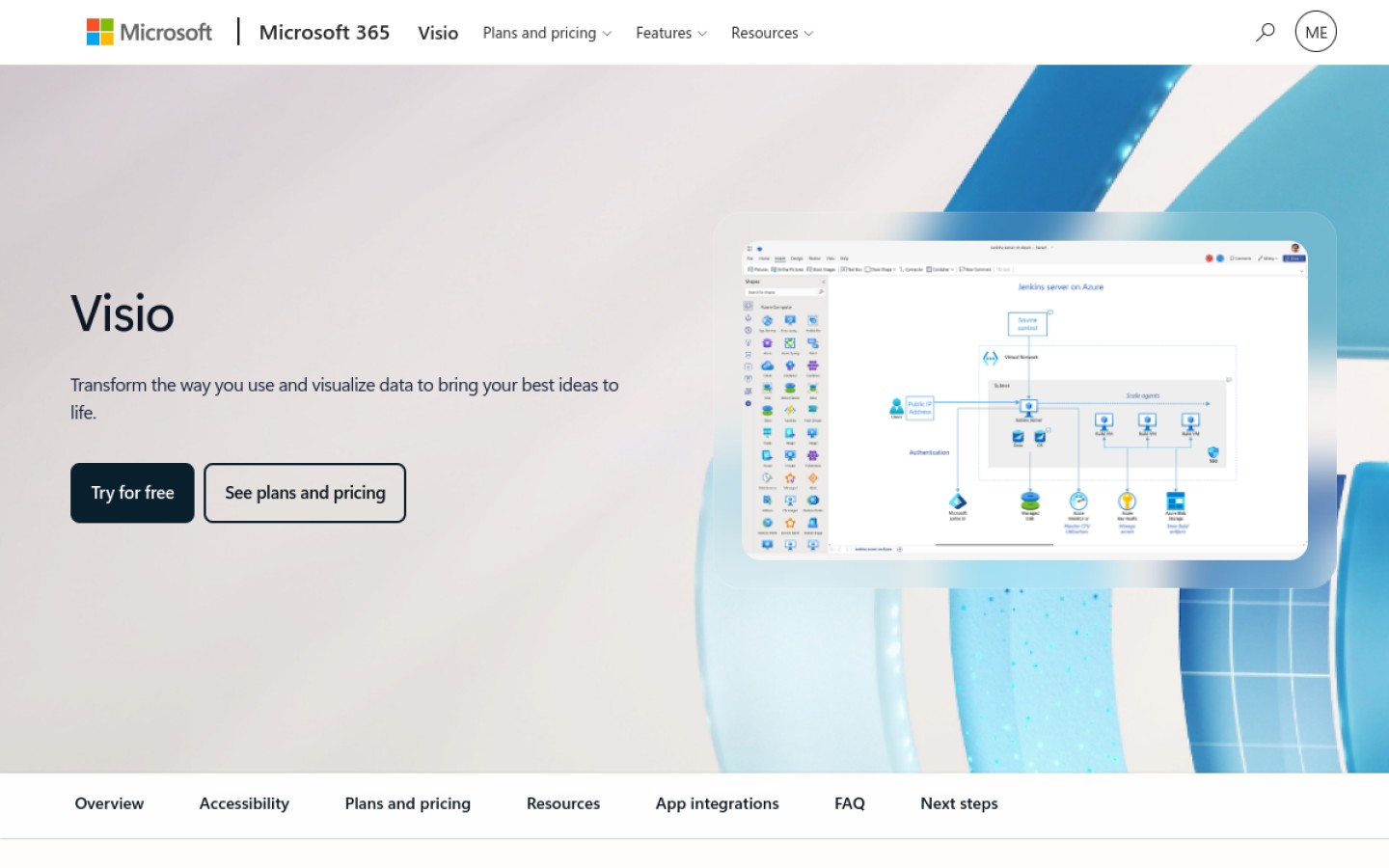
Microsoft Visio is the long-standing standard for formal business diagrams, and it is the format many large companies already expect. Plan 1 costs $5 per user a month paid yearly and adds the full web app, with 2 GB of OneDrive storage and editing inside Microsoft Teams.
The trade off is the desktop app. Plan 1 is web only, so the Windows desktop app, offline files and floor plans need Plan 2 at $15 per user a month. It suits teams already paying for Microsoft 365 who need Visio files to open exactly as sent.
What we like
Native .vsdx format, so files open exactly
Deep shape libraries for network and cloud diagrams
FigJam is Figma's online whiteboard, and it is included with all seats on every Figma plan. The free Starter plan covers 3 FigJam files, and a Collab seat at $3 a month billed yearly adds unlimited files plus full access to FigJam, Figma Slides and Figma Buzz.
The trade off is scope. FigJam is built for early ideas and workshops, not formal notation, so strict diagrams such as BPMN or network maps belong elsewhere. It suits product and design teams that already work in Figma and want workshops next to their design files.
Whimsical is a fast whiteboard and docs tool for product teams, covering flowcharts, wireframes, mind maps and sticky-note boards in one tidy workspace. The free plan allows 50 new board objects a month, and Pro at $10 per editor a month billed yearly removes the cap and the export watermark.
The trade off is the free cap. Fifty objects a month runs out quickly on a busy team, and large facilitated workshops are thinner here than in Miro or Mural. It suits small product teams that want clean flowcharts and wireframes without a heavy setup.
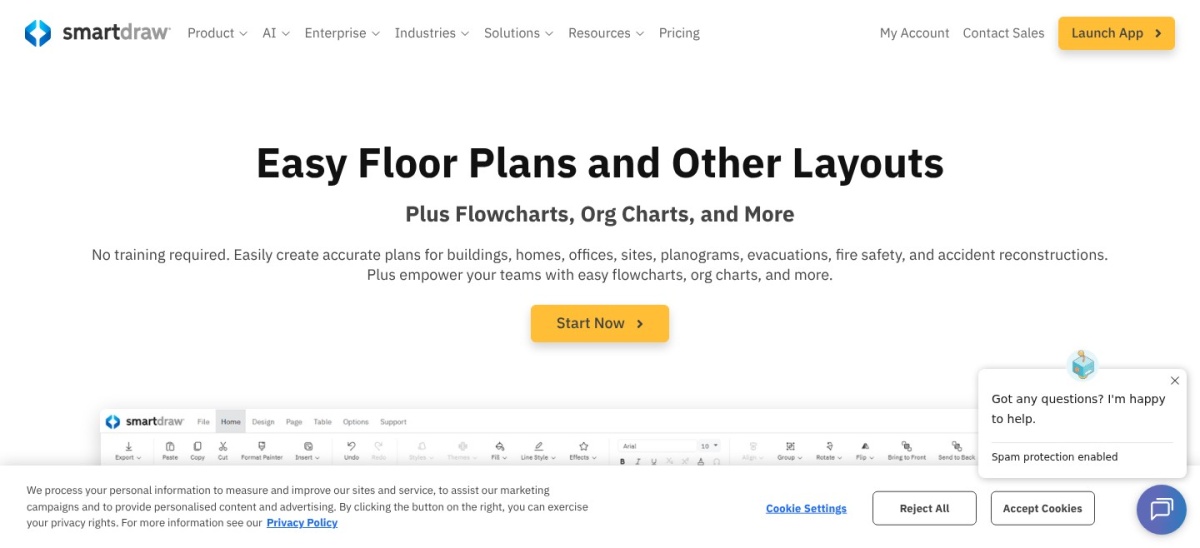
SmartDraw is a long-running diagram tool for business and technical diagrams, with automatic formatting that keeps shapes aligned as you edit. The Individual plan costs $9.95 per user a month billed yearly and covers flowcharts, org charts, floor plans, network diagrams and project charts.
The trade off is that there is no free plan, only a trial, and the interface feels dated next to Miro or Whimsical. It suits non-designers who need professional-looking diagrams, including floor plans, without learning a drawing tool.
Creately is a visual collaboration platform that pairs diagramming with project planning, so a process map can link to the tasks and owners that run it. The free plan covers basic diagramming, and paid plans start at $5 per user a month billed yearly.
The trade off is focus. The canvas can feel busy next to a single-purpose diagrammer, and the free plan limits how much a team can keep live. It suits product and operations teams that want diagrams tied to work, not just pictures on a page.
What we like
Diagrams link to tasks, owners and live data
Covers flowcharts, org charts and mind maps
Low entry price at $5 per user a month
Over 1,300 G2 reviews, one of the largest bases here
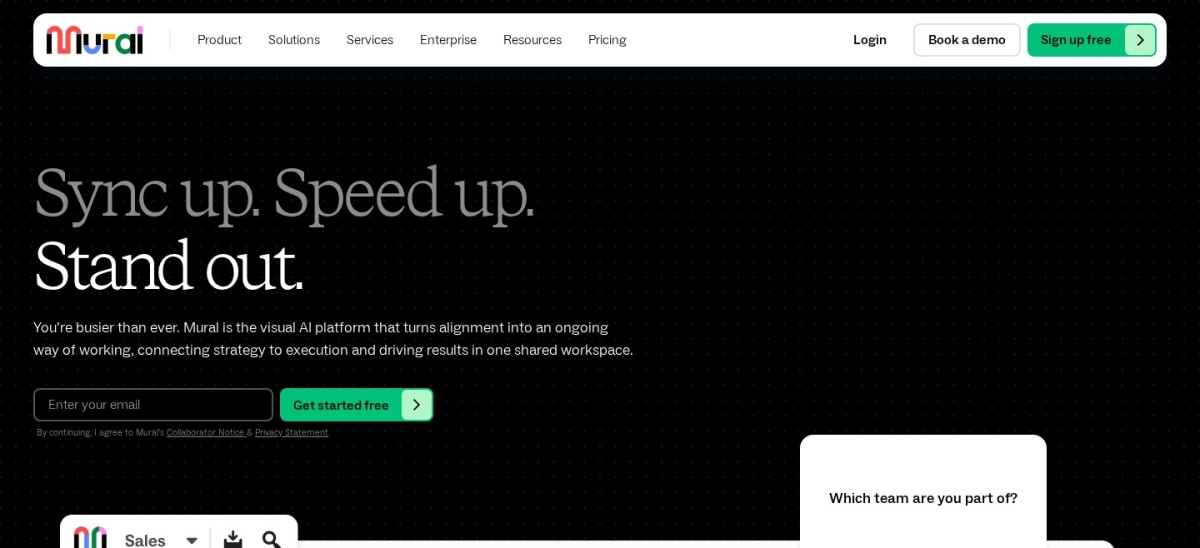
Mural is a facilitation-focused whiteboard built for workshops, design sprints and team sessions with clients. The free plan covers 3 editable murals with unlimited members, and Team+ at $9.99 per member a month billed yearly lifts the cap and adds private rooms and Mural AI.
The trade off is price for everyday diagramming. Team+ costs more than Miro Starter, and formal diagram notation is thinner than in Visio or diagrams.net. It suits facilitators and consultants who run structured workshops and need guests to join without buying a seat.
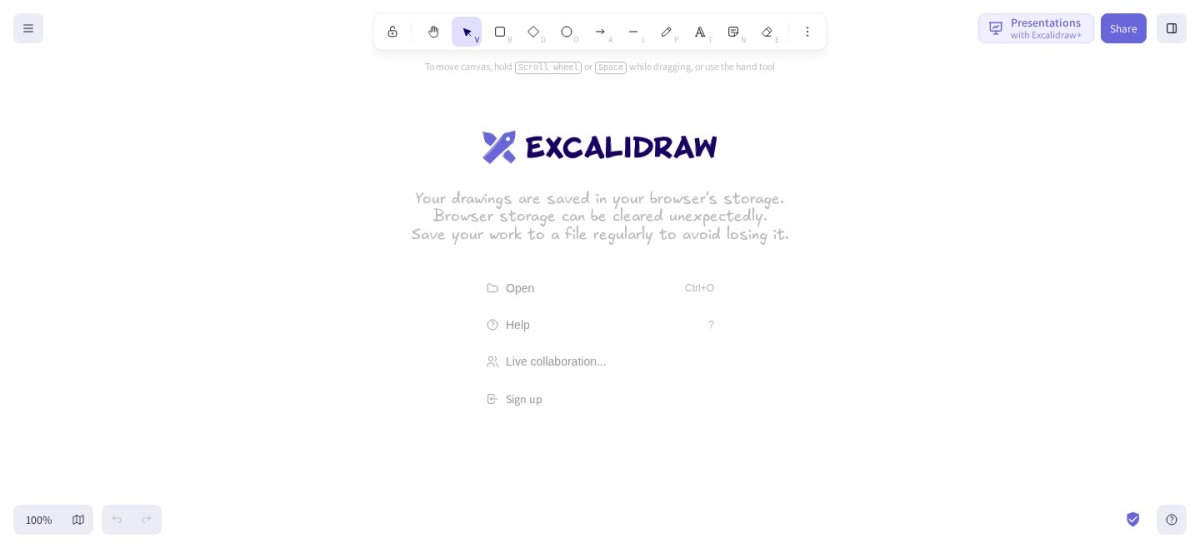
Excalidraw is a free, open-source whiteboard with a hand-drawn style, for sketching systems, ideas and flows in minutes. The free editor needs no sign-up and saves in your browser, and Excalidraw+ at $6 per user a month billed yearly adds cloud rooms and shared libraries.
The trade off is polish. The sketchy style suits early ideas but not formal client diagrams, and free drawings live in browser storage until you save them as files. It suits engineers and small teams who sketch systems quickly and want a free tool for most people.
Free plans cover casual diagramming well. diagrams.net is fully free, and Miro, FigJam, Whimsical and Mural all let you start without paying.
Paid plans mostly add room and teamwork. You get more editable documents or boards, private sharing, version history and admin controls.
If diagrams are part of your job, the first paid year often costs less than the hours lost to free-plan caps. Check the renewal price too: Miro Starter is $8 a month billed yearly and $10 billed monthly.
One tool has no paid plan at all. diagrams.net stays free forever, which suits a solo user who dislikes subscriptions, but it has no live co-editing.
How we chose
We started from the diagram tools most often named as Lucidchart replacements, then kept the nine with a live product, a public price and a public G2 rating.
Prices come from each vendor's pricing page, checked on 29 November 2026. Ratings and review counts come from G2 on the same day. Where a vendor shows a sale, the list shows the regular price.
We left out tools with no public rating and tools that had shut down or merged into another product. No vendor paid for a place, and we do not claim to have used these tools ourselves.
How to choose a Lucidchart alternative
Start with how formal your diagrams must be, then check the free-plan cap before you pay.
Decide formal or sketchy. Pick Visio, diagrams.net or SmartDraw for formal diagrams with strict notation, and Miro, FigJam or Excalidraw for early sketches and workshops.
Count your live diagrams. Free plans cap editable boards or documents at three in Miro, FigJam and Mural, so count what your team keeps open before you commit.
Check the file format. If colleagues send .vsdx files, pick a tool that opens them. See our guide on exporting and importing WordPress content for the same habit with site files.
Price one real team, not one seat. Multiply the per-seat price by every editor, since Miro, Whimsical and Mural charge for each member while viewers stay free.
FAQ
What is the best Lucidchart alternative in 2026?
Miro is the best Lucidchart alternative for most teams. It has the largest template library here, real-time collaboration with voting, and a 4.6 out of 5 G2 rating from more than 13,800 reviews, from $8 per member a month.
What is the cheapest Lucidchart alternative?
diagrams.net is the cheapest because it is free, with no sign-up, no document cap and no paid plan. Among paid tools, FigJam is cheapest at $3 a month for a Collab seat, followed by Visio Plan 1 and Creately at $5 a month.
Is there a free alternative to Lucidchart?
Yes. diagrams.net is fully free with no limits, and Excalidraw is free with no sign-up. Miro, FigJam, Whimsical, Creately and Mural also have free plans, but each caps editable boards, files or objects.
Which Lucidchart alternative is best for small teams?
Miro is the best fit for most small teams, since the free plan covers 3 editable boards and Starter is $8 per member a month. Small design teams already in Figma should pick FigJam instead, at $3 a month per Collab seat.
Miro vs diagrams.net: which should I pick?
Pick Miro if your team diagrams together live, since it adds real-time editing, voting, templates and comments. Pick diagrams.net if you work alone or want a free tool with no caps, since it has the same core diagram types and opens Visio files.
Can I open Lucidchart files in these alternatives?
Most of these tools import common formats rather than Lucidchart files directly. Miro imports Lucidchart files, and Visio, diagrams.net and SmartDraw open .vsdx files, so export your diagrams to Visio format before you switch.
SaaS SEO and WordPress specialist with about 8 years of experience. Rakib compares WordPress plugins, themes, hosting and software using public pricing, documentation and user reviews. See how we rank.