Google Workspace is the best LibreOffice alternative for most people, with Docs, Sheets and Slides rated by more than 48,000 G2 reviewers at $7 per user a month. Pick Microsoft 365 for desktop Office apps, or WPS Office for a cheap desktop suite that looks like Word.
How we make this list: we compare pricing pages, product documentation and public user reviews, then re-check every price before each update. No product paid for a place. Disclosure.
Google Workspace and Microsoft 365 both cost $7 per user a month on their entry business plans.
WPS Office Premium costs $29.99 a year, while Zoho Workplace Standard is $3 per user a month and Collabora Online Business is $3.40.
Five of the nine are desktop suites that work fully offline: WPS, SoftMaker, OpenOffice, iWork and ONLYOFFICE desktop editors.
Collabora Online has the highest review score here at 4.7 out of 5 on Capterra, from 102 reviews.
Apache OpenOffice has no paid tier at all and no real-time collaboration, and its interface looks dated.
How do you choose the best LibreOffice alternative for your work?
Most people leave LibreOffice for one of two reasons: they want real-time collaboration, or they want files that open cleanly in Microsoft Office. Name your reason first, because it splits this list in half.
Free desktop suites match LibreOffice most closely. WPS Office, SoftMaker Office, Apache OpenOffice and Apple iWork all run offline, cost nothing to start, and keep your files on your own computer.
Cloud suites charge per user, so the price depends on team size. A $7 plan is $84 a year for one person but $840 for ten, while a free desktop suite costs the same whatever the team size.
Microsoft file formats are the deciding factor for many switchers. ONLYOFFICE and WPS Office keep Word, Excel and PowerPoint files intact best, so open a real file in the free version before you pay. Our guide on exporting and importing WordPress content shows the same habit: check the format round-trip before committing.
Offline use still matters. If you work on planes, in rural areas or on shared computers, a desktop suite keeps working when the connection drops, while Google Workspace and Zoho Workplace need a connection for most work.
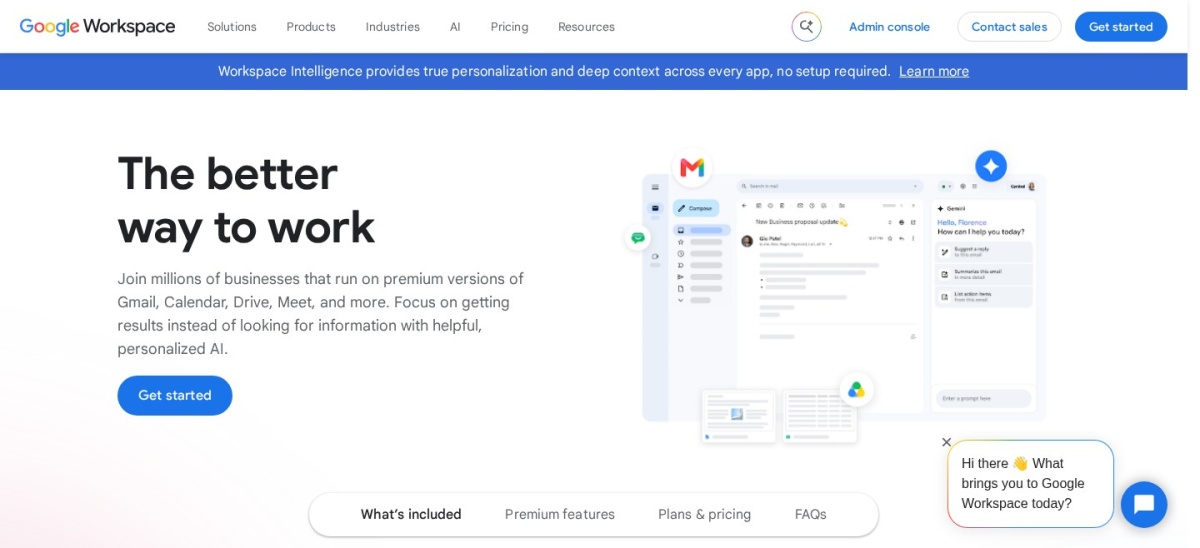
Google Workspace is the cloud suite of Docs, Sheets, Slides, Gmail, Drive and Meet, built for teams that edit the same files at the same time. Business Starter costs $7 per user a month and adds 30 GB of pooled storage per user and a business Gmail address.
The trade off is that the free Essentials Starter tier covers only Docs, Sheets and Slides, without business Gmail, and there are no desktop apps, so you work in a browser and pay for every user. It suits teams that live in Gmail and Google apps and want the simplest shared editing.
What we like
Real-time editing in Docs, Sheets and Slides
Highest review count here, 48,169 G2 reviews
Gmail, Drive and Meet in one subscription
Opens Word, Excel and PowerPoint files
Watch out for
Free tier has no business Gmail
30 GB pooled storage is the smallest here
Weak offline editing and advanced spreadsheet features
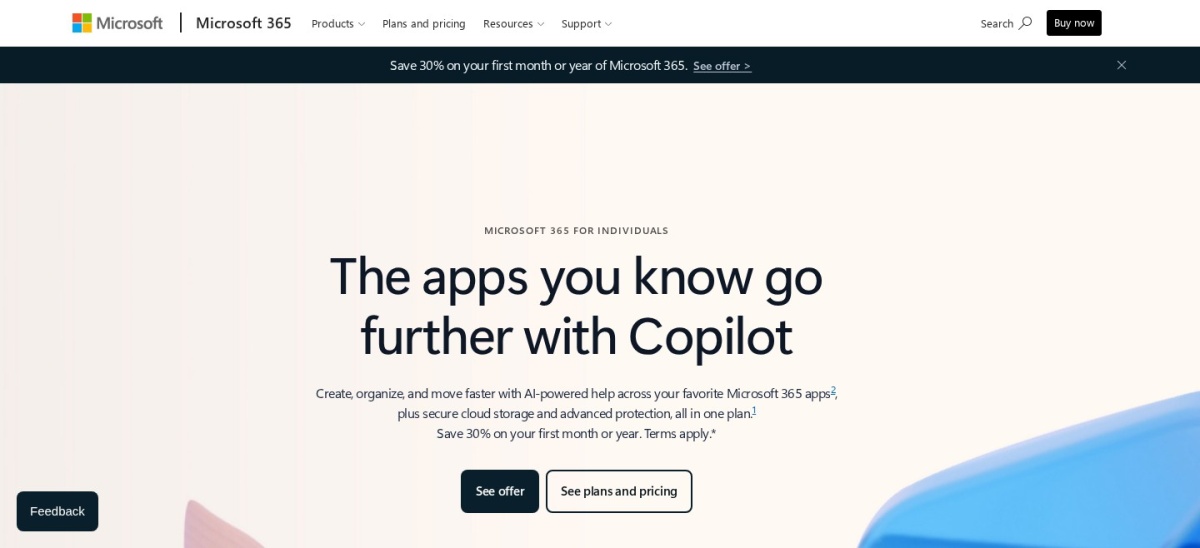
Microsoft 365 is the suite of Word, Excel, PowerPoint, Outlook, Teams and OneDrive, and the closest match for files that must stay perfect in Office formats. The free web apps cover basic editing, and Business Basic at $7 per user a month adds business email, Teams and 1 TB of OneDrive storage per user.
The trade off is that Business Basic includes only the web and mobile apps, not the desktop versions, which need Standard at $14. It suits teams that already live in Office files and want the real Word, Excel and PowerPoint.
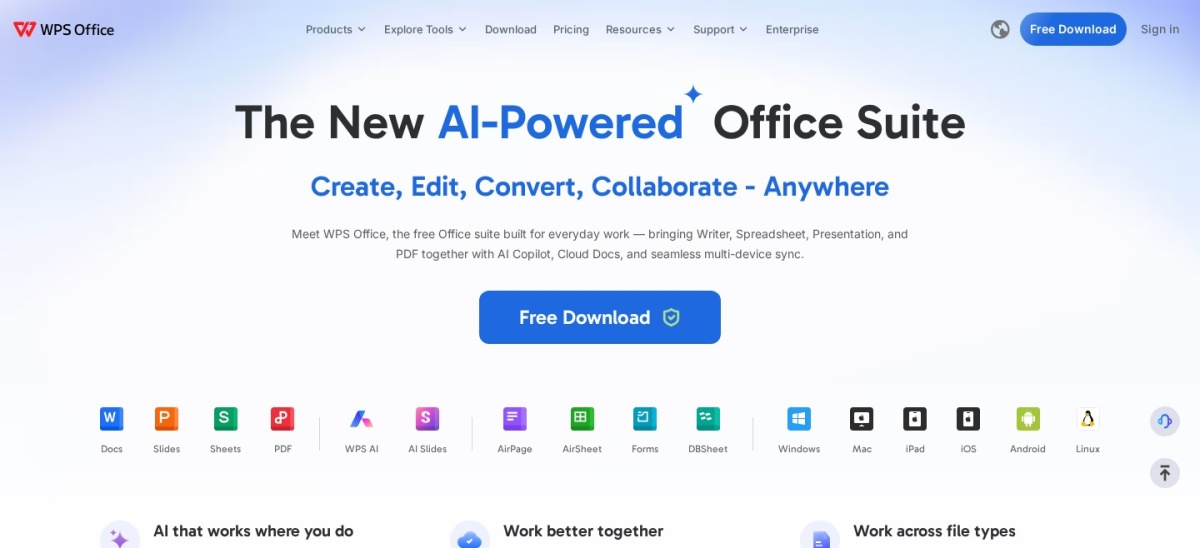
WPS Office is a desktop suite with Writer, Spreadsheet, Presentation and PDF tools that open and save Microsoft formats. The free version covers the core editors on Windows, Mac, Linux, iOS and Android, and Premium at $29.99 a year adds 20 GB of cloud storage, full PDF editing and AI tools.
The trade off is the free version, which shows ads and upgrade prompts while you work. It suits individuals and small teams that want a cheap desktop suite that feels like Microsoft Office.
What we like
Closest free look-alike to Microsoft Office
Runs on Windows, Mac, Linux and mobile
Built-in PDF editing and conversion
Lightweight and fast to open
Watch out for
Free version shows ads and upgrade prompts
Some advanced features need a paid plan
Complex files can render imperfectly
Premium removes ads and unlocks full PDF tools and AIVisit wps.com
04
Zoho Workplace
4.5/5on Capterra (27 reviews, checked Nov 2026)
Paid from$3/mo
Best value business suite
Free planYes, up to 5 users
Real-time editingYes, in Writer
Storage30 GB mail storage
Paid planStandard, $3/user/mo
zoho.com
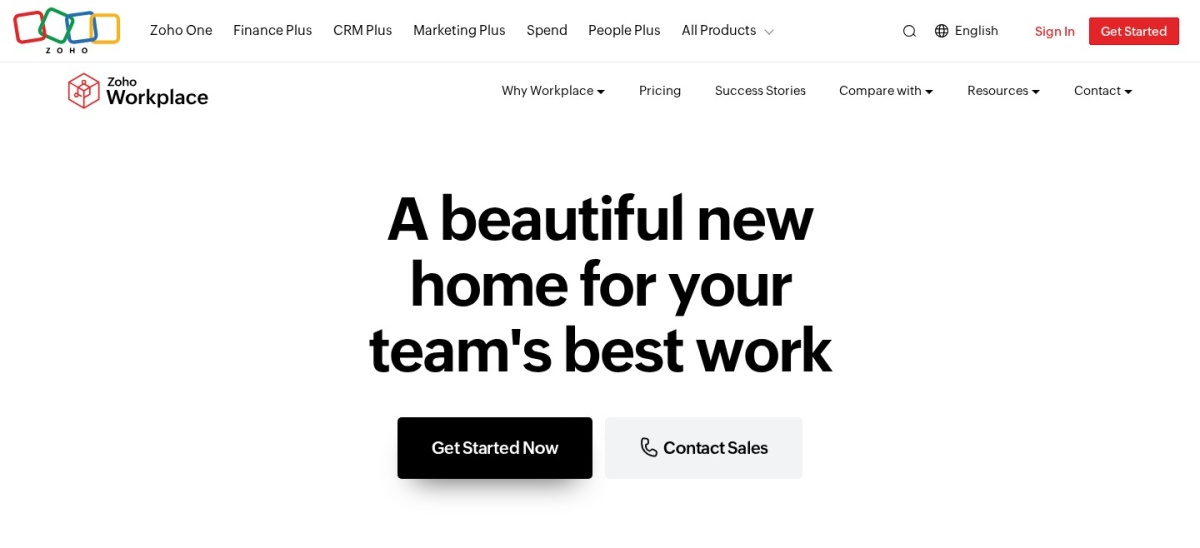
Zoho Workplace homepage, captured Nov 2026.
Zoho Workplace is a bundle of Writer, Sheet, Show, Mail, WorkDrive, Cliq chat and Meeting video calls, priced at $3 per user a month on Standard. It is the cheapest full business suite here, and the free Mail plan covers up to 5 users.
The trade off is that the cheapest paid plan, Mail Lite at $1 per user a month, covers mail only, so the office apps need Standard at $3. It suits small teams that want business email and office apps in one cheap subscription.
What we like
Cheapest full suite at $3 per user a month
Mail, chat, meetings and office apps together
Free plan for up to 5 users
Strong value scores on Capterra
Watch out for
Only 27 Capterra reviews, a thin base
Apps can feel like separate products
Mail Lite plan has no office apps
Professional at $6 adds 100 GB mail and 1 TB WorkDriveVisit zoho.com
05
ONLYOFFICE Docs
4.6/5on G2 (26 reviews, checked Nov 2026)
Paid from$8/mo
Best for Microsoft file formats
Free planYes, desktop and DocSpace
Real-time editingYes, in DocSpace
Storage2 GB on free DocSpace
Paid planDocs Enterprise Cloud, $8/user/mo
onlyoffice.com
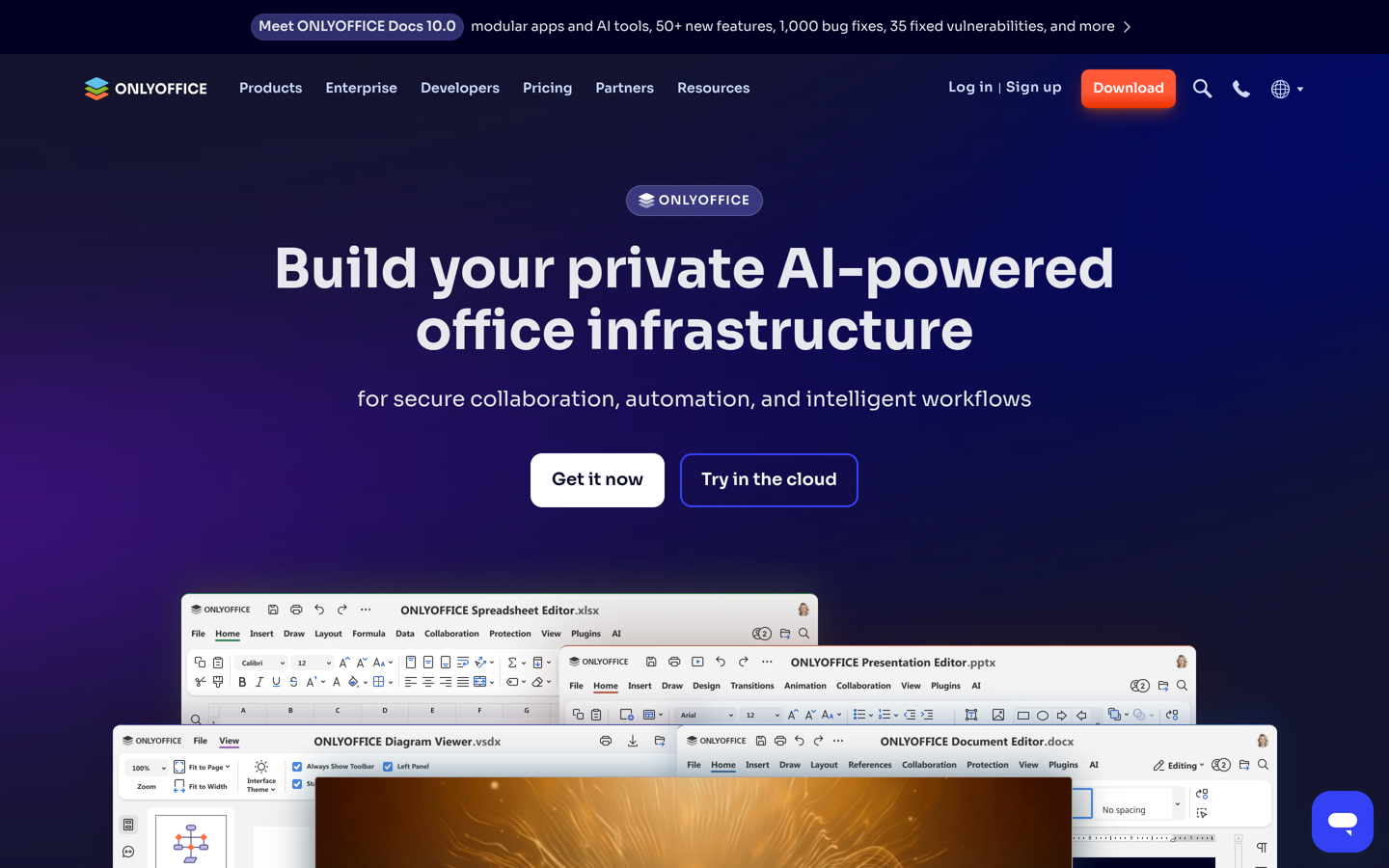
ONLYOFFICE Docs homepage, captured Nov 2026.
ONLYOFFICE Docs is a set of document, spreadsheet, presentation, form and PDF editors that keep Microsoft file formats intact, so Word, Excel and PowerPoint files open and save without conversion. The desktop editors are free, and DocSpace cloud adds real-time co-editing with a free Startup plan.
The trade off is that the free cloud plan stops at 3 admins, 12 rooms and 2 GB of storage, and there is no built-in mail or calendar. Paid Docs Enterprise Cloud costs $8 per user a month. It suits teams that share Office files and want a self-hosted option.
What we like
Best Microsoft format fidelity of the free tools
Free desktop editors for all platforms
Self-hosted option for full data control
Real-time co-editing in DocSpace
Watch out for
Free cloud plan is limited to 3 admins
No mail or calendar included
Choosing between Docs, DocSpace and Workspace is confusing
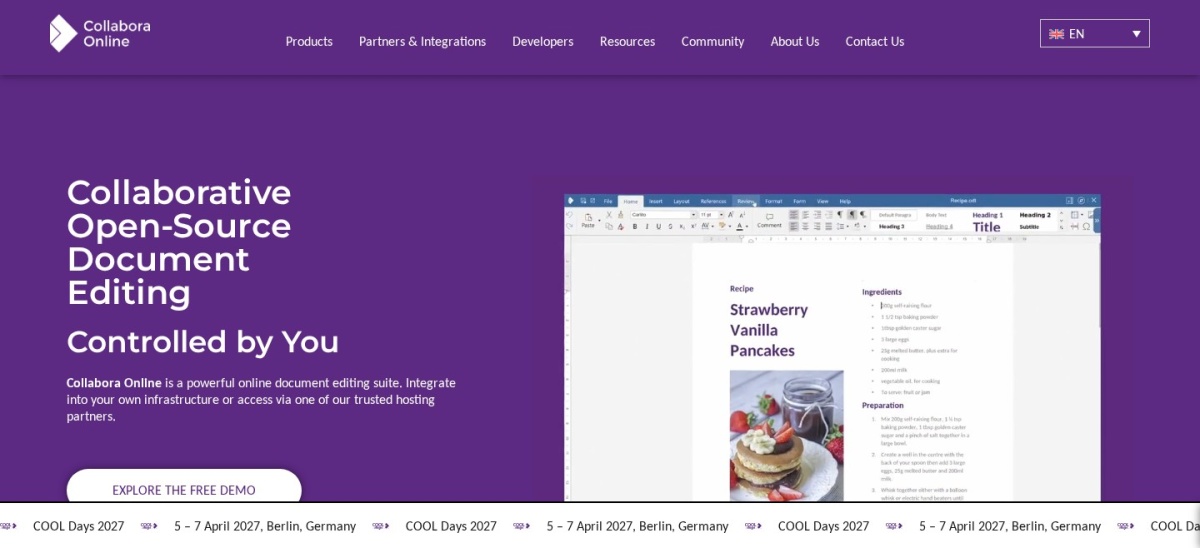
Collabora Online is the open-source online editor behind LibreOffice, built for teams that want Google Docs-style editing on their own server. The free CODE edition covers testing and home use, and Business costs $3.40 per user a month for organisations with up to 99 users.
The trade off is setup: self-hosting takes real effort, and the hosted route means finding a partner. It suits privacy-minded teams and schools that want to keep documents on infrastructure they control.
Apple iWork is the trio of Pages, Numbers and Keynote, free with every Mac, iPhone and iPad and usable in a browser through iCloud. It has the most polished templates here, and files export to Word, Excel and PowerPoint formats.
The trade off is compatibility: complex Office files can shift layout, and collaboration is smoothest with other Apple users. It suits Apple owners who want a free, good-looking suite for everyday documents.
Apache OpenOffice is the free, open-source desktop suite of Writer, Calc, Impress, Draw, Base and Math, and the closest sibling to LibreOffice itself. It runs fully offline on Windows, Mac and Linux, and opens Microsoft Office files.
The trade off is age: development is slow, the interface looks dated and there is no real-time collaboration. It suits anyone who wants a completely free offline suite and does not need to co-edit.
SoftMaker Office is a fast desktop suite with TextMaker, PlanMaker and Presentations, using DOCX, XLSX and PPTX as its native formats. The free edition, FreeOffice, covers the three apps on Windows, Mac and Linux, and NX Home costs $29.90 a year for a household licence.
The trade off is that the household licence covers 5 computers while business use is limited to 1 computer, and there is no real-time co-editing. It suits people who want a light, Microsoft-like desktop suite without a subscription that grows per user.
Two tools here cost nothing at all, Apple iWork and Apache OpenOffice, and most of the rest have a free tier with the core editors included.
Paid plans mostly add collaboration and storage. You get real-time co-editing, more cloud space and support, while the editors themselves stay much the same.
If you only write documents alone, a free desktop suite is enough. Our PDF guide shows how much of the extra value in paid plans sits in PDF and export tools.
For a team, the first paid plan often costs less than the time lost emailing files back and forth. Start free, and pay only when shared editing becomes a daily need.
How we chose
We started from the office suites most often named as LibreOffice replacements in G2 and Capterra comparisons, then kept nine with a verified public rating and a published price.
Prices come from each vendor's pricing page, checked on 29 November 2026. Ratings and review counts come from G2 or Capterra on the same day. Where a vendor shows a sale, the list shows the regular price.
We left out suites with no public rating and tools that are word processors only rather than full suites. No vendor paid for a place, and we do not claim to have used these tools ourselves.
How to choose a LibreOffice alternative
Start with how you work today, then match the suite to that pattern.
Decide desktop or cloud first. If you work offline or on shared computers, pick a desktop suite such as WPS Office, SoftMaker Office or Apache OpenOffice. If your team edits together, pick a cloud suite.
Check your must-have file formats. Open a real Word, Excel and PowerPoint file in the free version first. ONLYOFFICE and WPS Office keep Microsoft formats intact best.
Count the real yearly cost. Per-user prices multiply fast: $7 a month is $84 a year per person. Free suites such as iWork and Apache OpenOffice cost nothing at any team size.
Try the free version before you pay. Most tools here have a free plan or free tier. Use it for a week with your own files before buying.
FAQ
What is the best LibreOffice alternative in 2026?
Google Workspace is the best LibreOffice alternative for most people. Docs, Sheets and Slides cover documents, spreadsheets and presentations in the browser, with real-time editing and 30 GB of pooled storage per user on the $7 Business Starter plan.
Is there a free alternative to LibreOffice?
Yes. Apache OpenOffice and Apple iWork are completely free, and WPS Office, ONLYOFFICE, Collabora Online and SoftMaker Office all have free versions. LibreOffice itself is also free, so a paid switch only makes sense if you need cloud collaboration or Microsoft desktop apps.
What is the cheapest paid LibreOffice alternative?
Apple iWork and Apache OpenOffice cost nothing, and among paid plans Zoho Workplace Standard is cheapest at $3 per user a month, or $36 a year. Collabora Online Business follows at $3.40 per user a month, and SoftMaker Office NX Home costs $29.90 a year for a household licence.
Which LibreOffice alternative is best for beginners?
Google Workspace is the easiest starting point, because Docs, Sheets and Slides need no install and save every change automatically. WPS Office is the easiest desktop pick, since its Writer, Spreadsheet and Presentation apps look and work much like Word, Excel and PowerPoint.
Is Microsoft 365 or Google Workspace better than LibreOffice?
Google Workspace is better for teams that edit together in a browser, with Docs, Sheets and Slides rated 4.6 out of 5 by more than 48,000 G2 reviewers. Microsoft 365 is better if you need desktop Word, Excel and PowerPoint, though its $7 Business Basic plan includes only the web apps.
Which LibreOffice alternative works best offline?
WPS Office, SoftMaker Office, Apache OpenOffice and Apple iWork all work fully offline as desktop apps. ONLYOFFICE desktop editors are also free and offline. Google Workspace and Zoho Workplace need a connection for most work, though Docs offers limited offline editing in Chrome.
SaaS SEO and WordPress specialist with about 8 years of experience. Rakib compares WordPress plugins, themes, hosting and software using public pricing, documentation and user reviews. See how we rank.