M-Files is the best of these Laserfiche alternatives for most teams, with metadata-driven filing, workflows and AI classification at $65 per seat a month. DocuWare suits invoice-heavy teams from $30 a user a month, while Box is the cheapest governed option for sharing files with outside partners.
How we make this list: we compare pricing pages, product documentation and public user reviews, then re-check every price before each update. No product paid for a place. Disclosure.
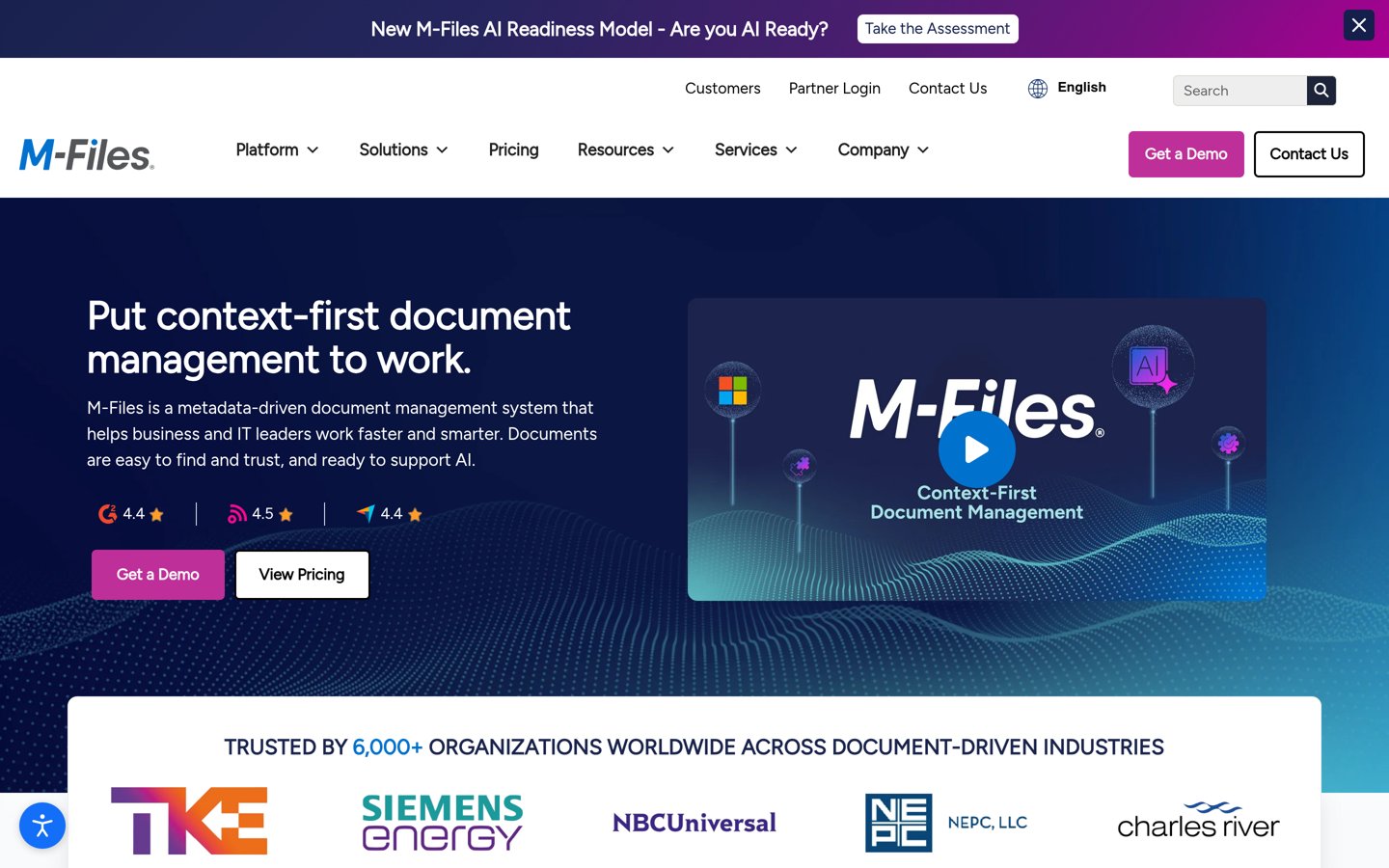
M-Files is the closest like-for-like swap, with metadata filing and workflows at $65 per seat a month.
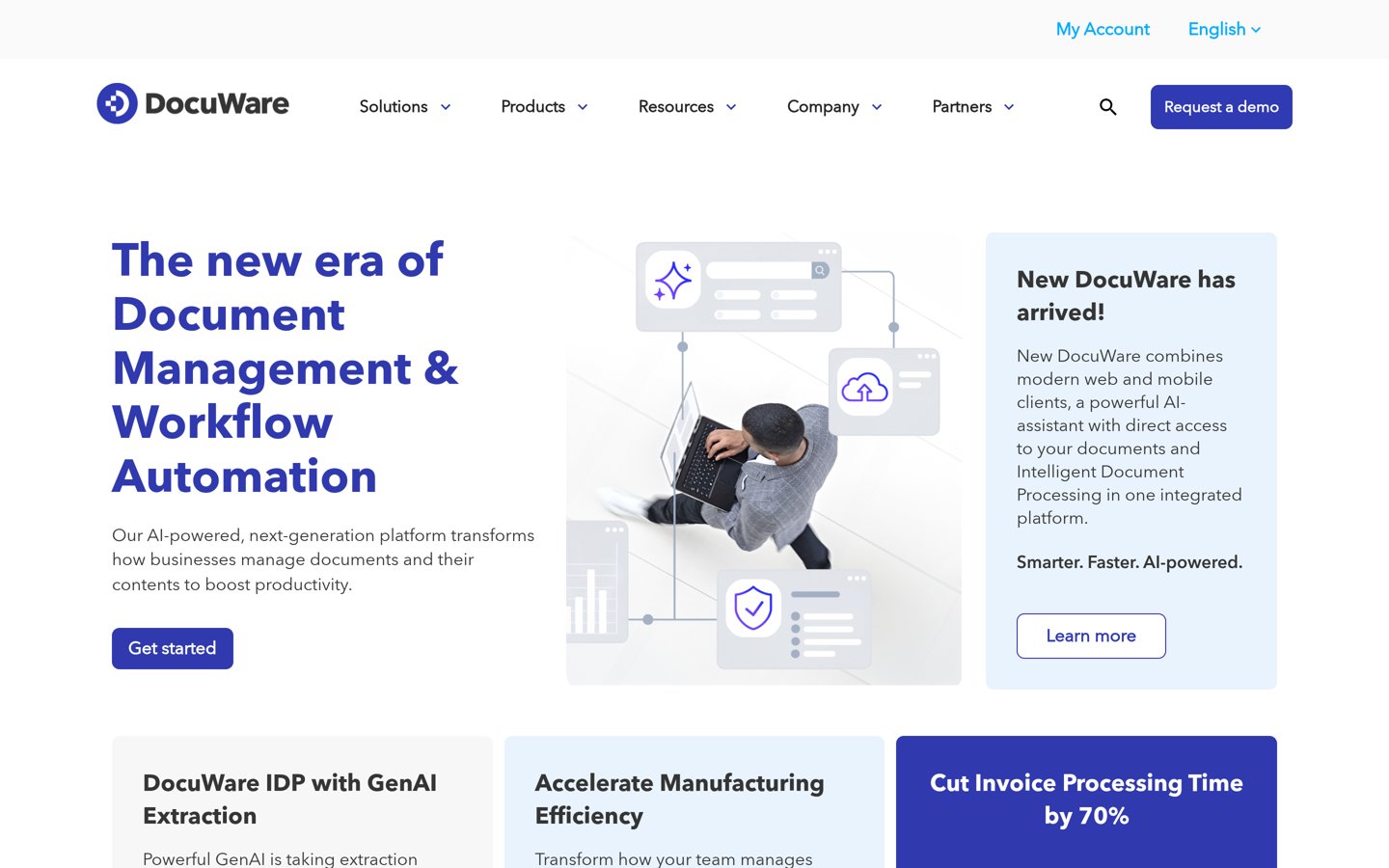
DocuWare starts at $30 a user a month, the lowest entry price among the dedicated document systems here.
Revver starts at $25 a user a month with a 14-day free trial and AI filing built in.
Box Business Starter costs $5 a user a month, but it caps at 10 users and 100 GB of storage.
Zoho WorkDrive is the cheapest paid plan in this list at $2.50 a user a month, with 1 TB shared across the team.
How do you choose among Laserfiche alternatives?
Start with what Laserfiche did for you. If it was mainly a governed repository with approvals and retention, a dedicated system such as M-Files or DocuWare is the closer match than a file-sharing app.
Price is the widest gap in this list. Entry prices run from $2.50 a user a month for Zoho WorkDrive to $65 a seat a month for M-Files, and the dedicated systems also charge for setup and add-ons.
Records features decide the shortlist for regulated teams. Retention rules, audit trails and version control are standard in M-Files, DocuWare and Revver, while Box and Dropbox put the deeper controls on higher plans.
Plan the exit before you sign. Export a test batch, check that metadata and audit history travel with the files, and keep the old repository until the new one passes a 3-2-1 backup check.
M-Files is a metadata-driven document system that files documents by what they are, such as customer, project or document type, instead of folders. Essentials costs $65 per seat a month and includes AI classification, graphical workflows and native Microsoft 365 experiences.
The trade off is price. Essentials is the dearest entry plan in this list, and Enterprise is priced by quote, so the bill rises fast with headcount. It suits knowledge-heavy firms whose files live in many systems and need finding by context, not location.
What we like
Finds files by what they are, not where they sit
AI classification with M-Files Aino
Works inside Microsoft 365 and Teams
Strong audit trail and version control
Watch out for
Dearest entry price in this list at $65 a seat a month
DocuWare is a cloud document system built around capture and routing. It scans paper and email into indexed records, then moves invoices, HR files and contracts through approval workflows with a full audit trail.
The trade off is pricing clarity. DocuWare publishes no fixed price list, and its FAQ puts cloud plans at $30 to $125 or more per user a month, so the final cost depends on users and storage. It suits finance-heavy teams that process large volumes of incoming documents.
Revver is an AI document system that files, routes and approves documents instead of only storing them. The Basic plan starts at $25 per user a month and includes Smart Extract AI, folder templates, retention rules and eSignatures.
The trade off is scale. Revver fits small and mid-size teams best, and larger rollouts move to higher tiers at $67 and $87 per user a month. It suits teams that want Laserfiche-style automation without enterprise setup time.
What we like
AI filing and metadata extraction included
No-code workflows and client portals
Fast setup, ready in about a week for standard use
Egnyte is a governed content platform that mixes cloud and on-premises storage under one set of permissions. Plans start at $22 per user a month and include file locking, versioning, retention policies and ransomware detection.
The trade off is that the entry price has moved. Older listings still show a $10 Team plan, but the current pricing page leads with $22 per user a month. It suits regulated mid-market teams with large files and strict retention rules.
Box is a cloud content platform for storing, sharing and signing files with staff and outside partners. Business Starter costs $5 per user a month for 3 to 10 users with 100 GB of storage, while Business at $15 adds unlimited storage and Box AI.
The trade off is the Starter cap. Ten users and 100 GB is too small for most Laserfiche repositories, so growing teams pay $15 per user a month for Business. It suits firms that share contracts and case files with many outside parties.
Microsoft SharePoint is the document library layer inside Microsoft 365. Business Basic costs $7 per user a month and includes SharePoint team sites, 1 TB of storage per user, Teams, email and the web Office apps.
The trade off is setup. Libraries, metadata and permissions need a SharePoint-savvy admin to design well, and G2 reviewers rate ease of use 7.8 out of 10. It suits Microsoft 365 customers who want to use seats they already pay for.
What we like
No extra cost if you already pay for Microsoft 365
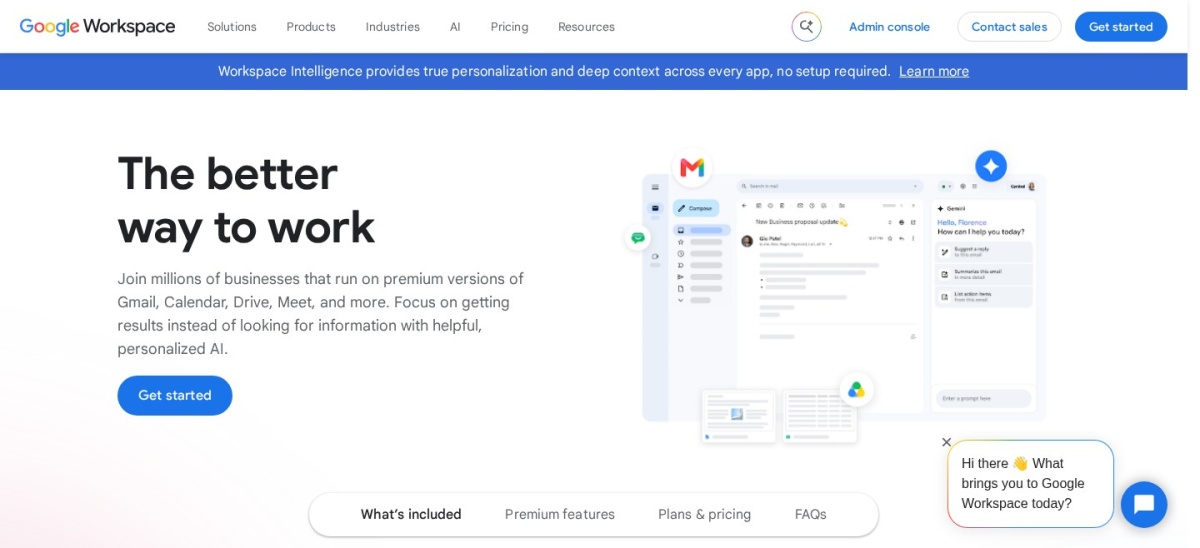
Google Workspace is Google's business suite, and Drive is its file store. Business Starter costs $7 per user a month and includes Drive with 30 GB of pooled storage per user, Gmail on your domain, Docs, Sheets and Meet.
The trade off is governance depth. Shared drives and Vault controls arrive on higher plans, and records retention is weaker than in a dedicated DMS. It suits remote-first teams that already live in Google Docs and Gmail.
Dropbox is the sync specialist in this list. Standard costs $15 per user a month with team storage from 3 TB, 180-day file recovery, transfers up to 100 GB, team folders, groups and roles, plus PDF editing and signing.
The trade off is scope. Dropbox has no email or office apps, and records features such as retention and audit trails are thinner than in a dedicated DMS. It suits teams that value reliable sync above workflow depth.
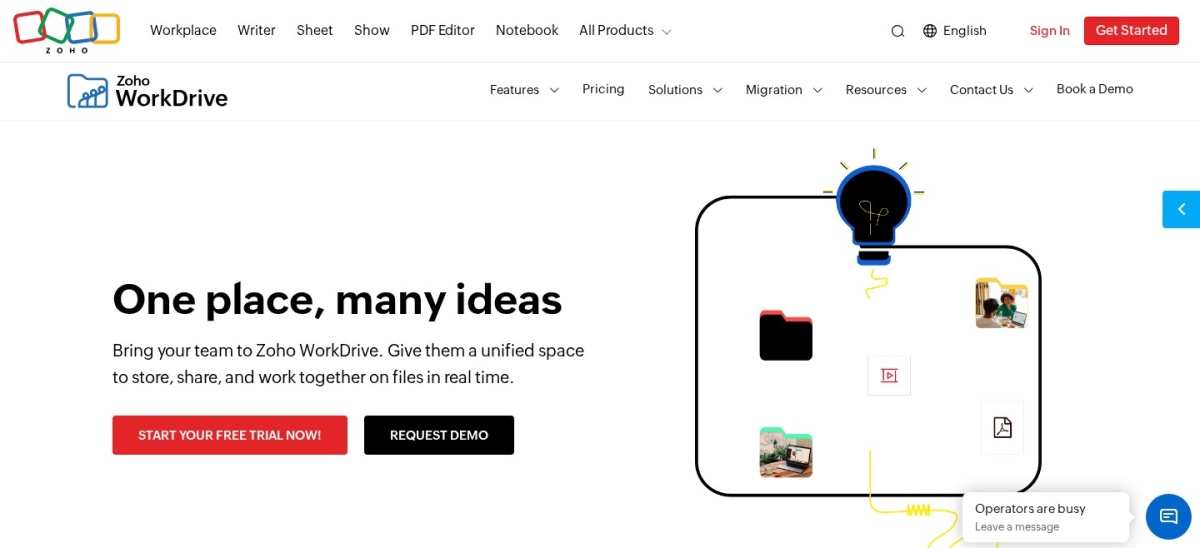
Zoho WorkDrive is team file storage from Zoho with team folders, granular permissions and built-in office apps. Starter costs $2.50 per user a month billed yearly, with 1 TB of team storage, a 10 GB file limit and a 3-user minimum.
The trade off is the shared storage pool. One terabyte is shared across the whole team on Starter, so larger teams need the Team plan at $4.50 per user a month. It suits small teams already using Zoho CRM, Mail or Books.
A dedicated system files, routes and retains records. M-Files, DocuWare and Revver were built for that job, with workflows, retention and audit trails on the entry plan.
A file-sharing platform stores and syncs files well. Box, Dropbox and Zoho WorkDrive are faster to start and cheaper per seat, but retention and audit depth cost extra or need another tool.
Suites sit in the middle. SharePoint and Google Workspace add document libraries to seats you may already pay for, which works when an admin can shape the libraries into a governed structure.
How we chose
We started from the document systems most often named as Laserfiche replacements, then kept those with a public G2 rating and a published or vendor-stated starting price.
Prices come from each vendor's pricing page or vendor FAQ, checked on 29 November 2026. Ratings and review counts come from G2 on the same day. Where a vendor shows a sale, the list shows the regular price.
We left out systems with no public rating or no usable starting price. No vendor paid for a place, and we do not claim to have used these tools ourselves.
How to choose a Laserfiche alternative
Match the tool to the job Laserfiche did, not to the longest feature list.
List the Laserfiche features you actually use. If you only used storage and search, a cheaper cloud drive may do. If you used workflows, forms and retention, shortlist only dedicated systems.
Count the seats that need full access. Most prices here are per user per month, and minimums vary from 1 to 10 users, so multiply before you compare headline prices.
Check retention and audit on the plan you would buy. Basic plans often leave out retention rules and full audit logs, so confirm they are included before you commit.
Run a trial with your own files. Import a real folder, test search and approvals, and export it again to check nothing is lost in the move.
FAQ
What is the best Laserfiche alternative in 2026?
M-Files is the best Laserfiche alternative for most teams. Its Essentials plan costs $65 per seat a month and covers metadata-driven filing, workflows and AI classification, and it is rated 4.4 out of 5 on G2 from 273 reviews.
How much do Laserfiche alternatives cost?
Entry prices in this list run from $2.50 a user a month for Zoho WorkDrive to $65 a seat a month for M-Files. DocuWare starts at $30 a user a month and Revver at $25, while Box Business Starter costs $5 a user a month for up to 10 users.
Is there a free Laserfiche alternative?
No dedicated system in this list has a free plan, but Box, Dropbox and Zoho WorkDrive all offer free plans with limited storage. They suit small teams that need sharing and basic versioning rather than full records management.
Which Laserfiche alternative is best for small teams?
Revver is the best fit for small teams that want a dedicated system, starting at $25 a user a month with a 14-day free trial. Zoho WorkDrive is cheaper at $2.50 a user a month, but it is file storage rather than a full document system.
M-Files vs DocuWare: which is better?
M-Files is better for teams that organise by metadata and live in Microsoft 365, at $65 per seat a month. DocuWare is better for invoice and approval workflows, from $30 a user a month, though its exact price depends on the bundle and user count.
Can I migrate my files out of Laserfiche?
Yes, Laserfiche supports export, but metadata, versions and audit history do not always travel cleanly. Export a test batch first, check what survives the move, and keep the old repository until the new system is verified.
SaaS SEO and WordPress specialist with about 8 years of experience. Rakib compares WordPress plugins, themes, hosting and software using public pricing, documentation and user reviews. See how we rank.