Best Enterprise File Sharing Platforms in 2026: 9 Tools Compared
WLWPLegible EditorsLast verified 23 Nov 2026How we rank14 min read
★ Short answer
Box is the best enterprise file sharing platform for most companies, with unlimited storage from $15 per user a month and a 4.2 out of 5 G2 rating from 5,259 reviews. Pick OneDrive if your team runs on Microsoft 365, Google Drive if it runs on Workspace, and Tresorit for zero-knowledge encryption.
How we make this list: we compare pricing pages, product documentation and public user reviews, then re-check every price before each update. No product paid for a place. Disclosure.
Box leads on governance and compliance, with unlimited storage from $15 per user a month on Business and 1,500+ integrations.
OneDrive and Google Drive cost $7 per user a month through Microsoft 365 Business Basic and Google Workspace Business Starter, and both include email and office apps.
Dropbox Business has the smoothest sync in this list, at $15 per user a month for Standard with 3 TB of team storage.
Sync.com is the cheapest end-to-end encrypted option at $6 per user a month, and Tresorit is the strictest at $19.
Box, ShareFile, Sync, Tresorit and pCloud all require at least 3 paid seats, so a one-person team still pays for three.
What to look for in an enterprise file sharing platform
Enterprise file sharing is not personal cloud storage with a team plan. It needs admin controls, audit logs, permission levels and a way to take files back when someone leaves.
Storage limits matter less than they used to. Most business plans now start at 1 TB per user or more, and Box, at $15 per user a month, removes the cap entirely.
Security is where the list splits. Every tool here encrypts files in transit and at rest, but only Sync, Tresorit and pCloud Business encrypt files so the vendor cannot read them. Our guide to website security statistics shows how common breaches remain.
Price is per user per month, and most tools in this list require three paid seats at minimum. Multiply the headline rate by your headcount before you compare plans.
File upload limit2 GB on Starter, 5 GB on Business
box.com
Box homepage, captured Nov 2026.
Box is a cloud content platform built for companies that need control over their files, not just storage. The free individual plan includes 10 GB, while Business Starter costs $5 per user a month billed annually for 3 to 10 users, with 100 GB, 25 file versions and 10 e-signature requests per user a month.
The trade off is price as you climb. Unlimited storage starts on Business at $15 per user a month billed annually, and the deeper governance controls sit on Enterprise at $35. It suits regulated teams and large companies that need audit trails, classifications and more than 1,500 integrations.
What we like
Unlimited storage from the $15 Business plan
Strong governance, retention and compliance options
More than 1,500 integrations
Box AI included from Business
Watch out for
Business Starter caps storage at 100 GB and uploads at 2 GB
External collaborators need paid accounts on Business
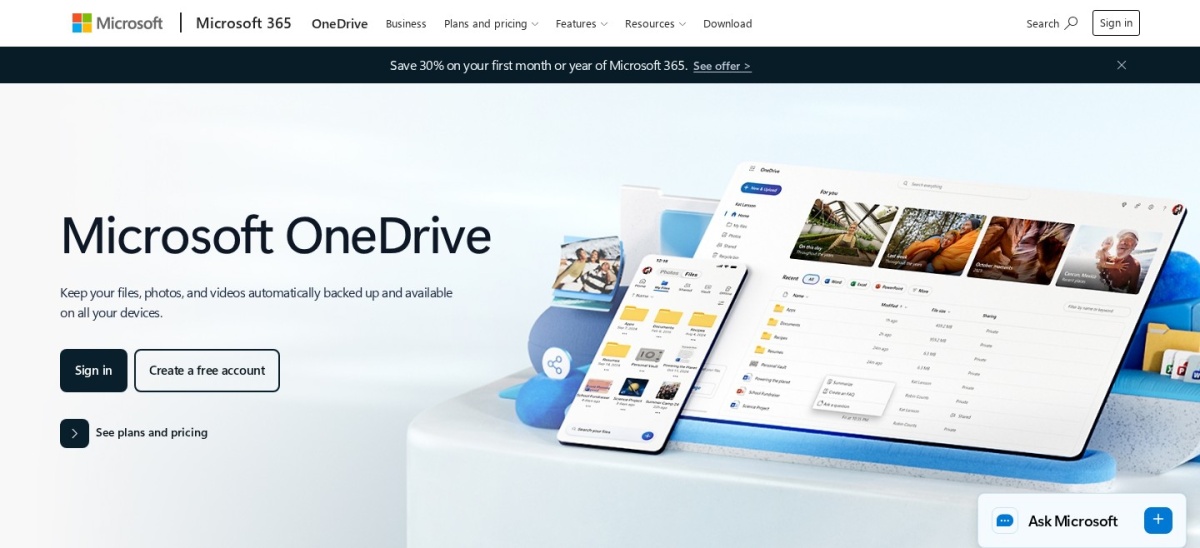
Microsoft OneDrive is the file storage inside Microsoft 365, so most office teams already pay for it. Business Basic costs $7 per user a month billed annually and adds 1 TB of OneDrive storage per user, custom business email, Teams and the web and mobile Office apps, for up to 300 users.
The trade off is that OneDrive is no longer sold on its own. Microsoft retired the standalone OneDrive for Business plans for new customers on 31 May 2026, so new buyers get it through Microsoft 365. It suits companies that already run on Microsoft 365 and want files beside email and Teams.
What we like
1 TB per user on every Business plan
Deep Word, Excel and Teams integration
Included in Microsoft 365, so no second bill
Free 5 GB personal plan to try first
Watch out for
Standalone business plans are retired for new customers
Desktop Office apps need Business Standard at $14
Business plans cap at 300 users; larger firms need Enterprise
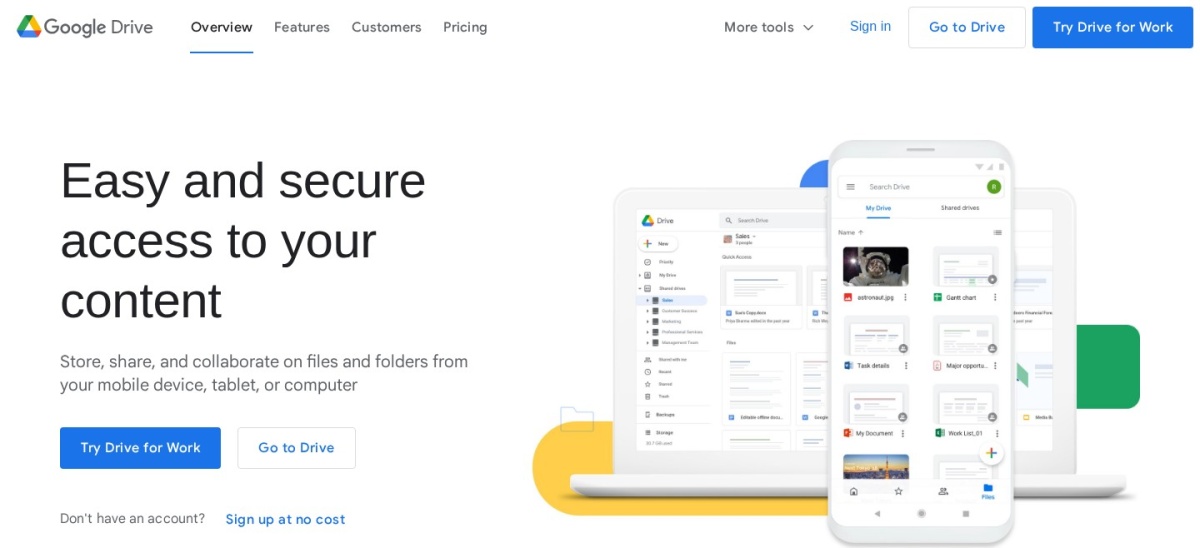
Google Drive is the file storage inside Google Workspace, with Docs, Sheets and Gmail built around it. Business Starter costs $7 per user a month billed annually and gives 30 GB of pooled storage per user, while Business Standard costs $14 and raises that to 2 TB per user, with shared drives and meeting recording.
The trade off is that Drive is a suite buy, not a storage buy. The 30 GB Starter allowance is small next to OneDrive's 1 TB, so file-heavy teams need Standard at $14. It suits teams that already live in Gmail and Docs and want search that finds files by their contents.
What we like
Real-time co-editing in Docs, Sheets and Slides
Pooled storage lets heavy users borrow spare space
Strong search across file contents
15 GB free plan shared with Gmail
Watch out for
Starter storage is only 30 GB per user
Shared drives need Business Standard
New customers see a 20% discount for 3 months, then the regular price
Dropbox Business is the sync specialist in this list. Standard costs $15 per user a month billed annually, with team storage from 3 TB, 180-day file recovery, transfers up to 100 GB, team folders, groups and roles, plus PDF editing and signing.
The trade off is that Dropbox is storage only. The $15 buys no email, office suite or meetings, so teams pay elsewhere for those. It suits file-heavy teams that share large files across platforms and want sync that rarely gets in the way.
Egnyte is a content platform for mid-size firms that need governance over files in the cloud and on local storage. The Team plan costs $10 per user a month billed annually for 1 to 10 users, while Business costs $22 and adds single-document AI questions and answers, plus Google Workspace and Microsoft 365 co-editing.
The trade off is that the real governance costs more. Ransomware detection, data classification and the AI assistant sit on higher plans, and all plans are billed annually only. It suits firms with compliance needs and files spread across cloud and office storage.
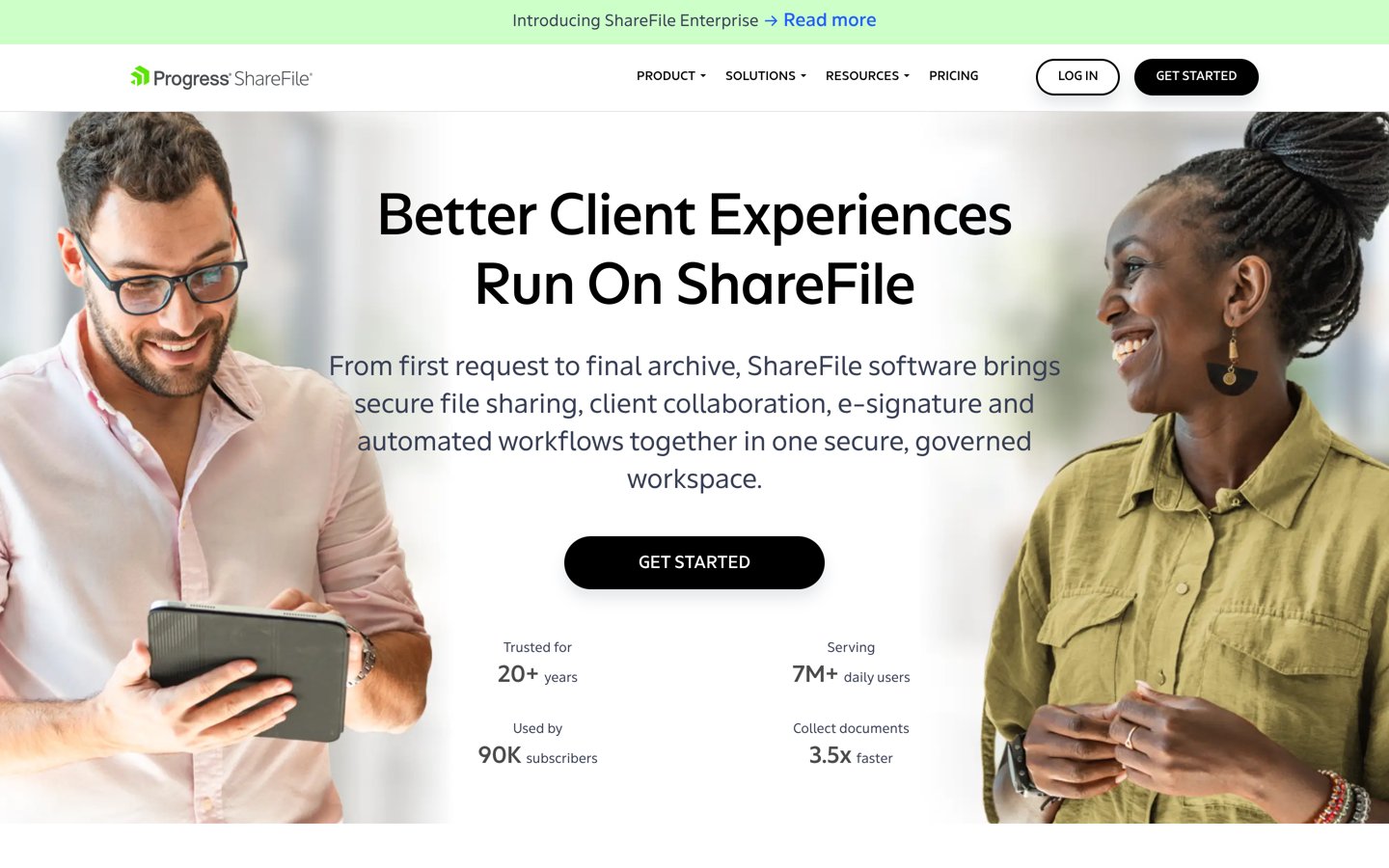
ShareFile is built for sharing sensitive documents with clients, not just inside a team. Advanced costs $16.50 per user a month billed annually, with a 3-user minimum, encrypted sharing, a basic client portal, co-editing and 3 TB of pooled account storage.
The trade off is that the useful extras cost more. E-signatures and the full document-request workflow sit on Premium at $26 per user a month, and HIPAA, SEC and FINRA compliance eligibility sits there too. It suits accounting, legal and finance firms that exchange documents with clients every day.
What we like
Client portals built for professional services
E-signatures on Premium
Virtual data rooms for due diligence
Strong compliance support for regulated firms
Watch out for
No free plan
3-user minimum on every plan
Advanced lacks e-signatures and compliance eligibility
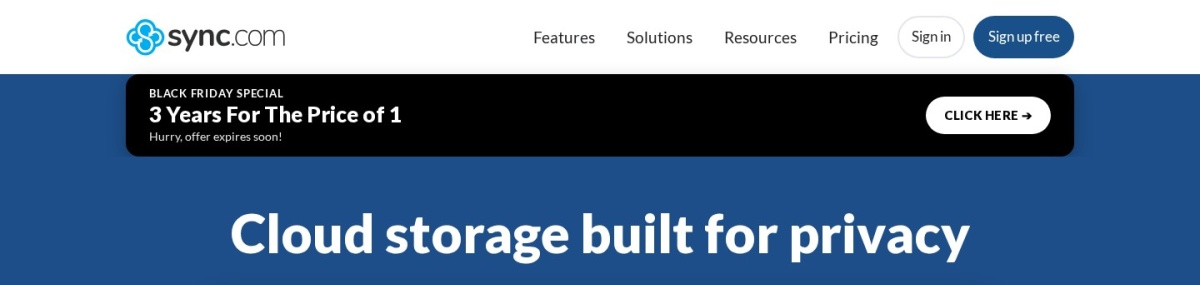
Sync.com is an end-to-end encrypted cloud drive, so files are encrypted before upload and only the account holder can open them. Teams 1TB costs $6 per user a month billed annually, with a 3-user minimum, 1 TB per user and 180-day file history.
The trade off is admin depth at the entry price. Role-based access, custom branding and admin delegation start on Teams 2TB at $9 per user a month, and the page shows a 25% first-year discount against the $6 regular price. It suits small teams that want encryption without paying Tresorit prices.
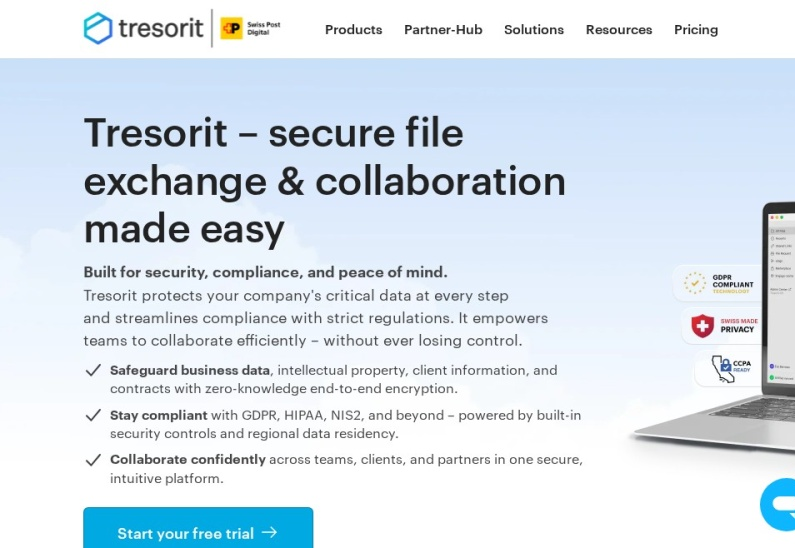
Tresorit is a zero-knowledge encrypted file platform, so files are encrypted on the device and Tresorit itself cannot read them. The Business plan costs $19 per user a month billed annually, with a 3-user minimum, single sign-on, admin policies and data residency options.
The trade off is price. At $19 per user a month it is the most expensive tool in this list, and older sources still show $14.50, so confirm the current price before buying. It suits law, health care and finance teams that handle client files under strict rules.
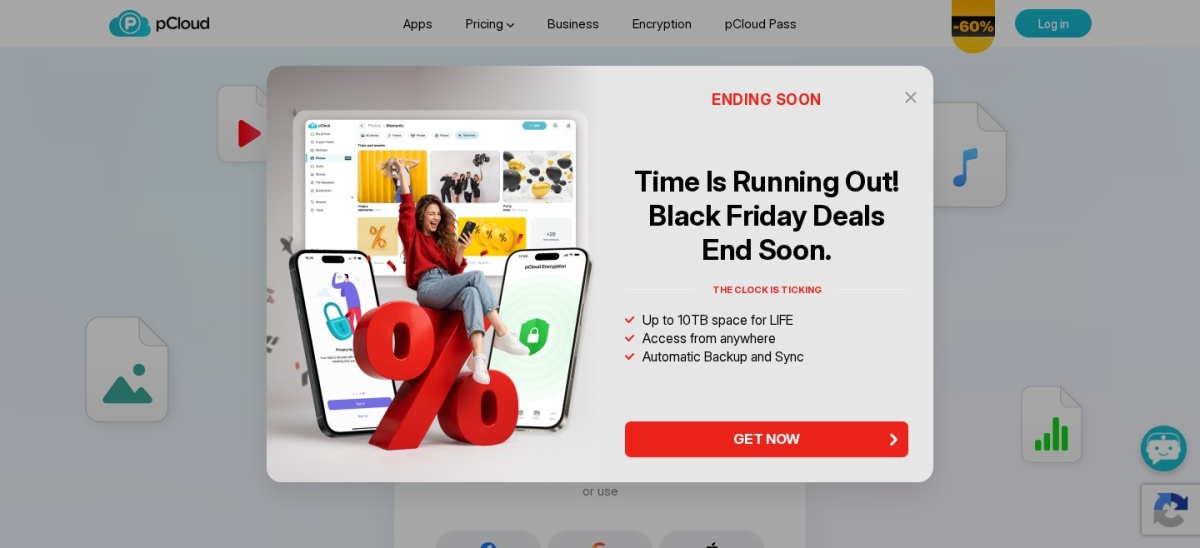
pCloud Business is a low-cost team drive with client-side encryption included on business plans. Business costs $7.99 per user a month billed annually, with a 3-user minimum, 1 TB per user, shared folders, activity logs and 180-day file history.
The trade off is enterprise depth. Admin controls are basic next to Box and Egnyte, and the lifetime plans pCloud is known for are personal only, not business. It suits small teams that want cheap per-user storage with encryption included.
Check the seat minimum first. Box, ShareFile, Sync, Tresorit and pCloud all require at least 3 paid seats, so the smallest bill is three times the headline rate.
Ask who can read your files. Only Sync, Tresorit and pCloud Business encrypt files so the vendor cannot open them, which matters for client records under strict rules.
Confirm the renewal price, not the first-year price. Sync shows a 25% first-year discount and Google shows 20% off for 3 months, while the regular prices in this list are what you pay after that.
How we chose
We started from the file sharing tools with the largest G2 review bases and the clearest business plans, then kept 9 that cover the main buying reasons: suite bundles, governance, client portals and encryption.
Prices come from each vendor's pricing page, checked on 23 November 2026, with the regular annual-billing rate shown. Ratings and review counts come from G2 on the same day. Where a vendor shows a sale, the list shows the regular price.
We left out tools without a published business price and tools aimed only at personal use. No vendor paid for a place, and we do not claim hands-on testing for this list.
How to choose an enterprise file sharing platform
Start with the suite your team already pays for, then check what it cannot do.
Check what your suite already includes. OneDrive comes with Microsoft 365 and Drive with Google Workspace. Paying for a second platform only makes sense if the suite falls short on controls or encryption.
Count the seats you must buy. Five tools in this list need at least 3 paid seats. Multiply the headline rate by the minimum before you compare totals.
Match security to your files. Client records and regulated data need zero-knowledge encryption or full audit logs. See our content security policy guide for the basics of locking down shared content.
Trial the shortlist with real files. Upload the largest files your team shares, set folder permissions, and check the audit log. A two-week trial shows more than a feature page.
FAQ
What is the best enterprise file sharing platform?
Box is the best pick for most companies. It pairs unlimited storage from $15 per user a month with governance, audit trails and more than 1,500 integrations, and it holds a 4.2 out of 5 G2 rating from 5,259 reviews.
How much does enterprise file sharing cost?
Entry prices in this list run from $5 to $19 per user a month on annual billing. Box Business Starter is cheapest at $5, while Sync, OneDrive and Google Drive sit at $6 to $7, and Tresorit is dearest at $19. Most tools also require at least 3 paid seats.
Is OneDrive free with Microsoft 365?
Yes, for business users. OneDrive storage comes inside every Microsoft 365 Business plan, starting with Business Basic at $7 per user a month, which includes 1 TB per user. There is no standalone OneDrive for Business plan for new customers since 31 May 2026.
Which file sharing platform is the most secure?
Tresorit is the strictest in this list, with zero-knowledge end-to-end encryption, data residency controls and a 4.5 out of 5 G2 rating. Sync offers the same encryption style for less, at $6 per user a month, while Box and Egnyte lead on governance and audit controls.
Do I need a separate file sharing tool if I use Google Workspace?
Usually not. Google Drive inside Workspace covers storage, sharing and co-editing, with 30 GB per user on Starter and 2 TB on Standard. Add a separate tool only if you need zero-knowledge encryption or client portals, which Drive does not offer.
What is the cheapest enterprise file sharing platform?
Box Business Starter is cheapest at $5 per user a month billed annually, but it caps at 10 users and 100 GB. Sync Teams 1TB is next at $6, with 1 TB per user and end-to-end encryption, and both need at least 3 paid seats.