Best File Management Software in 2026: 9 Tools Compared
WLWPLegible EditorsLast verified 23 Nov 2026How we rank12 min read
★ Short answer
Google Drive is the best file management software for most teams: Business Starter costs $7 per user a month and pairs 30 GB of pooled storage with Docs, Sheets and Gmail. Pick OneDrive for Microsoft 365 shops at $5 a user, or Zoho WorkDrive as the cheapest business plan.
How we make this list: we compare pricing pages, product documentation and public user reviews, then re-check every price before each update. No product paid for a place. Disclosure.
Google Drive is the best pick for most teams: $7 per user a month buys 30 GB of pooled storage plus Docs, Sheets and Gmail.
OneDrive is the cheapest way into 1 TB per user at $5 a month, and the natural pick for Microsoft 365 shops.
Dropbox still has the best pure sync, but Standard at $15 a user is the priciest of the big three.
Zoho WorkDrive is the budget pick at $2.50 per user a month, though 1 TB is shared across the whole team.
Sync.com is the cheapest encrypted option at $6 per user a month, with files encrypted before they leave the device.
Box, Egnyte and ShareFile cost more because they sell governance and client controls, not just storage.
What to look for in file management software
File management software is where a team stores, shares and finds its files. The best tools keep one copy of each file, track versions and let people work on the same document without emailing copies around.
Storage size is the first number to check, but it is not the whole story. Some plans give each user their own allowance, while others pool storage across the team, so a 1 TB team plan can run out fast on a ten-person team.
Permissions matter as much as storage. Look for shared folders with set roles, link expiry and an audit trail, especially if clients or outside partners see your files.
Price is usually per user per month, with annual billing cheaper than monthly. Watch for seat minimums: most business plans in this list need at least 3 users, so a solo user still pays for three seats.
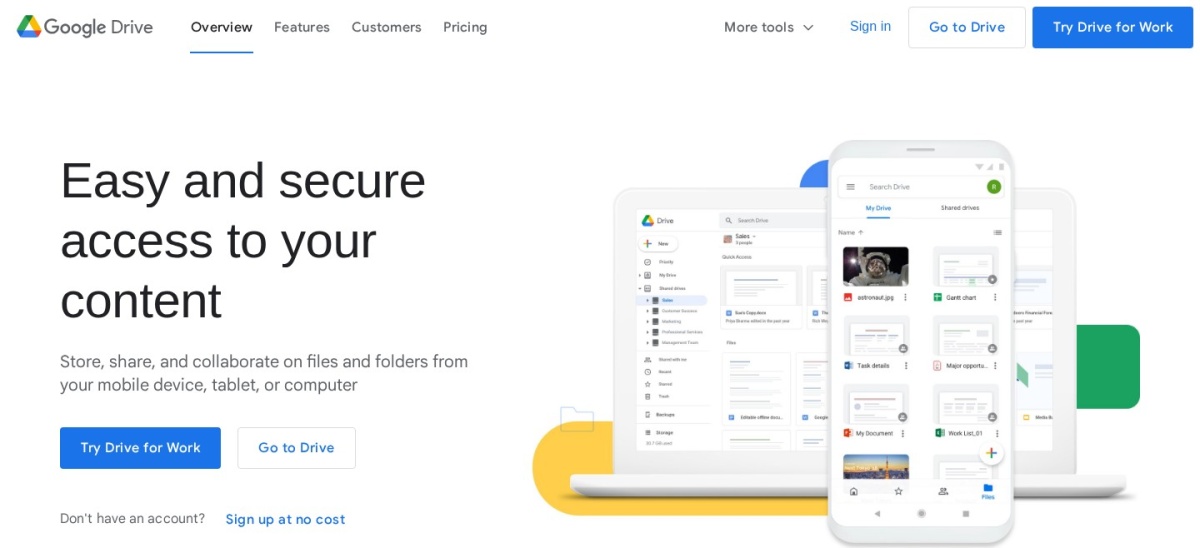
Google Drive is the file home for Google Workspace teams, with Docs, Sheets and Slides editing in the browser and shared drives for team files. Business Starter costs $7 per user a month billed yearly and adds 30 GB of pooled storage per user, business email and Gemini in Gmail. A free Google account includes 15 GB of storage.
The trade off is that Drive is built around Google's apps, so teams that live in Microsoft 365 will find sharing and co-editing smoother in OneDrive. Storage is pooled across the company, so one heavy user can eat into the shared allowance. It suits teams already on Gmail and Google Docs.
Dropbox is the file sync tool most teams know first: files appear on every device, shared links handle large transfers, and version history covers mistakes. Standard costs $15 per user a month billed yearly, with storage starting at 3 TB for the team, 180-day file recovery and transfers up to 100 GB. A free Basic account includes 2 GB.
The trade off is price. Standard costs more than OneDrive or Google Drive for similar storage, and the Advanced plan at $24 per user a month is needed for longer recovery and single sign-on. It suits teams that value fast, reliable sync over a bundled office suite.
What we like
Fast, reliable sync across devices
Shared links and transfers up to 100 GB
180-day file recovery on Standard
Largest review base in this list
Watch out for
Pricier than Google Drive or OneDrive
Single sign-on needs the $24 Advanced plan
Free plan is only 2 GB
Advanced adds 1-year recovery, SSO and 15 TB team storageVisit dropbox.com
03
Microsoft OneDrive
4.3/5on G2 (10,359 reviews, checked Nov 2026)
Paid from$5/user/mo
Best value for Microsoft 365 shops
Entry paid planPlan 1, $5/user/mo
Storage1 TB per user
Free plan5 GB
G2 rating4.3/5, 10,359 reviews
microsoft.com
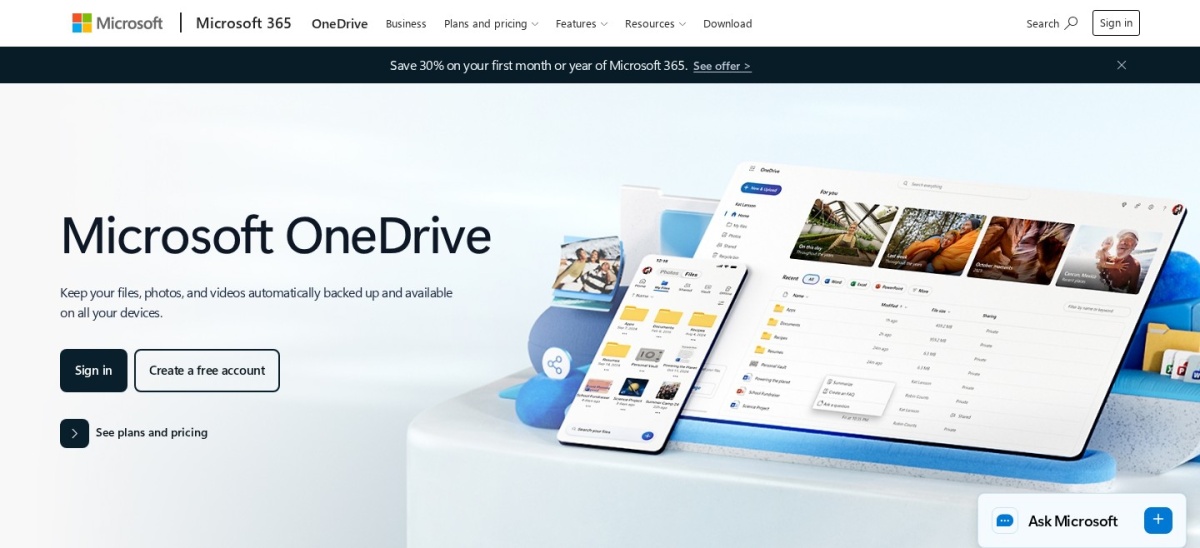
Microsoft OneDrive homepage, captured Nov 2026.
Microsoft OneDrive is the file store for Microsoft 365 shops, with 1 TB of storage per user and Office files that open and co-edit in the browser. OneDrive for Business Plan 1 costs $5 per user a month, with file sharing, sync and 1 TB of cloud storage. A free account includes 5 GB.
The trade off is that Plan 1 is storage only, with no desktop Office apps or mailbox included; those come with Microsoft 365 Business plans. Sharing settings can also confuse new admins. It suits teams that already pay for Microsoft 365 and want files in the same login.
What we like
1 TB per user at the lowest entry price of the big three
Box is a content platform for teams that need admin controls, external sharing rules and audit trails around their files. Business Starter costs $5 per user a month billed yearly for 3 to 10 users, with 100 GB of shared storage, a 2 GB upload limit and Box Sign requests. A free individual plan includes 10 GB.
The trade off is the seat limit on Starter: teams over 10 users move to Business at $15 per user a month for unlimited storage. Box is also heavier to set up than a simple sync folder. It suits regulated or client-facing teams that need control over who sees what.
Egnyte is a file platform for mid-size and regulated teams, with shared folders, permission controls and governance tools built in. The Team plan costs $10 per user a month billed yearly for 1 to 10 users, with 1 TB of default online storage, mobile apps and Google Workspace and Microsoft 365 co-editing. There is no free plan.
The trade off is the 10-user cap on Team: larger teams pay $22 per user a month for Business, and the deeper AI and governance features wait until Elite at $48. It suits file-heavy teams in construction, life sciences or finance that need hybrid storage and audit trails.
What we like
Governance and audit tools built in
Hybrid storage with local Smart Cache
Co-editing with Google Workspace and Microsoft 365
Single-document AI Q&A on Team
Watch out for
No free plan
Team caps at 10 users
Deeper AI waits until Elite at $48
Business adds discretionary permissions and wider AIVisit egnyte.com
06
ShareFile
4.2/5on G2 (1,535 reviews, checked Nov 2026)
Starts at$16.50/user/mo
Best for secure client file sharing
Entry paid planAdvanced, $16.50/user/mo
Storage1 TB per licence
Free planNo, trial only
G2 rating4.2/5, 1,535 reviews
sharefile.com
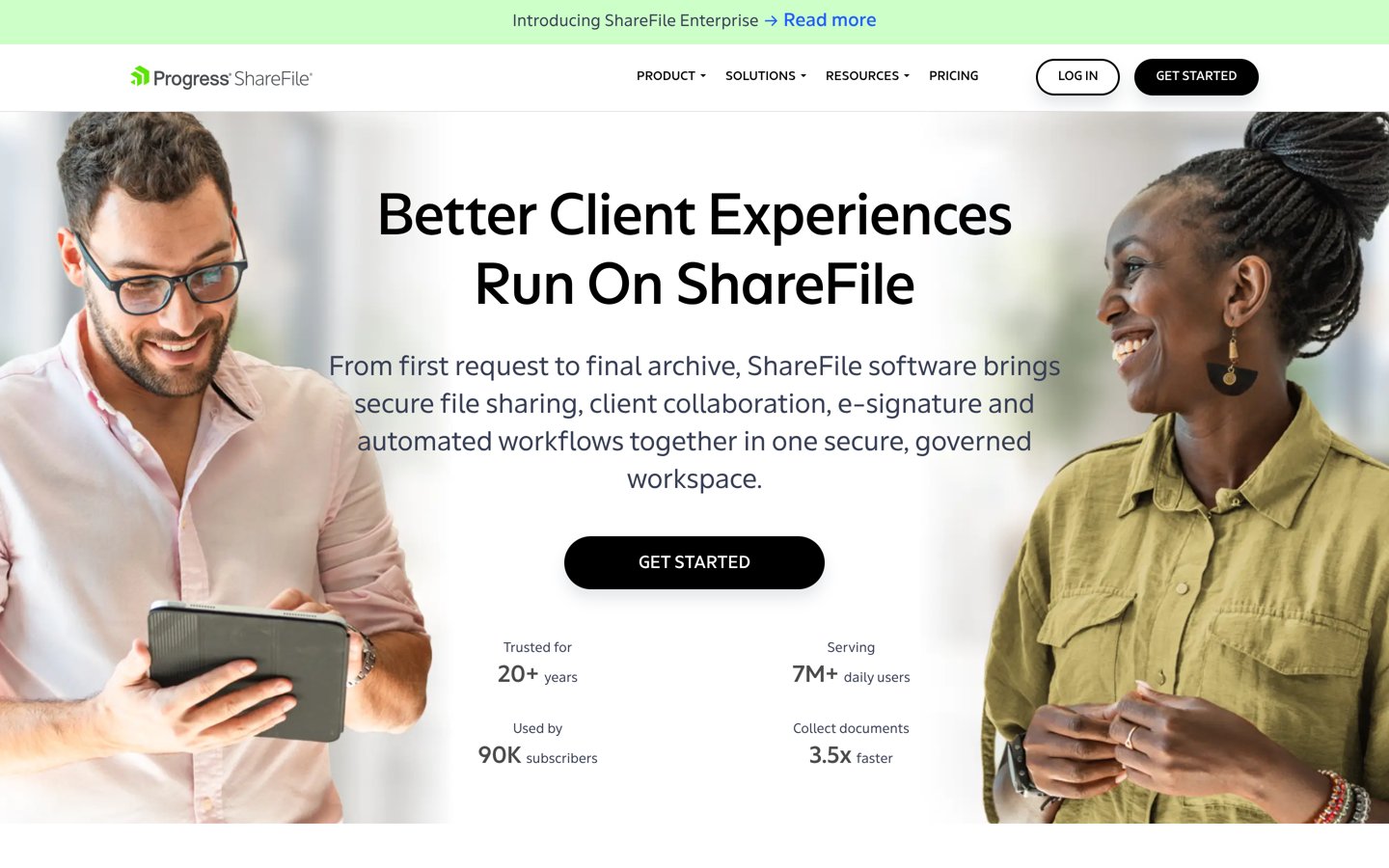
ShareFile homepage, captured Nov 2026.
ShareFile is a secure client file-sharing and portal platform from Progress, built for accounting, legal and financial firms. The Advanced plan costs $16.50 per user a month billed yearly, with encrypted storage and sharing, a basic client portal and co-editing, plus unlimited free client users. Every plan needs at least 3 users.
The trade off is price and scope: e-signature, forms and workflow automation need Premium at $26 per user a month, and there is no free plan. It suits firms that send and collect sensitive client documents every week and need an audit trail for each file.
pCloud is a cloud storage service with a virtual drive, media playback and client-side encryption included on business plans. Business costs $7.99 per user a month billed yearly, with 1 TB per user, team controls, activity logs and 180-day file history, and a 3-user minimum. A free personal account includes 10 GB.
The trade off is collaboration depth: pCloud has fewer built-in office and workflow tools than Google Drive or OneDrive, and Business Pro is needed for 2 TB per user. It suits small teams that want simple, encrypted storage and a drive that frees local disk space.
What we like
Encryption included on business plans
Virtual drive frees local disk space
1 TB per user at a low price
30-day free trial
Watch out for
Thinner office and workflow tools than Drive
3-user minimum on Business
Business Pro needed for 2 TB per user
Business Pro adds 2 TB per user and priority supportVisit pcloud.com
08
Zoho WorkDrive
4.4/5on G2 (711 reviews, checked Nov 2026)
Paid from$2.50/user/mo
Best budget pick for small teams
Entry paid planStarter, $2.50/user/mo
Storage1 TB per team
Free plan5 GB
G2 rating4.4/5, 711 reviews
zoho.com
Zoho WorkDrive homepage, captured Nov 2026.
Zoho WorkDrive is the file store for teams in the Zoho suite, with team folders, granular permissions and built-in office apps. Starter costs $2.50 per user a month billed yearly, with 1 TB of team storage, a 10 GB file upload limit and a 3-user minimum. A free individual plan includes 5 GB.
The trade off is the shared storage pool: 1 TB is shared across the whole team on Starter, so larger teams need the Team plan at $4.50 per user a month. It suits small teams already using Zoho CRM, Mail or Books that want the cheapest business file plan in this list.
What we like
Cheapest business plan in this list
Team folders with granular permissions
Built-in Zoho office apps
Tight integration across the Zoho suite
Watch out for
1 TB is shared across the whole team
Smaller third-party app list than Drive or Dropbox
Sync.com is an end-to-end encrypted cloud storage service: files are encrypted before they leave the device, so Sync cannot read them. Teams 1TB costs $6 per user a month billed yearly, with 1 TB per user, 180-day file history and a 3-user minimum. A free account includes 5 GB.
The trade off is pricing that changes after year one: the page shows 25% off the first year, so Teams 1TB renews at the $6 regular rate. There is also no single sign-on on the entry plan. It suits small teams handling sensitive client files on a tight budget.
What we like
End-to-end encryption by default
Cheapest encrypted team plan here
180-day file history on Teams 1TB
Compliance with HIPAA, GDPR and PIPEDA
Watch out for
No single sign-on on entry plans
First-year discount hides the renewal price
Smaller review base than the big three
Teams 2TB adds 365-day history and role-based accessVisit sync.com
Free vs paid: what you give up
Free plans cover personal use well. Google Drive gives 15 GB, pCloud 10 GB, and OneDrive, Zoho WorkDrive and Sync.com give 5 GB each.
Paid plans add team folders, admin controls, longer version history and support. They also raise storage from gigabytes to terabytes per user.
Business plans also add audit trails and permission controls that free plans lack. If clients or regulators ever ask who opened a file, that trail is the difference.
If you only store your own files, a free plan may be enough. For a team of three or more, the cheapest paid plan in this list is Zoho WorkDrive at $2.50 per user a month.
How we chose
We started from the file management tools most often named in 2026 comparisons, then kept 9 established products with published prices and a public review footprint on G2.
Prices come from each vendor's pricing page, checked on 23 November 2026, with the top 3 read on their official pages. Ratings are G2 scores from the same week. Where a vendor shows a sale, the list shows the regular price.
We left out tools with no published price and niche products with too few reviews to judge. No vendor paid for a place, and we do not claim hands-on testing for this list.
How to choose file management software
Start with the office suite your team already pays for, then check storage, sharing and price.
Check what your team already pays for. If you have Google Workspace or Microsoft 365, Drive or OneDrive is already included. Do not pay for a second file store on top.
Count storage per person, not per plan. A pooled 1 TB team plan splits across everyone. Divide the total by your team size before you compare prices.
Test sharing with an outside email. Send a link to a personal address and check expiry, passwords and download limits before you roll the tool out to clients.
Pick one main file store. Two sync tools on one computer can conflict and duplicate files. Choose one, move the team folders, then switch the old tool off.
FAQ
What is the best file management software?
Google Drive is the best pick for most teams. Business Starter costs $7 per user a month and includes 30 GB of pooled storage plus Docs, Sheets, Gmail and Meet, and Google Workspace is rated 4.6 out of 5 on G2 from more than 48,000 reviews.
What is the cheapest file management software for a small team?
Zoho WorkDrive Starter is the cheapest business plan here at $2.50 per user a month billed yearly, with 1 TB of team storage and a 3-user minimum. OneDrive Plan 1 is next at $5 per user a month with 1 TB per user.
Is Google Drive better than Dropbox?
Drive is better for teams that live in Google Docs and Gmail, and it costs less per user. Dropbox is better for pure file sync across devices and for large transfers, with Standard transfers up to 100 GB. Pick the one that matches the apps your team already uses.
Do I need a paid plan for file management?
Not for personal use: free plans give 5 to 15 GB. A team needs a paid plan for shared folders, admin controls, longer version history and support. Paid plans in this list start at $2.50 per user a month.
Which file management tool is best for privacy?
Sync.com is the cheapest encrypted pick at $6 per user a month, with end-to-end encryption on by default so Sync cannot read your files. pCloud Business also includes client-side encryption at $7.99 per user a month.
Can I use OneDrive without Microsoft 365?
Yes. OneDrive for Business Plan 1 costs $5 per user a month and gives 1 TB of storage with file sharing and sync, without the Office apps or mailbox. Those come with Microsoft 365 Business plans.