Miro is the best of these Lucidspark alternatives, rated 4.7/5 on G2 from 8,159 reviews, with a free plan and Starter at $8 per member a month. Pick FigJam for the cheapest paid plan at $3 an editor a month, or Mural if you run structured workshops every week.
How we make this list: we compare pricing pages, product documentation and public user reviews, then re-check every price before each update. No product paid for a place. Disclosure.
Miro is the highest-rated pick at 4.7/5 on G2, with a free plan and Starter at $8 per member a month.
FigJam is the cheapest paid plan here at $3 an editor a month, billed yearly.
Mural is the workshop pick, with a timer, voting and anonymous input at $12 a user a month.
All nine tools have a free plan; paid plans run from $3 to $12 per user a month.
Lucidspark itself costs $9 a month for an individual plan and $10 a user a month for a team plan.
What should you look for in Lucidspark alternatives?
A good Lucidspark alternative keeps the same core: an infinite canvas, sticky notes and live cursors so a whole team can brainstorm at once.
Free-plan limits decide most picks. Miro, Mural and FigJam all cap free use at 3 boards or files, so check how many boards your team actually keeps open before paying.
Facilitation tools separate workshop boards from sketching boards. Mural and Stormboard add timers, voting and structured templates, while simpler boards suit quick idea dumps.
Price spreads are wide for the same job. Paid plans here run from $3 to $12 per user a month, and Microsoft Whiteboard costs nothing at all, so match the plan to how often you run sessions. Our guide on collaborating in WordPress covers the same trade-off for shared editing.
Miro is the largest online whiteboard in this list, with an infinite canvas, sticky notes, mind maps, flowcharts and more than 7,000 templates. The free plan allows unlimited members but caps each workspace at 3 editable boards, and Starter adds unlimited private boards at $8 per member a month billed yearly.
The trade off is the Business price. Business costs $20 per member a month billed yearly, up from $16 in February 2026, and it is the plan that adds single sign-on and two-way Jira sync. It suits product and design teams that live on the board every day.
What we like
Highest G2 rating in this list at 4.7/5
Largest template library, with 7,000+ templates
Free plan allows unlimited members
Watch out for
Business plan rose from $16 to $20 in 2026
Free plan caps editable boards at 3
Can feel heavy for a quick one-off brainstorm
Starter adds unlimited private boards and visitor editingVisit miro.com
02
Mural
4.6/5on G2 (1,473 reviews, checked Nov 2026)
Paid from$12/mo
Best for facilitated workshops
Free planYes, 3 murals
Paid planTeam+, $12/user/mo
FacilitationTimer, voting, outline
Private boardsPaid plans only
mural.co
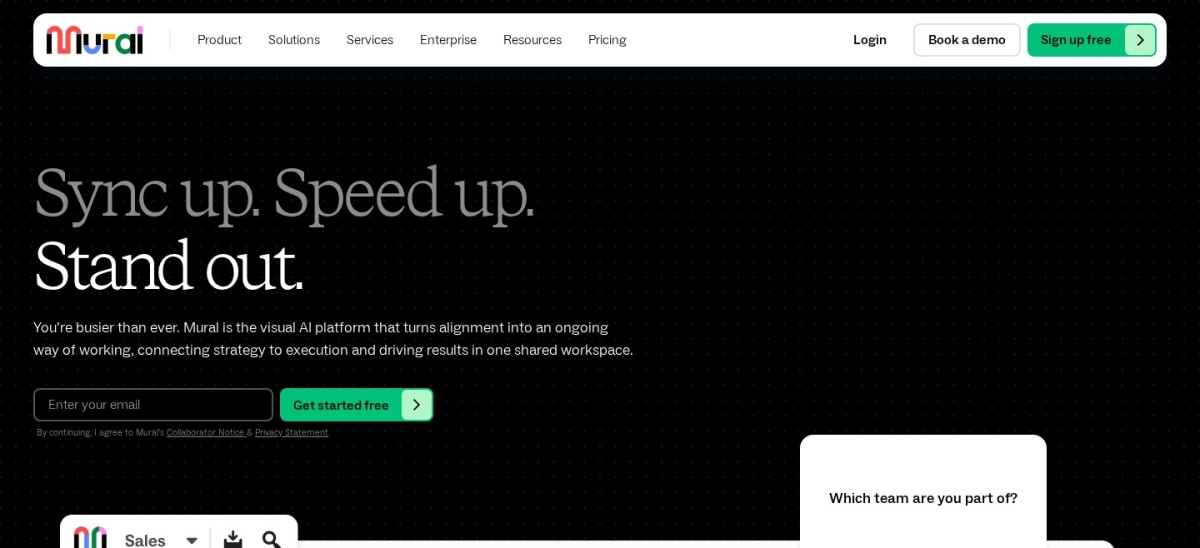
Mural homepage, captured Nov 2026.
Mural is a visual collaboration board built for facilitated workshops, with templates for design thinking, agile ceremonies and planning. The free plan allows unlimited members but caps usage at 3 murals, and paid plans add unlimited boards and privacy controls.
The trade off is the per-seat price. Team+ costs $12 per user a month, so a 10-person workshop team pays $120 a month before any discount. It suits teams that run structured sessions every week and need voting, timer and anonymous input.
What we like
Strong facilitation tools: timer, voting and outlines
Large template library for workshops
Unlimited members on the free plan
Watch out for
Per-seat pricing adds up fast for big teams
Free plan caps editable boards at 3
Mobile app can feel slow on large boards
Team+ adds unlimited murals and privacy controlsVisit mural.co
03
FigJam
4.6/5on G2 (464 reviews, checked Nov 2026)
Paid from$3/mo
Best value paid plan
Free planYes, 3 files
Paid planProfessional, $3/editor/mo
Monthly price$5/editor/mo
Figma linkSame account, shared files
figma.com
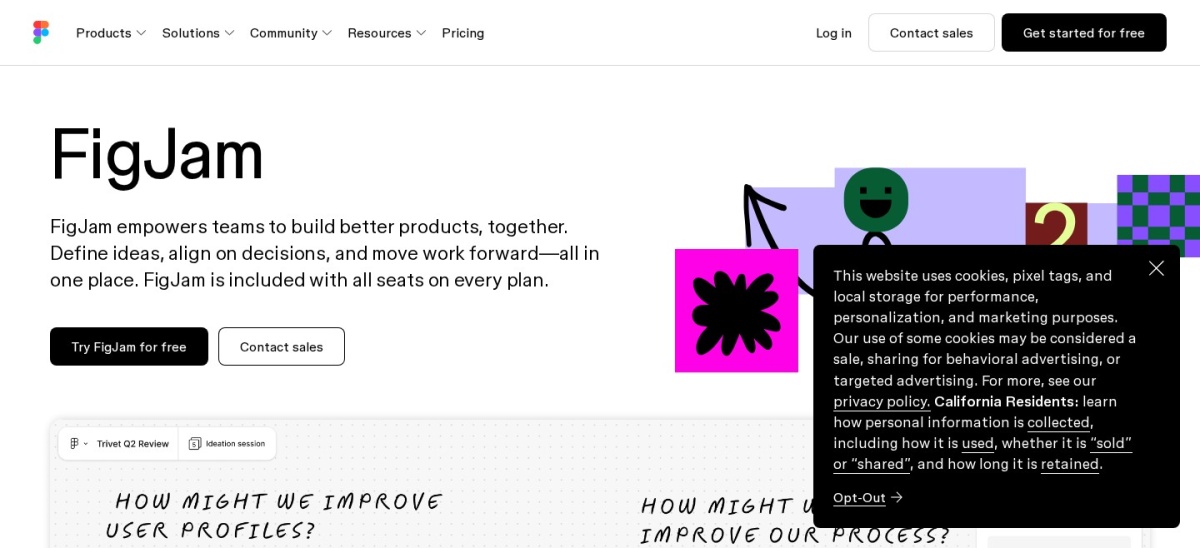
FigJam homepage, captured Nov 2026.
FigJam is Figma's online whiteboard, built for quick brainstorms, diagrams and team play with sticky notes, stamps and voting. The free Starter plan allows 3 shared FigJam files, and the Professional plan costs $3 per editor a month billed yearly for unlimited files.
The trade off is scope. FigJam is lighter than Miro or Mural, with fewer templates and no deep diagramming tools, and viewers are free while only editors pay. It suits teams that already use Figma and want a cheap board beside their design files.
What we like
Cheapest paid plan in this list at $3 a month
Viewers are free, only editors pay
Shares files and accounts with Figma
Watch out for
Fewer templates than Miro or Mural
Lighter diagramming than dedicated boards
Free plan caps shared files at 3
Professional adds unlimited files and shared librariesVisit figma.com
04
Whimsical
4.6/5on G2 (189 reviews, checked Nov 2026)
Paid from$10/mo
Best for fast flowcharts and wireframes
Free planYes, with limits
Paid planPro, $10/editor/mo
FlowchartsYes
Mind mapsYes
whimsical.com
Whimsical homepage, captured Nov 2026.
Whimsical is a fast whiteboard for flowcharts, wireframes, mind maps and sticky-note boards, plus docs and tasks in the same workspace. The free plan covers basic boards with limits, and Pro costs $10 per editor a month billed yearly for unlimited boards.
The trade off is depth. Whimsical is quicker to learn than Miro, but it has fewer templates and weaker facilitation tools for large workshops. It suits small teams that sketch flows and wireframes more than they run formal sessions.
ClickUp is a task manager with built-in whiteboards, so a brainstorm can turn into assigned tasks and docs without leaving the app. The free plan covers basic whiteboards with limits, and Unlimited costs $12 per user a month with full whiteboards, unlimited storage and integrations.
The trade off is focus. ClickUp whiteboards are simpler than Miro or Mural, with fewer templates and no facilitation tools like timers or voting. It suits teams that already manage work in ClickUp and want boards tied to tasks.
Canva is a design platform with a collaborative whiteboard that connects straight to its template and media library. The free plan includes whiteboards with more than 250,000 templates, and Pro costs $120 a year for one person with premium templates, Brand Kit and 1 TB of storage.
The trade off is that Canva is a design tool first. Its whiteboard lacks the facilitation tools and deep diagramming of Miro or Mural, so sessions stay simple. It suits teams whose brainstorm has to become a polished slide, poster or social post the same day.
What we like
Whiteboards included on the free plan
Huge template and stock media library
Boards turn into slides and posts easily
Watch out for
No timer, voting or facilitation tools
Weaker diagramming than dedicated boards
Premium templates need the Pro plan
Pro adds premium templates, Brand Kit and 1 TB storageVisit canva.com
07
Excalidraw
4.5/5on G2 (31 reviews, checked Nov 2026)
Paid from$6/mo
Best for simple hand-drawn sketches
Free planYes, full editor
Paid planPlus, $6/user/mo
Saved scenes1 (free)
EncryptionEnd-to-end
excalidraw.com
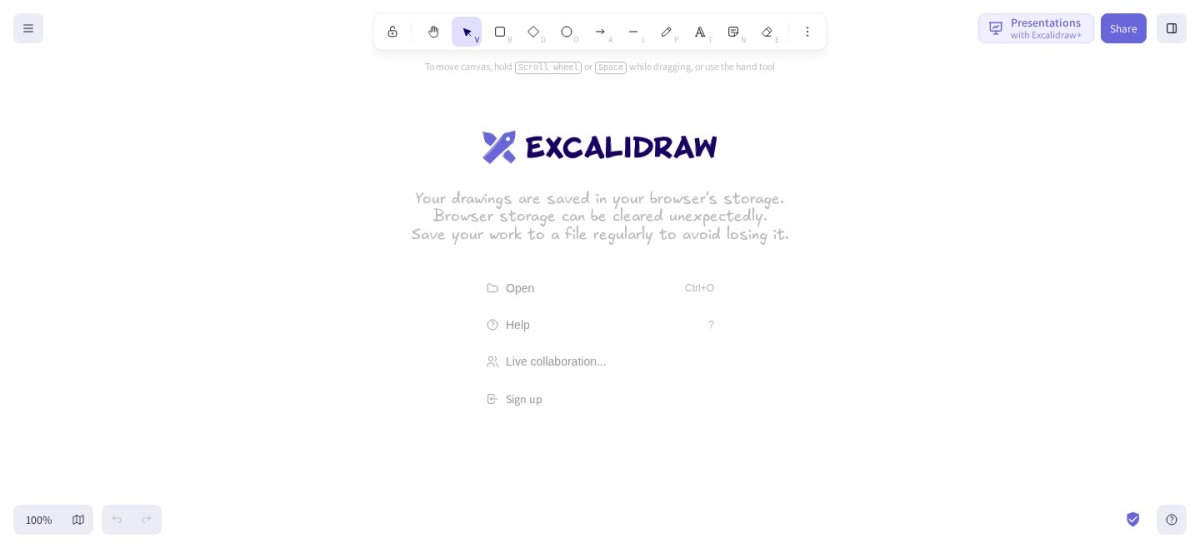
Excalidraw homepage, captured Nov 2026.
Excalidraw is a free, open-source whiteboard with a hand-drawn style for sketches, diagrams and wireframes. The free editor is fully usable with live collaboration, and Plus costs $6 per user a month billed yearly for extra saved scenes and team features.
The trade off is scale. Excalidraw has no templates library, no facilitation tools and only 1 saved scene on the free plan, so it fits quick sketches rather than managed workshops. It suits developers and small teams who want a private, no-signup board.
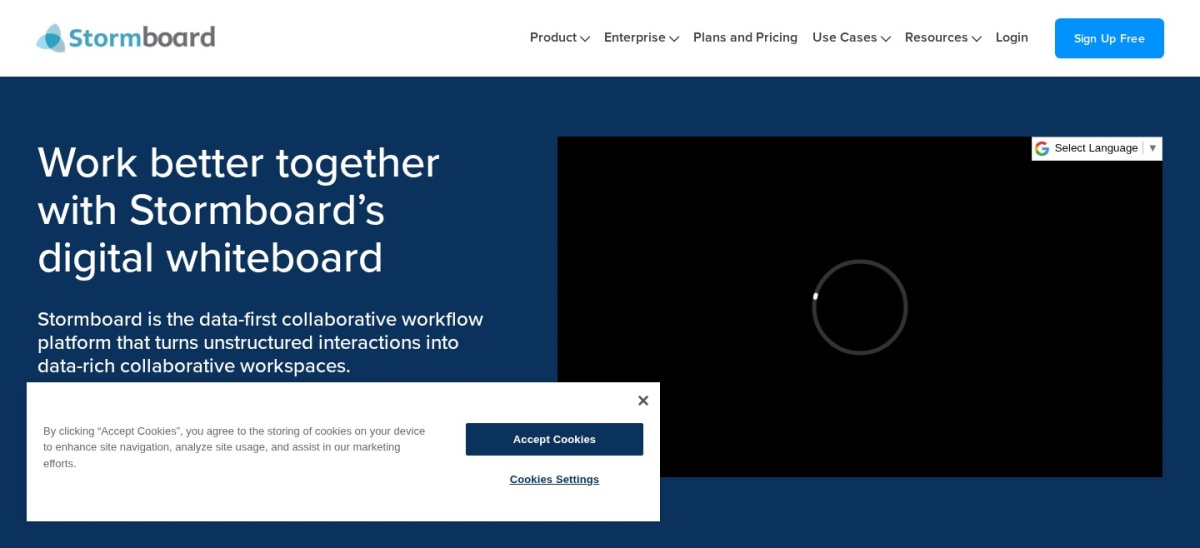
Stormboard is a sticky-note whiteboard built around structured brainstorms, with idea sorting, voting and reports. The free Personal plan covers up to 5 users and 5 open Storms, and Business costs $10 per user a month for unlimited Storms and admin controls.
The trade off is polish. Stormboard looks plainer than Miro or Mural and has a smaller template set, and some list prices quote $8.33 a user a month on G2 against the vendor's $10. It suits teams that run regular idea-sorting sessions and want reports after each one.
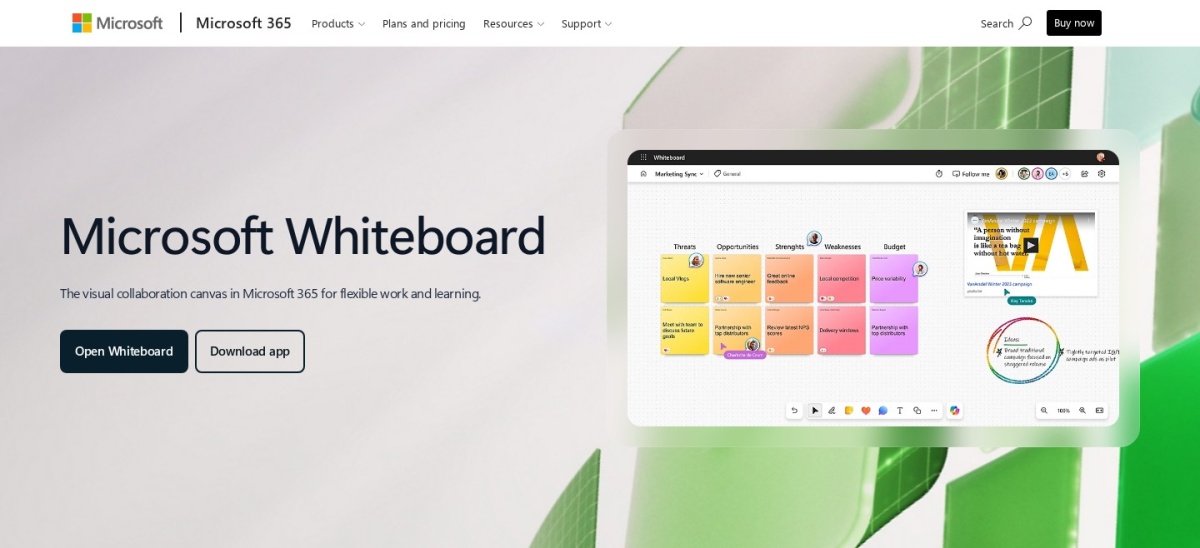
Microsoft Whiteboard is a free digital whiteboard included with Microsoft 365, with an infinite canvas, sticky notes and more than 60 templates. There is no paid plan, so the full board is free for anyone with a Microsoft account.
The trade off is depth. It has fewer templates and no facilitation tools like timers or voting, and it works best inside Teams and OneDrive. It suits Microsoft 365 teams that want a free board without buying another tool.
Free plans cover casual brainstorms well. Most include an infinite canvas, sticky notes and live cursors for a small team.
Paid plans mostly add room and control. You get unlimited boards, private boards, admin controls and more storage.
Facilitation tools are the usual paid gap. Timers, voting and anonymous input sit behind paid plans on Mural and Stormboard, while Microsoft Whiteboard skips them entirely.
If your team runs a workshop every week, the first year of a paid plan often costs less than the time lost to a board that runs out of space mid-session.
How we chose
We started from the best-known online whiteboards, then kept those with a public rating and a clear price on the vendor's own pricing page.
Prices come from each vendor's pricing page, checked on 29 November 2026. Ratings and review counts come from G2 on the same day. Where a vendor shows a sale, the list shows the regular price.
We left out Lucidspark itself, since this list covers alternatives to it, and tools with no public rating. No vendor paid for a place, and we do not claim to have used these tools ourselves.
How to choose a Lucidspark alternative
Start with how often your team meets on a board, then match the free-plan limit to that habit.
Count the boards you keep open. Free plans cap boards at 3 on Miro, Mural and FigJam. If your team keeps more than that, budget for a paid plan from the start.
Decide whether you run workshops or sketches. Pick Mural or Stormboard for facilitated sessions with voting and timers. Pick Excalidraw or FigJam for quick sketches and idea dumps.
Check what your team already pays for. Microsoft Whiteboard is free inside Microsoft 365, Canva Pro covers design as well as boards, and ClickUp boards sit beside tasks.
Try the free plan with a real session. Run one full brainstorm on the free plan before paying, and check that exports and guest access work the way your team needs.
FAQ
What is the best Lucidspark alternative in 2026?
Miro is the best Lucidspark alternative for most teams. It is rated 4.7/5 on G2 from 8,159 reviews, has a free plan, and Starter costs $8 per member a month billed yearly, with the largest template library in this list.
How much does a Lucidspark alternative cost?
Paid plans in this list run from $3 to $12 per user a month. FigJam is cheapest at $3 an editor a month, Miro Starter is $8, and Mural, ClickUp and Stormboard cost $10 to $12. Microsoft Whiteboard is free.
Is there a free Lucidspark alternative?
Yes. Microsoft Whiteboard is completely free with no paid plan, and Miro, Mural, FigJam, Whimsical, ClickUp, Canva, Excalidraw and Stormboard all have free plans. Free plans usually cap boards, files or users, so check the limit before you commit.
What is the best Lucidspark alternative for a small team?
FigJam is the best pick for a small team on a budget, at $3 an editor a month with viewers free. Miro is the better pick if the team needs more templates, at $8 a member a month.
What is the best Lucidspark alternative for beginners?
Microsoft Whiteboard is the easiest starting point because it is free and simple, with 60+ templates. Canva is also easy for beginners, since its whiteboard sits inside a familiar design tool.
Miro vs Mural: which is the better Lucidspark alternative?
Miro is the better all-round pick, rated 4.7/5 on G2 with Starter at $8 a member a month and 7,000+ templates. Mural is the better workshop pick, with stronger facilitation tools, but it costs $12 a user a month.
How much does Lucidspark itself cost?
Lucidspark costs $9 a month for an individual plan and $10 a user a month for a team plan, both billed yearly, with a free plan that caps boards at 3. Most alternatives in this list match or beat that price.
SaaS SEO and WordPress specialist with about 8 years of experience. Rakib compares WordPress plugins, themes, hosting and software using public pricing, documentation and user reviews. See how we rank.