Microsoft Outlook is the best Google Calendar alternative for most users, offering integrated email and scheduling, a 4.5/5 G2 rating and an optional $19.99 annual upgrade. Choose Zoho Calendar for independent business scheduling or Teamup Calendar for managing shared schedules across departments, resources and projects.
How we make this list: we compare pricing pages, product documentation and public user reviews, then re-check every price before each update. No product paid for a place. Disclosure.
Microsoft Outlook has a 4.5/5 rating from 3,605 G2 reviews, with paid access starting at $19.99 annually.
Zoho Calendar offers free scheduling, with its cheapest paid business bundle starting at $12 annually per user.
Teamup Calendar supports 5 users and 5 sub-calendars for free, with paid upgrades starting at $144 annually.
Reclaim.ai earns 4.8/5 from 144 G2 reviews and offers automated scheduling through 5 AI agents on its free plan.
Any.do Premium combines task management and calendar planning for $59.88 annually.
Calendly Standard costs $120 annually per seat, while Calendar starts at a displayed rate of $20 monthly.
How do you choose the best Google Calendar alternatives?
A Google Calendar alternative should address the reason you want to switch. Some users need better collaboration, while others want automated task scheduling, integrated email, independent calendar hosting or appointment booking.
Traditional calendars and scheduling assistants solve different problems. Microsoft Outlook, Zoho Calendar and Teamup provide calendar management environments, while Reclaim.ai and Calendly enhance scheduling workflows through connections with existing calendar accounts.
Free subscriptions cover many everyday scheduling requirements. Outlook supports personal calendar management, Zoho Calendar provides business scheduling features, and Teamup accommodates small groups with its allowance of five users and five sub-calendars.
Pricing becomes more important when several people need access. Teamup charges per master calendar, while Reclaim.ai and Calendly charge per paid seat. Compare the total cost of coordinating your organization rather than relying on individual subscription prices.
Calendar migration requires more than importing appointments. Recurring events, meeting invitations, shared permissions and conferencing links may behave differently after moving to another provider. Confirm compatibility before abandoning your existing scheduling system.
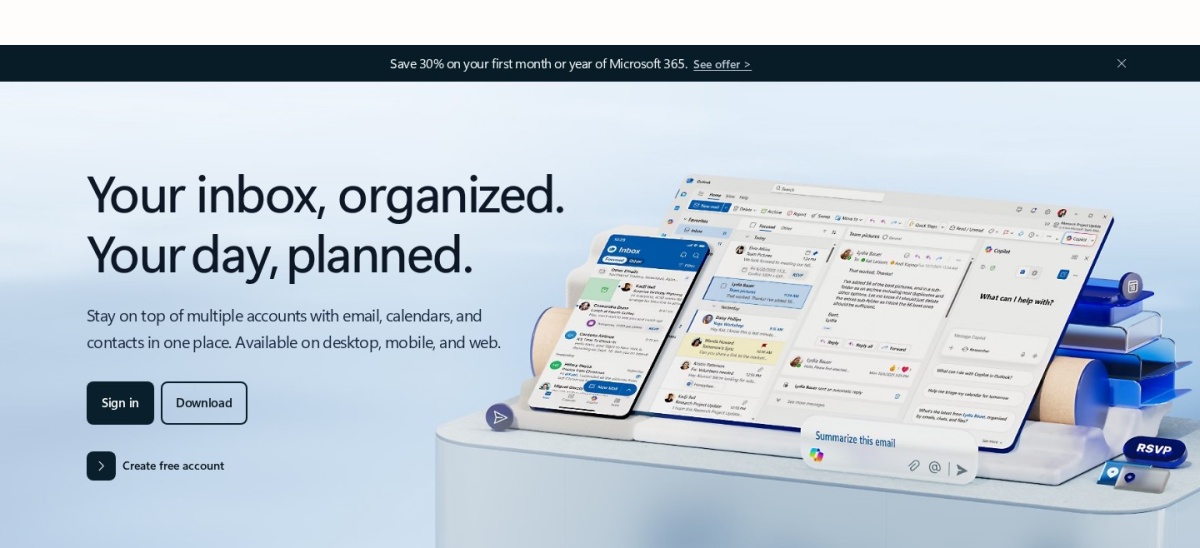
Microsoft Outlook is an integrated email and calendar application for organizing appointments, contacts, tasks and communication. Its free version covers everyday scheduling, while Microsoft 365 Basic costs $19.99 annually and includes ad-free Outlook, 100 GB of mailbox storage and 100 GB of cloud storage.
The trade off is that Outlook's interface includes email and productivity features that may feel unnecessary if you only need a calendar. The $19.99 Basic subscription also excludes the complete Microsoft desktop productivity suite. It suits individuals and businesses that want appointments and email within the same application.
What we like
Free personal email and calendar access
Affordable annual paid upgrade
Integrated appointments, contacts and email
Shared calendar and meeting invitation support
Extensive public review history
Watch out for
Interface is busier than calendar-only applications
Full Microsoft desktop productivity suite requires a higher plan
Personal subscriptions are separate from organizational licensing
Microsoft 365 Basic adds ad-free Outlook, additional storage and security features.Visit microsoft.com
02
Zoho Calendar
4.4/5on G2 (70 reviews, checked Nov 2026)
Paid from$1/mo
Best for affordable independent business calendars
Free calendarAvailable
Cheapest paid bundleZoho Mail Lite
Mail Lite storage5 GB per user
Calendar interoperabilityCalDAV and iCal
zoho.com
Zoho Calendar homepage, captured Nov 2026.
Zoho Calendar is an online scheduling application for personal appointments, shared business calendars and group events. Its free version supports everyday scheduling, while the cheapest paid bundle is Zoho Mail Lite at $1 per user monthly with annual billing, including shared calendars and 5 GB of mailbox storage.
The trade off is that advanced functionality can depend on your Zoho subscription and connected applications. The $12 annual entry cost purchases a business email bundle rather than a dedicated calendar-only upgrade. It suits small organizations that want independent scheduling and affordable business communication tools.
What we like
Free online calendar for individuals and small teams
Low-cost paid business bundle
Recurring events and shared calendars
External calendar synchronization options
Integration with Zoho business applications
Watch out for
Advanced features depend on the selected bundle
Some external synchronization options have subscription requirements
Smaller public review sample than Microsoft Outlook
Mail Lite includes business email, shared calendars and additional organizational tools.Visit zoho.com
03
Teamup Calendar
4.5/5on G2 (35 reviews, checked Nov 2026)
Paid from$12/mo
Best for shared schedules and resource coordination
Free users5
Free sub-calendars5
Plus users12
Plus sub-calendars12
teamup.com
Teamup Calendar homepage, captured Nov 2026.
Teamup Calendar is a shared scheduling application for organizing employees, equipment, projects and group activities. Its free subscription supports five users, five sub-calendars and one year of historical data. Plus costs $12 monthly with annual billing and increases both user and sub-calendar allowances to 12.
The trade off is that Teamup prices subscriptions per master calendar, with additional organizational capacity requiring higher plans. Plus costs $15 with monthly billing and includes only one custom field. It suits operational teams that need distinct, color-coded schedules for employees, locations or shared resources.
What we like
Free shared calendar for small groups
Granular calendar access permissions
Separate sub-calendars for resources and departments
Multiple schedule visualization options
Account-based rather than standard per-user pricing
Watch out for
User and sub-calendar limits vary by subscription
Plus includes only one custom field
Not designed primarily around personal email management
Plus expands calendar and user capacity, storage, historical access and event customization.Visit teamup.com
04
Reclaim.ai
4.8/5on G2 (144 reviews, checked Nov 2026)
Paid from$10/mo
Best for automated focus time and recurring habits
Free AI agents5
Starter AI agents10 per seat
Free scheduling range1 week
Calendar connectionsGoogle Calendar and Outlook
reclaim.ai
Reclaim.ai homepage, captured Nov 2026.
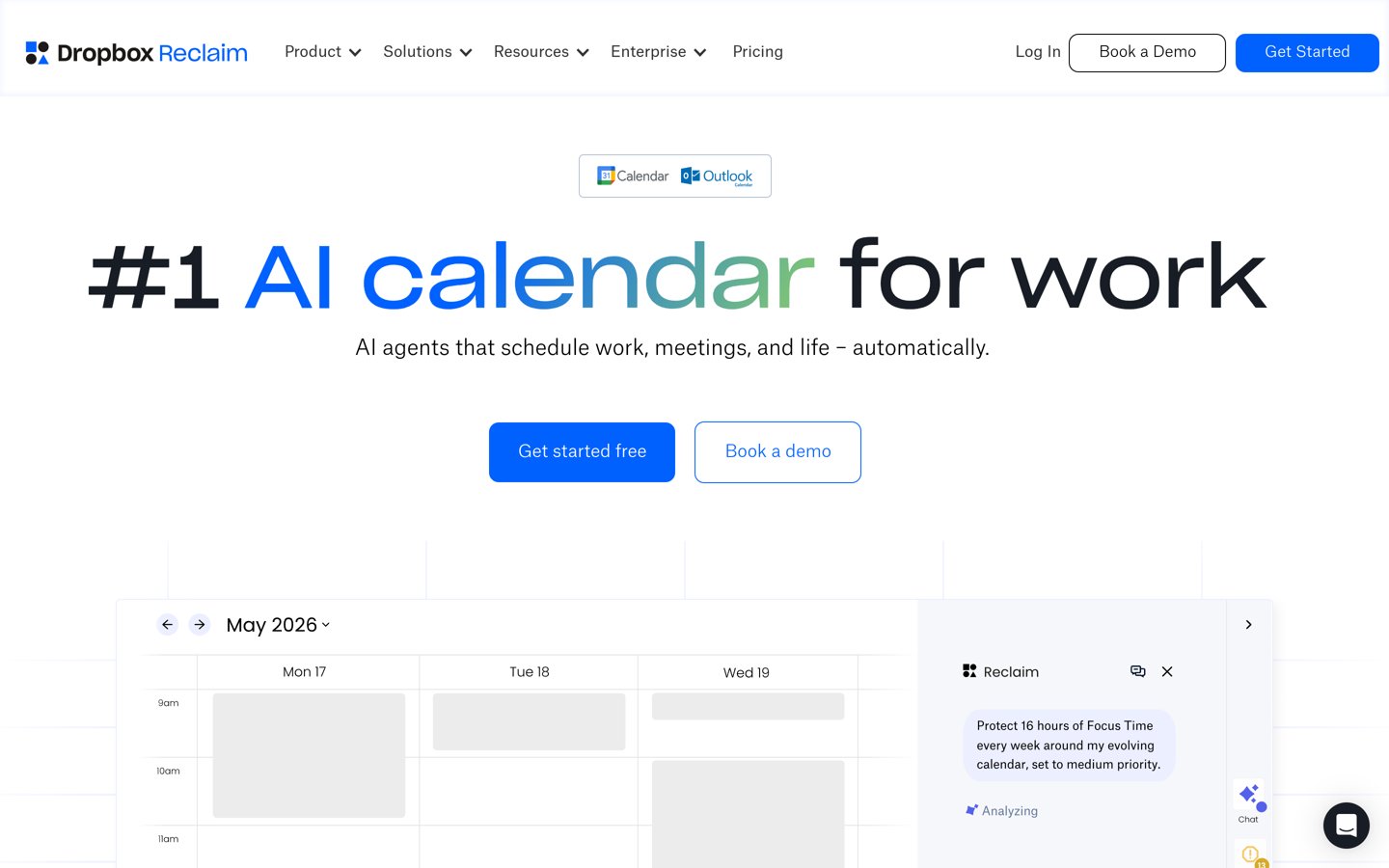
Reclaim.ai is an AI scheduling assistant that automatically organizes focus sessions, recurring habits, breaks and meetings around existing appointments. Its free Lite subscription includes five AI agents, one calendar synchronization and one scheduling link. Starter costs $10 per seat monthly with annual billing and increases the AI agent allowance to 10 per seat.
The trade off is that Reclaim.ai depends on a connected Google or Outlook calendar rather than operating as a fully independent calendar provider. The $120 annual Starter subscription adds planning capacity, but automated scheduling still requires configuration. It suits professionals who want less manual calendar maintenance.
Starter expands AI scheduling capacity, planning options and supported integrations.Visit reclaim.ai
05
Any.do
4.2/5on G2 (208 reviews, checked Nov 2026)
Paid from$4.99/mo
Best for combining appointments with daily task lists
Free planPersonal
Paid planPremium
Monthly billing$7.99/mo
Calendar and daily plannerIncluded in Personal
any.do
Any.do homepage, captured Nov 2026.
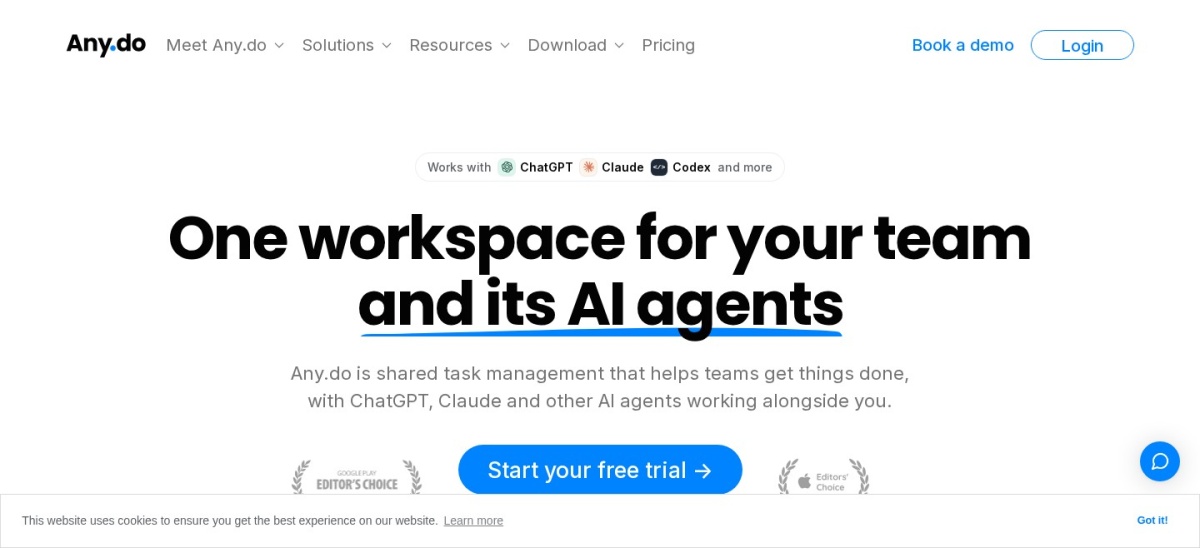
Any.do is a personal productivity application combining task lists, calendar events, reminders and daily planning. Its free Personal subscription includes the calendar and daily planner, while Premium costs $4.99 monthly with annual billing and adds recurring tasks, location reminders, color tags and additional productivity features.
The trade off is that Any.do focuses on organizing daily responsibilities rather than replacing the complete calendar infrastructure used by large organizations. Premium costs $7.99 with monthly billing, and shared workspaces require separate subscription options. It suits individuals who want appointments and actionable tasks in the same planning interface.
What we like
Free calendar and daily planning features
Affordable personal subscription
Task management alongside appointments
Recurring task and reminder options
Cross-device synchronization
Watch out for
Advanced collaboration requires separate plans
Recurring tasks require a paid subscription
Not primarily an independent business calendar service
Premium adds recurring tasks, advanced reminders, color tags and AI-assisted features.Visit any.do
06
Calendly
4.7/5on G2 (2,682 reviews, checked Nov 2026)
Paid from$10/mo
Best for client appointments and self-service booking
Free event types1
Free calendar connections1
Standard event typesUnlimited
Paid payment integrationsStripe and PayPal
calendly.com
Calendly homepage, captured Nov 2026.
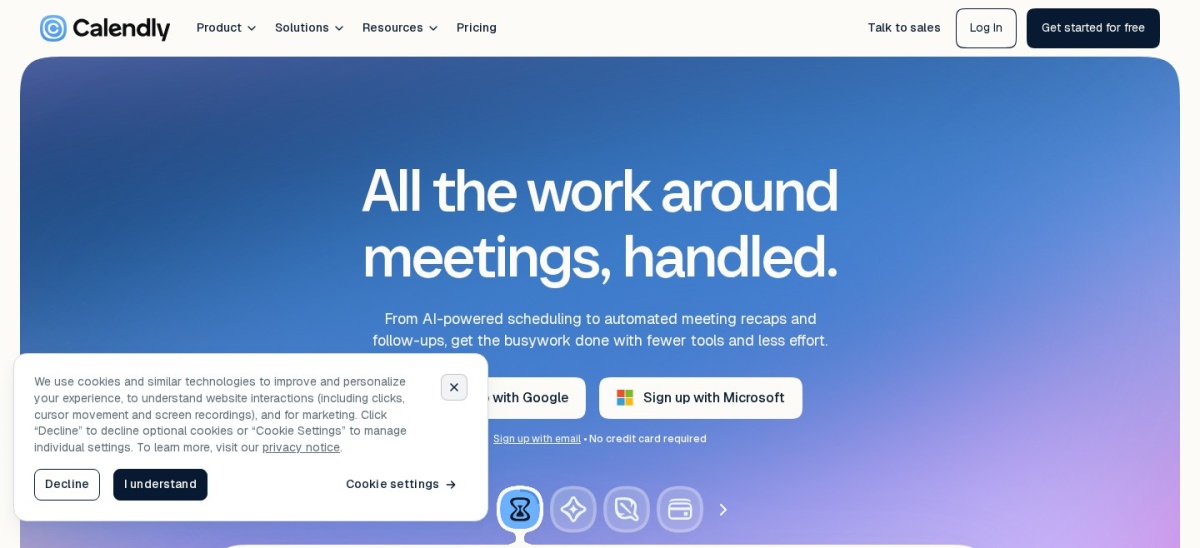
Calendly is an appointment scheduling platform that lets invitees reserve available meeting times through personalized booking pages. Its free subscription includes one event type and one calendar connection. Standard costs $10 per seat monthly with annual billing and adds unlimited event types, multiple calendar connections, automated reminders and payment integrations.
The trade off is that Calendly replaces appointment coordination rather than providing a complete standalone calendar. The $120 annual Standard subscription requires an existing calendar connection to manage availability across appointments effectively. It suits consultants, sales representatives and service businesses that frequently arrange meetings with external clients.
What we like
Permanent free appointment scheduling plan
Shareable self-service booking pages
Unlimited event types on Standard
Integrated appointment payments
Substantial public review history
Watch out for
Not a standalone replacement for calendar hosting
Free plan supports only one event type
Additional meeting hosts require paid seats
Standard adds unlimited event types, additional calendar connections, reminders and payment collection.Visit calendly.com
07
Calendar
4.7/5on G2 (79 reviews, checked Nov 2026)
Starts at$20/mo
Best for unified scheduling and meeting analytics
Entry planStandard
Standard workspace capacity10 users
Free trial14 days
Calendar typesNative and connected calendars
calendar.com
Calendar homepage, captured Nov 2026.
Calendar is a scheduling application that combines native calendars, external calendar connections, booking links and meeting analytics. Its Standard subscription displays a starting price of $20 monthly, supports workspaces with up to 10 users and includes custom branding, analytics, advanced workflows and payment processing.
The trade off is that Calendar has a higher displayed starting cost than basic calendar applications and currently advertises a 14-day trial rather than a permanent free plan. The $20 monthly rate annualizes to $240 before any annual billing discount. It suits professionals who need consolidated scheduling and insight into meeting activity.
What we like
Native and external calendar management
Unified scheduling interface
Meeting and team analytics
Custom branding for booking workflows
Integrated payment processing
Watch out for
No permanent free plan advertised
Higher displayed entry price than Outlook or Any.do
Workspace capacity depends on the subscription
Standard includes unified calendar management, booking workflows, analytics and payment processing.Visit calendar.com
Do you need a new calendar provider or a scheduling assistant?
Calendar providers maintain the underlying calendar account where your appointments and event data are stored. Scheduling assistants connect with calendar accounts and improve how meetings, tasks or appointments are organized.
Microsoft Outlook and Zoho Calendar are appropriate choices if your objective is to move away from Google's calendar infrastructure. Teamup is another independent option when shared operational schedules matter more than email integration.
Reclaim.ai and Calendly solve different scheduling problems. Reclaim automatically organizes work around existing appointments, while Calendly makes it easier for other people to reserve available meeting times.
A combined workflow can be more useful than a single replacement. Outlook can maintain your calendar account, while Reclaim handles automated time blocking or Calendly manages external appointment booking.
How do you switch from Google Calendar without losing appointments?
Start by exporting your existing calendar data in ICS format. Keep the exported files as backups before importing appointments into your replacement application.
Review recurring appointments after importing them. Repeating event rules, conference links, notifications and invitation responses may not transfer exactly as they appeared in Google Calendar.
Recreate shared access permissions where necessary. Calendar subscriptions, imported events and collaborative editing permissions are separate concepts, so importing an event does not automatically restore access for every participant.
Run your new calendar alongside the existing one until important appointments and recurring schedules have been verified. Once your replacement is ready, remove redundant calendar connections to reduce duplicate notifications.
How we chose
We compared established calendar applications and scheduling platforms covering personal appointments, shared resource planning, daily task organization and meeting automation. Products were ranked by their usefulness as Google Calendar replacements or alternatives for specific scheduling workflows.
Official pricing pages and G2 review profiles were opened on 29 Nov 2026. Prices use regular annual billing rates where confirmed. Calendar displays $20 monthly and advertises annual savings of 20%, but its exact annual checkout amount was not independently confirmed, so its price ladder uses the displayed monthly rate annualized.
We excluded products with insufficient public review histories, unclear pricing or limited relevance to calendar management. Outlook and Any.do ratings cover their complete applications rather than their calendar features alone. No vendor paid for a place, and we do not claim testing for this list.
How to choose the right Google Calendar alternative
Identify your scheduling requirements and compare calendar independence, collaboration, automation and subscription costs before choosing a replacement.
Decide whether you want to leave Google's calendar infrastructure. Choose Microsoft Outlook, Zoho Calendar or Teamup if you need an independent scheduling environment. Choose Reclaim.ai or Calendly if your main objective is improving how existing calendar appointments are organized.
Compare your personal and team scheduling requirements. Consider whether you need private appointments, shared departmental calendars, resource reservations or customer booking pages. Teamup is particularly useful for resource coordination, while Calendly specializes in external appointment scheduling.
Calculate the actual annual subscription cost. Compare account-based pricing with per-seat subscriptions and check whether the free plan covers your needs. Zoho's paid calendar bundle starts at $12 annually per user, while Microsoft 365 Basic costs $19.99 annually.
Verify event migration and connected applications. Check ICS import support, recurring event compatibility, calendar sharing, task management integrations and video conferencing connections. Confirm that essential workflows remain available before transferring your entire schedule.
FAQ
What is the best alternative to Google Calendar in 2026?
Microsoft Outlook is the best Google Calendar alternative for most people because it combines calendar management, email and appointments in a free application with an optional $19.99 annual upgrade. Zoho Calendar is a suitable budget business alternative, while Teamup specializes in shared operational schedules.
What is the best free alternative to Google Calendar?
Zoho Calendar is an excellent free alternative for individuals and small businesses that want online scheduling without relying on Google. Microsoft Outlook also offers free calendar access, while Teamup provides a free shared calendar supporting five users and five sub-calendars.
How much do Google Calendar alternatives cost?
Google Calendar alternatives range from free personal scheduling applications to paid productivity subscriptions. Zoho Mail Lite costs $12 annually per user, Microsoft 365 Basic costs $19.99 annually, Any.do Premium costs $59.88 annually and Teamup Plus costs $144 annually per master calendar.
Is Outlook Calendar better than Google Calendar?
Outlook Calendar is better for users who prefer managing email, contacts and appointments within one application or already rely on Microsoft productivity services. Google Calendar remains convenient for people using Google Workspace. Both support routine scheduling, invitations and recurring appointments.
Is Microsoft Outlook or Zoho Calendar better for small businesses?
Microsoft Outlook is better for businesses that depend on Microsoft's productivity ecosystem and integrated email workflows. Zoho Calendar is attractive for budget-conscious organizations because its free calendar supports business scheduling, and its Mail Lite bundle starts at $1 per user monthly with annual billing.
What is the best Google Calendar alternative for shared team schedules?
Teamup Calendar is the best option for shared operational schedules because it organizes employees, projects and resources into separate sub-calendars. Its free plan supports five users and five sub-calendars, while Plus increases both allowances to 12 for $144 annually.
What is the best AI alternative to Google Calendar?
Reclaim.ai is the best AI scheduling option in this comparison because it automatically organizes focus sessions, habits, breaks and recurring meetings. Its free subscription includes five AI agents. However, it requires a connected Google or Outlook calendar rather than replacing calendar hosting independently.
Can I use Calendly instead of Google Calendar?
Calendly can replace Google Calendar's appointment booking workflow, but it does not provide the same complete calendar hosting functionality. It connects with existing calendars to manage availability and prevent scheduling conflicts. Its free plan supports one event type and one calendar connection.
Can I transfer my Google Calendar events to another calendar app?
Yes, you can transfer Google Calendar events by exporting calendar data in ICS format and importing it into a compatible application. Check recurring appointments, attendee invitations, conferencing links and calendar sharing permissions after migration because these details may require additional configuration.
SaaS SEO and WordPress specialist with about 8 years of experience. Rakib compares WordPress plugins, themes, hosting and software using public pricing, documentation and user reviews. See how we rank.