TeamGantt is the best GanttPRO alternative for most teams, with a 4.8 out of 5 G2 rating and a drag-and-drop chart that puts the timeline first. monday.com suits teams that also want boards and automations, while Zoho Projects is the cheapest paid option at $4 per user a month.
How we make this list: we compare pricing pages, product documentation and public user reviews, then re-check every price before each update. No product paid for a place. Disclosure.
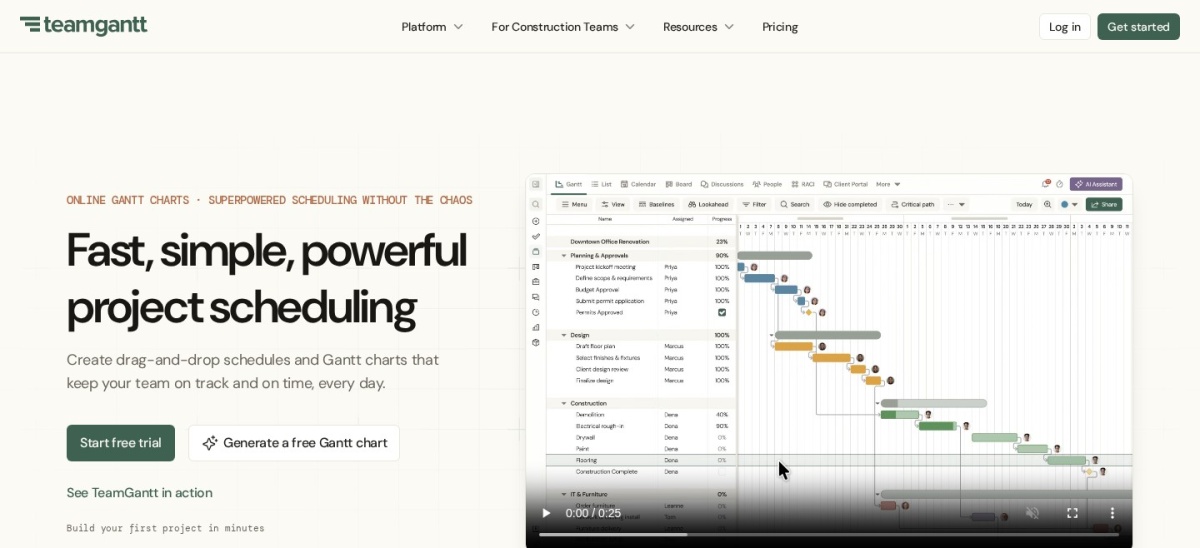
TeamGantt is the closest GanttPRO replacement: a Gantt-first chart rated 4.8 out of 5 on G2, with flat per-account pricing from $59 a month.
monday.com has the highest-rated all-round platform at 4.7 out of 5, but budget for Standard at $12, since Basic at $9 has no Gantt view.
ClickUp shows a $9 sale price, but its regular Core price is $12 per user a month, so budget on the higher figure.
Zoho Projects Premium is the cheapest paid plan here at $4 per user a month, with full Gantt charts and time tracking.
Only Smartsheet and Microsoft Project have no free plan; the other seven offer a free tier.
What should you look for in GanttPRO alternatives?
A Gantt chart is only as good as its links. Without dependencies, a chart is a picture of dates, not a plan that updates when work slips.
Check which plan includes the Gantt view before you buy. Several tools in this list sell a cheap first plan without it, and the Gantt view only appears one tier up.
Free plans differ more than prices do. Some cover one project, some cap seats at two, and one works only with Asana, so match the free tier to how your team actually plans.
Price per user hides the real bill. Seat minimums, team caps and flat per-account pricing change the total fast, so multiply the monthly price by your team before you compare. Our guide on planning a content calendar for a WordPress blog shows how a dated plan keeps a team on the same schedule.
TeamGantt is a Gantt-first planner built around one visual timeline. Tasks are bars you drag to new dates, with dependencies, workload views and comments on the same chart, and the free plan covers 1 project.
The trade off is the price model. Base costs a flat $59 a month per account, or $589 a year, which is steep for one planner but cheap for a large crew. It suits small teams that want the Gantt chart to be the plan, not one view among many.
What we like
Joint highest G2 rating in this list at 4.8 out of 5
monday.com is a board-based work platform that teams use to plan projects, track tasks and manage launches in one view. The free plan covers up to 2 seats with 3 boards and 3 docs, and the template library holds more than 200 templates for marketing, content and events.
The trade off is that the cheapest paid plan is light. Basic at $9 per seat a month has no timeline or Gantt view and no automations, so teams that need scheduling views must move to Standard at $12. It suits visual teams that want flexible boards first and Gantt charts second.
What we like
Highest-rated all-round platform here at 4.7 out of 5
ClickUp is an all-in-one workspace that joins tasks, docs, goals, chat and time tracking under one roof. The free plan includes unlimited tasks and members, and Core adds Gantt charts, unlimited storage, custom fields and native time tracking.
The trade off is the price on the page. ClickUp shows a $9 sale price, but the regular Core price is $12 per user a month billed yearly, so budget on the higher figure. It suits small teams that want one tool to replace several and do not mind a long settings list.
What we like
Gantt charts and time tracking on every paid plan
Free plan has no task or member limit
Goals, docs and chat in the same workspace
Watch out for
Regular Core price is $12, not the $9 sale price shown
Asana is a work management platform built around tasks, owners and dates, which fits project tracking across marketing, design and sales. The free Personal plan covers up to 2 users with unlimited tasks and projects, and Starter adds timeline and Gantt views, dashboards and unlimited automations.
The trade off is that the planning views teams want most sit on higher plans. Portfolios and workload tracking need Advanced at $24.99 per user a month, so a team pays more to see all projects at once. It suits teams that run many projects in parallel and need clear owners and dates.
What we like
Timeline and Gantt views from the Starter plan
Strong goals and reporting for project tracking
Unlimited free guests on paid plans
Watch out for
Portfolios need the $24.99 Advanced plan
Free plan is limited to 2 users
Starter adds timelines, dashboards and automationsVisit asana.com
05
Smartsheet
4.4/5on G2 (22,709 reviews, checked Nov 2026)
Starts at$9/mo
Best spreadsheet-style Gantt planning
Gantt viewYes, in Pro
Free planNo, 30-day trial
Paid planPro, $9/member/mo
Pro member limit10 members
smartsheet.com
Smartsheet homepage, captured Nov 2026.
Smartsheet is a grid-based work platform that plans projects in rows like a spreadsheet, with Gantt charts, dashboards and automations on top. Pro costs $9 per member a month billed yearly, supports up to 10 members and includes 250 automations and 20 GB of storage.
The trade off is that useful extras cost more. Pivot tables, Dynamic View and Control Center need higher tiers or add-ons, and there is no free plan. It suits teams that already plan in sheets and want Gantt views without learning a new layout.
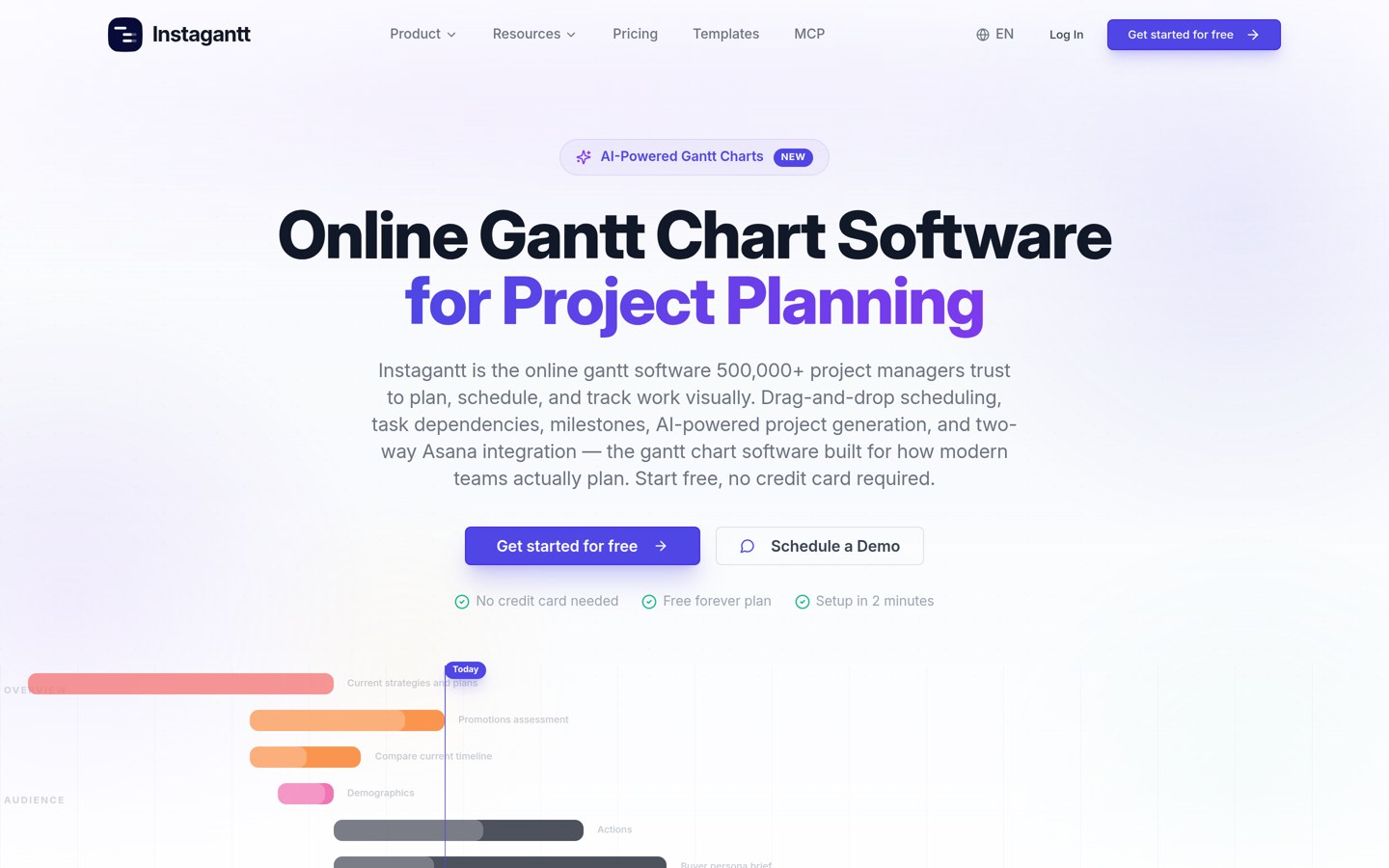
Instagantt is a visual planning tool offering Gantt charts, task dependencies, milestones, baselines and critical path analysis. Its Individual plan costs $10 a month billed as $120 a year and supports unlimited projects, workload views and PDF or image exports.
The trade off is team use. Shared collaboration needs the Teams plan at $20 a month billed yearly, with 3 collaborators included and extra collaborators at $8 a month each. It suits solo planners and Asana teams that want a proper Gantt view of work they already track.
What we like
Unlimited projects on Individual
Critical path analysis and baselines
Two-way sync with Asana
Watch out for
Individual plan is not built for team collaboration
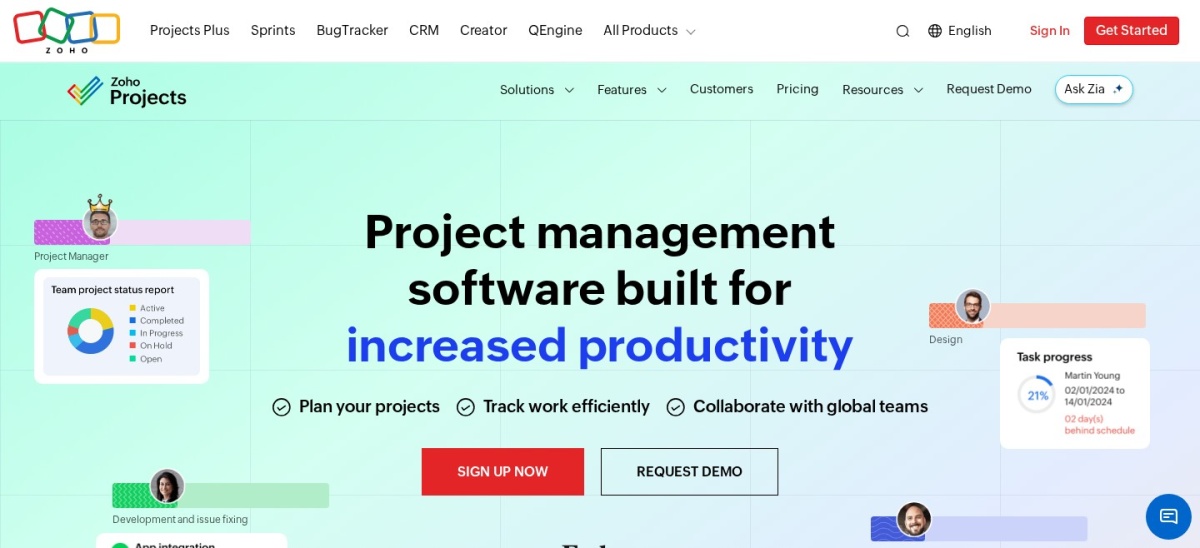
Zoho Projects is project management software for small and midsize teams, with tasks, milestones, Gantt charts and time tracking. The free plan covers 3 users and 2 projects with a Gantt chart viewer, and Premium at $4 per user a month adds unlimited projects, full Gantt charts, time tracking and project budgeting.
The trade off is polish. Reviewers praise the price but cite the interface, the learning curve and support quality as weak spots. It suits small teams that want the cheapest full Gantt plan and already use other Zoho apps.
What we like
Cheapest paid plan in this list at $4 a month
Unlimited projects on Premium
Time tracking and budgeting included
Watch out for
Free plan allows only a Gantt viewer, not editing
Interface and support draw mixed reviews
Premium adds full Gantt charts and time trackingVisit zoho.com
08
Wrike
4.2/5on G2 (4,544 reviews, checked Nov 2026)
Paid from$10/mo
Best for approvals and resource planning
Gantt viewTeam plan and up
Free planYes, with task limits
Paid planTeam, $10/user/mo
Team user limit2 to 15 users
wrike.com
Wrike homepage, captured Nov 2026.
Wrike is a work management platform with tasks, Gantt charts, request forms, proofing and approvals. The free plan covers basic task work with limits on active tasks, and Team at $10 per user a month adds interactive Gantt charts, shareable dashboards and AI Essentials for 2 to 15 users.
The trade off is the jump past 15 users. Growing beyond the Team limit moves the whole team to Business at $25 per user a month, a steep step. It suits midsize teams that need approvals and resource planning beside their Gantt charts.
Microsoft Project is the long-standing scheduling tool for project managers, now sold as Planner plans inside Microsoft 365. Planner Plan 1 costs $10 per user a month and covers web planning with Gantt charts, while Plan 3 at $30 adds the desktop app and deeper resource management.
The trade off is ease of use. Reviewers rate it 4.0 out of 5 on G2, the lowest score in this list, and cite a steep learning curve and licensing cost. It suits large teams already on Microsoft 365 that need deep scheduling and portfolio control.
What we like
Deepest scheduling and critical-path control here
Fits Microsoft 365 and Teams workflows
Strong portfolio and resource management on higher plans
Gantt basics: dependencies, baselines and the critical path
Dependencies are the links between tasks. When one bar moves, the linked bars move with it, so a delay shows up before it becomes a missed deadline.
The critical path is the chain of tasks that sets the finish date. If a task on that path slips by a day, the whole project slips by a day.
Baselines save the first agreed dates. Compare the current bars against the baseline when you report progress, and the drift is easy to see.
Free plans rarely include all three. Check dependencies, baselines and the critical path on the plan you would actually pay for, not the free tier.
How we chose
We started from the most reviewed Gantt and project tools on G2 and Capterra with a published price and a Gantt view, then kept the nine that best match what GanttPRO buyers ask for.
Prices come from each vendor's pricing page, checked on 29 November 2026. Ratings and review counts come from G2 and Capterra on the same day. Where a vendor shows a sale, the list shows the regular price.
We left out tools with no public rating or no published price. No vendor paid for a place, and we do not claim to have used these tools ourselves.
How to choose a GanttPRO alternative
Start with who plans the work, then match the Gantt depth to the size of the plan.
Check which plan has the Gantt view. Basic and free plans often leave it out. Confirm the Gantt chart, dependencies and critical path are in the plan you would pay for.
Count the real seats. Some plans need at least 3 seats, and others cap the team at 15. Multiply the per-user price by your team before you compare.
Try dependencies on a real project. Move one task and see if the linked tasks move with it. If dates stay fixed, the chart will not warn you when work slips.
Pick the depth you will use. A Gantt-first tool fits timeline-led planning, while an all-in-one tool fits teams that also need docs, chat and time tracking.
FAQ
What are the best GanttPRO alternatives in 2026?
TeamGantt is the best GanttPRO alternative for most teams, with a 4.8 out of 5 G2 rating and a Gantt-first chart. monday.com is the best all-round option at 4.7, and ClickUp is the best value pick, with a free plan and a regular Core price of $12 per user a month.
Which GanttPRO alternative is cheapest?
Zoho Projects Premium is the cheapest paid plan here at $4 per user a month, with full Gantt charts, time tracking and unlimited projects. GanttPRO Core itself starts at $7 per user a month billed yearly, so Zoho undercuts it by $3 a month.
Is there a free GanttPRO alternative?
Yes. ClickUp has the most generous free plan, with unlimited tasks and members, though Gantt charts need a paid plan. TeamGantt offers a free Gantt chart for 1 project, and Instagantt is free for Asana users with up to 3 projects.
What is the best GanttPRO alternative for small teams?
TeamGantt is the best pick for small teams that plan on a timeline. Its chart is the workspace, not one view among many, and collaborators join free under the flat per-account price. monday.com is better when the team also needs boards and automations.
TeamGantt vs monday.com: which is the better GanttPRO alternative?
TeamGantt is better when the timeline is the plan itself, with the simplest drag-and-drop chart here and a 4.8 G2 rating. monday.com is better for mixed teams, with boards, docs and automations beside the Gantt view, rated 4.7 out of 5.
Does monday.com include Gantt charts on its cheapest plan?
No. Basic at $9 per seat a month has no timeline or Gantt view and no automations. Gantt charts start with Standard at $12 per seat a month, which also adds guest access and 250 automation actions a month.
SaaS SEO and WordPress specialist with about 8 years of experience. Rakib compares WordPress plugins, themes, hosting and software using public pricing, documentation and user reviews. See how we rank.