Microsoft Word is the best of the Google Docs alternatives for offline work, with the strongest formatting and the largest review base here, from 99 dollars a year. Notion is the best pick for teams that want docs and wikis in one place.
How we make this list: we compare pricing pages, product documentation and public user reviews, then re-check every price before each update. No product paid for a place. Disclosure.
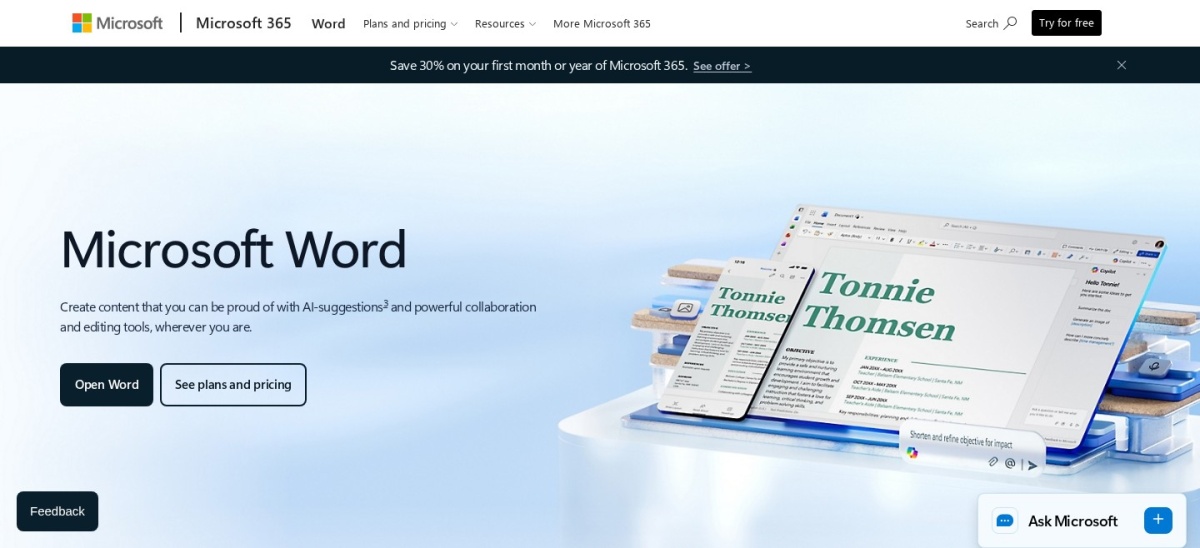
Microsoft Word is the best pick for offline work, with Microsoft 365 Personal at $99.99 a year and 1 TB of OneDrive.
Notion is the best pick for teams, with docs, wikis and databases in one place from $10 a user a month.
LibreOffice Writer is free forever and fully offline, with no account or subscription needed.
WPS Premium is the cheapest paid plan here at $29.99 a year, with a Word-like interface.
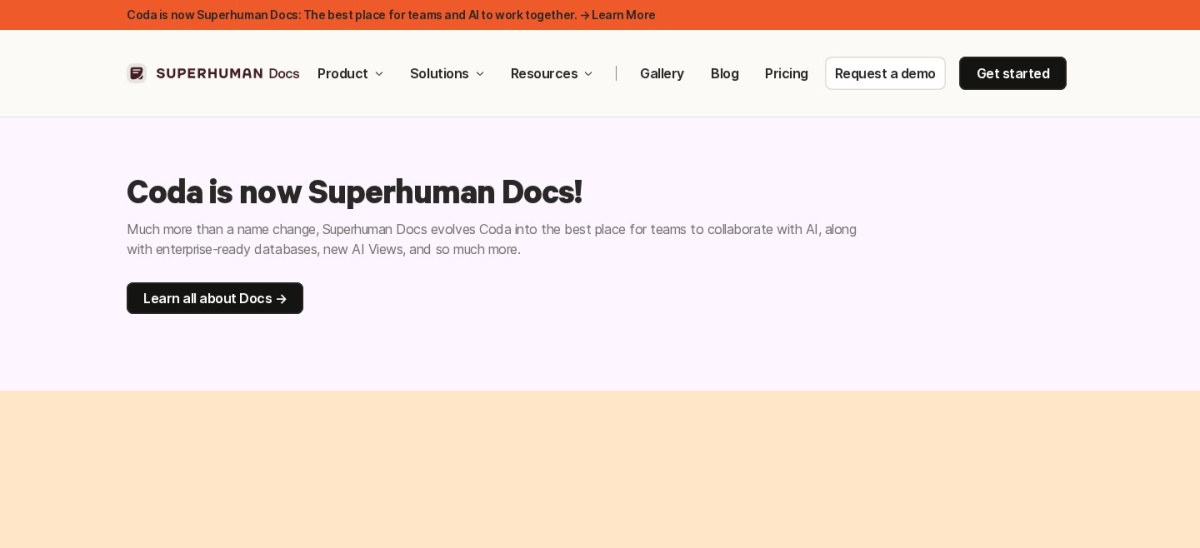
Coda now brands itself as Superhuman Docs after a rebrand, and its Pro plan costs $12 per Doc Maker a month.
How do you choose the best Google Docs alternative?
Google Docs wins on free collaboration, so the first question is what you miss. Offline editing points to Word or LibreOffice, while wikis and databases point to Notion or Coda.
The second question is file compatibility. Word, WPS Office and ONLYOFFICE open Word files with the least formatting loss, while Pages and Notion need exports.
The third question is price. LibreOffice and Apple Pages are free forever, WPS Premium costs 29 dollars and 99 cents a year, and Microsoft 365 Personal costs 99 dollars and 99 cents a year.
Most of these tools have a free version, so try the free tier before paying. Pick Word for offline work, Notion for team wikis, and LibreOffice if you want to pay nothing at all.
Microsoft Word is the desktop word processor that Google Docs users miss most, with full offline editing and the deepest formatting of any tool here. Microsoft 365 Personal at 99 dollars and 99 cents a year adds 1 TB of OneDrive and the desktop Office apps.
The trade off is price. The free web version is lighter, and the full desktop apps need the subscription. It suits anyone who works offline and needs files that open perfectly in Word.
Notion is a workspace that mixes docs, wikis and databases in one place, so teams write and organise together. Plus at 10 dollars per user a month adds unlimited blocks, file uploads and version history.
The trade off is offline use. Notion needs the internet for most work, and printing is weak. It suits teams that want a wiki and a doc tool in one place and live online.
Coda is a doc that behaves like an app, with tables, buttons and automations built into the page. Pro at 12 dollars per Doc Maker a month billed yearly adds unlimited automations, version history and more.
The trade off is the learning curve. Coda is powerful but takes time to learn, and it needs the internet. It suits teams that build trackers and workflows inside their docs.
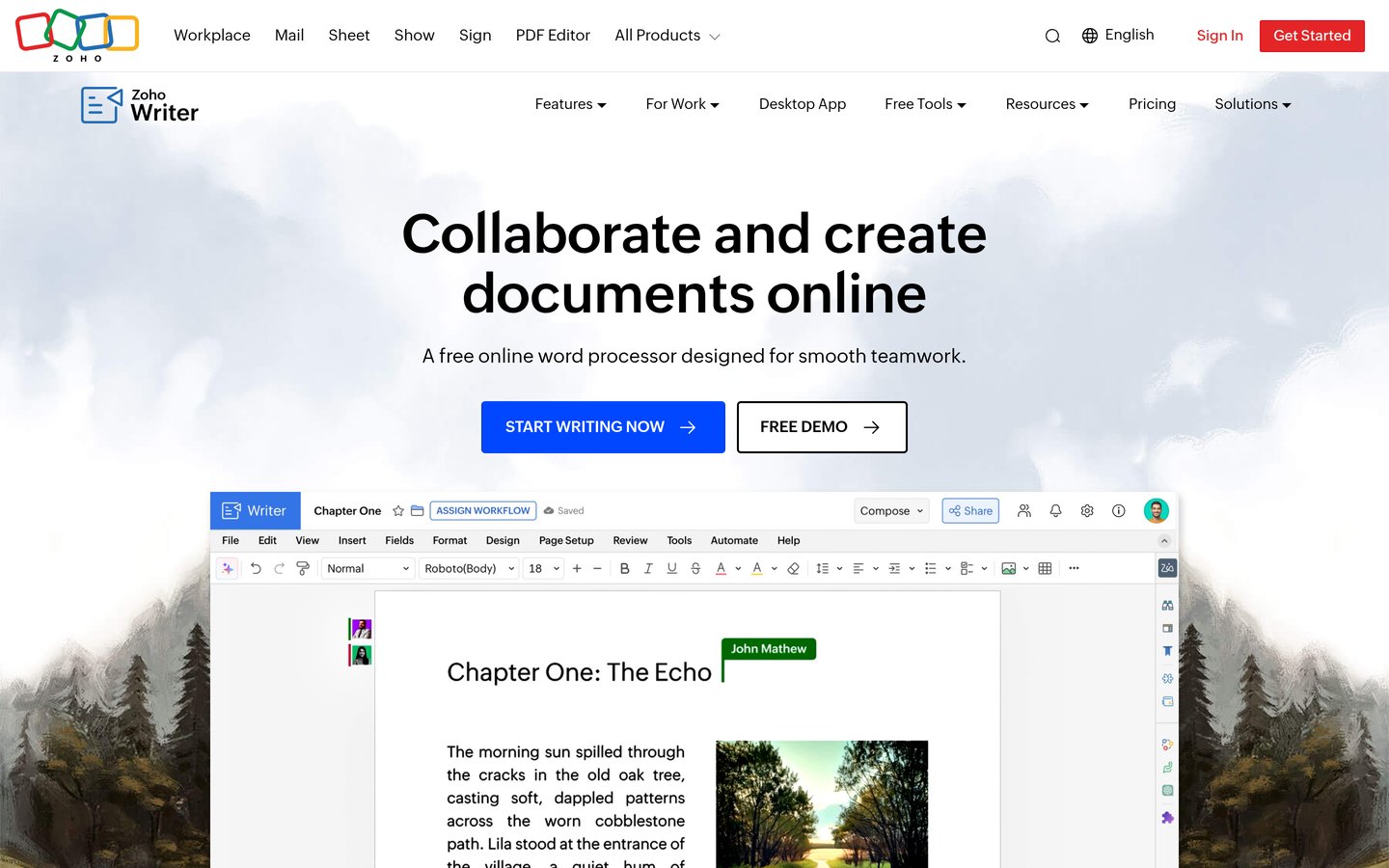
Zoho Writer is a clean word processor that is free for individuals and organisations, with offline editing and a Word-like interface. Paid features come through Zoho Workplace Standard at 3 dollars per user a month billed yearly.
The trade off is the ecosystem. Writer shines inside Zoho Workplace, and standalone use is plainer. It suits small businesses that already use Zoho and want a free Word replacement.
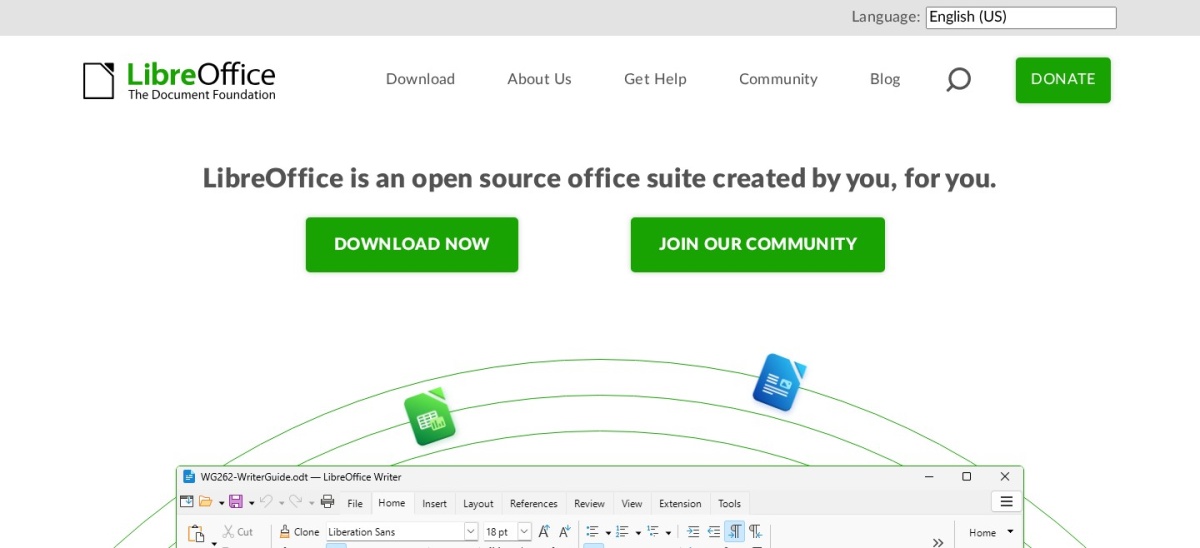
LibreOffice Writer is a free, open-source word processor that runs fully offline and opens Word files well. There is no subscription, no account and no cloud needed, and it works on Windows, Mac and Linux.
The trade off is polish. The interface looks dated, and cloud collaboration is basic. It suits anyone who wants a free desktop word processor with no strings attached.
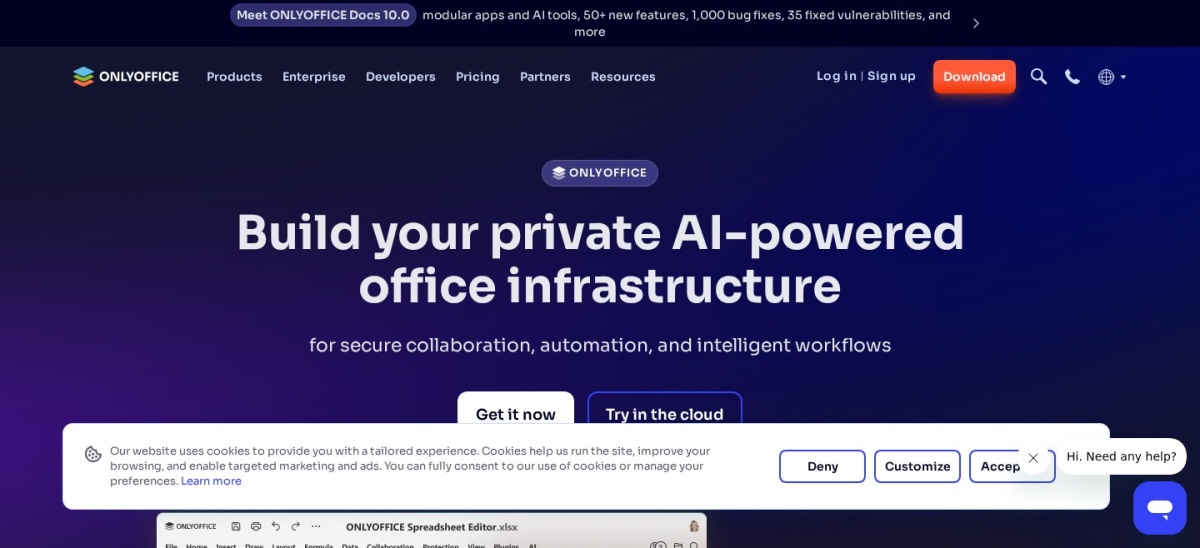
ONLYOFFICE Docs is an office suite that edits Word files natively, so formatting survives the round trip. The desktop editors are free, and the paid Docs edition at 149 dollars a year adds collaboration and support.
The trade off is the thin rating base. G2 lists only 26 reviews, and setup needs a server for teams. It suits businesses that need perfect Word compatibility and self-hosting.
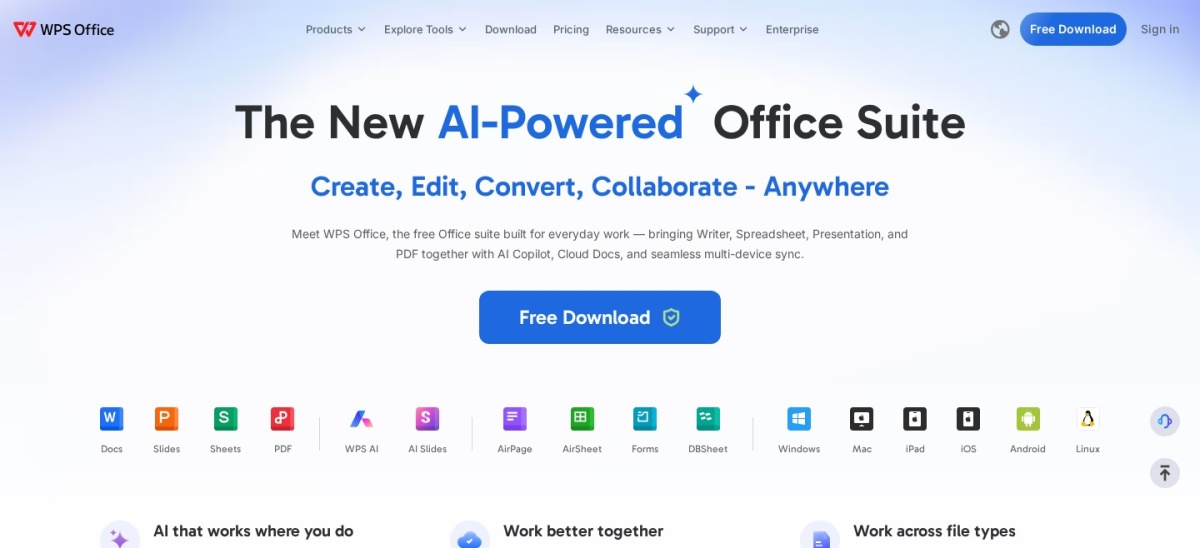
WPS Office is a free office suite with a word processor that looks and feels like Word, including tabbed documents and PDF tools. Premium at 29 dollars and 99 cents a year removes ads and adds cloud storage.
The trade off is the ads. The free version shows ads, and some features need the paid plan. It suits anyone who wants a Word-like interface for free on any device.
Apple Pages is a free word processor for Mac, iPhone and iPad, with templates that look sharp and full offline editing. It exports to Word format, and iCloud keeps documents in sync across Apple devices.
The trade off is the platform. Pages runs only on Apple devices and the web, and Word files need exporting. It suits Apple users who want a free, polished word processor.
For a team, the cheapest paid plan usually costs less than one lost document a month.
How we chose
We started from the word processors most often named as Google Docs replacements, then kept those with a verifiable G2 rating and a published price.
Prices come from each vendor's pricing page, checked on 29 November 2026. Ratings and review counts come from G2 on the same day. Where a vendor shows a sale, the list shows the regular price.
We left out Dropbox Paper, which is discontinued, and tools with no verifiable rating. No vendor paid for a place, and we do not claim hands-on testing for this list.
How to choose a Google Docs alternative
Start with offline needs and file formats, then match the tool to them.
List what you miss in Google Docs. Offline editing points to Word or LibreOffice, while wikis point to Notion and Coda.
Check Word file compatibility. Word, WPS Office and ONLYOFFICE keep Word formatting best, while Pages and Notion need exports.
Try the free version first. Word for the web, Notion, Coda, Zoho Writer, LibreOffice, WPS Office and Pages all let you write for free.
Move one document across. Test the move with a real document before switching, since complex formatting can shift.
FAQ
What is the best Google Docs alternative in 2026?
Microsoft Word is the best Google Docs alternative for offline work and formatting. Microsoft 365 Personal costs $99.99 a year and includes 1 TB of OneDrive and the desktop Office apps.
Is there a free Google Docs alternative?
Yes. LibreOffice Writer and Apple Pages are free forever, and Word for the web, Notion, Coda, Zoho Writer, WPS Office and ONLYOFFICE all have free versions.
Which Google Docs alternative is best for offline work?
Microsoft Word is the best pick for offline work, with full desktop apps and the deepest formatting. LibreOffice Writer is the best free offline pick.
Which Google Docs alternative is best for teams?
Notion is the best pick for teams, with docs, wikis and databases in one place. Coda is the best second choice for teams that build workflows inside their docs.
Microsoft Word vs Google Docs: which is better?
Word wins for offline editing and formatting, while Google Docs wins for free real-time collaboration. Pick Word if you work offline, and Google Docs if you co-edit online.
Can LibreOffice open Word files?
Yes. LibreOffice Writer opens Word files and saves in Word format, though complex formatting can shift. It is the best free pick for Word compatibility.
SaaS SEO and WordPress specialist with about 8 years of experience. Rakib compares WordPress plugins, themes, hosting and software using public pricing, documentation and user reviews. See how we rank.