Microsoft Word is the best word processor for most people who share documents, rated 4.7 out of 5 on G2 from 2,077 reviews. Google Docs is the best free choice for live collaboration, and LibreOffice Writer is the best free choice for offline desktop work.
How we make this list: we compare pricing pages, product documentation and public user reviews, then re-check every price before each update. No product paid for a place. Disclosure.
Microsoft Word costs $99.99 a year through Microsoft 365 Personal, and it is the only tool here that sets the .docx standard.
Google Docs, LibreOffice Writer, Zoho Writer and Apple Pages are all free, and each is rated 4.1 or higher.
WPS Office Premium costs $29.99 a year, the cheapest paid plan among the general tools here.
ONLYOFFICE Docs has the highest G2 rating at 4.6 out of 5, but from only 26 reviews.
Scrivener and iA Writer are the only one-time purchases, at $59.99 and from $39.99.
What to look for in a word processor
Word processing is a solved problem, which is why the market looks strange: the default costs $99.99 a year while four strong alternatives cost nothing. The real differences are compatibility, collaboration and offline access.
Compatibility matters most when documents leave your desk. Word sets the .docx standard, so tracked changes and complex formatting survive sharing best in Word itself, while free tools can shift layouts on import and export.
Most documents end up as PDFs or web pages, so check the export before you commit. Our guide on uploading and embedding a PDF in WordPress shows the WordPress side of sharing a finished document.
Free plans cover everyday writing well. Google Docs leads on live collaboration, LibreOffice Writer leads offline, and Apple Pages leads on templates, so most people should only pay when work demands Word or a specialist tool like Scrivener.
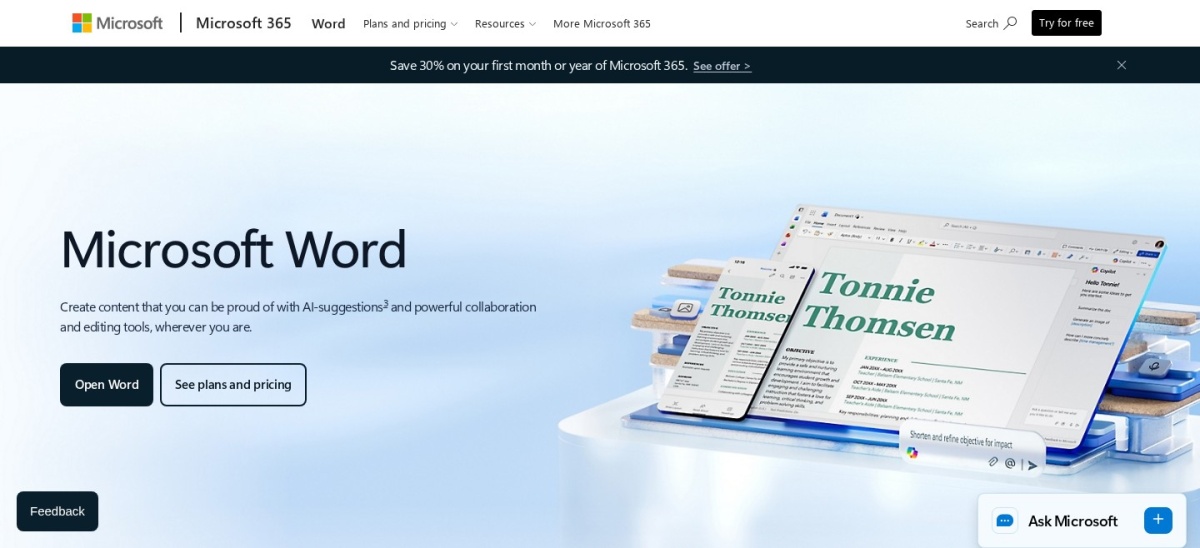
Microsoft Word is the word processor most workplaces treat as the default, and its .docx format is the file standard other tools aim to match. The desktop apps handle tracked changes, styles, mail merge and long documents with the fewest surprises, and Microsoft 365 Personal adds Excel, PowerPoint, Outlook and 1 TB of OneDrive storage for $99.99 a year.
The trade off is the subscription. There is no free desktop version, only a limited web version and a 1-month trial, so light users pay $99.99 a year for features they may never open. It suits anyone who exchanges marked-up documents with clients, colleagues or publishers.
What we like
The .docx standard, so files open correctly everywhere
Tracked changes, comments and mail merge are the business default
Desktop apps work fully offline
Personal plan adds Excel, PowerPoint and 1 TB of storage
Watch out for
A subscription for software many people use lightly
The free web version is limited next to the desktop apps
Complex layouts can shift when images and tables move
4.7/5on Capterra (29,255 reviews, checked Nov 2026)
PriceFree
Best free pick for collaboration
Free planYes, no doc limit
Real-time co-editingYes, with comments
Version historyFull, automatic
Paid planNone for Docs
docs.google.com
Google Docs homepage, captured Nov 2026.
Google Docs is a free word processor that runs in the browser and saves every keystroke, with a full version history for every document. Several people can edit the same document at once, leave comments and suggest edits, and sharing is a link rather than an email attachment.
The trade off is dependence on Google. Offline work needs setup in advance, very long or heavily formatted documents can lag, and complex Word files sometimes shift on import. It suits students, teams and anyone who shares drafts every day.
What we like
Completely free with no document limit
Best real-time co-editing in this list
Autosaves every keystroke with full version history
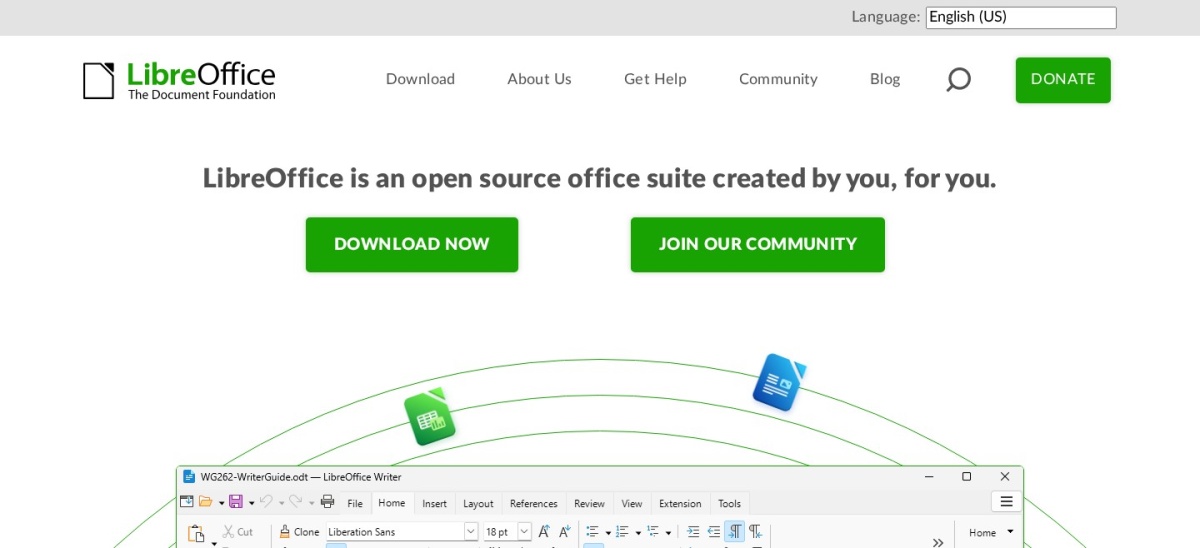
LibreOffice Writer is a free, open-source word processor for Windows, Mac and Linux that works fully offline and never asks for an account. It opens and saves Word files, handles styles, tables of contents, footnotes, mail merge and PDF export, and costs nothing.
The trade off is polish and teamwork. The interface looks dated next to the paid tools, and real-time collaboration is effectively absent. It suits solo writers and anyone on an older machine who wants a complete desktop word processor for $0.
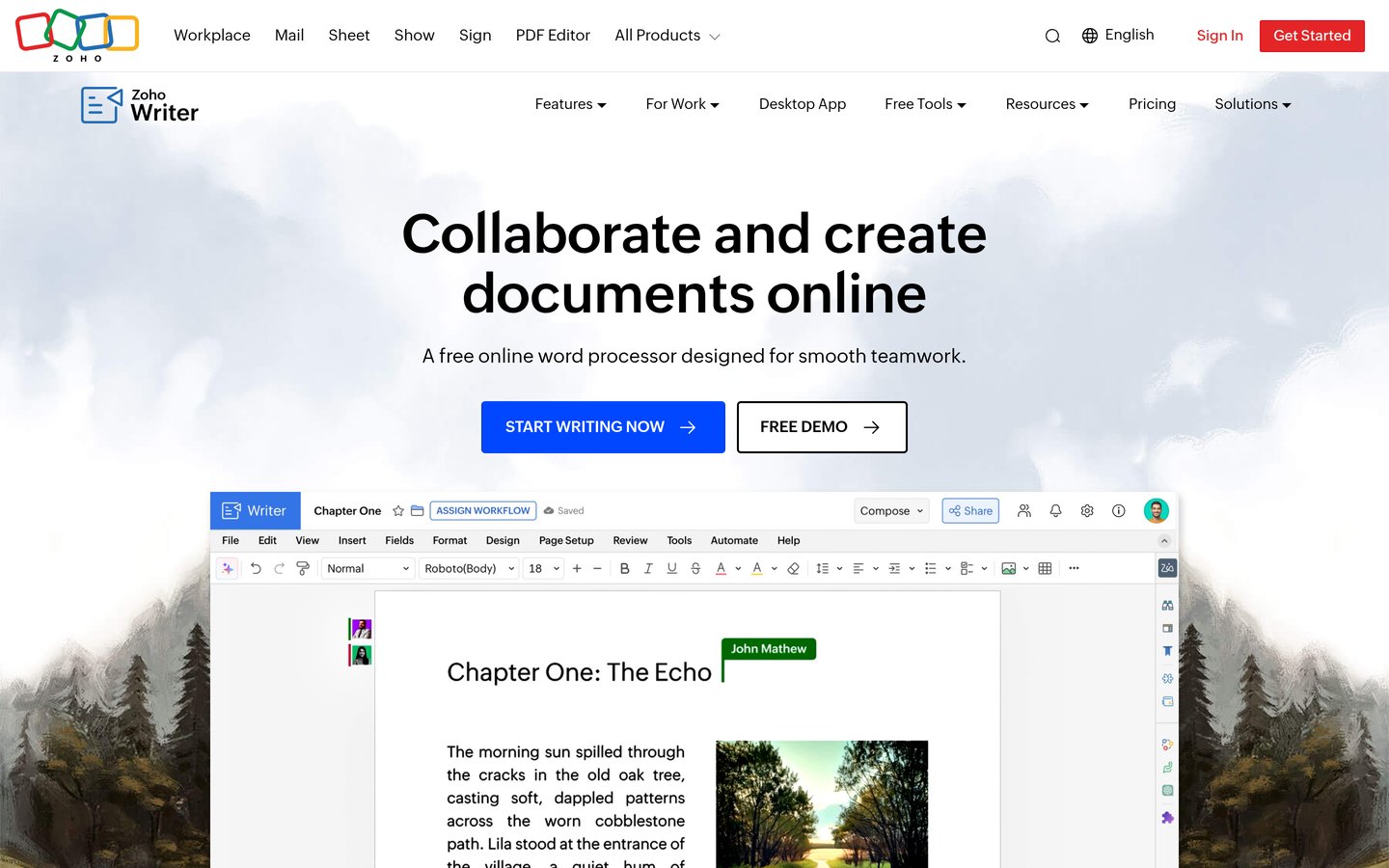
Zoho Writer is a free online word processor with a clean, modern interface and no limit on the number of documents. It covers real-time collaboration, comments, version history and exports to Word, PDF and Markdown, and its Zia assistant helps with rephrasing and summaries.
The trade off is reach. Fewer templates, fewer tutorials and fewer people to ask for help than Google Docs, and complex Word documents can shift slightly in conversion. It suits individual writers and small teams who want a calm, free editor.
What we like
Free with a modern, distraction-free interface
Good collaboration and commenting
Zia AI assistant built in
Exports to Word, PDF and Markdown
Watch out for
Smaller user base means fewer templates and guides
Complex Word documents can shift in conversion
Grammar suggestions are not always accurate
Paid extras are document automation credits onlyVisit zoho.com
05
WPS Office
4.4/5on G2 (337 reviews, checked Nov 2026)
Paid from$29.99/yr
Best free Word-style suite
Free planYes, with ads
Cloud storage1 GB free
PDF toolsBuilt in
Paid planPremium, $29.99/yr
wps.com
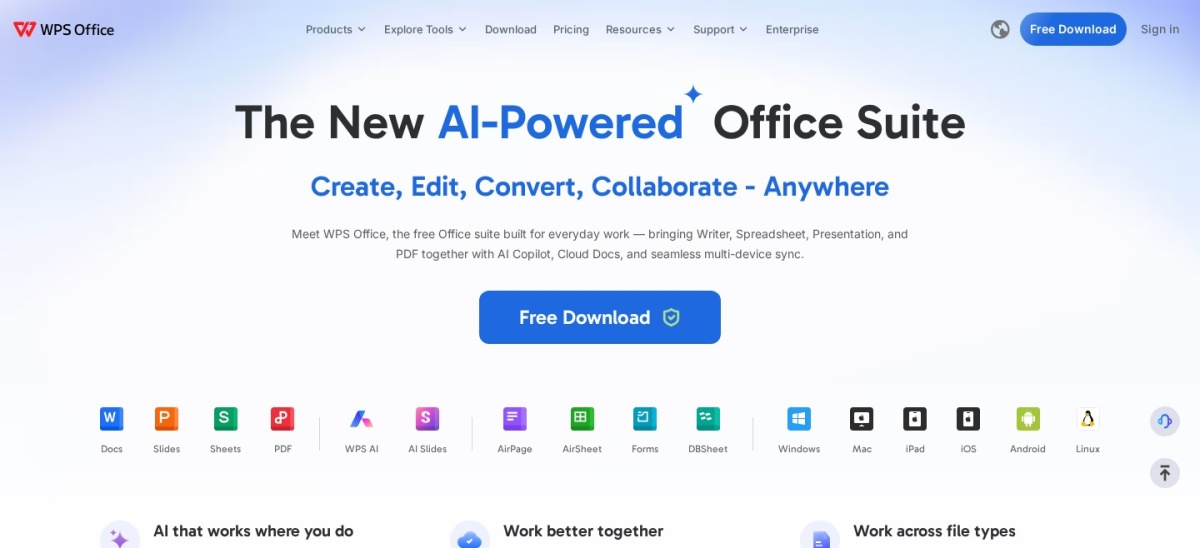
WPS Office homepage, captured Nov 2026.
WPS Office is a free suite built around Writer, a word processor that copies the Microsoft ribbon so Word users need no retraining. It opens .docx files faithfully, adds spreadsheet, presentation and PDF tools in the same install, and the free tier includes 1 GB of cloud storage.
The trade off is advertising. The free version shows ads and upgrade prompts, and PDF conversion and extra storage sit behind Premium at $29.99 a year. It suits personal users who want the closest free ride to Word and can live with the prompts.
What we like
Free with an interface Word users recognize at once
Apple Pages is a free word processor included on every Mac, iPhone and iPad, with templates for resumes, newsletters, flyers and reports that look better than most rivals. Documents sync through iCloud, and the web version at iCloud.com covers other devices.
The trade off is life outside Apple. There is no Windows or Android app, and heavily formatted Word files need a careful export check. It suits Apple-only households and small teams who want polished documents for nothing.
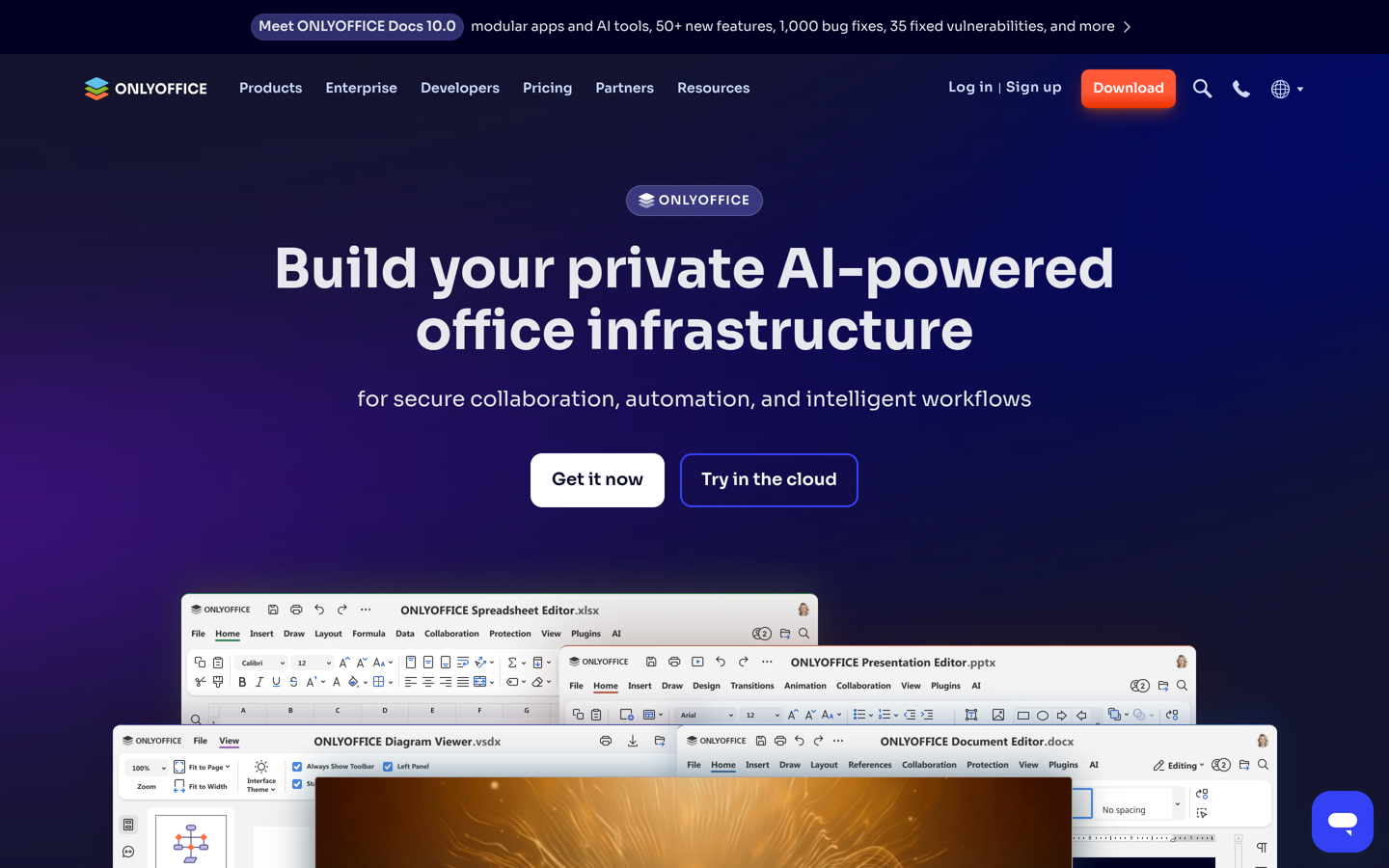
ONLYOFFICE Docs is a free set of desktop editors whose document editor keeps Word formatting intact better than most free tools. The ribbon interface feels familiar to Office users, files round-trip to .docx with few surprises, and teams can self-host the workspace edition for collaboration.
The trade off is the paid ladder. The desktop editors are free, but the cheapest paid Docs edition, Home, costs $149 a year per server, which is server pricing rather than a per-person plan. It suits mixed Office environments that need faithful .docx handling.
What we like
Free desktop editors with strong .docx compatibility
Familiar ribbon layout for Office users
Self-hosted workspace option for teams
Real-time co-editing in the server editions
Watch out for
Highest G2 rating here, but from only 26 reviews
Free desktop apps lack real-time co-editing
Paid editions are priced per server, not per person
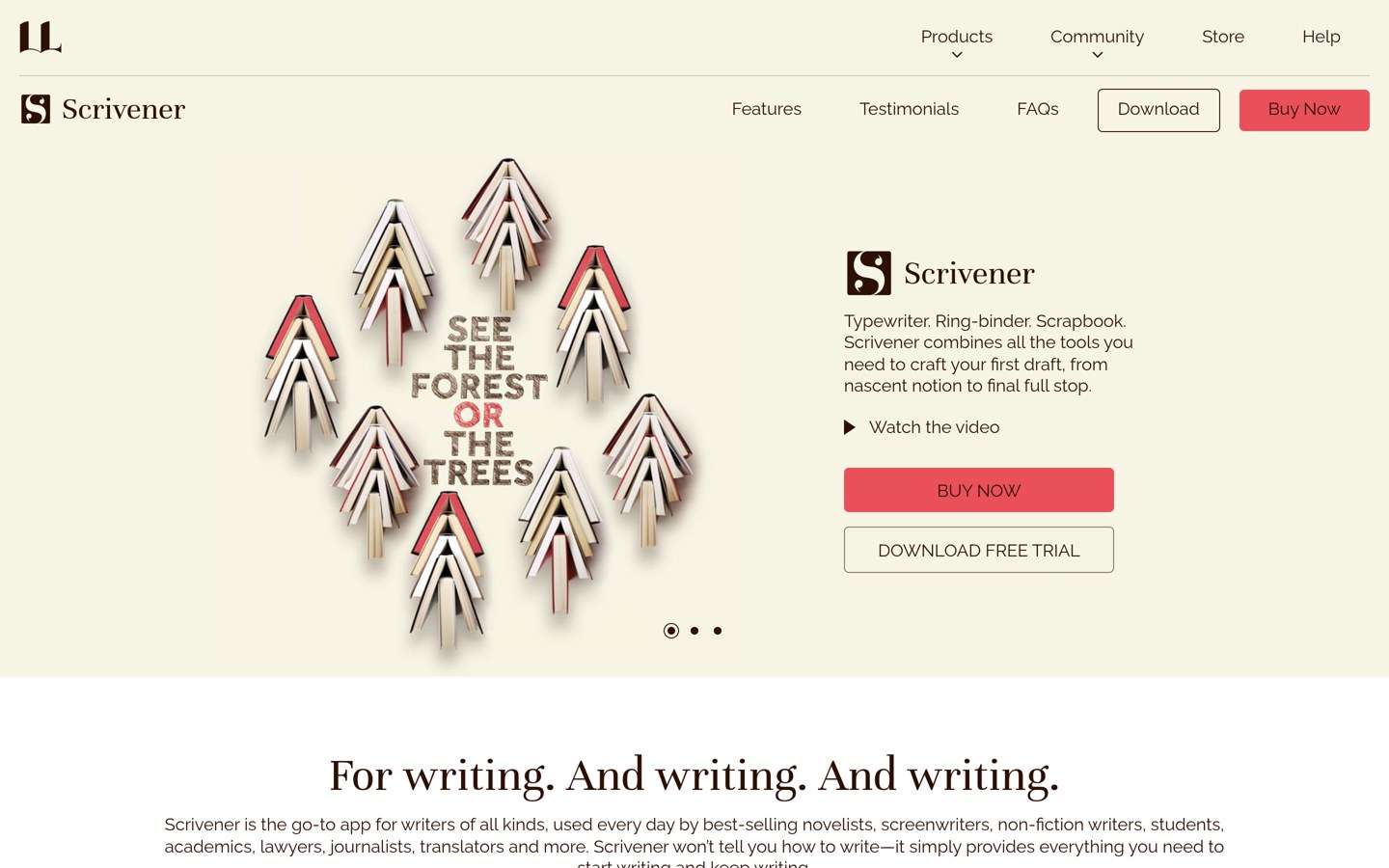
Scrivener is a long-form writing app for novels, theses and scripts, built around a binder that breaks a project into scenes and chapters. Research, notes and drafts live beside the manuscript, the corkboard rearranges scenes by dragging cards, and it compiles to Word, PDF and ebook formats.
The trade off is scope and learning. There is no free plan, only a 30-day trial, and the $59.99 one-time license covers one desktop platform. It suits writers working on anything book-length, and it is overkill for letters.
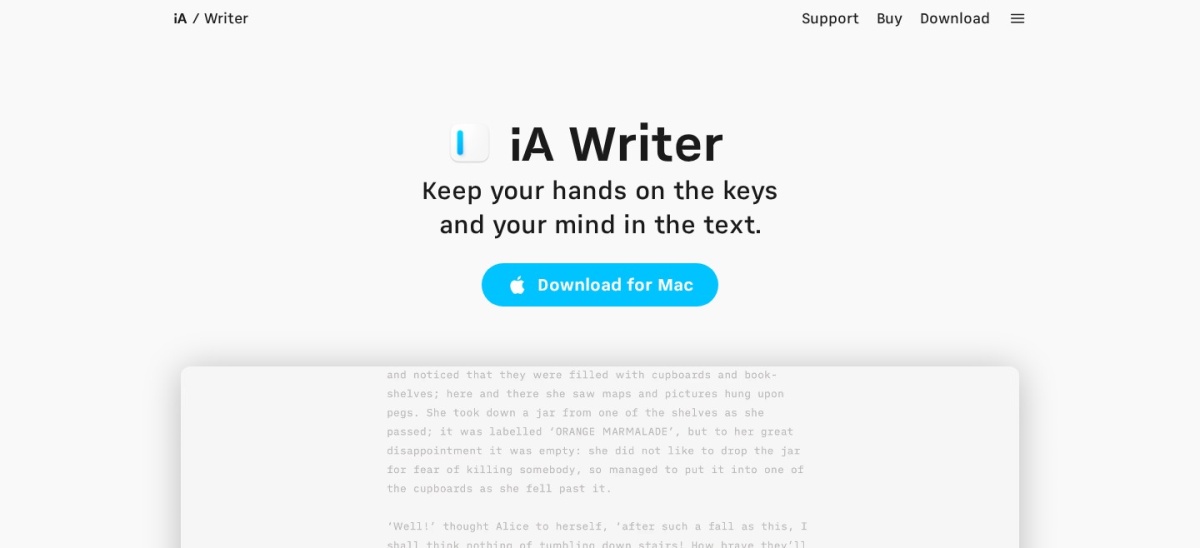
iA Writer is a minimalist writing app that keeps the focus on the text, using Markdown instead of menus and toolbars. Focus mode fades everything except the sentence being written, files stay plain text, and it exports clean Word, PDF and HTML documents.
The trade off is simplicity. There is no free plan, only a 7-day trial, and page layout, tables and mail merge are beyond what it tries to do. The license costs from $39.99 one-time for Windows, or $49.99 for Mac. It suits writers who draft in plain text and format later.
What we like
Calmest writing screen in this list
Focus mode keeps one sentence in view
Plain-text files you own outright
One-time price, no subscription
Watch out for
No free plan, only a 7-day trial
License is per platform, not both
No page layout or mail merge
Thin G2 base at 23 reviews
Mac license costs $49.99 one-time; iOS is $49.99 tooVisit ia.net
Free vs paid: what you give up
Free plans cover the basics well. Google Docs, LibreOffice Writer, Zoho Writer and Apple Pages all write, format and export documents without charging anything.
Paid plans mostly buy compatibility and specialism. Word buys the .docx standard and tracked changes, Scrivener buys long-form structure, and iA Writer buys a calmer drafting screen.
Watch the ladder, not the headline. ONLYOFFICE desktop editors are free, but its cheapest paid edition is $149 a year per server, and Word's $99.99 a year also buys Excel, PowerPoint and 1 TB of storage.
If you draft in WordPress, AI help can speed up a first draft. Our guide on using AI to draft WordPress posts explains how to use it without ending up with thin content.
How we chose
We started from the word processors writers and businesses actually name in 2026, then kept those with a public rating on G2 or Capterra and a current product.
Prices come from each vendor's pricing page, checked on 26 November 2026. Ratings and review counts come from G2 and Capterra on the same day. Where a vendor shows a sale, the list shows the regular price.
We left out Apache OpenOffice Writer because LibreOffice Writer, its actively developed successor, covers the same free offline slot with stronger Word-format support. No vendor paid for a place, and we do not claim to have used these tools ourselves.
How to choose word processing software
Start with how you share documents, then match the tool to that habit.
Check how your documents are shared. If clients or colleagues return tracked changes in .docx files, Word is hard to avoid. If you share links or PDFs, a free tool does the job.
Try the free tools first. Google Docs, LibreOffice Writer, Zoho Writer and Apple Pages cost nothing. Use one for a week before paying for anything.
Check the export before you commit. Open a real document, export it to Word and PDF, and look at the result. Our guide on exporting and importing WordPress content covers moving finished work into WordPress.
Match the tool to long writing. Books, theses and scripts belong in Scrivener, and plain-text drafts belong in iA Writer. Everyday letters and reports belong in a general word processor.
FAQ
What is the best word processing software?
Microsoft Word is the best choice for most people who share documents, because its .docx format is the standard and its tracked changes are what businesses expect. It is rated 4.7 out of 5 on G2 from 2,077 reviews, and it costs $99.99 a year through Microsoft 365 Personal.
What is the best free word processing software?
Google Docs is the best free choice for collaboration, LibreOffice Writer is the best free choice for offline desktop work, and Apple Pages is the best free choice on Apple devices. All three are free, handle everyday documents well, and open and save Word files.
Can Google Docs replace Microsoft Word?
For most personal and team writing, yes. It struggles with very long documents, complex formatting and offline work, and Word files sometimes shift on conversion. Businesses with strict document workflows usually keep Word for tracked changes and mail merge.
Is LibreOffice Writer really free?
Yes. LibreOffice Writer is free and open source, with no account, no ads and no paid tier. It runs on Windows, Mac and Linux, opens and saves Word files, and includes styles, mail merge, footnotes and PDF export at no cost.
What is the best word processor for writing a book?
Scrivener, because it is built for long projects: a binder for chapters and scenes, a corkboard for rearranging them, and research stored beside the draft. It costs $59.99 as a one-time license, with a 30-day trial, and it compiles to Word, PDF and ebook formats.
Does Apple Pages work on Windows?
There is no Windows app, but Pages runs in a browser through iCloud.com, so Windows users can open and edit documents there. Export to Word format works for most documents, though heavily formatted files should be checked after export.
What does ONLYOFFICE cost?
The desktop editors are free, including the document editor. Paid editions are server-priced: Docs Home costs $149 a year per server, and larger editions start at $1,500. Teams that only need desktop editing pay nothing.
SaaS SEO and WordPress specialist with about 8 years of experience. Rakib compares WordPress plugins, themes, hosting and software using public pricing, documentation and user reviews. See how we rank.