Dropbox is the best Google Drive alternative for most people, with the most reliable sync and 2 TB for $9.99 a month, rated 4.4 out of 5 on G2. OneDrive is the cheapest paid pick at $1.99 a month, and MEGA gives the largest free plan at 20 GB.
How we make this list: we compare pricing pages, product documentation and public user reviews, then re-check every price before each update. No product paid for a place. Disclosure.
Dropbox has the most reliable sync in this list, with 2 TB for $9.99 a month and a 4.4 out of 5 G2 rating from 31,359 reviews.
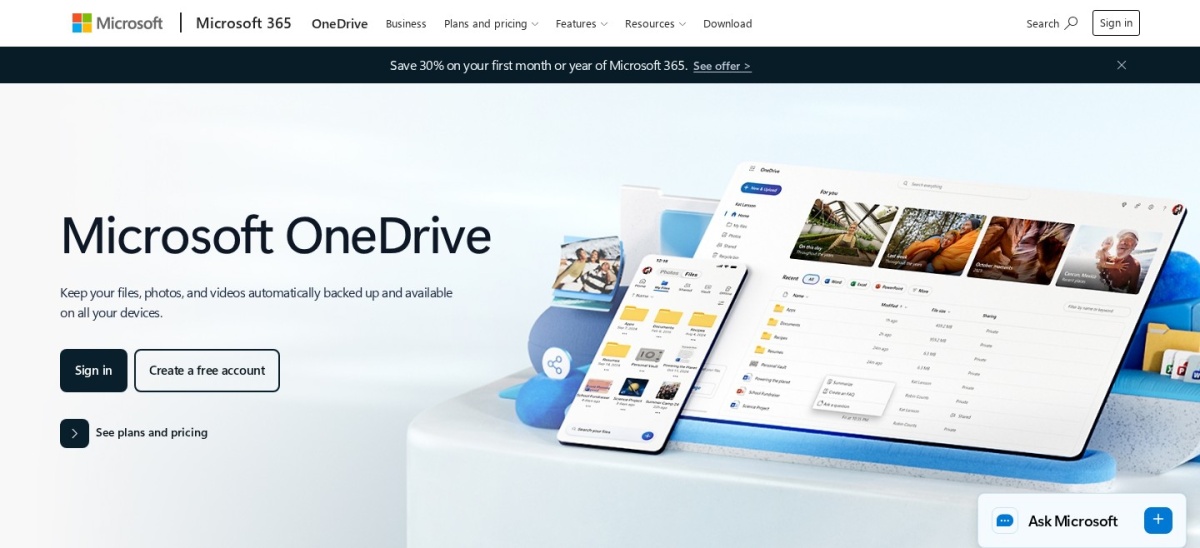
OneDrive is the cheapest paid plan at $1.99 a month for 100 GB, and the natural pick for Windows and Microsoft 365 users.
MEGA gives the largest free plan at 20 GB, all end-to-end encrypted, before you pay anything.
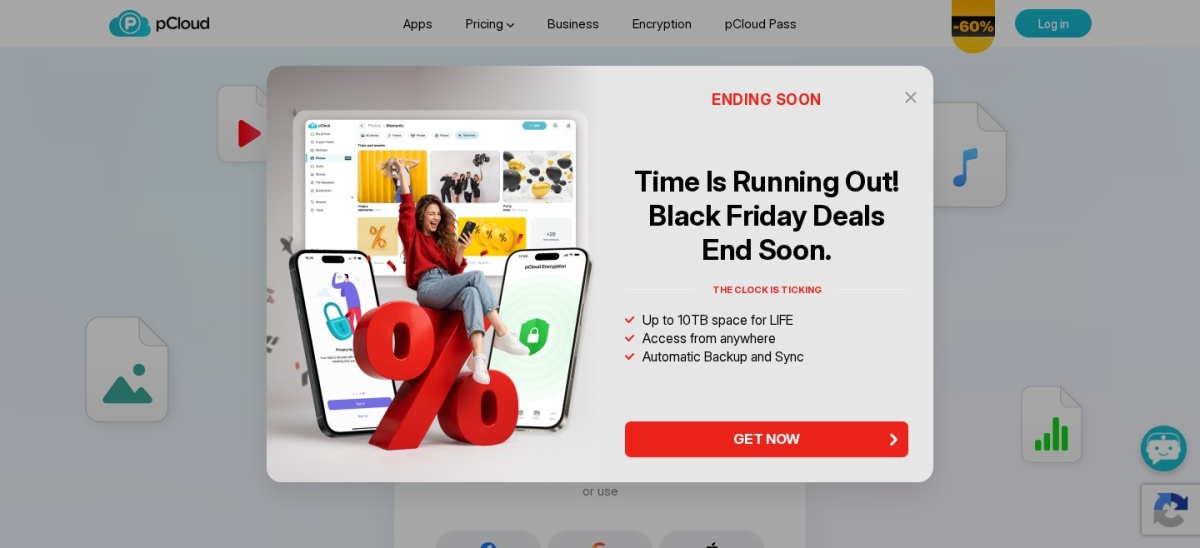
pCloud is the only pick with a lifetime option: 2 TB for $499 once, which pays for itself in about five years against yearly billing.
Sync.com, Proton Drive, MEGA and Tresorit encrypt files by default; pCloud charges extra for its Crypto add-on.
How do you choose the best Google Drive alternative?
Free storage is the first filter, and it ranges from 2 GB to 20 GB in this list. Google Drive gives 15 GB free, so only MEGA at 20 GB beats it outright, while Dropbox gives just 2 GB and OneDrive 5 GB.
Price per terabyte is the second filter. OneDrive starts at $1.99 a month for 100 GB, Dropbox charges $9.99 a month for 2 TB, and pCloud breaks the monthly pattern entirely with a 2 TB lifetime plan for $499 once.
Encryption is where these picks split into two groups. Sync.com, Proton Drive, MEGA and Tresorit encrypt files end to end by default, so the provider cannot read them, while Dropbox, OneDrive and Box hold the keys and pCloud sells encryption as an add-on.
Your existing apps decide more than any feature list. OneDrive fits Windows and Microsoft 365 users, Dropbox fits people who sync across every device, and none of these replace Google Docs editing. If you keep WordPress backups in the cloud, our guide to backing up WordPress to Google Drive shows how the storage fits a backup routine.
Dropbox is the most established file sync service in this list, with desktop apps for Windows, macOS and Linux and mobile apps for iOS and Android. The free Basic plan gives 2 GB of storage, and Plus raises that to 2 TB for one person with 30-day file recovery and transfers of up to 50 GB.
The trade off is price. Plus costs $9.99 a month billed yearly, which is more than most rivals charge for the same 2 TB, and the free plan is the smallest here at 2 GB. It suits people who sync files across many devices every day and want the most dependable sync available.
Microsoft OneDrive is the file store built into Windows and Microsoft 365, so files open and co-edit in Word, Excel and PowerPoint in the browser. The free plan gives 5 GB, and Microsoft 365 Basic adds 100 GB for $1.99 a month, with ransomware protection and an ad-free mailbox.
The trade off is the small free tier. 5 GB fills fast once photos and documents pile up, and the cheapest paid plan only holds 100 GB, so heavy users need Personal at $9.99 a month for 1 TB. It suits Windows users and anyone already paying for Microsoft 365.
pCloud is a cloud drive from Switzerland with desktop apps for Windows, macOS and Linux and a virtual drive that shows files without filling the disk. The free plan starts at 2 GB and grows to 10 GB, and Premium gives 500 GB for $4.99 a month, or $49.99 a year.
The trade off is encryption. Client-side encryption is a paid add-on, pCloud Crypto at $49.99 a year or $150 once, so files are not zero-knowledge by default. It suits people who want a one-time lifetime plan, with 2 TB for $499 once instead of a monthly bill.
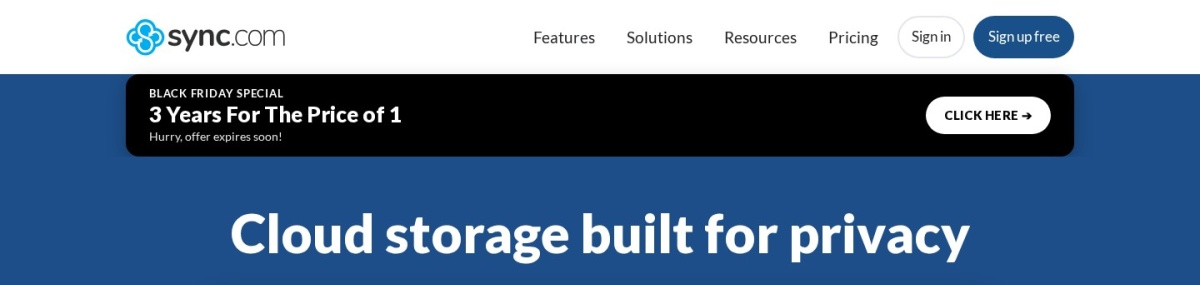
Sync.com is a Canadian cloud drive that encrypts every file end to end by default, so even Sync.com cannot read what you store. The free plan gives 5 GB, and Solo Basic gives 2 TB for $8 a month billed yearly, with 180-day file history and a Rewind tool that restores folders.
The trade off is the app range. There is no Linux desktop app, and the service has fewer third-party integrations than Dropbox or OneDrive, so it fits privacy-first users rather than teams built on many connected apps. It suits freelancers sharing client files under privacy rules.
What we like
End-to-end encryption on every plan
2 TB costs less than Dropbox Plus
180-day file history on Solo Basic
Rewind restores whole folders
Watch out for
No Linux desktop app
Fewer integrations than Dropbox
Small G2 review base of 56 reviews
Solo Professional adds 6 TB and longer historyVisit sync.com
05
Proton Drive
4.6/5on G2 (169 reviews, checked Nov 2026)
Paid from$3.99/mo
Best encrypted drive inside a privacy suite
Free storage5 GB
Paid planDrive Plus, 200 GB
EncryptionEnd-to-end, all plans
Version historyUp to 10 years
proton.me
Proton Drive homepage, captured Nov 2026.
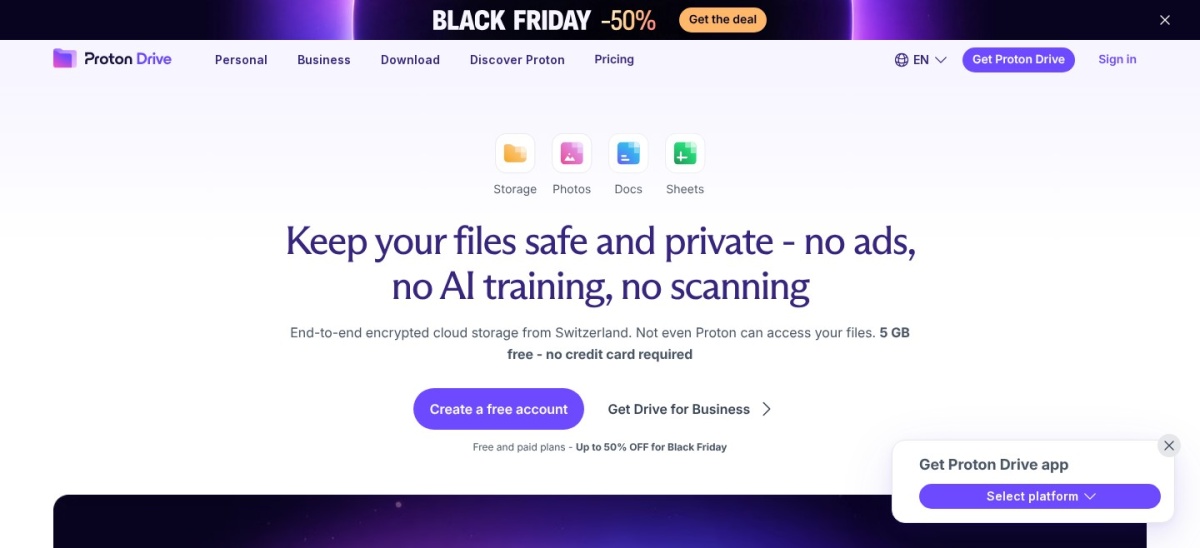
Proton Drive is the cloud storage service from Proton, the company behind Proton Mail, based in Switzerland. Every file is end-to-end encrypted by default, the free plan gives 5 GB, and Drive Plus gives 200 GB for $3.99 a month billed yearly, with file versions kept for up to 10 years.
The trade off is storage per dollar. 200 GB is the smallest paid tier in this list, and 1 TB needs Proton Unlimited at $9.99 a month billed yearly. It suits people who already use Proton Mail or VPN and want one private account for mail, storage and VPN.
4.4/5on Capterra (5,658 reviews, checked Nov 2026)
Paid from$10/mo
Best admin controls for regulated teams
Free storage10 GB
Paid planPersonal Pro, 100 GB
Upload limit5 GB per file
E-signatures15 Box Sign a month
box.com
Box homepage, captured Nov 2026.
Box is a content platform built for teams, with strong admin controls, unlimited storage on business plans and more than 1,500 integrations. The free Individual plan gives 10 GB with a 250 MB upload limit, and Personal Pro gives 100 GB for $10 a month billed yearly, with 5 GB uploads and 15 Box Sign requests a month.
The trade off is value for solo users. 100 GB for $10 a month is the least storage per dollar in this list, and business plans need at least three users. It suits regulated teams that need admin controls, e-signatures and audit trails more than raw space.
What we like
Strongest admin and compliance controls here
Box Sign e-signatures included
More than 1,500 integrations
Unlimited storage on business plans
Watch out for
Least storage per dollar for solo users
Business plans need at least 3 users
Free plan caps uploads at 250 MB
Business Starter adds team controls at $5 a userVisit box.com
07
MEGA
4.5/5on GetApp (170 reviews, checked Nov 2026)
Paid from$5.57/mo
Best free plan, 20 GB encrypted
Free storage20 GB
Paid planPro Lite, 750 GB
EncryptionEnd-to-end, all plans
Monthly transfer1 TB
mega.io
MEGA homepage, captured Nov 2026.
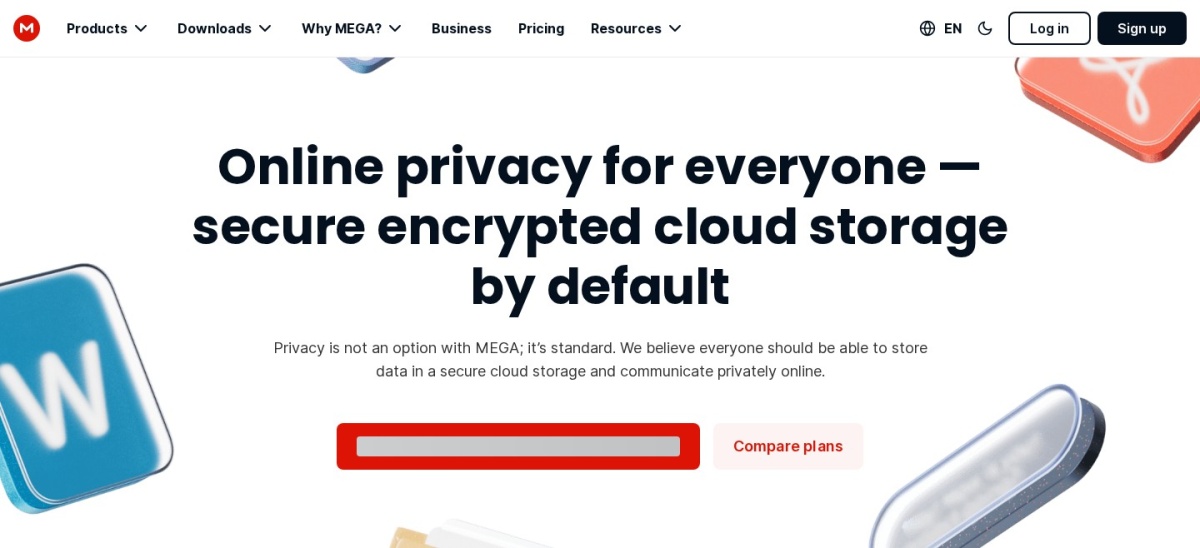
MEGA is a New Zealand cloud drive that encrypts every file on your device before upload, so only you hold the keys. The free plan gives 20 GB, the largest free tier in this list, and Pro Lite gives 750 GB for about $5.57 a month billed yearly, with 1 TB of transfer a month.
The trade off is the transfer quota. Free accounts face a transfer limit of about 5 GB a day, and paid plans also cap monthly transfer, so heavy downloaders can hit the ceiling. It suits people who want the biggest free encrypted tier before paying anything.
3.5/5on Trustpilot (956 reviews, checked Nov 2026)
Paid from$2.99/mo
Best mounted-drive feel on a budget
Free storage10 GB
Paid planStarter, 100 GB
EncryptionClient-side, paid plans
Version history14 days
icedrive.net
Icedrive homepage, captured Nov 2026.
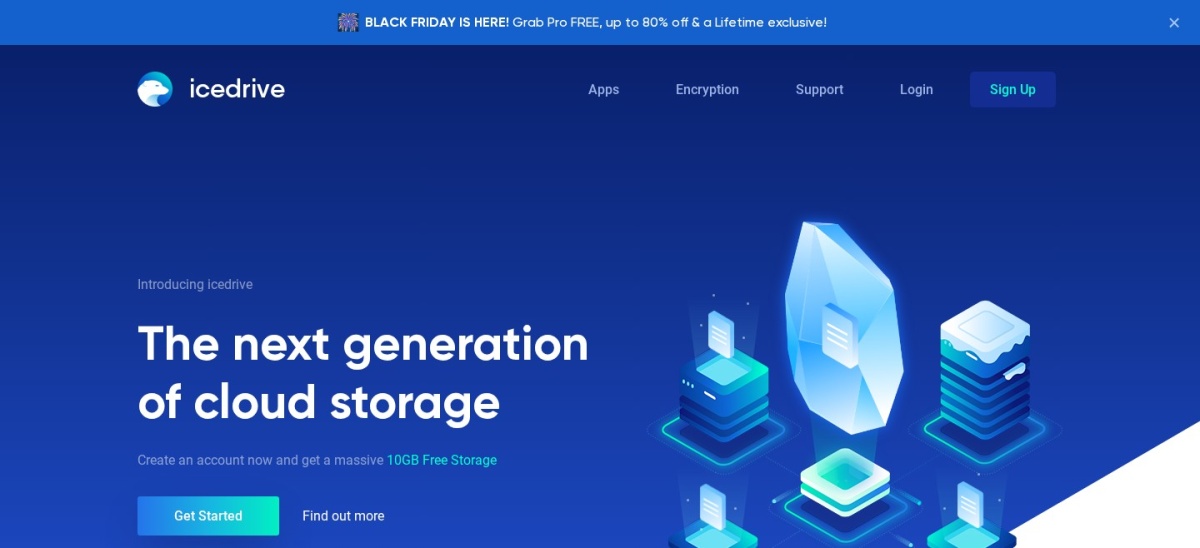
Icedrive is a personal cloud drive that mounts as a virtual drive on your computer, so files open without a full sync. The free plan gives 10 GB, and the Starter plan gives 100 GB for $2.99 a month billed yearly, with client-side encryption and 14 days of file versions.
The trade off is maturity. Icedrive is a smaller company than Dropbox or Microsoft, its Trustpilot score of 3.5 out of 5 is the lowest here, and lifetime plans are now limited sale items. It suits people who like the mounted-drive feel and want a cheap 100 GB plan.
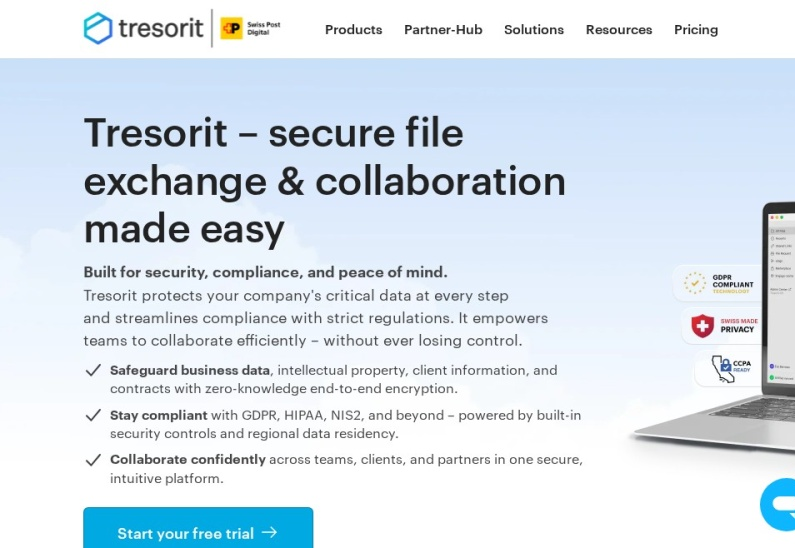
Tresorit is an end-to-end encrypted drive built for regulated work, with GDPR and HIPAA compliance features, secure link controls and regional data residency. The free Basic plan gives 3 GB, and Personal Lite gives 50 GB for $4.75 a month billed yearly, with room-based sharing and file requests.
The trade off is space. 50 GB is a small allowance for the price, and the 1 TB Personal Essential plan costs $11.99 a month billed yearly. It suits lawyers, clinics and finance teams that handle sensitive client files and need the strictest sharing controls.
Free vs paid: what the free plans actually give you
Free plans in this list run from 2 GB at Dropbox to 20 GB at MEGA. Google Drive gives 15 GB free, so only MEGA beats it, and most of these free plans are a starting point rather than a full replacement.
Paid plans mostly add space and history. You get more storage, longer file recovery and bigger upload limits, while the core sync and sharing stay the same.
The exception is encryption. Sync.com, Proton Drive, MEGA and Tresorit encrypt every plan by default, while pCloud and Icedrive keep their strongest encryption for paid plans.
If you only need a little more room, OneDrive Basic at $1.99 a month and Icedrive Starter at $2.99 a month are the cheapest upgrades. If you want to stop paying monthly, pCloud is the only lifetime option here.
How we chose
We started from the most widely used cloud storage services that replace Google Drive for files, sync and sharing, then kept those with a verifiable rating on G2, Capterra, GetApp or Trustpilot and a published price.
Prices come from each vendor's pricing page, checked on 29 November 2026. Ratings and review counts come from the review site named on each tool on the same day. Where a vendor shows a sale, the list shows the regular price.
We left out tools with no verifiable rating or no published pricing. No vendor paid for a place, and we do not claim to have used these tools ourselves.
How to choose a Google Drive alternative
Start with how much free space you need, then check price, encryption and the apps you already use.
Count your free storage first. MEGA gives 20 GB free, Box and Icedrive give 10 GB, and Dropbox gives 2 GB. Pick the free plan that holds your files today.
Price the paid plan you would actually buy. Compare yearly totals, not monthly headlines: OneDrive Basic is $19.99 a year, Dropbox Plus is $119.88 a year, and pCloud sells 2 TB once for $499.
Decide how much privacy you need. Sync.com, Proton Drive, MEGA and Tresorit encrypt files by default. If that matters, skip tools that hold the keys or charge extra for encryption.
Check the apps you already live in. OneDrive fits Windows and Microsoft 365, Dropbox fits every device, and none of these replace Google Docs editing, so keep that in mind before you move.
FAQ
What is the best alternative to Google Drive?
Dropbox is the best Google Drive alternative for most people. It has the most reliable sync across devices, 2 TB for $9.99 a month on the Plus plan, and a 4.4 out of 5 rating from 31,359 reviews on G2.
Which Google Drive alternative has the most free storage?
MEGA has the most free storage at 20 GB, which beats Google Drive's 15 GB free plan. Every file is end-to-end encrypted, and the free plan is enough for documents and a photo backup.
What is the cheapest Google Drive alternative?
OneDrive is the cheapest paid option at $1.99 a month for 100 GB on the Microsoft 365 Basic plan, or $19.99 a year. Icedrive Starter is next at $2.99 a month for 100 GB.
Is there a free alternative to Google Drive?
Yes. All nine tools in this list have a free plan. MEGA gives 20 GB free, Box and Icedrive give 10 GB, OneDrive and Sync.com give 5 GB, and Dropbox gives 2 GB.
Which Google Drive alternative is best for privacy?
Sync.com is the best privacy pick for most people, with end-to-end encryption on every plan and 2 TB for $8 a month. Proton Drive, MEGA and Tresorit also encrypt by default, while pCloud charges extra for encryption.
Dropbox vs OneDrive: which is the better Google Drive alternative?
Dropbox wins on sync reliability and works the same on every device, while OneDrive wins on price at $1.99 a month and fits Windows and Microsoft 365 users. Pick Dropbox if you sync everywhere, and OneDrive if you live in Microsoft apps.
Which Google Drive alternative is best for beginners?
Dropbox is the easiest to start with, because sync just works across Windows, macOS, phones and the web. OneDrive is just as easy if you use Windows, since it is built in and signs in with your Microsoft account.
SaaS SEO and WordPress specialist with about 8 years of experience. Rakib compares WordPress plugins, themes, hosting and software using public pricing, documentation and user reviews. See how we rank.