DocuSign is the best signNow alternative for most teams, with Personal at $10 a month and a 4.7 out of 5 Capterra rating from more than 9,300 reviews. Pick BoldSign for the cheapest paid plan at $5 a month, or Dropbox Sign for the simplest unlimited sending.
How we make this list: we compare pricing pages, product documentation and public user reviews, then re-check every price before each update. No product paid for a place. Disclosure.
DocuSign is the most widely accepted pick, with Personal at $10 a month for 5 envelopes a month.
BoldSign is the cheapest way in: a free plan with 25 envelopes a month and Growth at $5 per user a month.
Dropbox Sign Essentials costs $15 a month for one sender and includes unlimited signature requests.
PandaDoc is the only tool here that builds proposals and contracts too, with Starter at $19 a month.
Six of the nine tools have a free plan, and Jotform Sign's free plan covers 10 signed documents a month.
Adobe Acrobat Sign bundles signing with PDF editing at $14.99 a month, but Standard caps transactions at 150 a year.
How do you choose the best signNow alternative?
SignNow is a solid e-signature tool, but it is not the cheapest or the simplest option for every team. This list covers nine alternatives, from the best-known brand to the lowest-priced plans, all checked against their own pricing pages on 29 November 2026.
The sending limit is the number that matters most. Some plans count envelopes, some count signature invites and some count transactions, and the cheapest plan often caps sends at 5 a month. Check the cap against how many documents you actually send before you compare prices.
An audit trail matters as much as the signature itself. Every tool in this list keeps a record of who signed, when and from where, which is what makes the signature hold up later. Our guide on adding a document to WordPress covers the document side if you publish files on your site.
Free plans are genuinely useful here. Six of the nine tools have one, and BoldSign's free plan covers 25 envelopes a month. Paid plans mostly add templates, team features and higher sending limits rather than better signatures.
4.7/5on Capterra (9,355 reviews, checked Nov 2026)
Starts at$10/mo
Best e-signature tool overall
Free planNo, 30-day trial
Cheapest paid planPersonal, $10/mo
Envelopes5 a month on Personal
Audit trailYes, with certificate
docusign.com
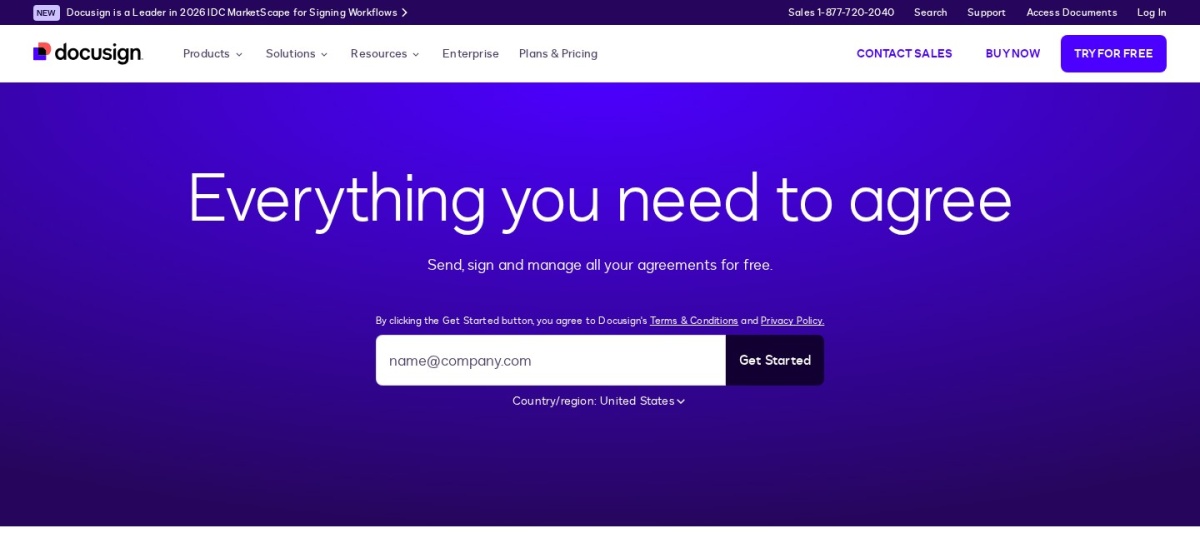
DocuSign homepage, captured Nov 2026.
DocuSign is the best-known e-signature tool, and the one most recipients already recognise. Personal costs $10 a month on annual billing paid up front and covers 5 envelopes a month, reusable templates, reminders and a mobile app, with signing that works in a browser or on a phone.
The trade off is the envelope cap. Five envelopes a month is tight for a busy freelancer, and Standard jumps to $25 per user a month on annual billing, so heavy senders pay much more. It suits anyone whose clients or partners already expect DocuSign.
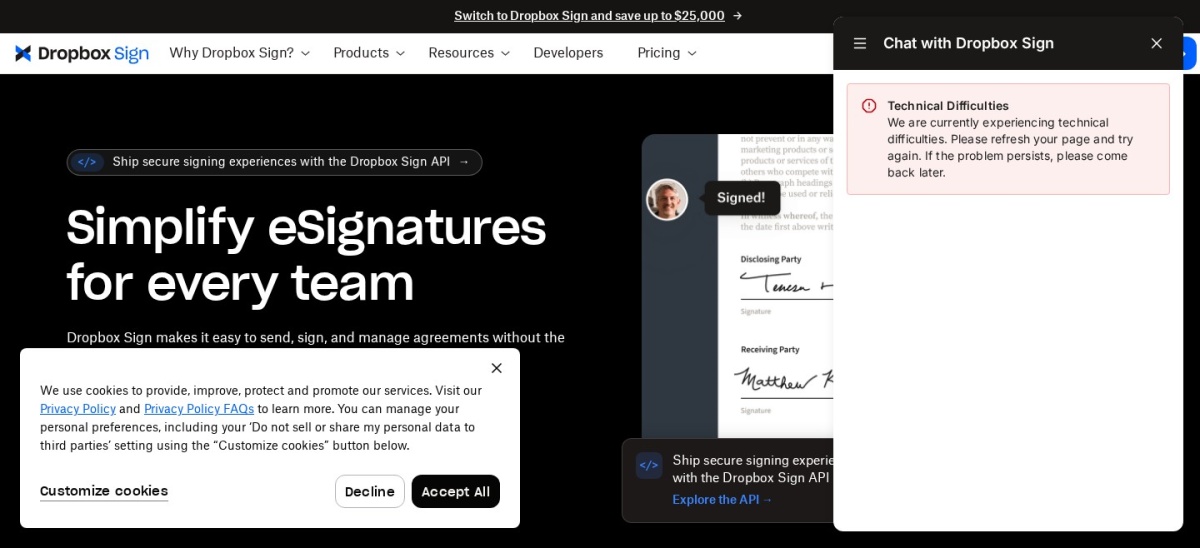
Dropbox Sign is the simplest signing tool in this list, formerly known as HelloSign. Essentials costs $15 a month on annual billing for one sender and includes unlimited signature requests, 5 reusable templates, an audit trail and integrations with Google Drive and HubSpot.
The trade off is the single seat. Essentials covers one user only, and Standard needs at least two users at $25 each a month, so adding a second sender triples the cost. It suits solo professionals who want signing to just work.
PandaDoc is a document tool that combines proposals, quotes and contracts with e-signatures in one place. Starter costs $19 per user a month on annual billing and covers unlimited documents and e-signatures, a drag-and-drop editor, templates and basic analytics, and the free plan covers 5 documents a month.
The trade off is the seat cap. Starter covers at most two seats, so a team of three or more must move to Business at $49 per user a month, where CRM integrations and approval workflows live. It suits freelancers and small sales teams that write their own contracts.
4.7/5on Capterra (4,135 reviews, checked Nov 2026)
Starts at$14.99/mo
Best for PDF-heavy signing
Free planNo, 7-day trial
Cheapest paid planAcrobat Standard, $14.99/mo
Signature transactions150 a year on Standard
PDF editingIncluded in the plan
adobe.com
Adobe Acrobat Sign homepage, captured Nov 2026.
Adobe Acrobat Sign is the e-signature service inside Adobe Acrobat, so signing comes with full PDF editing in one subscription. Acrobat Standard costs $14.99 a month on an annual plan billed monthly and covers e-signatures, PDF editing and Microsoft 365 integration, with 150 signature transactions a year.
The trade off is that there is no standalone Sign plan for individuals. The full Acrobat Sign Solutions service for larger teams is priced by quote only, and the 150-transaction cap can bind heavy senders. It suits people who already live in Acrobat and sign PDFs every day.
4.9/5on Capterra (2,714 reviews, checked Nov 2026)
Paid from$10/mo
Best for the highest user rating
Free planYes, 3 documents a month
Cheapest paid planLight, $10/mo
Documents on LightUnlimited
Audit trailYes, tamper-proof
signwell.com
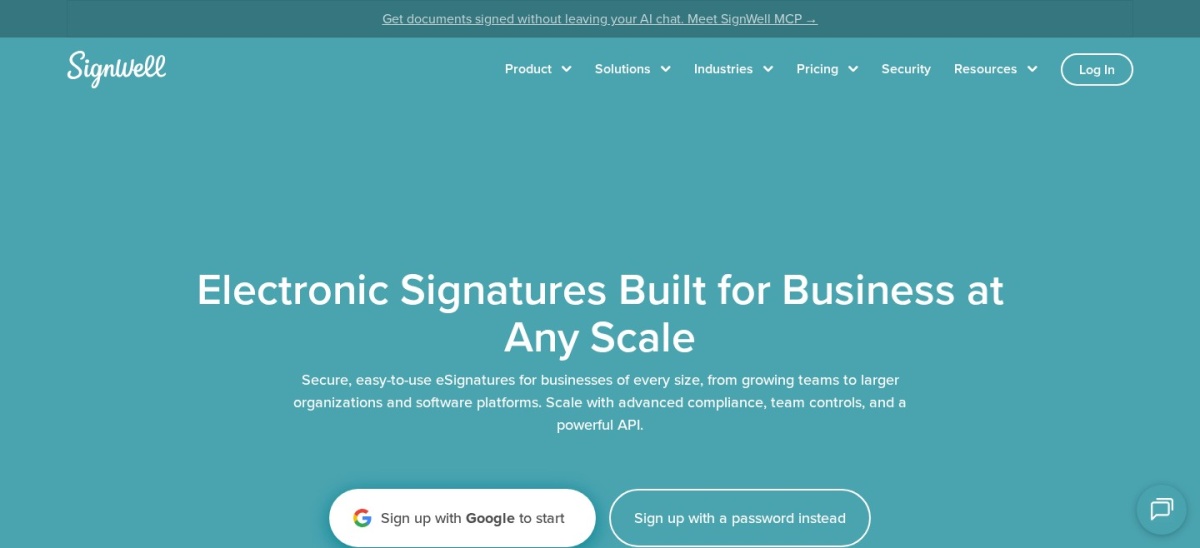
SignWell homepage, captured Nov 2026.
SignWell is a simple e-signature tool with the highest rating in this list, 4.9 out of 5 on Capterra from more than 2,700 reviews. The free plan covers 3 documents a month for one sender, and Light costs $10 a month on annual billing with unlimited documents, 5 templates per sender and an audit trail.
The trade off is team pricing. Light is priced per sender rather than per user, but extra senders cost $10 a month each on annual billing, so a team of five pays $50 a month. It suits small teams that want simple signing without envelope counting.
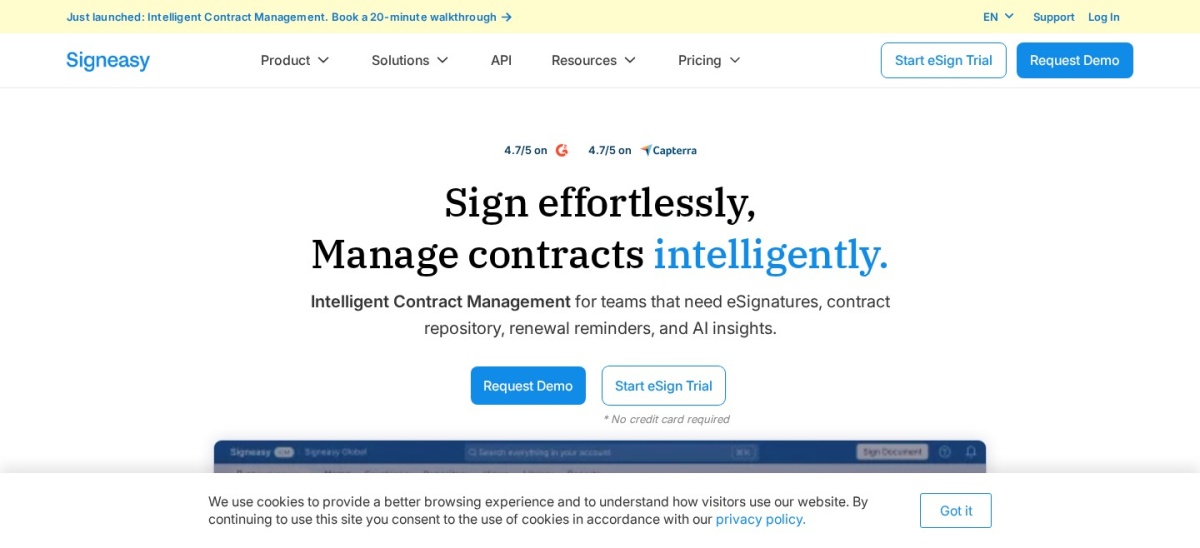
Signeasy is a mobile-first e-signature tool with apps for iOS and Android that carry the full send, sign and track workflow. Personal costs $10 a month on annual billing and covers 5 envelopes a month, signing inside Google Workspace and Microsoft apps, and a tamper-proof trust seal on documents.
The trade off is the envelope cap. Five envelopes a month is low for regular senders, and Business costs $20 per user a month, double the Personal price. The pricing page shows a first-year discount, but $10 is the regular price. It suits solo operators who sign mostly from a phone or tablet.
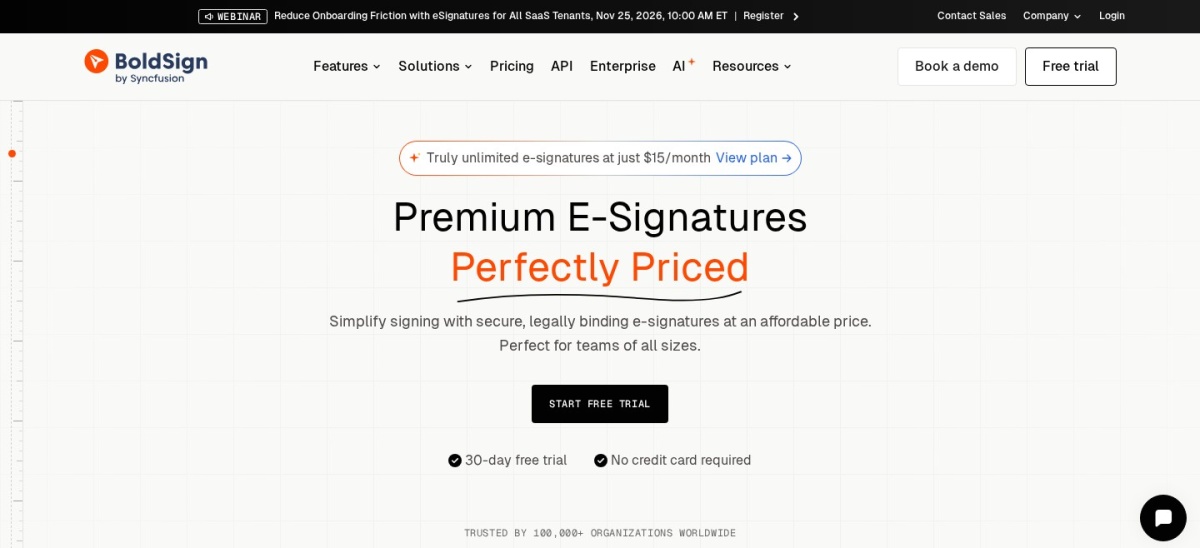
BoldSign is the e-signature tool from Syncfusion, and it has the most generous free plan here at 25 envelopes a month with 2 templates. Growth costs $5 per user a month on annual billing and raises the limit to 50 envelopes a month per user, with 10 templates, signer authentication and in-person signing.
The trade off is brand recognition. Fewer recipients will know BoldSign than DocuSign or Adobe, and unlimited envelopes need Business at $15 per user a month. It suits budget-conscious senders who want a real free plan and low paid prices.
What we like
Free plan covers 25 envelopes a month
Lowest paid price in this list
Rated 4.7 out of 5 on G2
Watch out for
Less widely recognised than DocuSign
Monthly billing costs $15, three times the annual rate
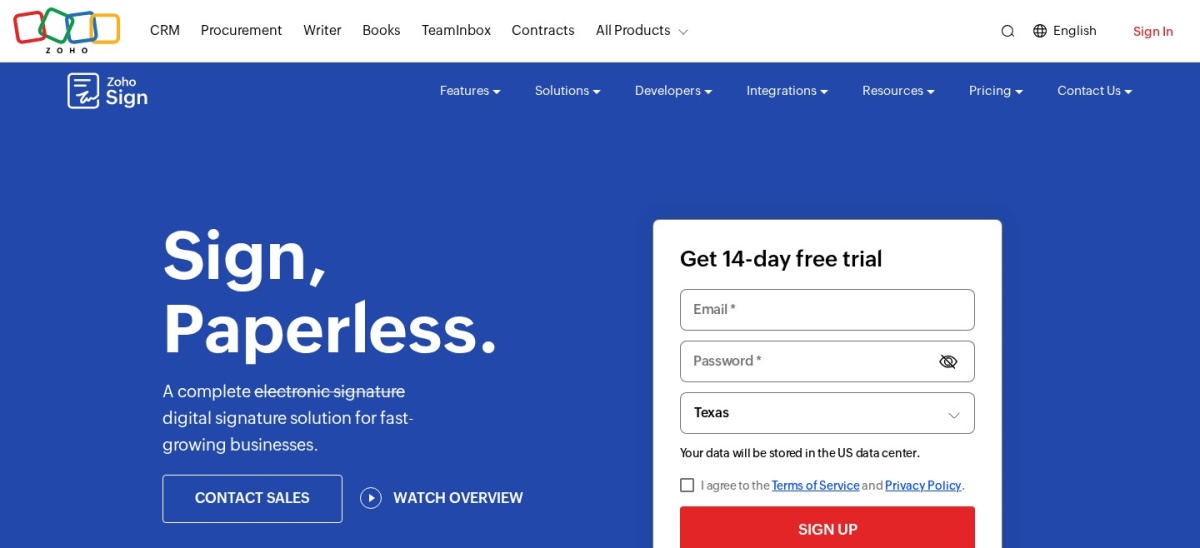
Zoho Sign is Zoho's e-signature app, and it fits naturally inside the Zoho suite. Standard costs $10 per user a month on annual billing and covers 25 envelopes a month per user, approval workflows, recipient authentication and free integrations with Zoho CRM, Books and Desk.
The trade off is the envelope cap. Standard stops at 25 envelopes a month, and a business that sends more needs Professional at $16 a user a month, which removes the cap and adds branding and templates. It suits teams that already run their business on Zoho apps.
What we like
Cheap signing inside the Zoho suite
Free plan with 5 envelopes a month
Approval workflows included on Standard
Watch out for
Standard caps sends at 25 envelopes a month
Thin review base, only 64 G2 reviews
Professional adds unlimited envelopes and brandingVisit zoho.com
09
Jotform Sign
4.7/5on G2 (1,851 reviews, checked Nov 2026)
Paid from$34/mo
Best for signing on forms
Free planYes, 10 signed documents a month
Cheapest paid planBronze, $34/mo
Signed documents on Bronze100 a month
HIPAA featuresGold plan only
jotform.com
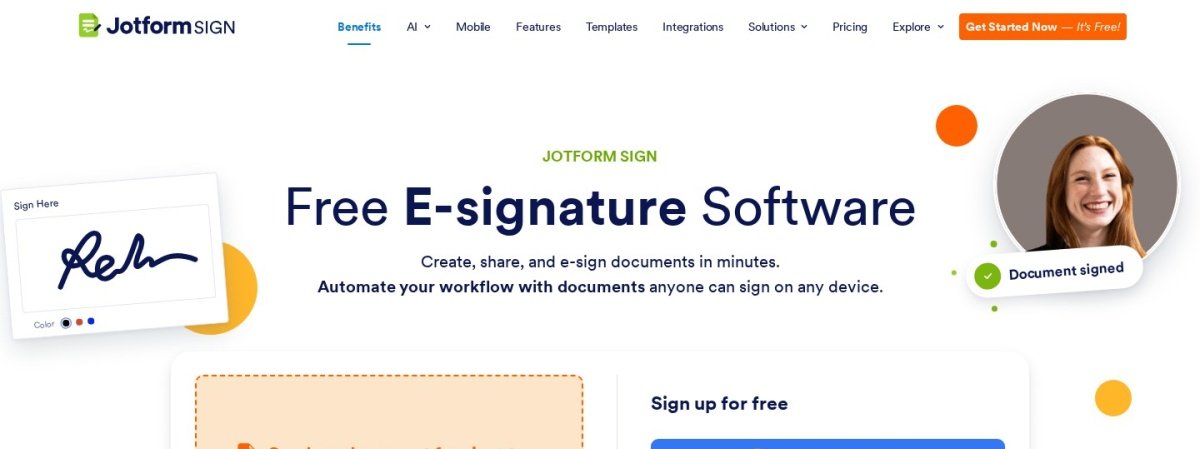
Jotform Sign homepage, captured Nov 2026.
Jotform Sign is the e-signature product inside Jotform, so signing sits beside the form builder. The free Starter plan covers 10 signed documents a month, and Bronze costs $34 a month on annual billing with 100 signed documents a month, 25 forms and branding removal.
The trade off is that paid plans are single-user. Only Enterprise adds extra logins, and HIPAA features start at Gold for $99 a month, so teams and clinics pay more. It suits anyone who already collects signatures on Jotform forms.
An envelope is one document sent for signature, however many people sign it. A 5-envelope plan covers about one document a week.
DocuSign Personal allows 5 envelopes a month, while BoldSign Growth allows 50 a month per user, and Dropbox Sign and SignWell remove the counting altogether on paid plans.
If you send in bursts, a plan with unlimited sends fits better than a cheap plan with a low cap. Check the cap against a busy month, not an average one.
How we chose
We started from the best-known e-signature tools, including the names buyers search for most: DocuSign, Adobe, PandaDoc, Dropbox Sign, Zoho Sign, Signeasy, SignWell, BoldSign and Jotform Sign.
Prices come from each vendor's pricing page, checked on 29 November 2026. Ratings and review counts come from G2 or Capterra on the same day. Where a vendor shows a sale price, the list shows the regular price.
We left out tools with no public rating we could verify, including eSignatures.io, which also charges per contract rather than per month. No vendor paid for a place, and we do not claim to have used these tools ourselves.
How to choose a signNow alternative
Start by counting how many documents you send each month, then match the cap to that number.
Count your monthly sends. Add up the documents you send for signature in a typical month, then pick a plan whose cap sits above that number with room to grow.
Check the free plan first. If you send fewer than 5 documents a month, a free plan from BoldSign, PandaDoc or Dropbox Sign may cover you without paying.
Look for the audit trail and templates. Every tool here keeps an audit trail, so compare reusable templates and integrations with the apps you already use.
Watch the per-user maths. Some plans charge per user and some per account, and extra seats can double the bill, so price the plan for your whole team, not one person.
FAQ
What is the best signNow alternative in 2026?
DocuSign is the best signNow alternative for most teams. Personal costs $10 a month on annual billing, it is the tool most recipients already know, and it is rated 4.7 out of 5 on Capterra from more than 9,300 reviews.
What is the cheapest signNow alternative?
BoldSign is the cheapest here. Its free plan covers 25 envelopes a month, and Growth costs $5 per user a month on annual billing, with 50 envelopes a month per user. SignWell and DocuSign both start at $10 a month.
Is there a free alternative to signNow?
Yes. BoldSign, PandaDoc, Dropbox Sign, Zoho Sign, SignWell and Jotform Sign all have free plans, covering 3 to 25 documents a month. Free plans suit light use, and paid plans add templates, branding and higher sending limits.
Which signNow alternative is best for small teams?
Dropbox Sign is the simplest choice for a small team, with unlimited signature requests from $15 a month, while SignWell covers unlimited documents from $10 a month. PandaDoc fits teams that also write proposals and contracts.
DocuSign vs Dropbox Sign: which is better?
DocuSign is better when recipients expect the best-known brand and you need the widest integrations, at $10 a month for 5 envelopes. Dropbox Sign is better for simple signing, with unlimited requests at $15 a month and a 4.7 out of 5 G2 rating.
Do I need a paid plan to send documents for signature?
No. Recipients sign for free on every tool here, and several offer free sender plans for light use. You only need a paid plan when you send documents often, need reusable templates, or want team features such as shared templates and branding.
SaaS SEO and WordPress specialist with about 8 years of experience. Rakib compares WordPress plugins, themes, hosting and software using public pricing, documentation and user reviews. See how we rank.