Notion is the best of the SharePoint alternatives for most teams, with a flexible wiki, docs and databases from $10 per user a month and a 4.6 out of 5 G2 rating. Pick Google Workspace if your team lives in Docs and Drive, or Confluence if you need a structured wiki beside Jira.
How we make this list: we compare pricing pages, product documentation and public user reviews, then re-check every price before each update. No product paid for a place. Disclosure.
Notion leads on flexibility: wiki pages, docs and databases in one workspace for $10 per user a month.
Google Workspace is the cheapest full suite here at $7 per user a month, with Docs, Drive and Gmail included.
Confluence is the closest SharePoint-style wiki, free for up to 10 users, with Standard at $7.15 per user a month.
ClickUp and monday.com add task management on top of docs, from $12 and $9 per user a month.
Zoho WorkDrive is the budget file store at $2.50 per user a month, but it is storage first, not an intranet.
What are the best SharePoint alternatives for a team intranet?
SharePoint does three jobs at once: it stores files, publishes intranet pages and controls who sees what. A good replacement should cover at least two of those three, or it only solves part of the move.
Most teams leave SharePoint for a simpler setup. They want pages anyone can edit, search that actually finds things, and pricing they can predict per user.
Price is where the gap is widest. The cheapest paid plan in this list is $2.50 per user a month, while the priciest is $15, so a 10-person team can pay anywhere from $25 to $150 a month for the entry tier.
Permissions matter as much as price. Our guide on managing user roles securely in WordPress shows the same idea: decide who can edit, who can view, and who sees nothing before you move content.
Migration is the hidden cost. Exporting pages and files out of SharePoint takes planning, so pick a tool your team will still use in a year, not just the one with the lowest first month.
Notion is a flexible workspace where wiki pages, docs and databases live side by side, so it covers the intranet and the document library in one place. The free plan suits one person, with 10 guests and 5 MB file uploads, while Plus at $10 per user a month billed yearly adds unlimited blocks, 30-day page history and 5 GB uploads.
The trade off is structure. Notion gives you blank pages and expects you to design the layout, so a large team needs someone to set up templates and permissions first. It suits small and mid-size teams that want a wiki they can shape themselves.
What we like
One workspace for wiki pages, docs and databases
Guests are free, so outside readers cost nothing
Rated 4.6 out of 5 from nearly 14,000 G2 reviews
Watch out for
Needs setup work before it feels like an intranet
Full AI features need the $20 Business plan
Business adds Notion AI, SAML SSO and 90-day historyVisit notion.com
02
Google Workspace
4.6/5on G2 (48,232 reviews, checked Nov 2026)
Starts at$7/mo
Best for teams living in Docs and Drive
Entry paid planBusiness Starter, $7/user/mo
Free planNo, 14-day trial
Storage30 GB pooled per user
Meetings100 participants on Starter
workspace.google.com
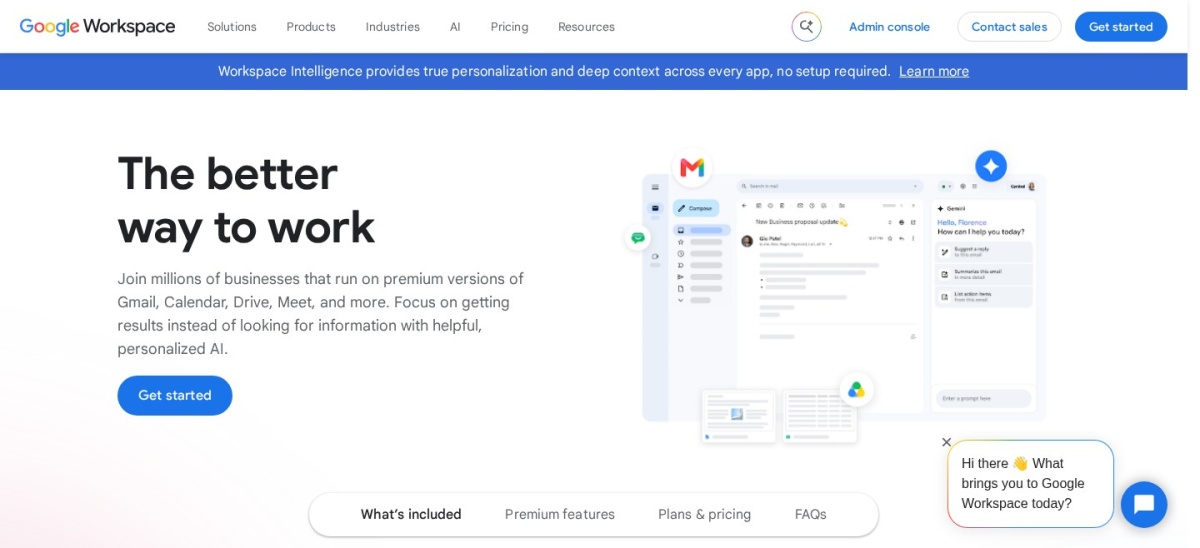
Google Workspace homepage, captured Nov 2026.
Google Workspace is the full office suite built around Docs, Sheets, Drive and Gmail, with shared drives standing in for SharePoint document libraries. Business Starter costs $7 per user a month on an annual plan, with 30 GB of pooled storage per user, business email and video meetings for 100 people.
The trade off is that it has no true intranet home page. You get shared drives and Docs, but news pages and team hubs need Sites or another tool on top. It suits teams that already work in Google Docs and want the simplest switch.
What we like
Cheapest full suite in this list at $7 per user a month
Docs and Drive are familiar to almost every new hire
Confluence is Atlassian's team wiki, organised into spaces and pages with permissions per space, which is the closest match to how SharePoint sites work. The free plan covers up to 10 users with 2 GB of storage, and Standard costs $7.15 per user a month for the first 100 users, with 250 GB of storage and page permissions.
The trade off is the price curve. The $7.15 rate applies to the first 100 users, and the headline figure on the pricing page is a blended rate for a much larger team, so small teams should budget on $7.15. It suits software and product teams already using Jira.
What we like
Closest structure to SharePoint sites and pages
Free for teams of up to 10 users
Links pages directly to Jira issues
Watch out for
Lowest G2 rating in this list at 4.1 out of 5
File storage is weaker than a dedicated drive tool
ClickUp is an all-in-one workspace that pairs Docs and wikis with tasks, goals, whiteboards and time tracking, so it replaces both the intranet and the project tracker. The free plan covers unlimited tasks and members with 100 MB of storage, and the paid plan lists at $12 per user a month, with unlimited storage, Gantt charts and dashboards.
The trade off is complexity. ClickUp packs in so many features that new teams need time to set up spaces and views before it feels simple. It suits teams that want docs and work tracking in one tool and are willing to configure it.
What we like
Highest G2 rating in this list at 4.7 out of 5
Docs, tasks, goals and chat in one workspace
Generous free plan with unlimited tasks and members
monday.com is a visual work platform built on boards, with docs, dashboards and automations on top, so teams can track projects and publish shared pages in one place. The free plan covers up to 2 seats, and Basic costs $9 per seat a month billed yearly, with a 3-seat minimum.
The trade off is that it is a work tracker first and a document store second. File storage and wiki-style pages exist, but they are not as deep as a dedicated drive or wiki. It suits marketing and operations teams that want colourful boards with docs attached.
What we like
Rated 4.7 out of 5 from more than 17,000 G2 reviews
Asana is a work management tool for planning projects, assigning tasks and tracking goals across teams, with project briefs and status updates standing in for intranet pages. The free Personal plan covers small teams, and Starter costs $10.99 per user a month billed yearly, with timeline views, reporting dashboards and unlimited automations.
The trade off is document depth. Asana organises work well but stores files as attachments rather than a real document library, so teams still need Drive or Box beside it. It suits cross-team organisations that need clear ownership and deadlines.
What we like
Clear task ownership across large teams
Timeline and reporting views on the Starter plan
Rated 4.4 out of 5 from more than 14,000 G2 reviews
Box is a business content platform for storing, sharing and signing files, with admin controls and more than 1,500 integrations. Business Starter costs $5 per user a month billed yearly for 3 to 10 users, with 100 GB of storage and a 2 GB file upload limit, while Business at $15 adds unlimited storage and Box AI.
The trade off is that Box is a file store, not an intranet. It has notes and Hubs for publishing pages, but teams that want a wiki home page will still need another tool. It suits teams that mainly need secure shared folders with strong permissions.
What we like
Unlimited storage from the $15 Business plan
Strong admin controls and e-signature built in
Works beside Office and Google apps
Watch out for
Starter caps storage at 100 GB for the team
External collaborators need paid seats on Business
Business adds unlimited storage and Box AI at $15Visit box.com
08
Dropbox
4.4/5on G2 (31,320 reviews, checked Nov 2026)
Paid from$15/mo
Best for simple file sync and sharing
Entry paid planStandard, $15/user/mo
Free planYes, 2 GB storage
Storage3 TB pooled on Standard
File recovery180 days on Standard
dropbox.com
Dropbox homepage, captured Nov 2026.
Dropbox Business is a cloud file store built on simple sync, shared folders and team admin controls, with Paper docs for light collaboration. Standard costs $15 per user a month billed yearly, with 3 TB of pooled team storage, 180-day file recovery and transfers up to 100 GB.
The trade off is price. At $15 per user a month it is the priciest entry plan in this list, and it offers no intranet pages of its own. It suits teams that share files with clients every day and value reliable sync over a wiki.
What we like
Simple, reliable sync that most people already know
180-day file recovery on the Standard plan
Rated 4.4 out of 5 from more than 31,000 G2 reviews
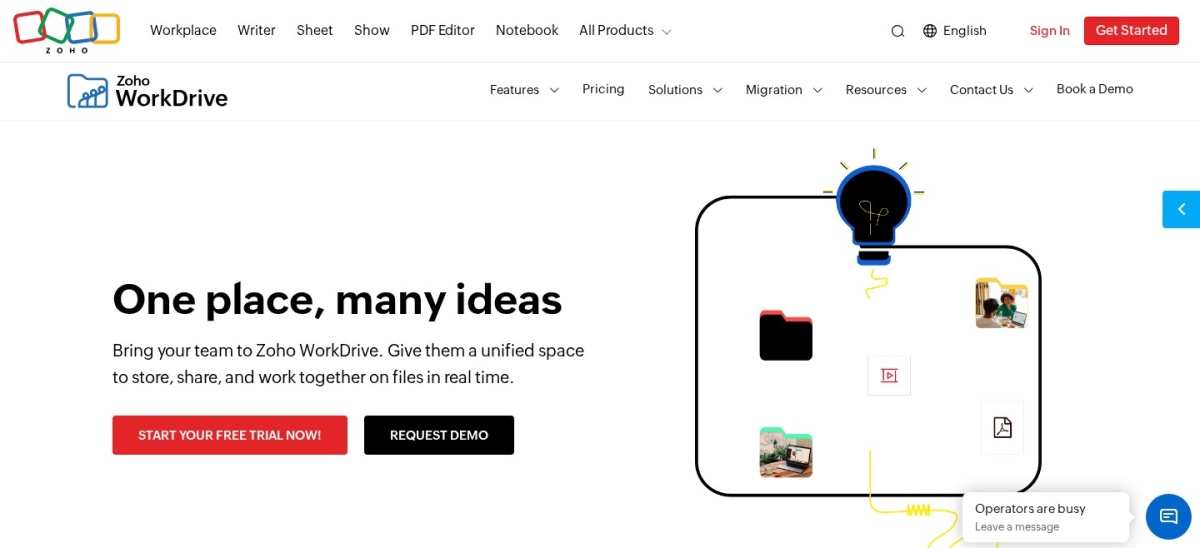
Zoho WorkDrive is the file store for teams in the Zoho suite, with team folders, granular permissions and built-in office apps for editing docs. Starter costs $2.50 per user a month billed yearly, with 1 TB of team storage, a 10 GB file upload limit and a 3-user minimum, while a free individual plan includes 5 GB.
The trade off is the shared storage pool. The 1 TB on Starter is shared across the whole team, so larger teams need the Team plan at $4.50 per user a month. It suits small teams already using Zoho apps that want the cheapest paid file store here.
What we like
Cheapest paid plan in this list at $2.50 a month
Built-in office apps for editing docs in place
Fits teams already using Zoho CRM or Projects
Watch out for
Only 1 TB shared across the whole team on Starter
No wiki or intranet pages of its own
Team adds 3 TB storage at $4.50 per user a monthVisit zoho.com
File store or wiki: which half of SharePoint do you miss most?
SharePoint replacements split into two camps. Notion, Confluence and ClickUp replace the pages and wiki, while Box, Dropbox and Zoho WorkDrive replace the file library.
If your team mostly reads pages and follows links, start with a wiki. If it mostly opens, edits and shares files, start with a file store and add pages later.
Google Workspace sits in the middle, with Docs and Drive covering both halves well enough for many small teams. Our Google Drive backup guide shows how Drive fits a backup routine too.
How we chose
We started from the tools most often named as SharePoint replacements in G2 comparisons and vendor pages, then kept the nine with a published price and a public G2 rating.
Prices come from each vendor's pricing page, checked on 29 November 2026. Ratings and review counts come from G2 on the same day. Where a vendor shows a sale, the list shows the regular price.
We left out tools with no published price and SharePoint itself, since this list is for alternatives. No vendor paid for a place, and we do not claim to have used these tools ourselves.
How to choose a SharePoint alternative
Start with which half of SharePoint your team actually uses every day, then match the tool to that job.
List what SharePoint does for your team today. Count the pages people read, the files they open and the permissions that matter. That list decides whether you need a wiki, a file store or both.
Pick one tool for the main job. Choose a wiki like Notion or Confluence for pages, or a file store like Box or Drive for files. One main home beats two half-used tools.
Check the per-user price at your team size. Most of these tools bill per user, so a $5 gap becomes $600 a year for a 10-person team. Watch seat minimums too.
Trial the move with one team first. Move one department's pages and files, check search and permissions, then roll the rest over. See how to back up files to Google Drive before you start.
FAQ
What is the best SharePoint alternative in 2026?
Notion is the best SharePoint alternative for most teams. Its Plus plan costs $10 per user a month billed yearly, covers wiki pages, docs and databases, and it is rated 4.6 out of 5 from nearly 14,000 G2 reviews.
How much does a SharePoint alternative cost?
Entry paid plans in this list run from $2.50 to $15 per user a month. Zoho WorkDrive is cheapest at $2.50, Google Workspace costs $7, Notion costs $10, and Dropbox Business is priciest at $15.
Is there a free SharePoint alternative?
Yes. Notion, Confluence, ClickUp, monday.com, Asana, Box, Dropbox and Zoho WorkDrive all have free plans, though most limit storage or seats. Google Workspace has no free plan, only a 14-day trial.
Which SharePoint alternative is best for small teams?
Notion is the best pick for small teams, because its free plan and $10 Plus plan cover a wiki, docs and databases without a seat minimum. Zoho WorkDrive is the budget file store at $2.50 per user a month for teams of three or more.
Which is better, Notion or Google Workspace?
Notion is better for a wiki-style intranet with linked pages and databases, while Google Workspace is better for everyday Docs, email and file storage. Pick Notion for published pages and Google Workspace if your team lives in Docs and Drive.
Which is better, Notion or Confluence?
Notion is better for flexible pages and databases that a small team can shape freely, while Confluence is better for a structured wiki beside Jira. Confluence is free for up to 10 users, and Notion starts at $10 per user a month.
Can I migrate from SharePoint to Notion or Google Workspace?
Yes, both support imports, but the move takes planning. Export pages and files in batches, rebuild permissions in the new tool, and trial the move with one team before moving everyone over.
SaaS SEO and WordPress specialist with about 8 years of experience. Rakib compares WordPress plugins, themes, hosting and software using public pricing, documentation and user reviews. See how we rank.